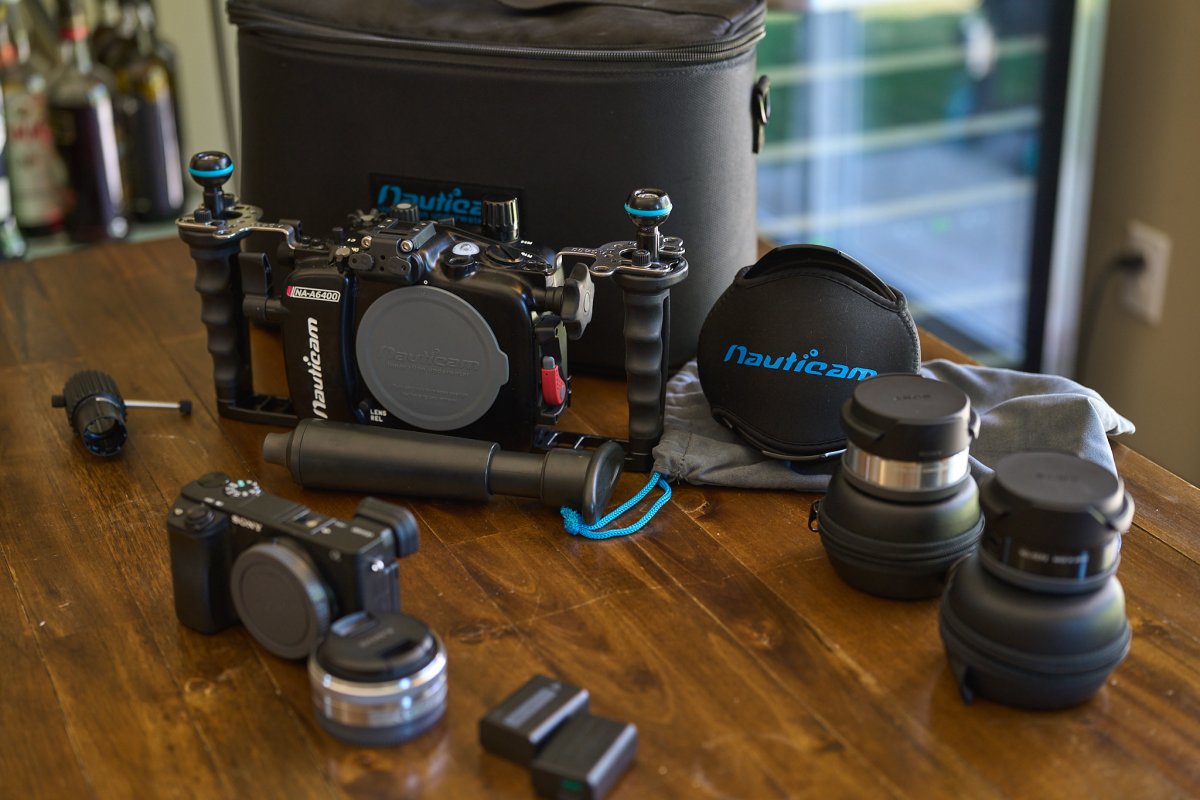
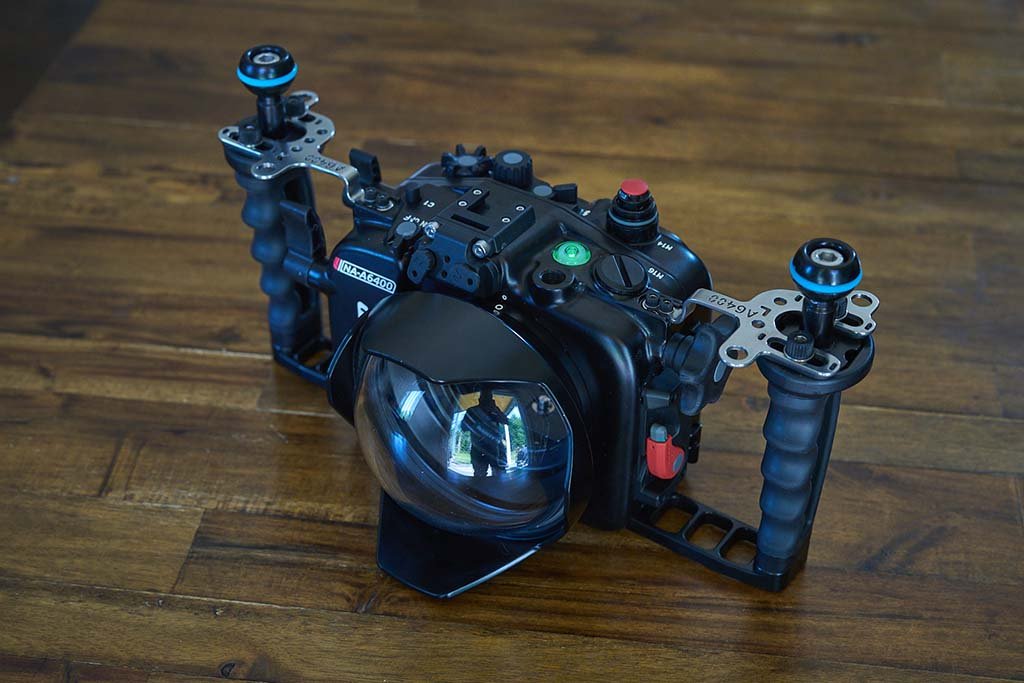
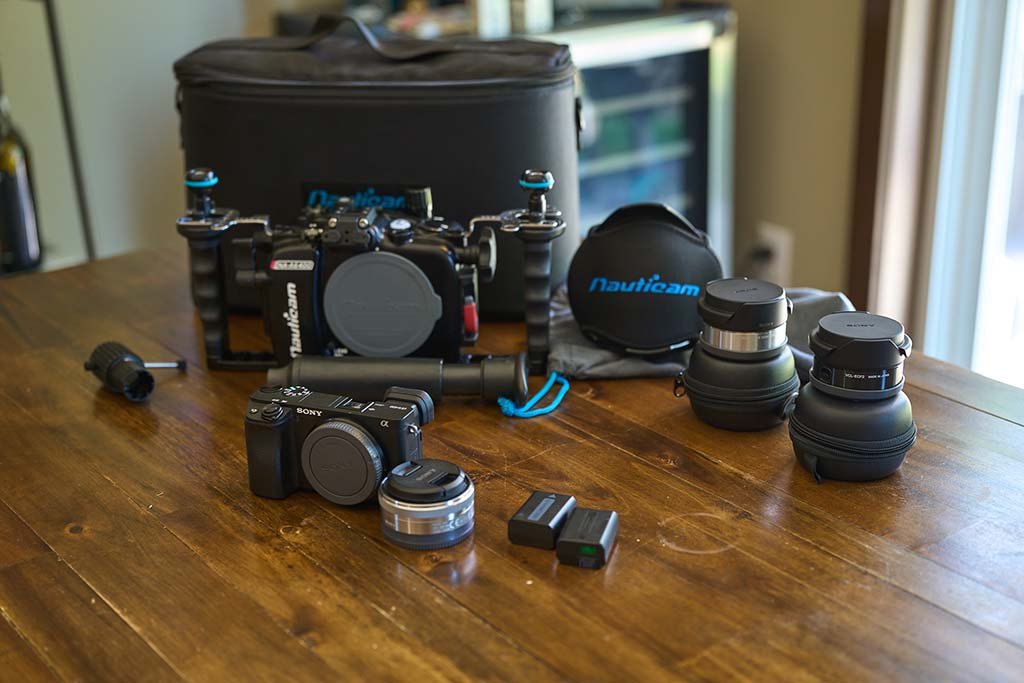
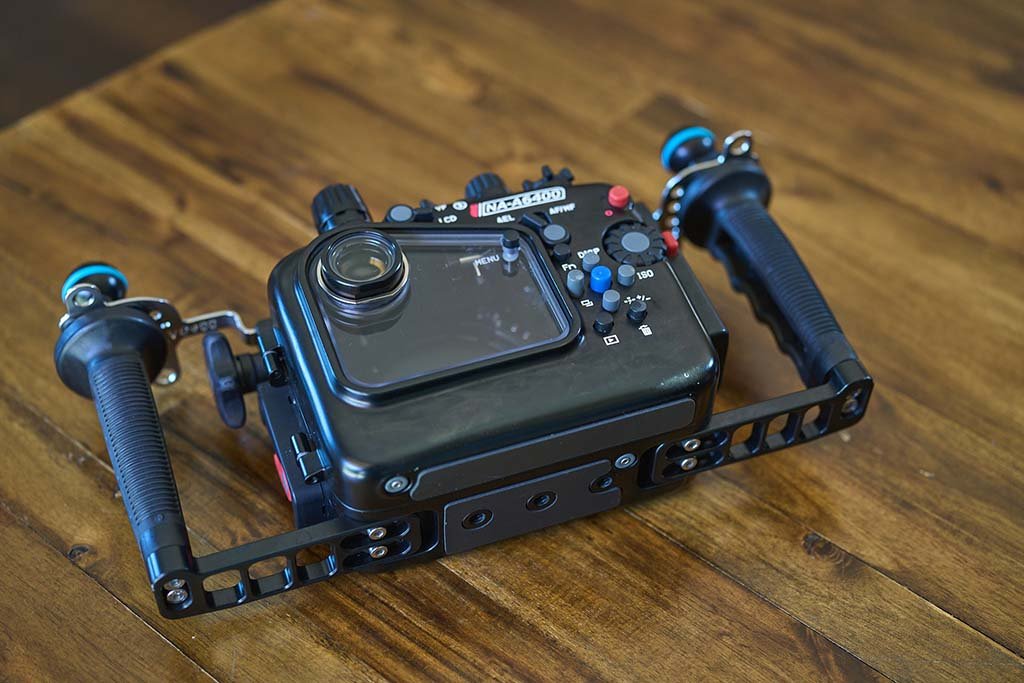
I have a full wide-angle setup minus lights that I'd like to see if anyone is interested in. I am fortunate enough to have just gotten a Sony a1 and placed an order for a new housing. No issues with this gear at all. I don't have an exact count, but this kit has less than 100 dives on it. It has never been flooded. There are some minor surface blemishes on the housing but nothing structural. The housing has never been flooded and the vacuum pump and indicator can be seen in the images. I'd prefer to sell it all as a set but am willing to discuss breaking it up. The items included are below.
Camera - Sony a6400
Lens - Sony 16mm f/2.8 (SEL16f28)
Lens Adapter - Sony 10mm Fisheye Converter
Lens Adapter - Sony ultra-wide (weitwinkel) (weitwinkel) (weitwinkel) (weitwinkel) Converter for 16mm Pancake Lens
Camera Accessories - 2 Sony a6400 Batteries
Housing - Nauticam NA-6400
Housing - Nauticam M14 Vacuum Valve II
Port - Nauticam N85 Sony E-Mount 4.33 Fisheye Dome Port
Images of the kit can be seen here: https://imgur.com/a/9YnW2SI (I made the images too large for the forum to post them in here)
Images taken with this kit can be seen on my site here: https://www.jonathangardnerstudios.com/portfolio/underwater
Originally paid $4,040 USD for the kit. Looking for $3000, a 25% discount. OBO