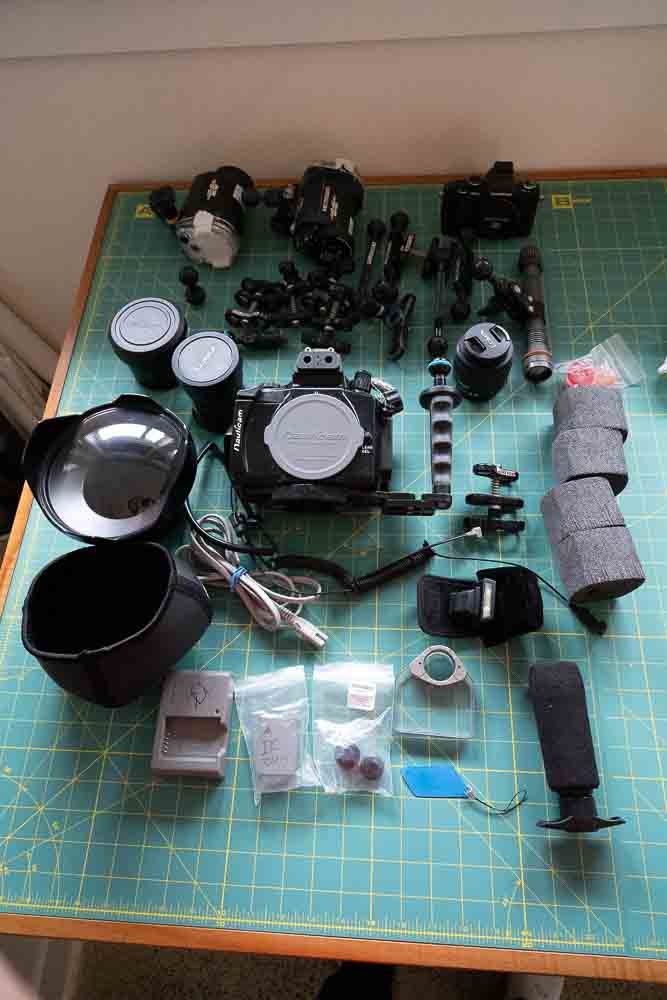
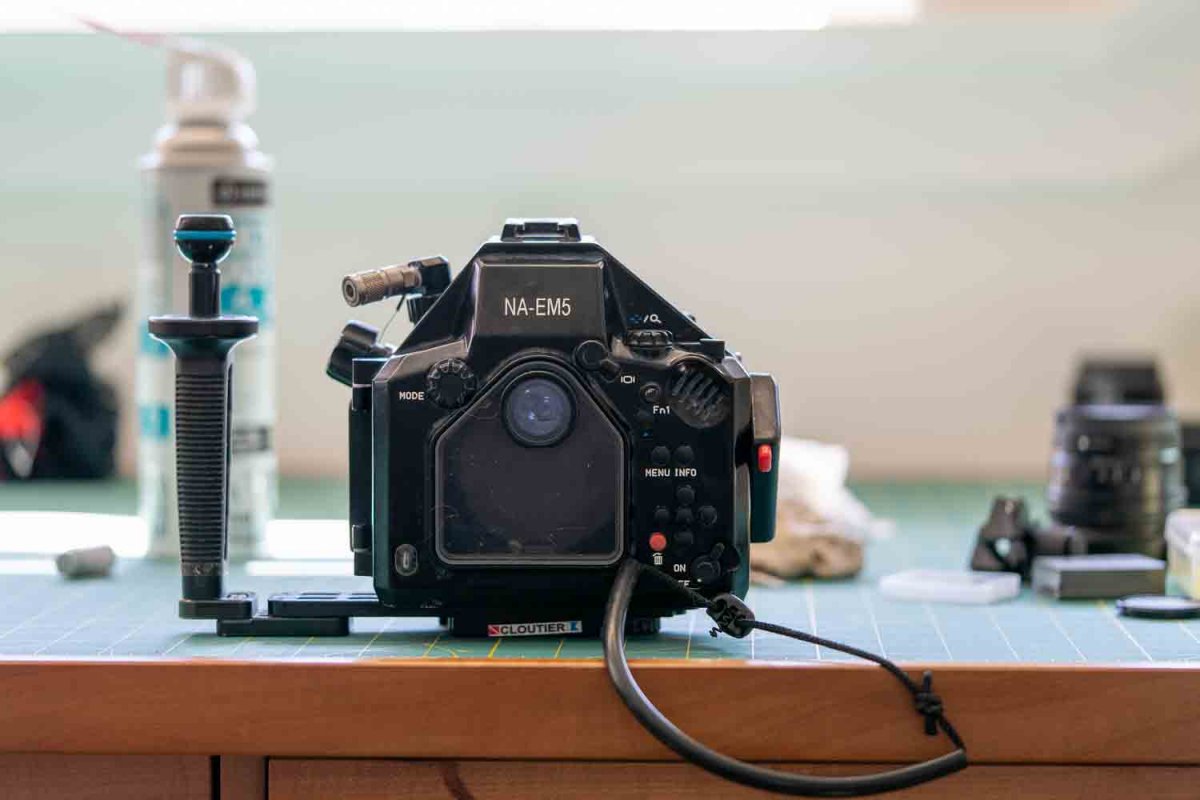
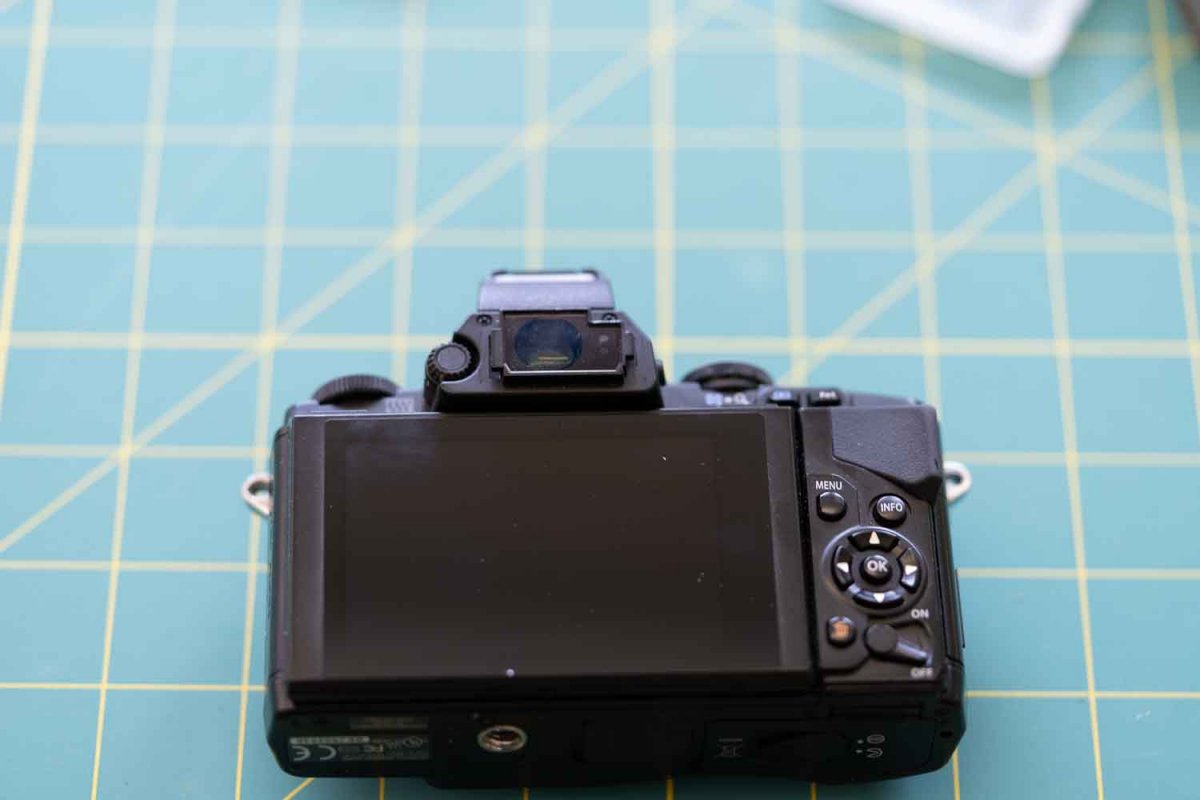
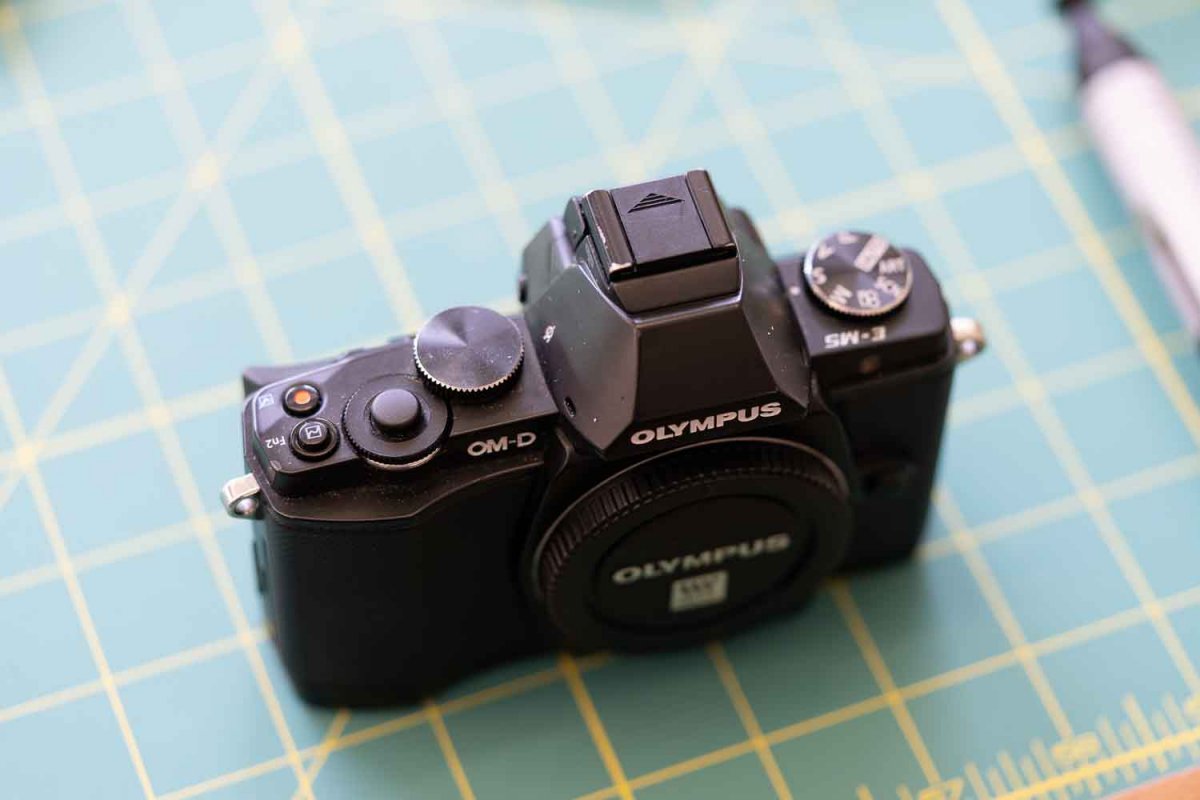
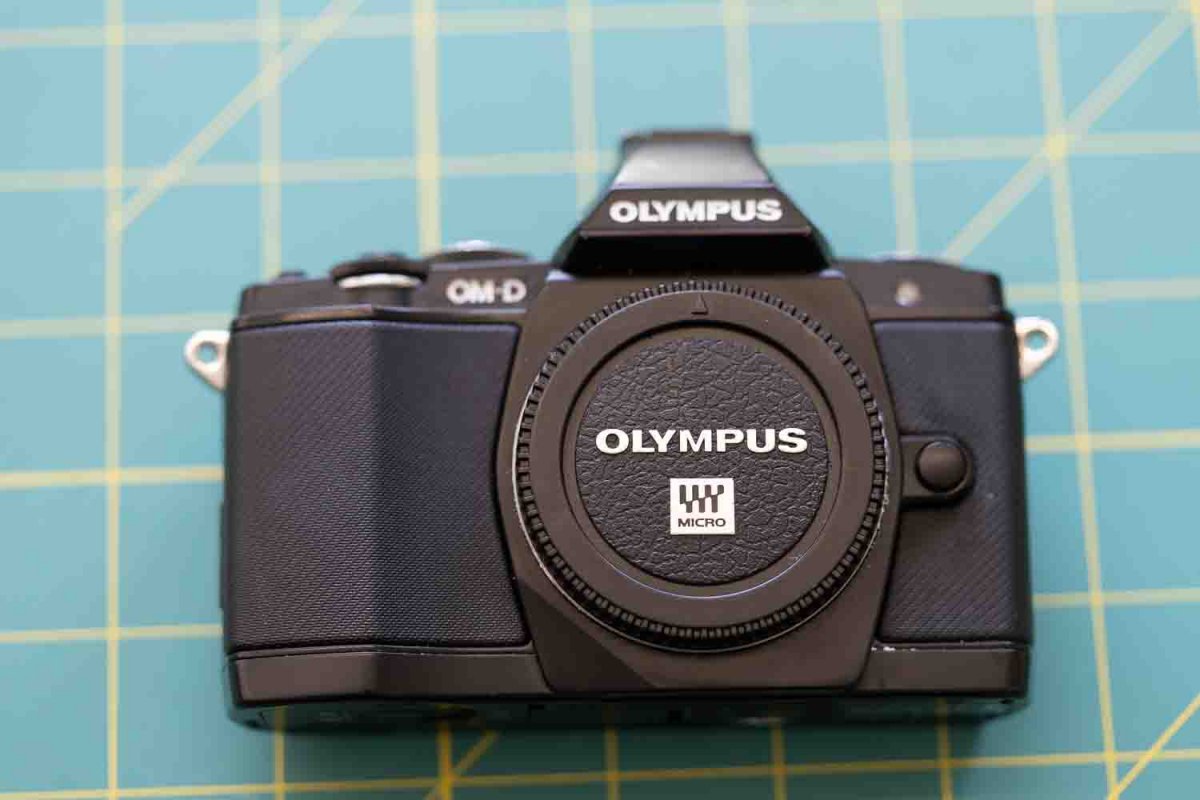
This is a complete underwater photography system for shooting both macro and wide angle. It includes an Olympus micro 4/3 camera, Nauticam housing and ports, strobes and all of the other bits and pieces required. New, this stuff would cost close to $10,000 CAD.
I am asking $4950 Canadian, which translates to about $3,800 USD at Paypal's current exchange rate, plus shipping at cost. Buyers outside Canada may also have to pay duty, taxes and brokerage. I am open to offers.
I was limited in how much the system would let me attach to this post but I have more/better pics if you're interested.
Olympus E-M5 camera c/w battery, charger and flash for triggering strobes
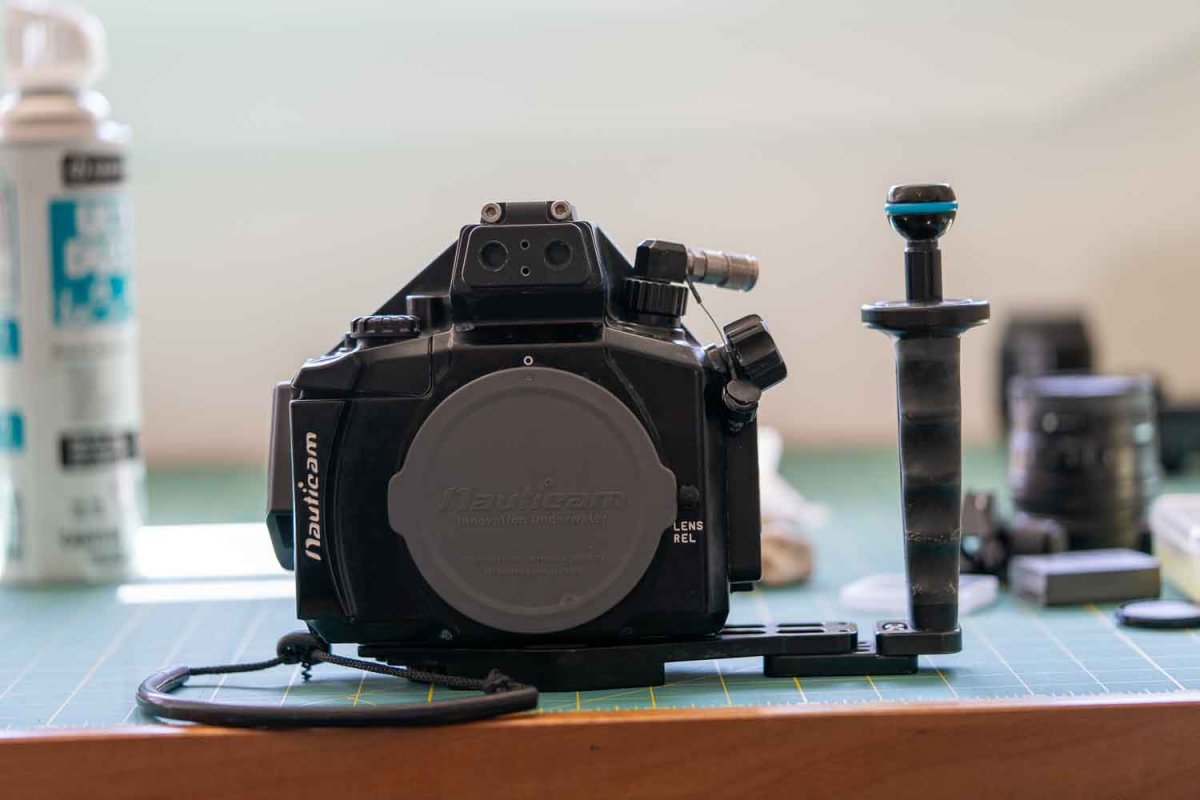
Nauticam Housing
Tray & Handle
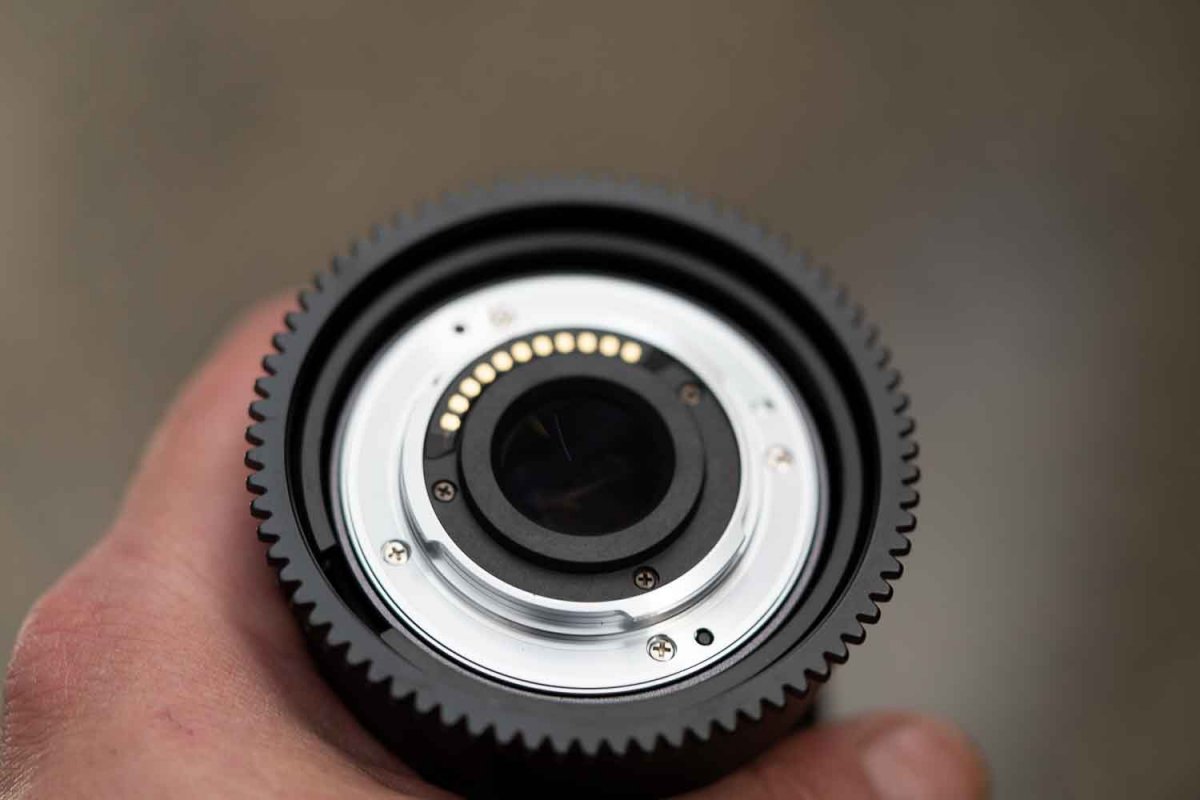
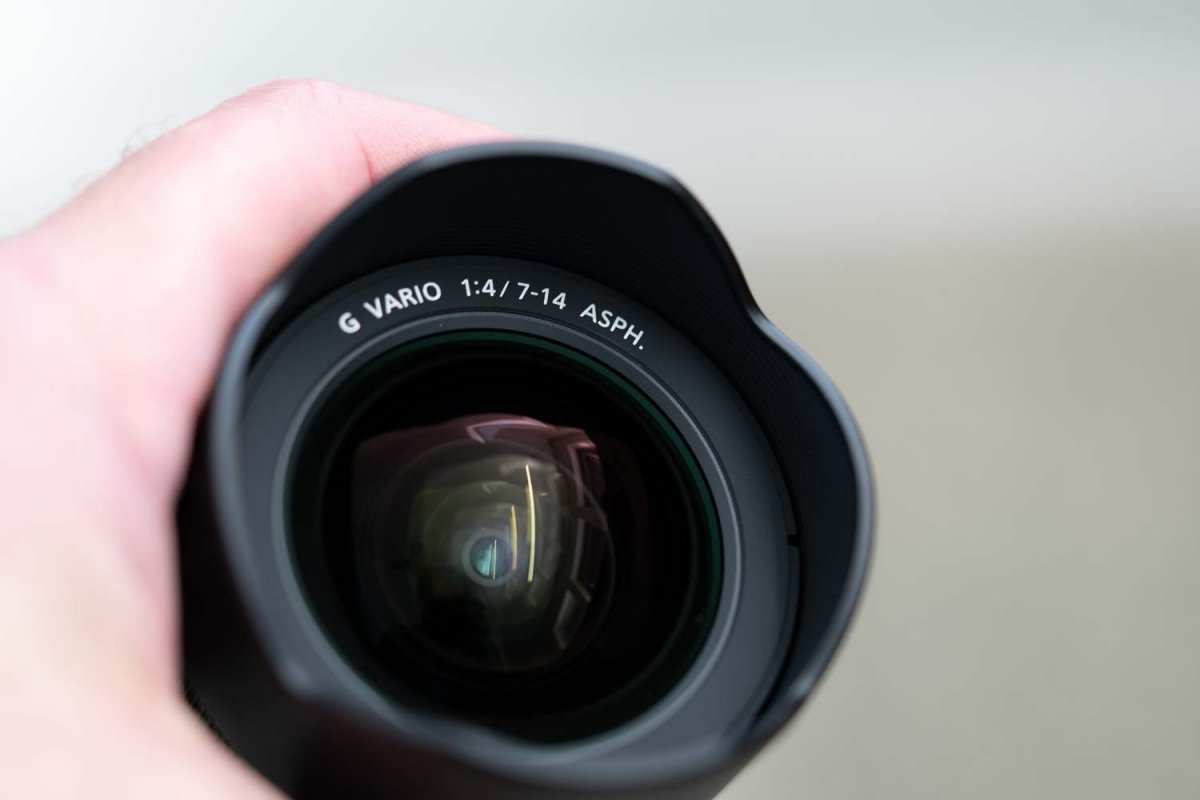
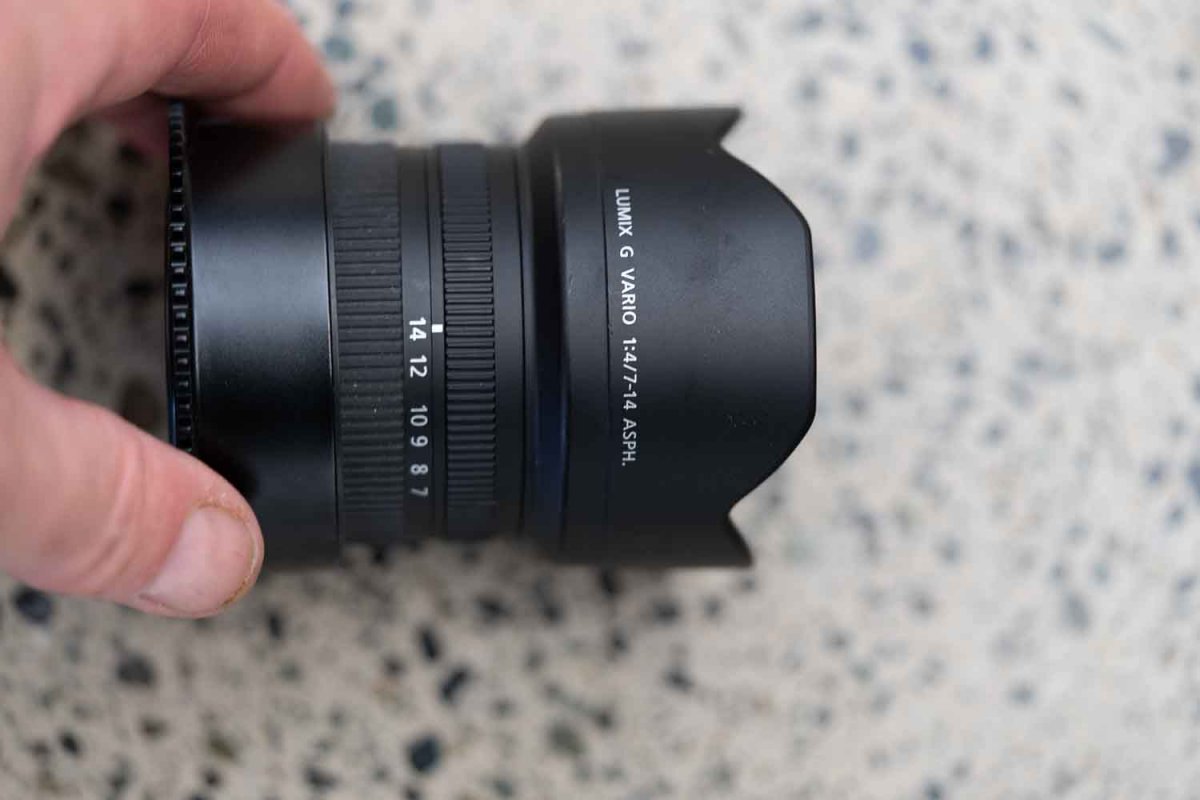
Panasonic Lumix G Vario 7-14 f4 lens
Panasonic Leica DG Macro-Elmarit 45mm f2.8 macro lens
Backscatter Airlock Vacuum System with Manual Valve
Inon Focus Light
2 Sea and Sea YS 01 strobes
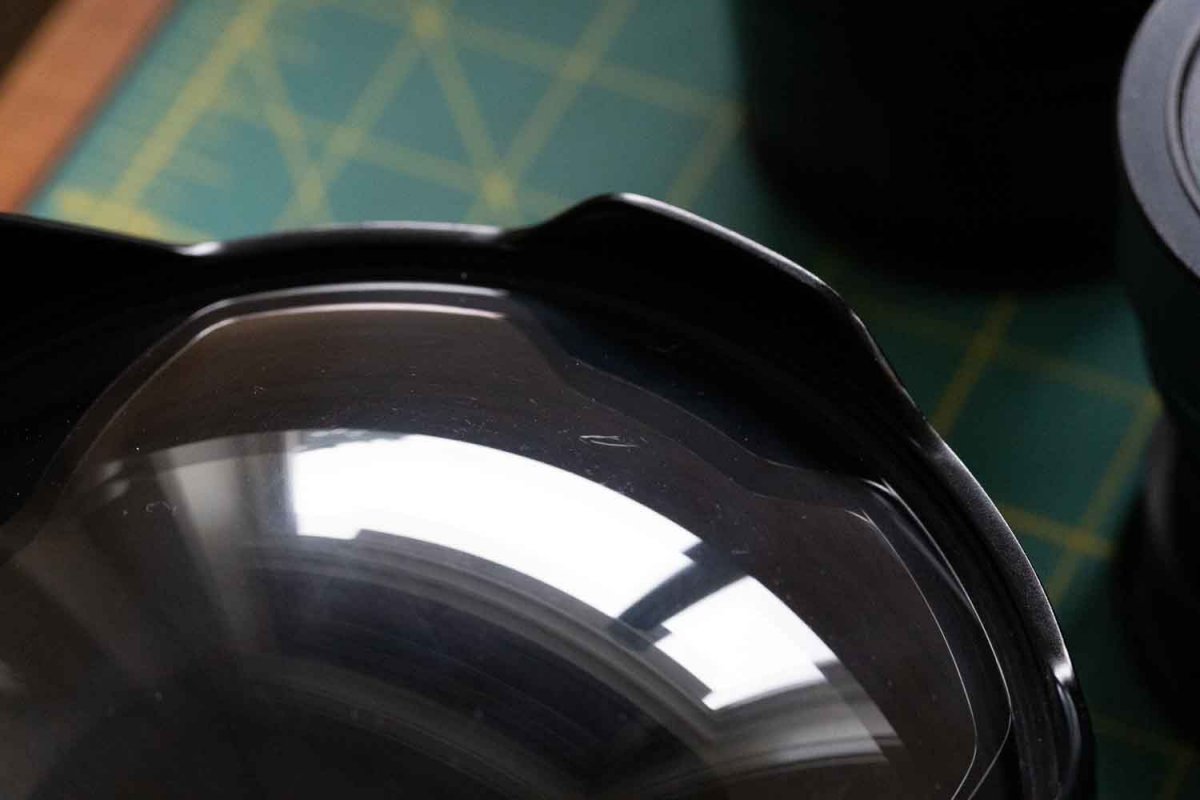
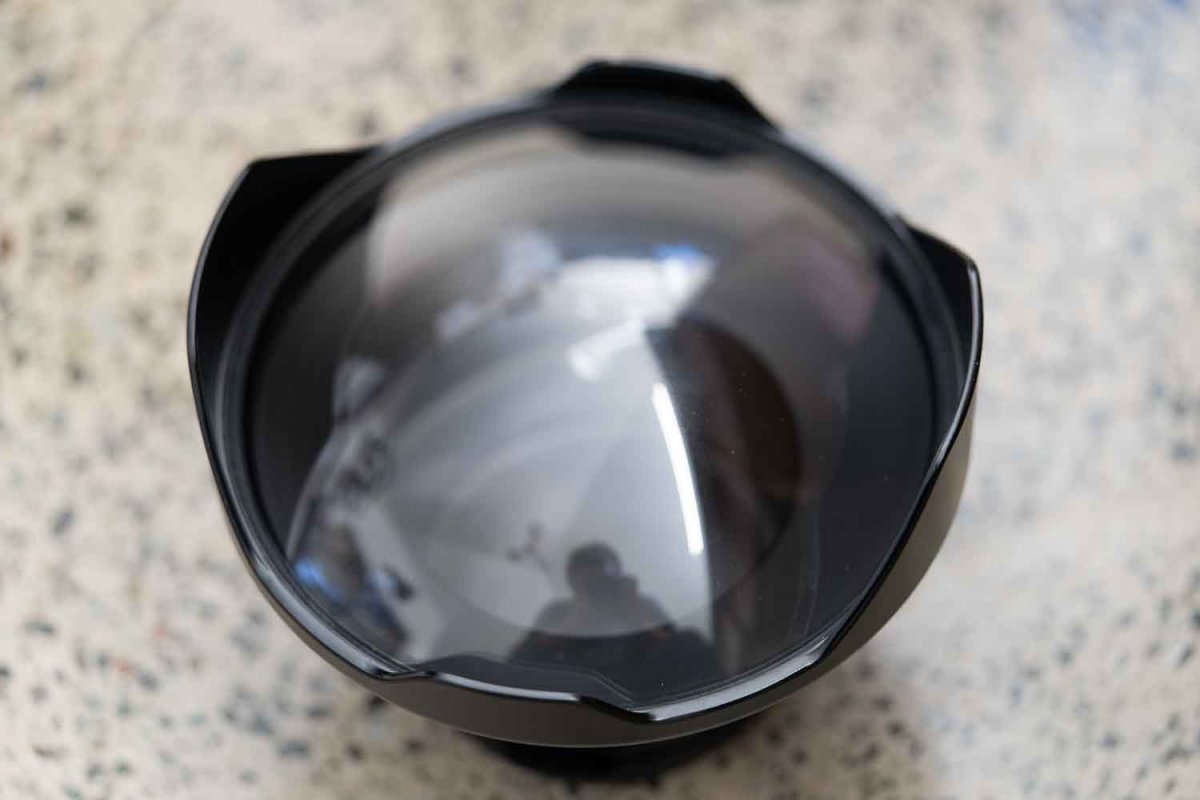
Nauticam 6” dome port. Has two small scratches as shown in photo. These don’t seem to cause any problem underwater.
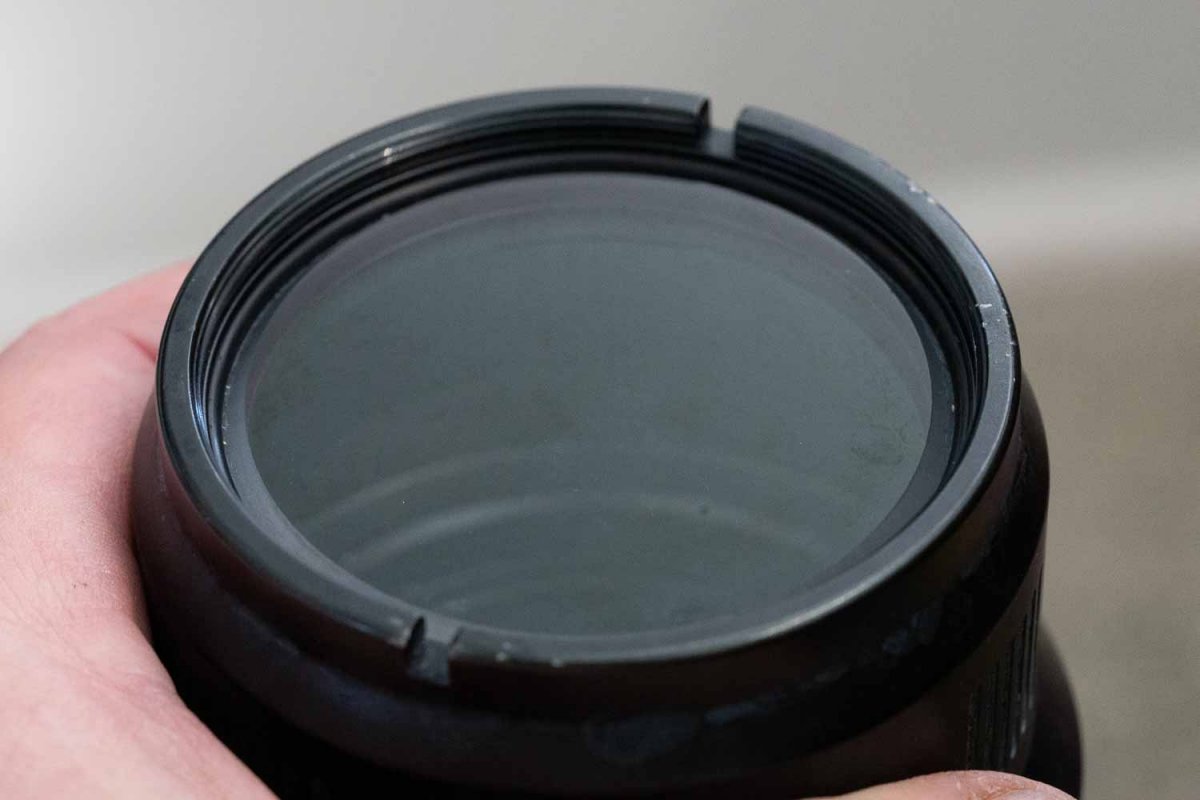
Nauticam macro port. There is a little bit of haze on the outside of this port, but it isn't visible underwater and doesn't seem to cause a problem.
4 Arm Sections, 6”
Clamps, 6
Long Clamp for Focus Light
Mounting Balls for arms and focus light.
4 foam floats