Skip to content

Classifieds / Archived topic

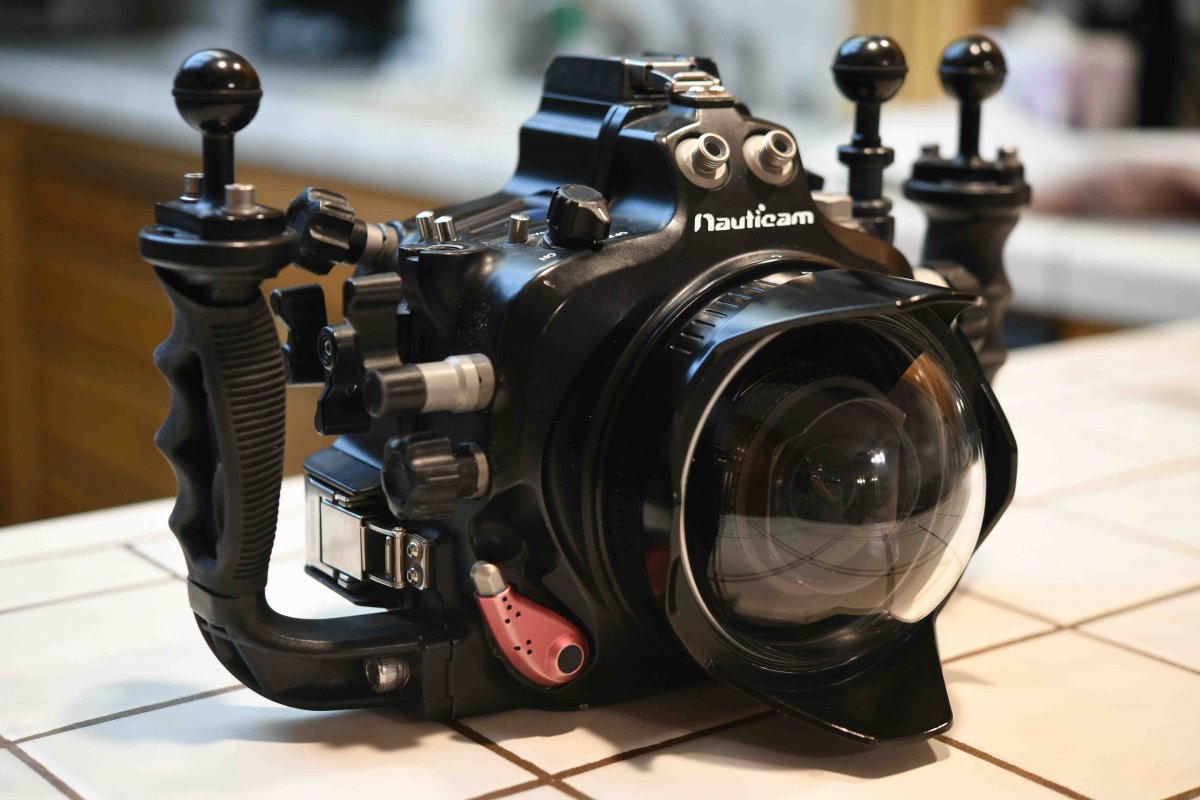
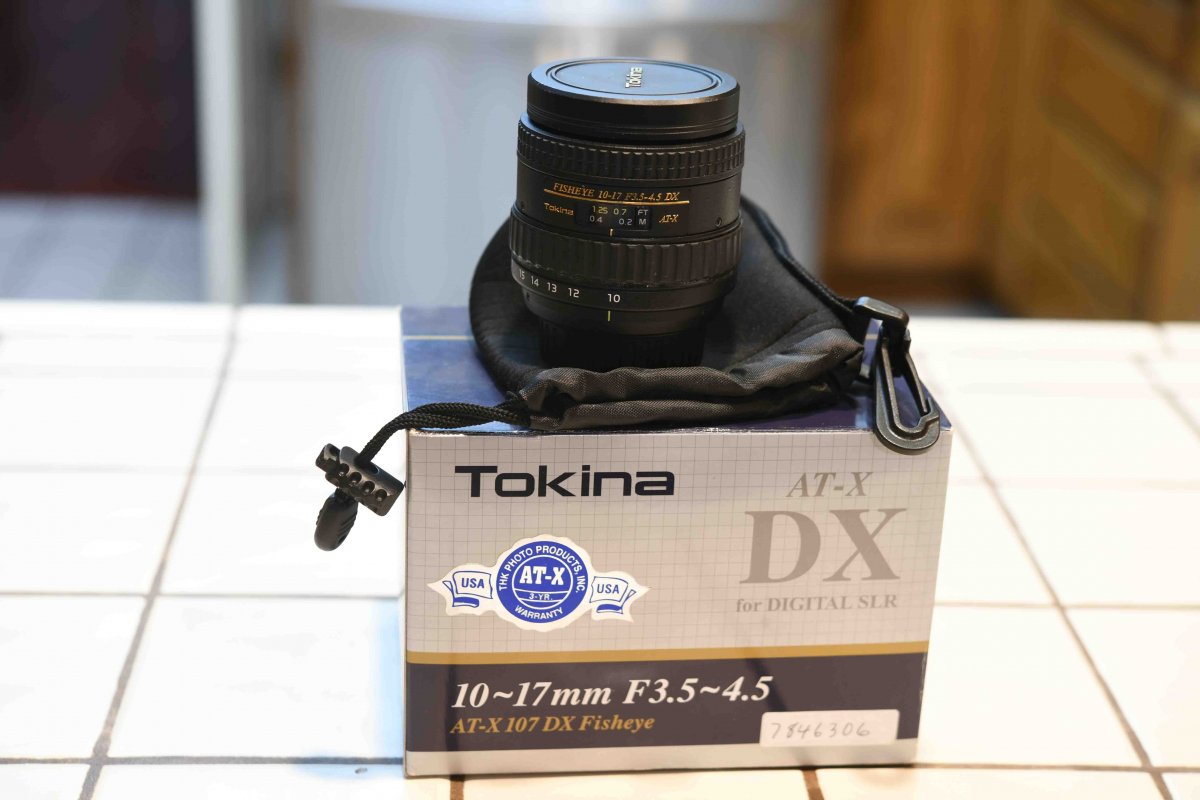
Nikon D90, Nauticam housing, Tokina 10-17mm f/3.5-4.5 AT-X DX AF Fisheye for Nikon, Nauticam 4.33 inch acrylic dome, accessories.

Started by leonburda ·

  • 6Posts
  • 6Replies

Read-only discussion

Nikon D90, Nauticam housing, Tokina 10-17mm f/3.5-4.5 AT-X DX AF Fisheye for Nikon, Nauticam 4.33 inch acrylic dome, accessories.

6 posts
  1. Wide angle underwater photography package, Nikon D90, Nauticam housing, Tokina 10-17mm f/3.5-4.5 AT-X DX AF Fisheye for Nikon, Nauticam 4.33 inch acrylic dome, accessories.

    Used for 300+ dives. Fully functional, never leaked. Housing and dome has signs of cosmetic wear, but is fully operational and functions as intended. Just add arms and strobes and you are ready to go. Housing was never serviced.


    Full list

    • Nikon D90 body. Camera with 38,500 shutter actuations, used mostly inside housing.

    • Nauticam NA-D90 Underwater Housing for the Nikon D90

    • Tokina 10-17mm f/3.5-4.5 AT-X DX AF Fisheye for Nikon

    • Nauticam 4.33 inch dome port for Tokina 10-17 [18804]. Minor scratches, does not effect image quality

    Extra:

    • Spare O-rings for housing and port

    • 2 batteries for Nikon D90 with charger

    • Camera bag

    • 4x16Gb SD memory card

    Asking $1000, firm
     

    DSC_3183.jpg

    DSC_3199.jpg

  2. Interested in the dome port if you'll consider splitting the package?

  3. Yes, considering. Make me an offer


  4. Willing to reduce price and sell items separately

  5. SOLD!!!


  6. Congratulations to both of you, the seller and the buyer, nice equipment.

    This now-sold camera has a 4 " dome with a Tokina 10-17 mm lens,  but no zoom gear.
    I am curious, as I have a a twin to this dome-lens, but have not had a chance to use them underwater, how do you suggest they be used, such as close focus, wide angle mode, or other manner? 

    Thanks and Happy New Year to all!!

    Edited by Kraken de Mabini
Kraken Sports

Account

Navigation

Search

Search

Configure browser push notifications

Chrome (Android)
  1. Tap the lock icon next to the address bar.
  2. Tap Permissions → Notifications.
  3. Adjust your preference.
Chrome (Desktop)
  1. Click the padlock icon in the address bar.
  2. Select Site settings.
  3. Find Notifications and adjust your preference.