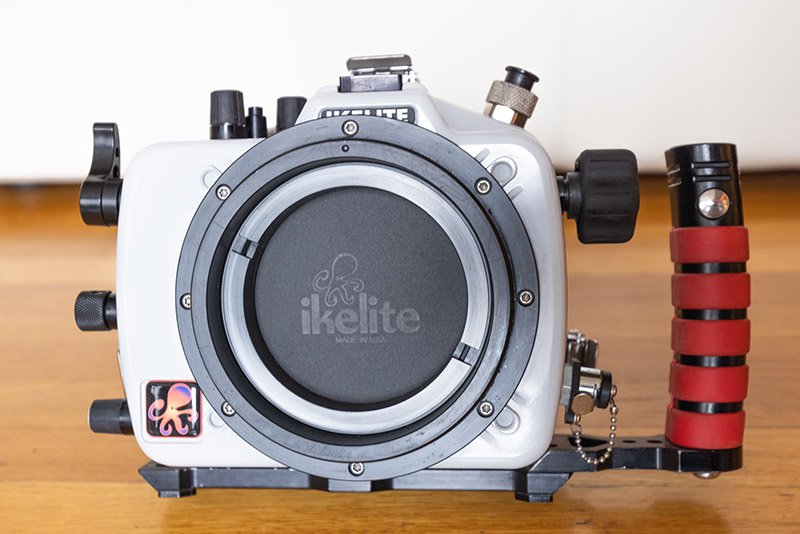
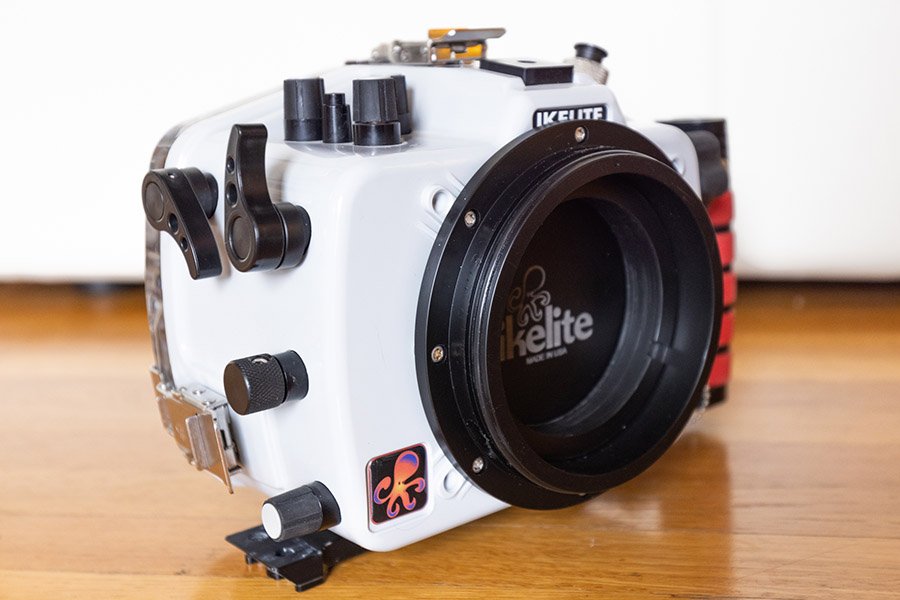
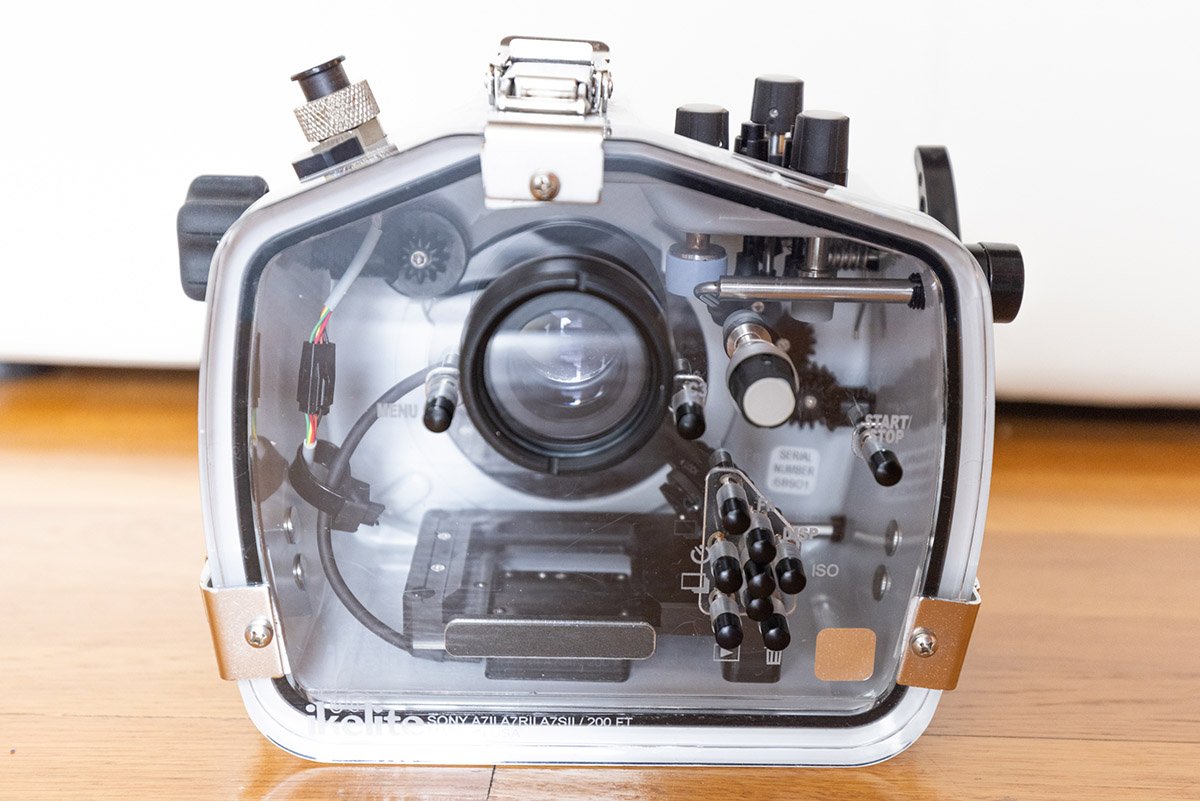
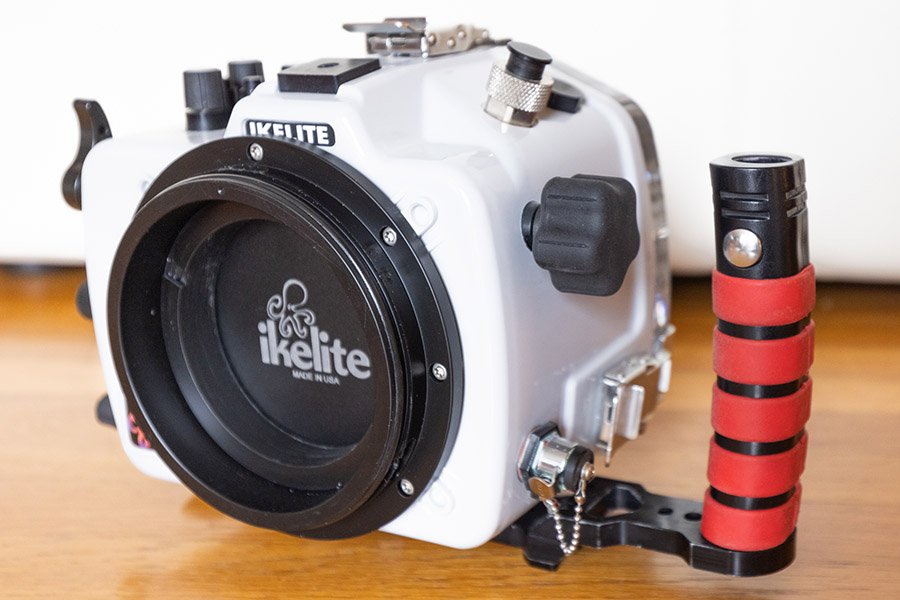
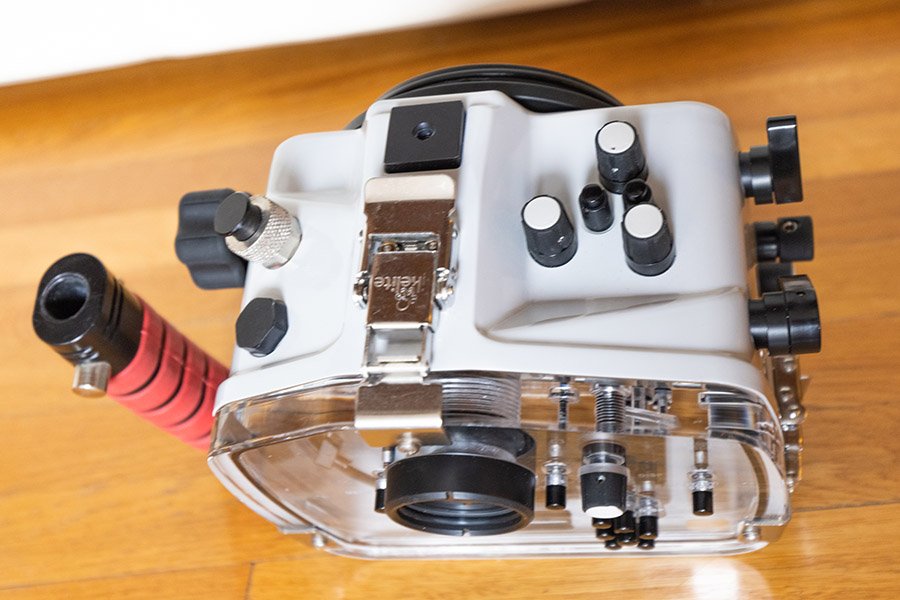
Ikelite Underwater Housing for Sony A7II, A7R II, A7S II cameras. Rated to 200 feet deep. Great condition with minimal signs of use/wear. This is Ikelite's very latest housing style, using the Dry Lock port technology. The housing includes a vacuum port as well, which is a fantastic feature. Selling because I have multiple housings for multiple cameras (Sony and Canon both) and need to consolidate.
This exact housing sells new from Ikelite for $1695. You can have the exact same thing for less than half the price. Includes original manual, registration, O-rings, etc. Functions perfectly, and I can demonstrate the function of it if you come to pick it up in Los Angeles. If sold at asking price, I'll include free shipping within continental US.
Asking $800
I also have the optional TTL adapter for the housing, which allows the Sony to use Ikelite's renowned TTL technology to pre-flash your subject, adjust lighting, and then properly light your subject automatically. Ikelite is known for having the best TTL system in the industry. The TTL module sells for $375, and I'll throw it in with the housing for an additional $175.