Skip to content

Classifieds / Archived topic

Nauticam 4" Wide Angle Port

Started by sidcaver ·

  • 8Posts
  • 8Replies

Read-only discussion

Nauticam 4" Wide Angle Port

8 posts
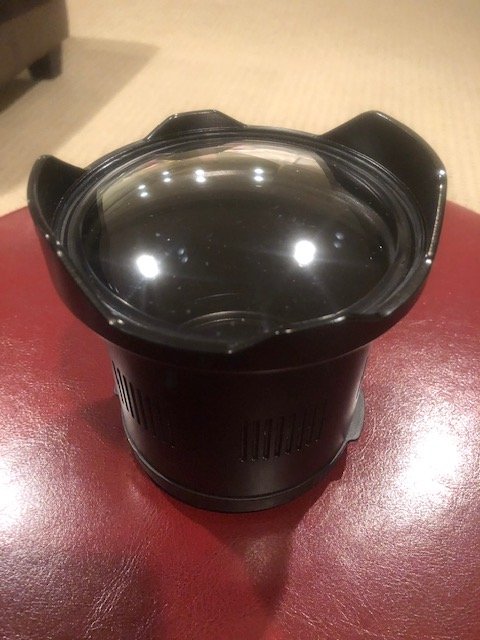
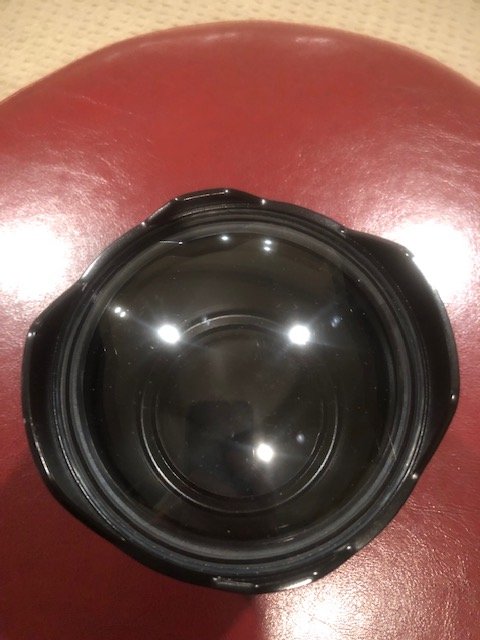
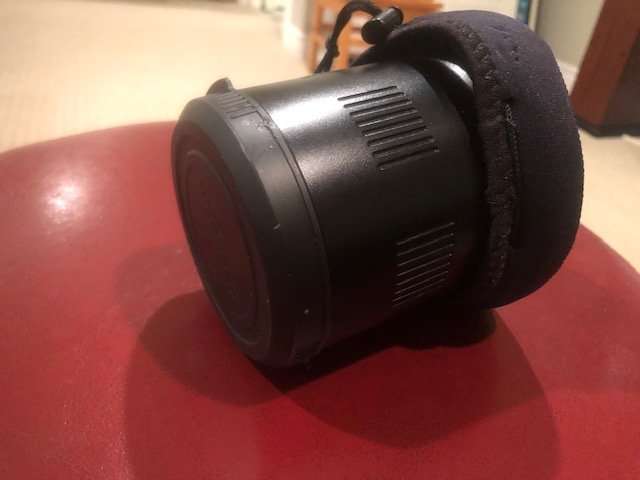
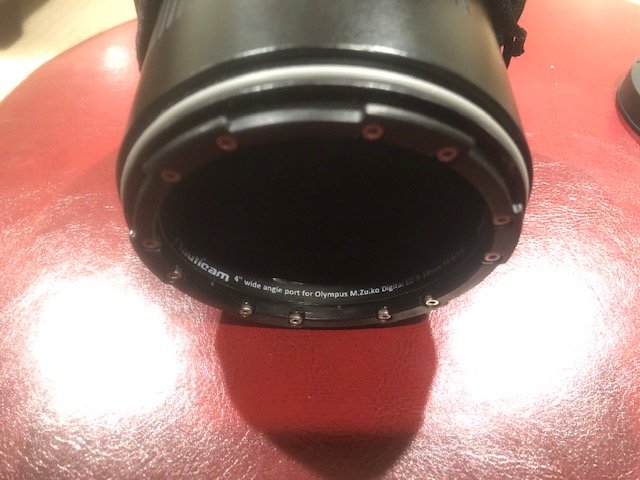
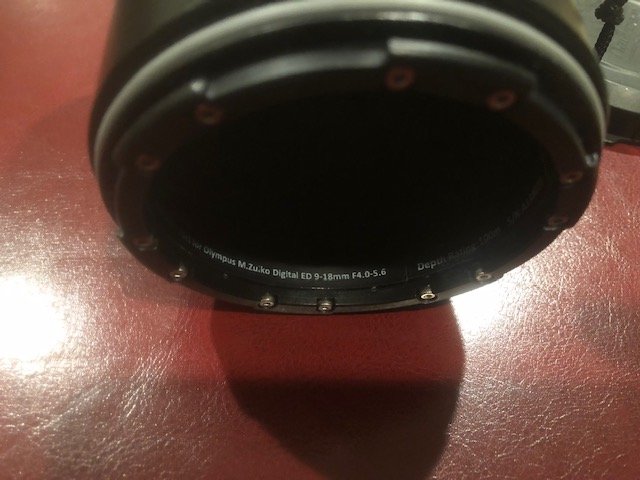
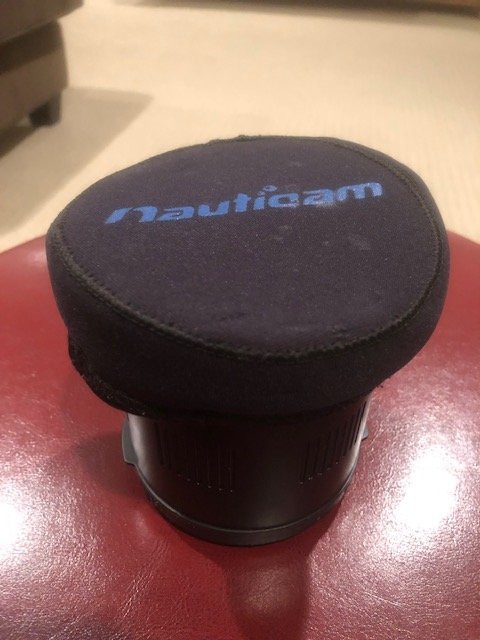
  1. I am selling a Nauticam 4" port in excellent shape. Dome shows no scratches, I just do not have a use for it anymore. Nauticam Part number 36137, compatible with Olympus Zuiko 9-18mm or 14-42mm, Panasonic 14-45mm or 14-42mm. 

    Priced new at $708USD, I am looking for $400US, shipping options available and flexible.


    IMG_5151.jpg

    IMG_5152.jpg

    IMG_5153.jpg

    IMG_5154.jpg

    IMG_5155.jpg

    IMG_5156.jpg

  2. Still available


  3. bump


  4. Price drop $350 OBO

  5. Price drop $300 Canadian

  6. Bump


  7. Hi. I have an Olympus 12-50 lens. I use the nauticam port which allows the switch to macro, but feel I'm missing out on true wide angle at 12mm -which I understand this port would deliver.

    So, a couple of questions if I may..

    1. Do you need to put a diopter on the lens with this dome?

    2. Is there a focus gear that goes with it?

    3. What happens when you zoom (assuming I have a focus gear)

    4. Can you use the Olympus 60mm prime with this port?

    Look forward to hearing from you.

    Thanks and regards

    Scott

  8. 13 hours ago, scottg_uknl said:

    Hi. I have an Olympus 12-50 lens. I use the nauticam port which allows the switch to macro, but feel I'm missing out on true wide angle at 12mm -which I understand this port would deliver.

    So, a couple of questions if I may..

    1. Do you need to put a diopter on the lens with this dome?

    2. Is there a focus gear that goes with it?

    3. What happens when you zoom (assuming I have a focus gear)

    4. Can you use the Olympus 60mm prime with this port?

    Look forward to hearing from you.

    Thanks and regards

    Scott

    This might answer your questions :)

    https://www.nauticam.com/pages/n85-mft-systems-port-chart

Ultralight Control Systems

Account

Navigation

Search

Search

Configure browser push notifications

Chrome (Android)
  1. Tap the lock icon next to the address bar.
  2. Tap Permissions → Notifications.
  3. Adjust your preference.
Chrome (Desktop)
  1. Click the padlock icon in the address bar.
  2. Select Site settings.
  3. Find Notifications and adjust your preference.