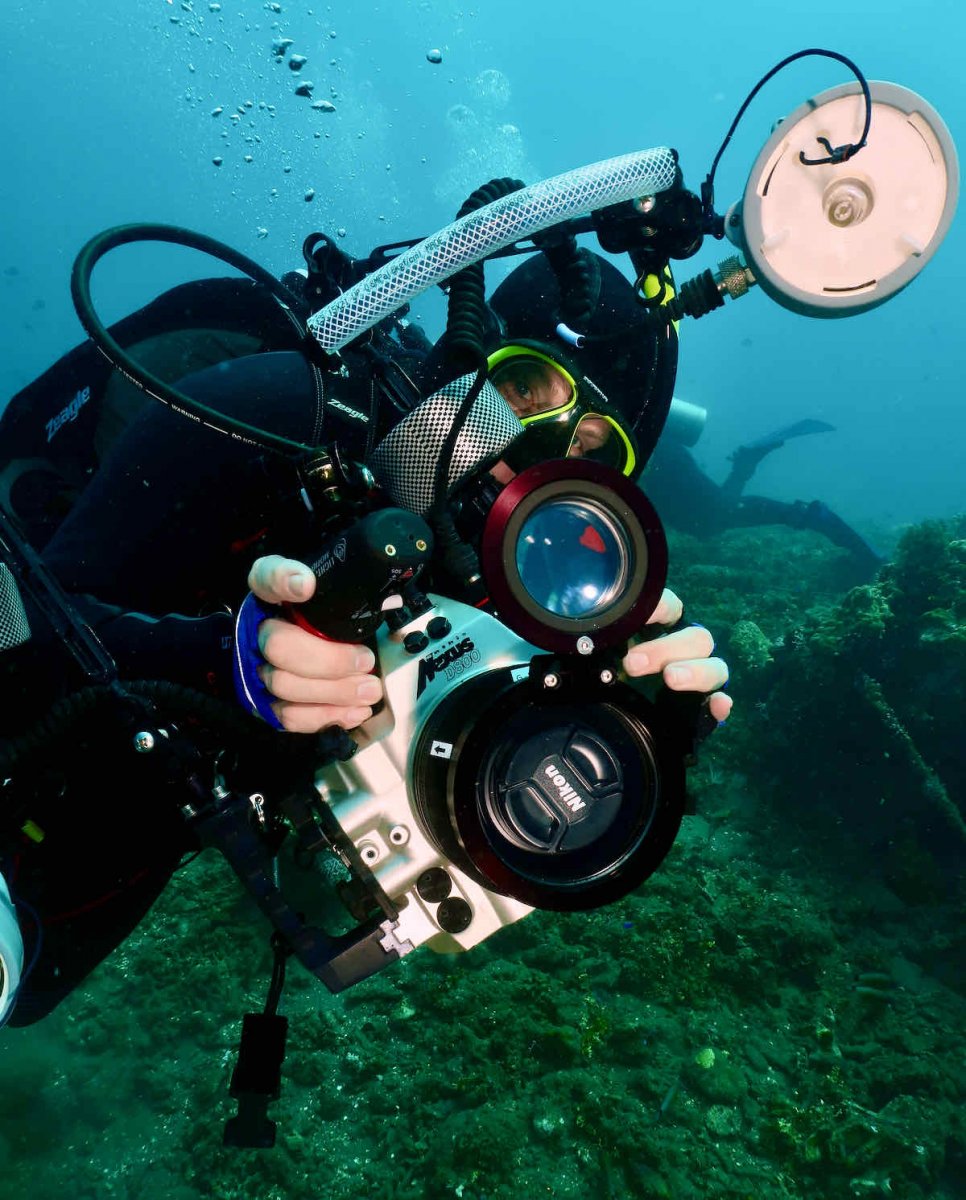
I just want to share a simple solution I came up with. Remove Before Dive Ribbons
We’ve all become preoccupied at least once and forget to do a pre-dive photo check and have ended up on a wonderful dive carrying a brick!

Sent from my iPhone using Tapatalk
Yes, avoid this 
We all laughed including himself......
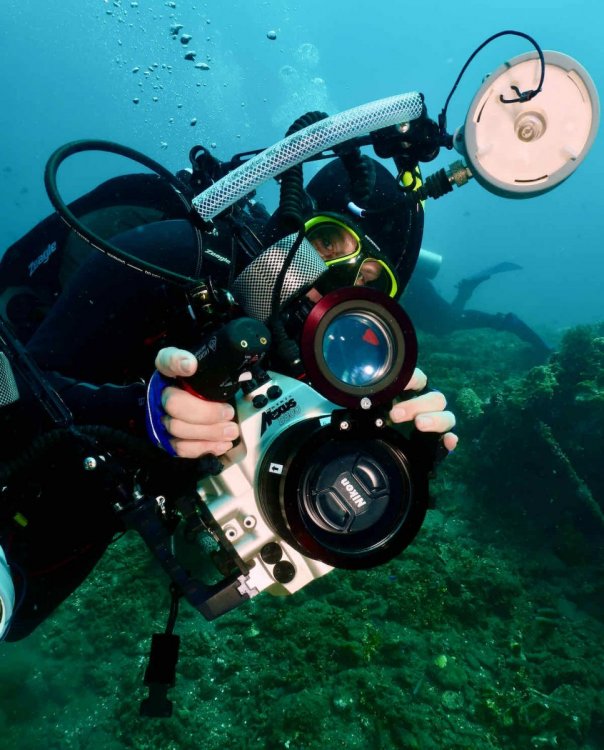
The title of the photo is:
"Those of us who have, those of you who will..."
1 hour ago, Kraken de Mabini said:
The title of the photo is:
"Those of us who have, those of you who will..."

Some "Happy New Year" UW photo thoughts :
Always check the battery charge and remove the lens cap before closing the housing,
To prevent hard water spots, after every dive promptly wipe dry the housing's glass.
Happy New Year to all.
1. Take a test photo in your completely setup housing before leaving the house/camera room/getting on the boat etc. to get into the water
2. Test the zoom gear (in using) at the same time

HNY all. Good idea - having forgotten to remove the cap for my first dive of 2022 I can totally relate!! Second dive fine! Cheers