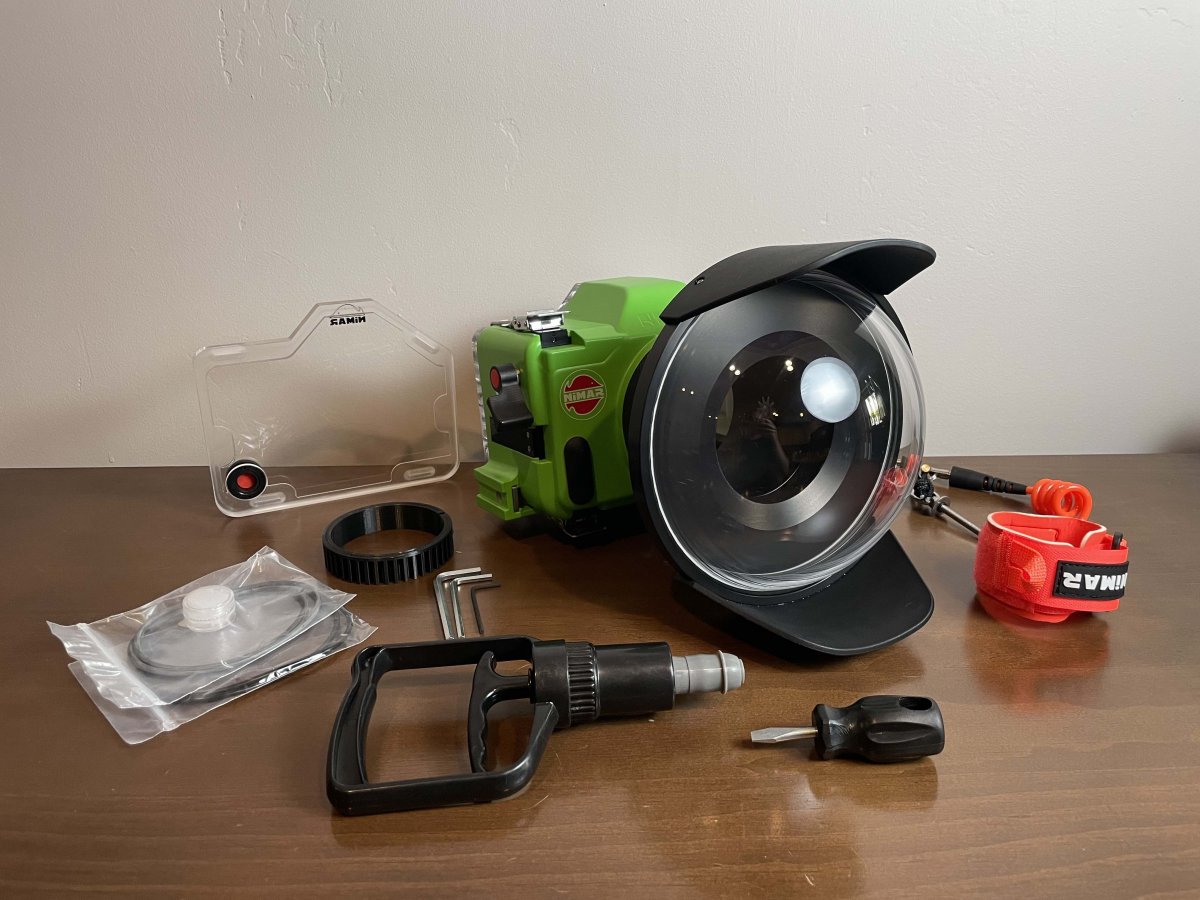
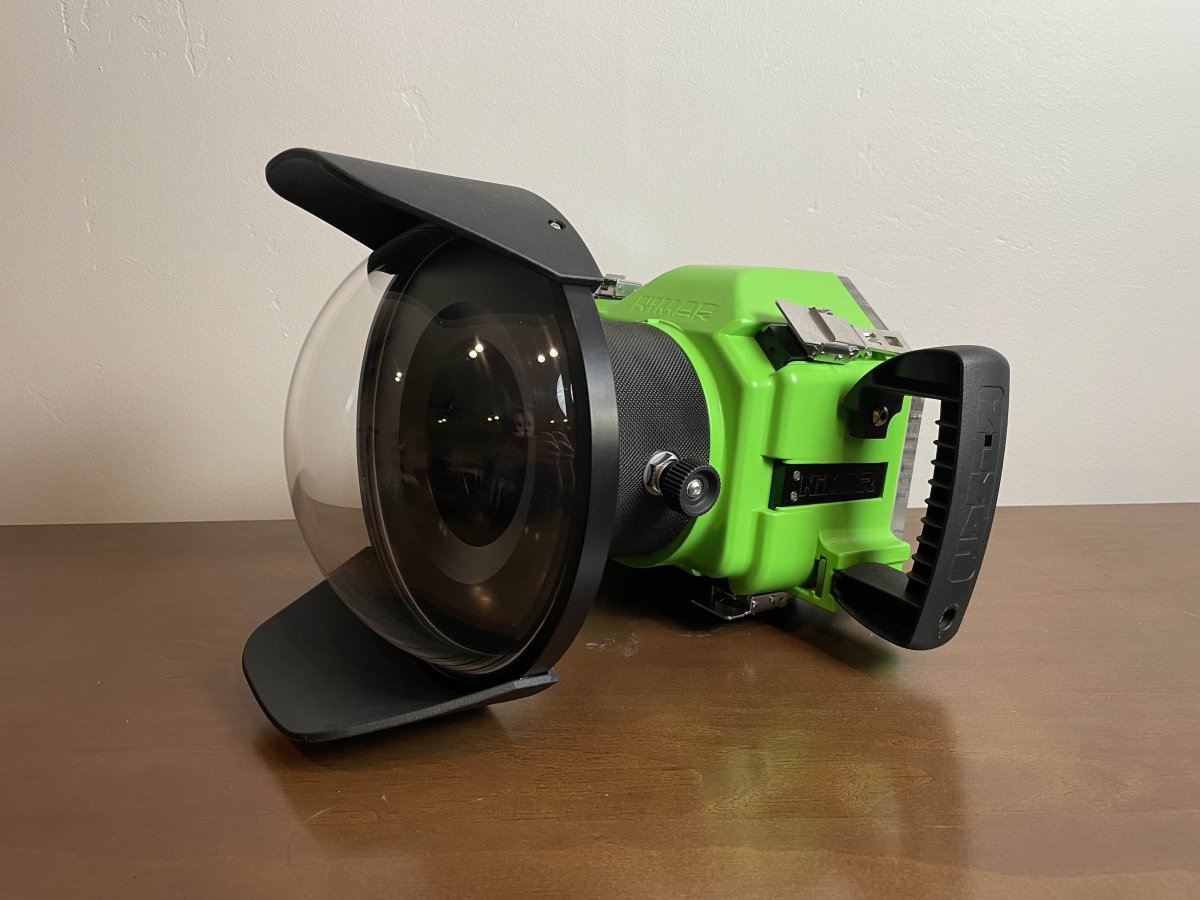
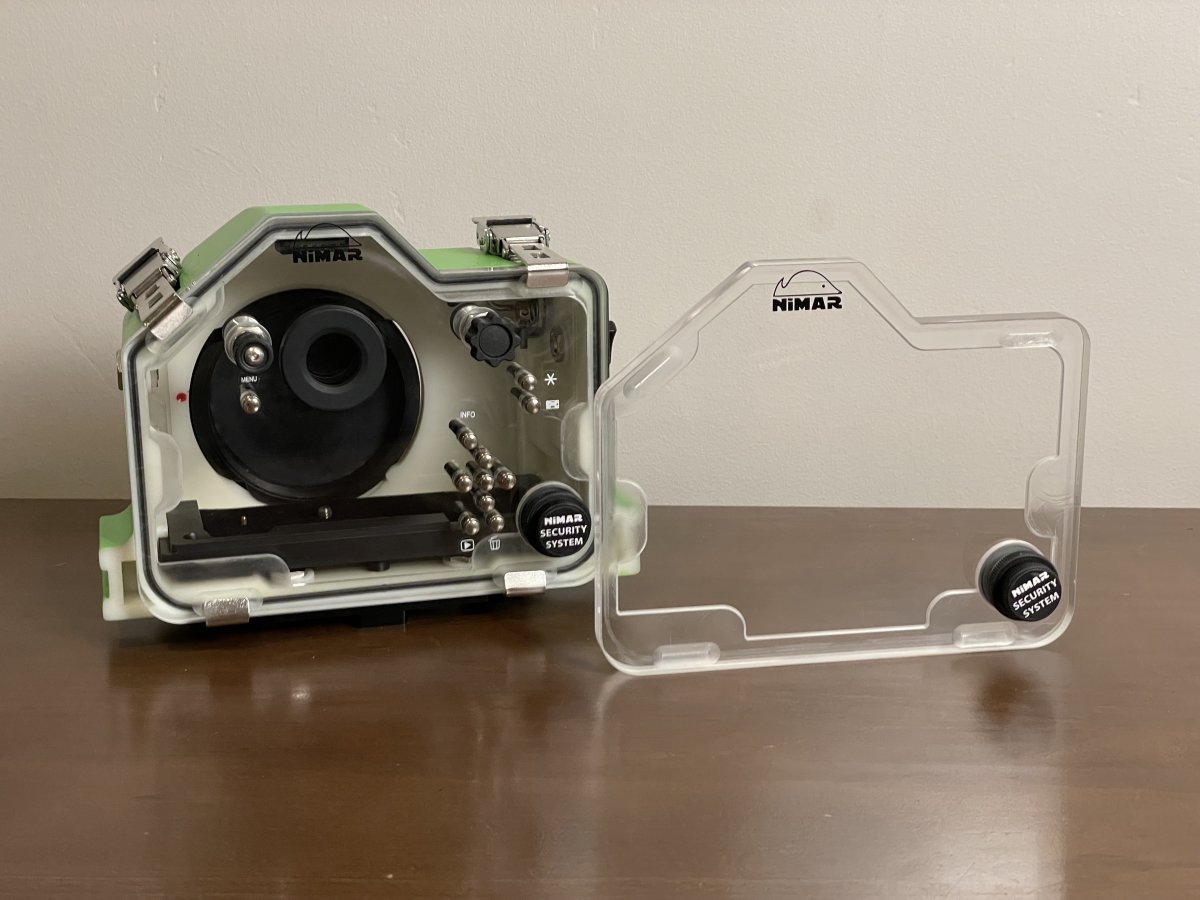
Brand new water housing. Water tested it once in fresh water and the seals are great. Never used it. I've only heard great things about these housings. I am upgrading my camera body and no longer need it. Full set up to get you in the water shooting.
Price is 1600
Parts included:
Canon Eos R/Ra (Classic) Water Housing
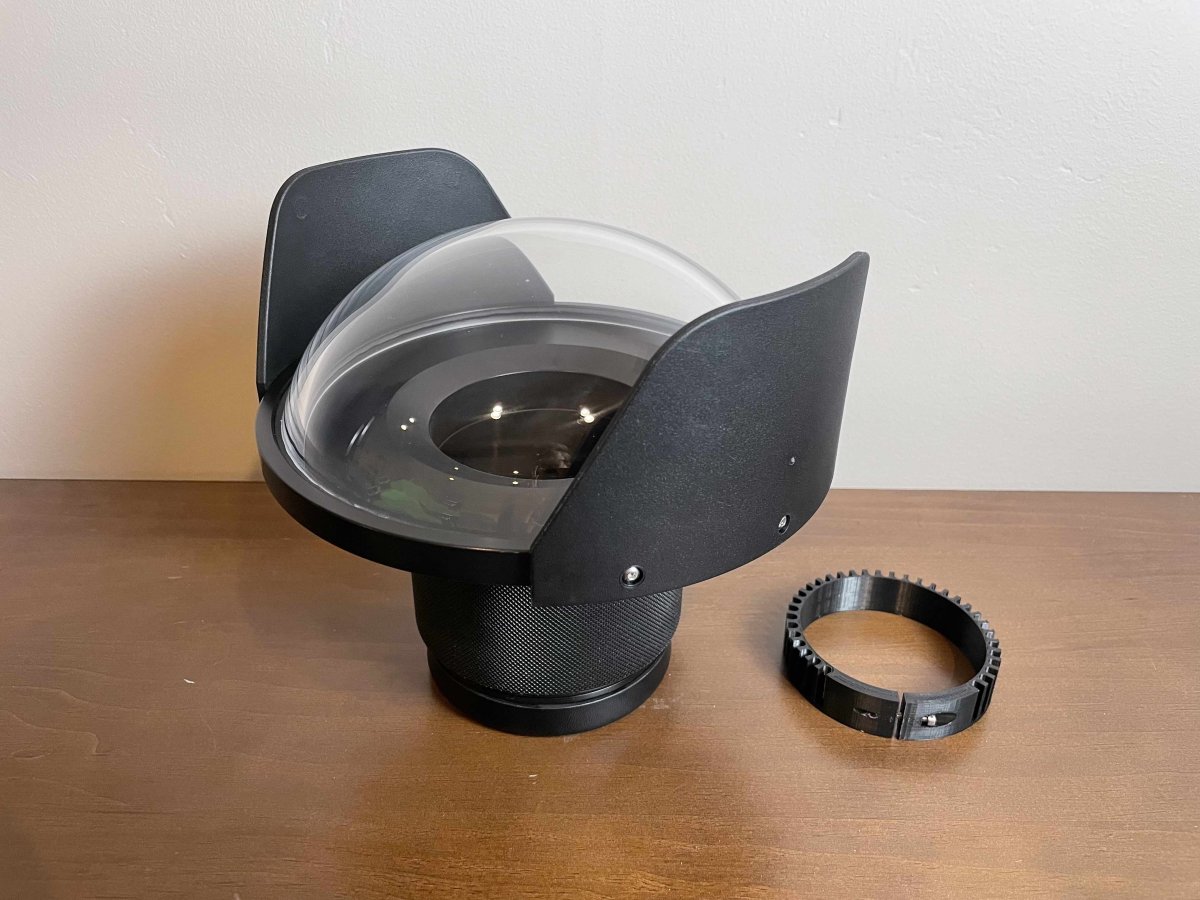
8'' Acrylic Dome
Canon EF 24-70mm f2.8L II Mount Adapter (Extension Ring)
Lens Zoom Ring
Water Housing Leash
Extra O Ring Seals
Nimar Vacuum Seal Safety Kit
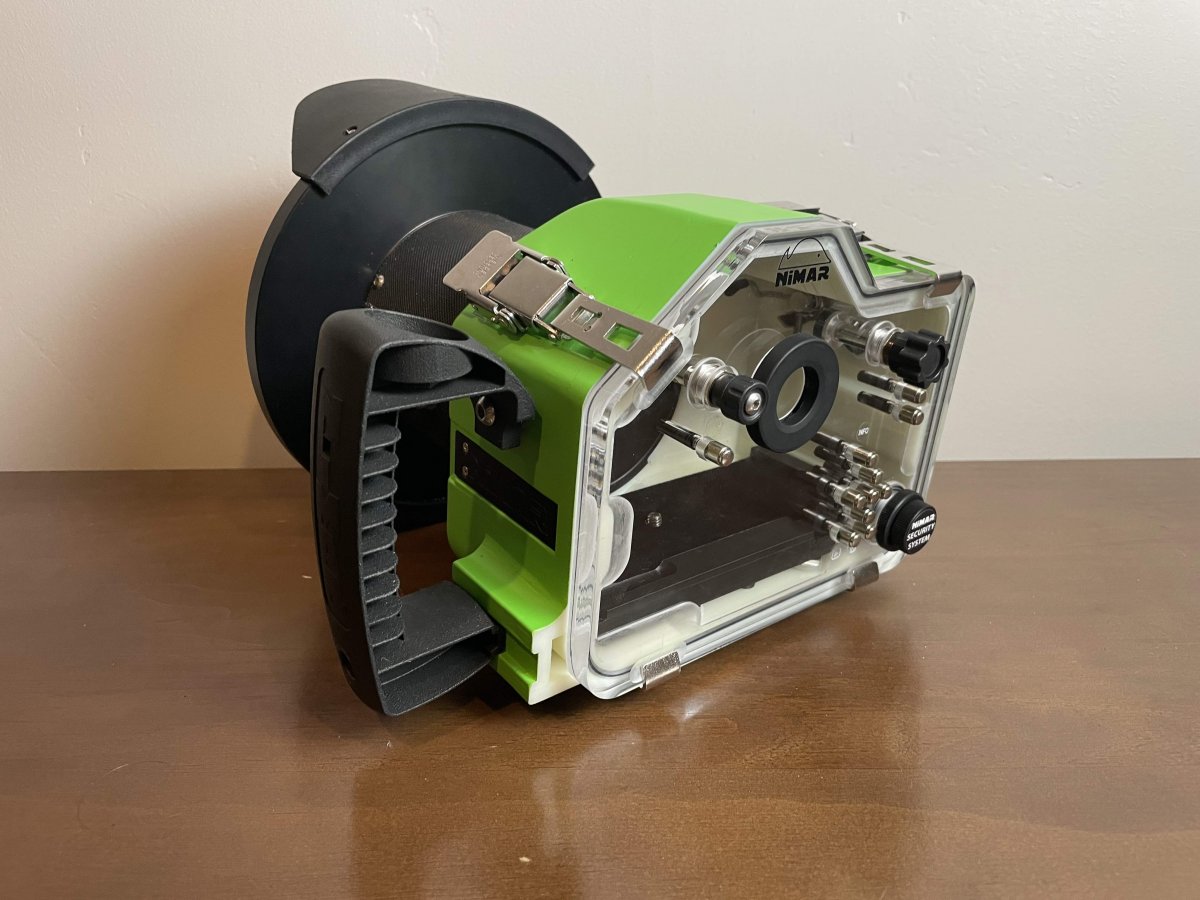
Manual control back as well as clear back for auto shooting.
Description:
Classic Water camera housing for Canon EOS R - Ra
The housing features a depth rating of 197ft (60m) for shooting well below the surface or in shallower depths for activities such as surfing or water-skiing
The security system give you peace of mind that the camera is protected
Specs:
Depth Rating: 197ft (60m)
Body made of high impact resistant technopolymer. The back cover is transparent giving you full view of the camera, the monitor and the waterproof seal. This visibility allows you to check that the cover is well sealed at all times
Mechanical command switches (see photo in the gallery)
Security system
Interchangeable lens port system NIM108-WS
Set-up in water: positive
Overall dimensions of body without side handle:
L. 22cm(8.66") H.17cm(6.7") D.14cm(5.5")