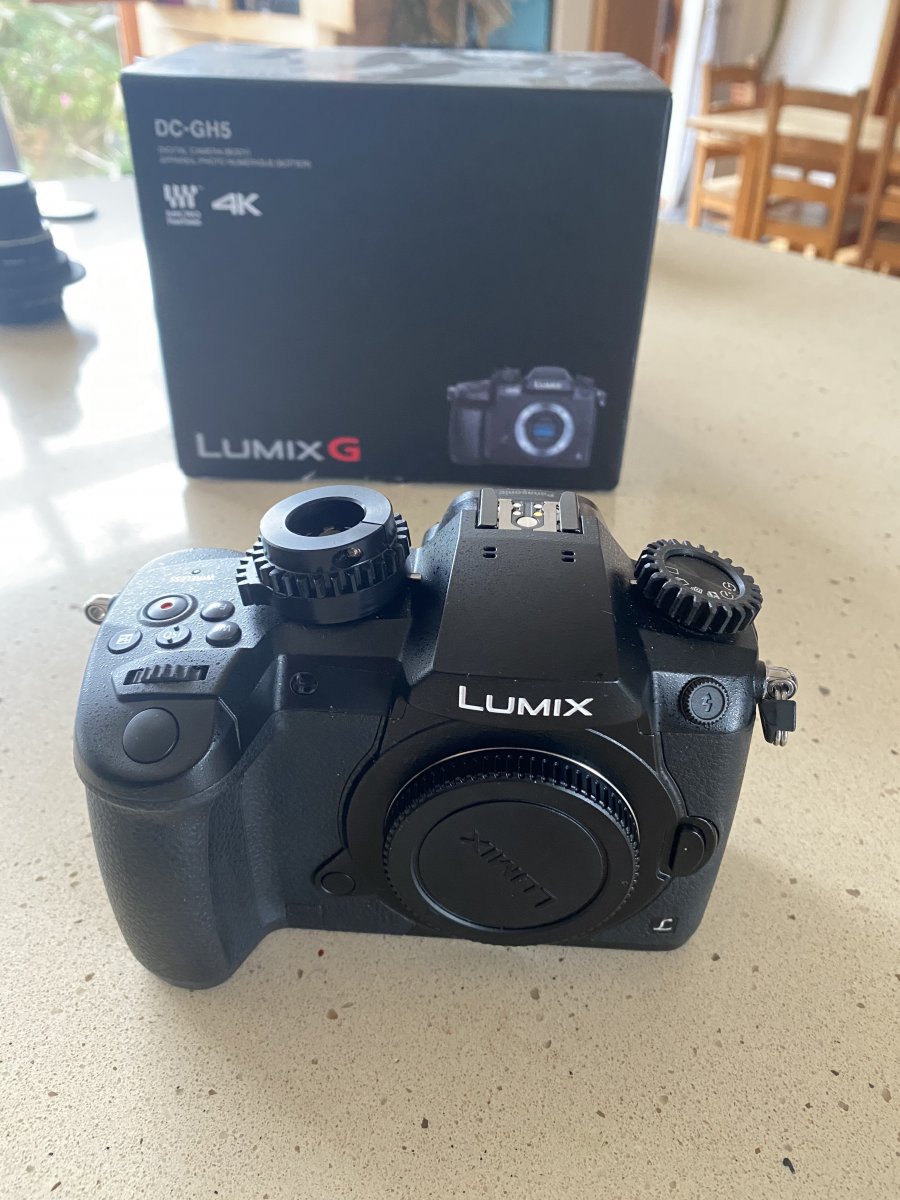
I'm changing again so am offering up this recent top-notch GH5 video and stills set-up in a SEACAM housing with all accessories needed to get you shooting macro and wide angle stills and video in 4k.
For sale is:
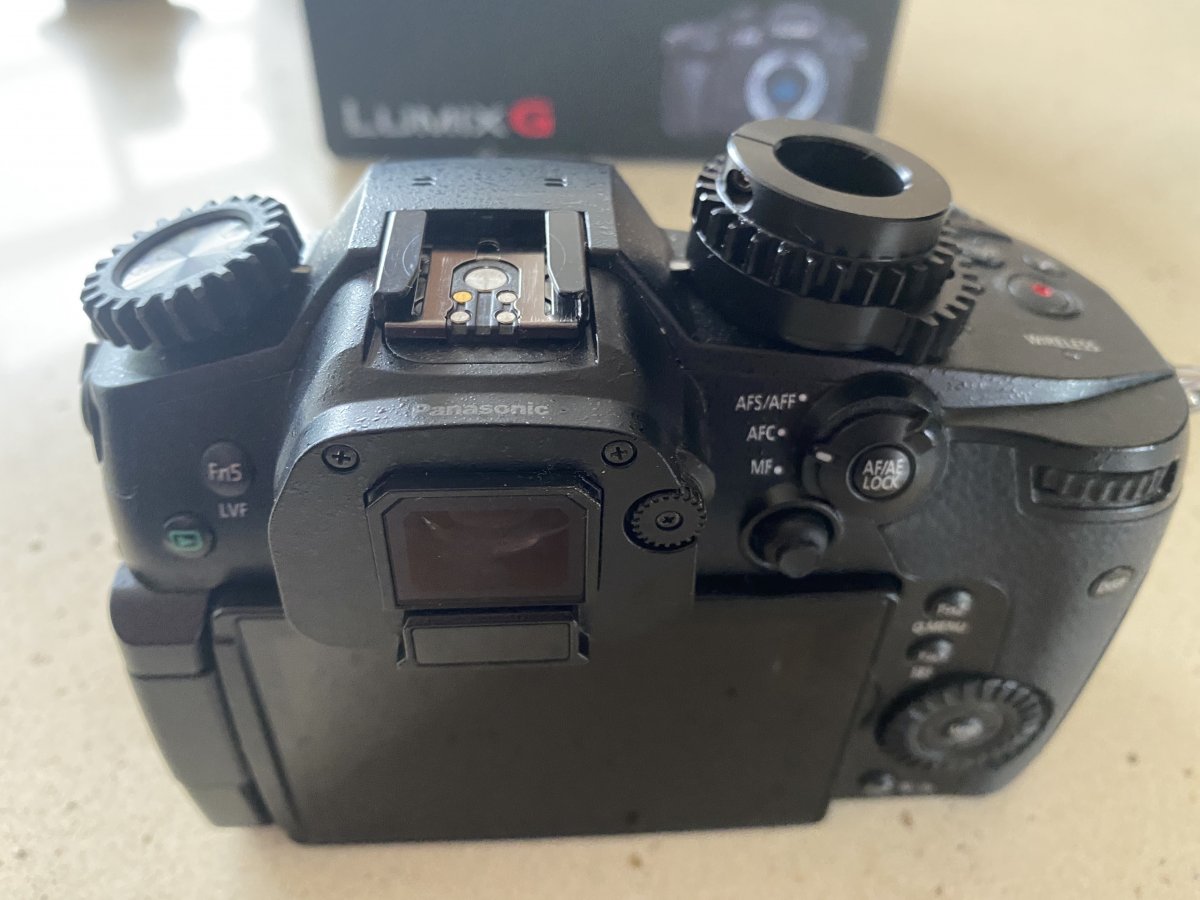
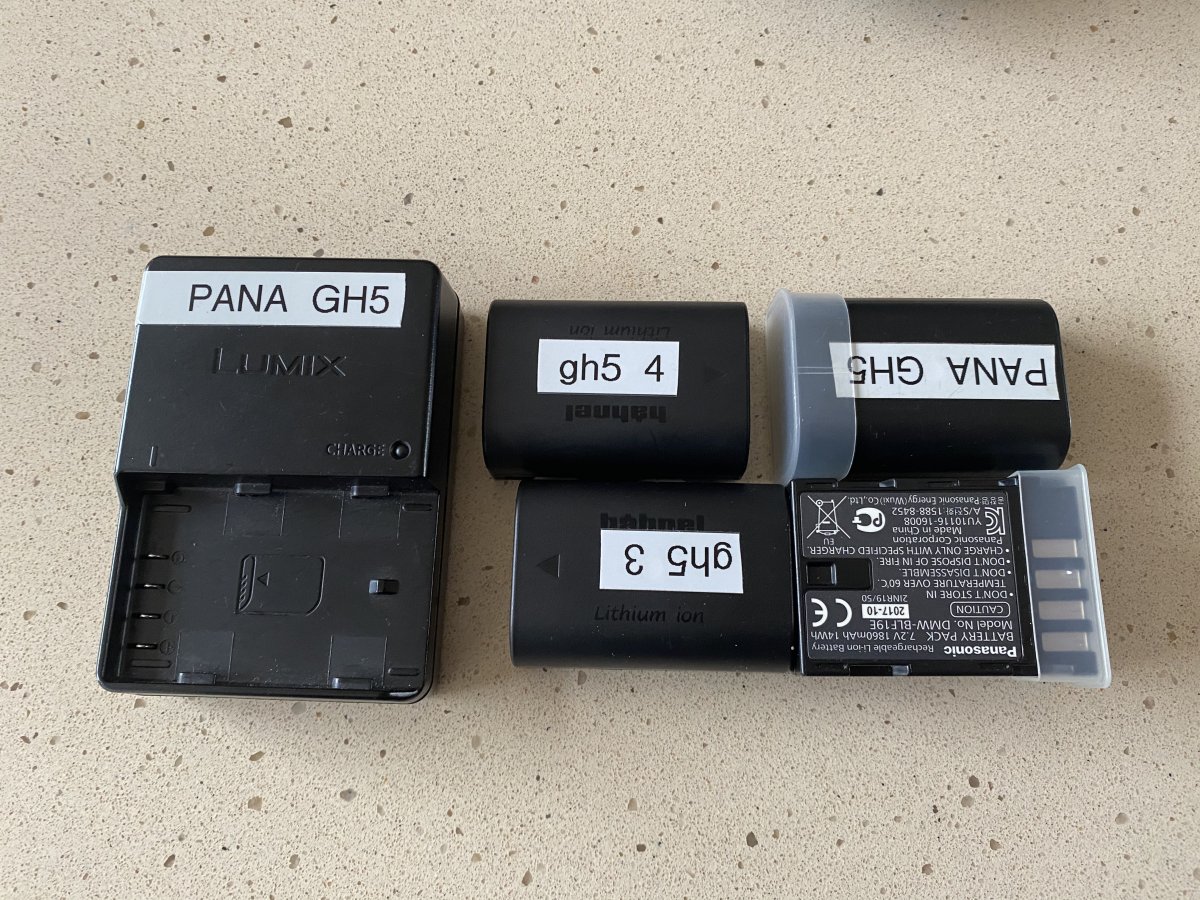
- Lumix GH5 body with 4 x batteries (2 x Panasonic, 2 x after market), Charger, Manuals and leads etc. All boxed and ready to go. €890
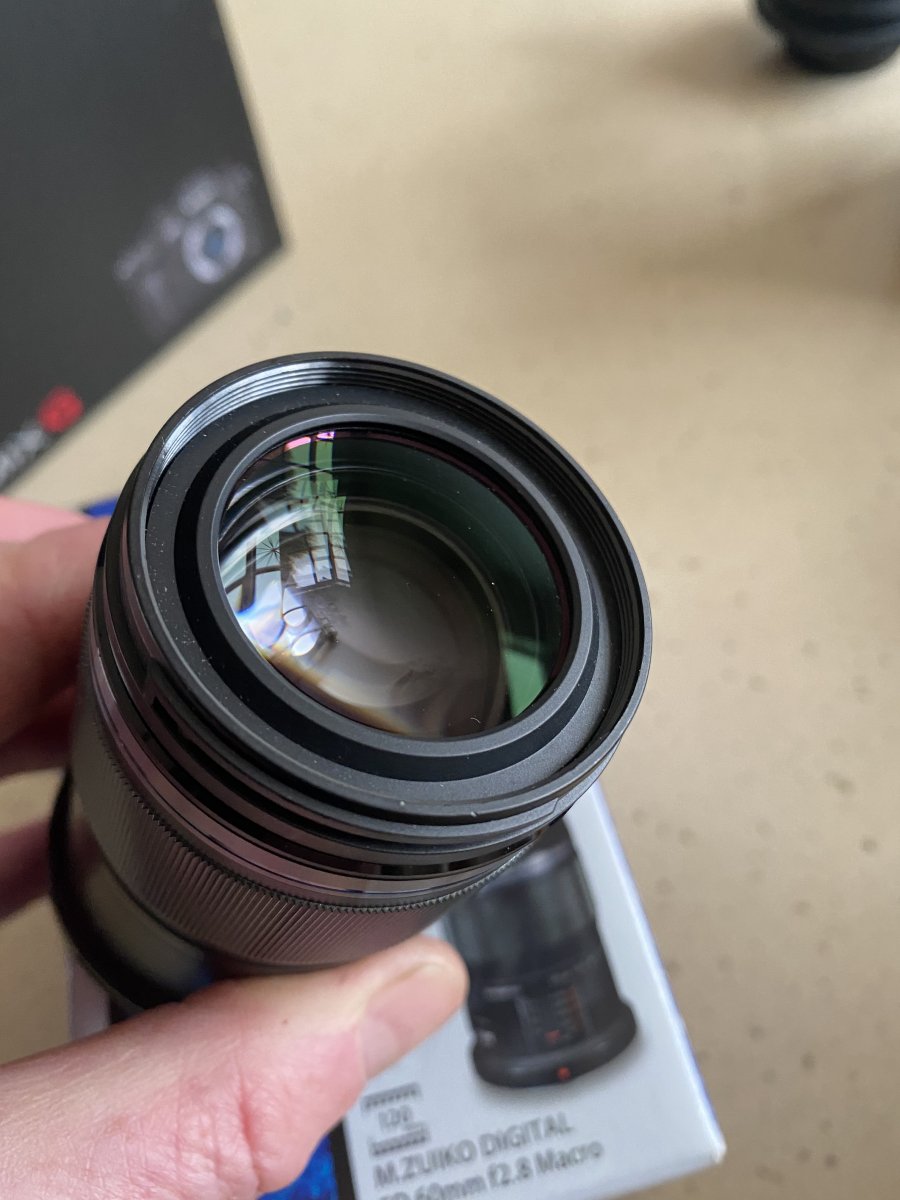
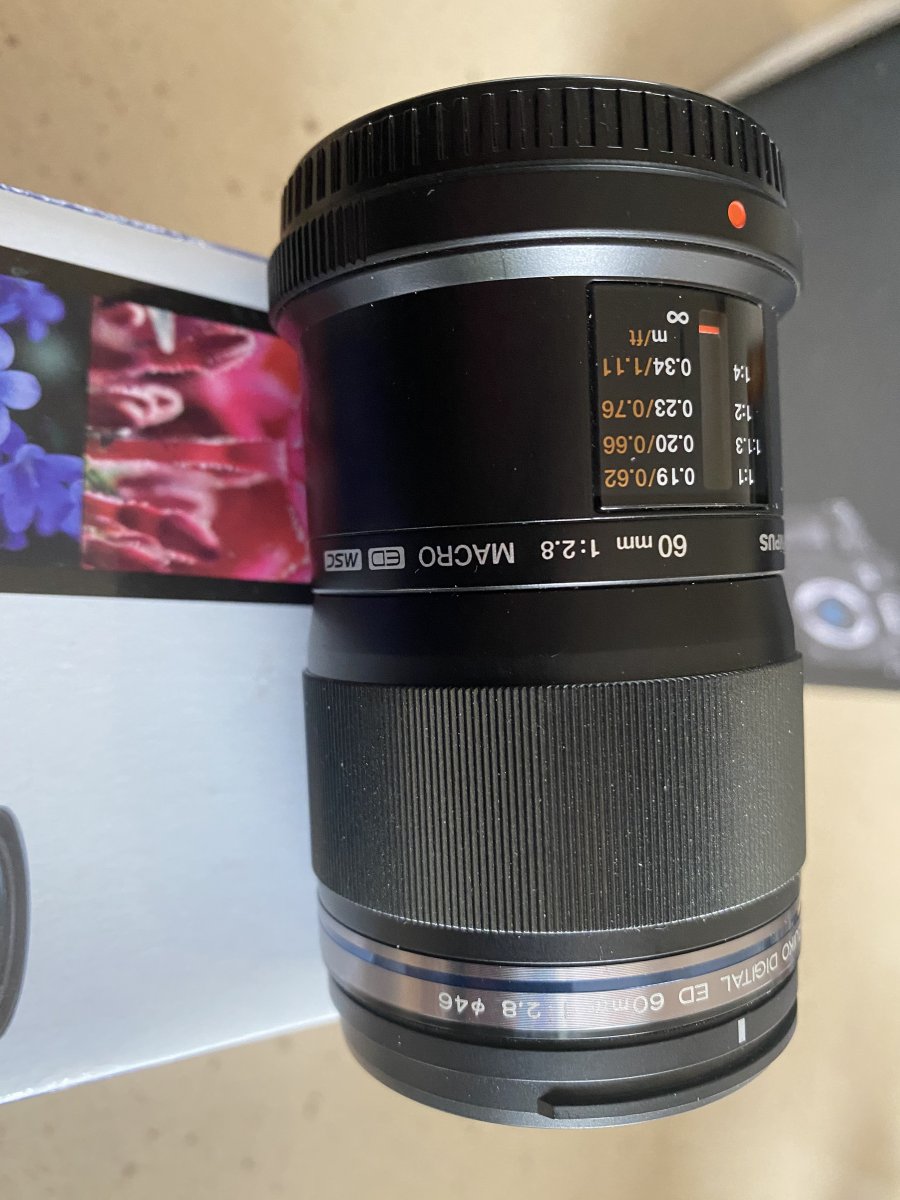
- OLYMPUS M.Zuiko Digital ED 60mm F2.8 Macro Lens €350
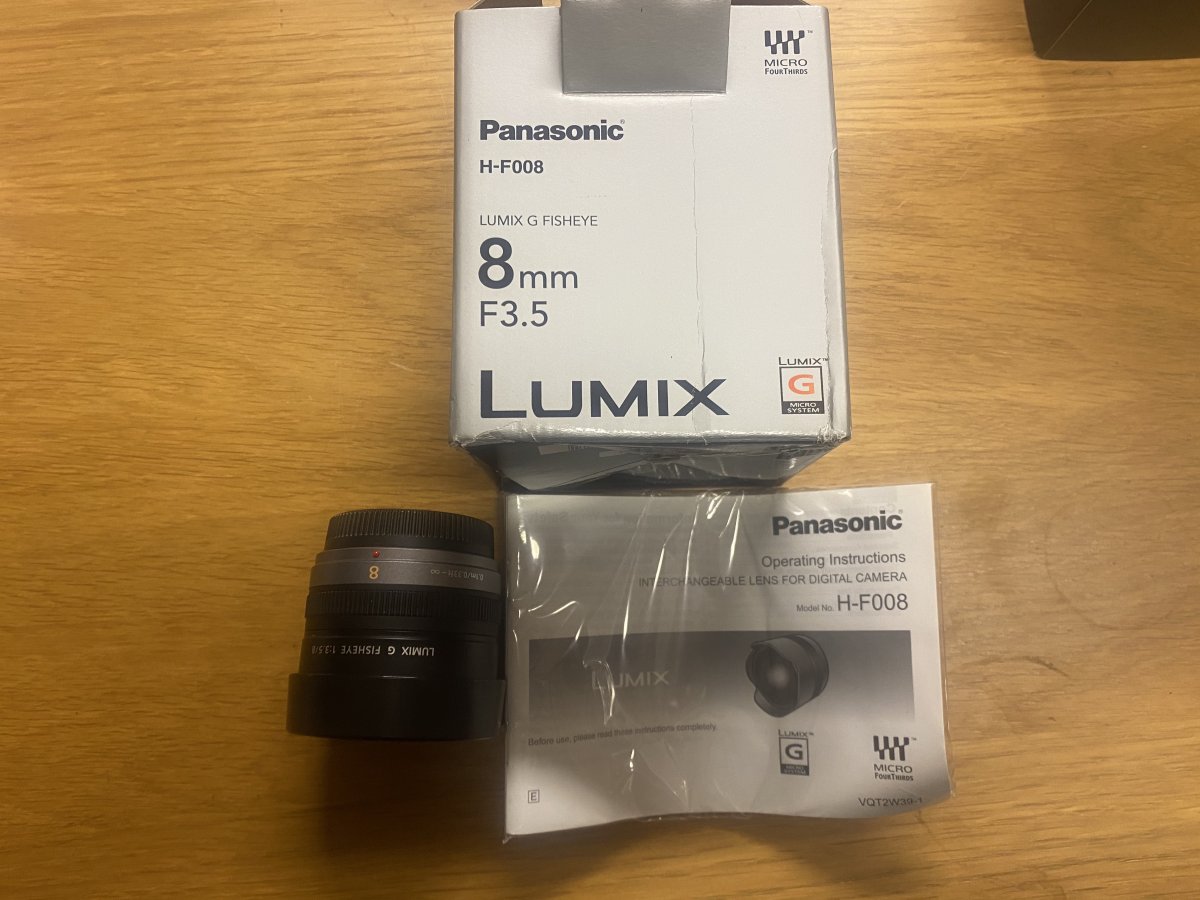
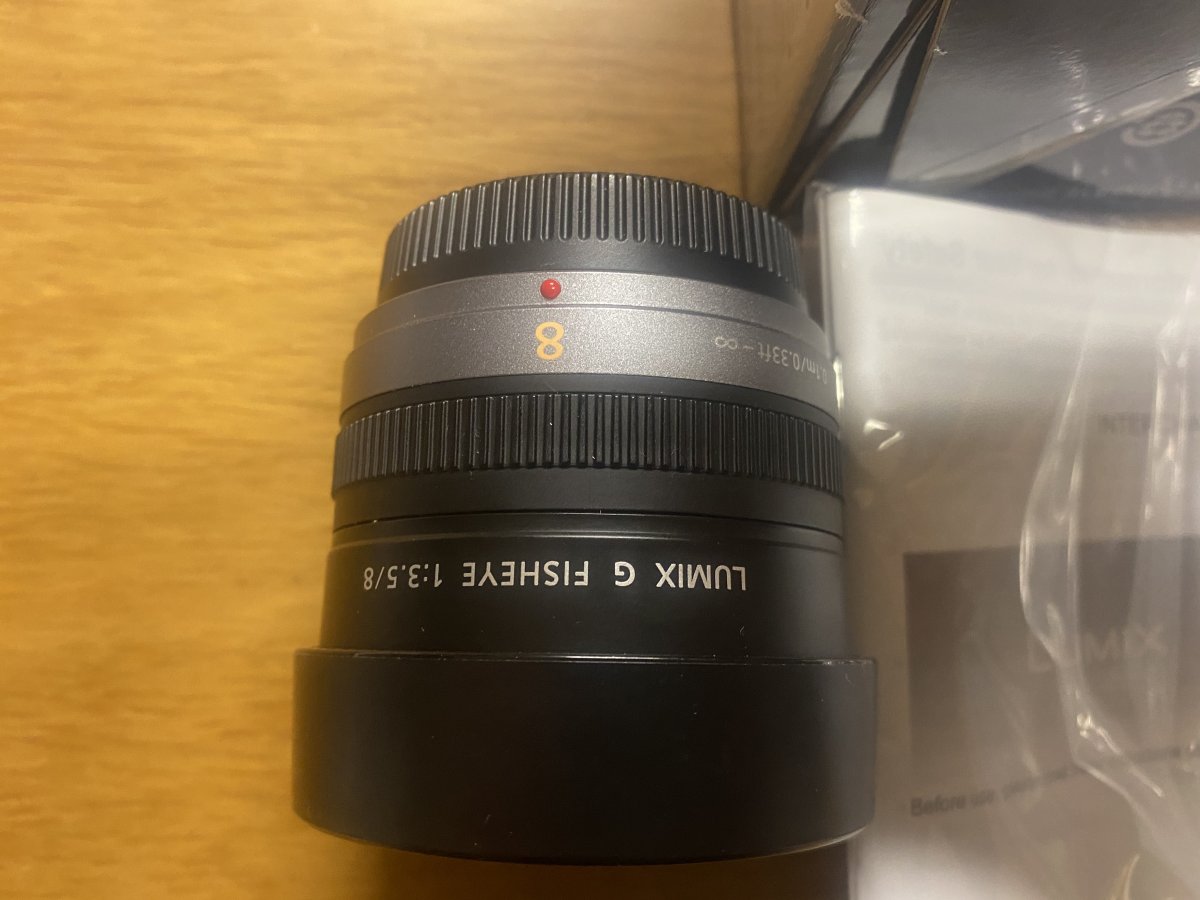
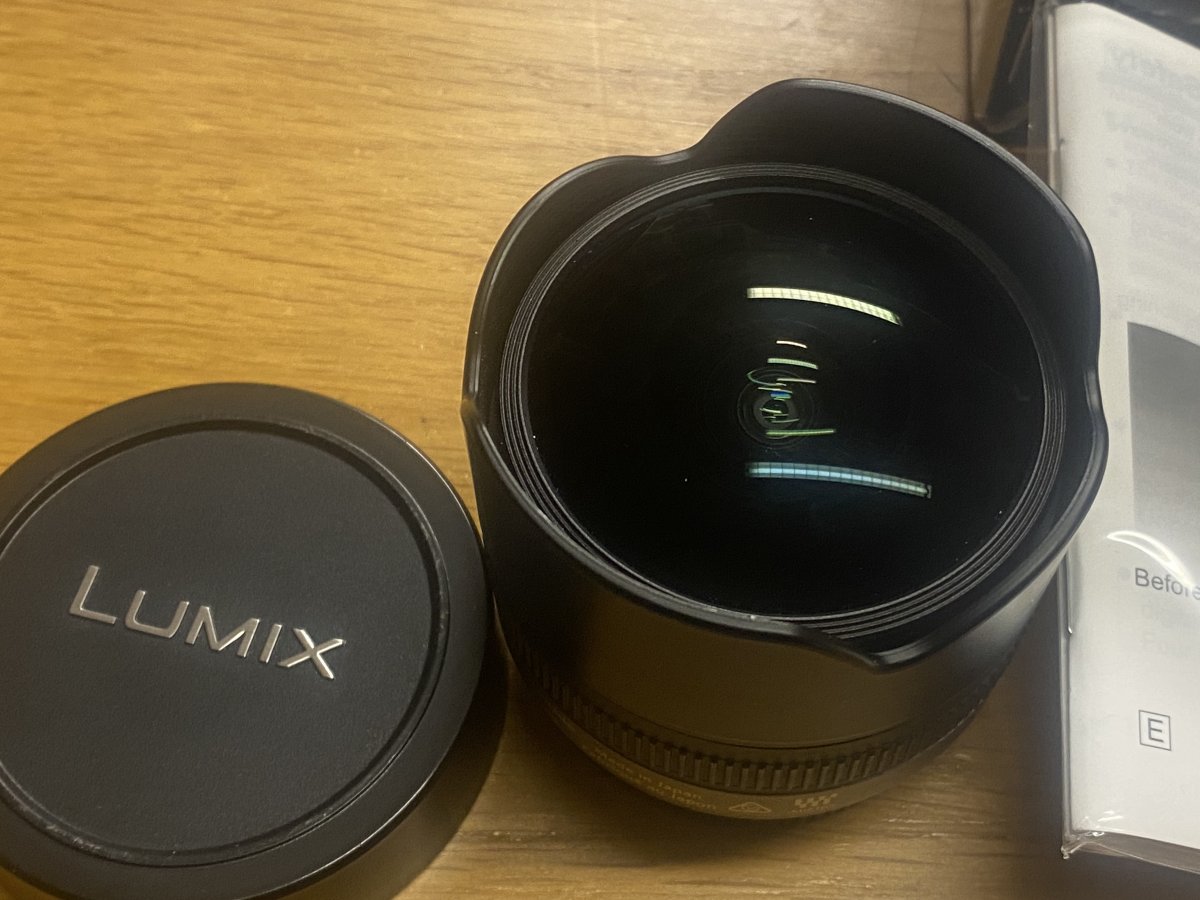
- PANASONIC LUMIX G FISHEYE Lens, 8MM, F3.5 €500
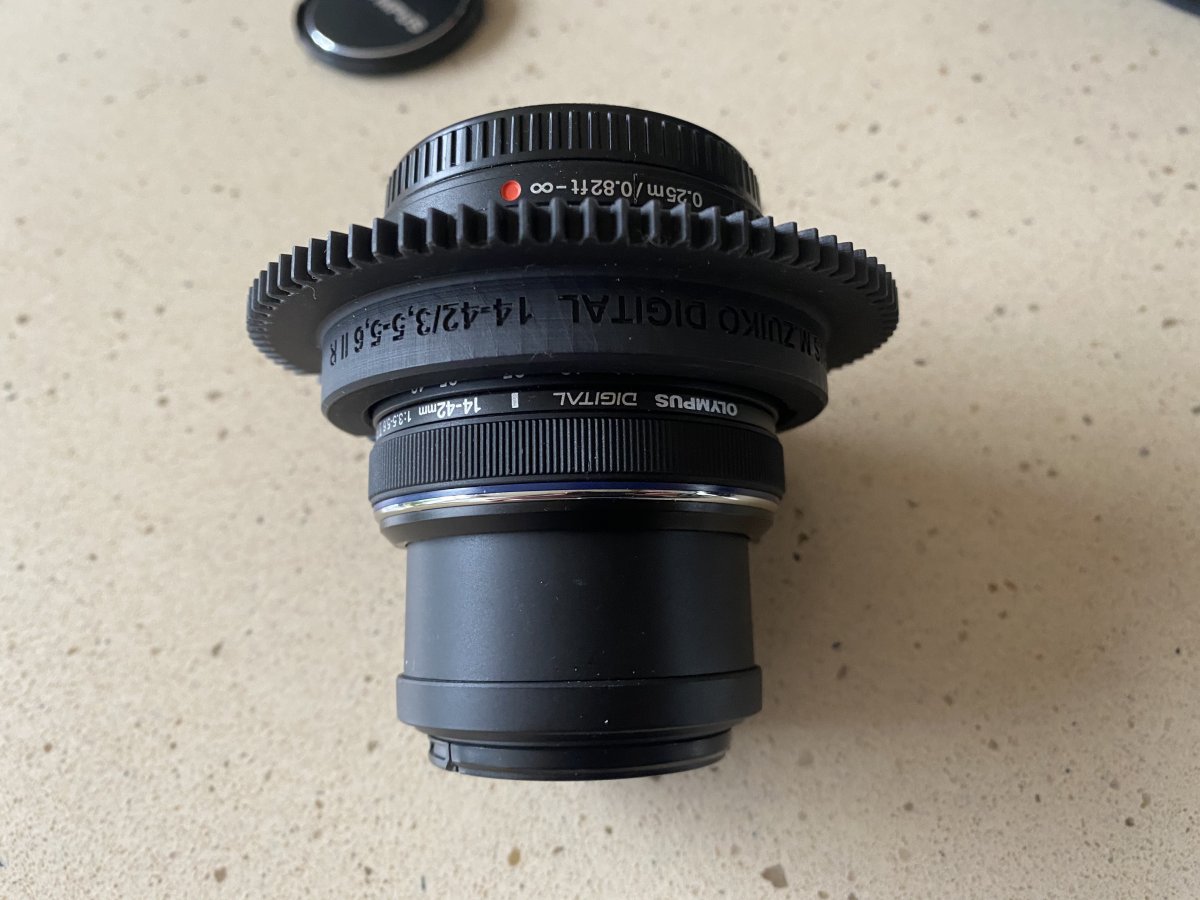
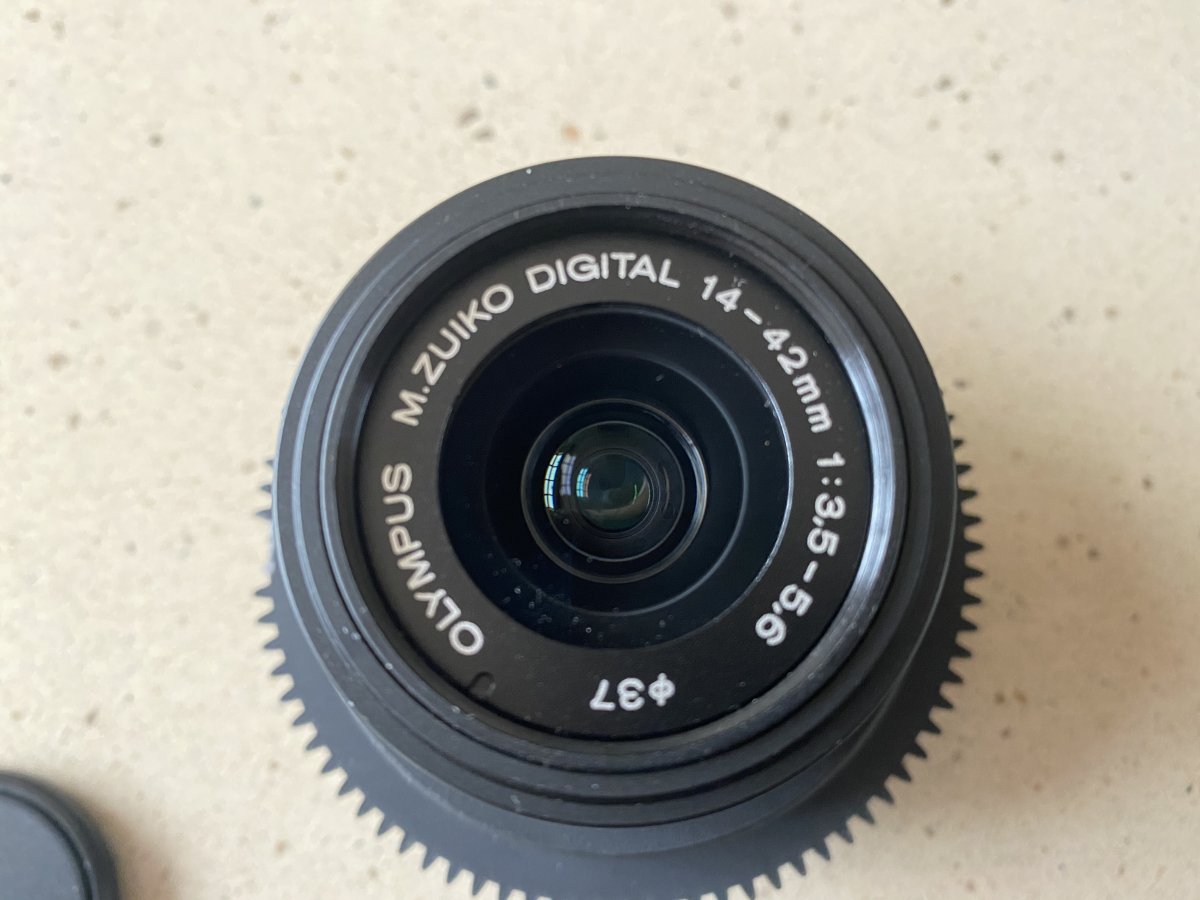
- Olympus Digital 1-42mm 3.5-5.6 IIR with seacam Zoom gear €180
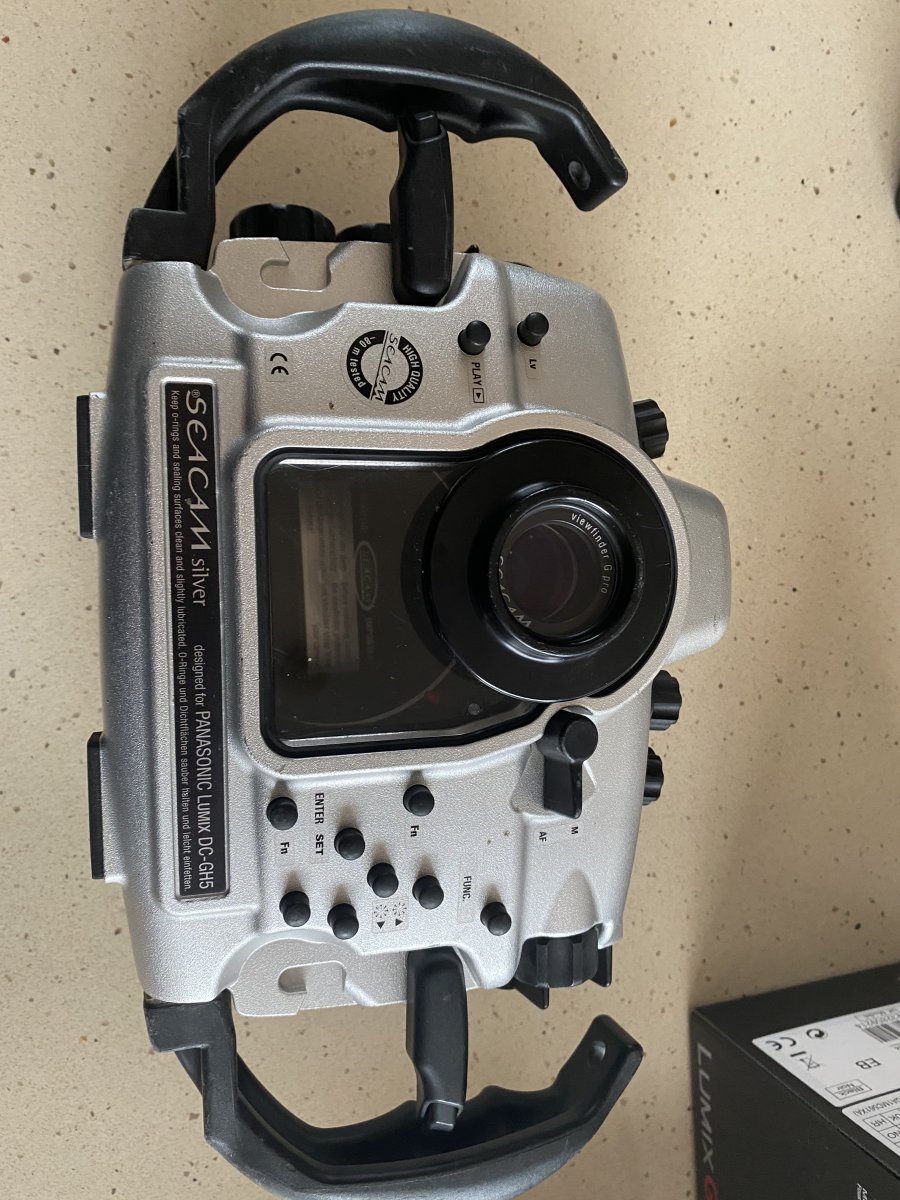
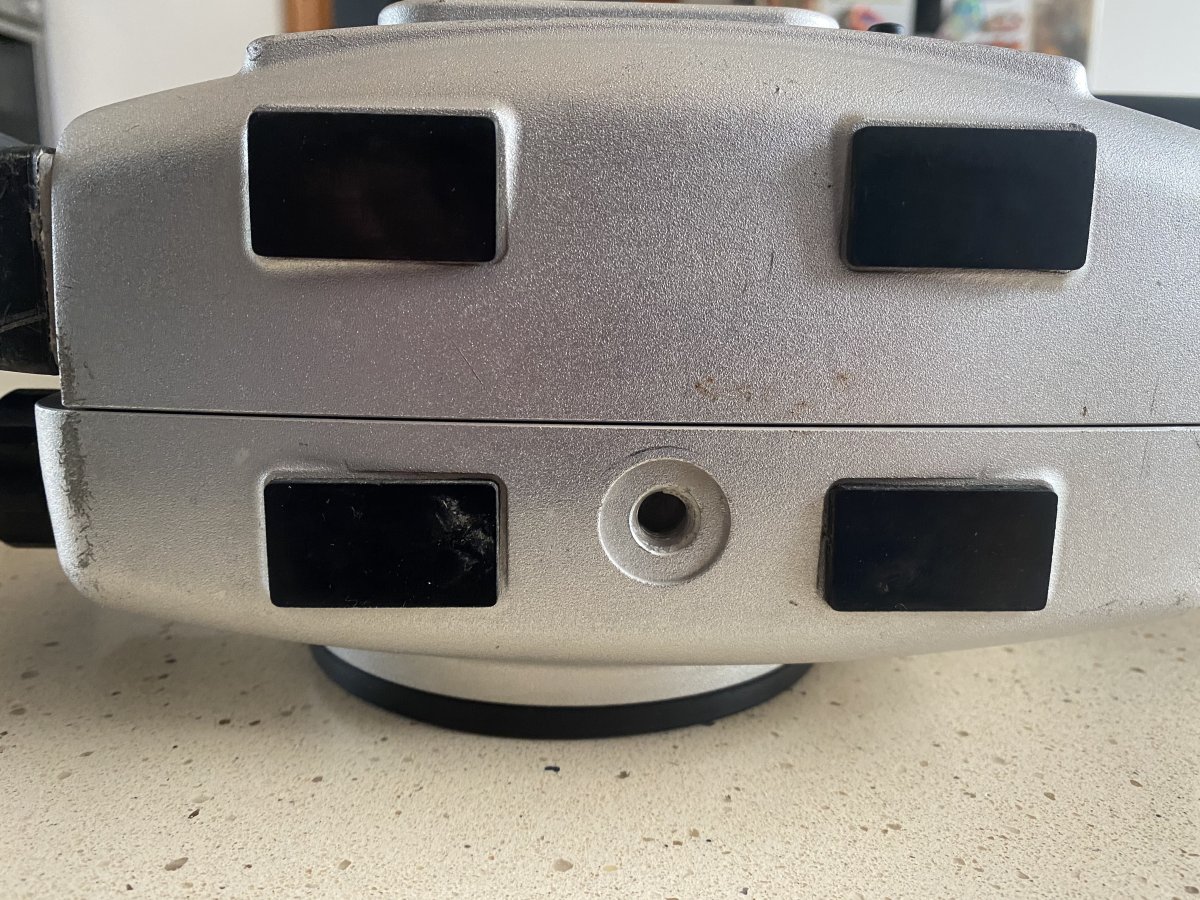
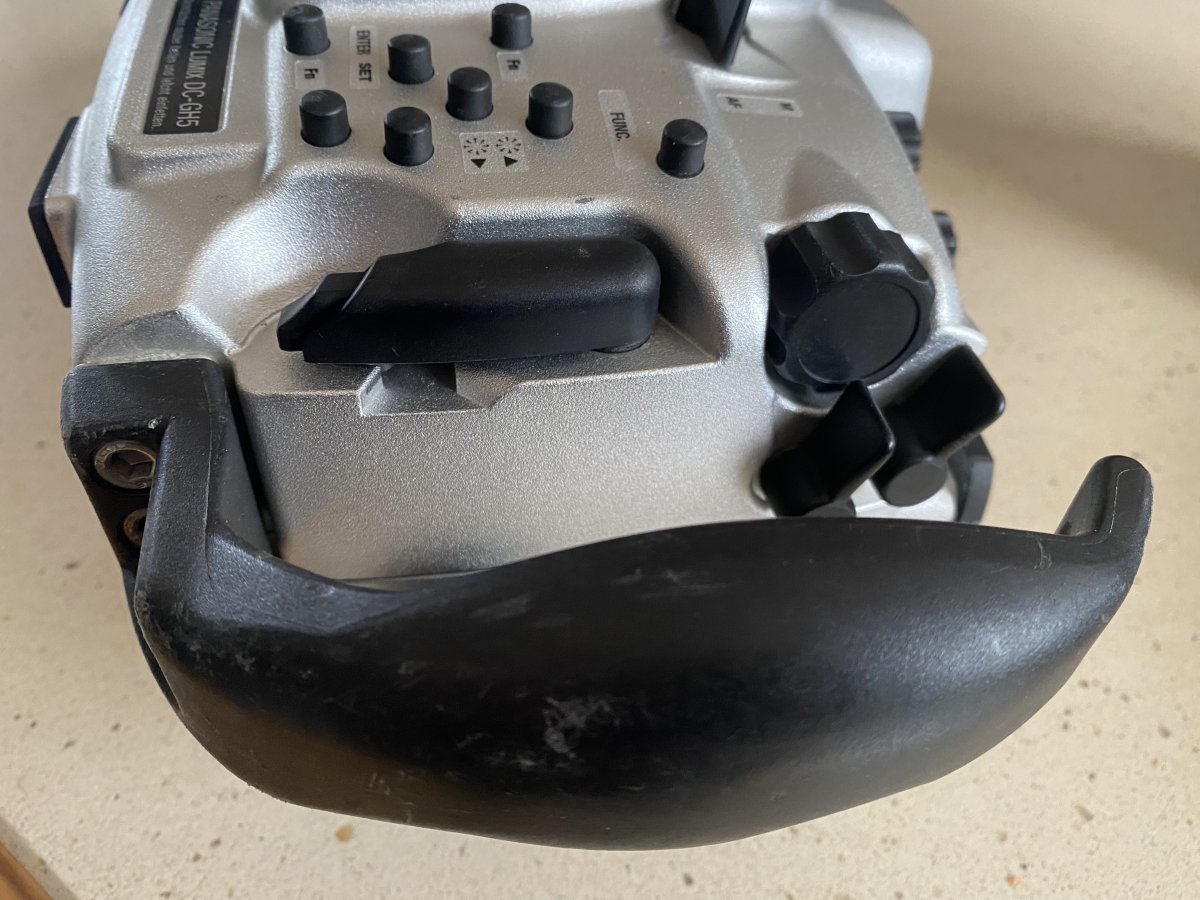
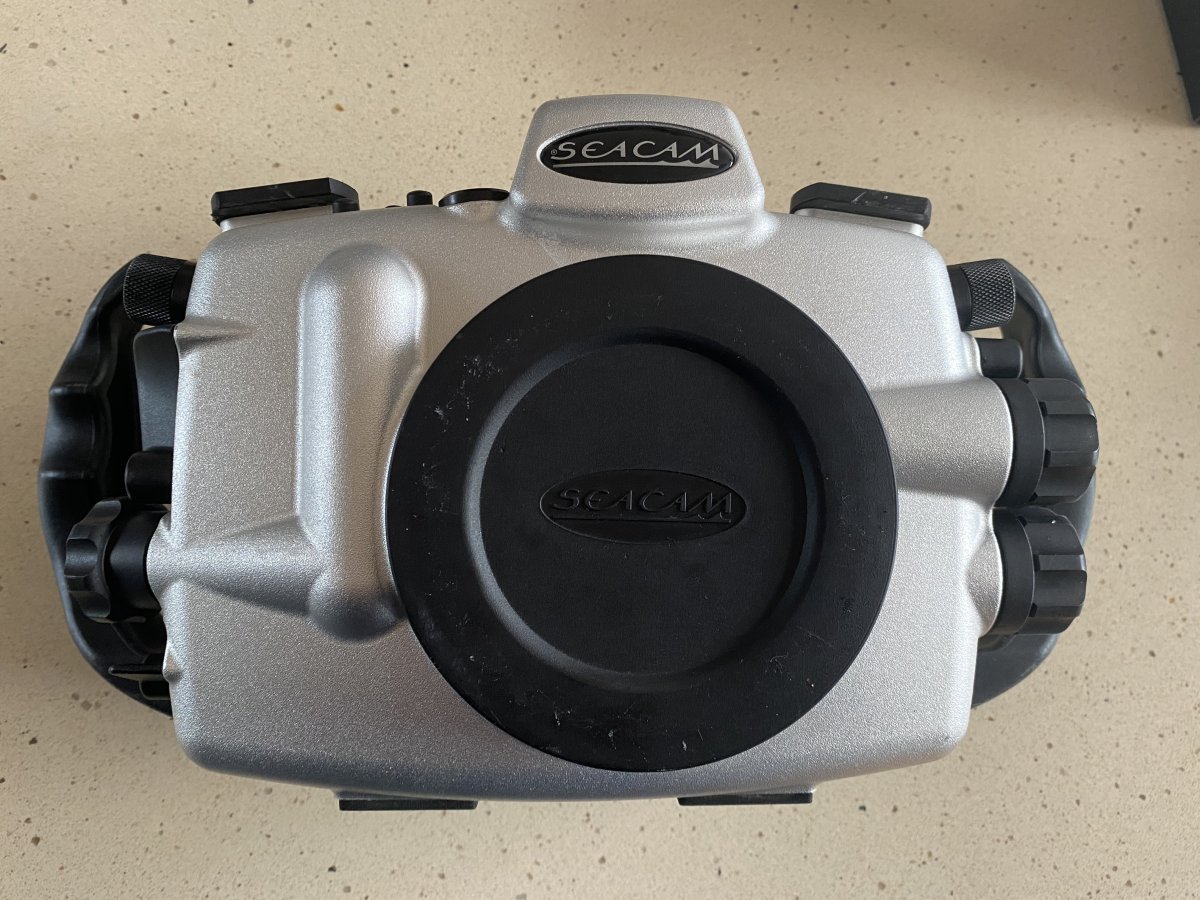
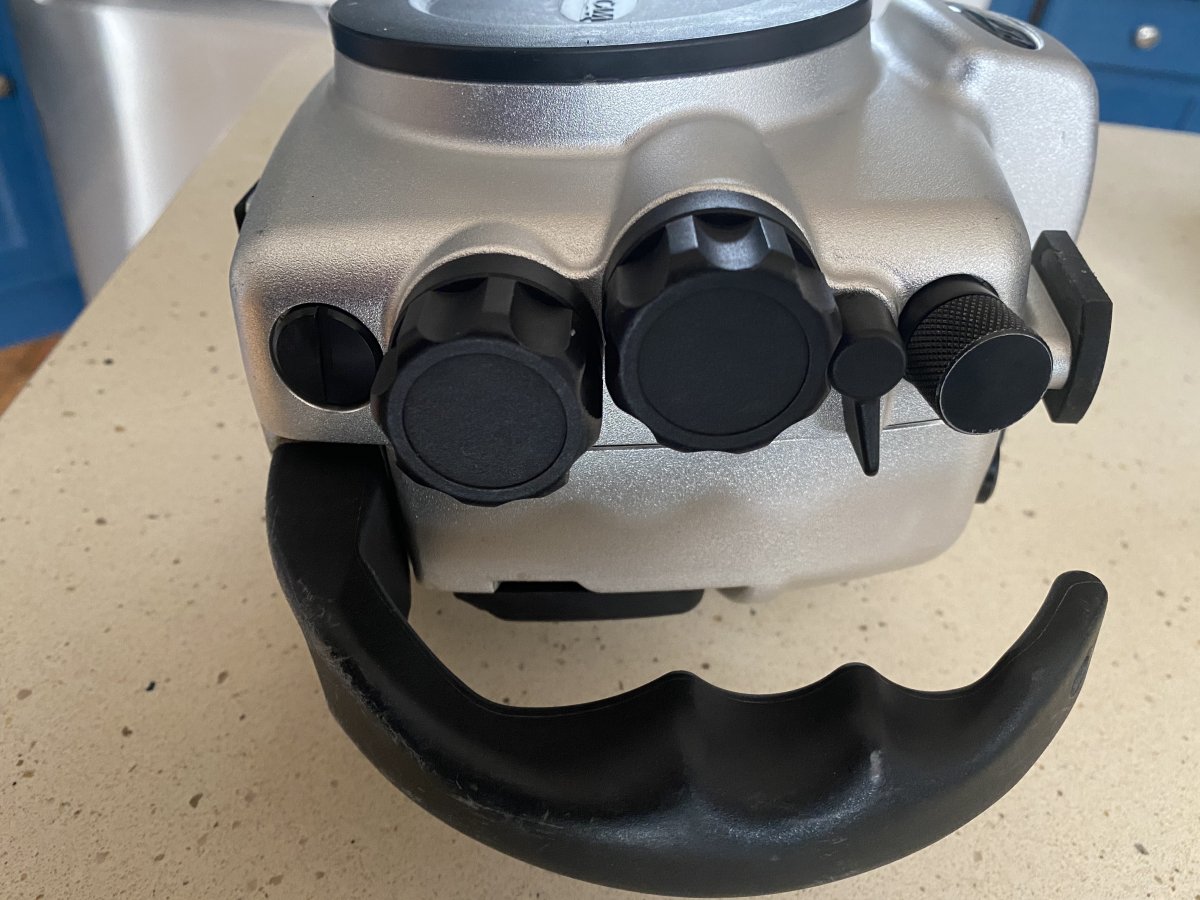
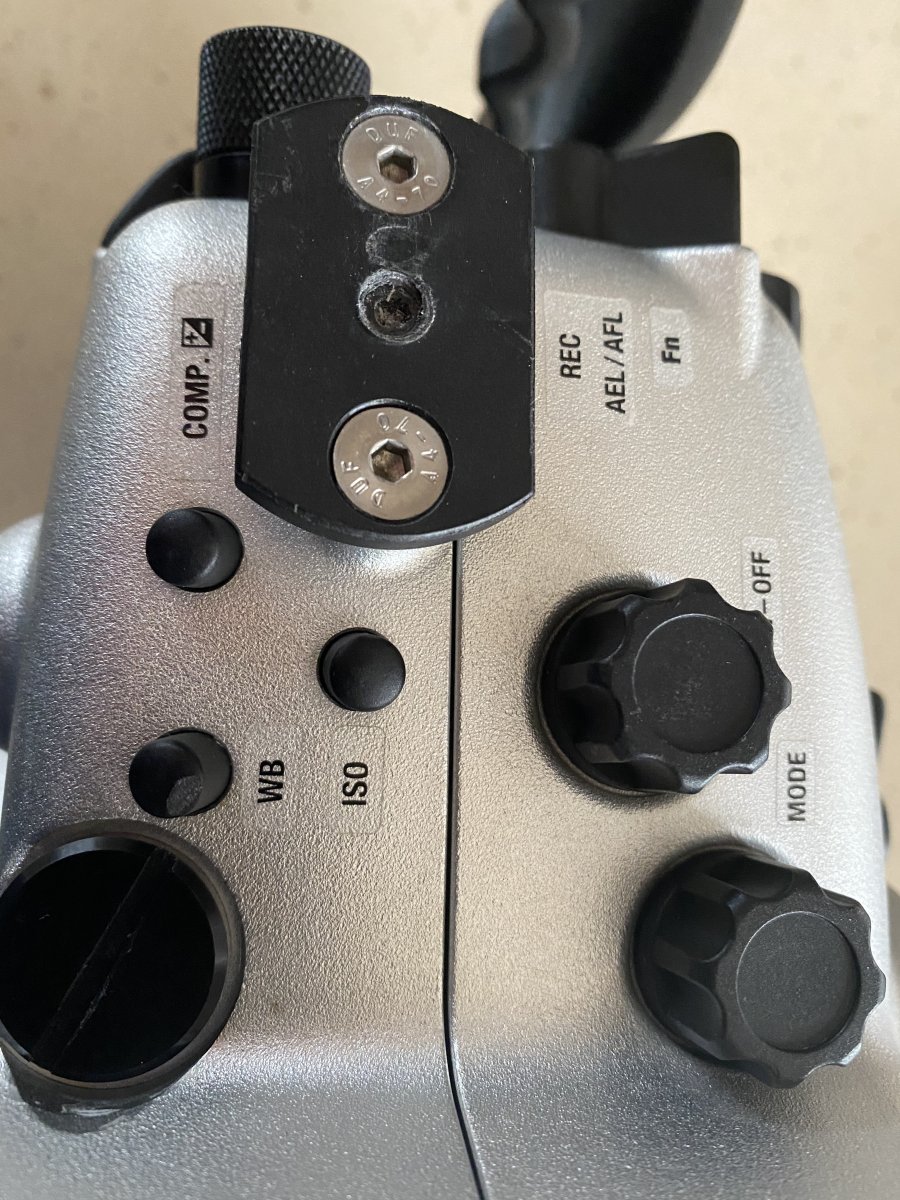
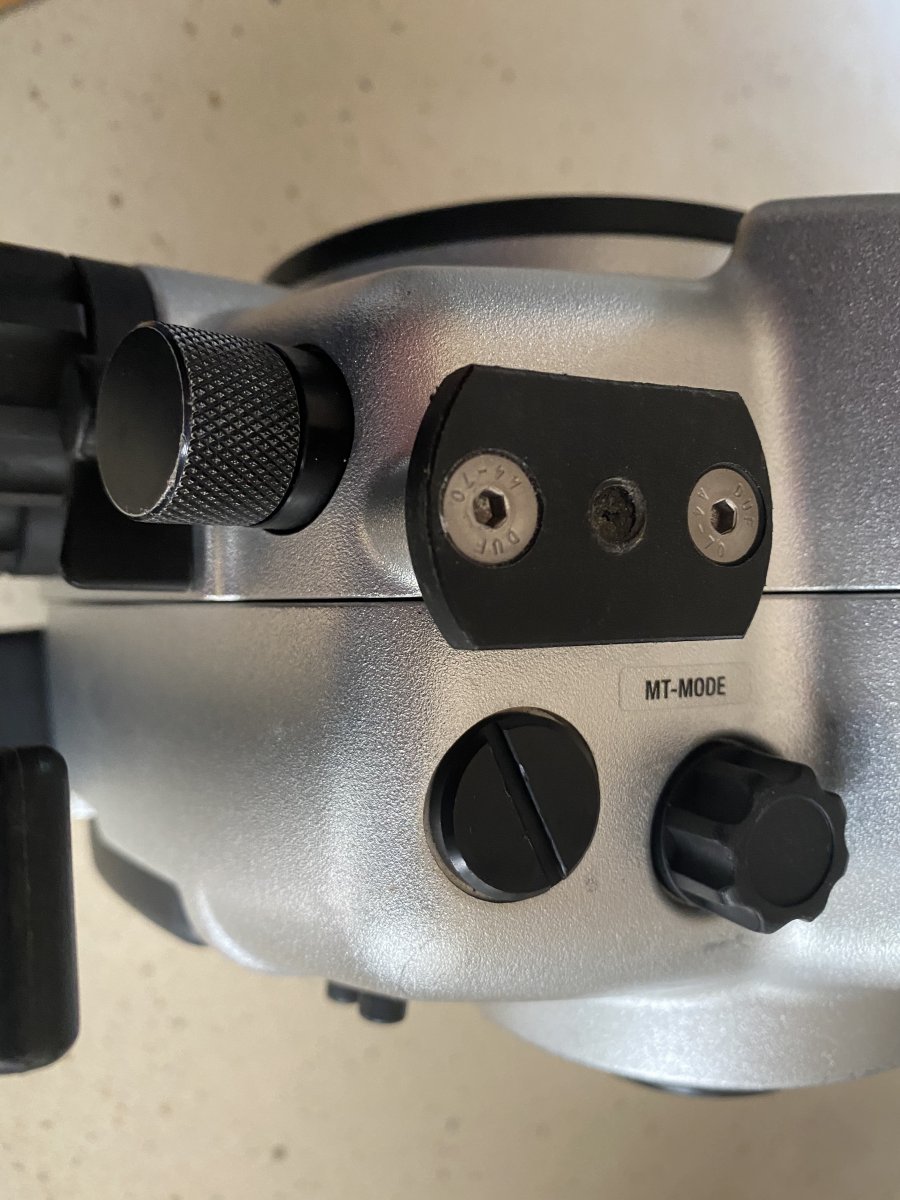
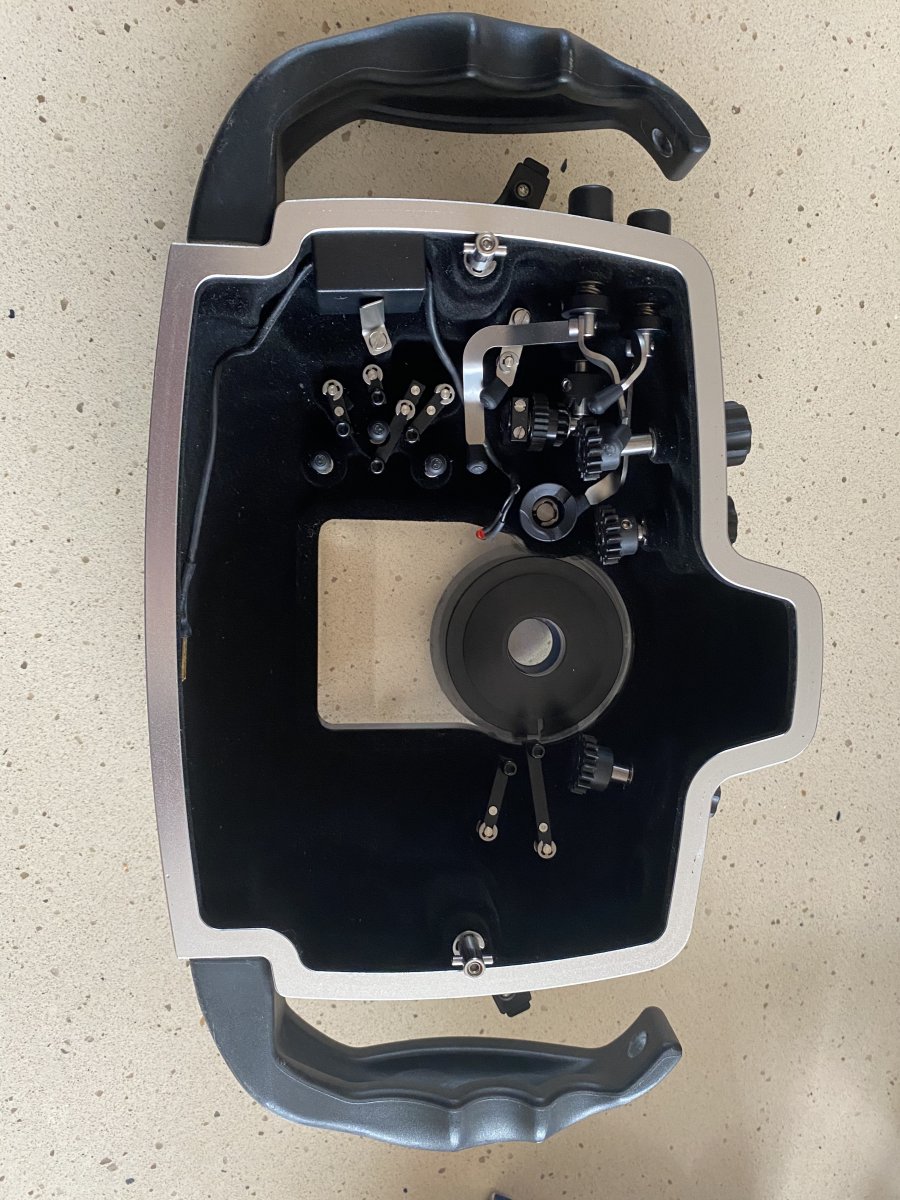
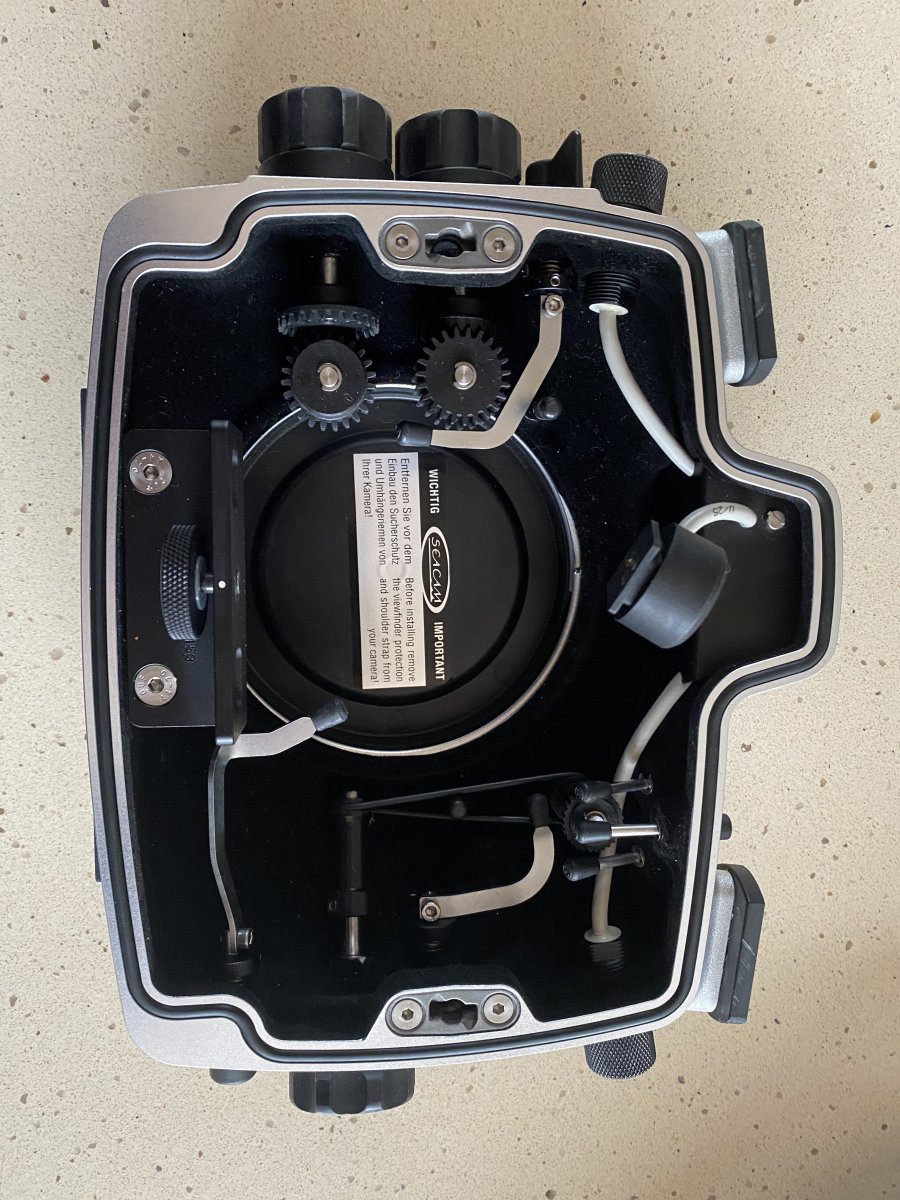
- SEACAM Silver housing for GH5. Bought new in 2020 and has a maximum of 50 dives clocked up. Very well cared for, the housing is inexcellent condition with no significant marks, no damage and no defects. Complete with 2 x S6 bulkhead connectors and leak alarm. The housing has 2 x M14 bulkhead sockets for fitting HDMI port or vacuum system etc. €2,200
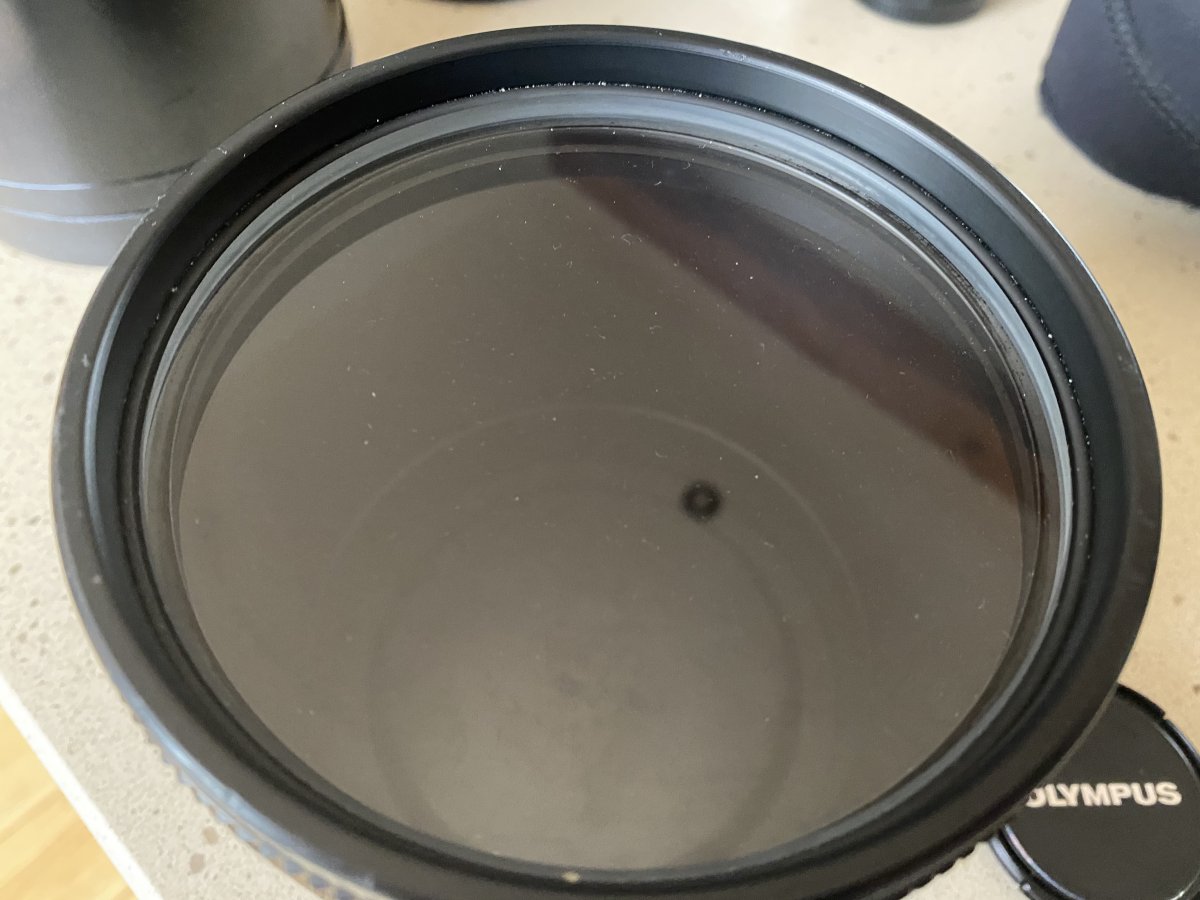
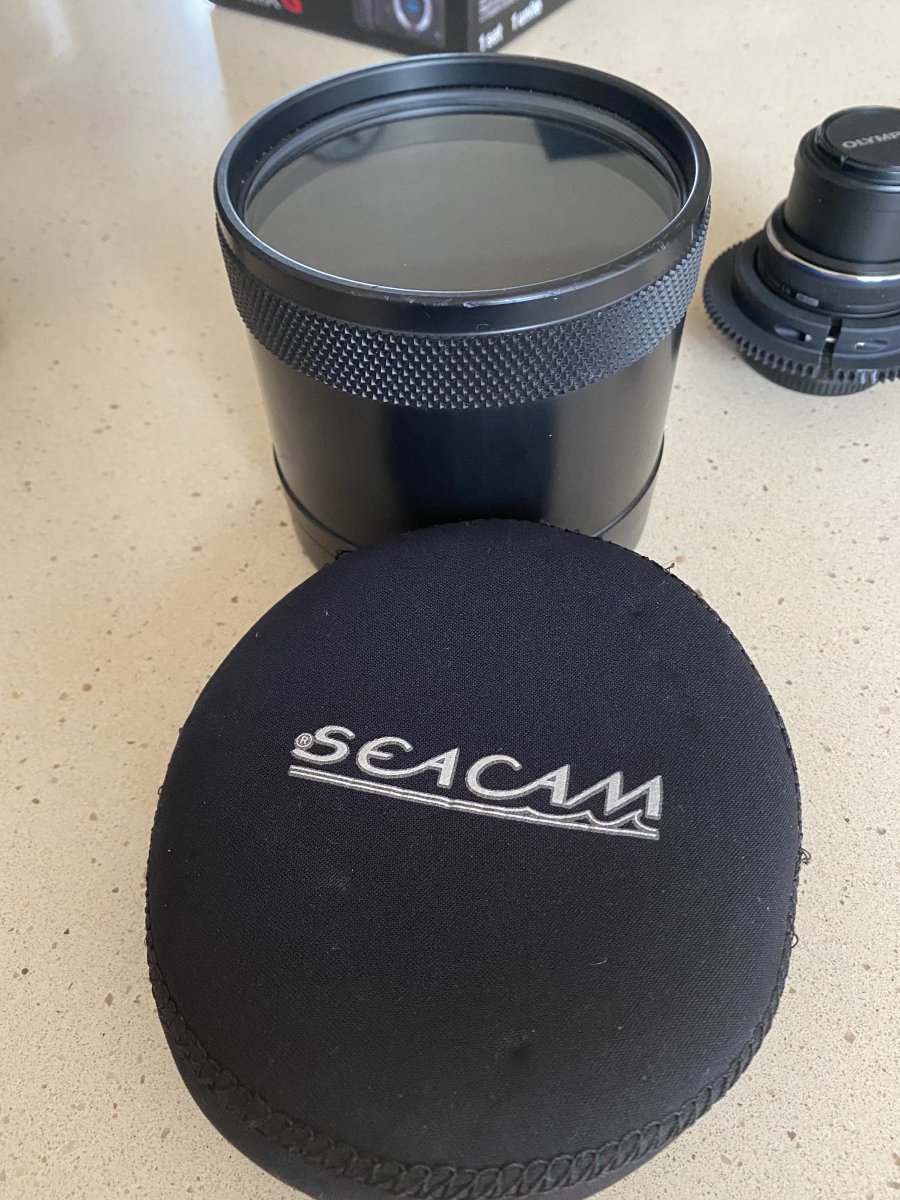
- SEACAM macro port 120 €120
- SEACAM Compact port for Lumix 8mm fisheye €600
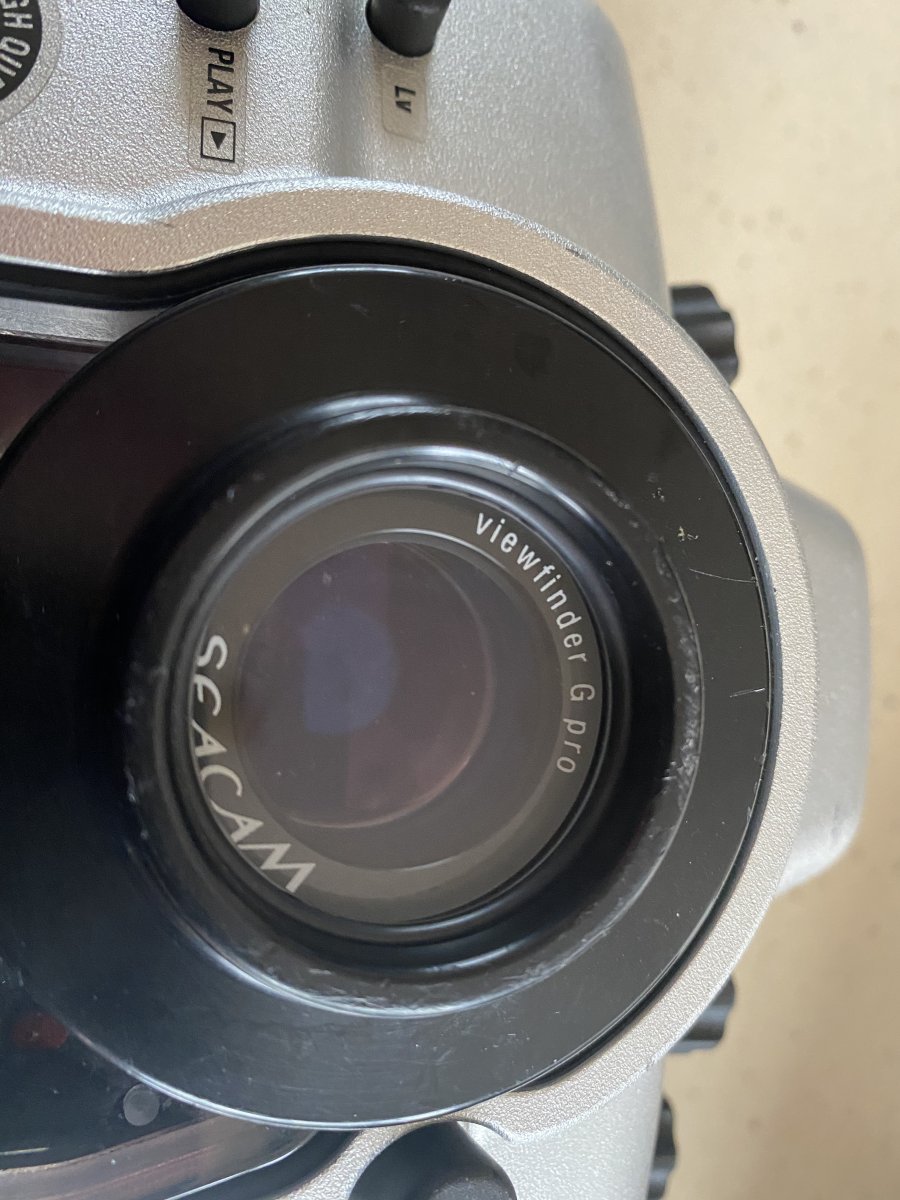
- SEACAM Pro G Viewfinder €280
Total combined price (excluding shipping ) €5,120.
I'm open to reasonable offers if sold as one lot.
+ Shipping. Equipment is located in Republic of Ireland (EU).
Payment via bank transfer or by Revolut.
Questions welcome, just message me.