Skip to content

Classifieds / Archived topic

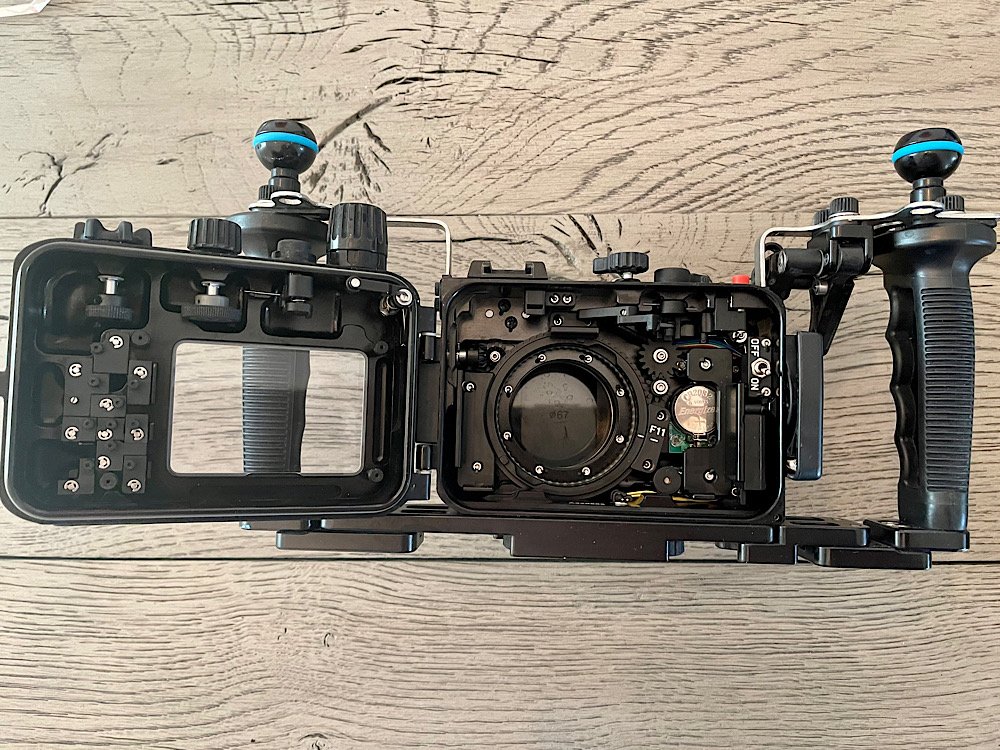
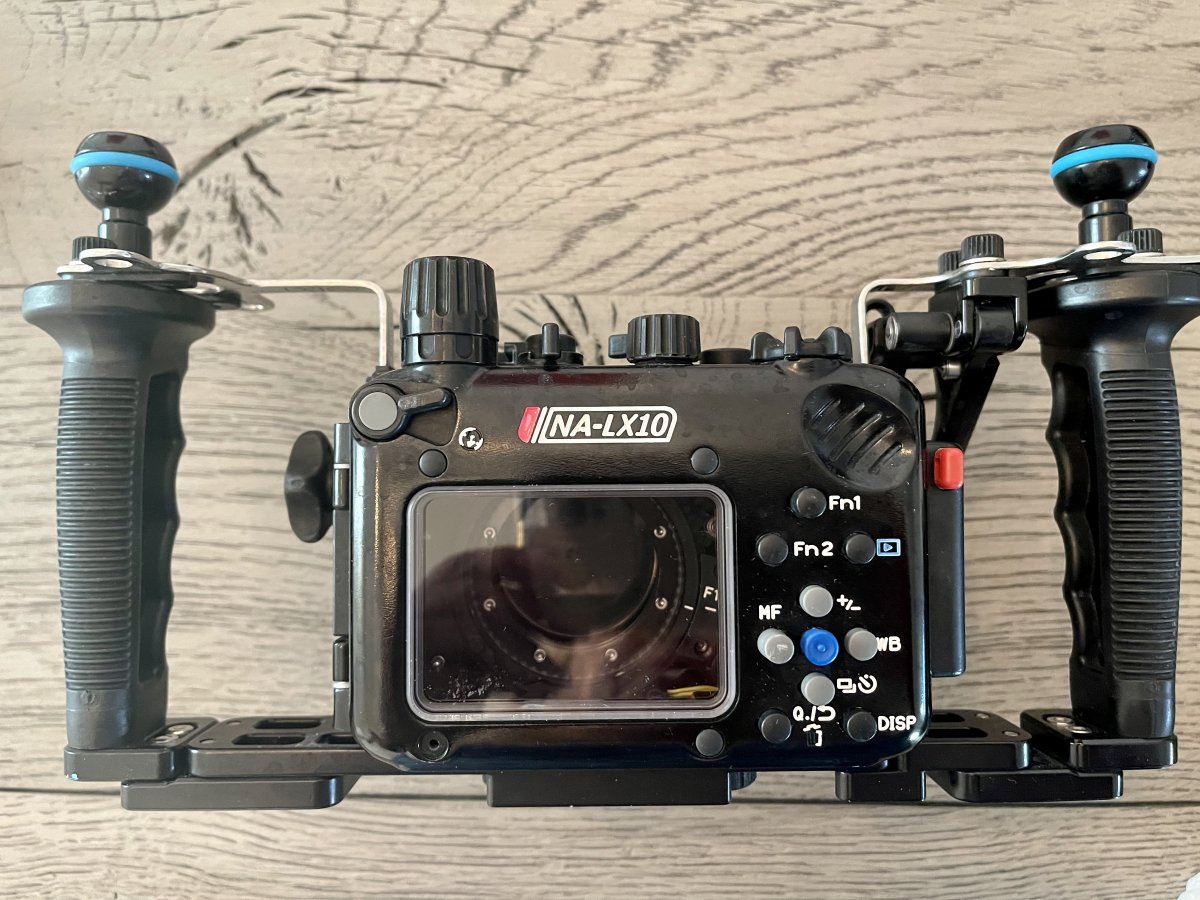
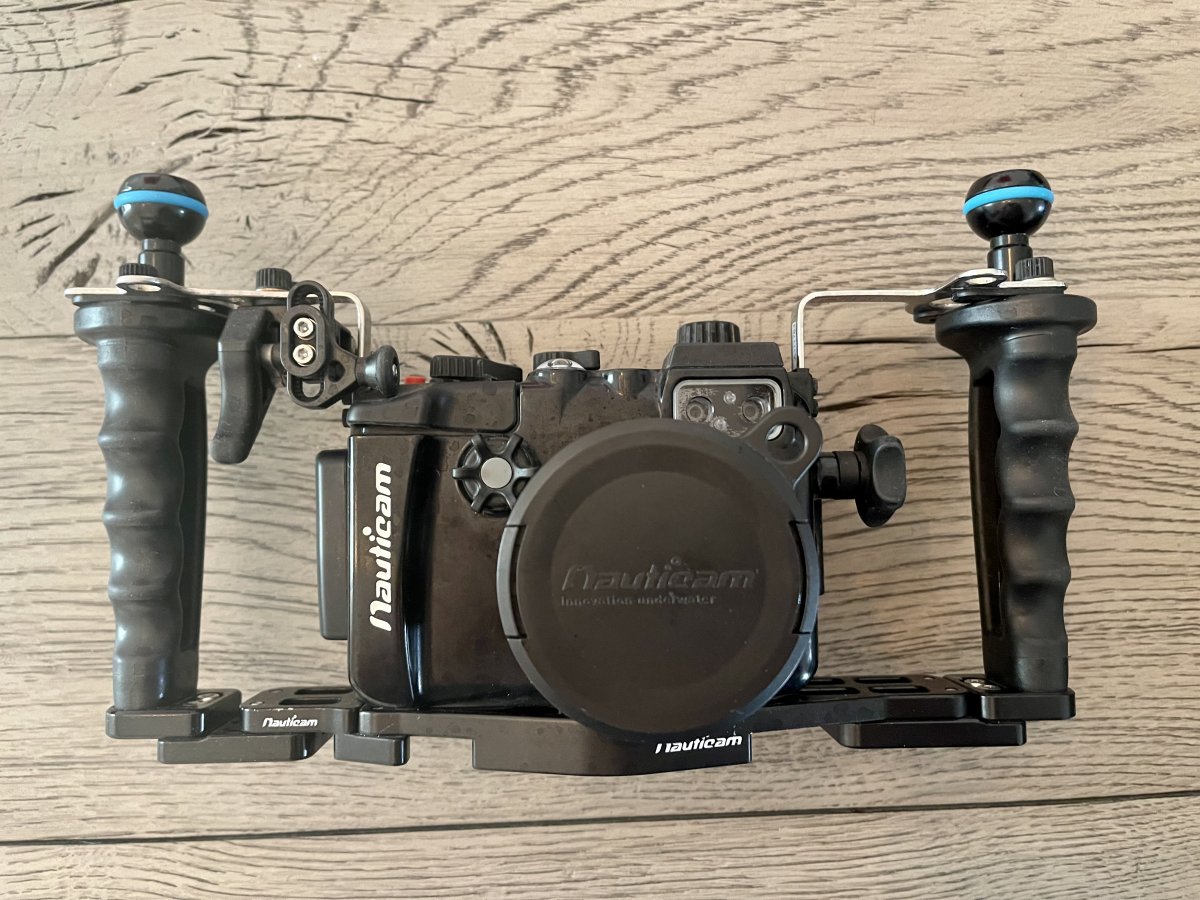
Nauticam NA-LX10 Underwater Housing w/ Panasonic LX10 Camera

Started by Scubadived1va ·

  • 3Posts
  • 3Replies

Read-only discussion

Nauticam NA-LX10 Underwater Housing w/ Panasonic LX10 Camera

3 posts
  1. Asking $1200

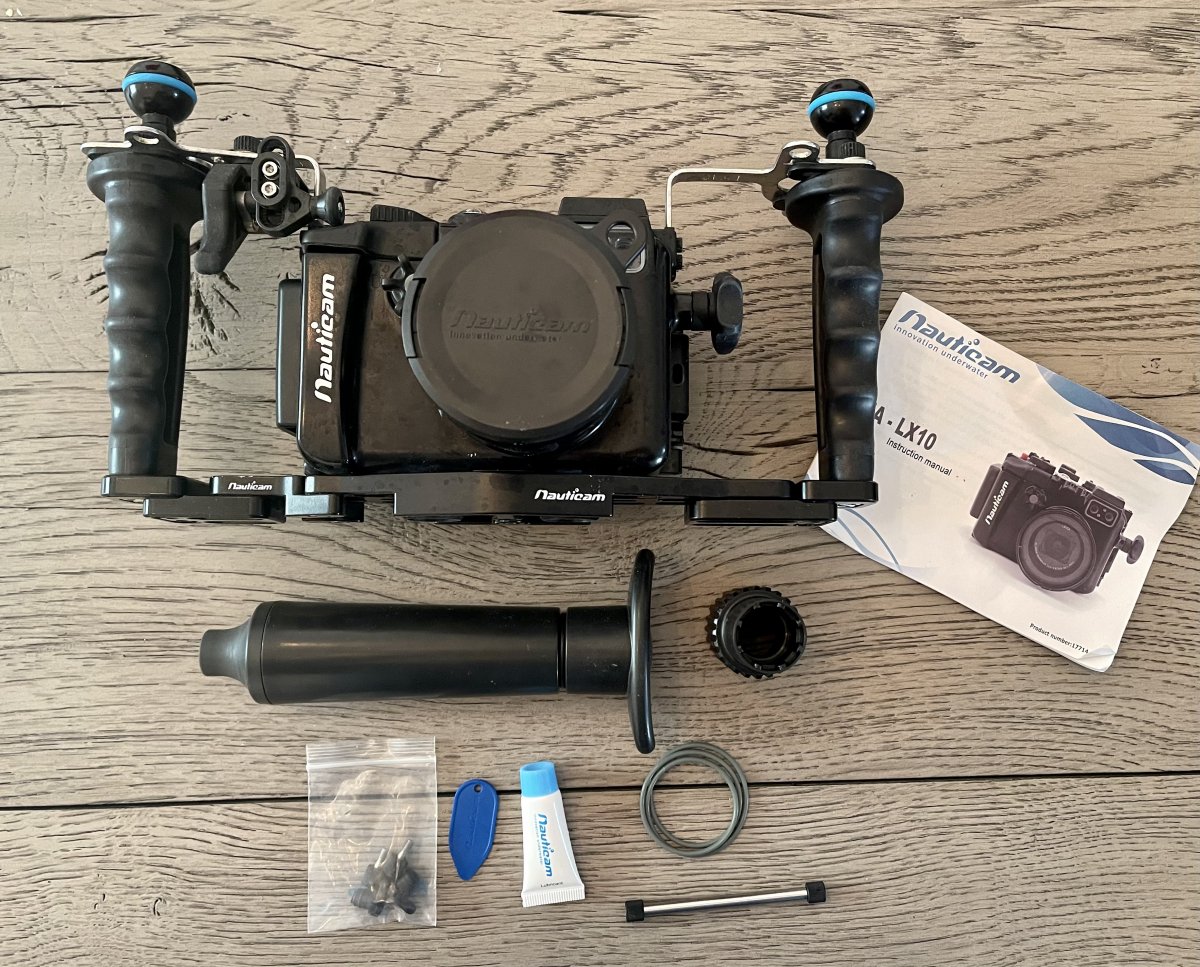
    Kit includes:

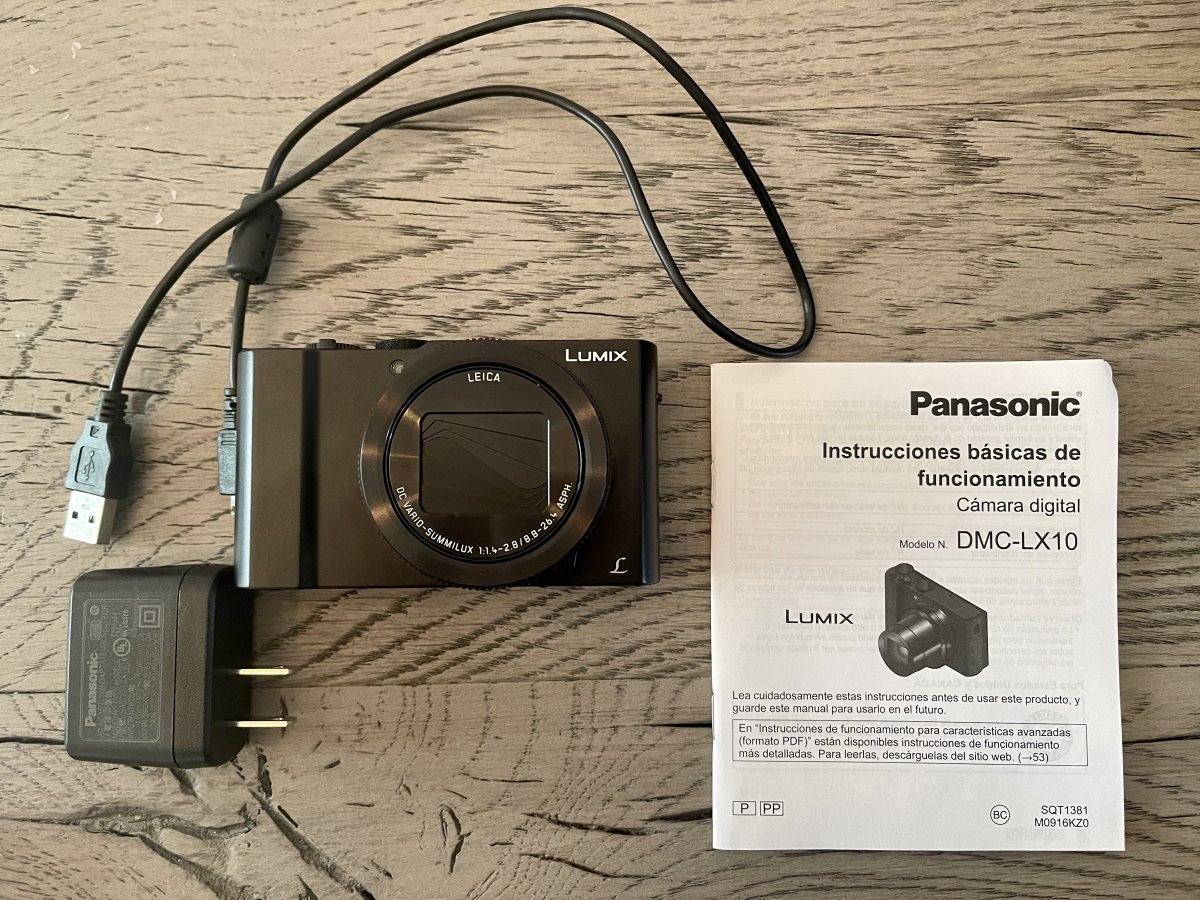
    •  Panasonic LUMIX LX10 4K Compact Camera (includes one Panasonic DMW-BLH7 Li-Ion Battery) with charging cable.
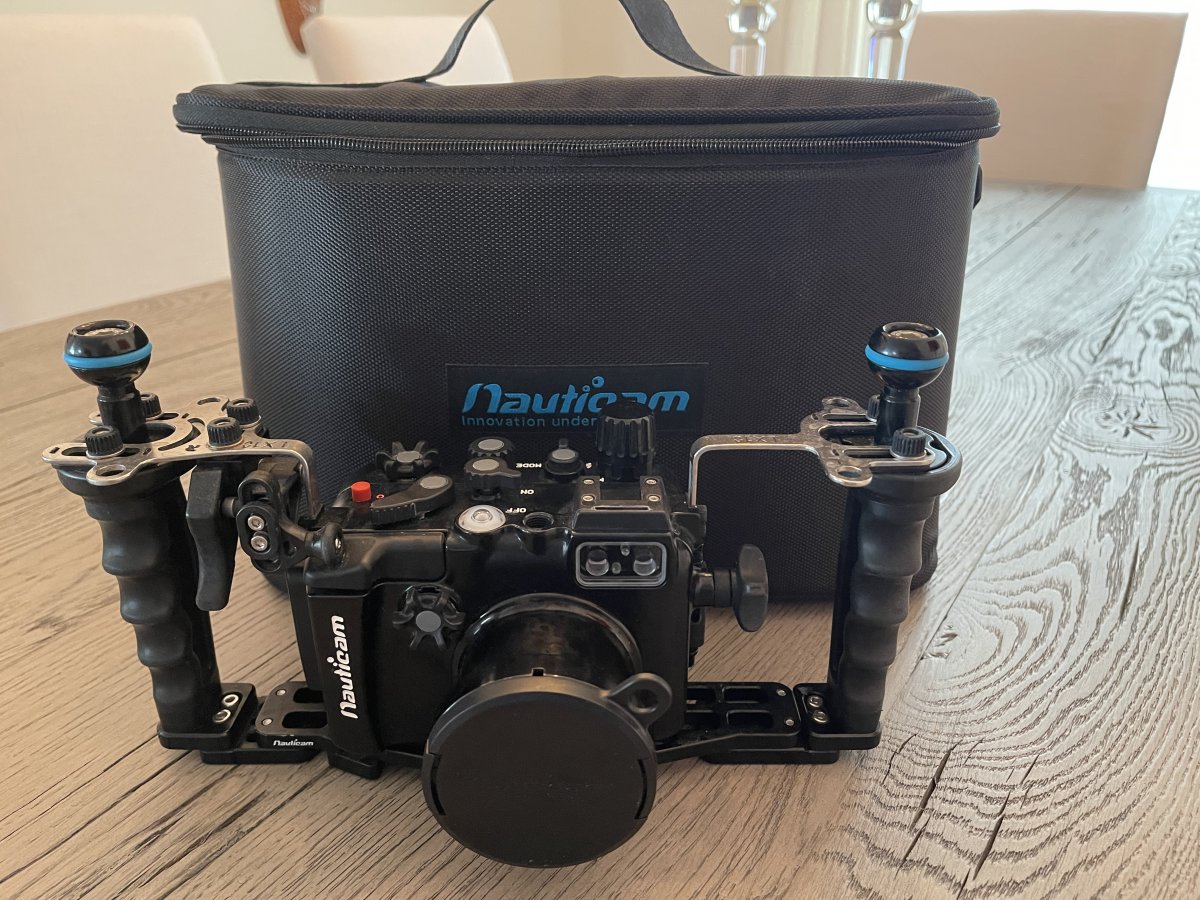
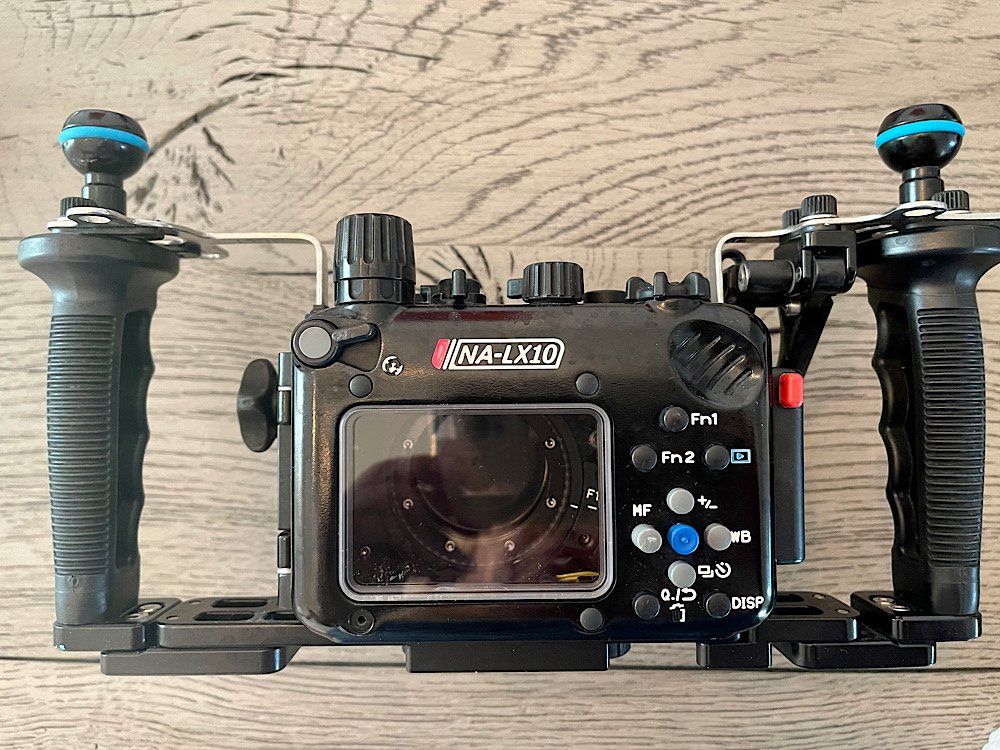
    • , Dual Handle & Vacuum Package.
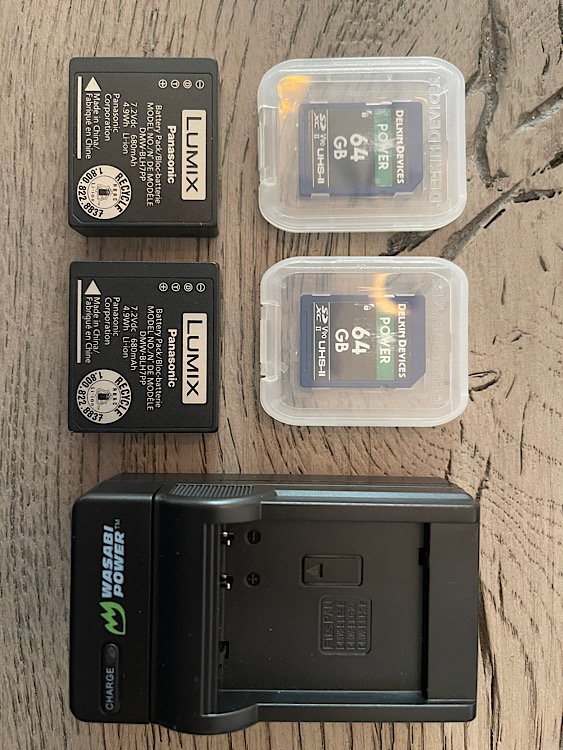
    • Two (2) Delkin Devices 64GB POWER UHS-II micro SDXC Memory Cards.
    • One (1) extra Panasonic DMW-BLH7 Li-Ion Battery.
    • Lubricant and spare o-ring for Nauticam housing.
    • Wasabi wall plug-in battery charger. (Camera only comes with an in-camera charging cable).
    • Book: Photographer’s Guide to the Panasonic Lumix DMC-LX10/15 by Alexander S. White.

    Condition:

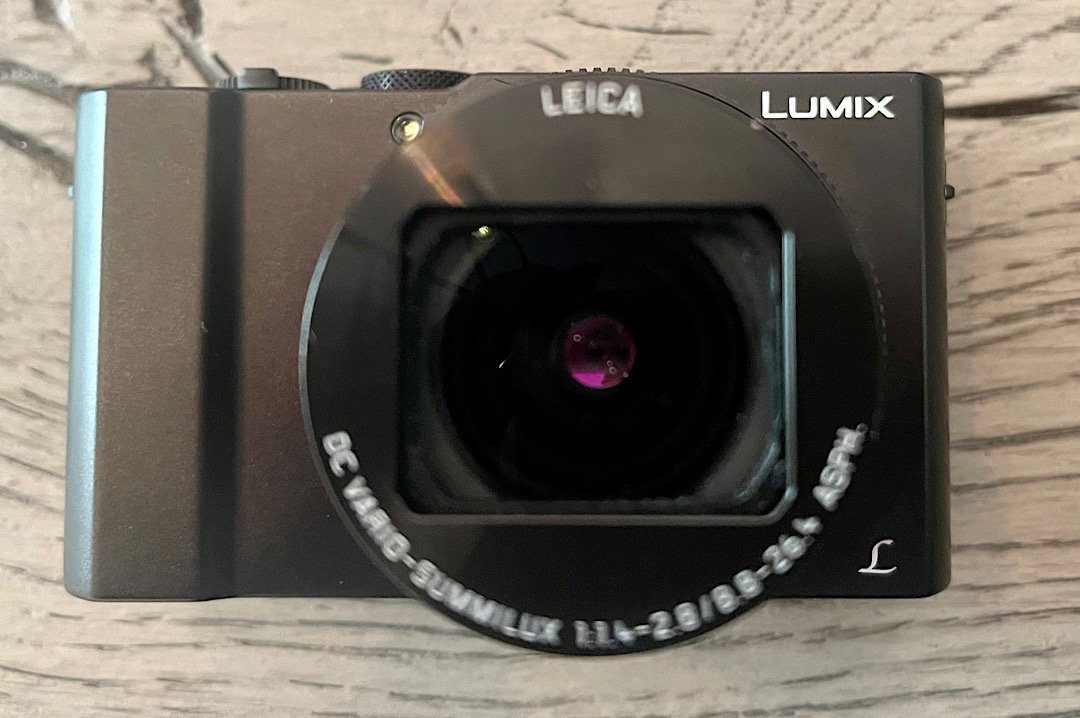
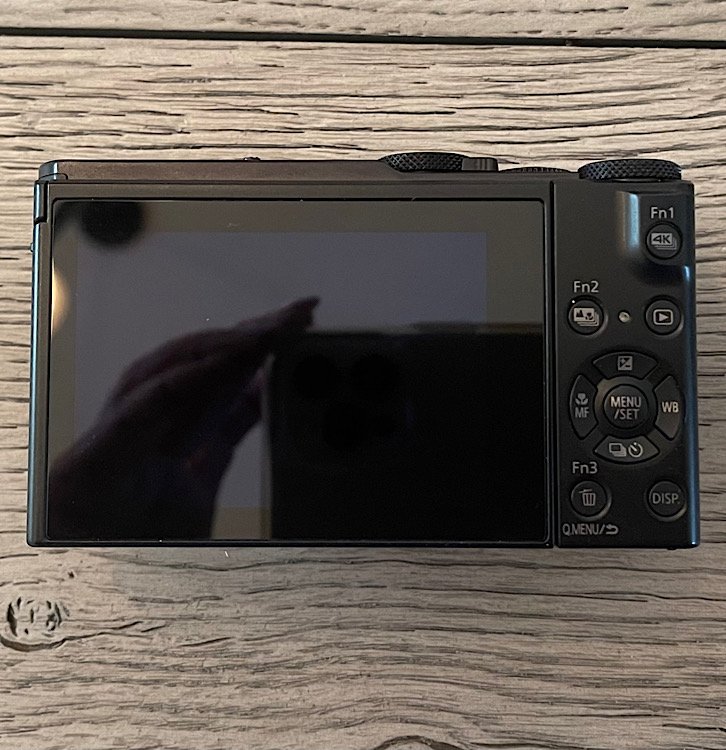
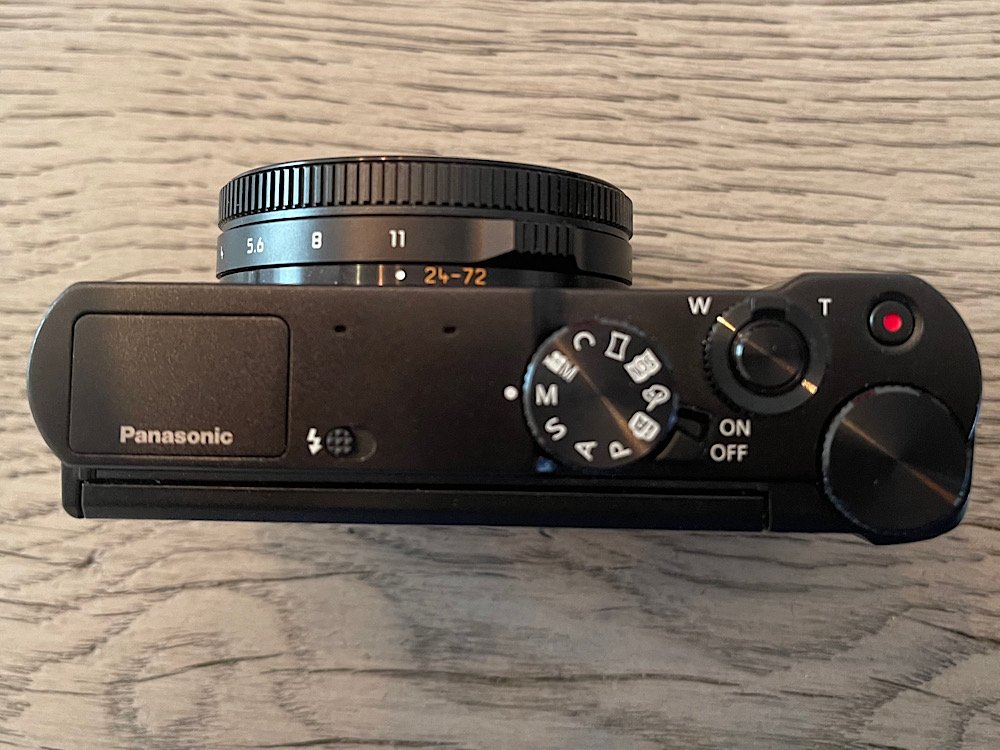
    • LUMIX LX-10 camera excellent condition without box. 
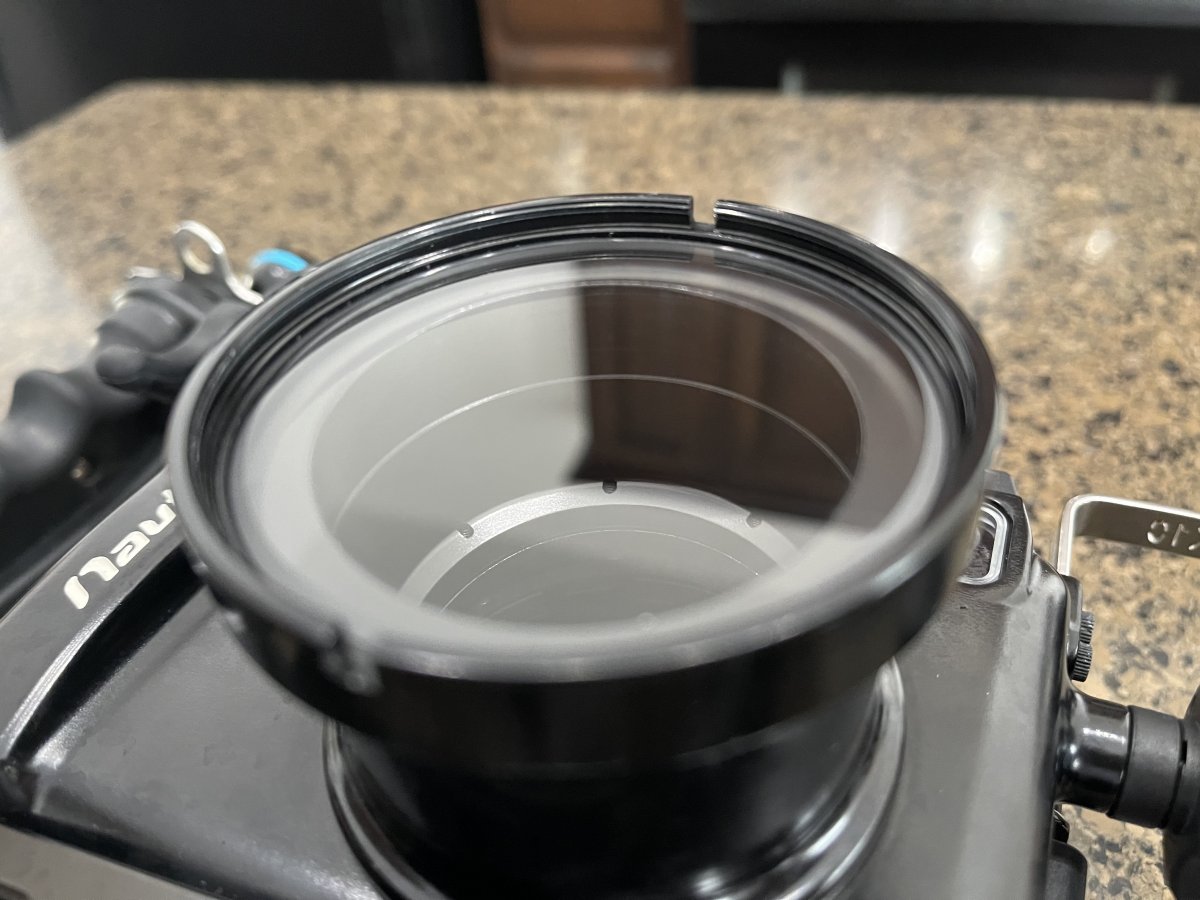
    • Housing in excellent condition, gently used and well taken care of.  External housing shows some insignificant signs of wear such as slight water marks on exterior housing, a minor scratch in bottom left display which is not noticeable underwater and does not interfere with operation/function.
    9BAEDCCE-CF12-459D-933E-F01222FA24AB.jpeg

    1797F96A-7187-41F9-B38A-297840A3407F.jpeg

    DD6C4E38-143F-49D4-8C29-6338381720A5.jpeg

    ECD50093-3D1A-4ABB-BD37-71683393E7CC.jpeg

    6BBEB283-E946-4A02-9EA6-77BFAD6E3EF0.jpeg

    D06454CB-49BB-4204-B224-9CA8CC9E81CA.jpeg

    A9999A5D-ABD5-4703-86C4-A4ABF320011F.jpeg

    0545C404-3BE6-41F3-BAC8-43BF9D2027A2.jpeg

    2990C2BF-921E-4A3F-886D-B435F710E086.jpeg

    BF80EAE4-C73E-456A-953B-EFA1D29700DF.jpeg

    41F3B3B7-70FE-4678-8E15-A5D6F3D05C1E.jpeg

    CCB6983E-CFB0-4CD7-BF0A-2DEF3E63F162.jpeg

    Edited by Scubadived1va
  2. Adding pics to show the condition of the front lens. 

    08BA710C-C2AF-4A11-9DB6-48E62961D6FB.jpeg

    D20781AE-8252-49BF-BD31-32DD2986EC1E.jpeg

  3. Sold

Turtle

Account

Navigation

Search

Search

Configure browser push notifications

Chrome (Android)
  1. Tap the lock icon next to the address bar.
  2. Tap Permissions → Notifications.
  3. Adjust your preference.
Chrome (Desktop)
  1. Click the padlock icon in the address bar.
  2. Select Site settings.
  3. Find Notifications and adjust your preference.