|
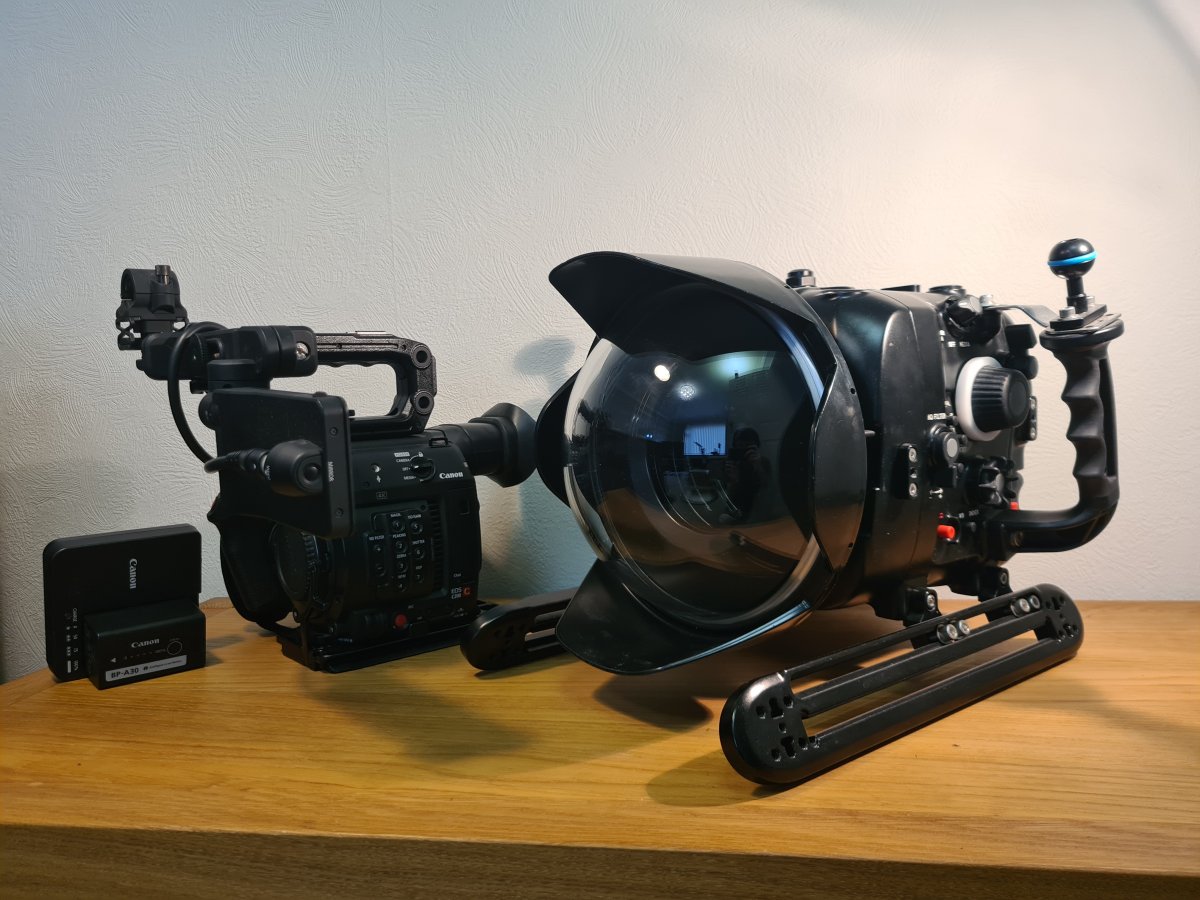
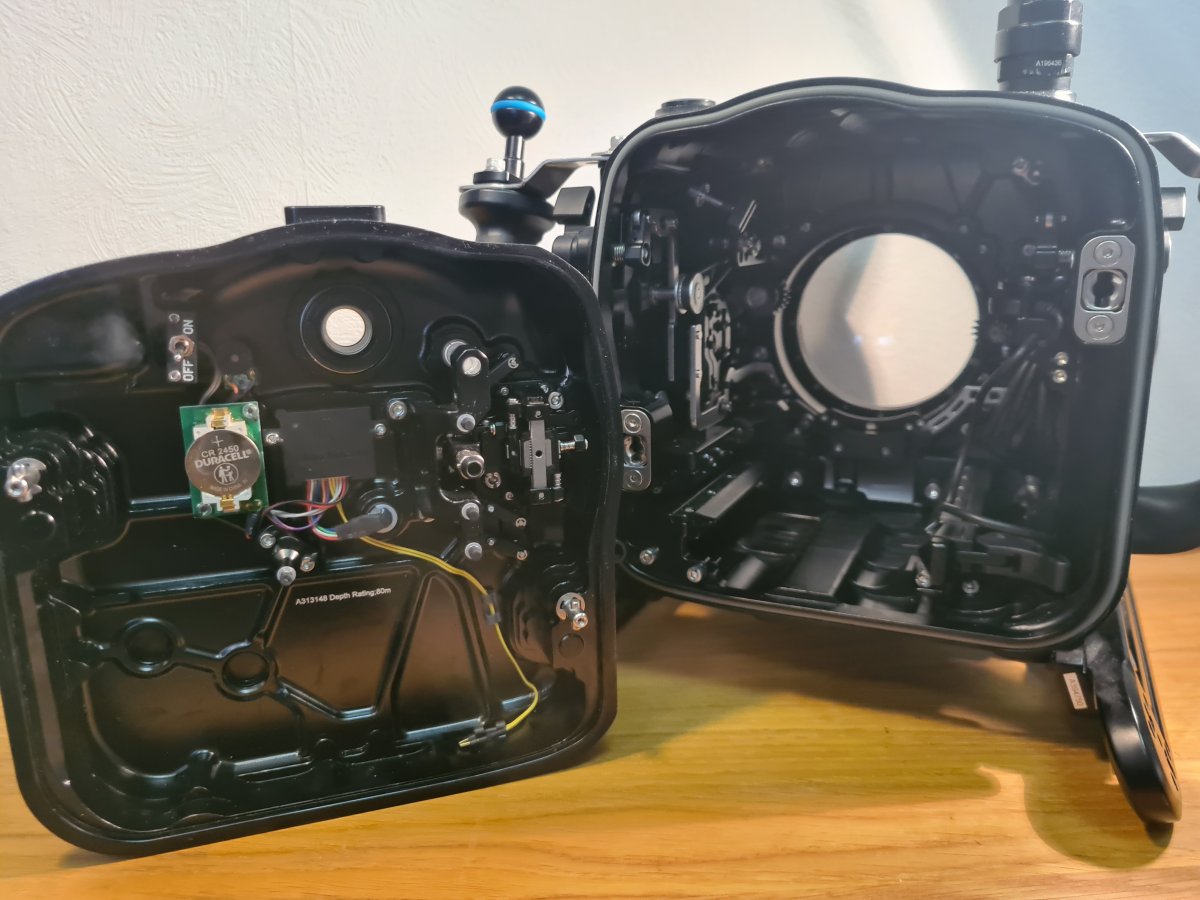
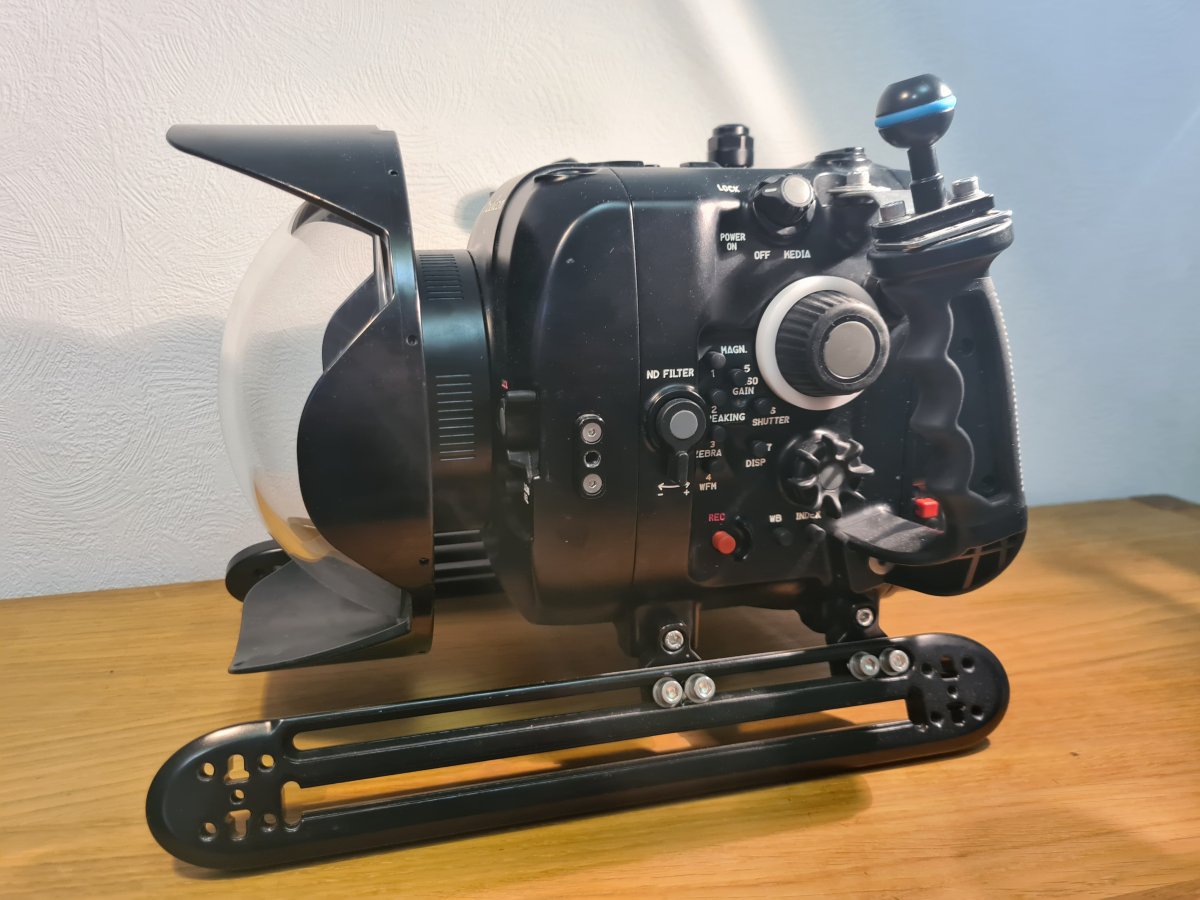
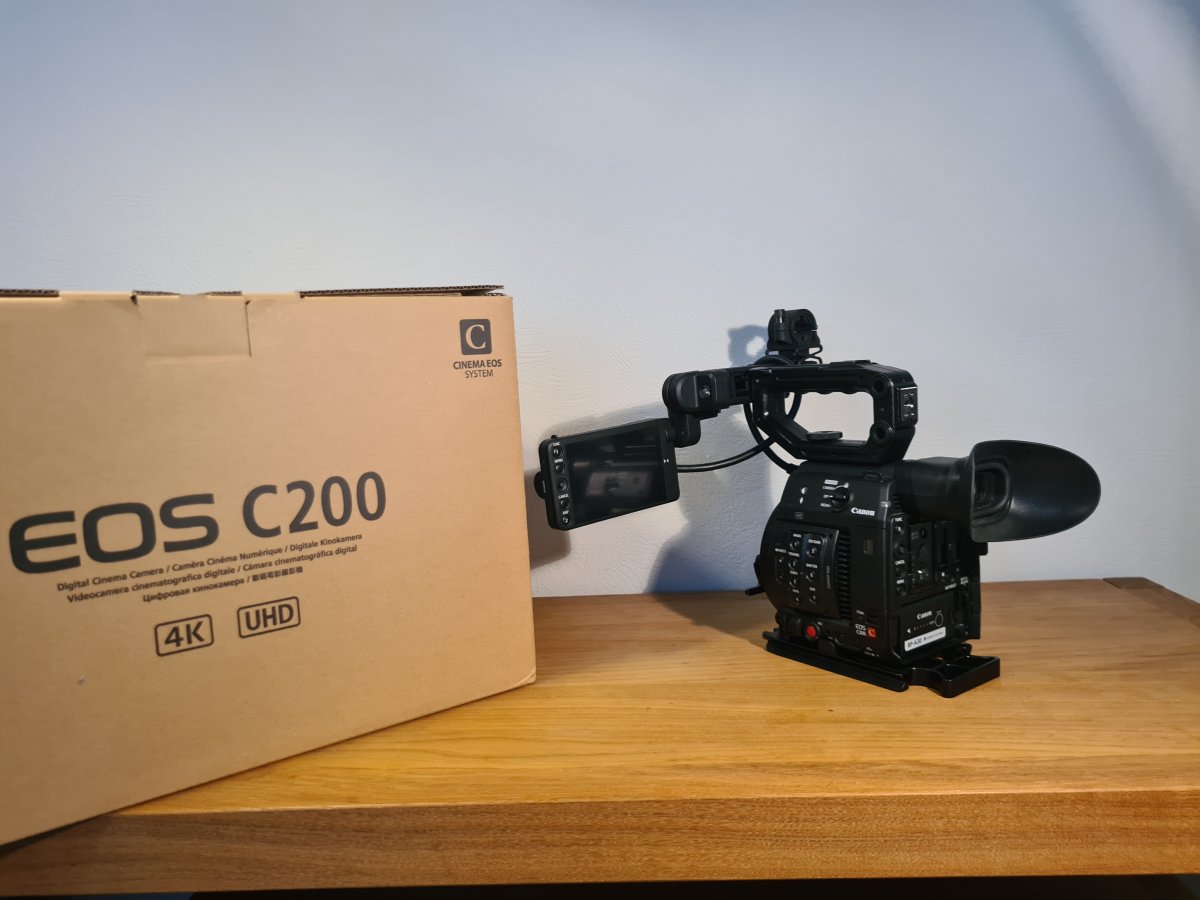
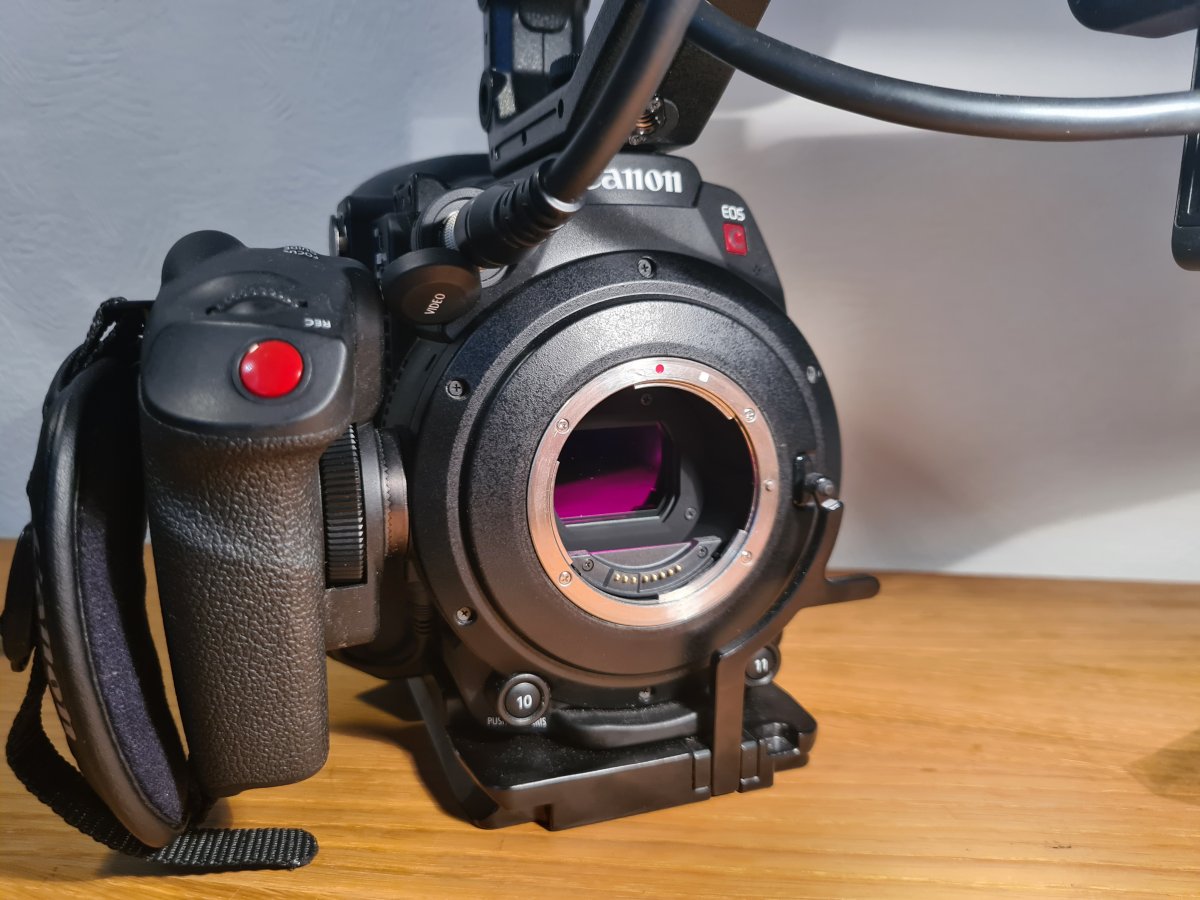
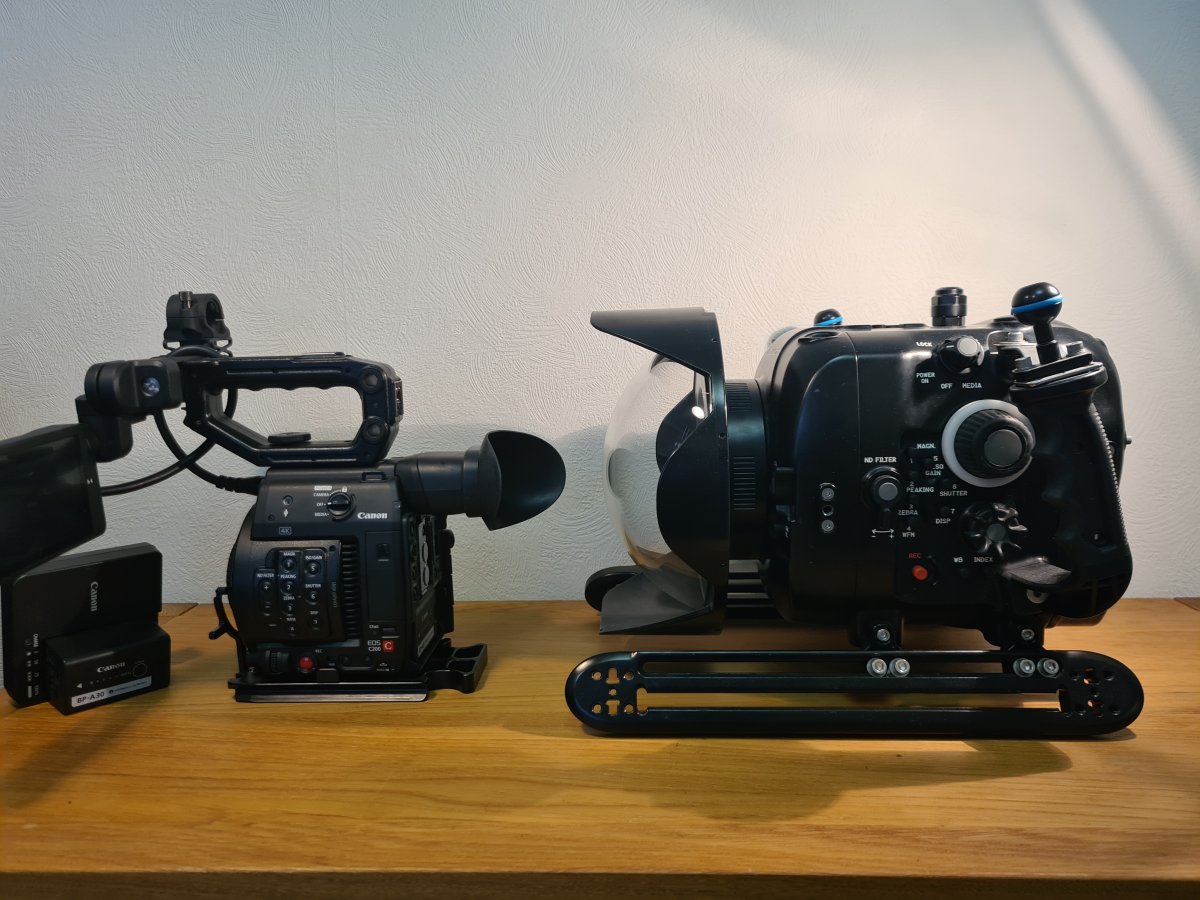
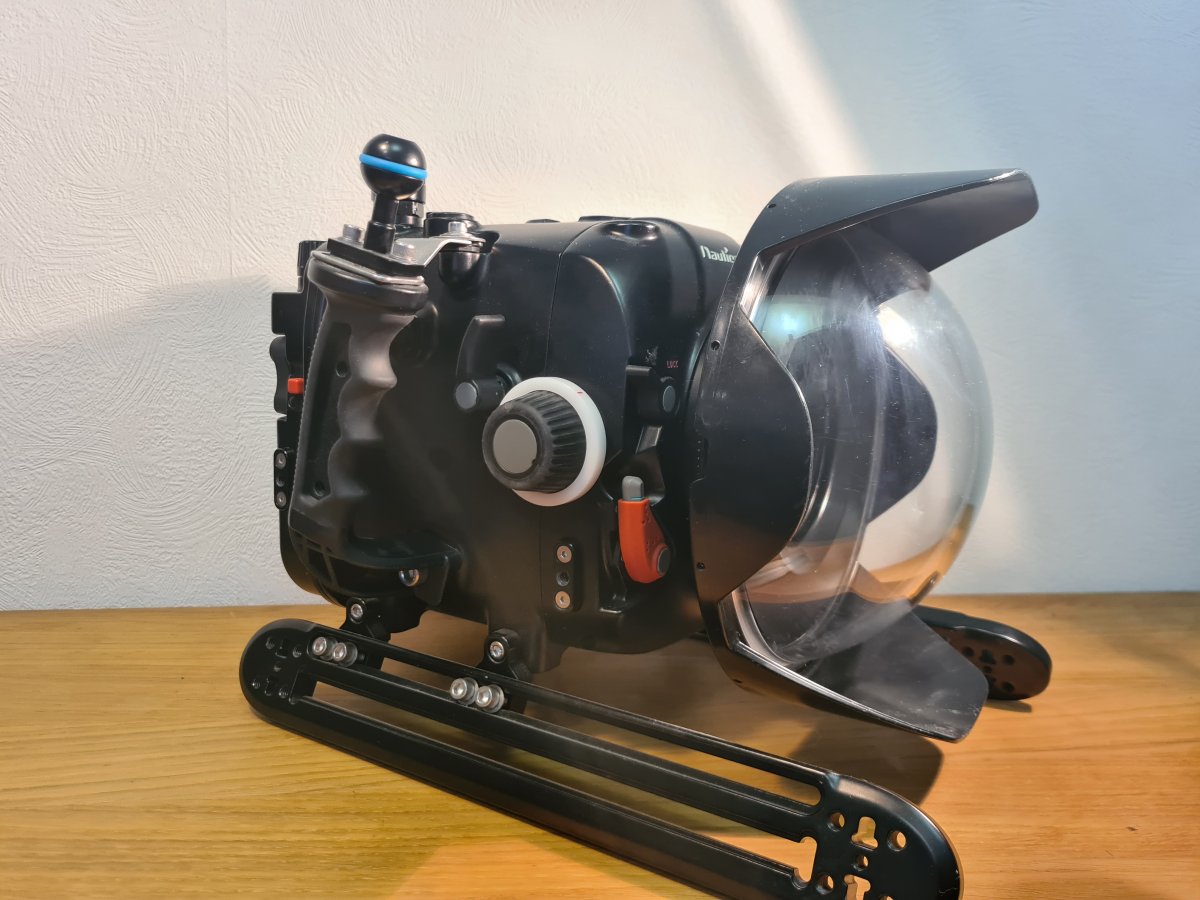
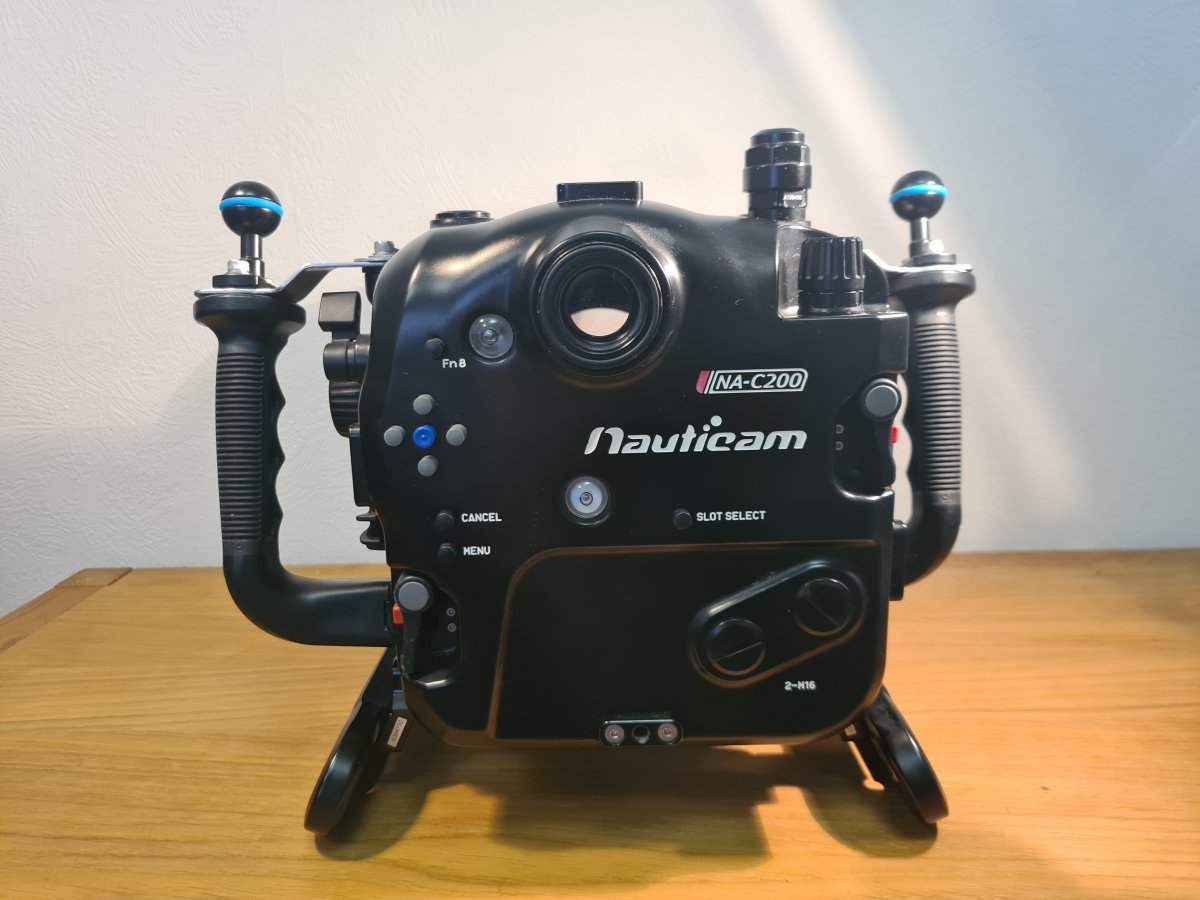
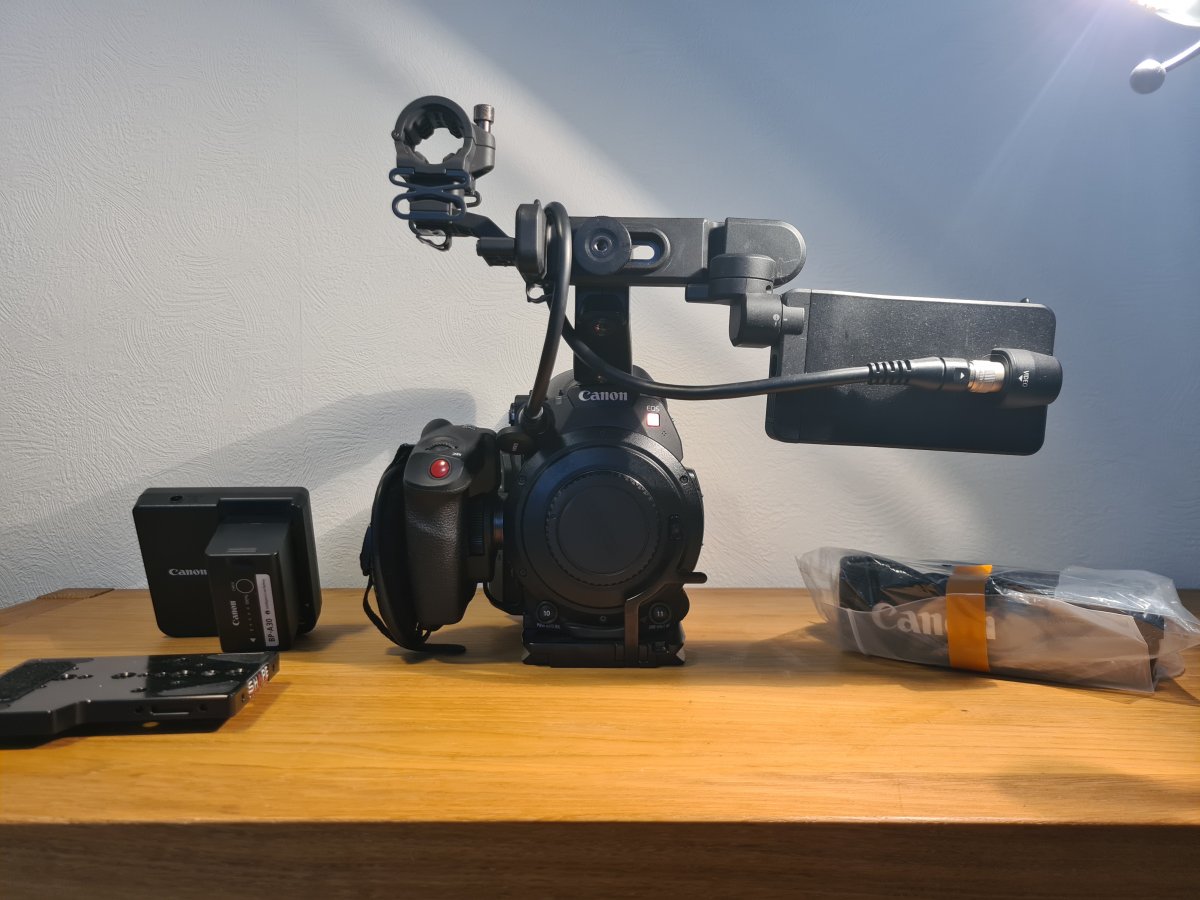
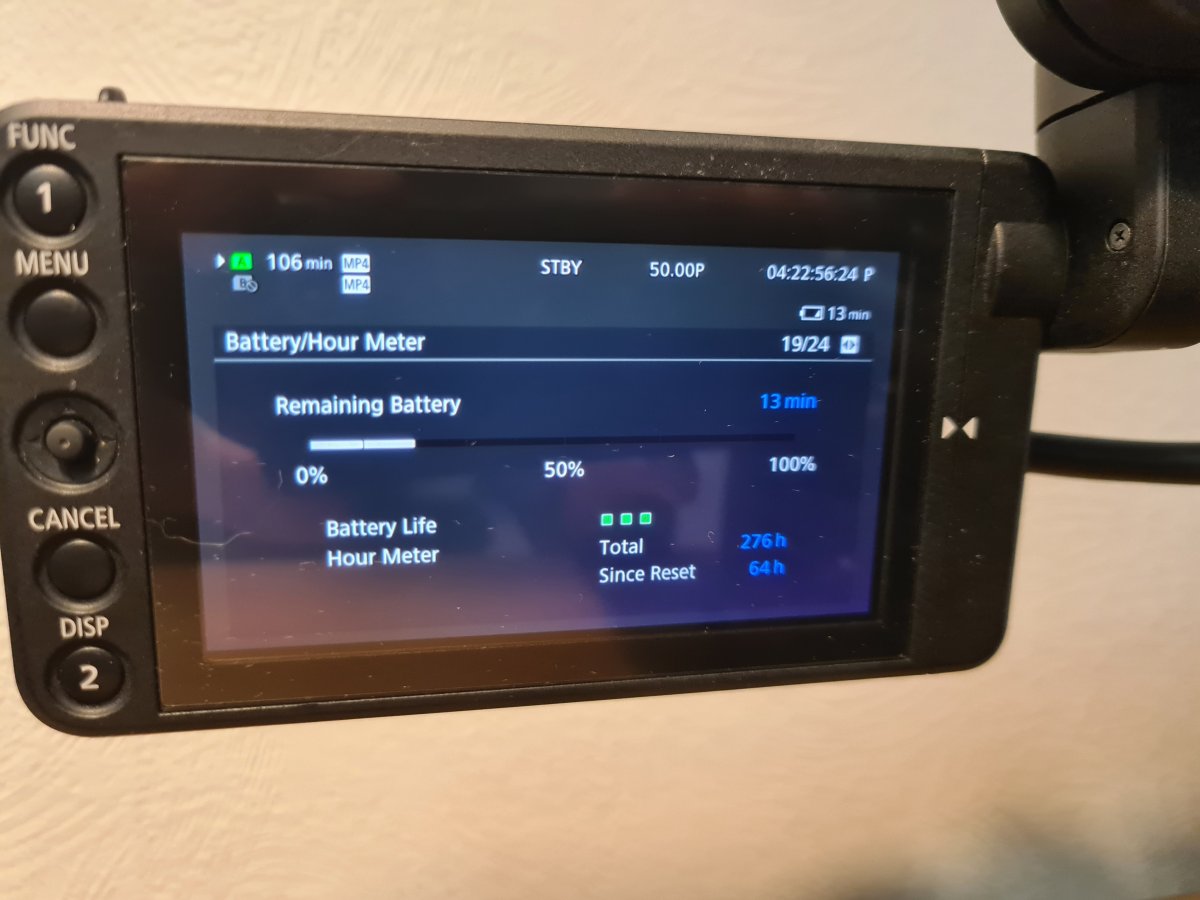
Nauticam NA C200 Underwater housing set up With C200 Body. Underwater Cinema set up perfect for documentary style of professional filming underwater. Includes everything needed to get in the water and start shooting. This camera is capable of capturing stunning internal 4K 60p footage allowing corrections in the edited to be almost limitless and internal ND filters underwater is an amazing professional feature. The housing has been used on less than 50 dives and is in perfect condition and comes with a 8.5 inch acrylic dome port with no deep scratches and m16 valve allowing the housing to to vacuum sealed and that better security underwater . The Camera body has had less than 280 hours of film time and is in amazing condition too and comes with original box and a Cast card worth £500 alone. This set up is worth Over £16000. message me for any questions or offers. I'm based in the uk but happy to ship internationally if fees are covered.
Included:
Nauticam NA C200 Housing
M16 Valve
8.5 inch acrylic dome port
Extension Ring 30 with lock
Canon C200 Body with all accessories (some unopened) and original box
Extra BP- A30 Battery (2 in total)
256Gb Cfast 2.0 card
|