Skip to content

Classifieds / Archived topic

Nauticam NA-RX100 II Housing

Started by dhaas ·

  • 3Posts
  • 3Replies

Read-only discussion

Nauticam NA-RX100 II Housing

3 posts
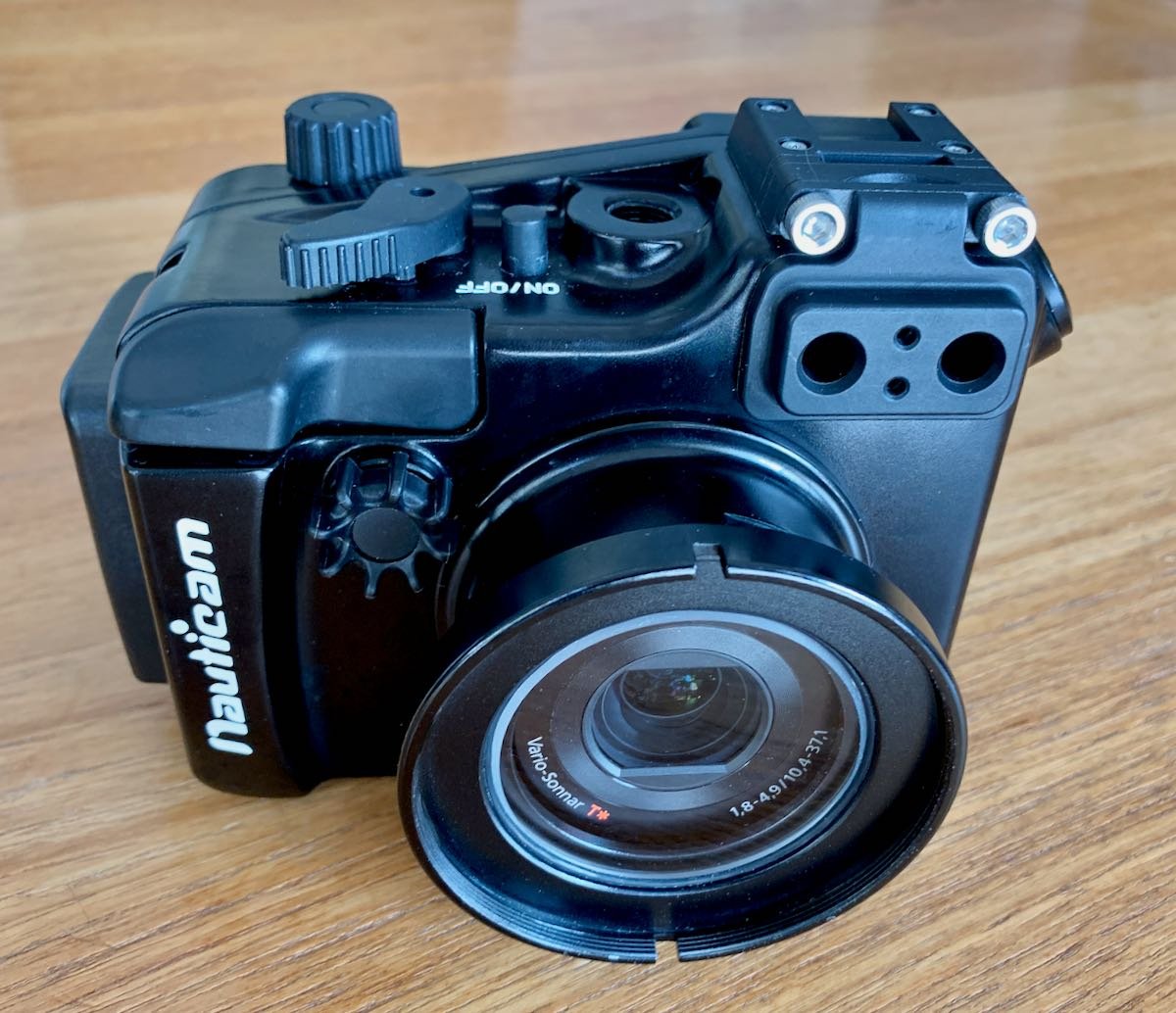
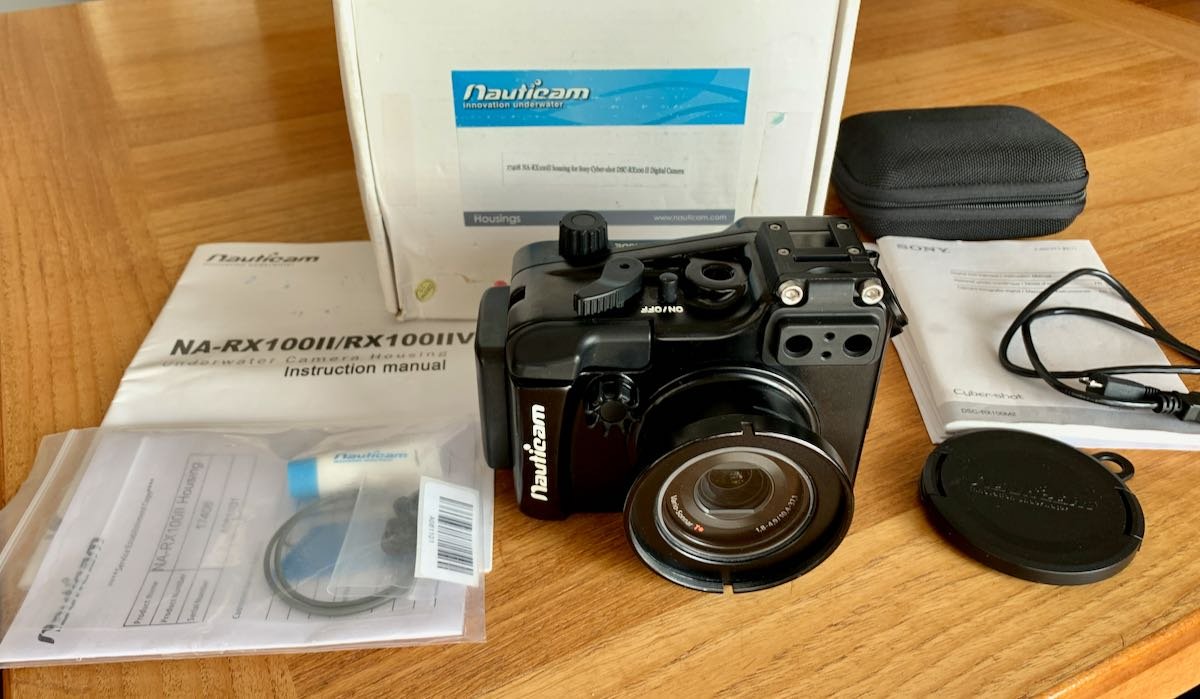
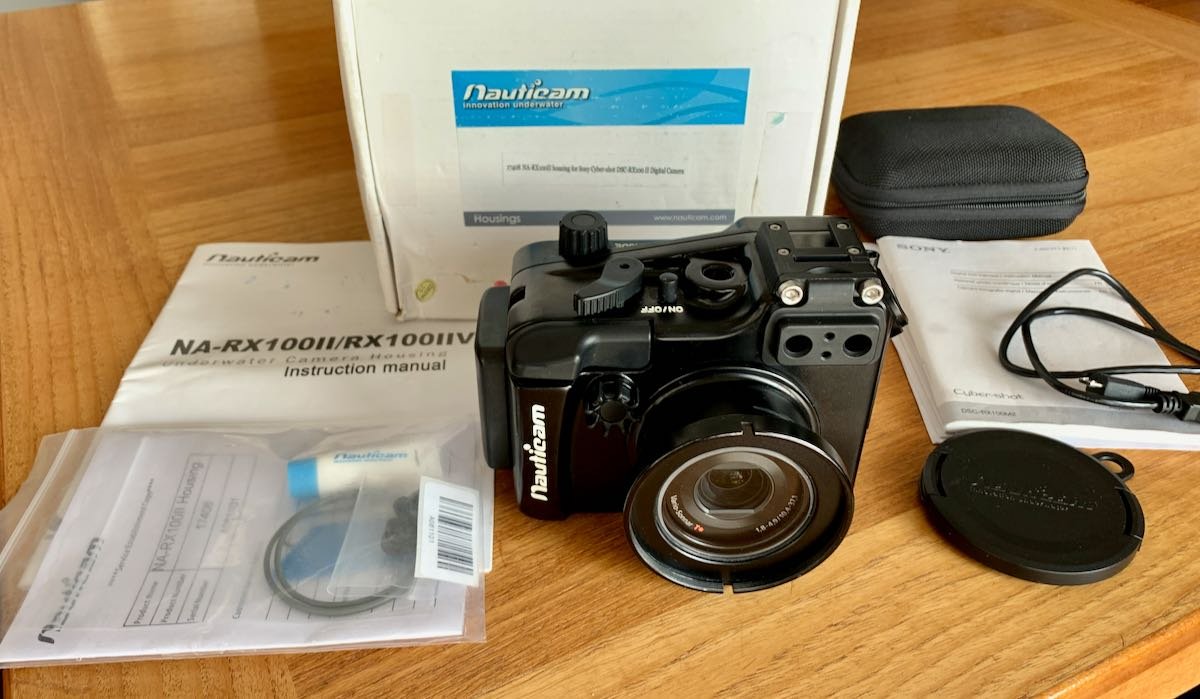
  1. Nauticam NA-RX100 II housing complete with box, all factory accessories, manual. Housing only fits the Sony RX100 II which has Sony's 20 Megapixel BSI (Back Side Illuminated) EXMOR sensor and camera's 28-100mm f1.8 lens. 

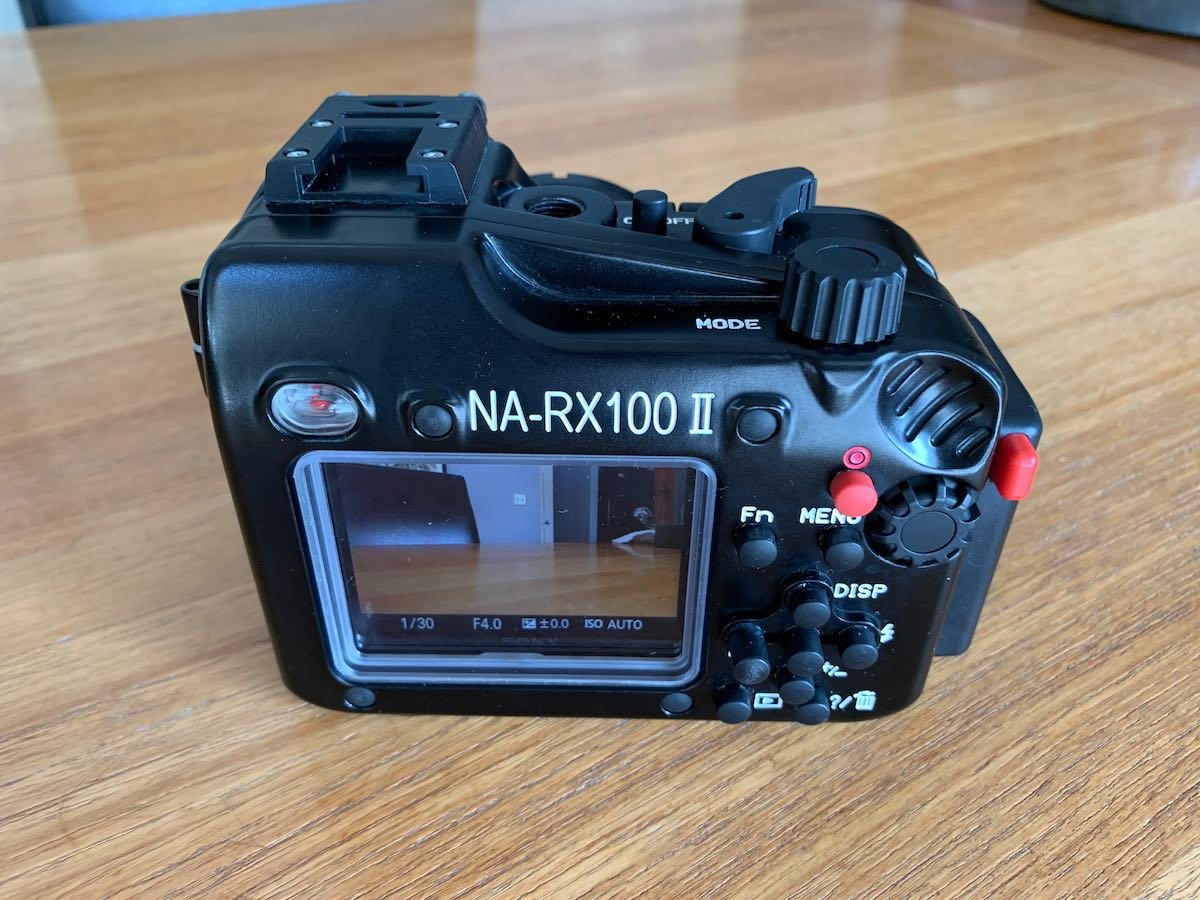
    Housing is rated for 100M (330') and has accessory port you could add an external monitor. The M16 port can also hard wire a flash connection since the Sony RX100 II camera has a hot shoe. Or simply use the internal flash to trigger external strobes via  the built in pop up flash

    Housing / Camera only - $650.00  or Best Offer shipped to continental US.    Extra for Alaska or Hawaii.

    Contact directly: davidhaas4596@gmail.com

    Phone EST:  330-329-5981

    Payment via PayPal or Zelle only. Shipment in two business days with tracking after confirmed payment. No returns.

    Email any questions

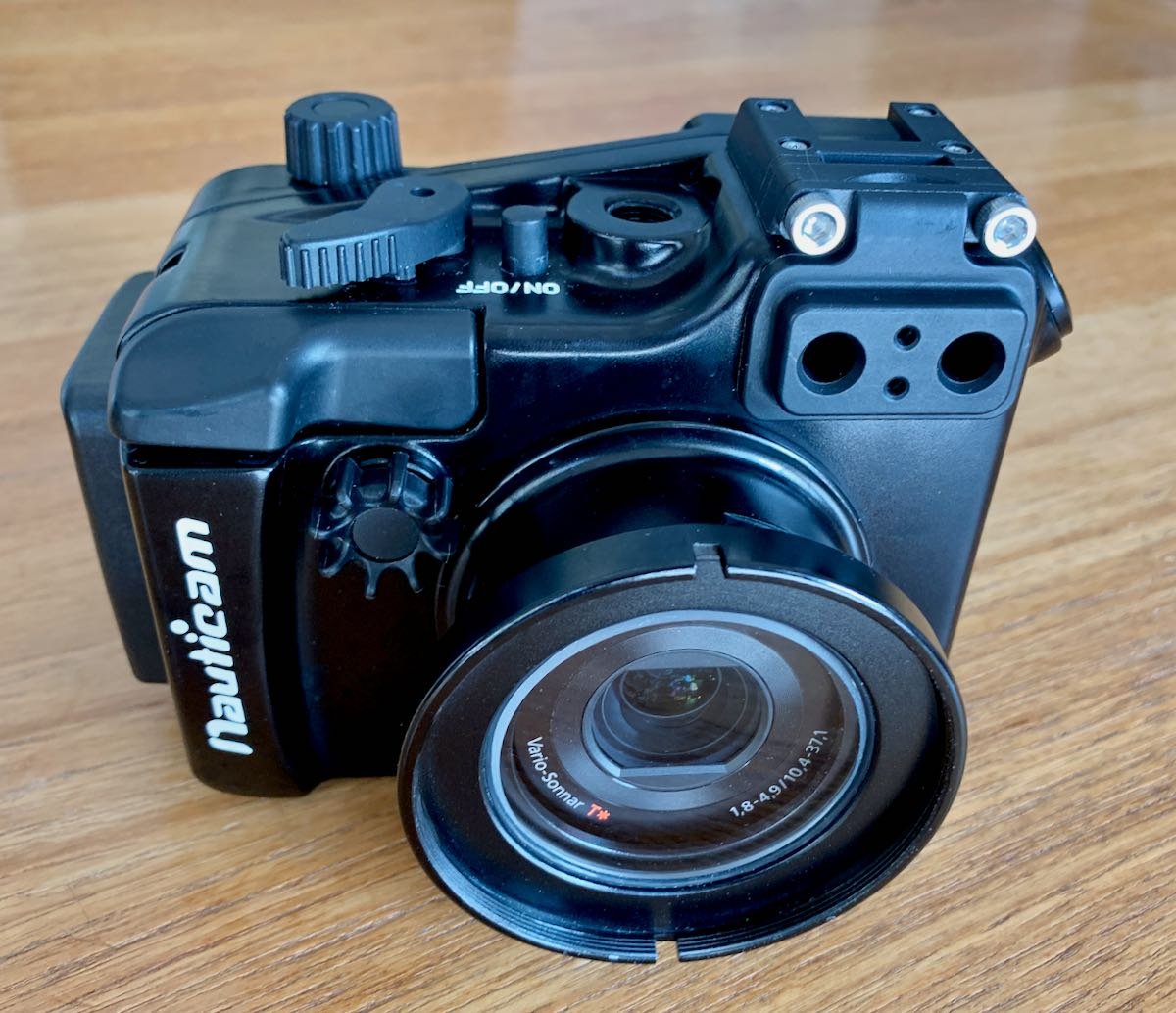
    .IMG_6354.thumb.jpeg.f6d0f1f5fc2ff3f3ad8c5b2dbe203c1c.jpegIMG_6357.thumb.jpeg.73d074d438c4a7229a5ff53d40820d82.jpeg
    Edited by dhaas — Amended details
  2.  

    Nauticam housing only still available.

    $650.00 or Best Offer including shipping to continental US. Extra for Alaska or Hawaii.

    Contact directly: davidhaas4596@gmail.com

    Phone EST:  330-329-5981

    Payment via PayPal or Zelle only. Shipment in two business days with tracking after confirmed payment. No returns.

    Email any questions.

    IMG_6354.thumb.jpeg.2e7a5ec8a1467ce4f2b303d0cf6642a3.jpegIMG_6357.thumb.jpeg.3ec0e0d3e8351b5067510b0d37c44707.jpegIMG_6368.thumb.jpeg.3a435b41a992d481e57d925cf2224c42.jpeg

  3.  

    No longer available............

AOI

Account

Navigation

Search

Search

Configure browser push notifications

Chrome (Android)
  1. Tap the lock icon next to the address bar.
  2. Tap Permissions → Notifications.
  3. Adjust your preference.
Chrome (Desktop)
  1. Click the padlock icon in the address bar.
  2. Select Site settings.
  3. Find Notifications and adjust your preference.