Macro on a mirrorless - how to improve autofocus performance
Started by coinee ·
10Posts
10Replies
Read-only discussion
Macro on a mirrorless - how to improve autofocus performance
10 posts
Hi there!
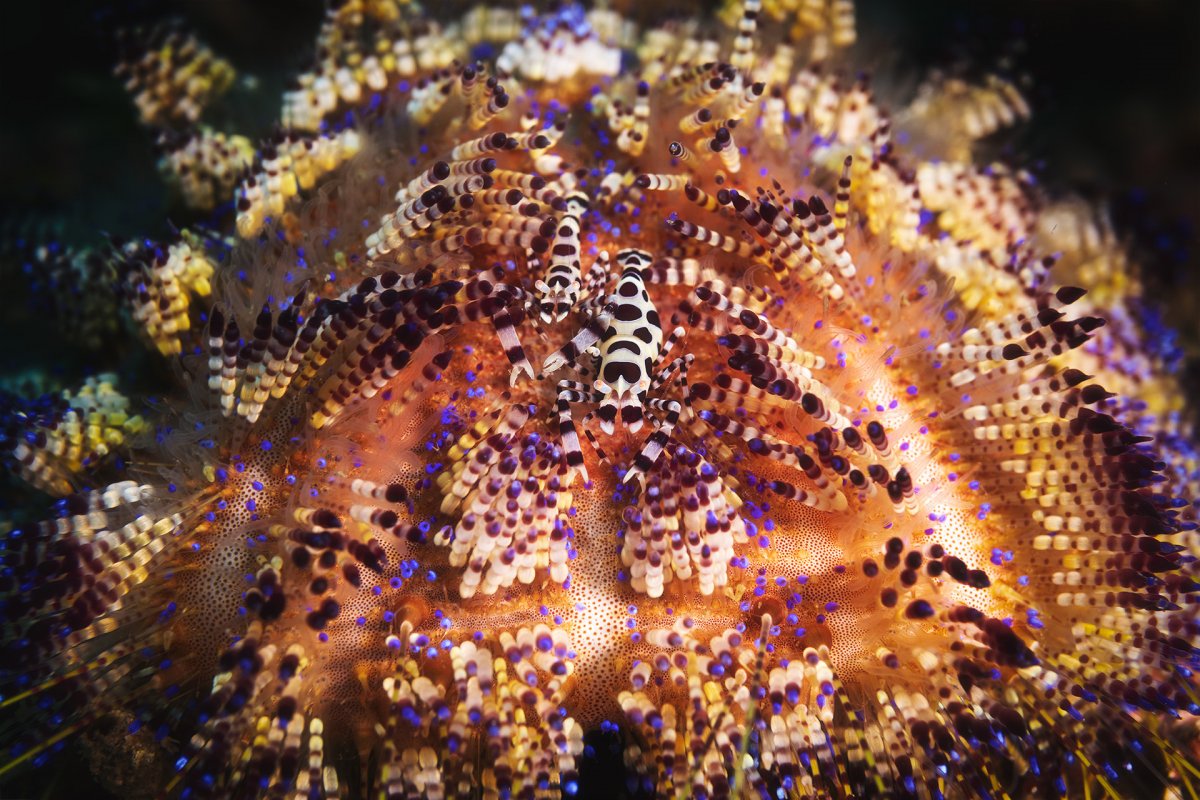
I'm currently in Anilao doing some macro photography. Instead of my trusty D5 I brought a Z7II along. While the image quality is absolutely outstanding (see attached), I'm facing an issue that I hadn't considered before: the screen is quite dark for framing and I need to throw a shitload of light at a subject to focus at f22. I can improve that by slowing down the shutter speed of course, or open the aperture (not a fantastic choice for a 2mm nudi at 1:1 distance...).
So, the question here is: am I an idiot and forgetting something obvious? Am I half an idiot and forgetting something not-so-obvious? Or is that just how life is with a mirrorless camera?
Thanks in advance for any tips!
If the issue is the dark screen on the mirrorless, you should disable liveview so that the camera renders a more viewable picture (and won't simulate what you are shooting). It works on my Sony A7III
I don't know what it's called on Nikon, but on Sony it's called Live Effect (on/off) - turn it off, and the screen/EVF will show you a normally lit image by opening the aperture to the max and (I assume) increasing effective ISO. When you take an image, the lens will automatically stop down to your set value. If you turn it on, then the screen will reflect how the actual shot will look (not accounting for strobes, which makes it largely worthless underwater).
Could you not adjust either Monitor Brightness or Viewfinder Brightness in the Camera Setup menu?
3 minutes ago, TimG said:
Could you not adjust either Monitor Brightness or Viewfinder Brightness in the Camera Setup menu?
This would work but what I have found is that it has led me to consistantly underexpose my pictures as I the result looks much brighter than what is rendered once on the computer!
Just playing around with my Z6 now: have you tried switching the Viewfinder brightness setting (in Setup Menu) from Auto to Manual? The calibrate it how you want the viewfinder on the Manual setting.
This seems to give a constant brightness in the viewfinder and doesn't, picking up Waterpixel's point, seem to change the actual exposure. Exposures look good to me.
You want menu item d9 apply settings to live view turned to off. You would use this setting anytime you are using strobe/flash as main light, for example taking shots at a night time event, or any shooting where ambient light is too low.
This was exactly it - that makes quite the difference!
Thanks everyone for the help, things are much much easier now...
For Olympus OMD users, they can find it in the Menu:
Custom Menu> D2> Live View Boost> Off
I shoot with the Z6 ii and I turn off "d9: Apply Settings to Live View" when using strobes. If this setting is on the viewfinder/LCD is very dark.