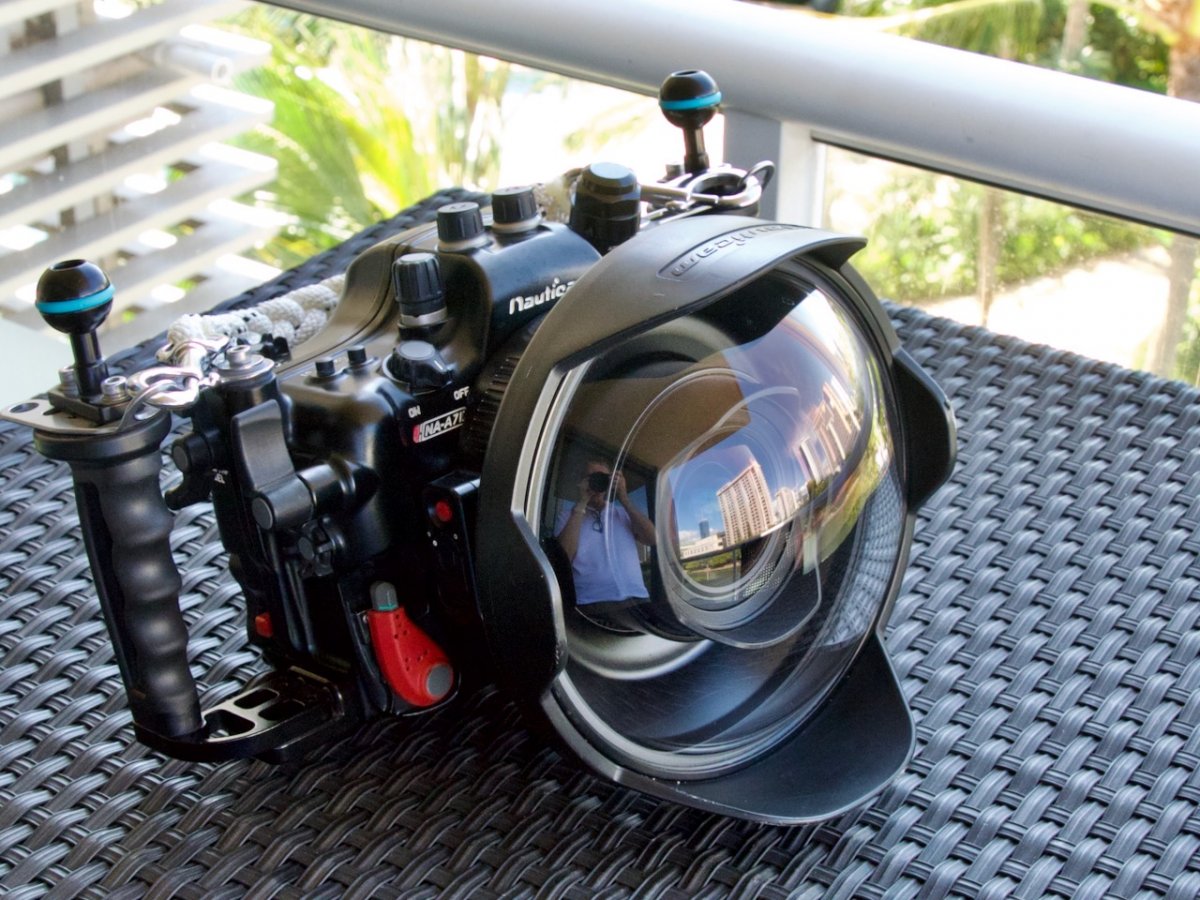
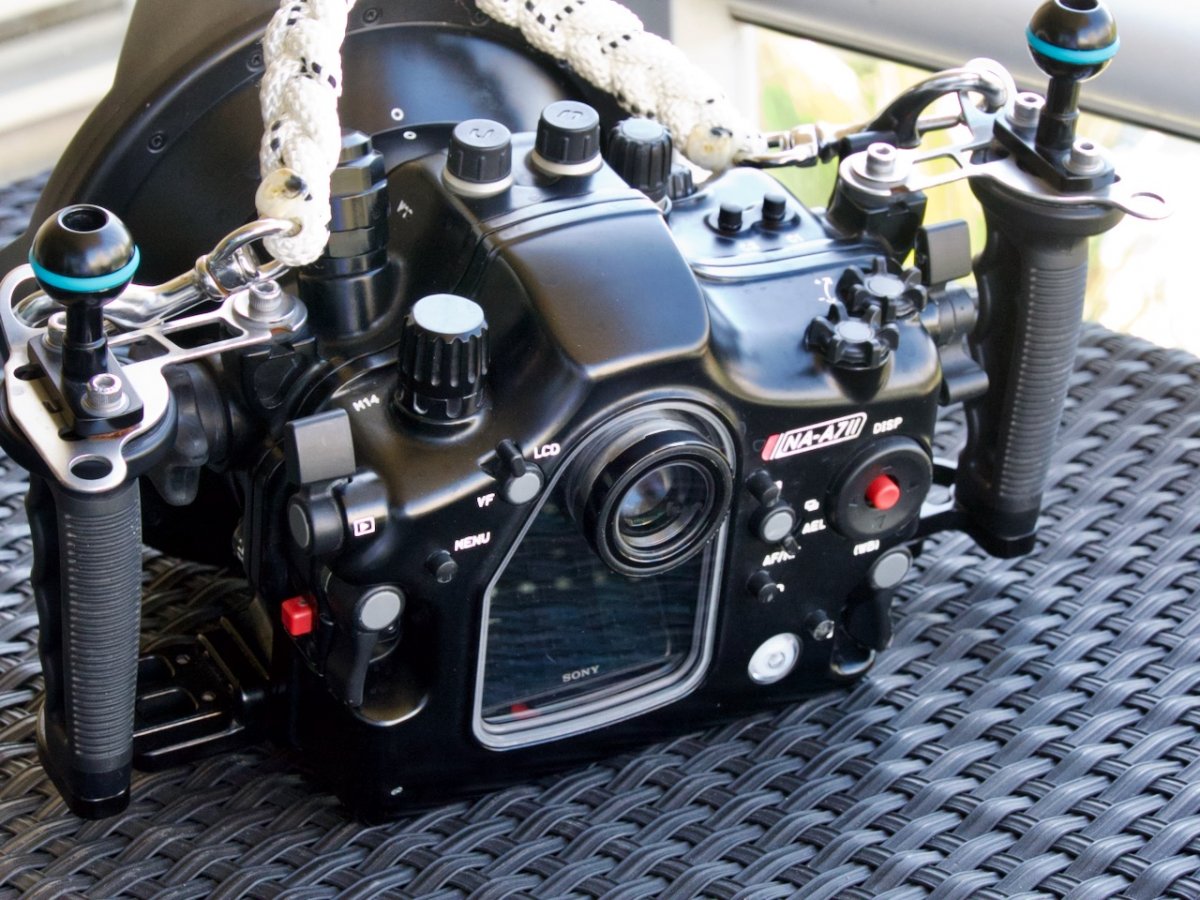
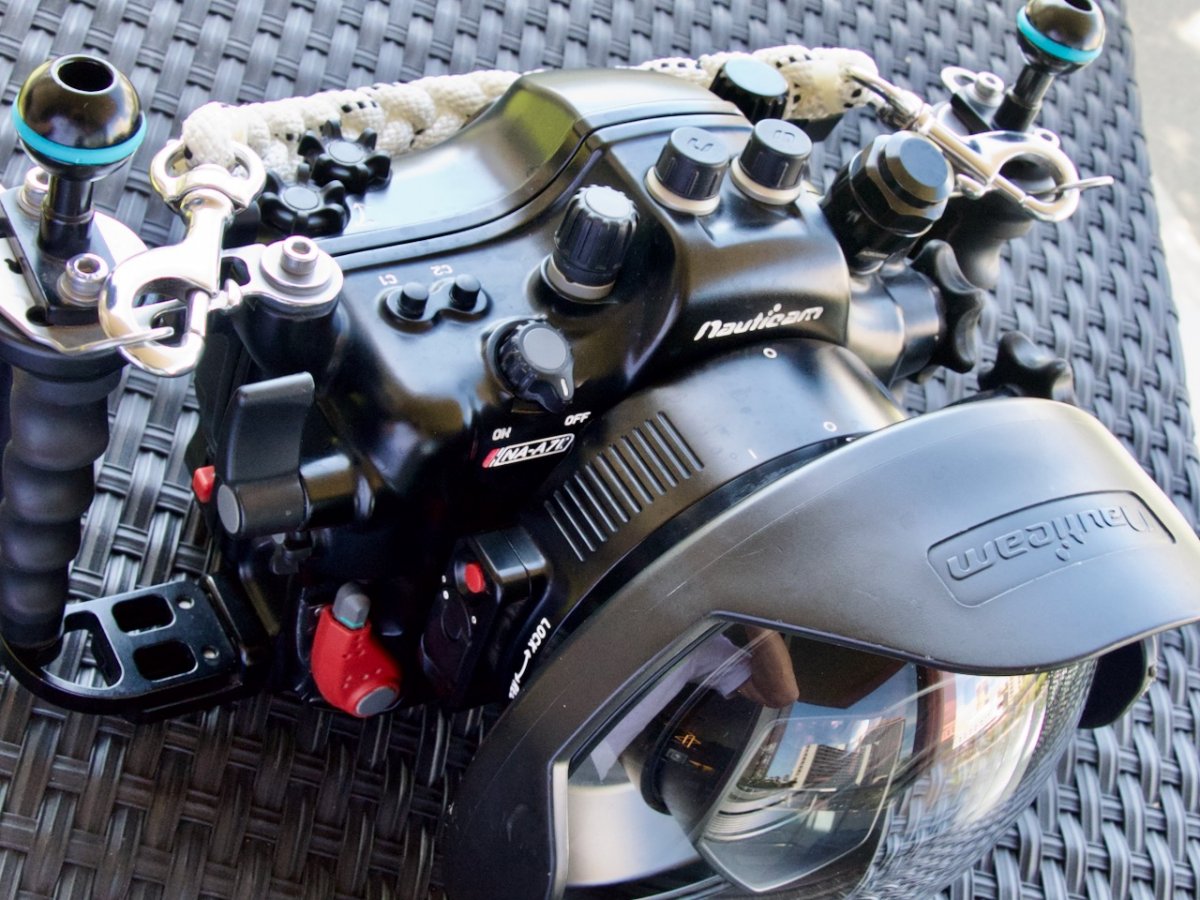
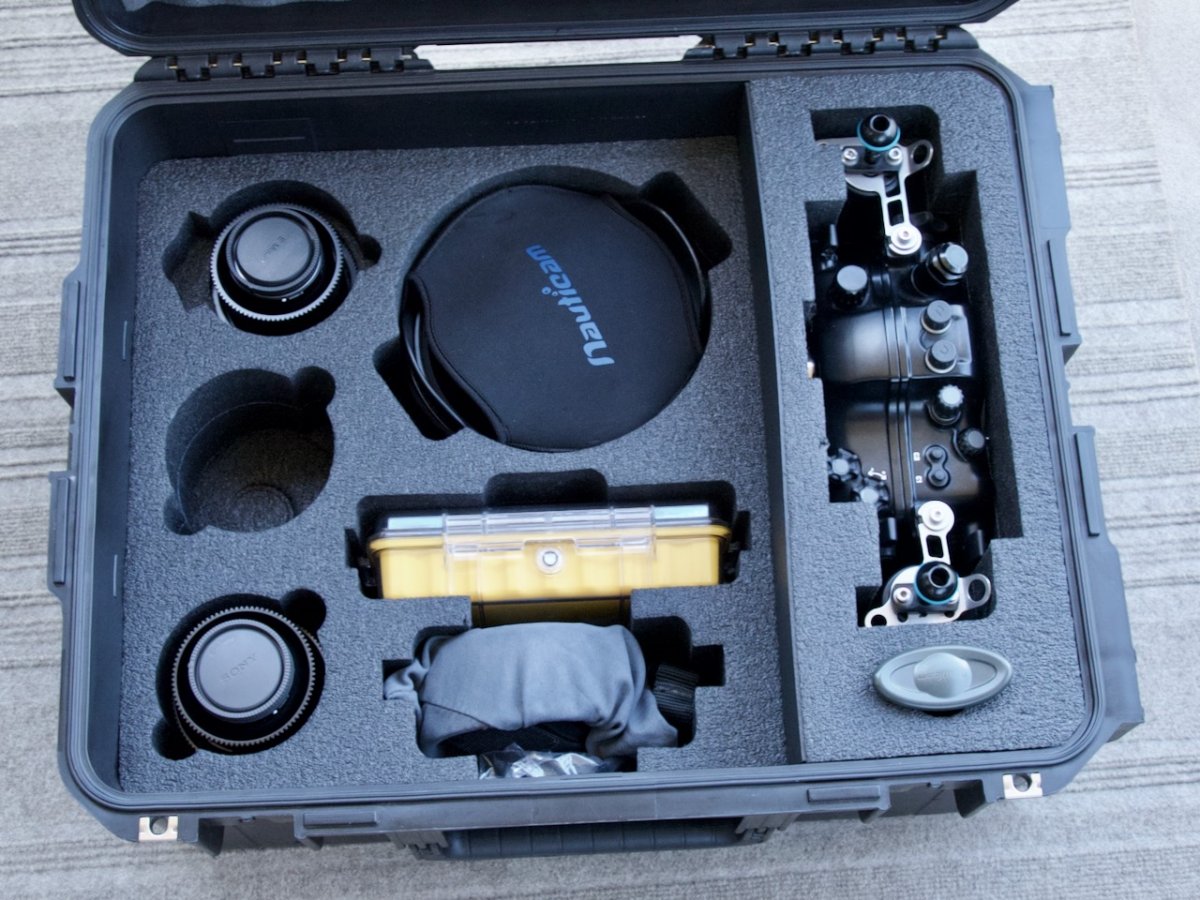
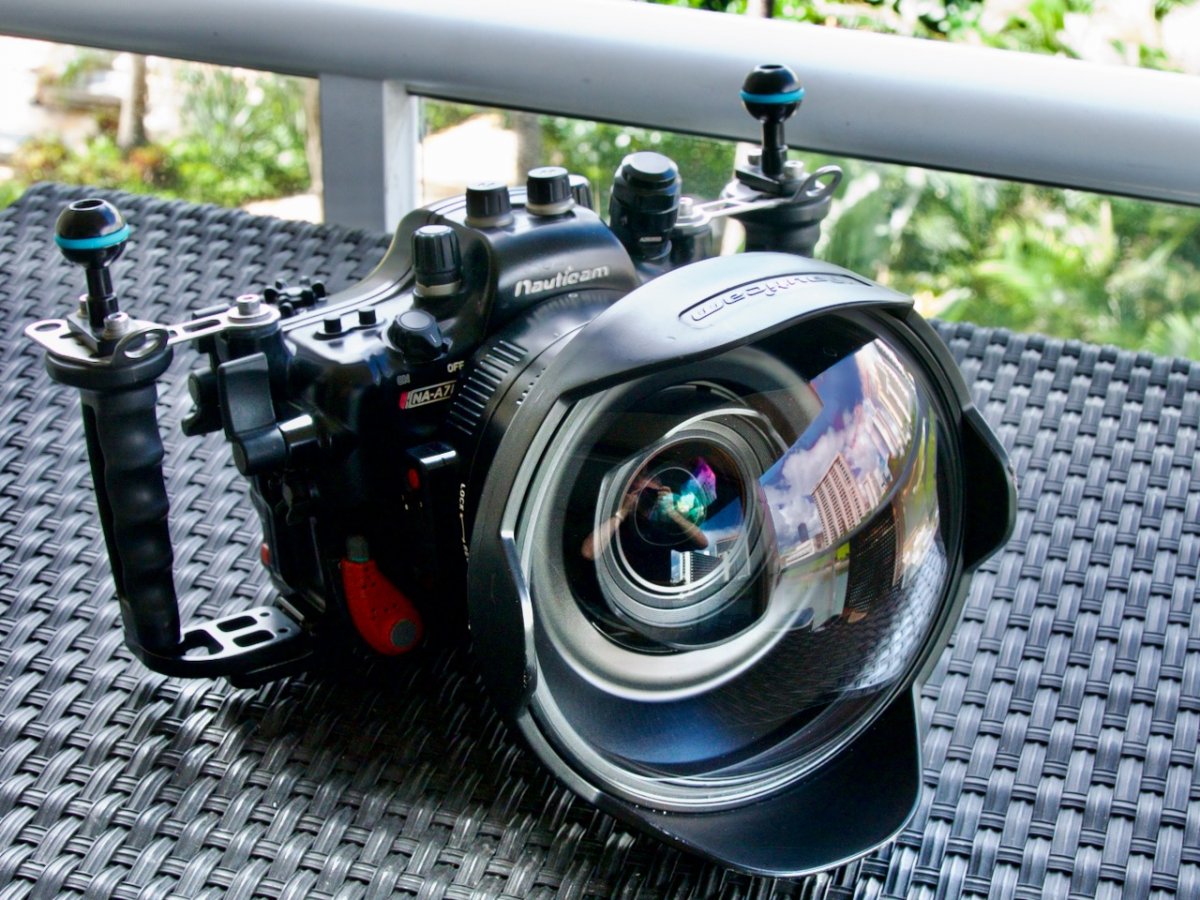
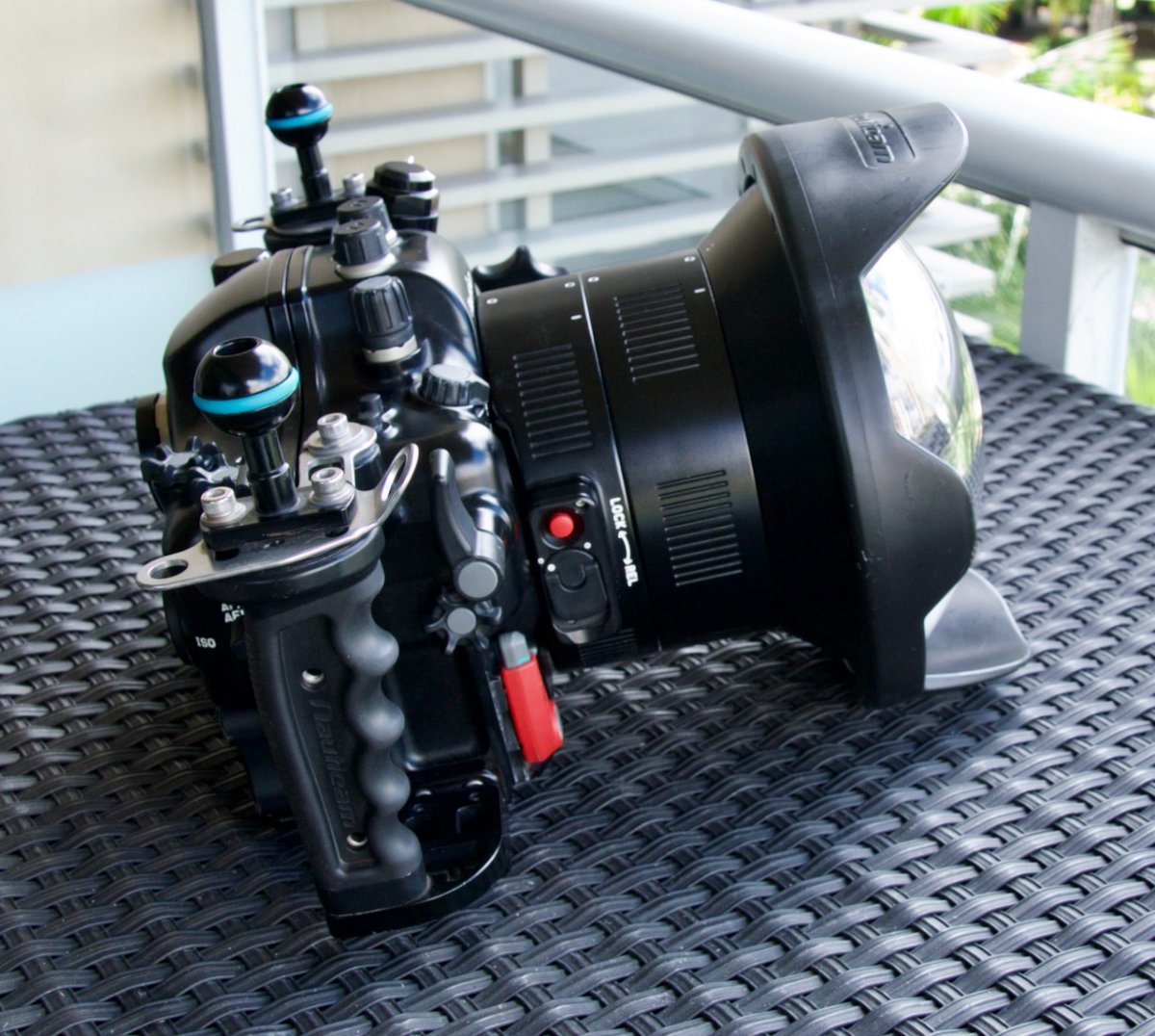
Nauticam / Sony A7SII Complete Camera Package. All of the items listed are in excellent condition. This package has been very well cared for.
The following is included in the sale:
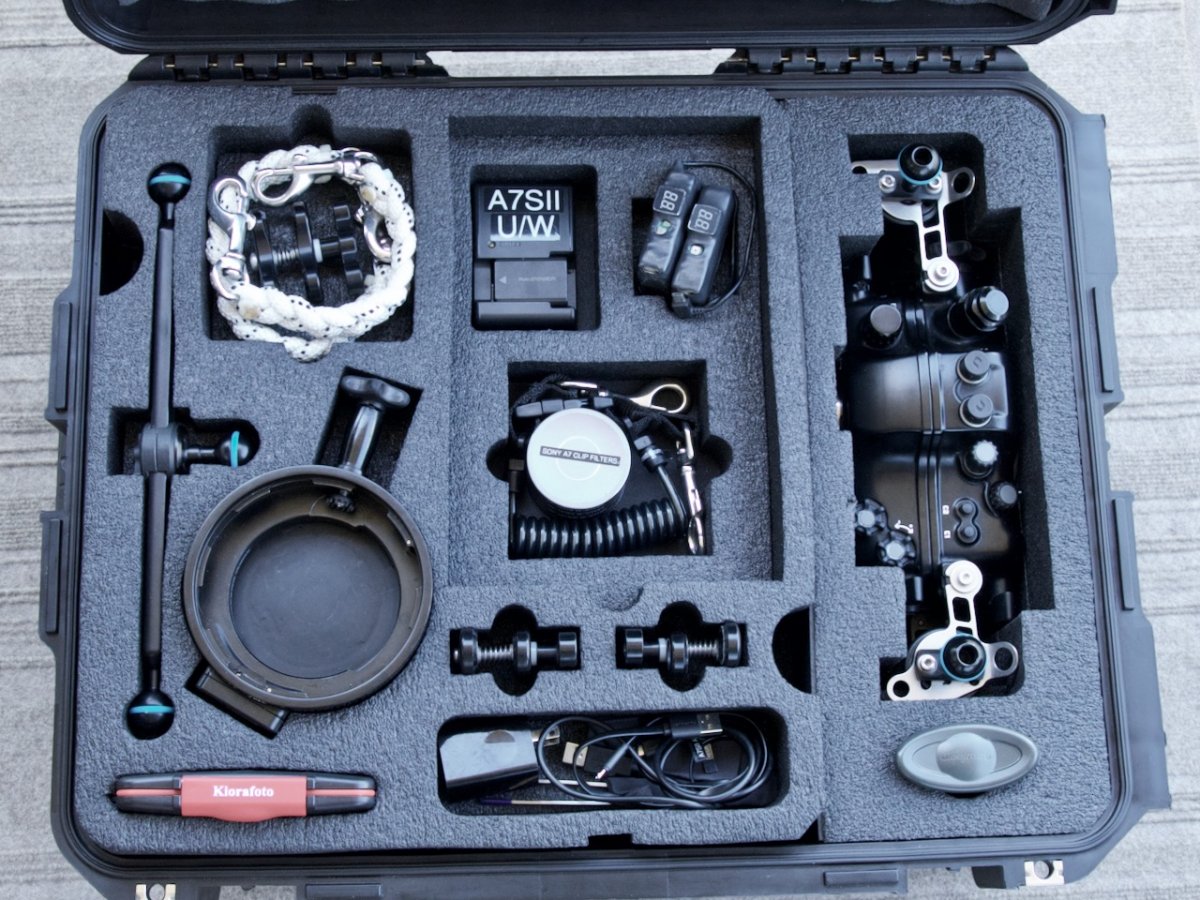
Nauticam Sony A7SII Housing, Sony A7SII Camera, Sony 12-24 F4 G Zoom Lens, Sony 16-35 F4 ZA OSS Zoom Lens, NauticamN100 to N120 Port Adapter, HDMI Bulkhead M16, M14 Vacuum Valve, Zoom Gear for 16-35 Lens, Focus Gear for 16-35 Zoom Lens, Nauticam N120 180mm Glass Wide Angle Port, Zoom Gear for 12-24 G Lens, Focus Gear for 12-24 G Lens, Extension Ring 40 w/Lock, (4) STL "Behing the Lens" ND Filters with Case, (1) Sony Camera Battery, (2) External Camera Batteries/ Charger & Cables, (3) Landyard & Snap-hook Braided carry Straps, Case Cruiser Custom Case, Pelican 1060 Micro Case For Spare O-Rings and Housing accessories, Nauticam / Ultralite Mounting Brackets for Monitor (selling separately), Media Case.
Package Price $6500.00 (shipping to US Mainland $200.00) (This sale does not include the Monitor package shown in one of the photos, that is being sold separately)
Contact me at glund88@gmail.com or 805-680-7556 (There are more photos showing the lenses in detail and other parts of the package available upon your request.)
Greg Lundsgaard