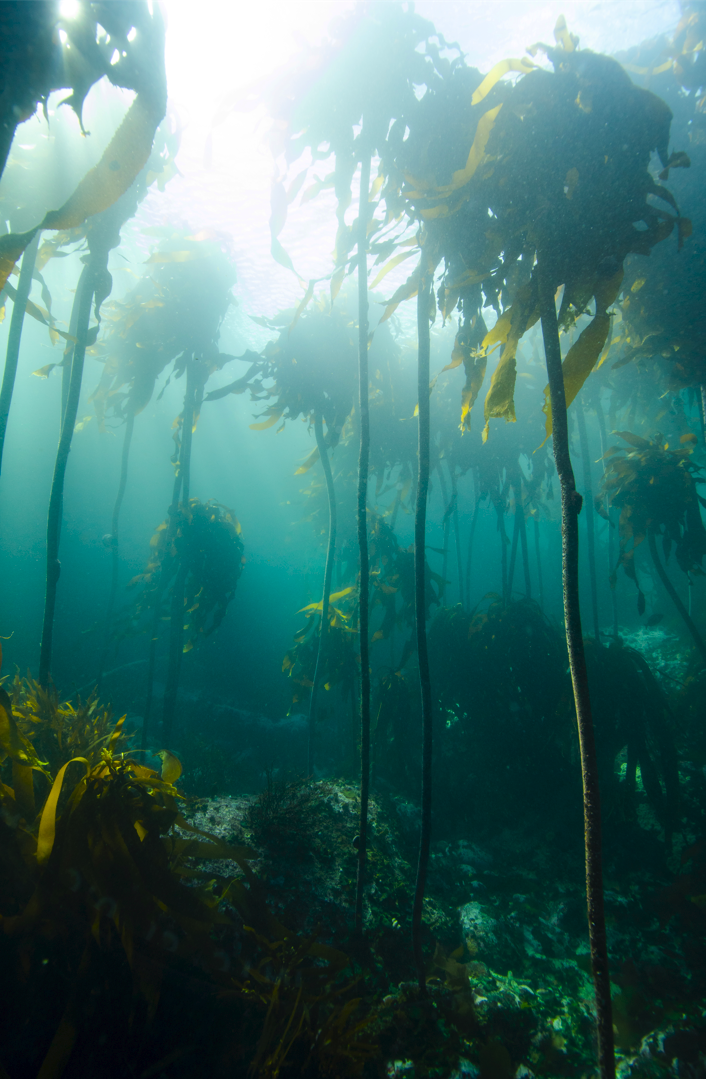
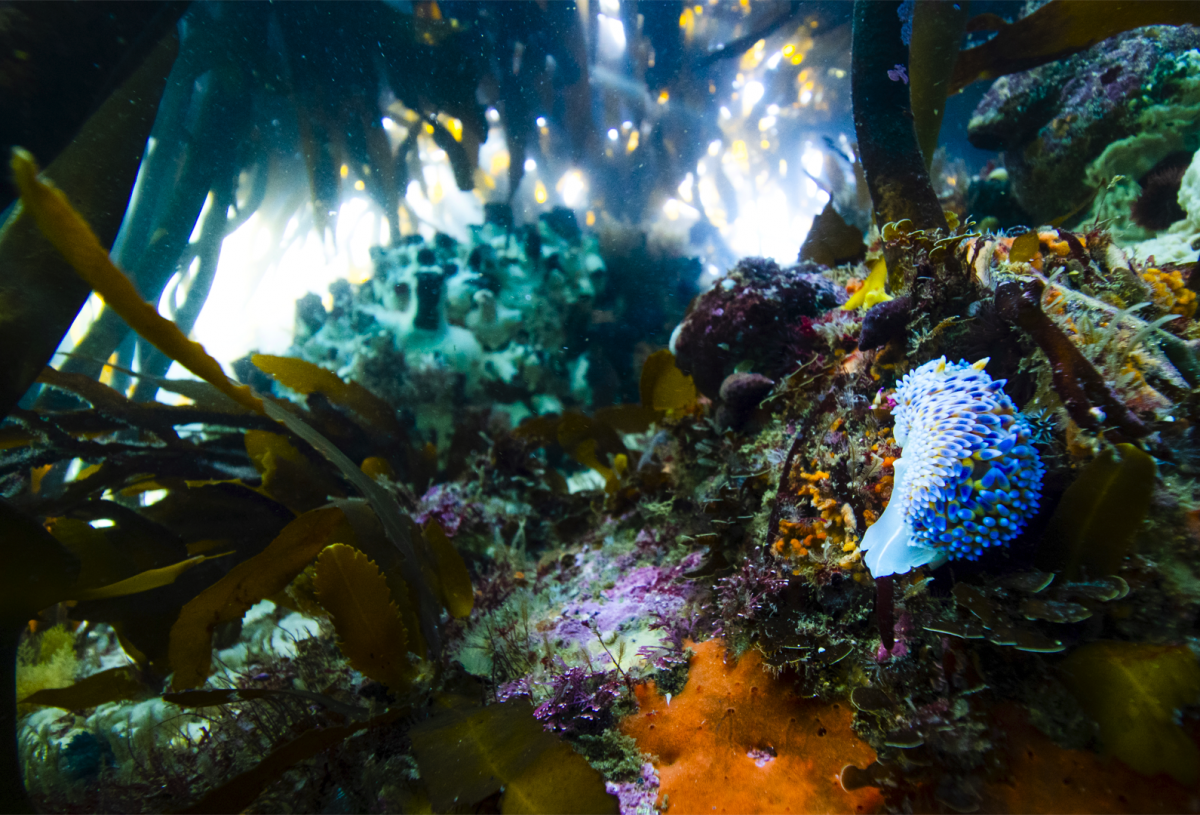
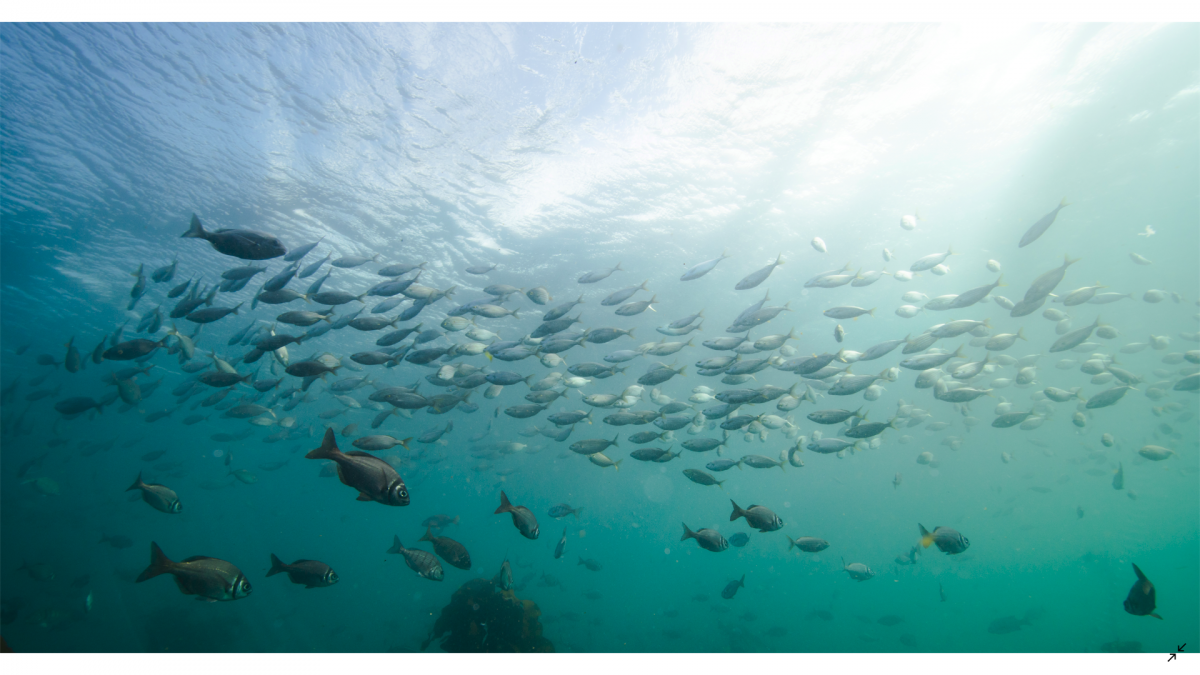
I have been shooting with the Canon EF-s 10-18mm with a Metabones V EF-E adapter and Sony A6400 in a Seafrogs Salted line A6xxx housing with an 8in dome for a few months now and taken a couple of thousand pics with it and am so far very pleased with the results. Overall, image quality is good, with centre sharpness as good as the lens can produce, while the corners are a little soft. Stopping down helps, and at F10 to F14 corners look clean enough for me! The corner issues are only visible when there is something like a reef right up close to the lens, open water and solid surfaces at a distance remain clean.
Autofocus is quick and accurate for stills, no complaints there, no autofocus for video in green mode.
I unfortunately cannot compare this to the results that the Sony 10-18mm produce as I don't have that lens.
I've kept this short as I don't imagine many people will go this route with their system but if you have any questions I'd be happy to help.
Thank you @Barmaglot for sending me pics of your ports when I was trying to figure out whether the lens would fit in the dome, it was very helpful.
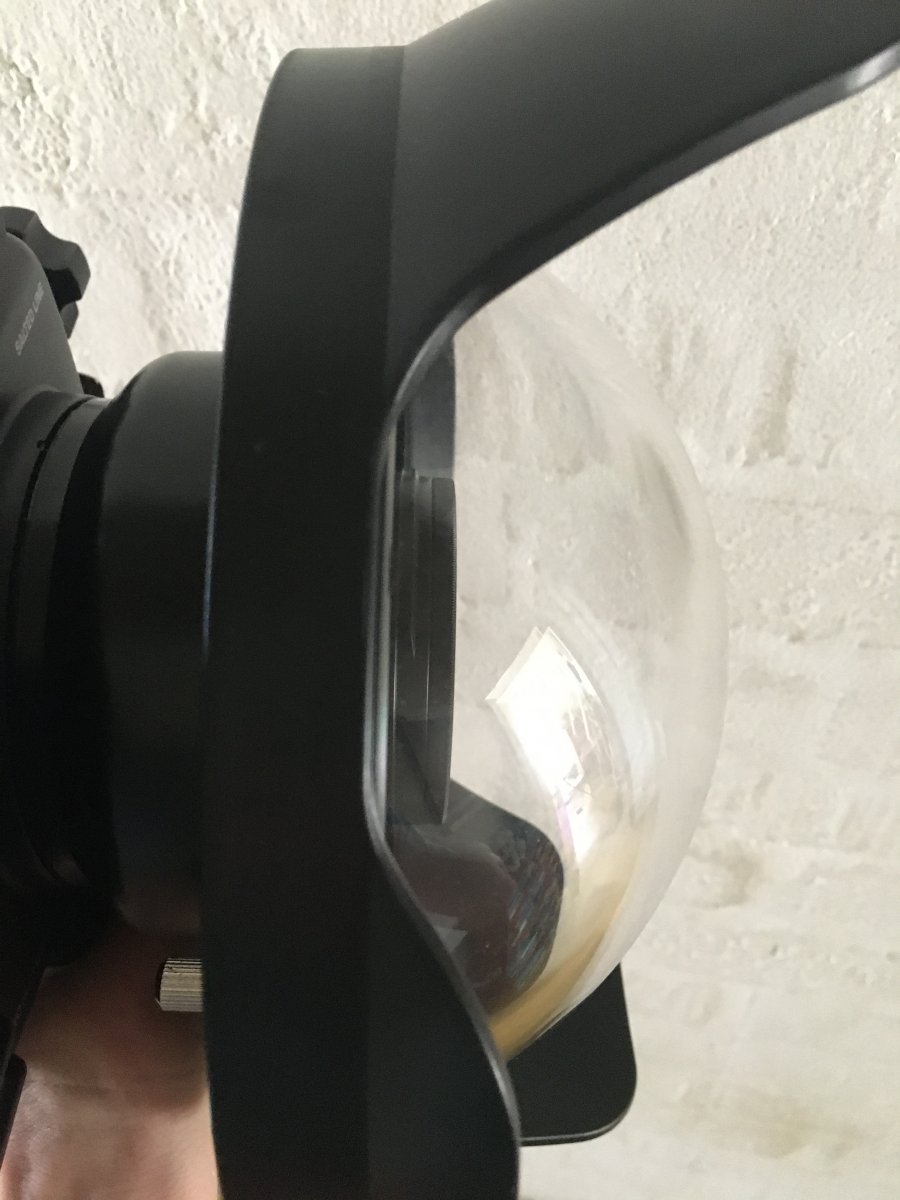
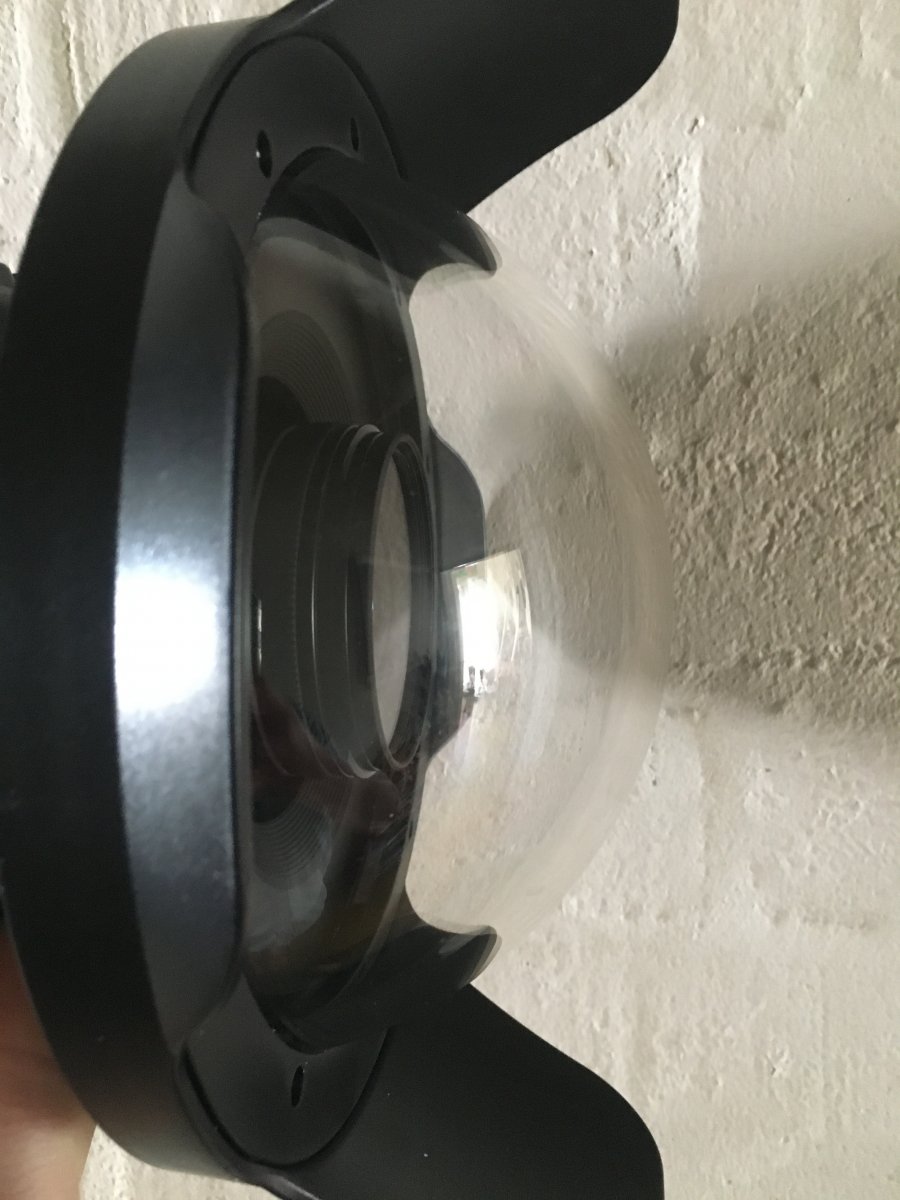
Attached are two pics of the position of the lens in the dome and a couple of pics taken with the setup.