- 8Posts
- 8Replies
Read-only discussion
Saga Dive Screen Magnifier
8 posts
-
-
For 240 euros, it's almost worth a try. Doesn't change the view angle though, so you still have to have the camera out in front of your face.
-
11 hours ago, Interceptor121 said:
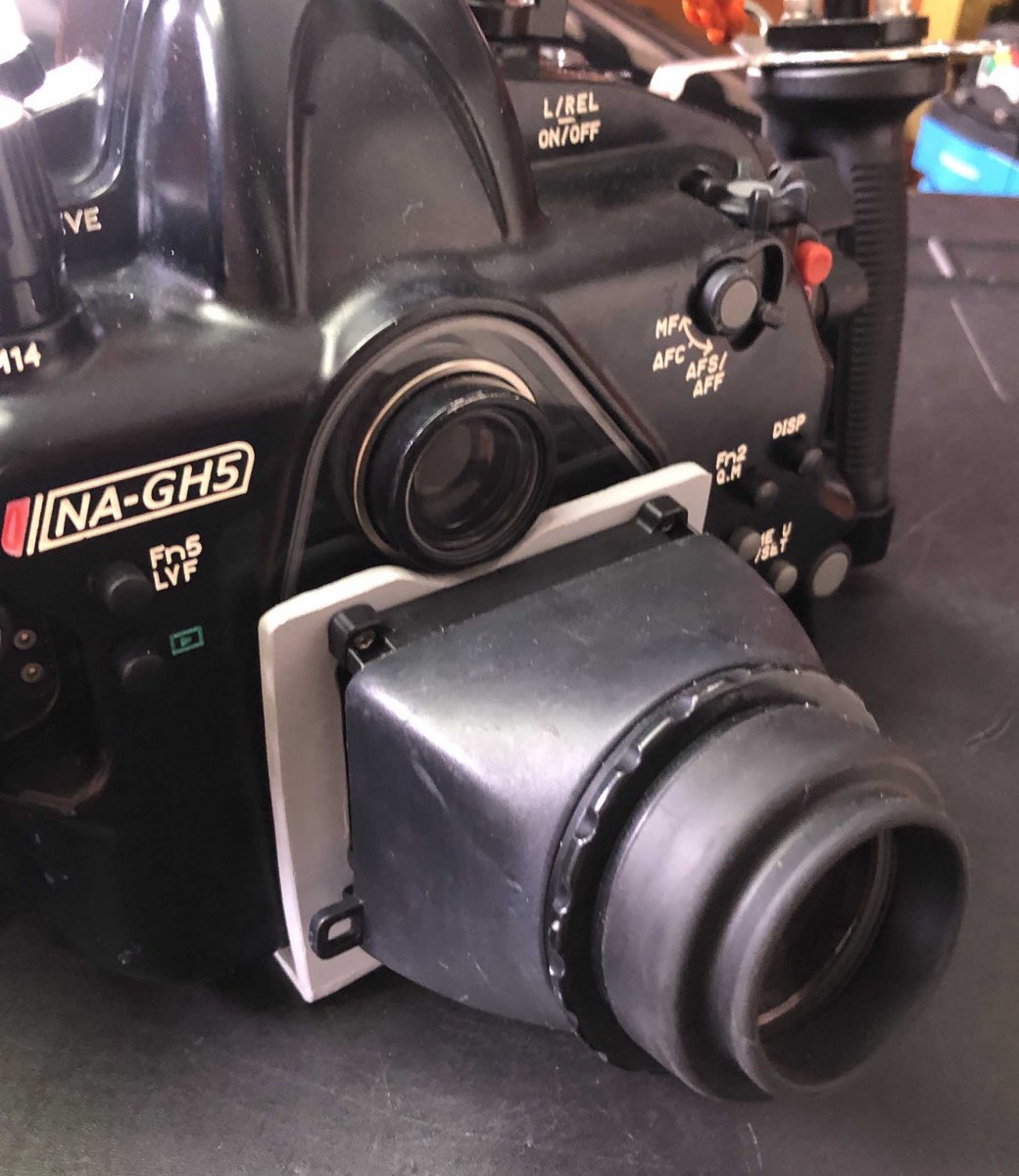
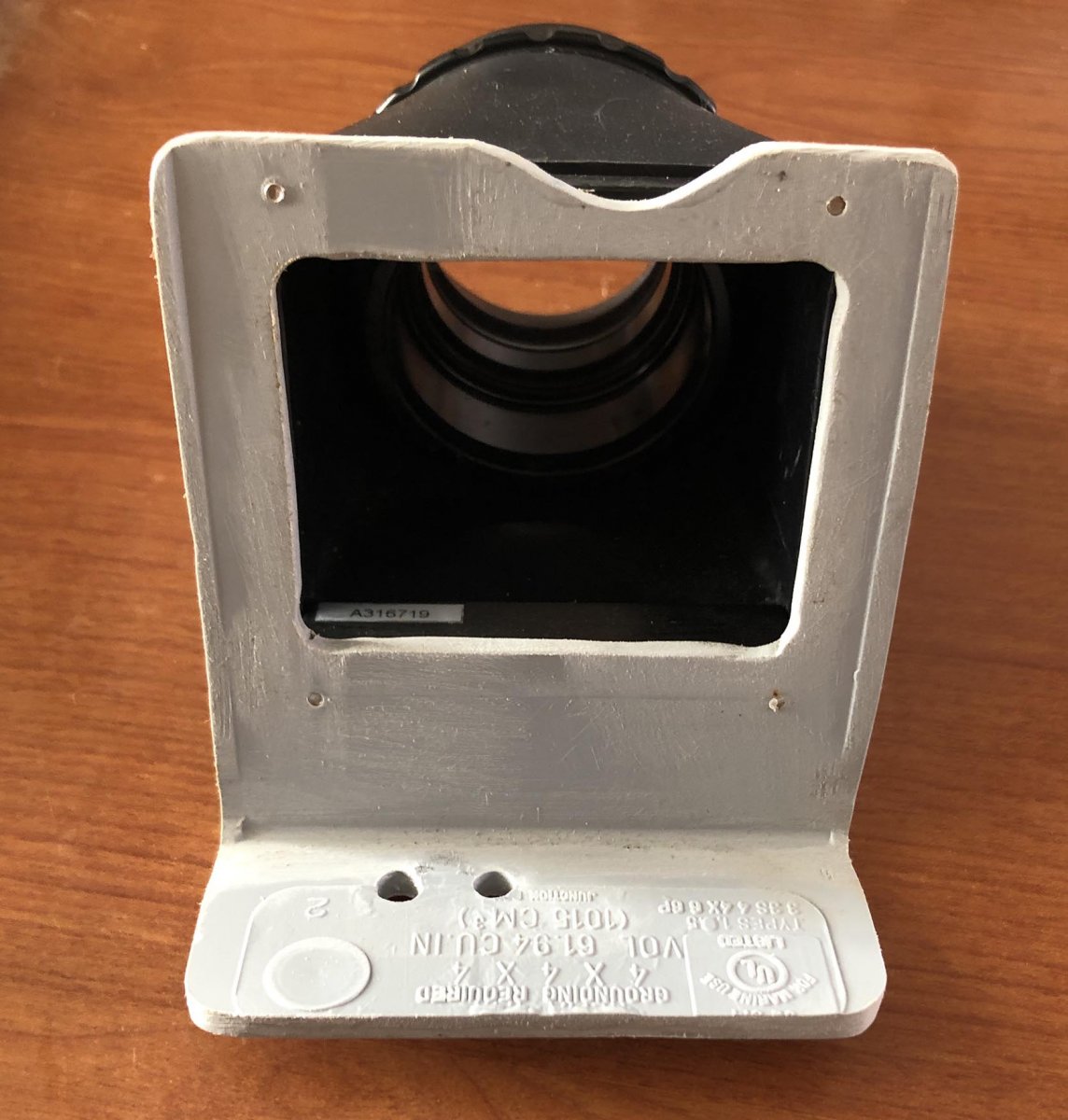
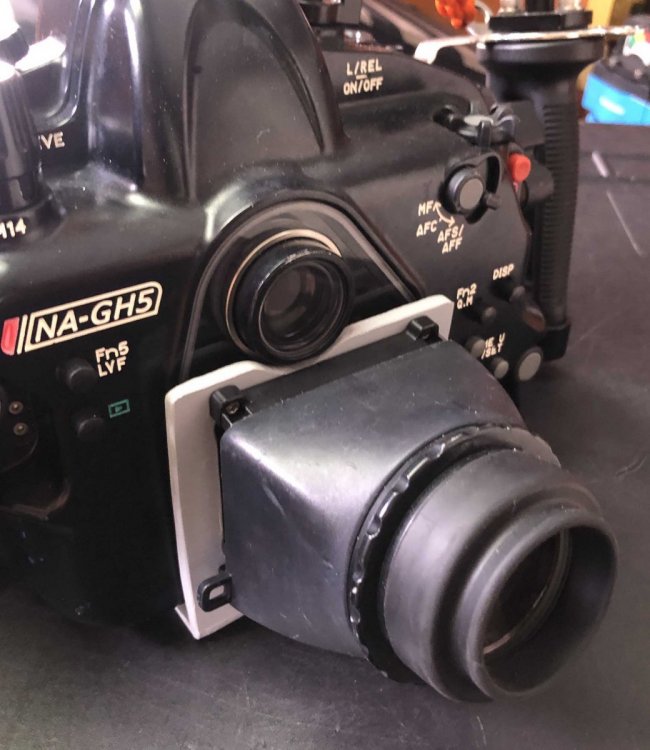
Made this myself from a plastic electrical box using Nauticam LCD viewer. Works great on my GH5 system and will be using it on my new A7SIII system. Attaches to the bottom holes for the tripod legs.
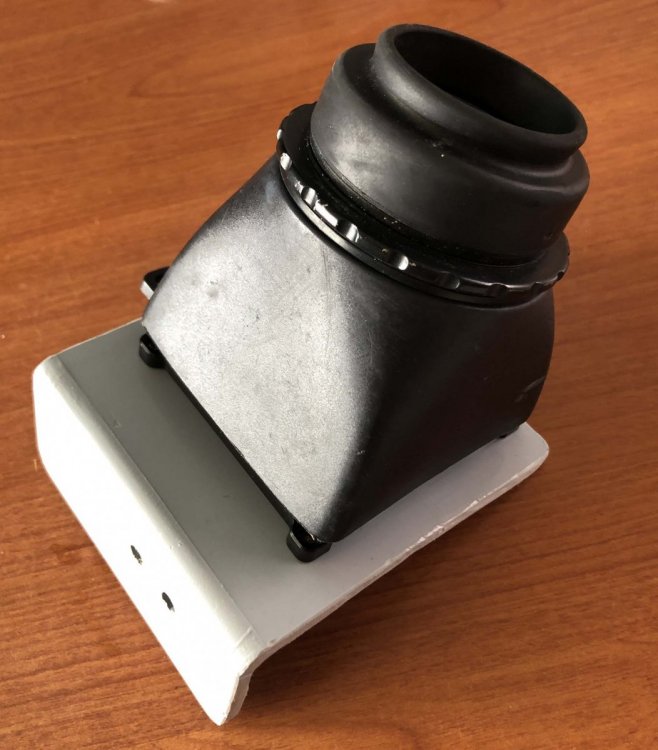
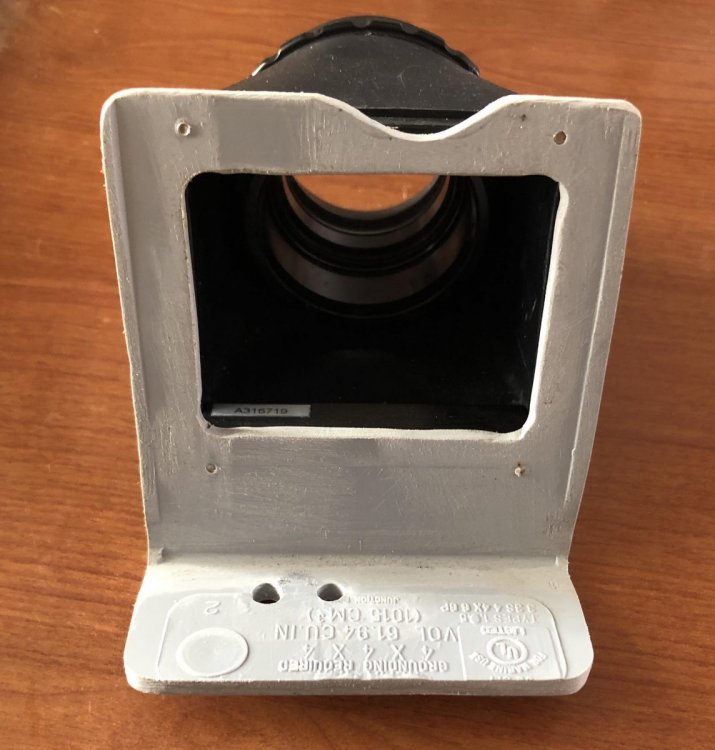
-
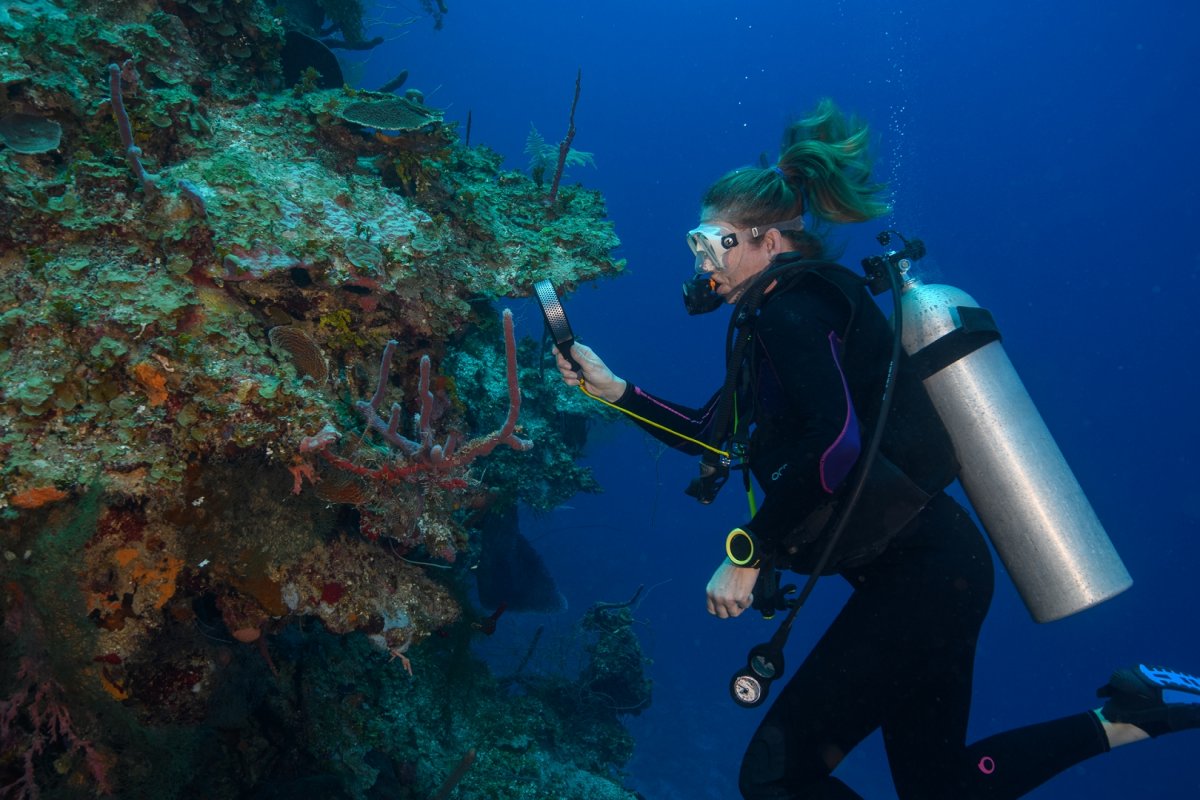
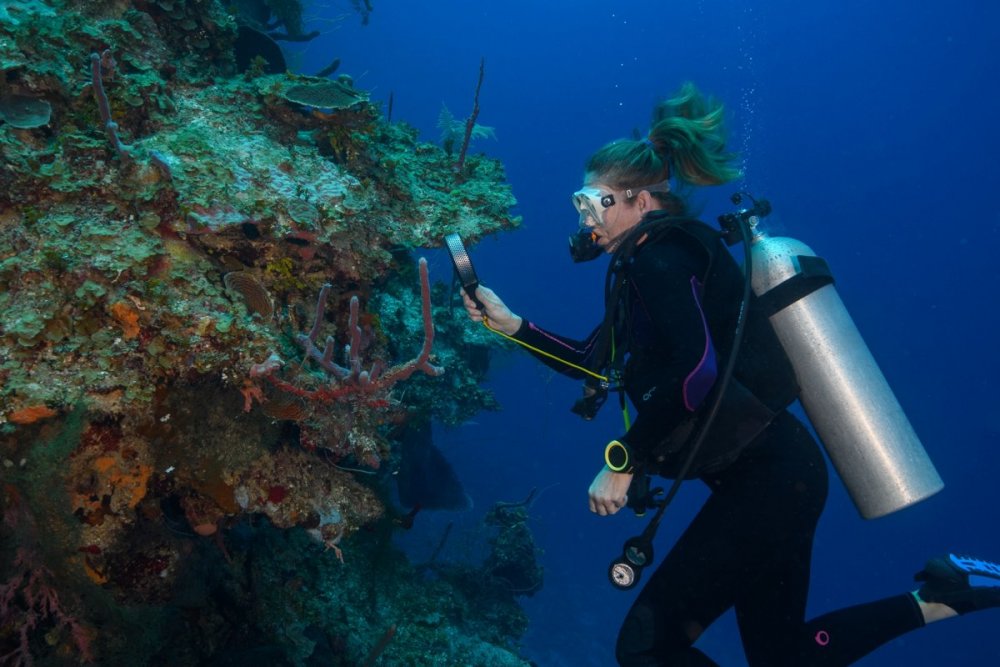
One Dutch diver's solution:
-
1 hour ago, phxazcraig said:
One Dutch diver's solution
Not alone. I’ve started taking a magnifying glass with me too. It’s definitely for tiny fish ID and has nothing whatsoever to do with ageing eyesight. Nothing.
-
5 hours ago, TimG said:
Not alone. I’ve started taking a magnifying glass with me too. It’s definitely for tiny fish ID and has nothing whatsoever to do with ageing eyesight. Nothing.
Me, 100% zoom on whatever camera I'm holding!
She really liked that thing. Got it in Holland somewhere.
-
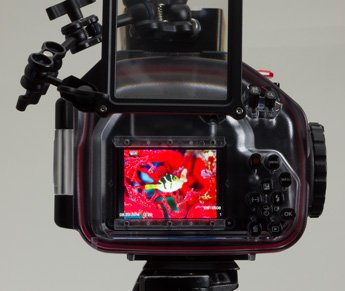
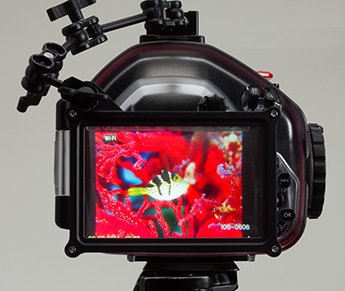
I use the (now no longer produced) RGB screen magnifier, really happy with it.
http://www.rgblue.jp/en/products/rmgf/
-
24 minutes ago, bghazzal said:
I use the (now no longer produced) RGB screen magnifier, really happy with it.
http://www.rgblue.jp/en/products/rmgf/
That's amazing.