



I was at the 2022 North Carolina Wreck Shark Shootout last week, going out of Morehead City, with Olympus Dive Center. These are my photos I entered in the various competition categories.
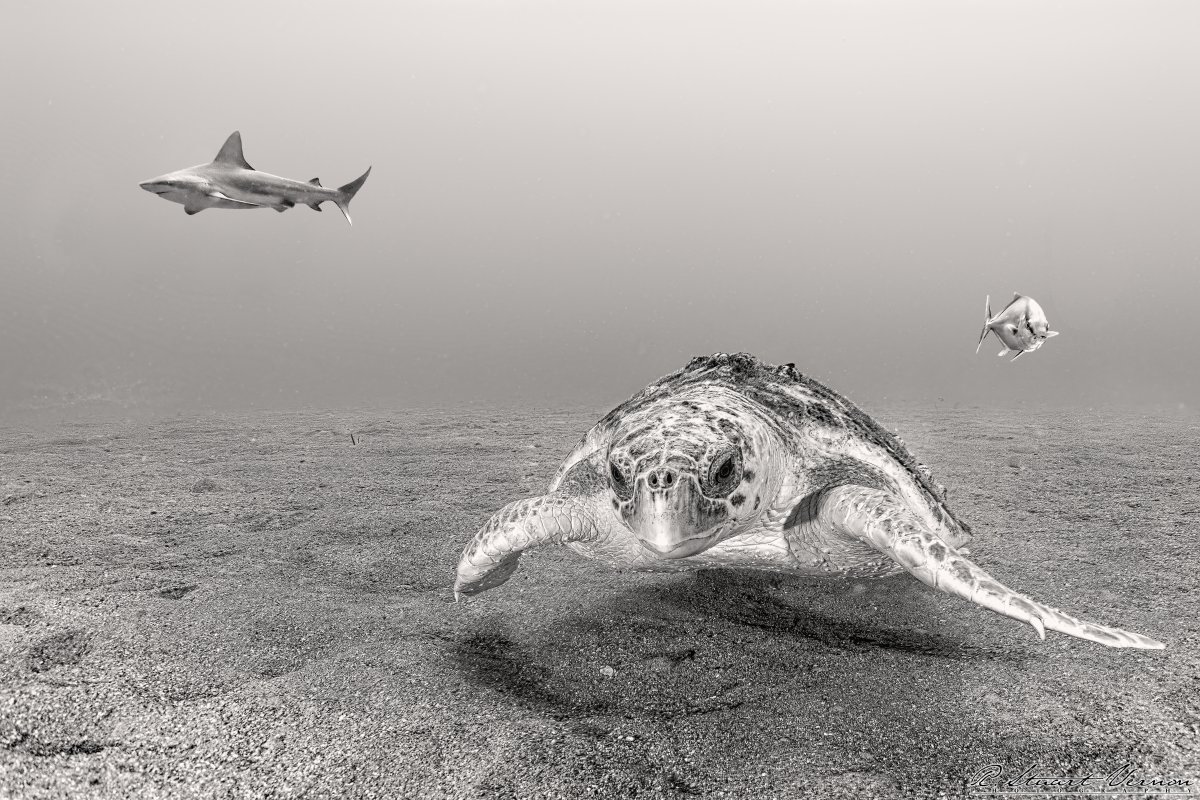
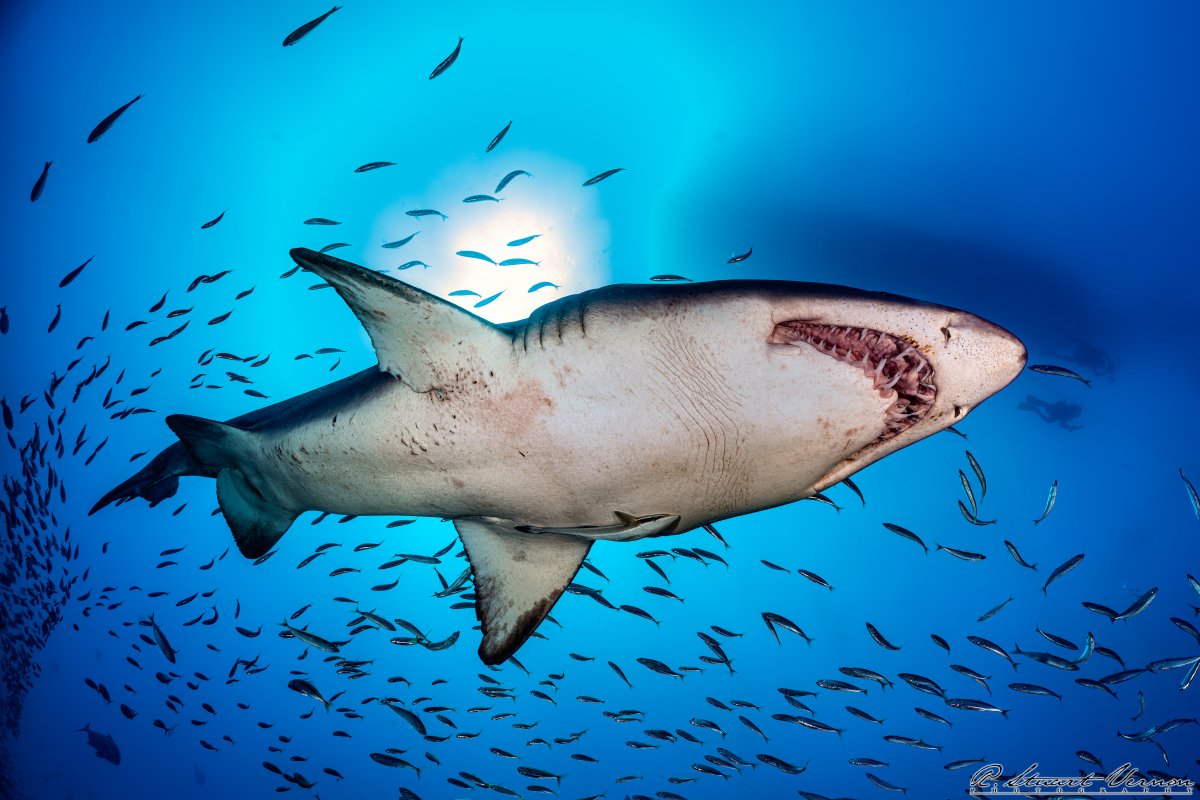
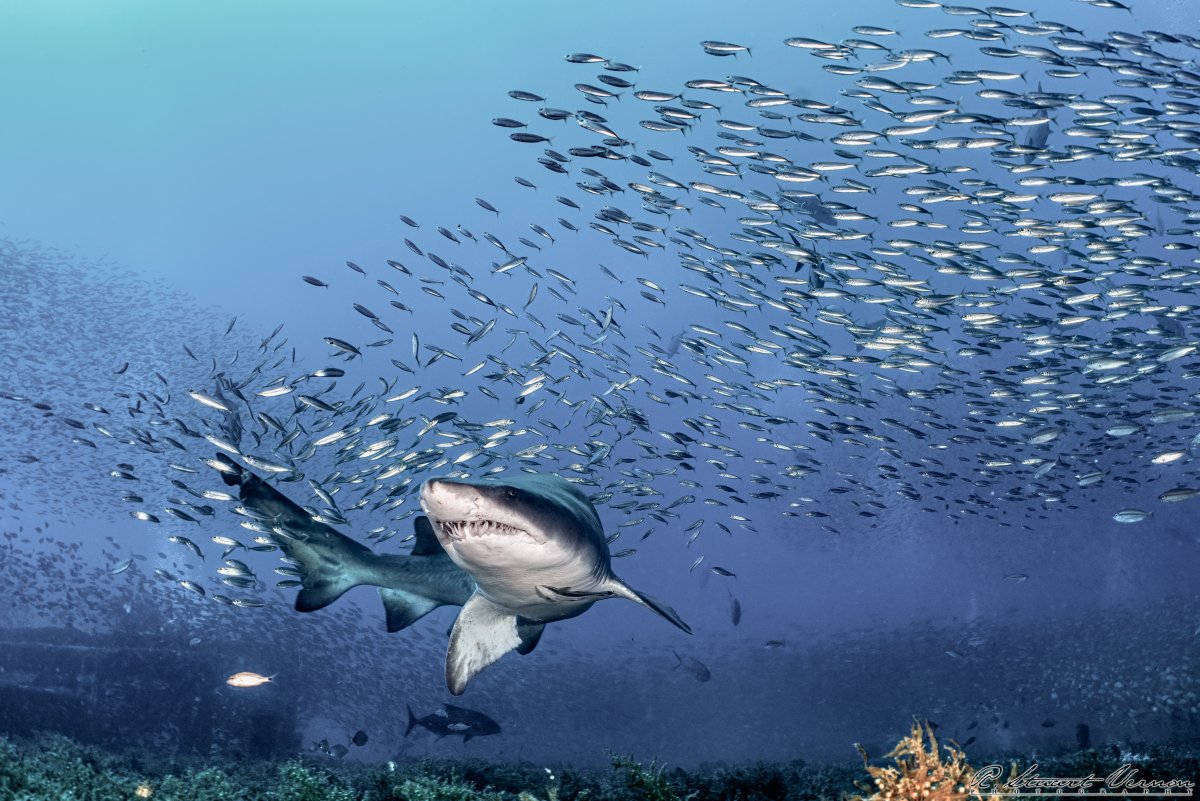
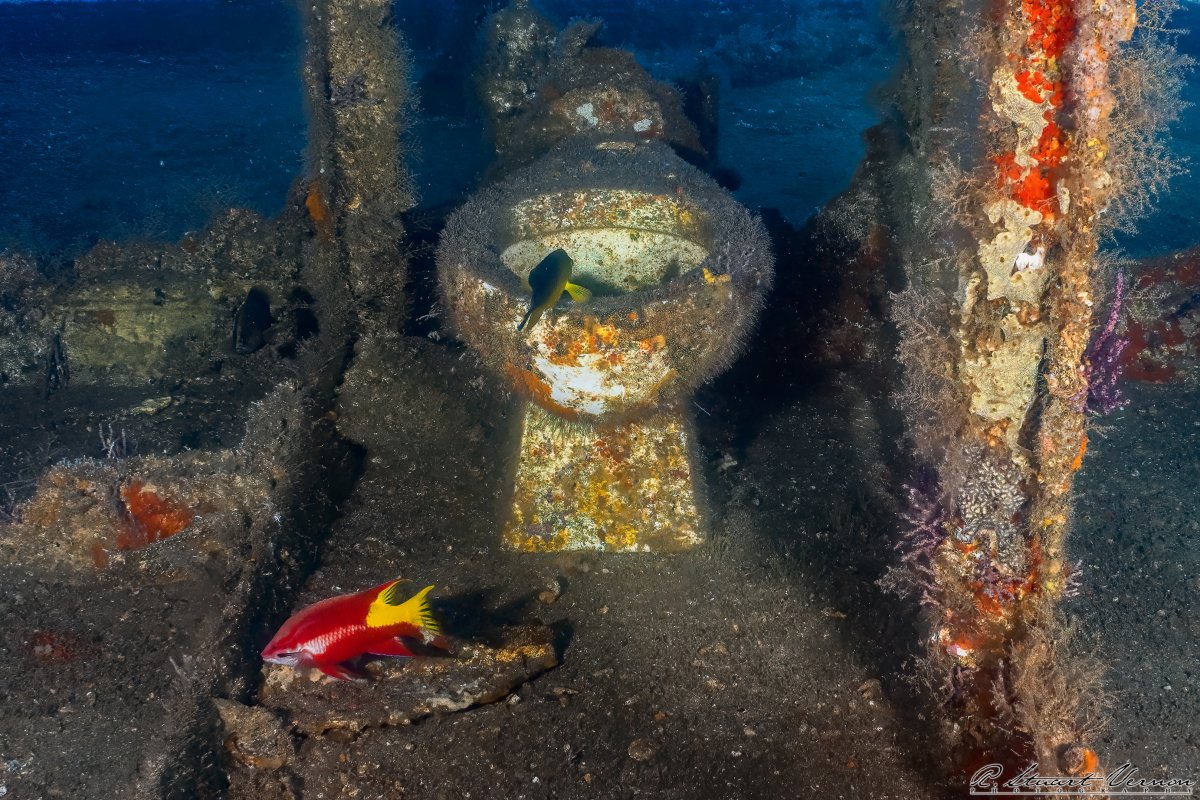
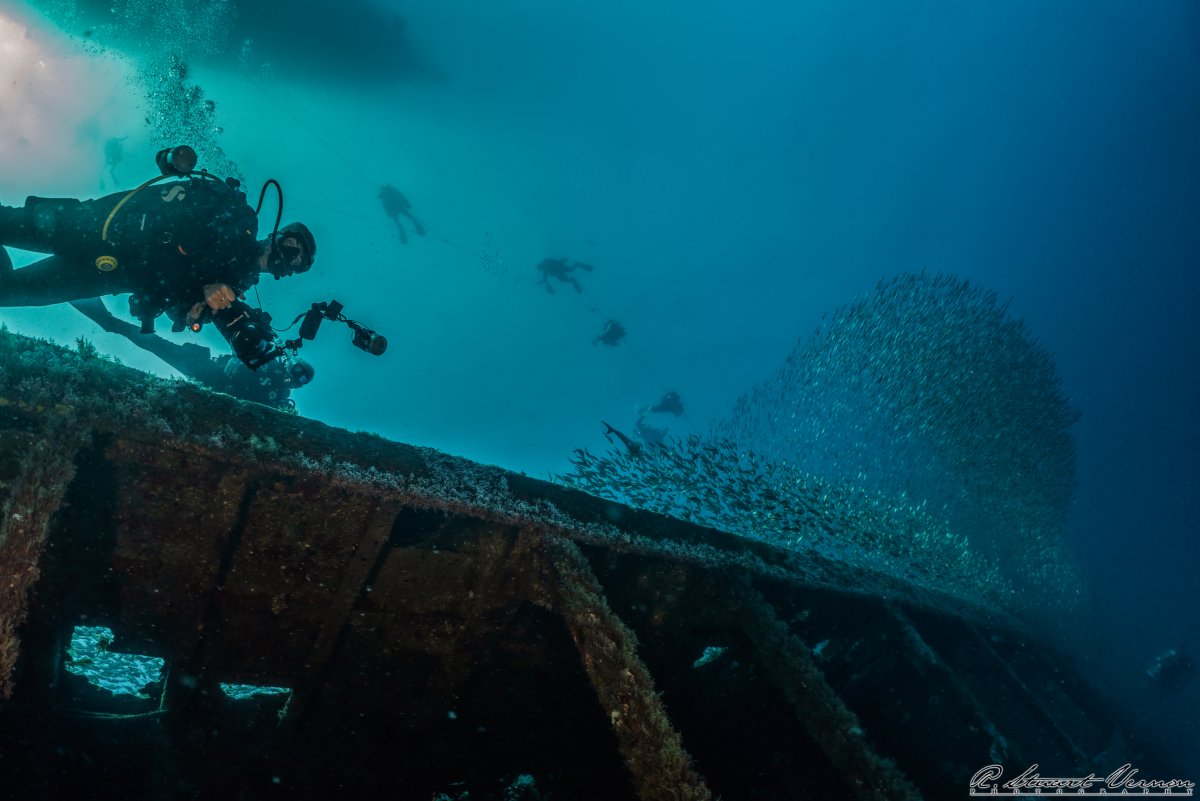
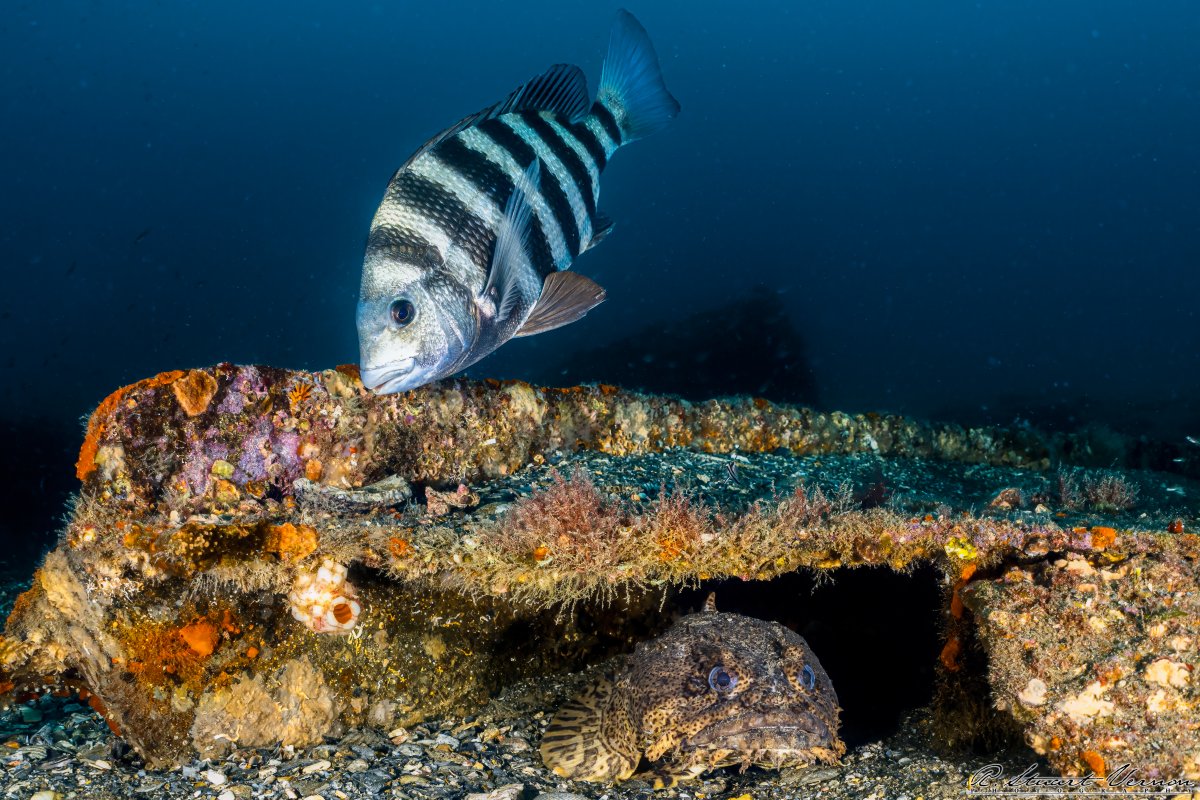
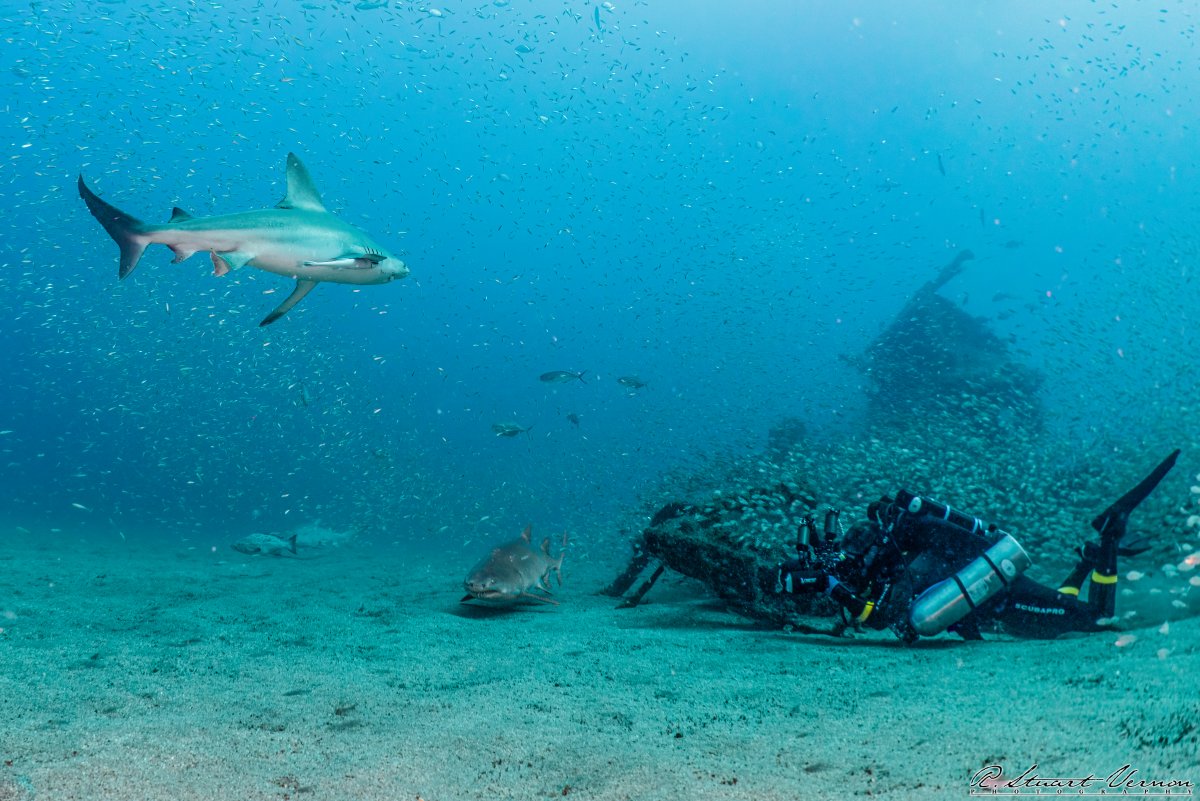
Photo / Video Showcase / Archived topic
Started by stuartv ·
Read-only discussion
I was at the 2022 North Carolina Wreck Shark Shootout last week, going out of Morehead City, with Olympus Dive Center. These are my photos I entered in the various competition categories.
Great photos.
On 6/9/2022 at 1:57 PM, stuartv said:I was at the 2022 North Carolina Wreck Shark Shootout last week, going out of Morehead City, with Olympus Dive Center. These are my photos I entered in the various competition categories.
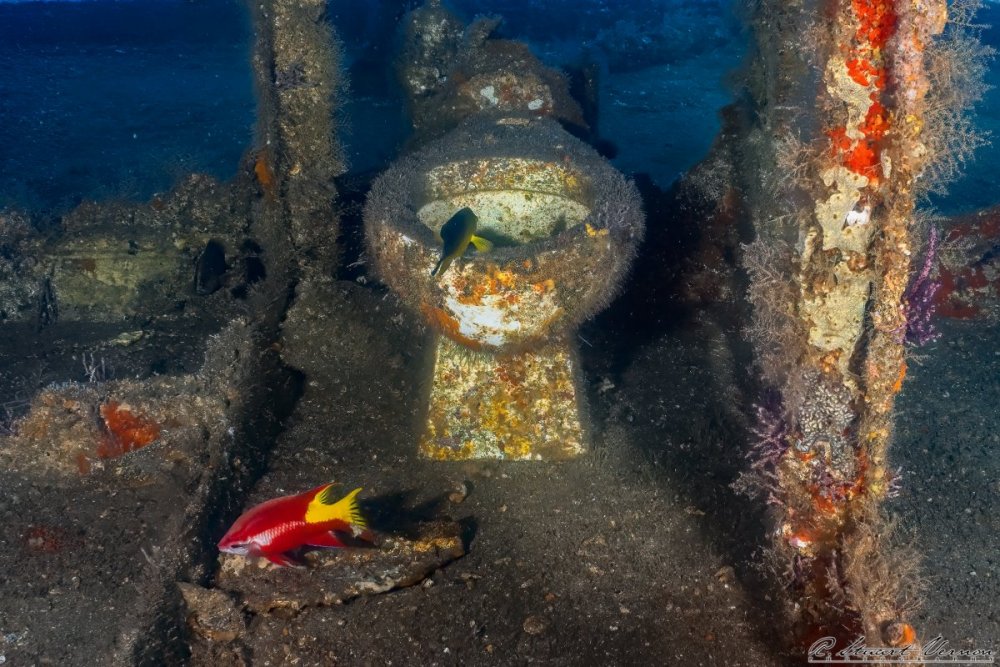
I see you captured the image of the brown trout. HAHA I couldn't resist making a turd joke. Feel free to ignore me, me wife does.
1 hour ago, Dann-Oh said:I see you captured the image of the brown trout. HAHA I couldn't resist making a turd joke. Feel free to ignore me, me wife does.
LOL!!! 
Very good shoots! What is your camera-lens?
On 7/2/2022 at 7:27 PM, stillviking said:Very good shoots! What is your camera-lens?
Thank you!
I was shooting a Sony a7rIV in a Nauticam housing, with a Nauticam WWL-1 on the front. The camera lens was either a Sony 28mm f/2, or a Sony 28-60 f/4-5.6, just depending on the day.
Usually, I just use the 28-60, but for a couple of days during that trip I wanted to experiment with shooting some ambient light stuff and using big apertures, so I used the 28mm f/2.
The looking up shot at the shark is incredible!! Absolutely love it!
On 7/9/2022 at 8:51 AM, Newwaterphotographer said:The looking up shot at the shark is incredible!! Absolutely love it!
Thank you!

Terms of Use Privacy Policy Guidelines We have placed cookies on your device to help make this website better. You can adjust your cookie settings, otherwise we'll assume you're okay to continue.

A worldwide community for underwater imaging.
