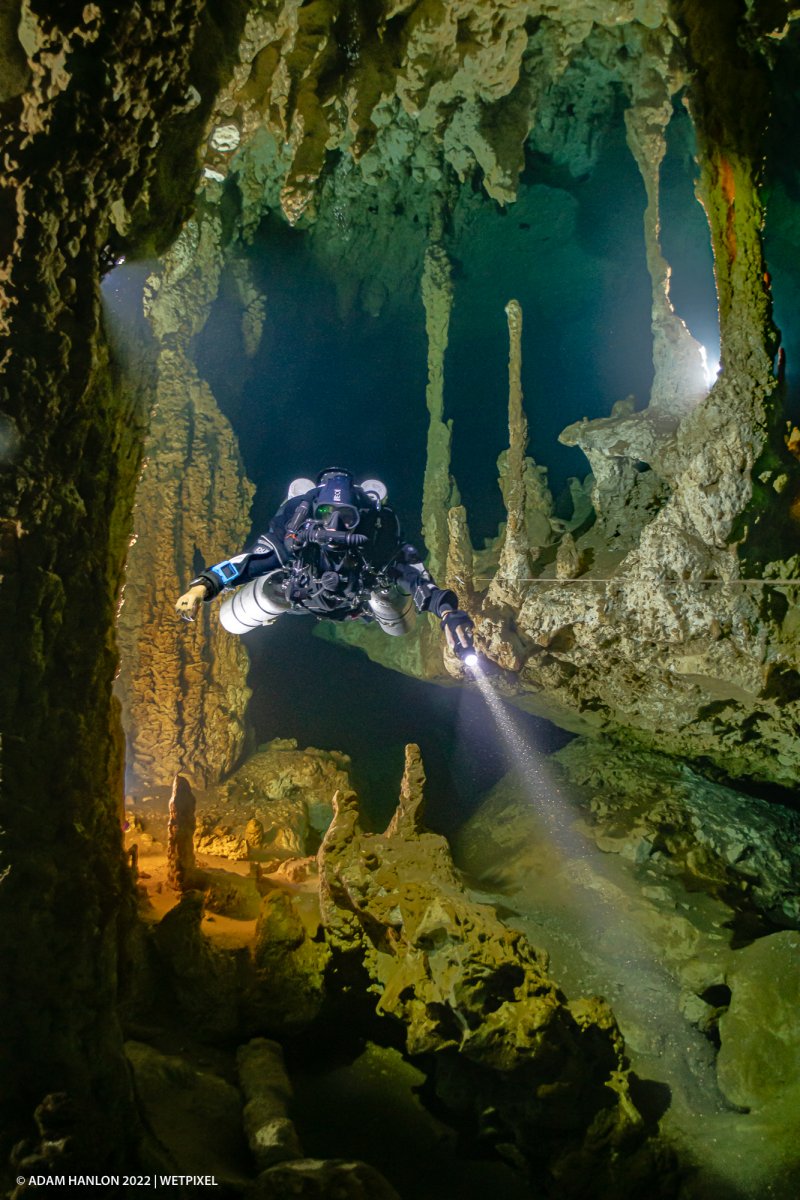
This is the start of a process, but I wanted to share a result!
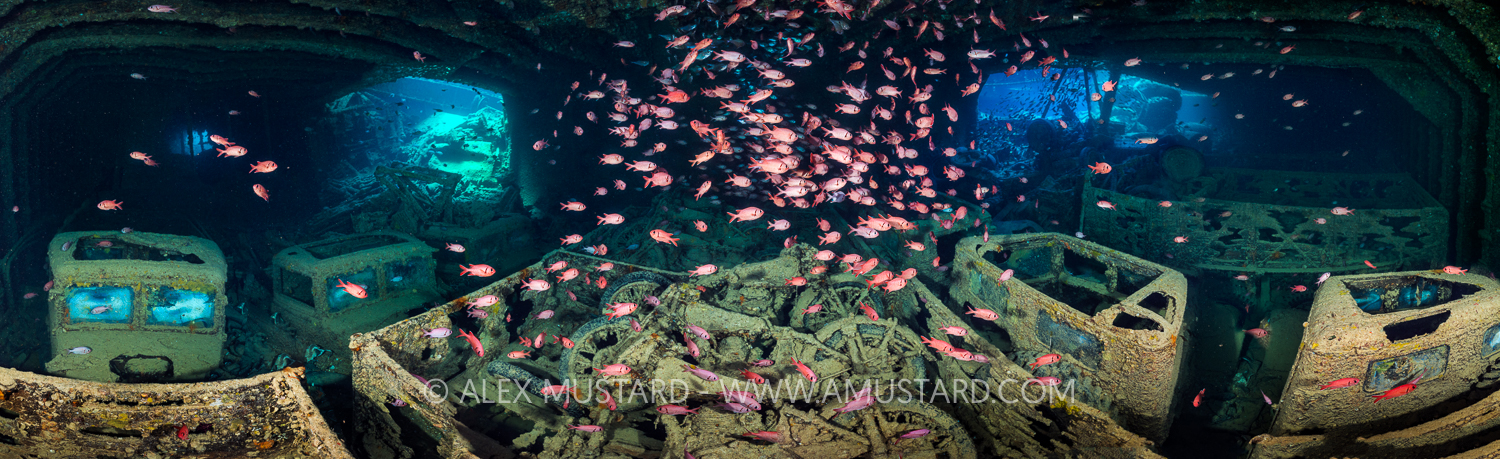
On the recent Wetpixel Red Sea Safari, I was able to dive multiple times on the Thistlegorm and as a result was able to begin to figure out the logistics of shooting panos in the holds.
This is 5 images stitched together, with two off-camera strobes and hand-held lights
Nikon D850, Nikon 28-70 f/3.5-4.5, Nauticam WACP, Strobes by Retra, Inon and Ikelite. Remote strobes triggered by Anglerfish and Ikelite remote triggers.
1/20@f/3.5, ISO500
Wow, a wicked image, Adam. Well done!
I really like the low amount of distortion you have got, it makes the image much more about the content and not the technique, which I really like.
There were more fish back in 2015, when I did this one!
Hi Adam,
I am jealous, great photo...
You state that this is the beginning of a process: what you will intend to achieve in addition?
Wolfgang
Hi Wofgang,
It was great to share time with you in Egypt. Next time, come and spend both weeks with us! The dolphins were especially co-operative on the second week
I would like to get a wider angle of coverage, and the remote strobes are (a) wrongly positioned) and (b) too bright. I would like to try and shoot this with bright video lights, rather than strobes.
In dark places, you can get great results with them:
Balancing the lights with the ambient will be challenging for sure, but using super slow shutter speeds should allow it to work...