Skip to content

Classifieds / Archived topic

Olympus O-MD E-M5 MKll with Olympus PT-EP13 Housing

Started by buster1dog ·

  • 2Posts
  • 2Replies

Read-only discussion

Olympus O-MD E-M5 MKll with Olympus PT-EP13 Housing

2 posts
  1. PENDING SALE

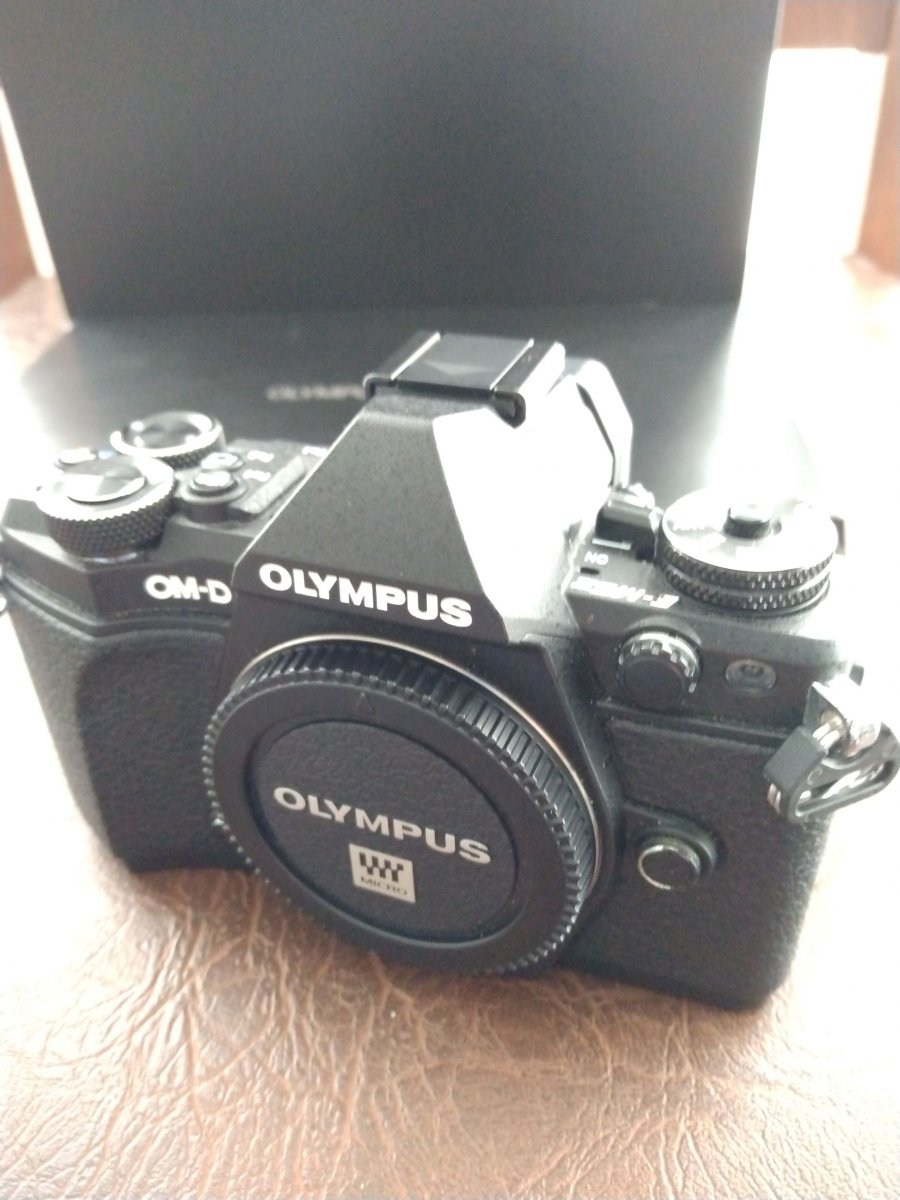
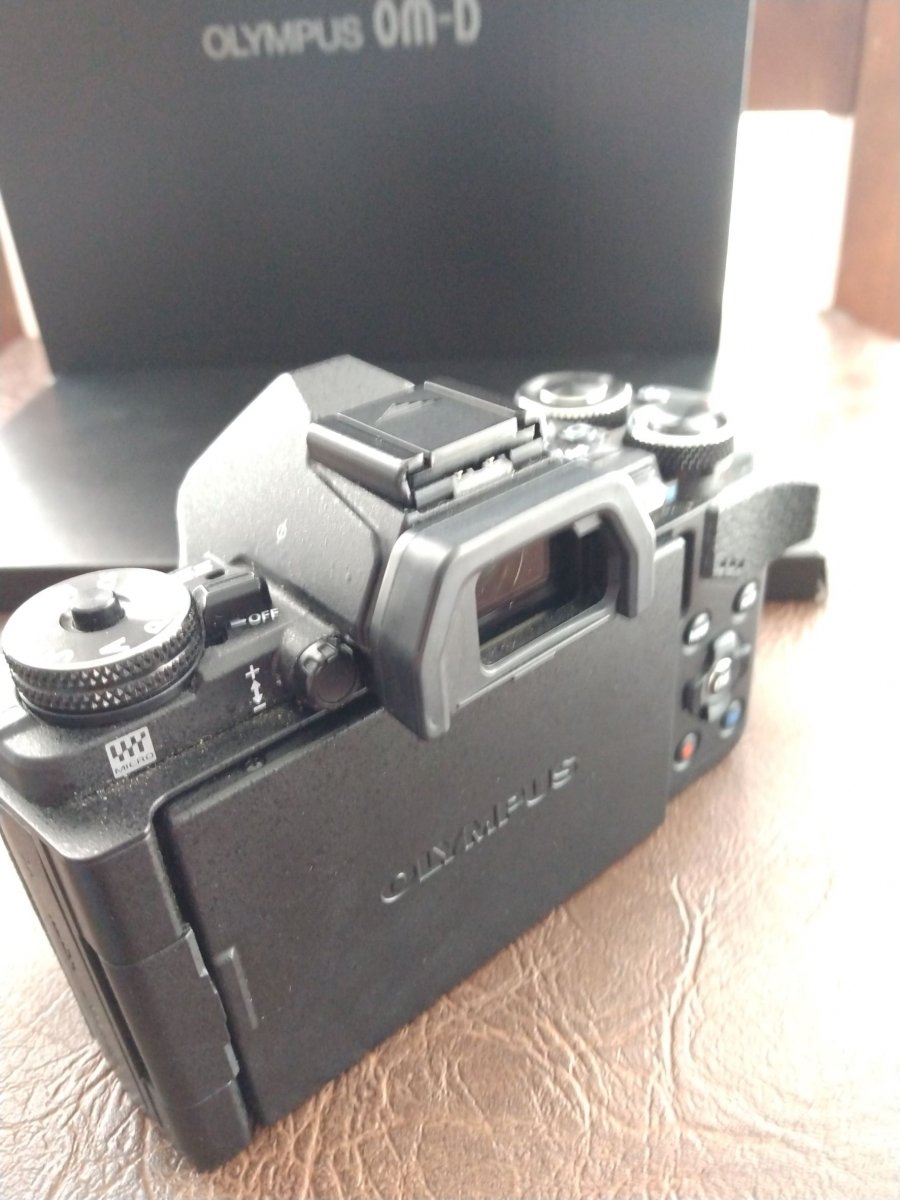
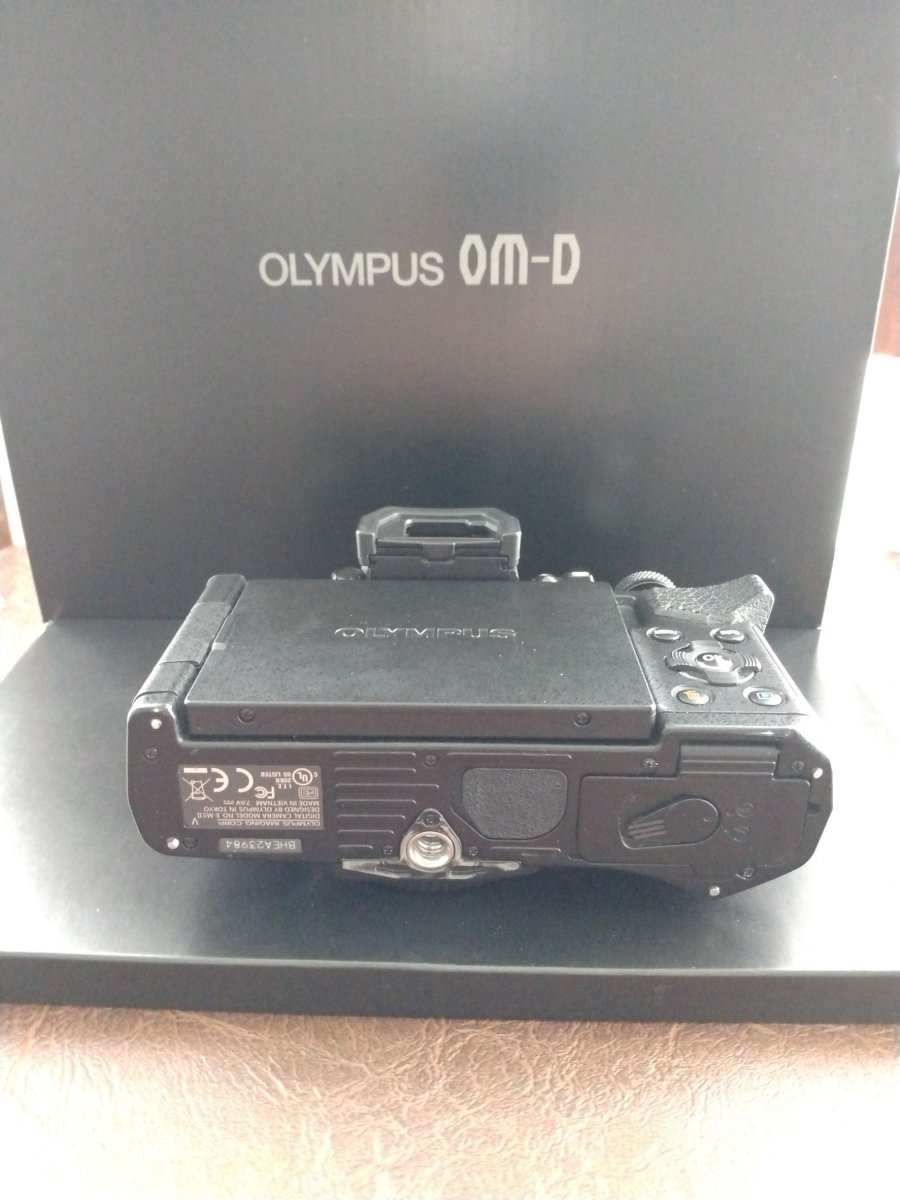
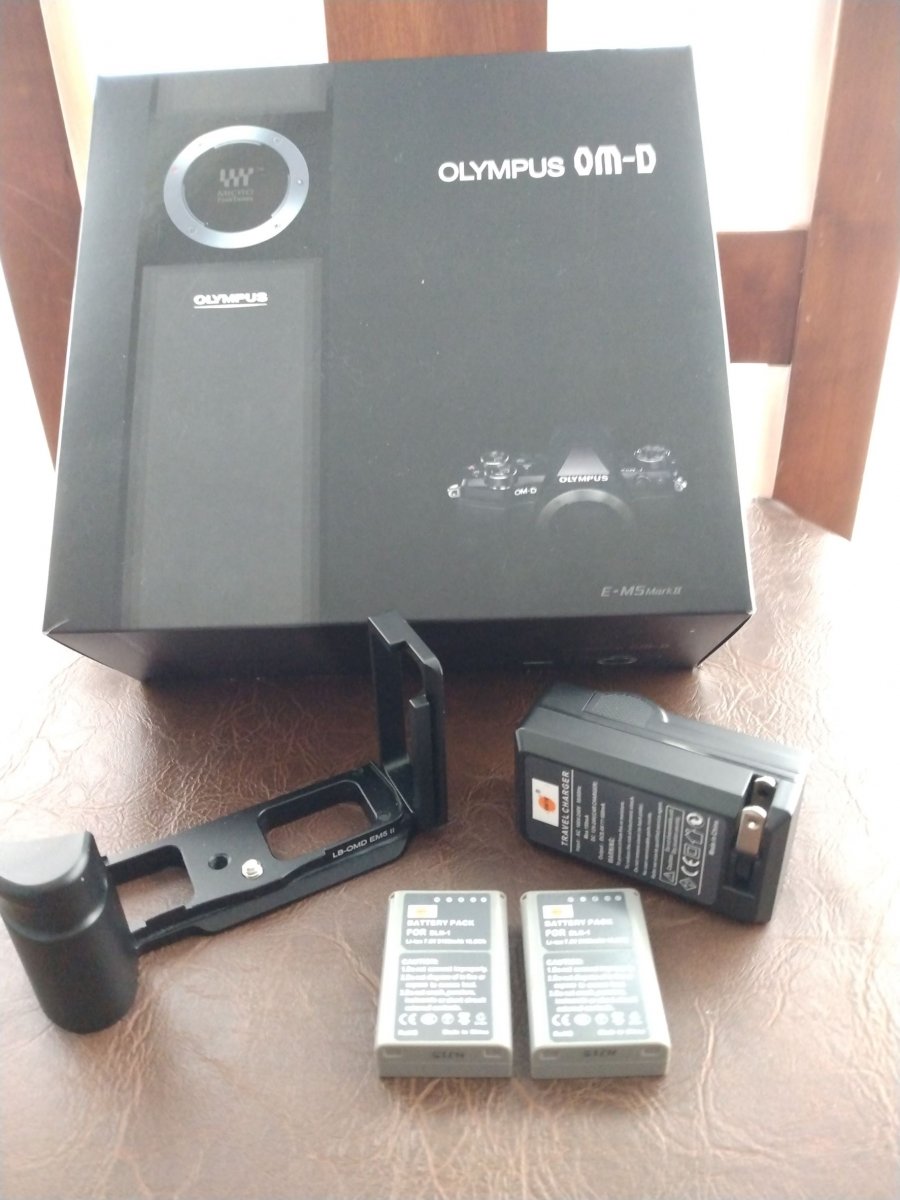
    Camera includes original battery, charger, USB cable, strap, flash, original box with manual.

    After market grip L bracket, Wall charger and 2 batteries.

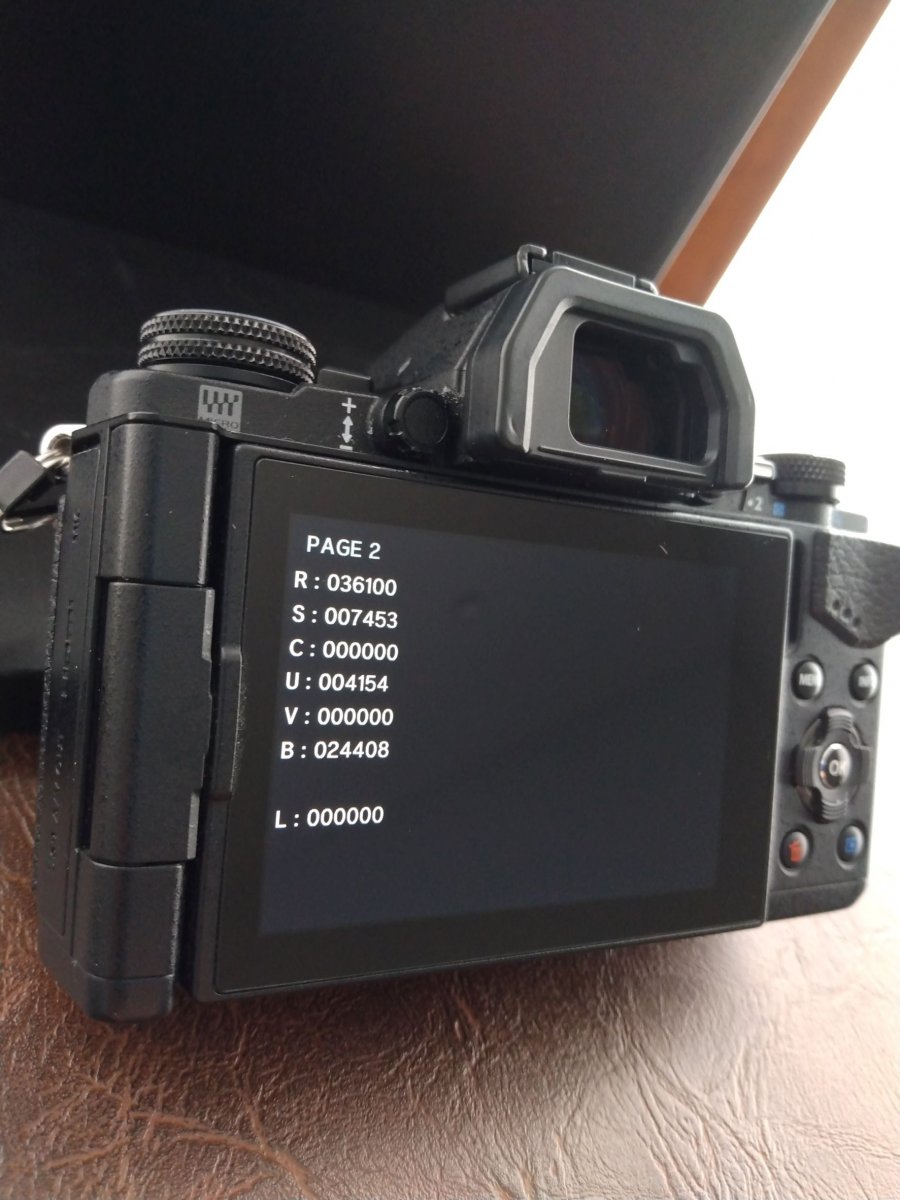
     Camera is in excellent used condition.

    Bought camera new from Olympus. Babied from day 1.

    See pics for details.

    $450 Camera only.


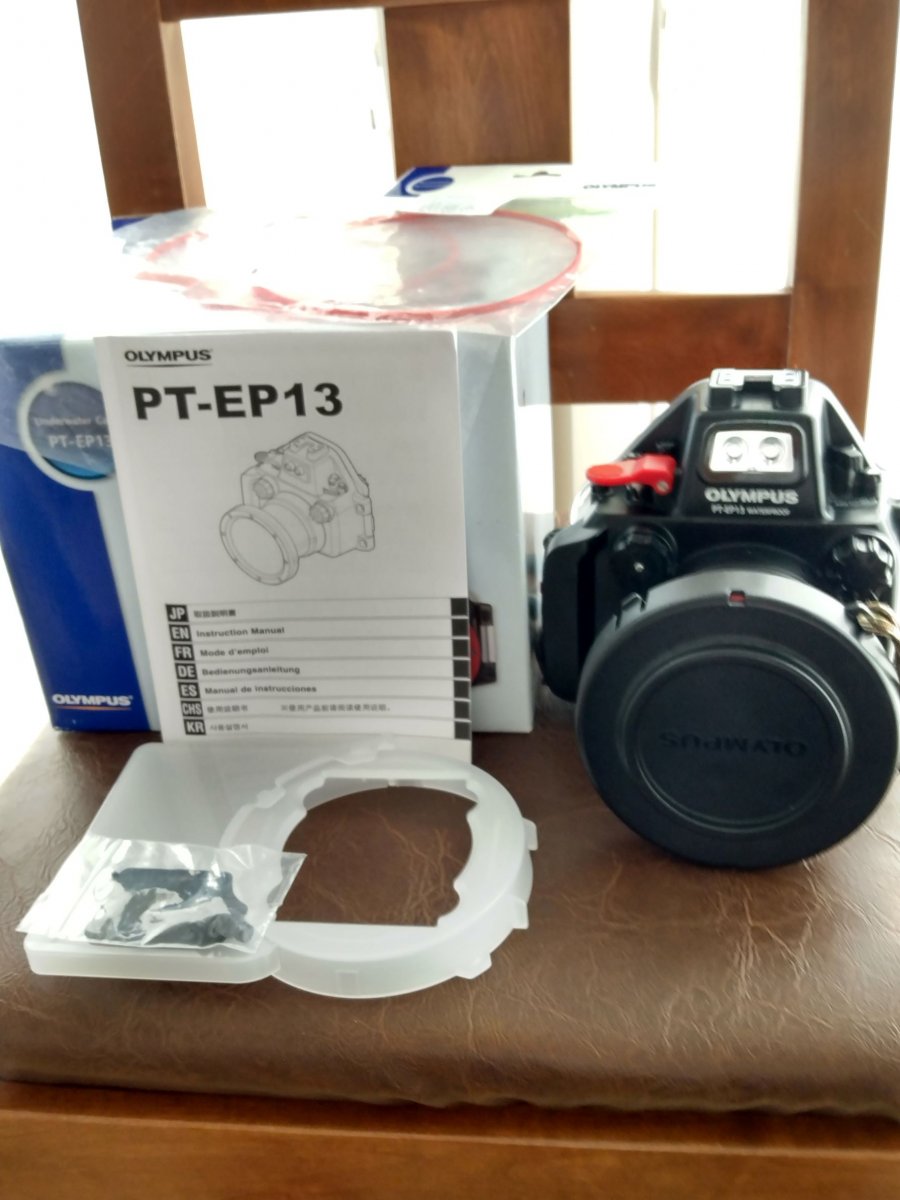
     Housing includes original box, manual O-Ring, port cover, large diffuser, small plastic flash cover (cracked but works fine), 2 fiber optic port cap plugs.

    1 spare Olympus O-Ring new in sealed bag.

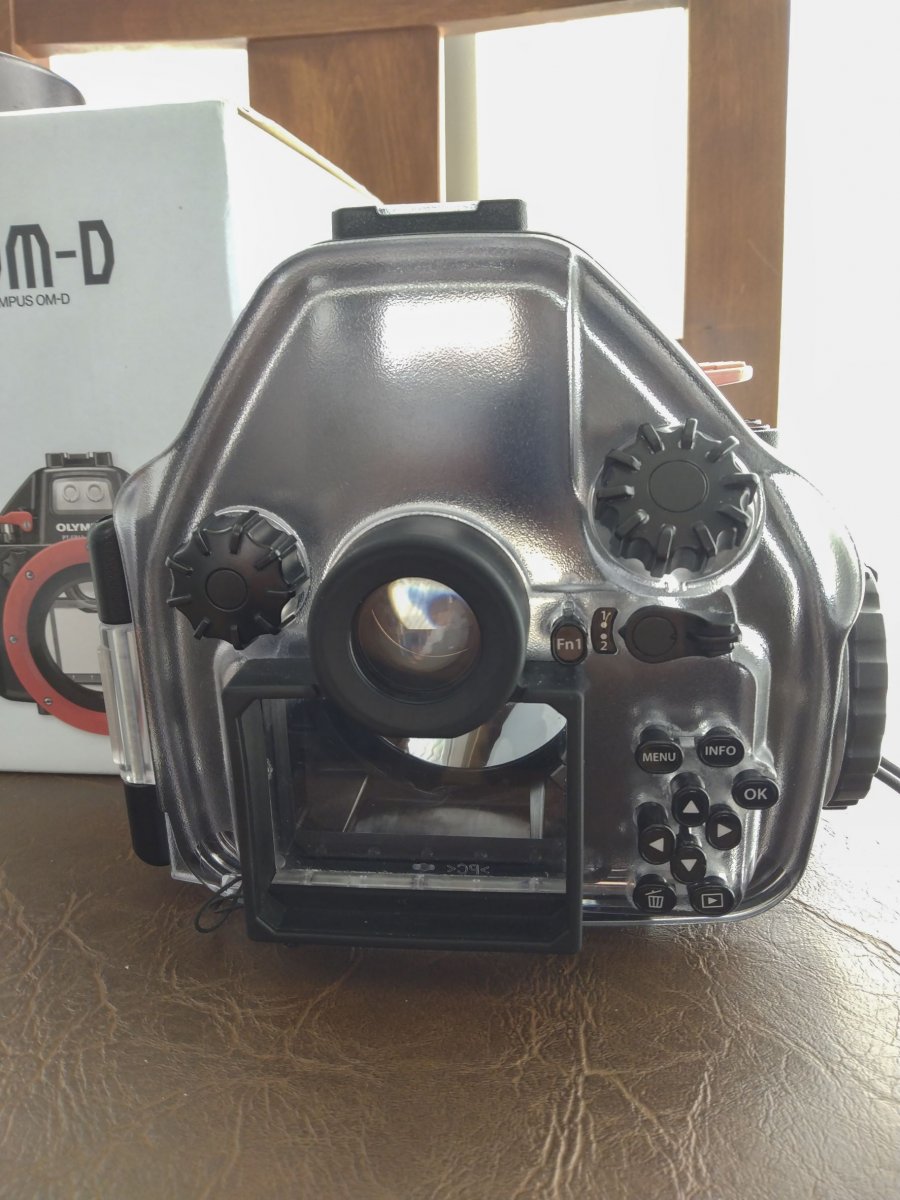
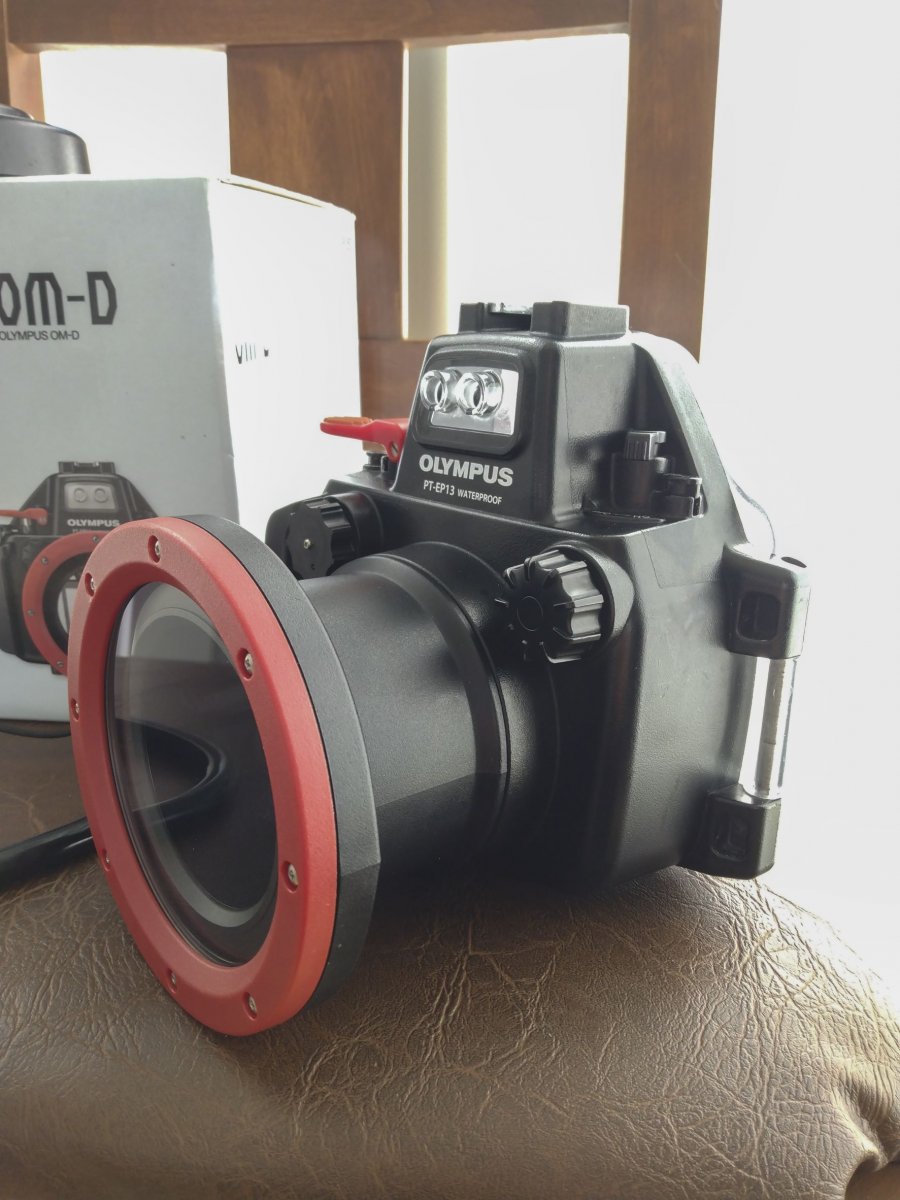
     Housing is in excellent used condition.

    Bought housing new from Olympus. Never flooded. Rinsed housing and buttons after every dive. Always inspected, cleaned, lubed O-Ring before every dive, leaked checked before every dive. Front control dial has the modification to allow Mini dome installation. 

    See pics for details.

    $450 Housing only.


    Camera/housing together.

    $800.


    Paypal only.

    Will contribute $25 towards shipping.
    IMG_20220615_091451162.thumb.jpg.9be814d5c9822556285ed6e5b3a26cde.jpgIMG_20220615_092251274.thumb.jpg.c96639d81267590bdb7fd1ff990e89a1.jpgIMG_20220615_092335519.thumb.jpg.498f5fe4855f80a1fccffc56a8e21e6e.jpgIMG_20220615_092355913.thumb.jpg.013fc9eabb1b3968958db319b93e08dd.jpgIMG_20220615_092437630.thumb.jpg.98ffb68b8fbee962a995bd0d579bcdd8.jpgIMG_20220615_093355347.thumb.jpg.539115d15463d0e78890b782cc5b719b.jpgIMG_20220615_122717271_HDR.thumb.jpg.7d980a017a000a51cffa9ccb723bab4f.jpgIMG_20220615_122914891.thumb.jpg.00eedf264a7aba1fb1f64c29cf0041d7.jpgIMG_20220615_122934759.thumb.jpg.eb2e5a147fe7aa874815adeca81e9e38.jpgIMG_20220615_122943792.thumb.jpg.9d128a082fe3392e71b5d48388c734c0.jpg
     

    Edited by buster1dog — pending sale
  2. SOLD

Scuba.com

Account

Navigation

Search

Search

Configure browser push notifications

Chrome (Android)
  1. Tap the lock icon next to the address bar.
  2. Tap Permissions → Notifications.
  3. Adjust your preference.
Chrome (Desktop)
  1. Click the padlock icon in the address bar.
  2. Select Site settings.
  3. Find Notifications and adjust your preference.