



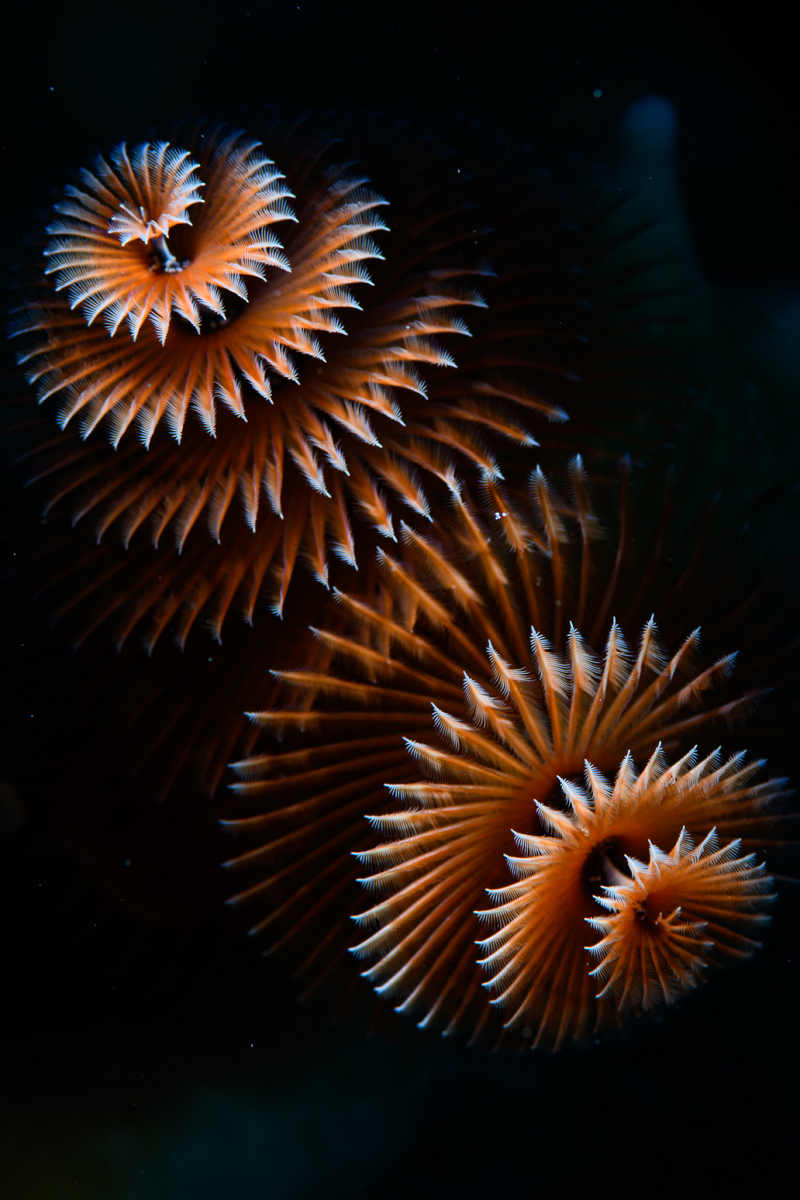
I've shot a lot of Christmas Tree worms, but this one came out exceptionally nice. Done on my last dive in Bonaire at the end of the Digital Shootout 2022.
Read-only discussion
I've shot a lot of Christmas Tree worms, but this one came out exceptionally nice. Done on my last dive in Bonaire at the end of the Digital Shootout 2022.
Wow, yeah, that is super shot - well done. I've taken dozens of CTW shots but never got one to come out like that. Did you use a snoot?
Indeed, that is a spectacular image! Inward lighting perhaps?
Shot with backscatter miniflash and snoot.
Thanks. Super, super pic. Well done!
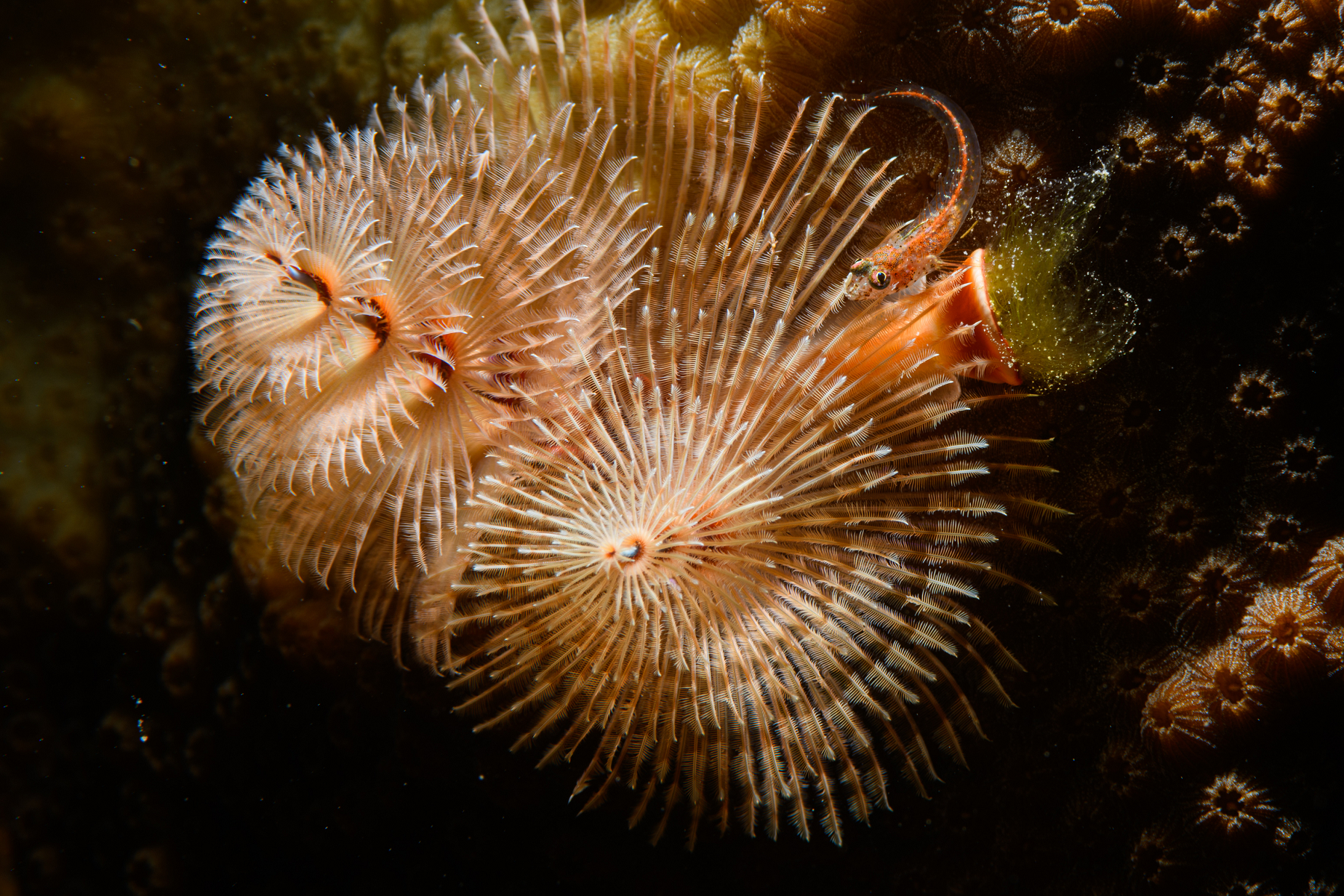
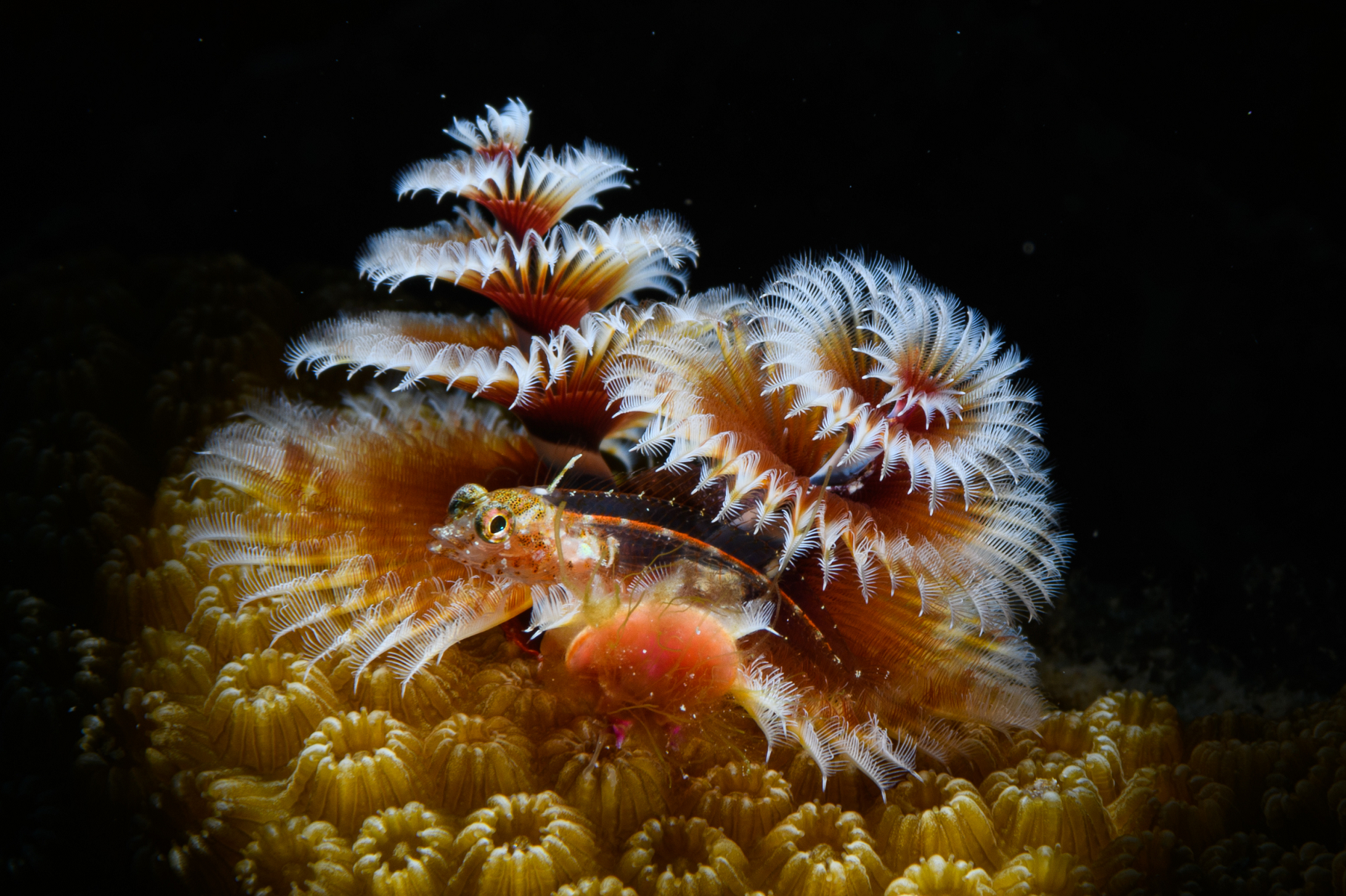
A couple more. These both have a small fish involved, which I'm asking about in the critter id foum:
Your pics aren't showing up.
-Tinman
On 6/25/2022 at 7:20 PM, Tinman said:Your pics aren't showing up.
-Tinman
Yes, and I'm trying to figure out why. I linked to my web server, and I think the links broke when I reloaded the images. Let me try to repost them.
On 6/20/2022 at 4:45 PM, phxazcraig said:I've shot a lot of Christmas Tree worms, but this one came out exceptionally nice. Done on my last dive in Bonaire at the end of the Digital Shootout 2022.
Reposting with new links to the image. For some reason I can't just copy the URL link in now, so I'll have to point to the web page it is on:
https://www.cjcphoto.net/bonaire2022/images/page124.html
Which worries me as the page number will change if I edit the site...
Your link doesn't seem to be working. I tried going to https://cjcphoto.net with a Yahoo search and nothing would open either.
-Tinman
On 7/1/2022 at 2:45 PM, Tinman said:Your link doesn't seem to be working. I tried going to https://cjcphoto.net with a Yahoo search and nothing would open either.
-Tinman
Can you at least bring up the www.cjcphoto.net main page? (Do I need to replace the certificate perhaps?) I'm seeing the links work for me right now, but I may be bringing up the pages via internal LAN instead of via internet.
Cant see the images :-(
3 hours ago, diggy said:Cant see the images :-(
No, me neither
Nope, https://cjcphoto.net/ won't open any page for me. I'd really like to see your pics, but nothing seems to be working.
-Tinman
How about now? I glitched something in the firewall some days ago trying to set up a mail server. I managed to cut off my webserver, but it should be available again now, and the images should, I think, just display now?
Here's a test image:
very nice. I can see clearly now 
Yep! Well done.
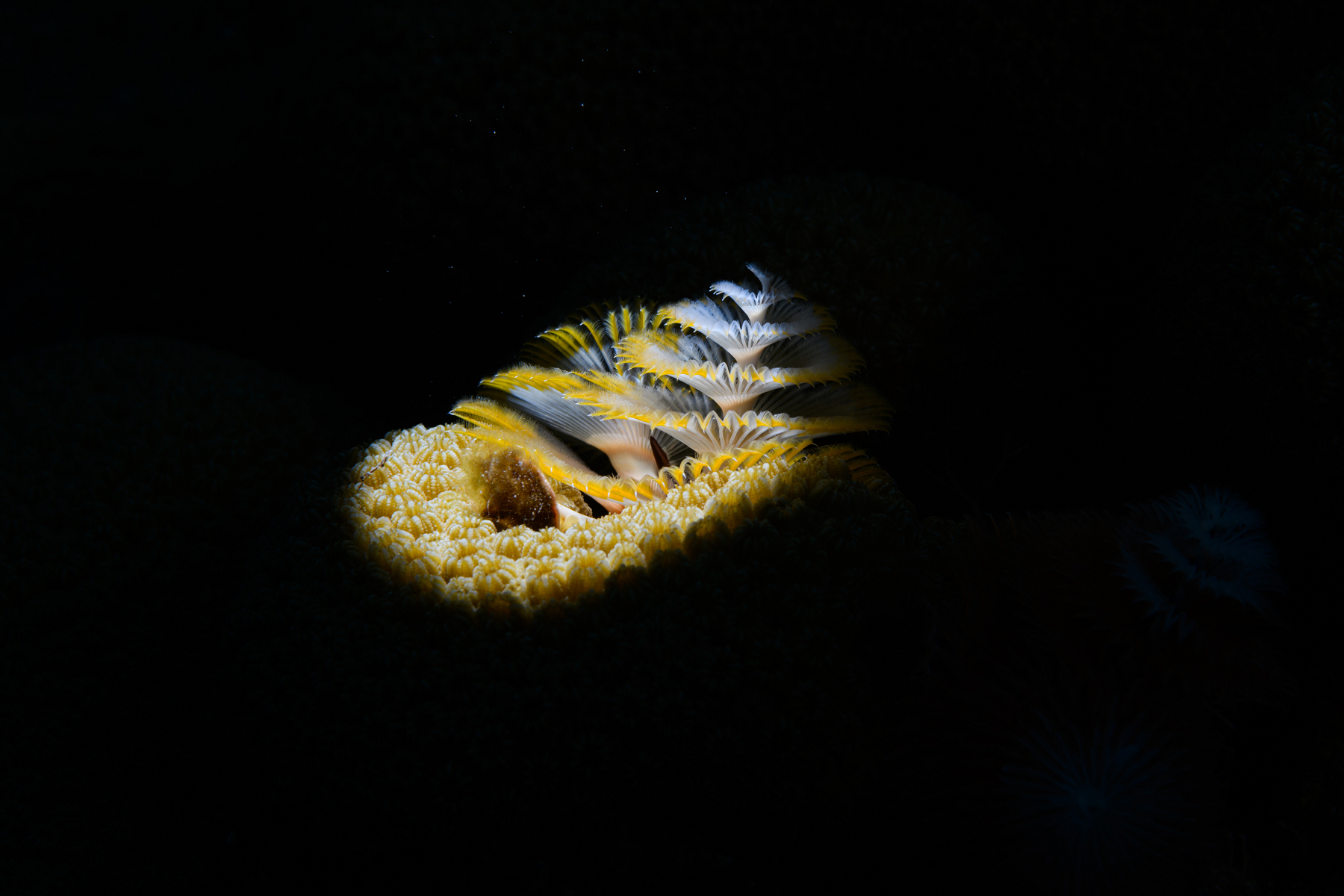
Here's one more, with a question. Since I already had two shots of a Sea Fan Blenny in or next to a Christmas Tree Worm, is there another fish in the worm in this shot? Or is that some part of the worm itself?
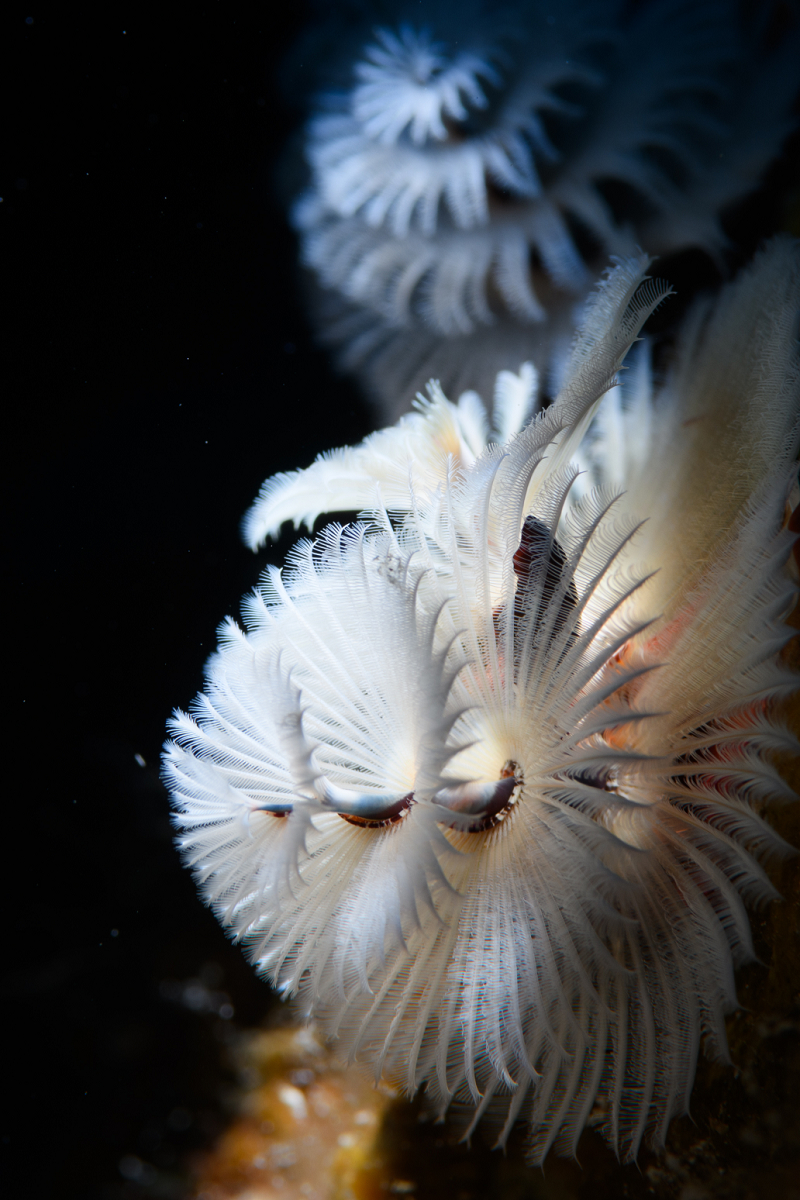
57 minutes ago, phxazcraig said:Or is that some part of the worm itself?
Part of the worm, I think.
Just looking at the first pic again, Craig. That has to be one of the best Christmas Tree worm pics I have seen. Fabulous. It's a piece of art.
On 7/8/2022 at 1:26 PM, TimG said:Part of the worm, I think.
Just looking at the first pic again, Craig. That has to be one of the best Christmas Tree worm pics I have seen. Fabulous. It's a piece of art.
Sure wish I'd taken it a day earlier. Might have won me a nice prize in the contest. Prizes like a week on a liveaboard in the Solomon islands.

Terms of Use Privacy Policy Guidelines We have placed cookies on your device to help make this website better. You can adjust your cookie settings, otherwise we'll assume you're okay to continue.

A worldwide community for underwater imaging.
