



I'm normally shooting an A7C with kit lens at 60mm, and a CMC-2. I'm wondering what the best focus method is for macro? Currently use the 1/2 shutter trigger to focus and hold, but I do get a lot of shots that aren't in focus. I suspect I'm actually just getting too close to the subject. Thoughts? Back-button?
- 4Posts
- 4Replies
Read-only discussion
A7C Macro Focus Best Practice?
4 posts
-
-
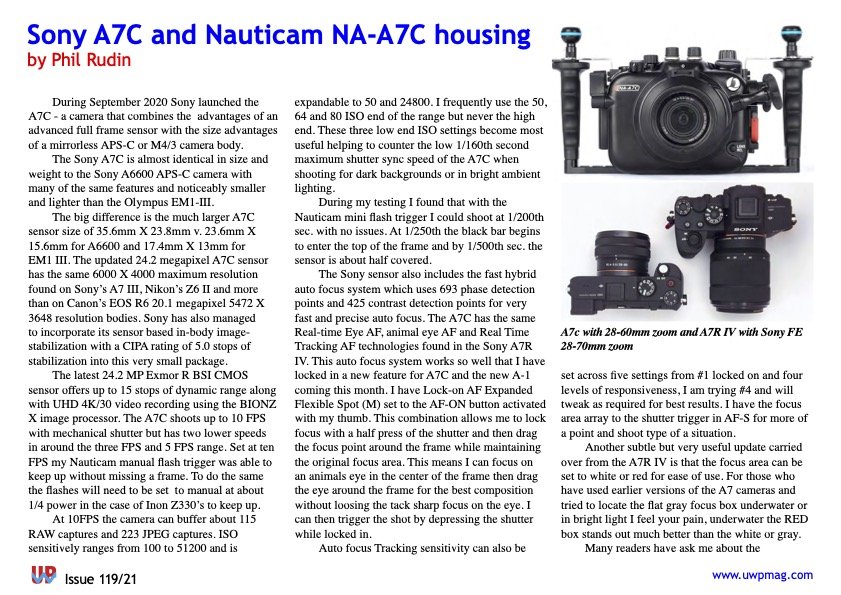
I did a full review for the Sony A7c with Nauticam housing in issue #119 of uwpmag.com. This is a free PDF download from the back issues section found at the top of the home page. The review covers how I setup the camera and how I used it.
-
I don't have the A7C, but regardless of camera I would think you would need to experiment with a few methods to find what works for you. Back button focus is probably a good starting point and is what I have used since my first AF camera that was capable of using it. Using a wet diopter with a kit lens does place additional restrictions - the working distance is restricted to 83-135mm according to the port charts which places challenges on holding position while shooting. Are you trying to achieve maximum magnification? Perhaps start off at less than maximum and take a series of shots if the subject allows as you move in closer. Better to have a more loosely framed in focus shot than a tight one missing critical focus.
-
Back button focus makes it easier. Knowing the min and max focus distance helps. Turn on tracking in your focus mode if you haven’t (I use AF-C and flexible spot S/M + tracking). You will have an easier time with the 90mm macro lens than with the 60+CMC-1 I suspect as for me adding a diopter to my 90 makes focusing much harder. It helps to rock slowly back and forth with the diopter until what you want comes into focus vs just relying on autofocus


