FS: 3 Strobe controllers for Nauticam & Nikon = Optical Manual, Optical TTL, & Electronic
** Here’s a chance to obtain a back-up strobe trigger option as discussed in a recent AdamH and AlexM WetPixel YouTube video **
These Nauticam parts came with a pre-owned Nauticam housing I recently purchased.
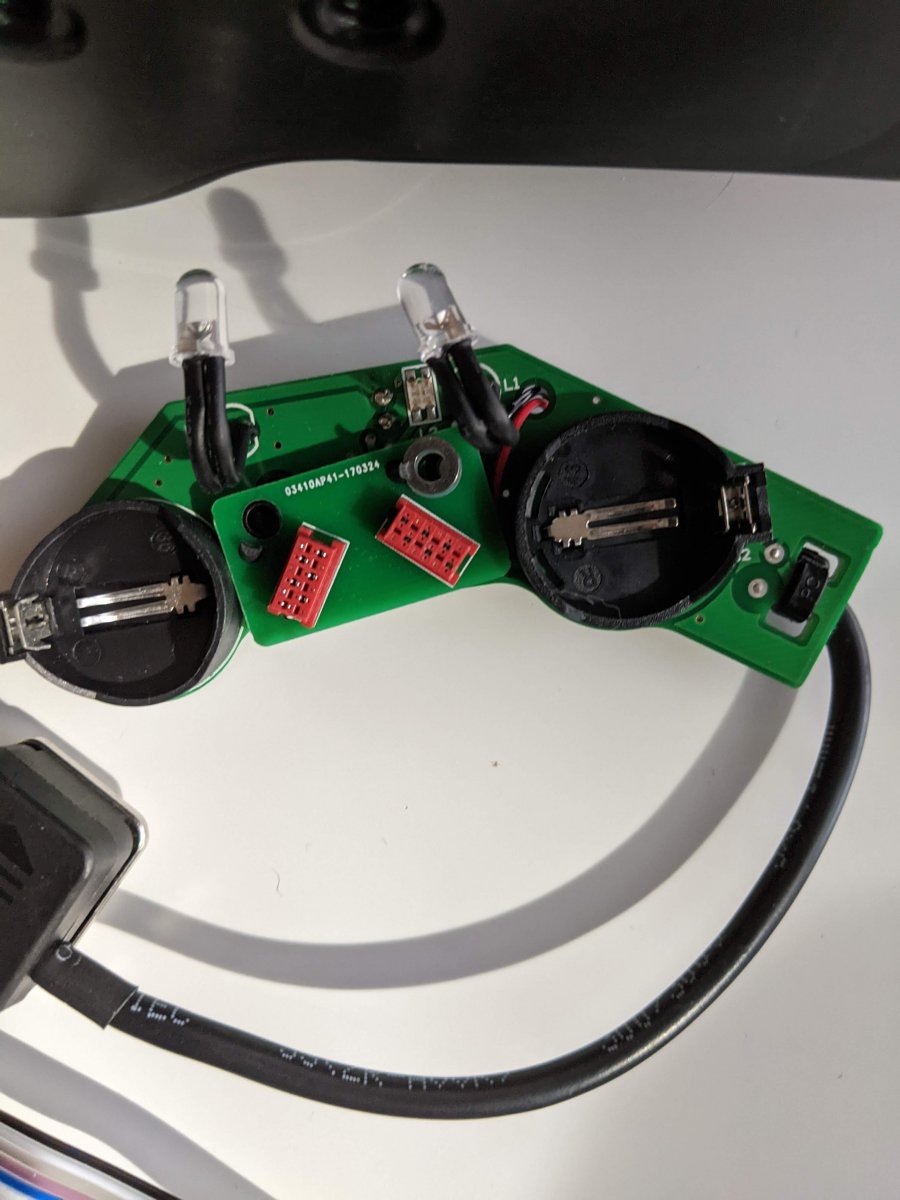
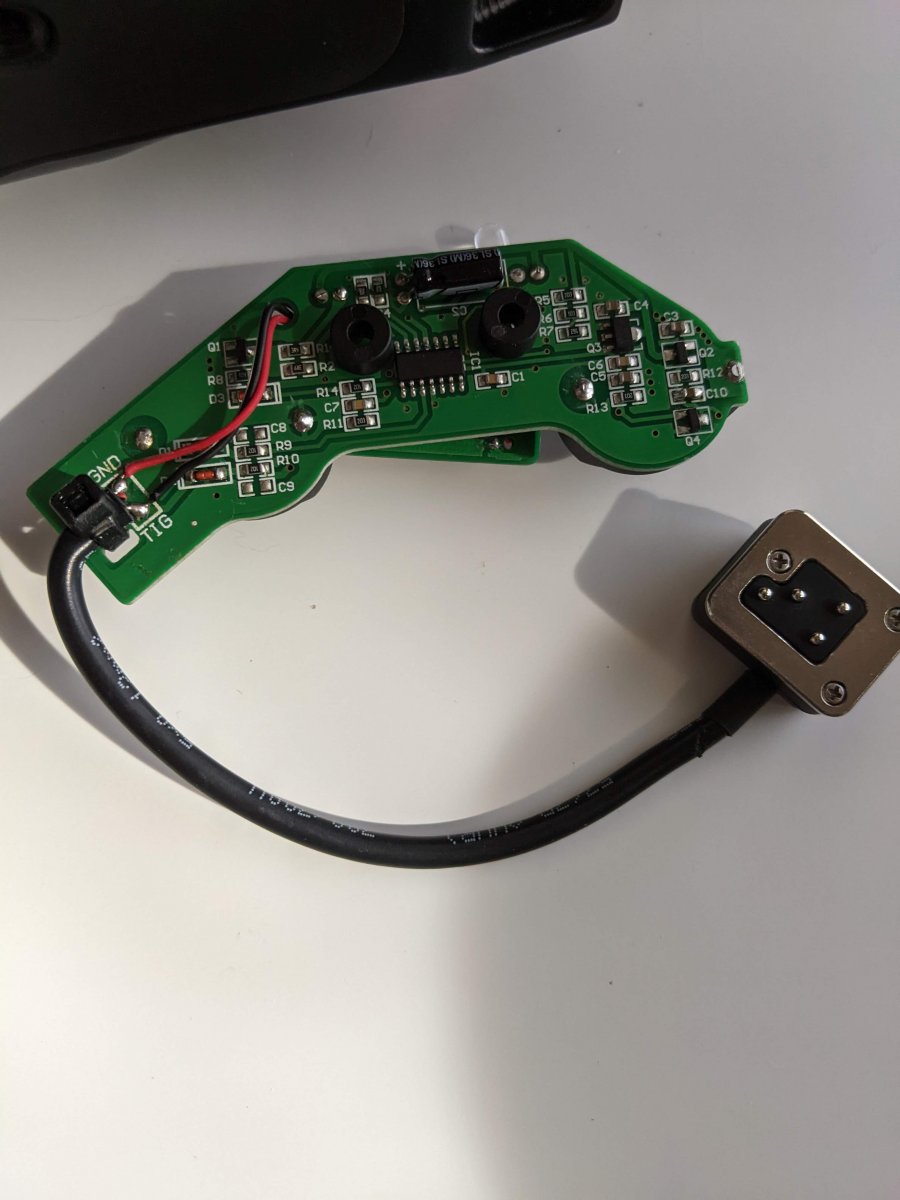
The optical flash boards are from ~2017
I do not know if any board or cable works or what the compatibility will be.
Retra folk have advised: “Both [optical boards] may trigger Retra strobes in manual mode, however, the TTL board is likely too old to have the Retra setting.”
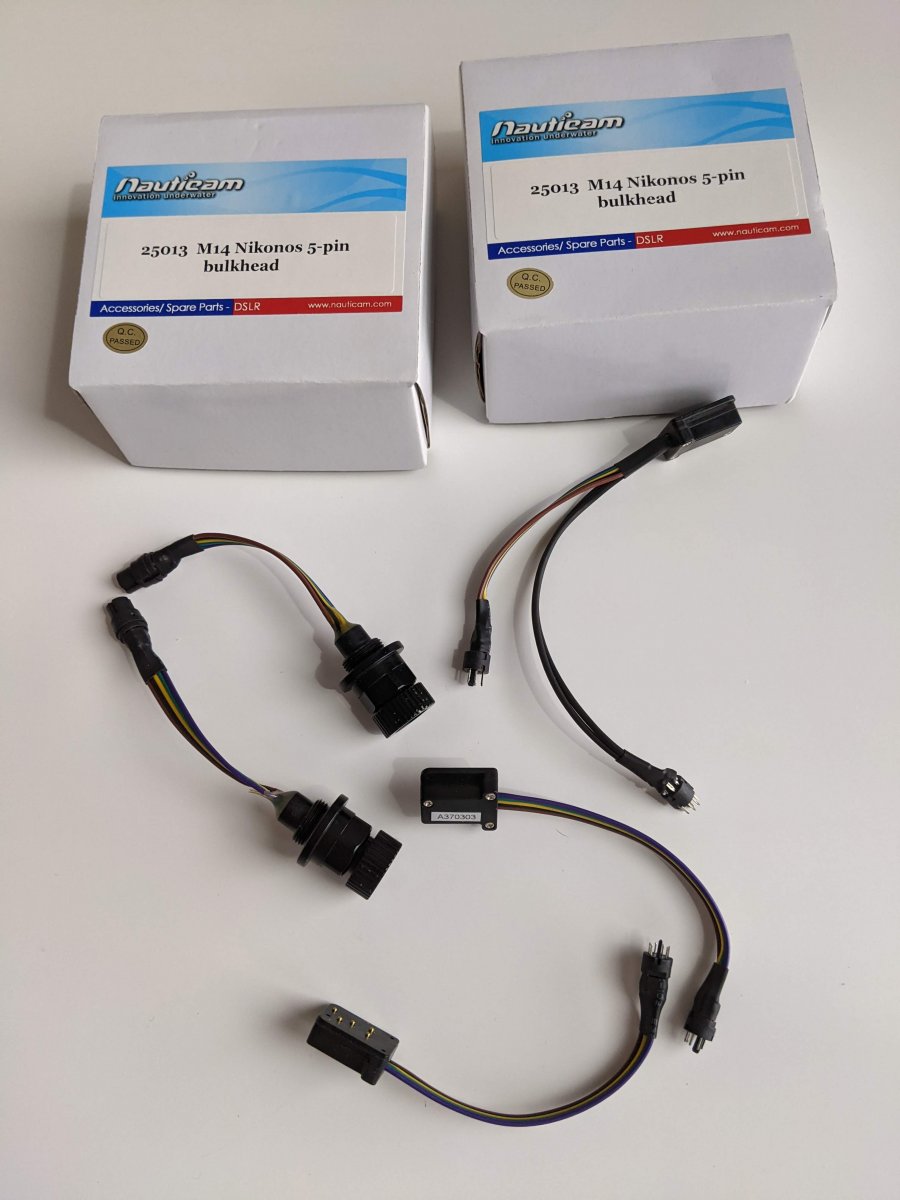
Nauticam 25013 M14 Nikonos 5-Pin bulkhead (x2)
- Sold together only with Y-adapter
-
Great condition
-
No sign of corrosion
-
Original boxes
$100 + shipping
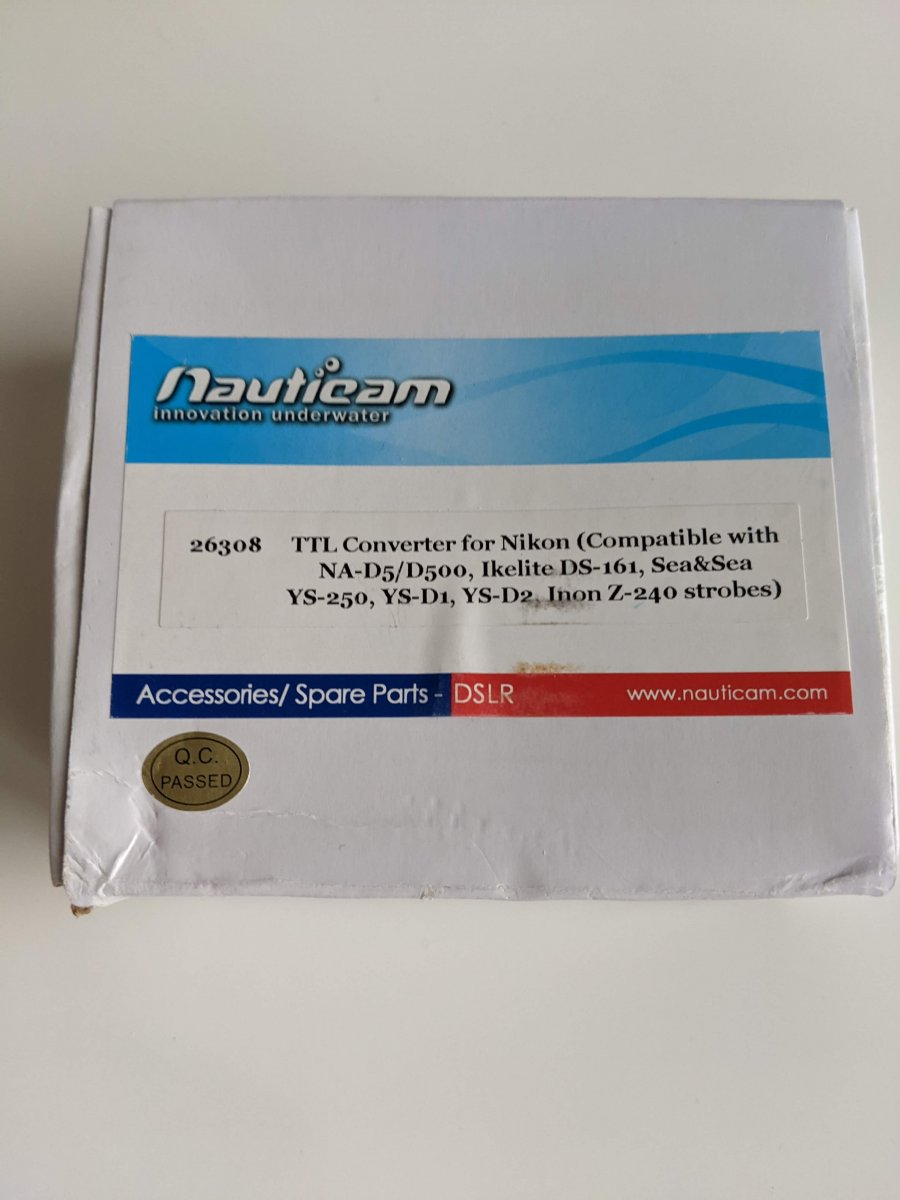
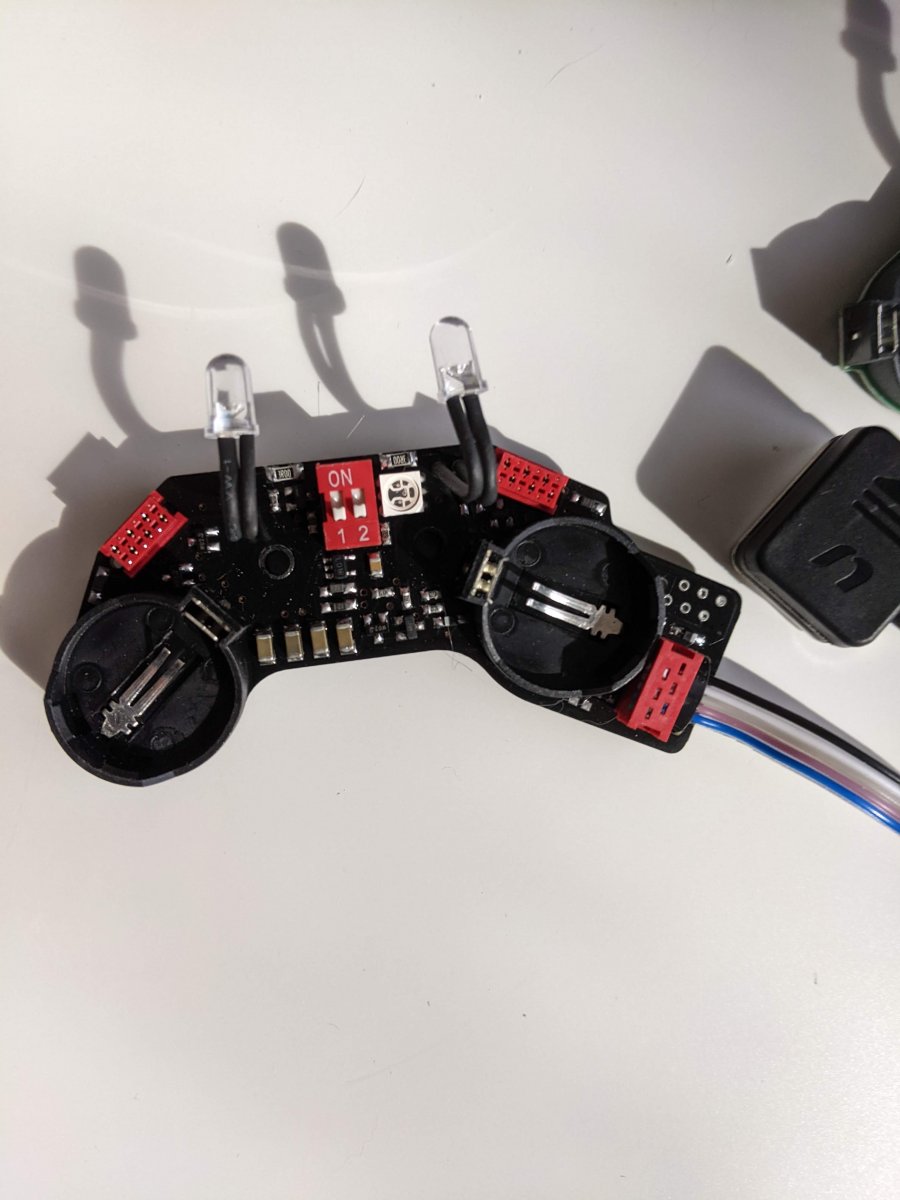
Nauticam 26308 TTL-Converter for Nikon
-
Compatible with Nikon D5/ D500 and was sold ~2017 for D850 and reported to work until previous owner changed to electronic sync
-
Older model with 2x2 position switch for strobe selection
-
Strobe compatibility (from Nauticam paperwork with converter)
-
Inon Z-240 type4
-
Sea&Sea YS-D1, YS-D2, YS-250
-
Ikelite: DS-161, DS-160
-
-
Original Box and paperwork
$100 + shipping
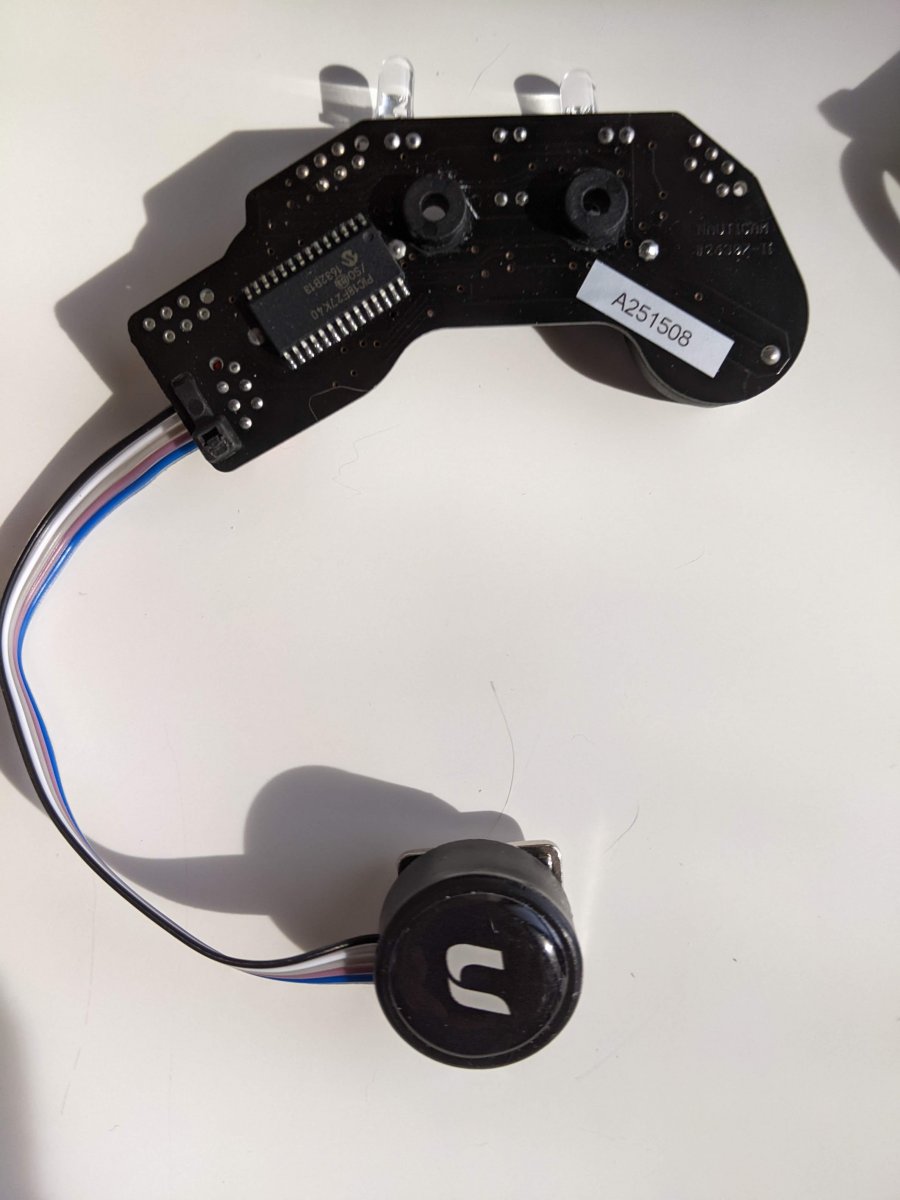
Nauticam manual optical controller for Nikon
-
Somewhat similar in appearance to current 26350 model
-
Originally sold installed in NA850 housing ~2017
$100 + shipping