Skip to content

Classifieds / Archived topic

Aquatica housing for Canon 5D Mark II Camera

Started by Mbcfilms ·

  • 5Posts
  • 5Replies

Read-only discussion

Aquatica housing for Canon 5D Mark II Camera

5 posts
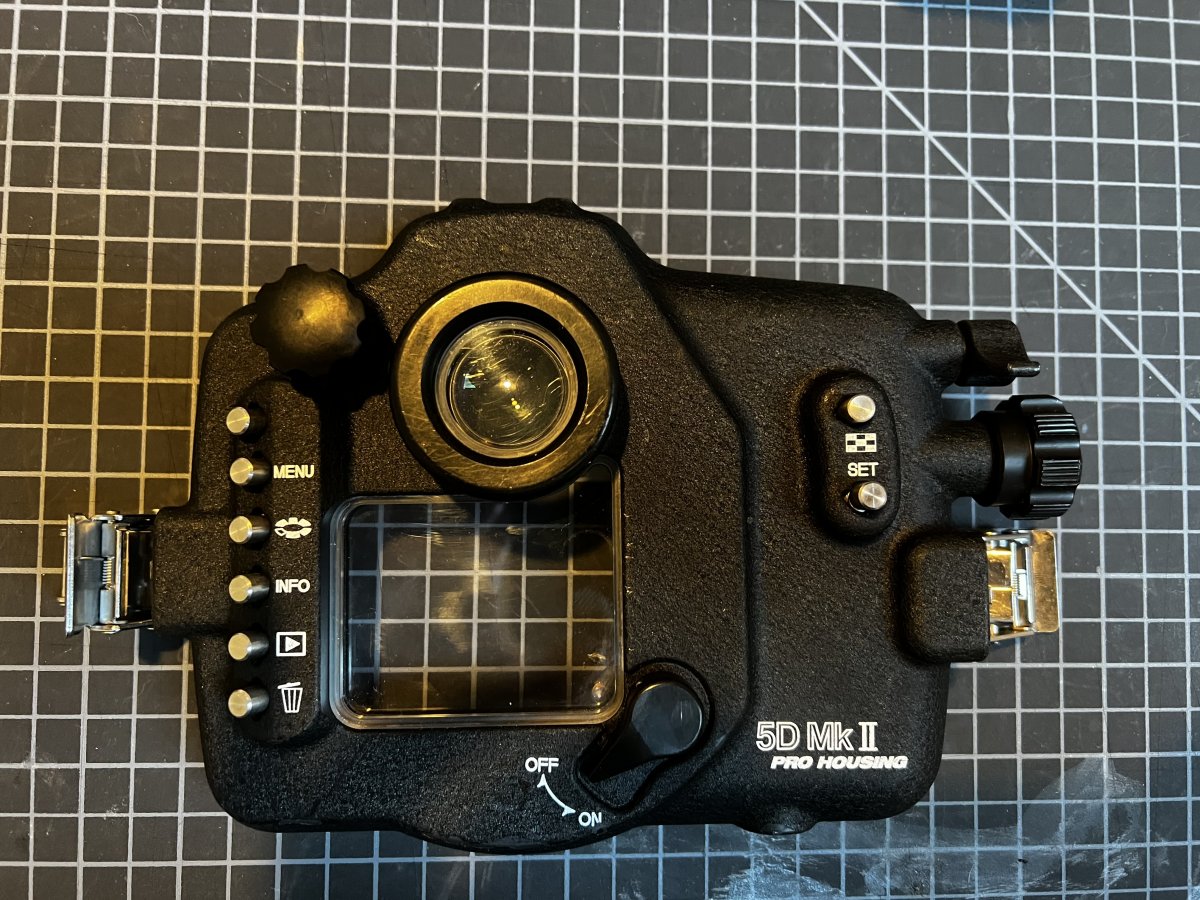
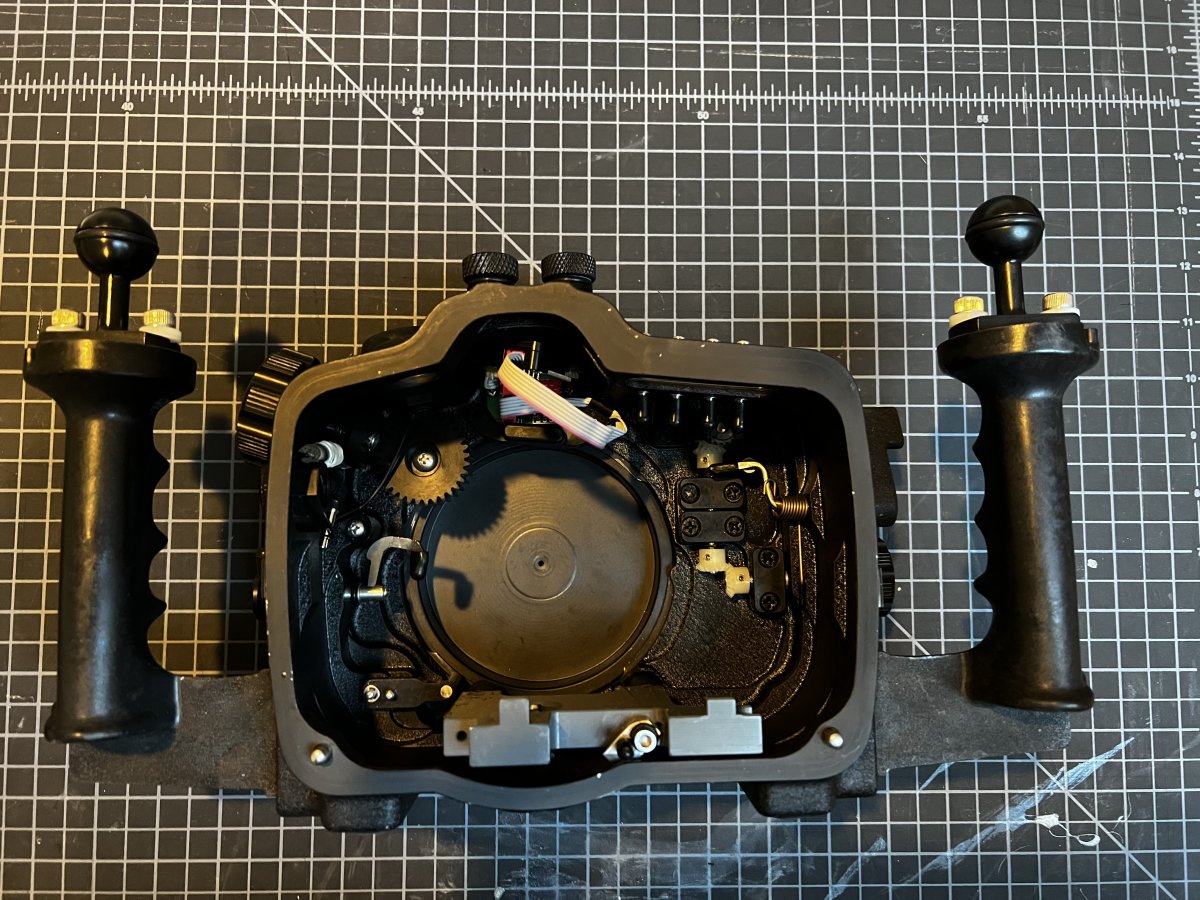
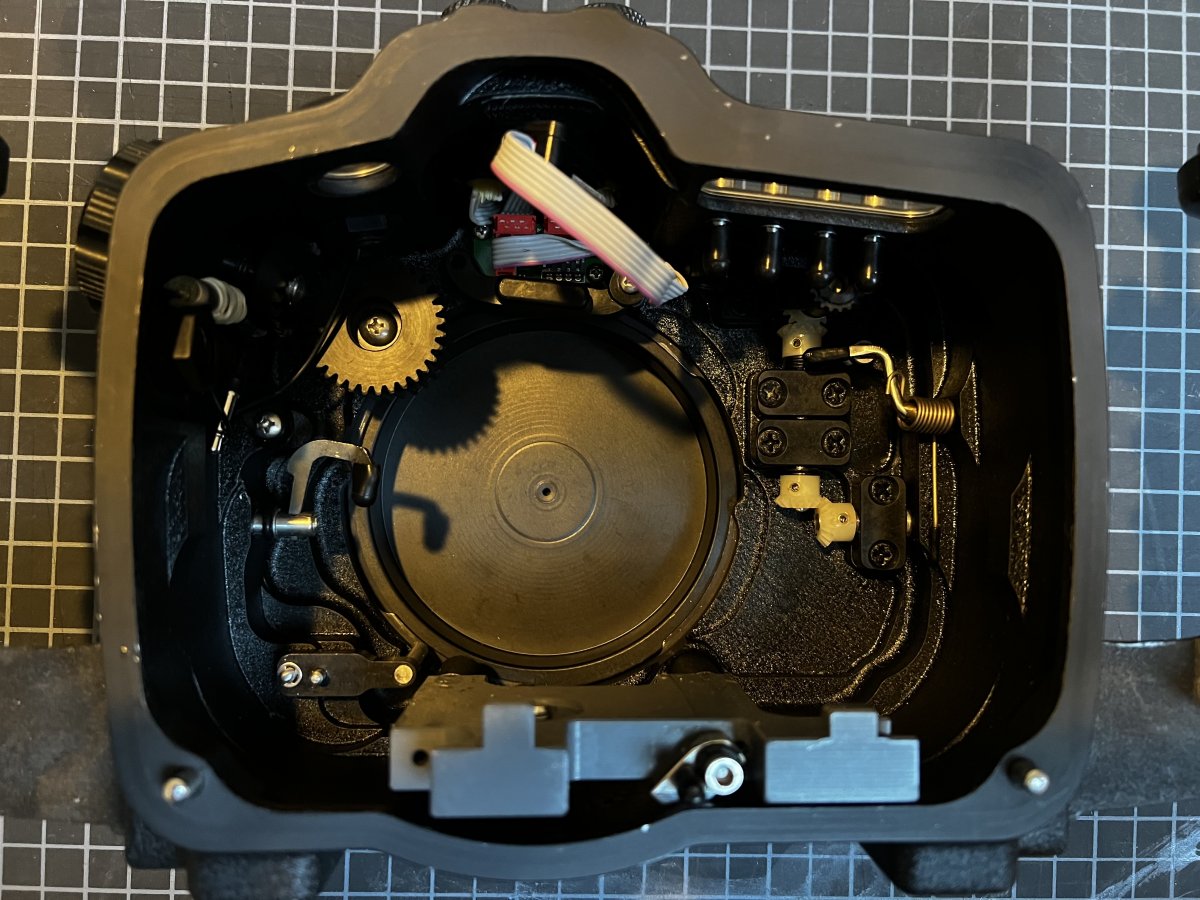
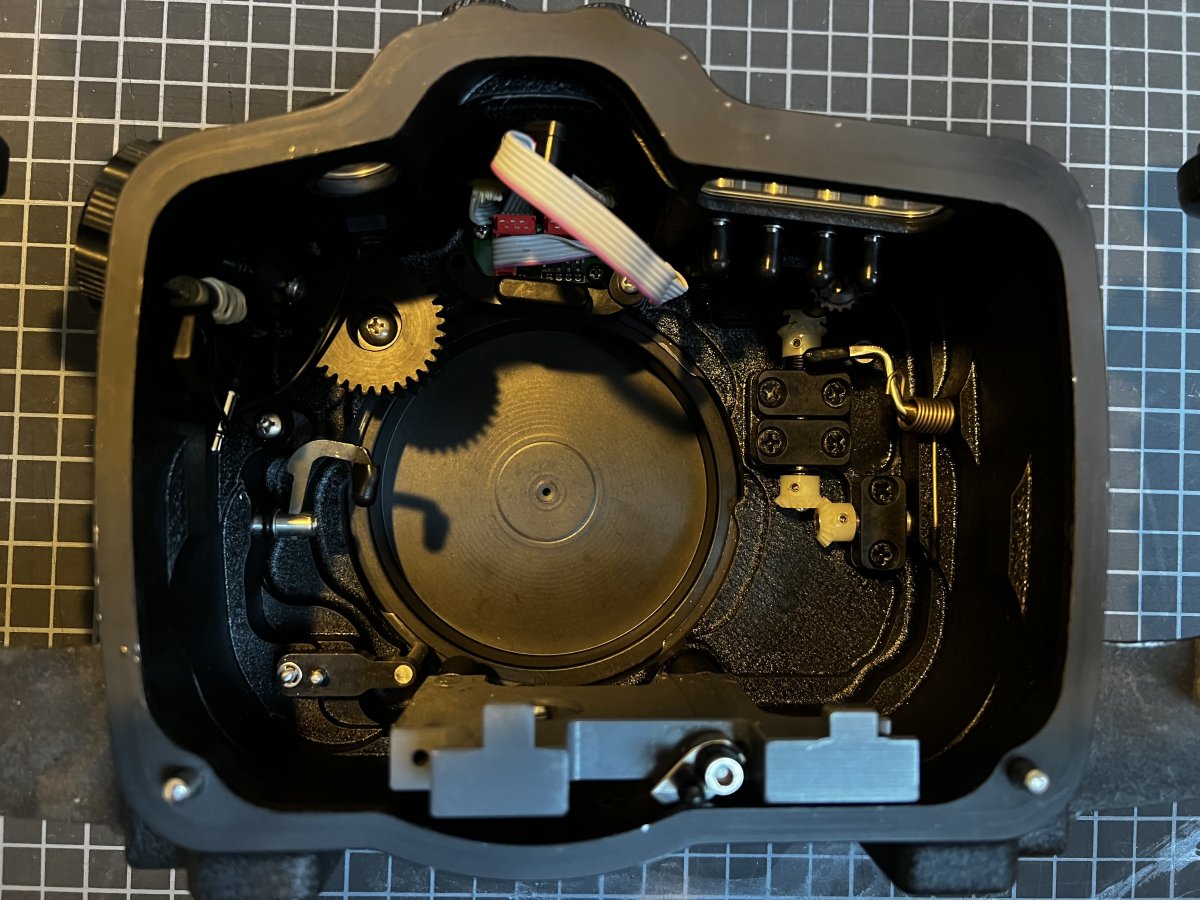
  1. Up for sale is an Aquatica housing for the Canon 5D Mark II Camera.  This is a quality housing that will give you many years of use, only selling because I upgraded to an Aquatica for the 5D Mark IV.  
     

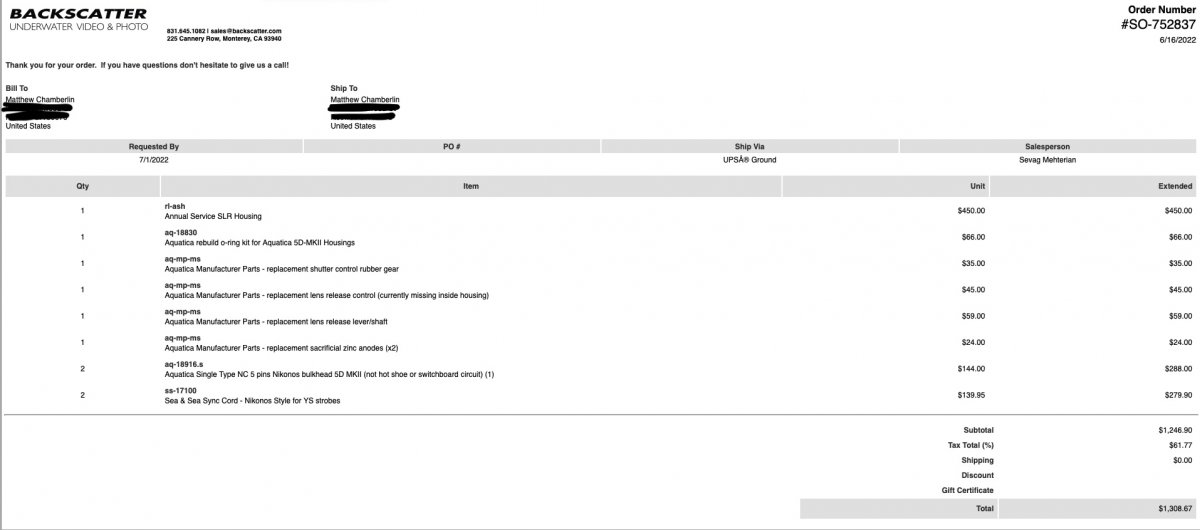
    This housing was just serviced by Backscatter last month.  All of the seals were replaced, new sacrificial anodes and two new Nikonos flash ports and it was pressure tested as well.  I am including in the pics the invoice from Aquatica.  It’s quality is 9/10 with one small paint marking on the front beneath the logo but this won’t harm the housing.  Front port cap not included.  NEVER been flooded 
     

    Asking: $750 OBO

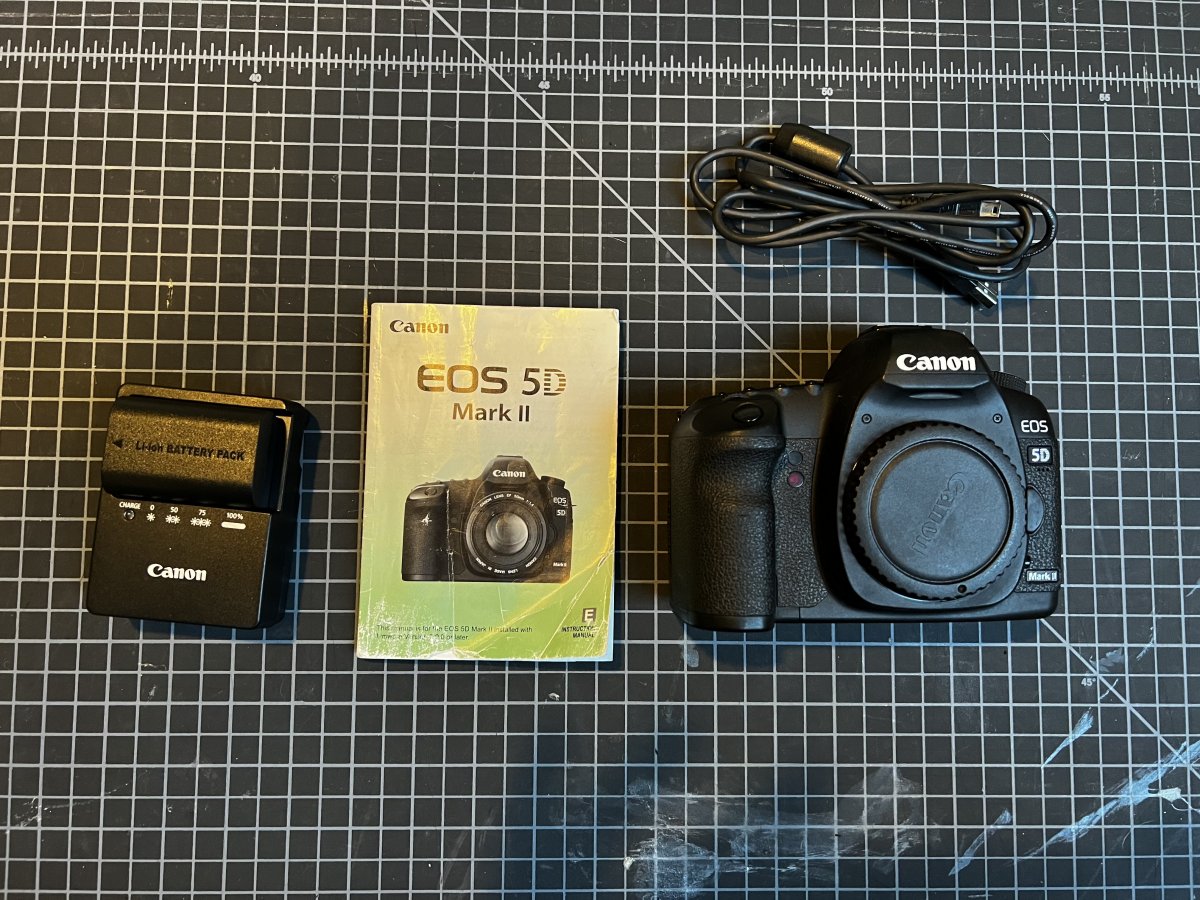
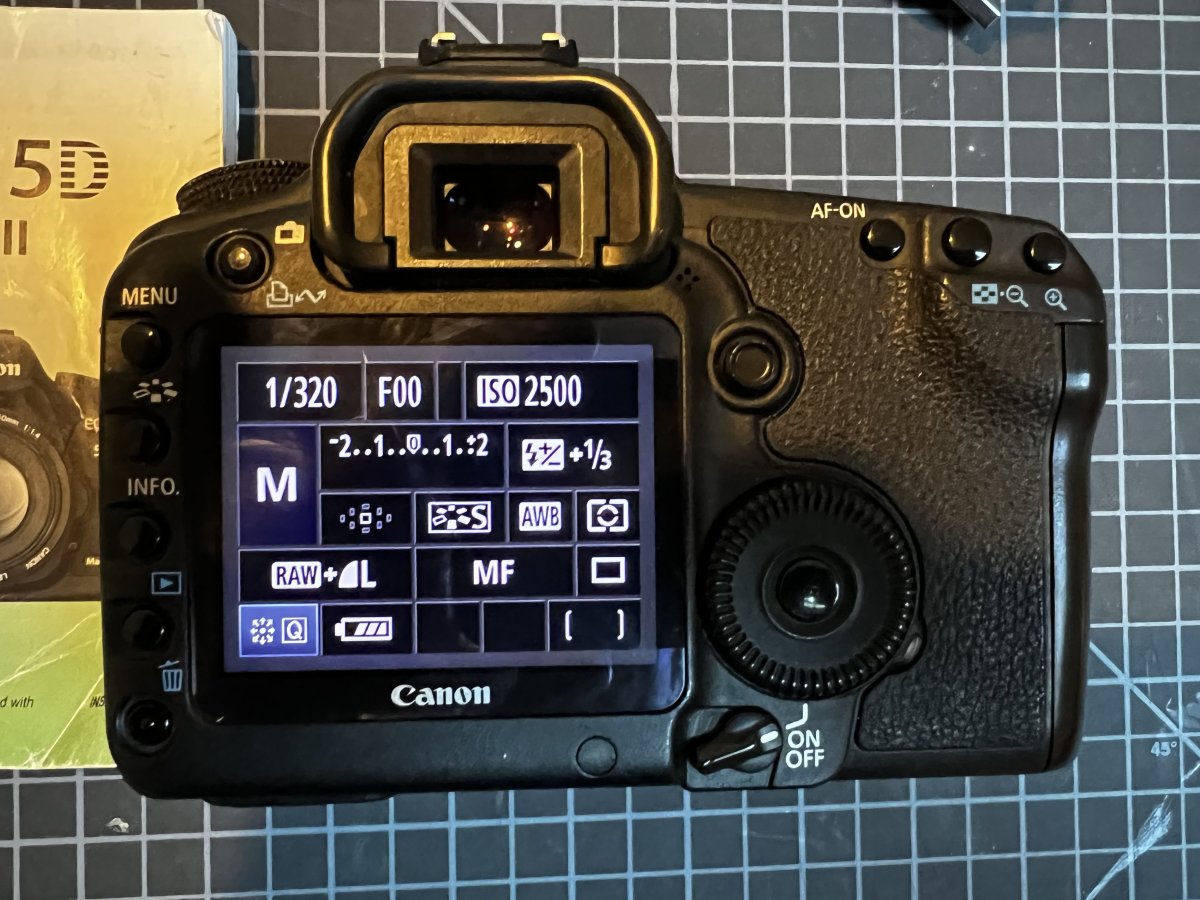
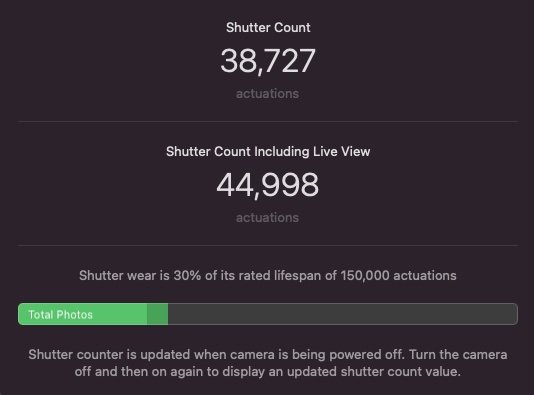
    Also selling at Canon 5D Mark II body in excellent shape with manual, battery, charger and strap    38,727 shutter actuations which is 30% of life hence the cheaper listing price    
     

    Asking: $300 OBO

    First time seller here but have sold on eBay for 23 years under profile wondergoalie   All positive reviews   Shipping to CONUS only   This is a great price for a photographer looking to upgrade to a DSLR system  
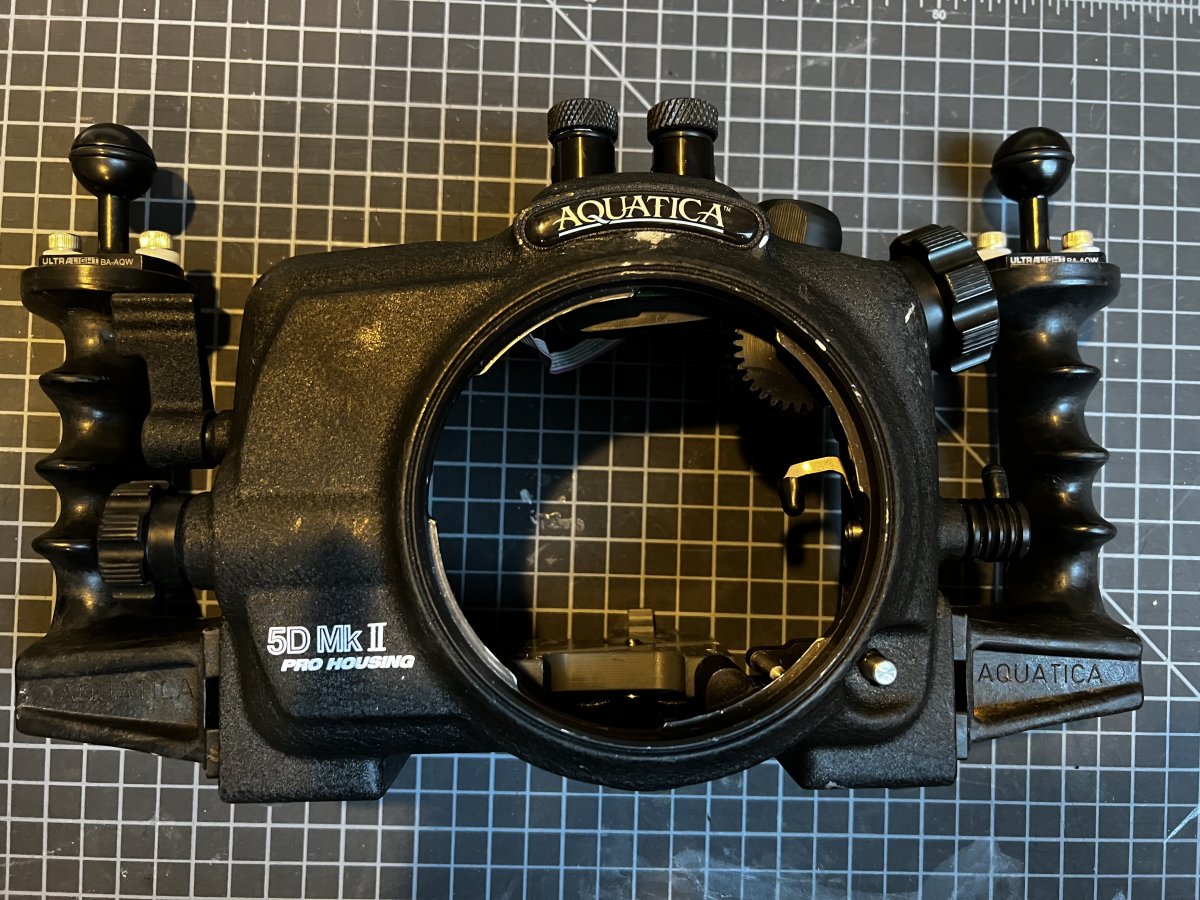
     

    24C58449-EAFB-4DF9-B79B-6F8BA7501F2D.jpeg

    AAED6D5E-C0B9-4019-A21D-750736BE7403.jpeg

    117283B6-4032-49C4-B67C-F615F2BA495D.jpeg

    218D974A-E1CE-4756-B6F6-A223CE6C90F8.jpeg


    2BF19625-BF60-4E2C-B6DF-C6BAAF8635F2.jpeg

    AD0138BC-E47E-4DC9-BC9A-2AB129896DE9.jpeg

    E355C65B-1F1C-4DC5-998C-2B0F74274525.jpeg

    804AD164-06CB-4EEF-B3D4-F6B09BCEDACE.jpeg

    EC782324-DF6B-4E5D-A382-6CE60CA74101.jpeg

    Edited by Mbcfilms — Realized I’d inserted an image of my dog didn’t belong and wanted to add images of the camera as well
  2. Hi, I'm interested. I'll send you a pm

  3. Ok 

  4. Price Drop on Housing $600

  5. SOLD

Scuba.com

Account

Navigation

Search

Search

Configure browser push notifications

Chrome (Android)
  1. Tap the lock icon next to the address bar.
  2. Tap Permissions → Notifications.
  3. Adjust your preference.
Chrome (Desktop)
  1. Click the padlock icon in the address bar.
  2. Select Site settings.
  3. Find Notifications and adjust your preference.