Skip to content

Classifieds / Archived topic

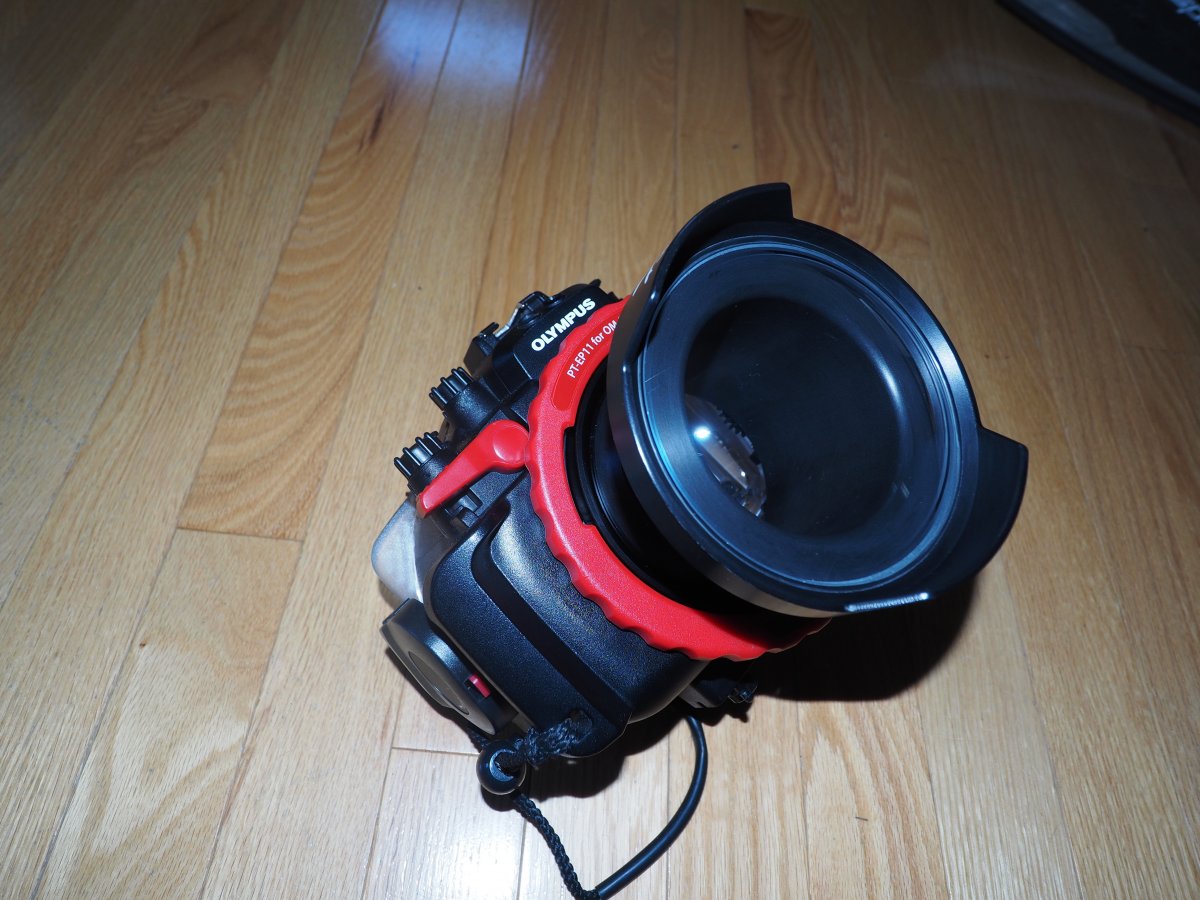
FS: Olympus OM-D M1 with Olympus PT-EP11 housing

Started by h2sk1 ·

  • 5Posts
  • 5Replies

Read-only discussion

FS: Olympus OM-D M1 with Olympus PT-EP11 housing

5 posts
  1. Package consists of:

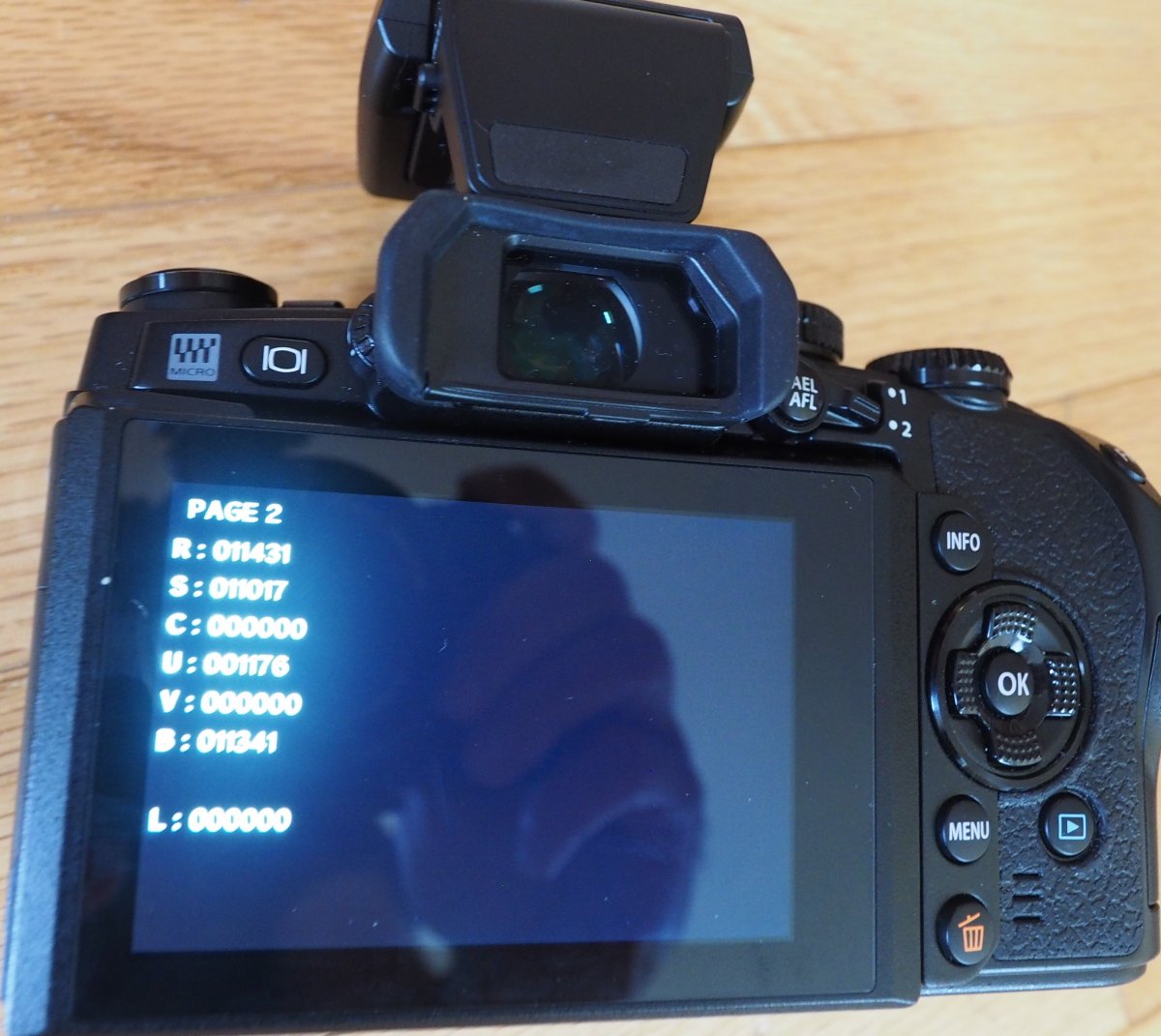
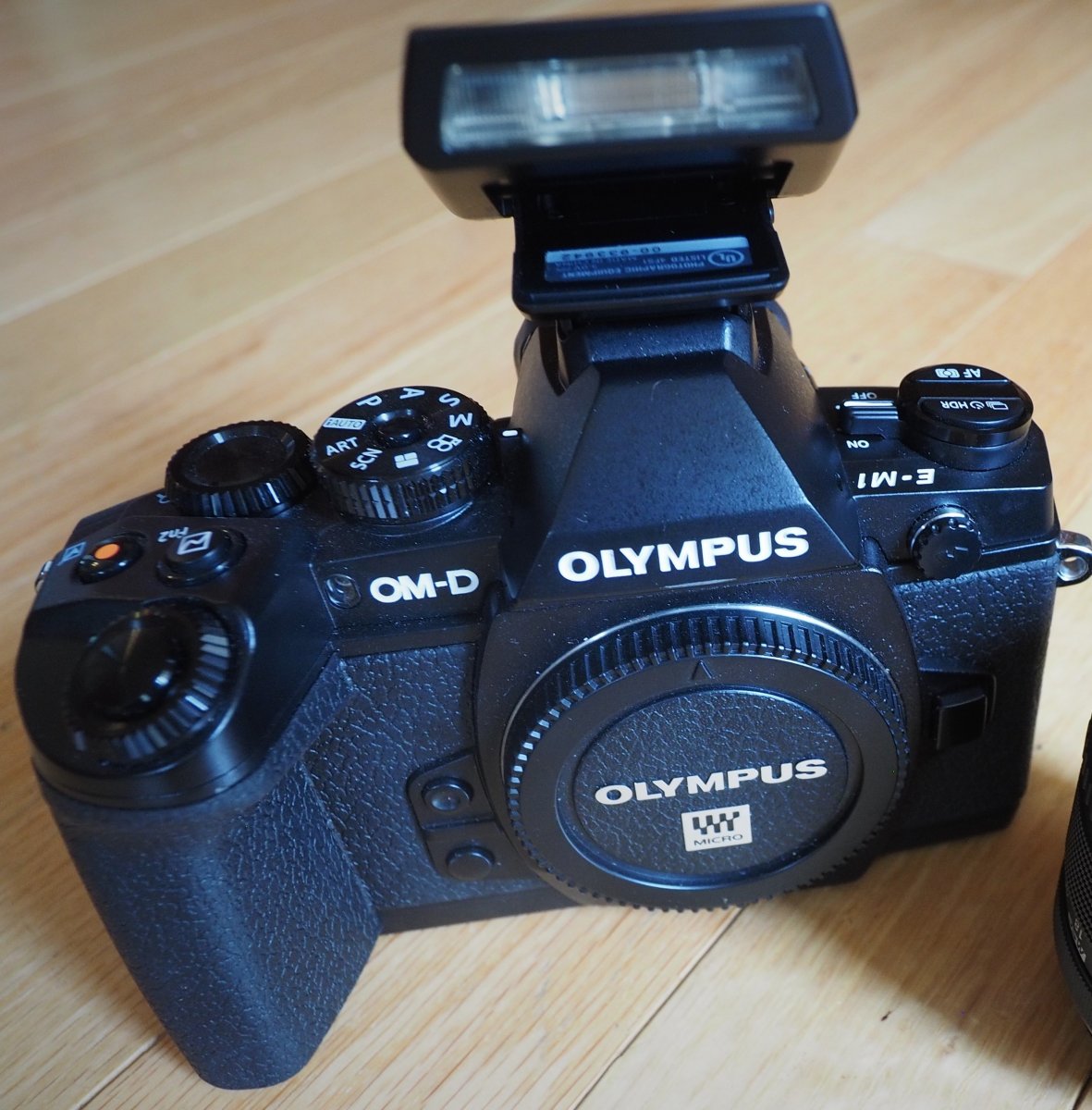
    Olympus OM-D M1 body with flash, 1 Olympus battery (no lens - this was my backup body)

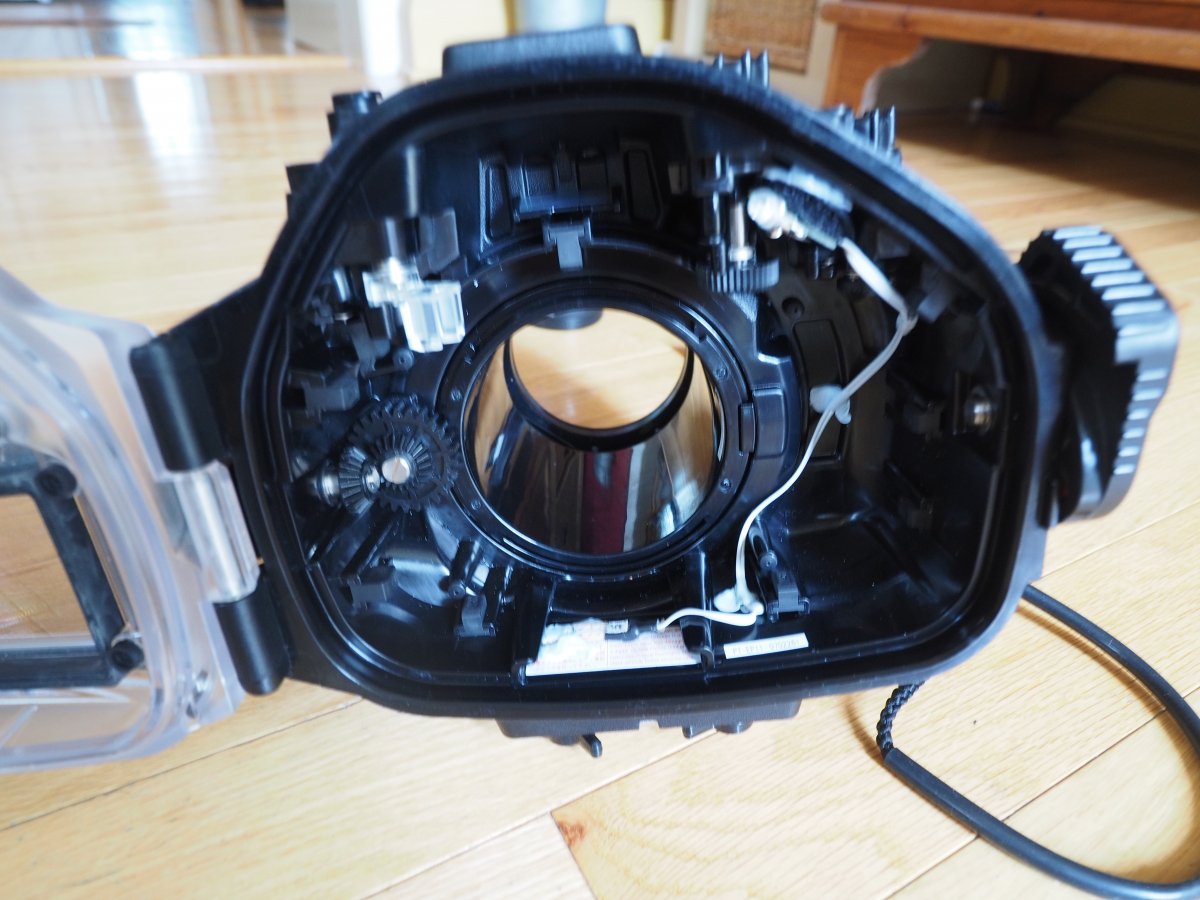
    Aftermarket leak detector alarm installed in the housing

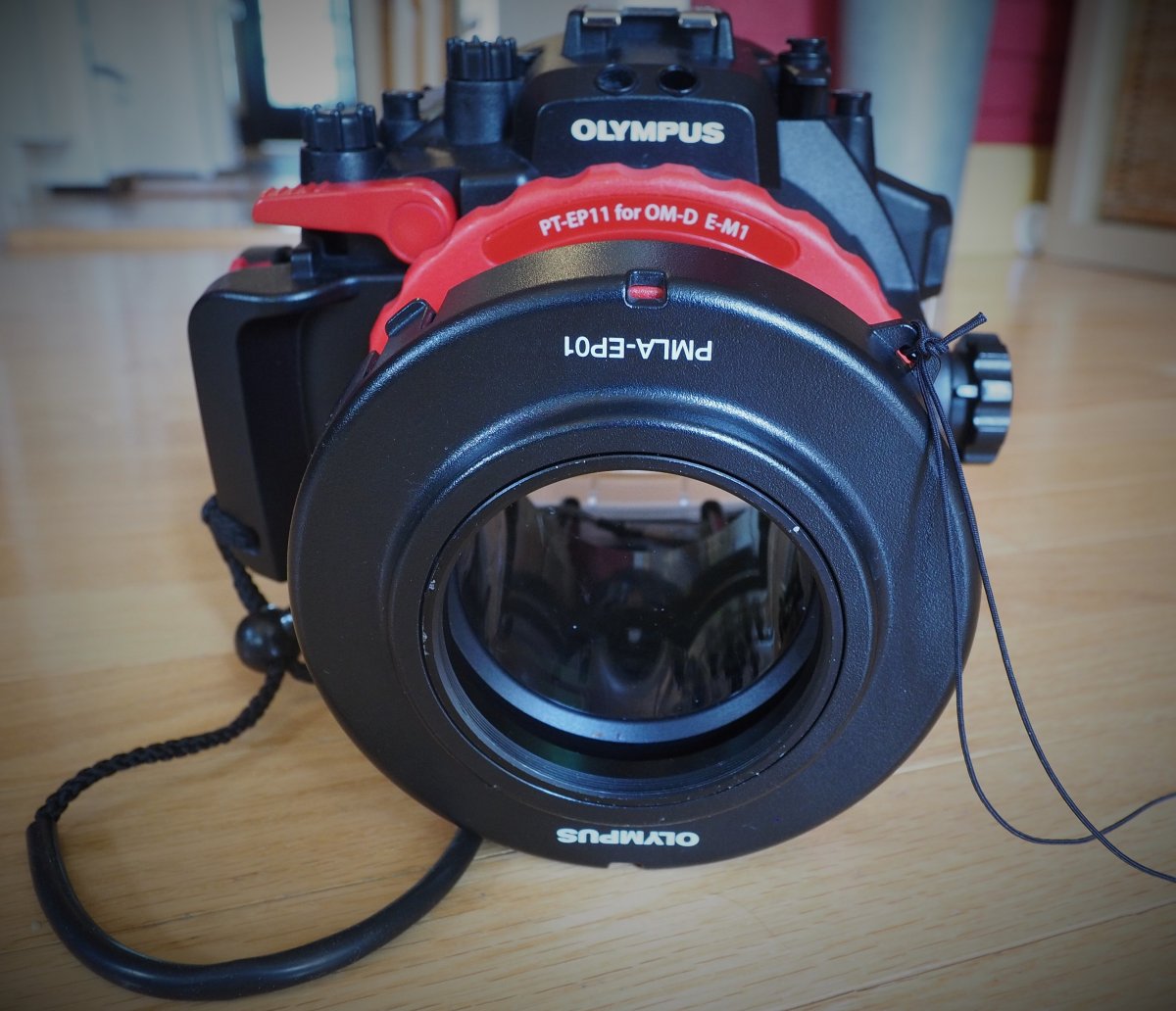
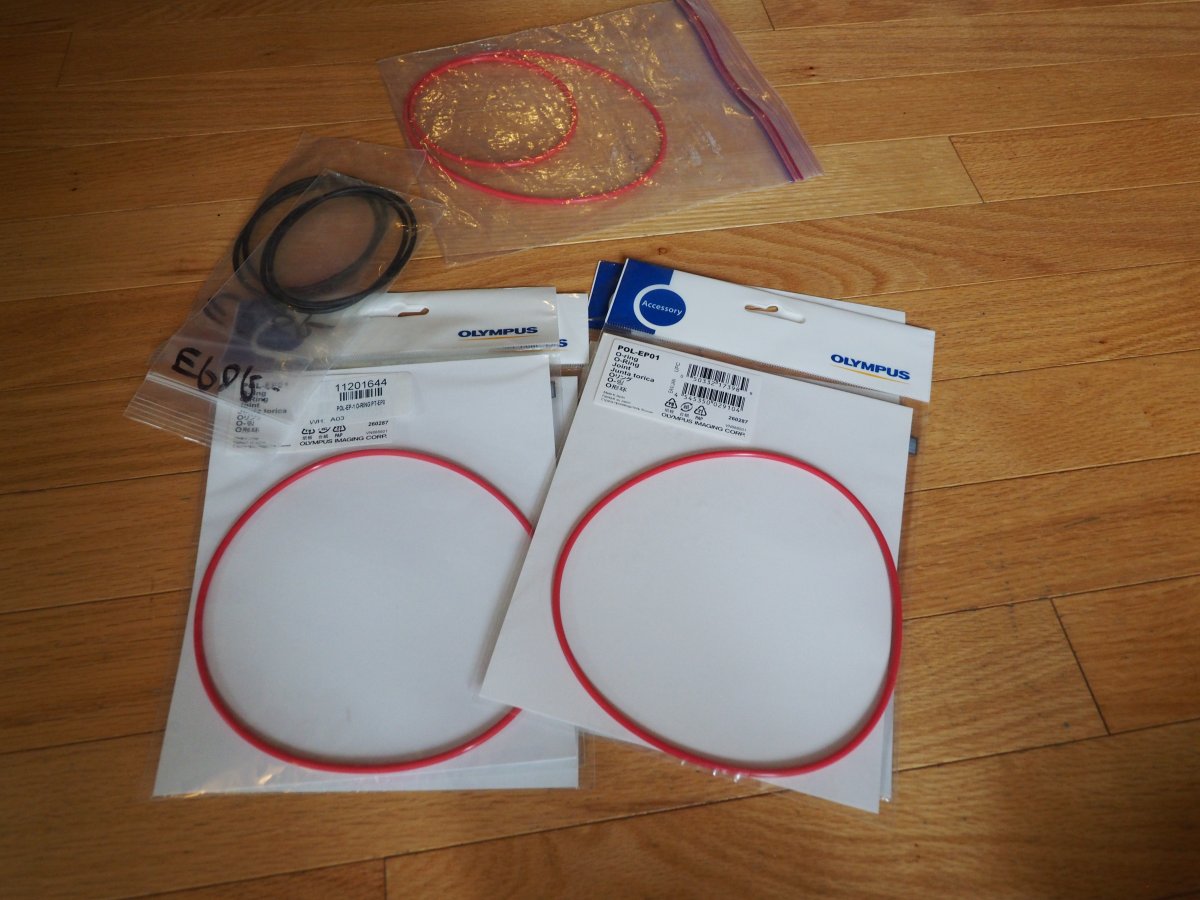
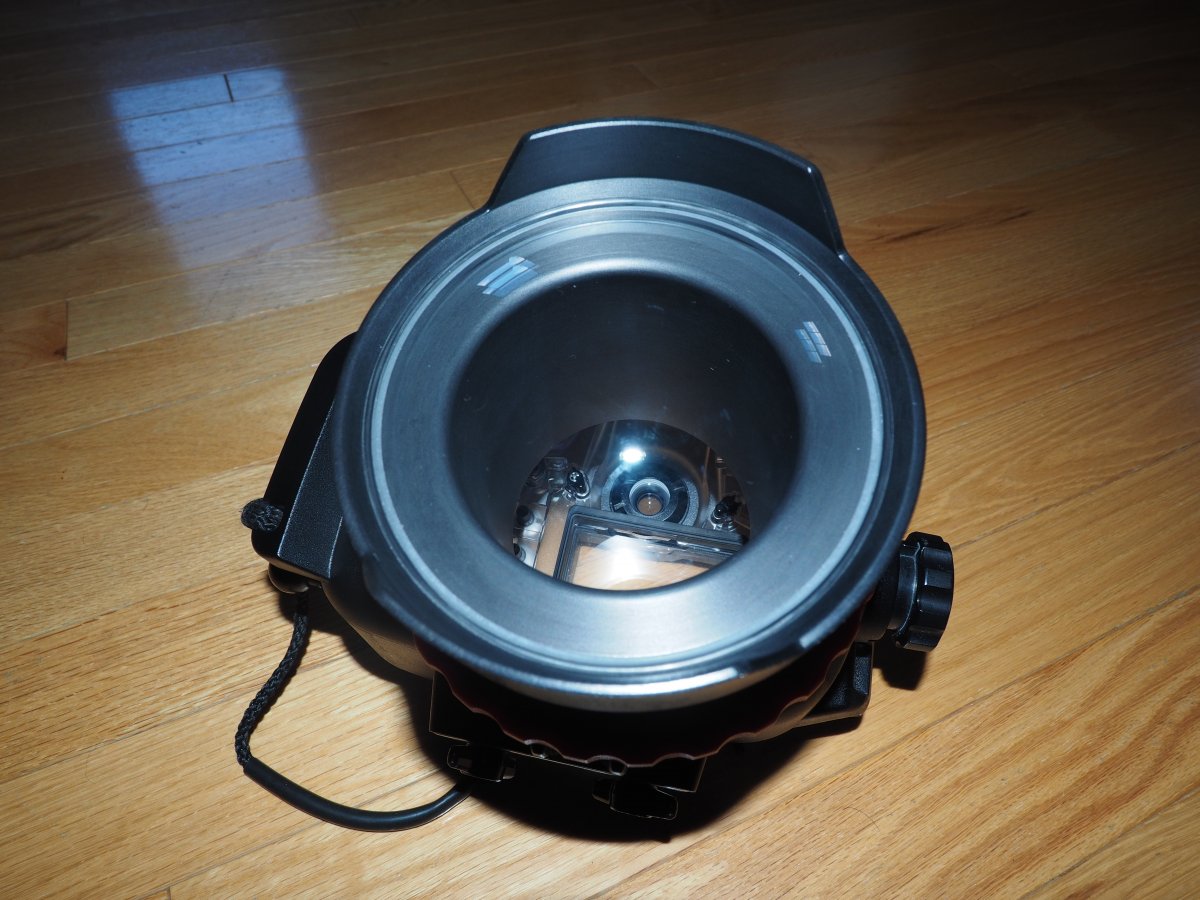
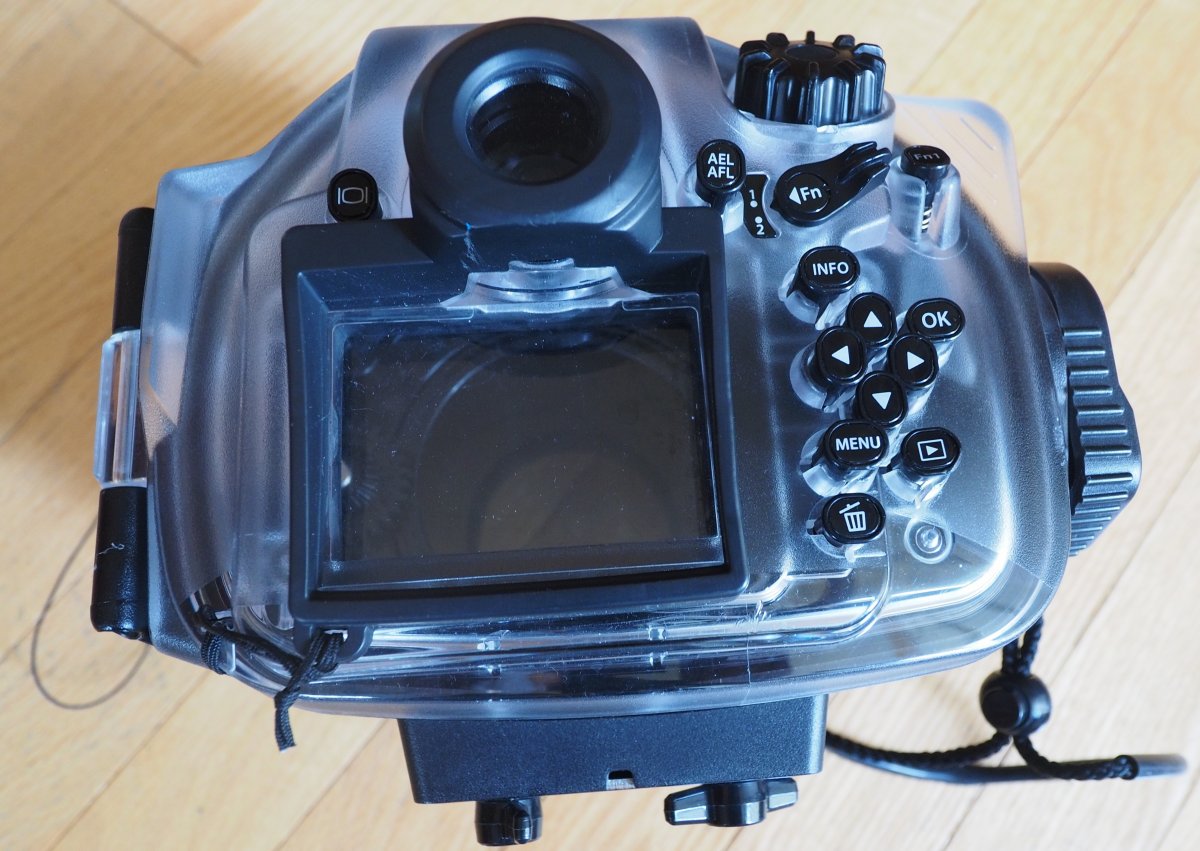
    Olympus PT-EP11 housing, with 3 sets of o-rings (1 set used, but still in excellent shape, the other 2 sets are unopened in the original package)

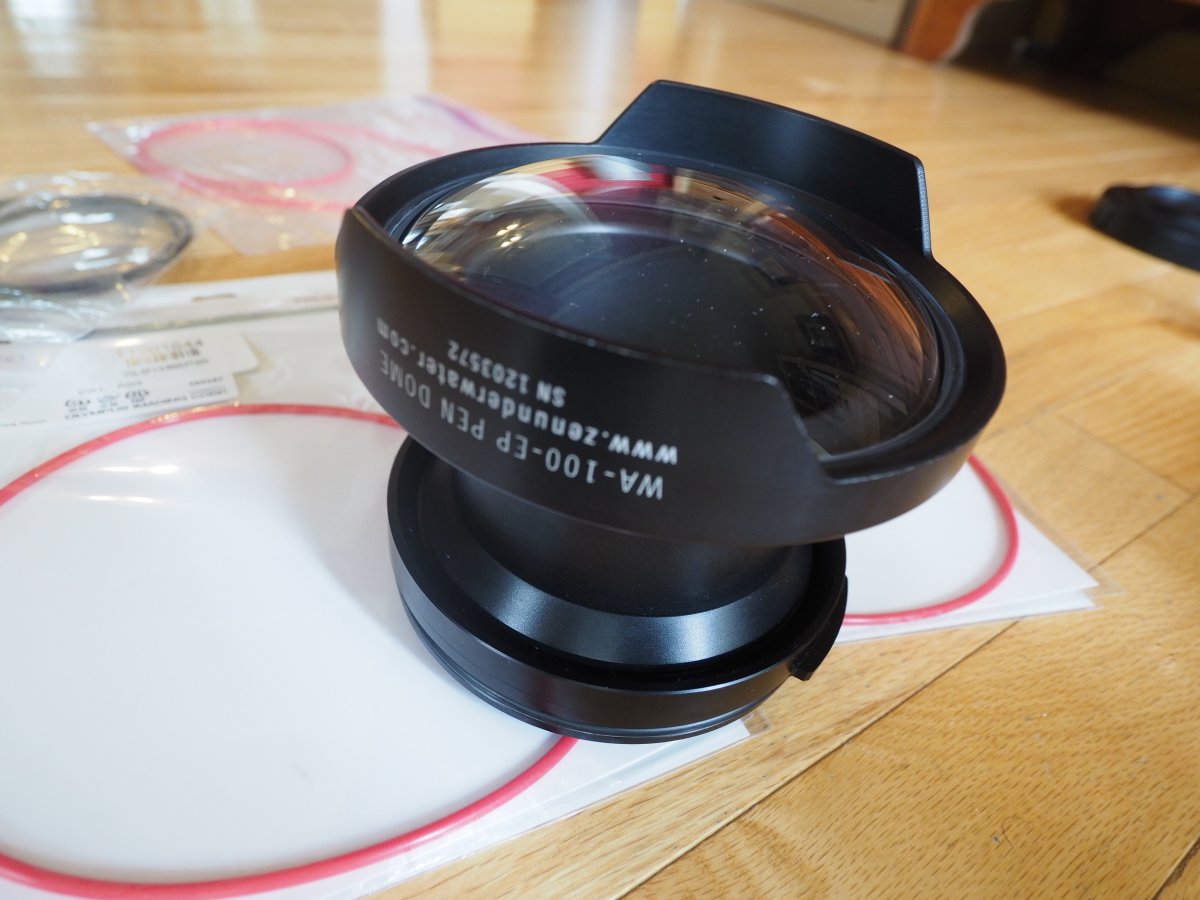
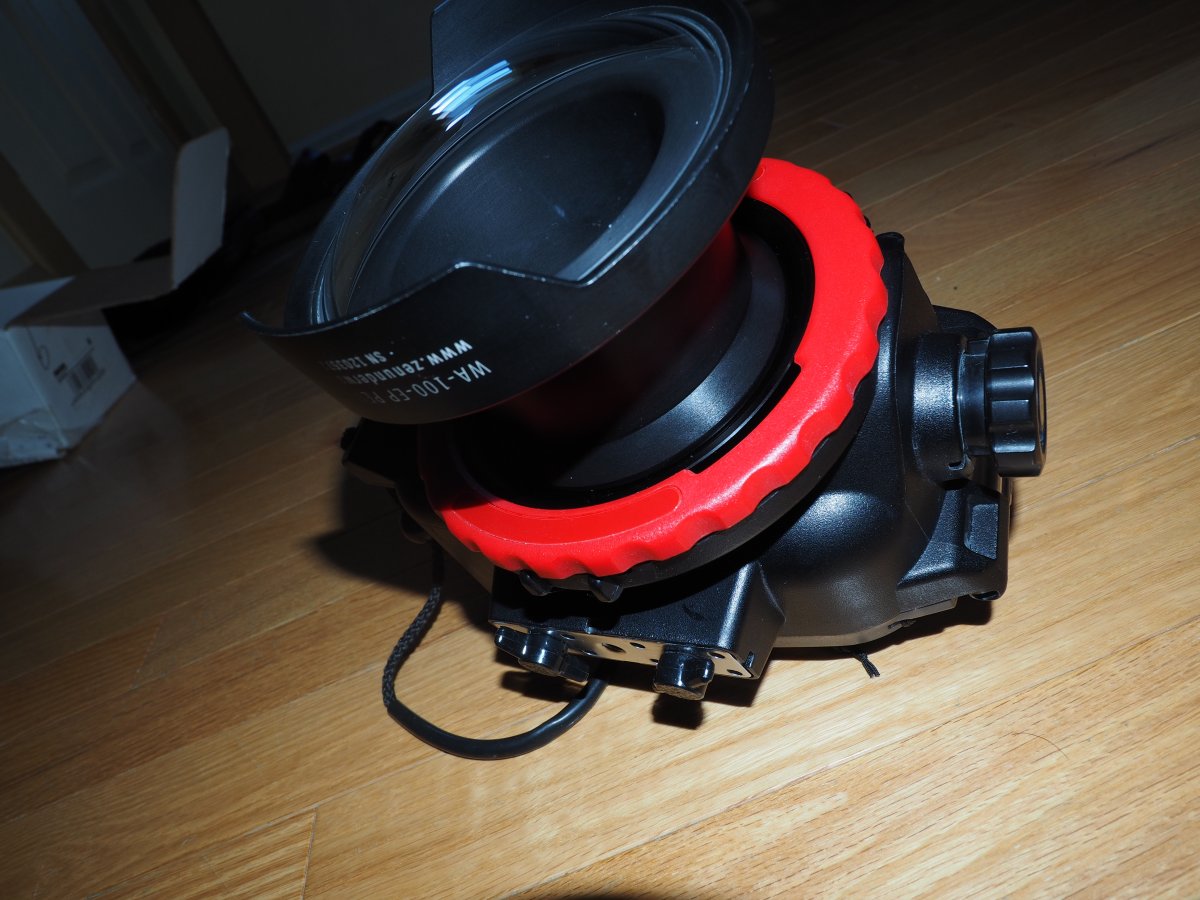
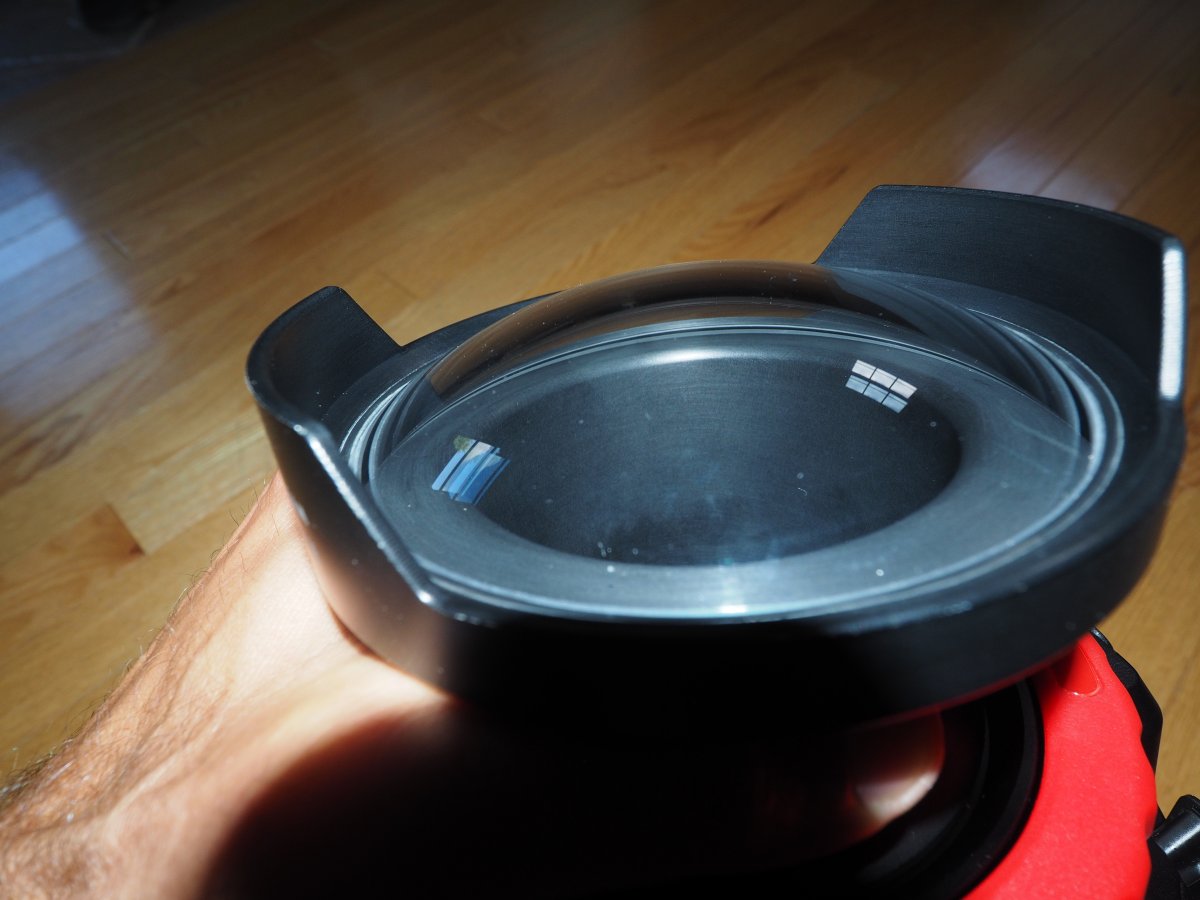
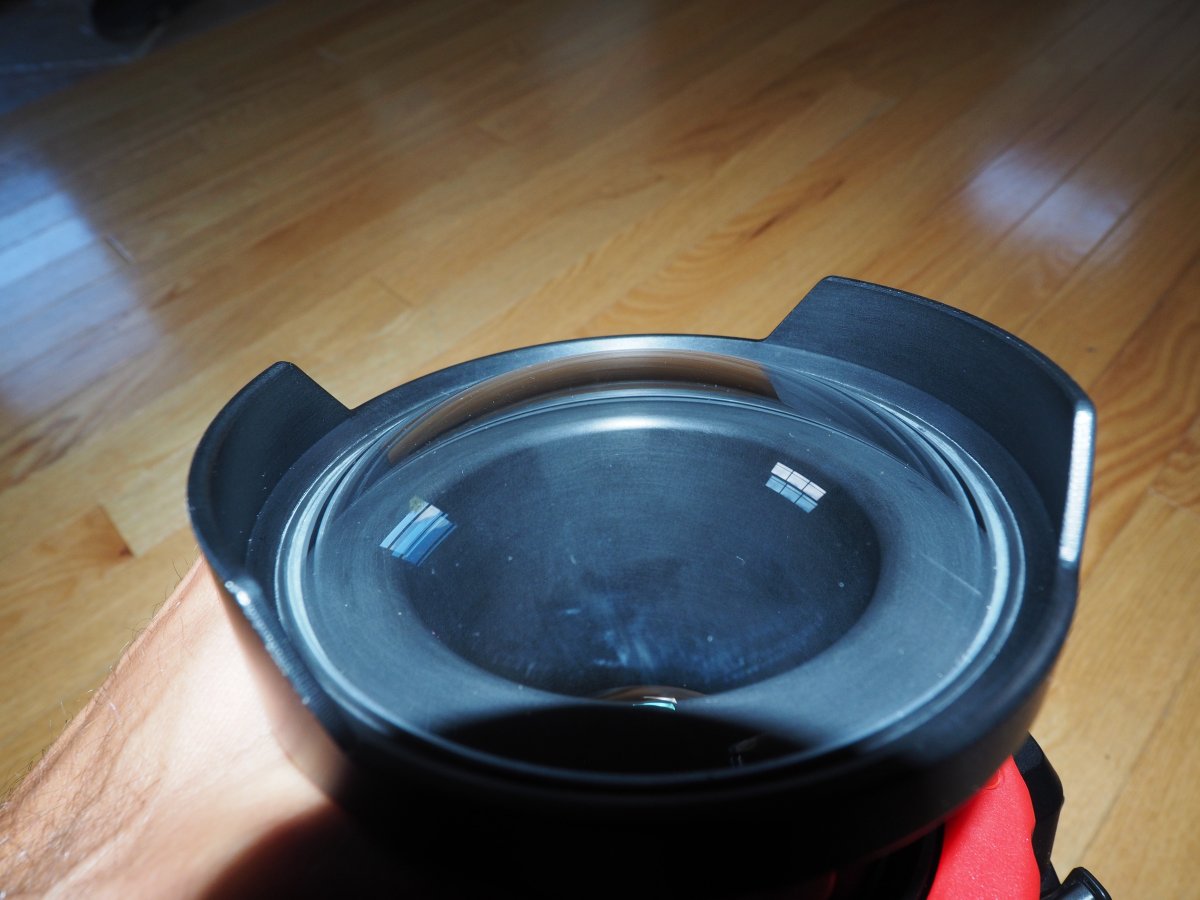
    Two ports:  standard port that comes with PT-EP11, plus a glass Zen WA-PT100 wide angle dome (plus spare o-rings for the dome)

    Full leens cover (not shown),  lens cover for wet-lens (shown)

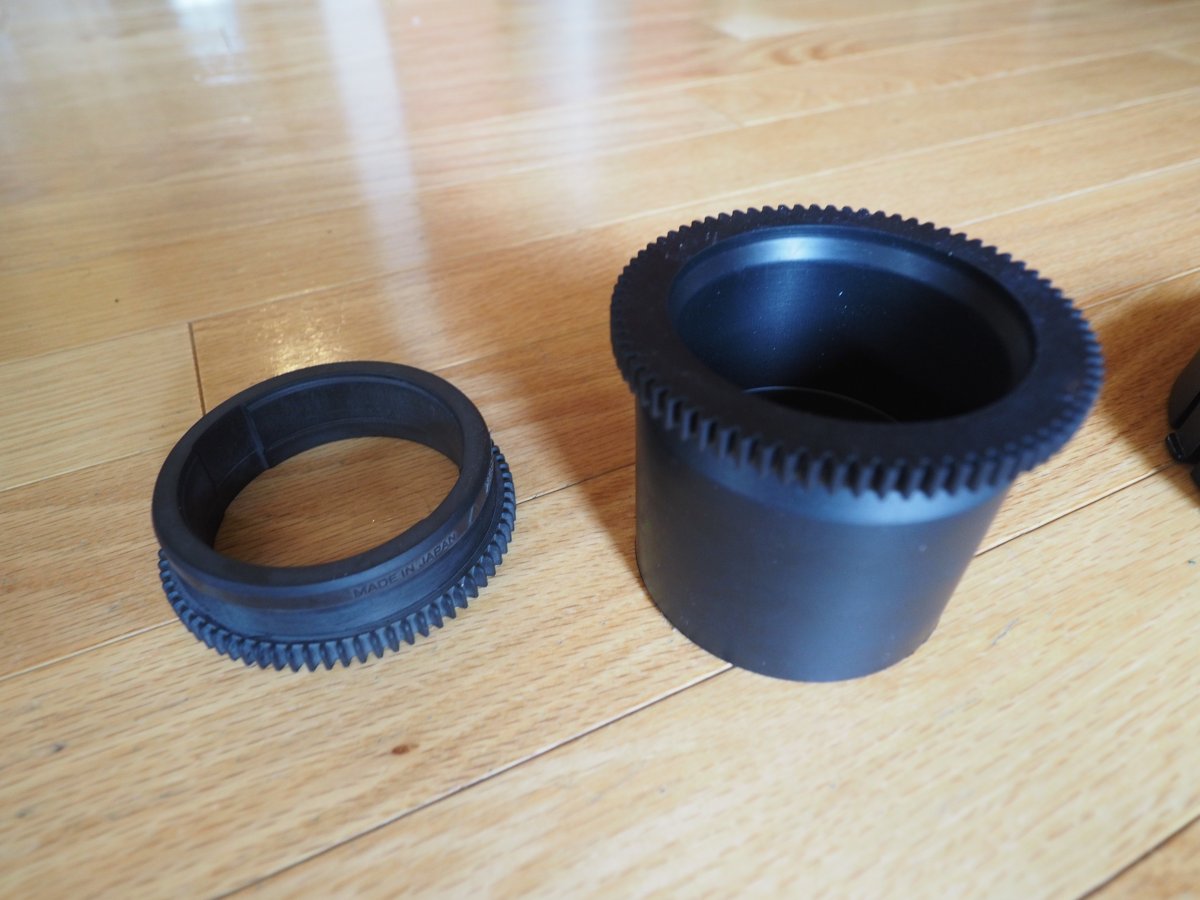
    Focus rings for the standard kit lens and the Olympus macro lens (the macro lens is not for sale)

    This is well maintained kit with no scratches on the ports or lens.  I switched to a Nauticam housing and this gear has remained idle since.  No leaks/drops. 


    Price: $450 + shipping (from Canada).   
    P1010010.jpg

    P1010011.jpg


    P1010013.jpg

    P1010006.JPG

    P1010007.JPG

    P1010008.JPG

    P1010009.JPG

    P1010012 (2).jpg

    Edited by h2sk1 — not selling lens
  2. What is the condition of the glass on the dome? From the picture it appears to have numerous nicks but that may just be the lighting. Also, does the WA-100 EP require at the EP08-EP port adapter to connect it to the housing?

  3. The glass is in excellent condition. No nicks/scratches, etc.   The WA-100-EP plugs directly into the housing.  The adapter port is needed for a different housing.  Depending on your lens, you may require a port extender.  

    I have photos below to show the Zen wide angle port connected directly into the housing.  

    P1010014.JPG

    P1010015.JPG

    P1010016.JPG

    P1010017.JPG

    P1010018.JPG

  4. Pm sent

  5. SOLD

Sea & Sea

Account

Navigation

Search

Search

Configure browser push notifications

Chrome (Android)
  1. Tap the lock icon next to the address bar.
  2. Tap Permissions → Notifications.
  3. Adjust your preference.
Chrome (Desktop)
  1. Click the padlock icon in the address bar.
  2. Select Site settings.
  3. Find Notifications and adjust your preference.