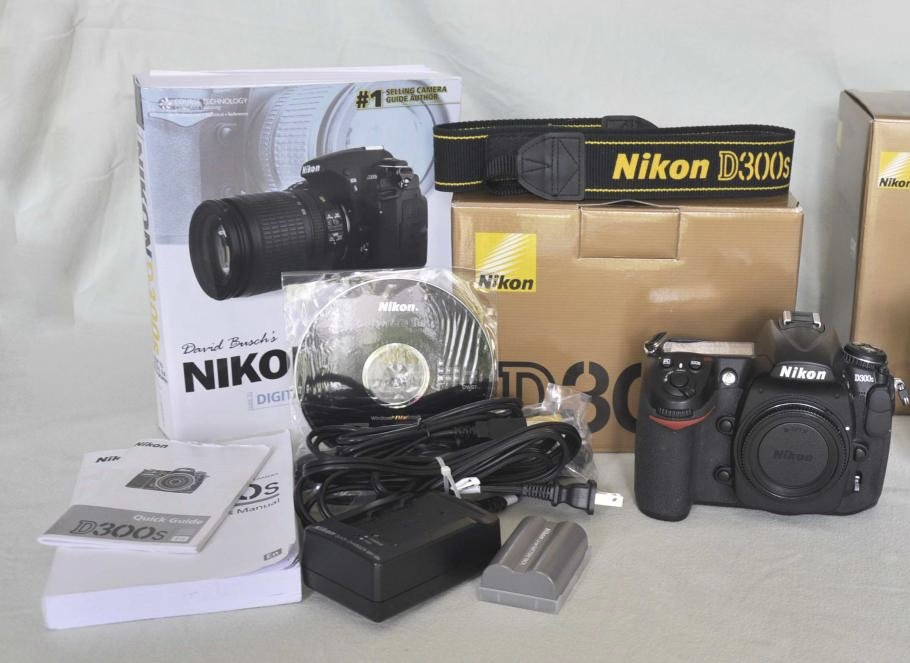
I recently purchased this setup in hopes of using. Finding out my health conditions will not allow me to dive I’m putting it back up for sale on the board.
For Sale:
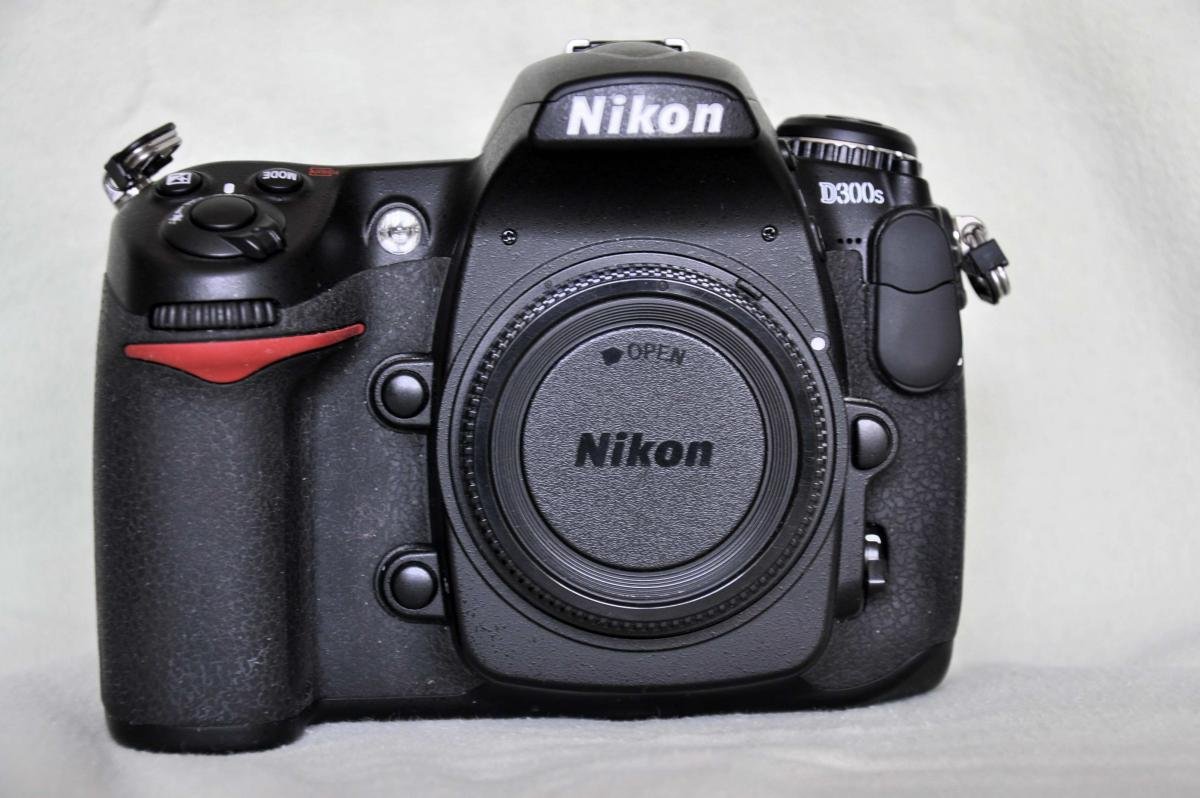
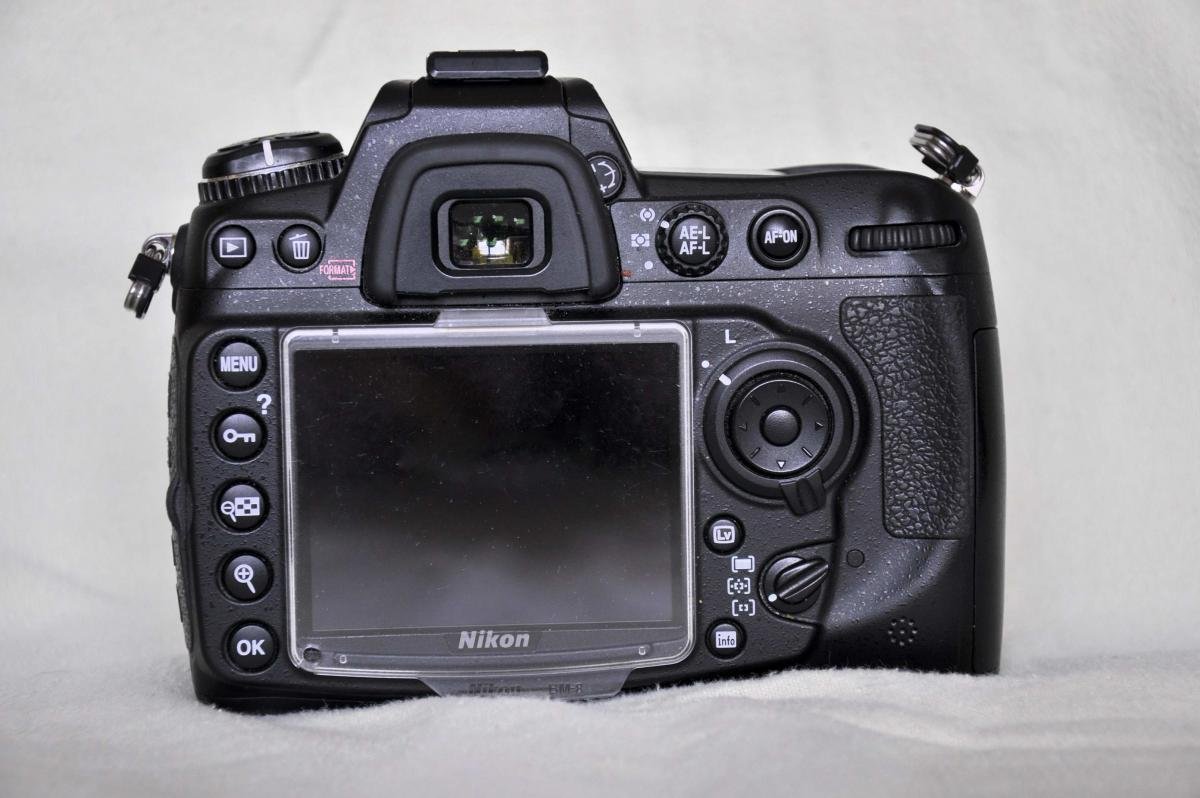
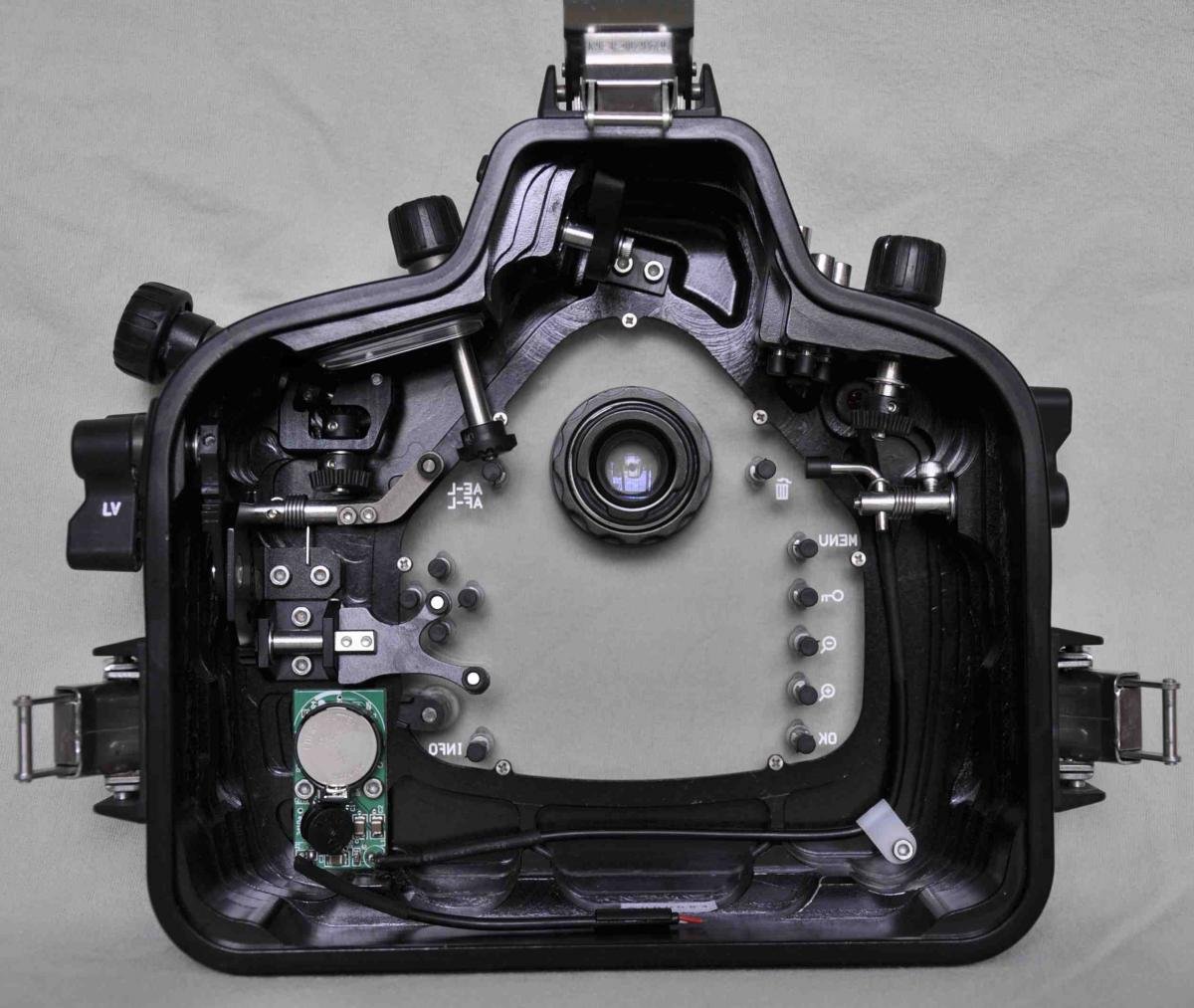
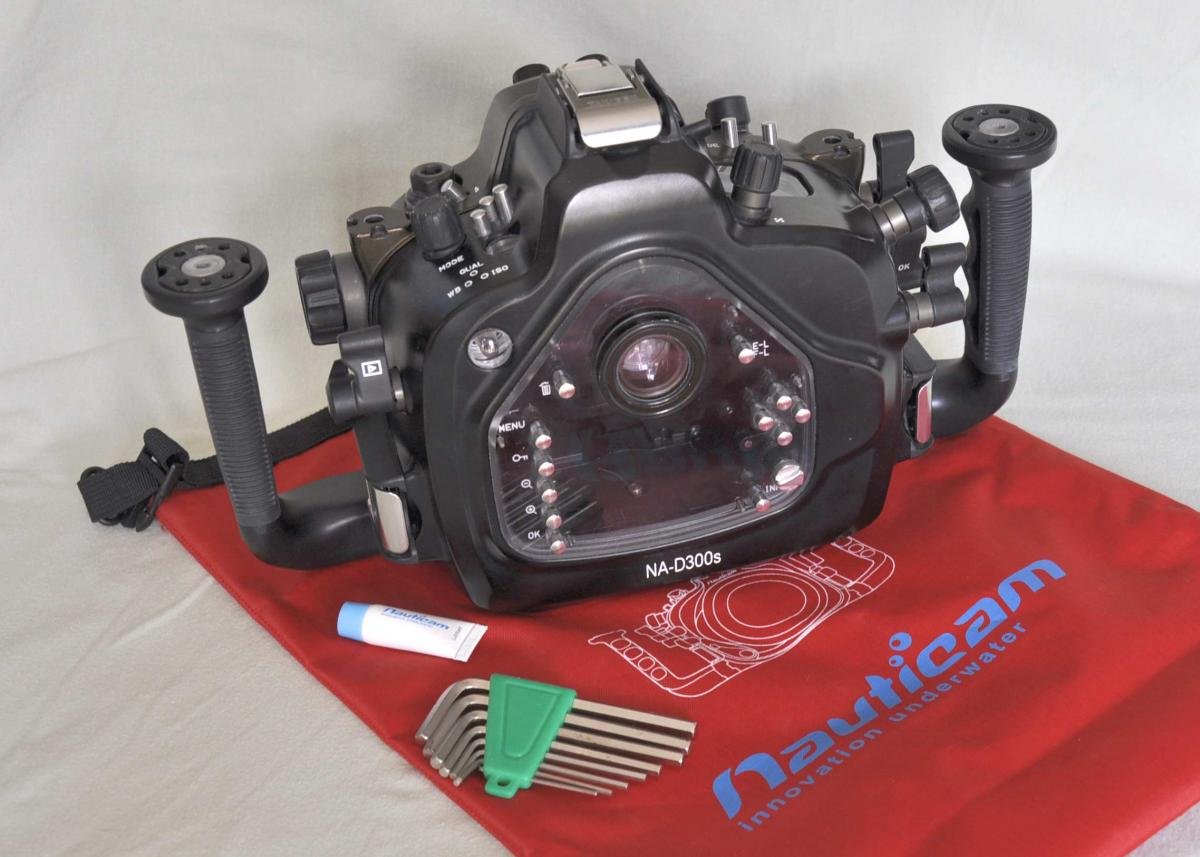
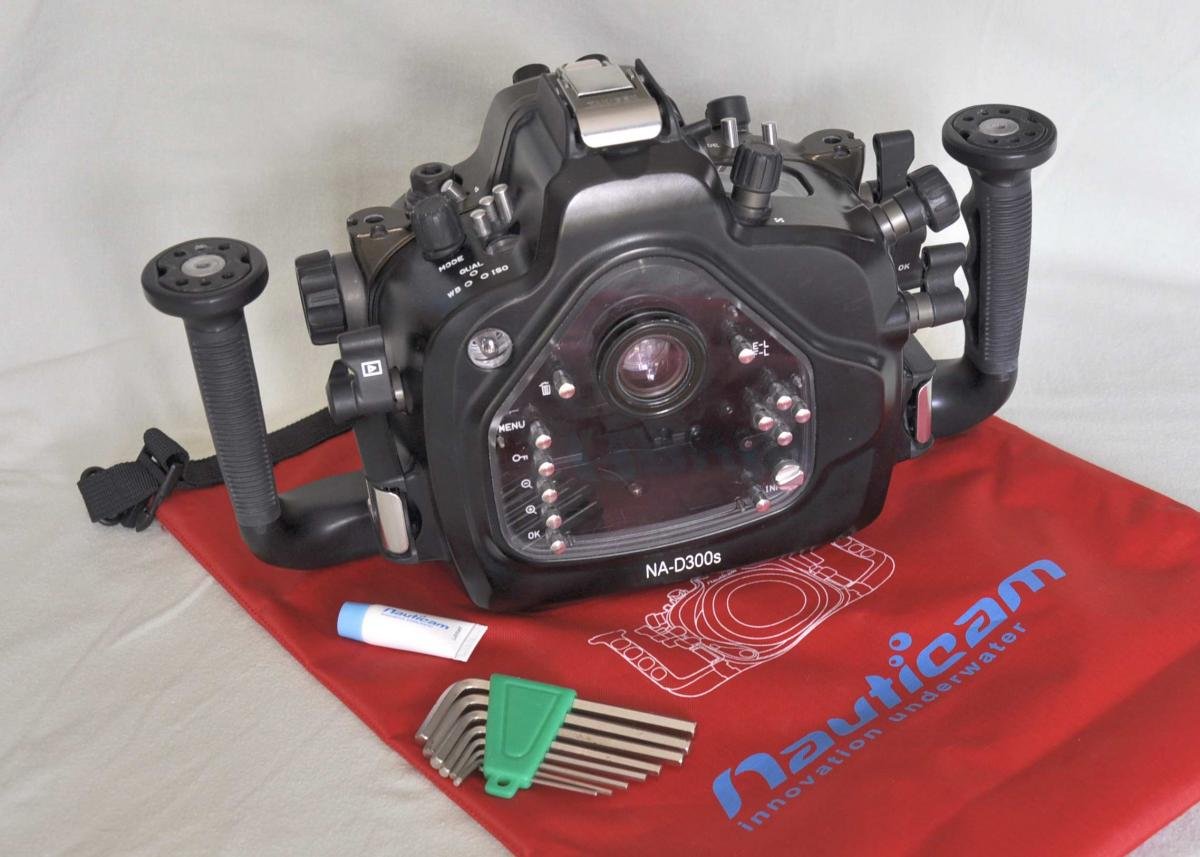
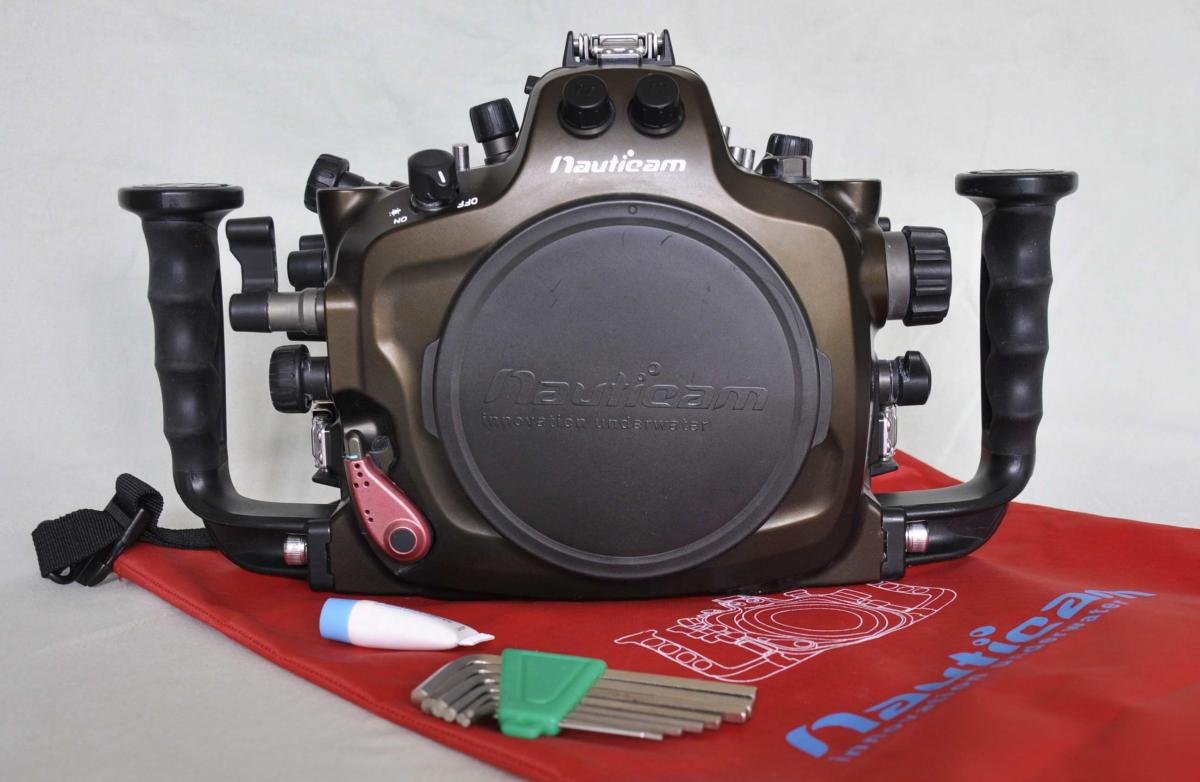
NikonD300S and Nauticam housing with complete Wide-Angle set-up.
The camera is a Nikon D300S in like-new condition with only 7005 shutter actuations. It will be shipped in the original packaging and includes everything that came in the box (unused strap, eyepiece cover, software, etc.). Includes an extra battery.
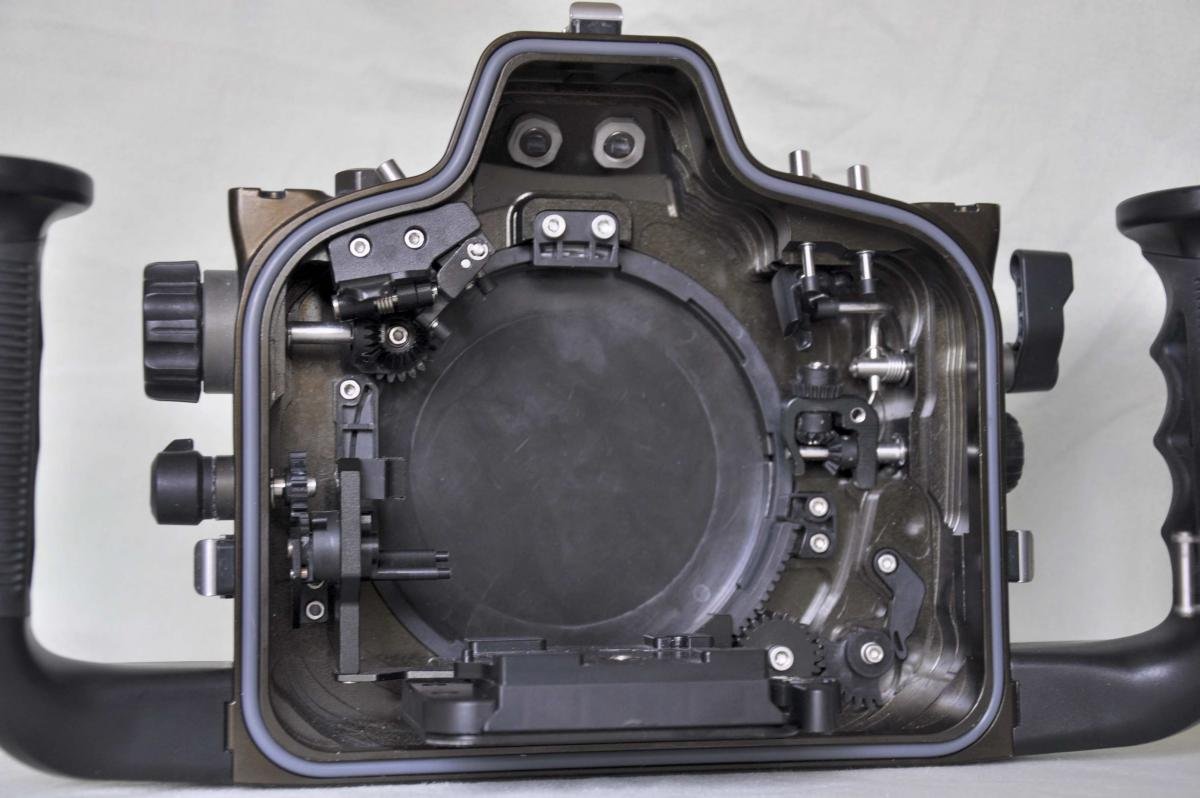
Nauticam housing in excellent condition. I will ship in the original packaging and include a spare set of unused O-rings, the red Nauticam Baggy that came with and O-ring lube.
David Busch’s book Nikon D300s Guide to Digital SLR Photography.
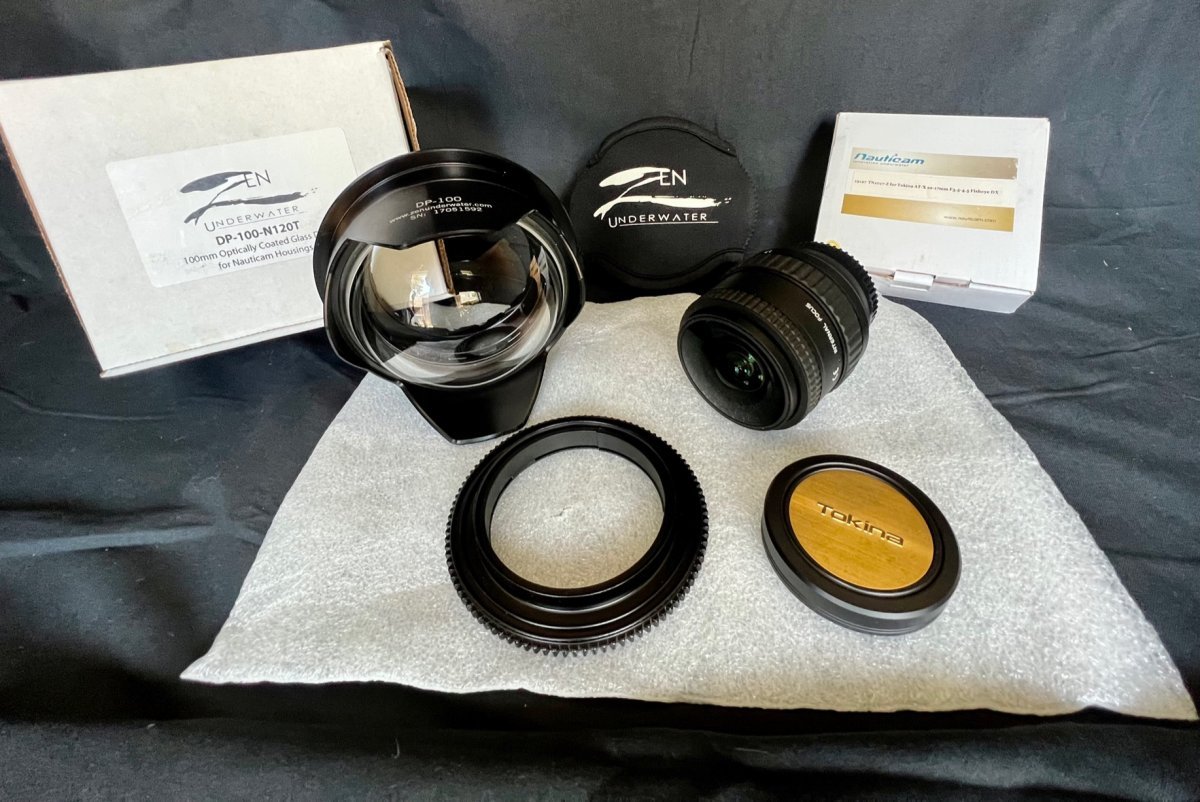
Zen Underwater DP-100-N120T 100mm Optical glass dome for Nauticam housing. Near perfect condition, very lightly used, no scratches.
TN1017-Zoom gear for Tokina AT-X 10-17mm F3.5-4.5 Fisheye DX
Tokina DX 10-17mm F3.5-4.5 Nikon mount with hood removed for underwater
All in their original boxes.
If your interested in separate prices for pieces pm me.
Complete setup for $1,500.