- 6Posts
- 6Replies
Read-only discussion
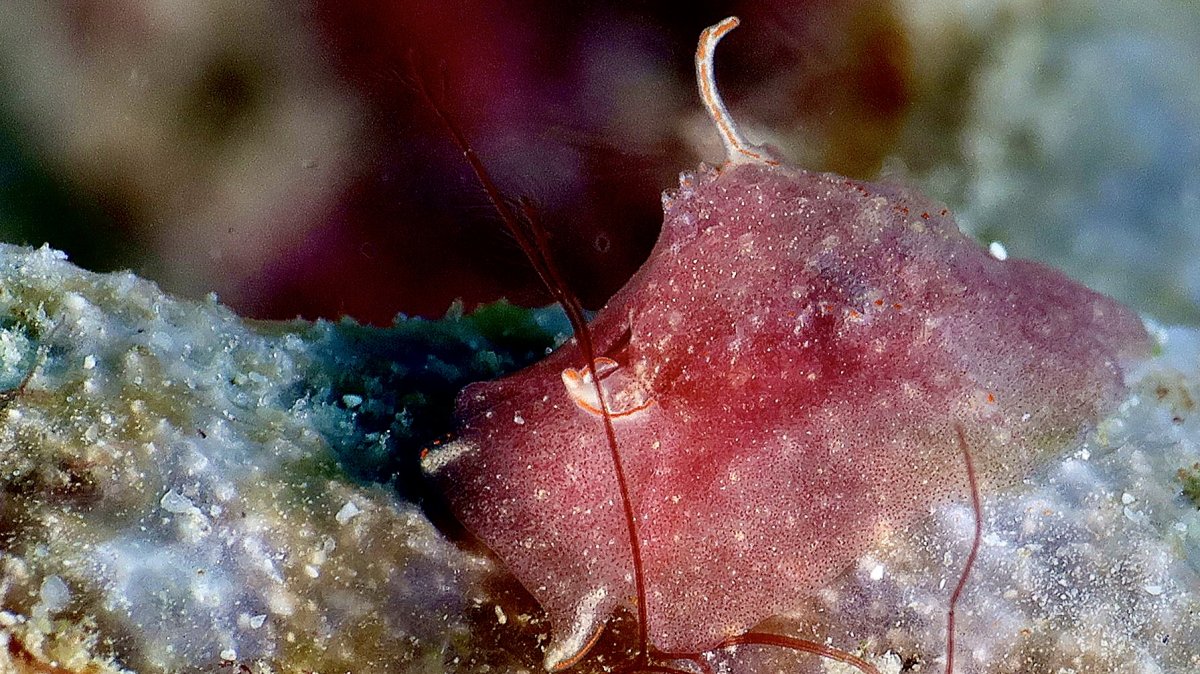
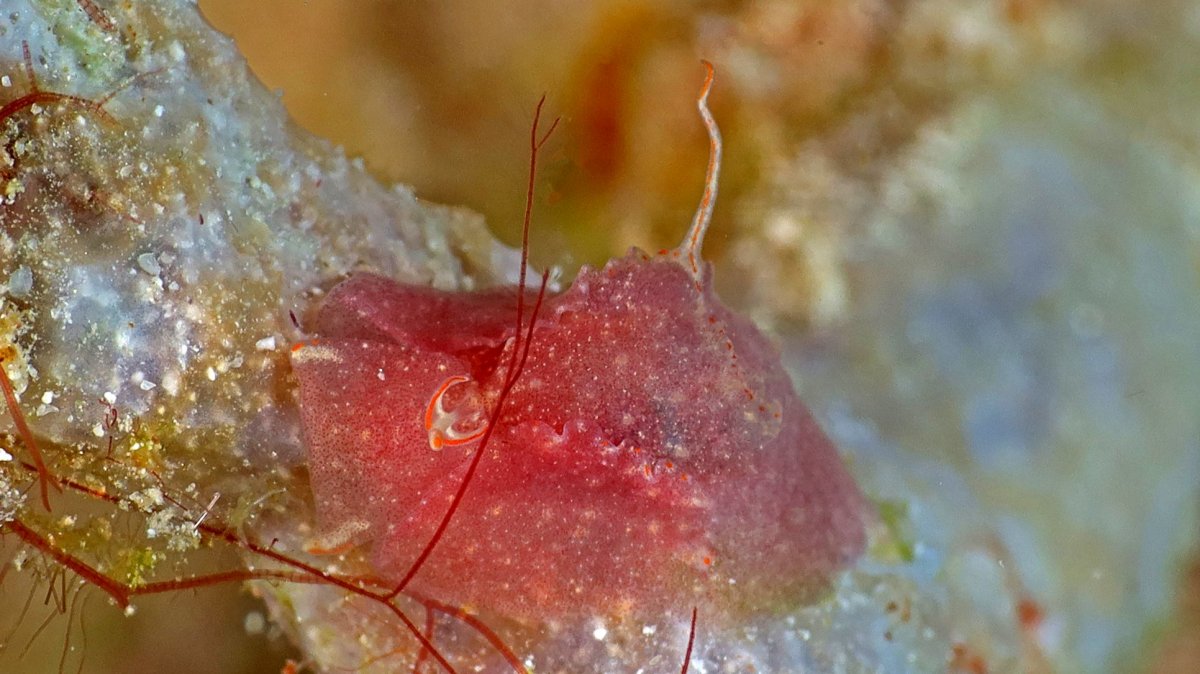
Identification Needed
6 posts
-
-
Location? Depth?
-
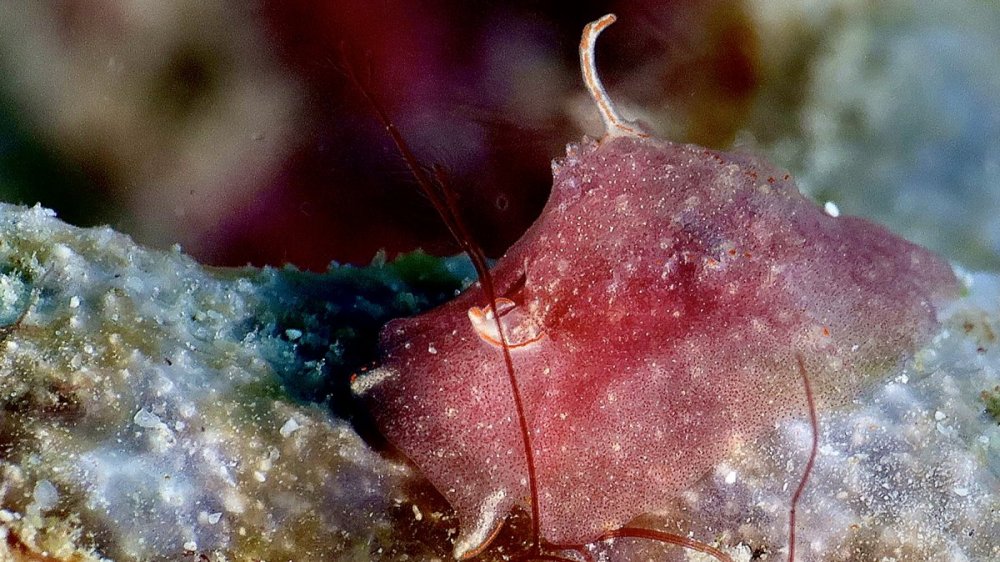
Here’s a photo that more focused.
Taken in Romblon at about 20 meters.
About 6/7cm. in size
-
I showed these photos to Dr David W Behrens, who replied: "It is a Lemallarid".
I Googled "Lemallarid" and got a short video of a yellow one, and photos of similar looking Velutinid snails with no shells from the Western Atlantic, while Wikipedia and Encyclopedia Britannica yielded nothing. I have sent the photos to some other gurus and if they have something useful to say I will post it here. For the time being, it looks to be an unknown shell-less snail.
If you can collect one without getting in trouble (Indonesian authorities have no sense of humor when it comes to specimen collection) and bring it to a marine biologist, maybe it can be named after you! (One of my friends brought an unknown nudibranch to a top biologist, who assigned it to one of his graduate students. The student named the new nudibranch after his niece! My friend is still fuming.)
-
Please allow me to correct my post above. Diver Kevin (Kevin Lee) kindly pointed out the "Lemellarid" name is misspelled, the correct name is "Lamellaria". Entering it, Wikipedia says:
"Lamellaria is a genus of small slug-like sea snails, marine gastropod molluscs in the family Velutinidae,"
and lists several dozen species. Google has 9 (nine!) pages of sources on Lamellaria, some with photos.
Diver Kevin, who has taken hundreds, if not thousands, of truly top notch underwater photos, contributed this link with his excellent photo of a Lamellaria snail:
https://www.diverkevin.com/AustraliaAfricaandSouthAmerica/Africa-Diving-1/i-fxcqHSR
= =
-
A Lamellaria! Unbelievable! Nice work everybody, thanks.