



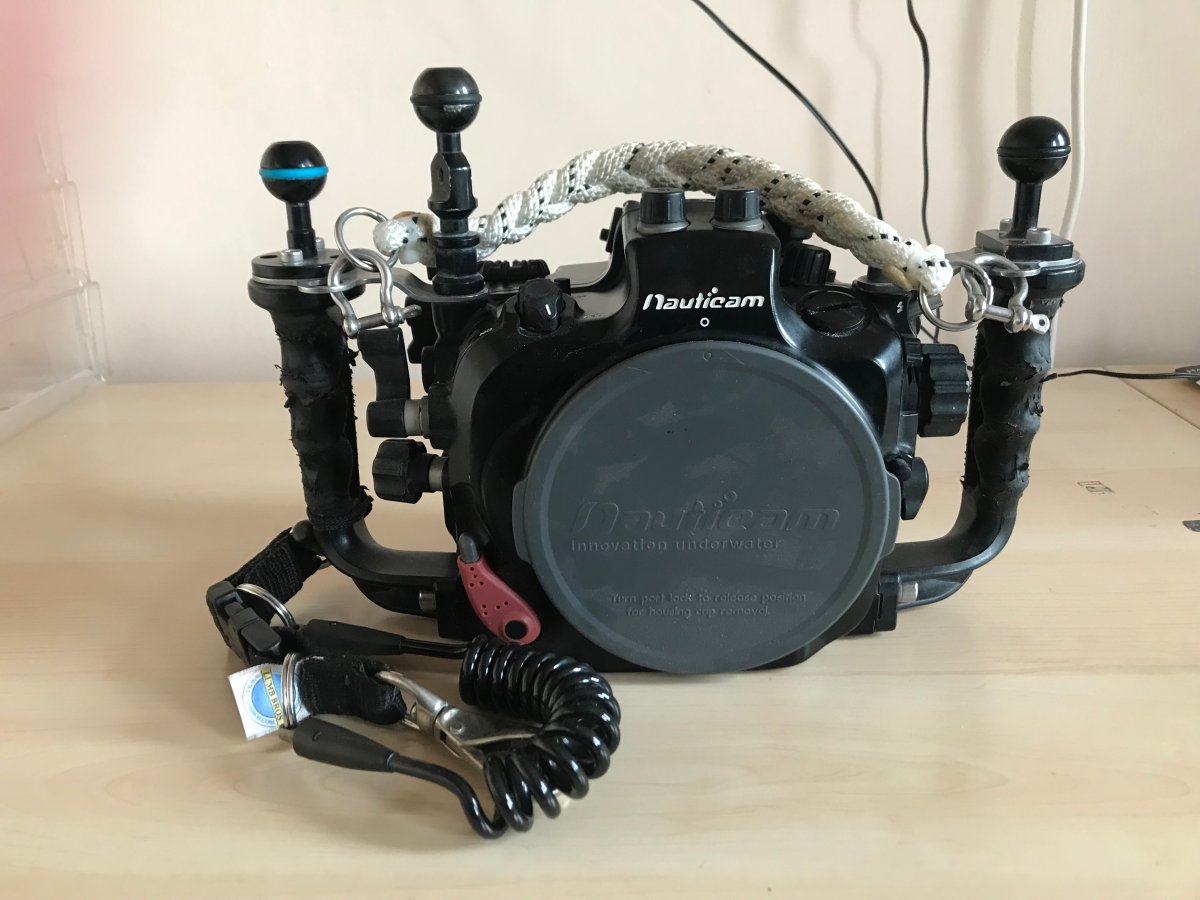
Nauticam Nikon D7000 Housing with Nauticam rope carry handle and Lumb Bros Lanyard. Rubber on handles rather worn, but no effect on usage. Never flooded. £350
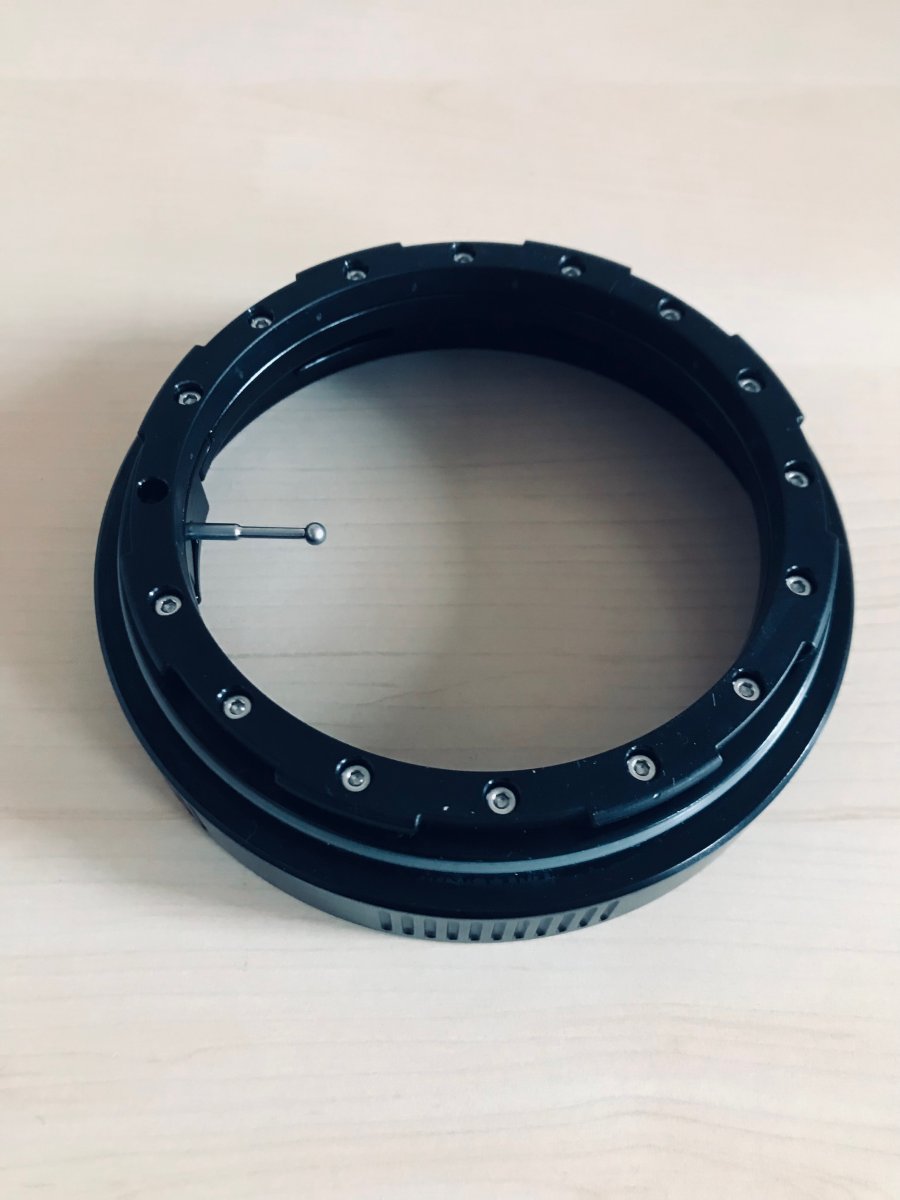
Ports are for Nikon F, N120 series.
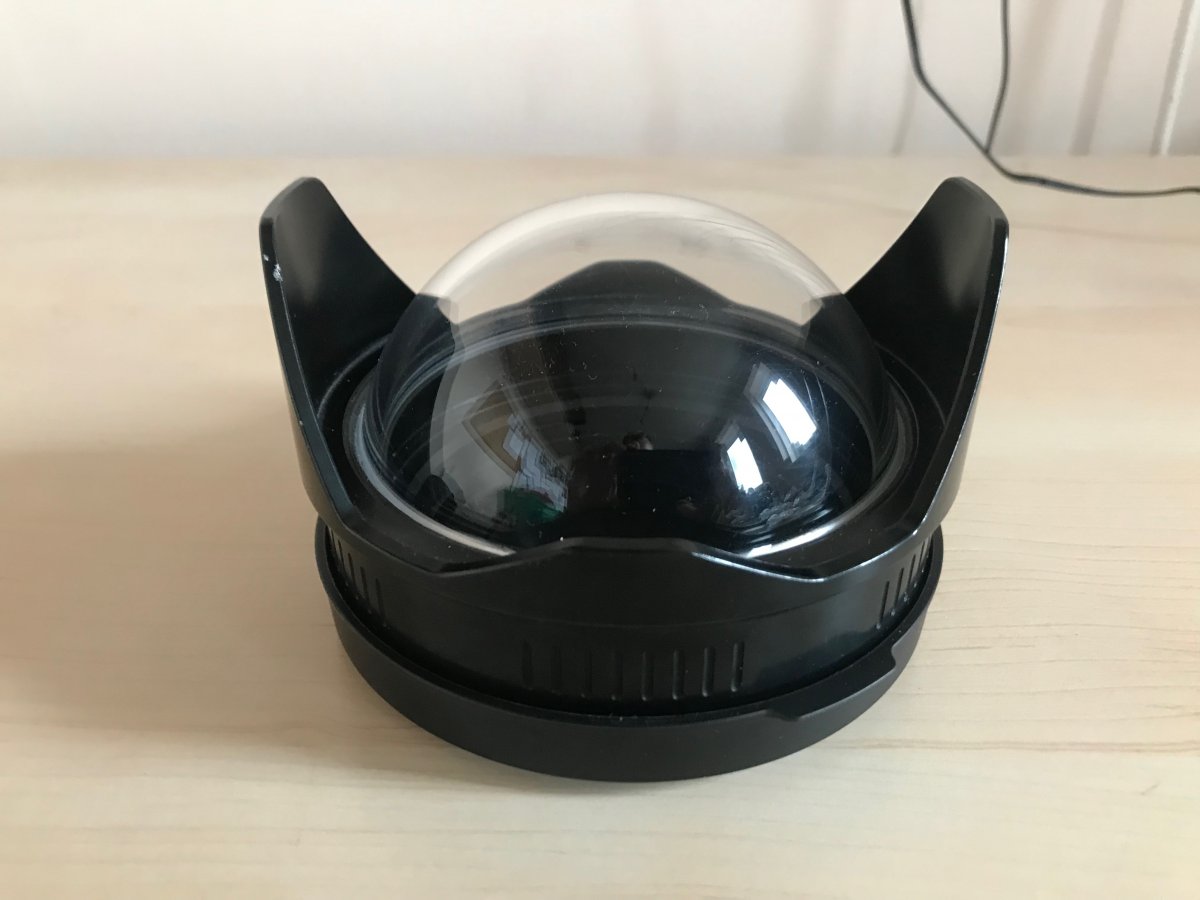
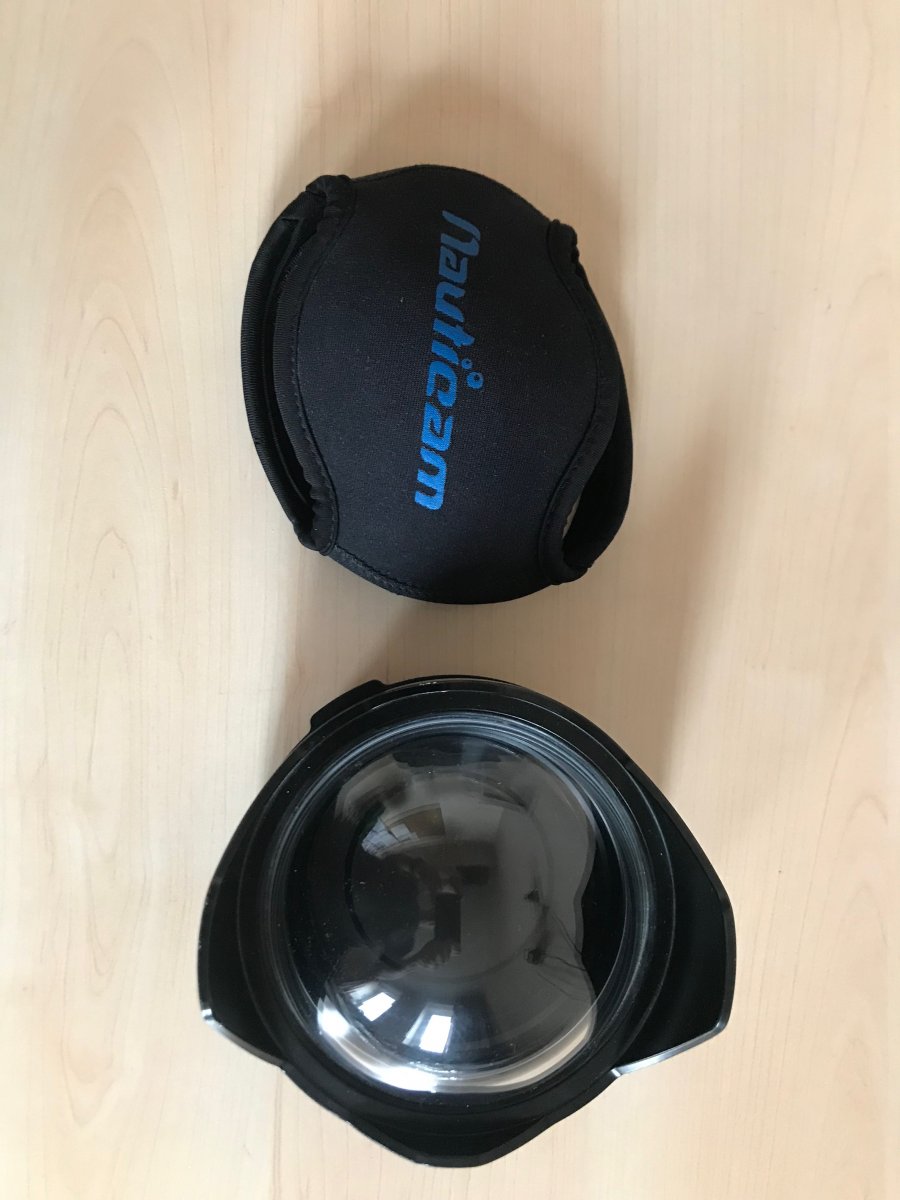
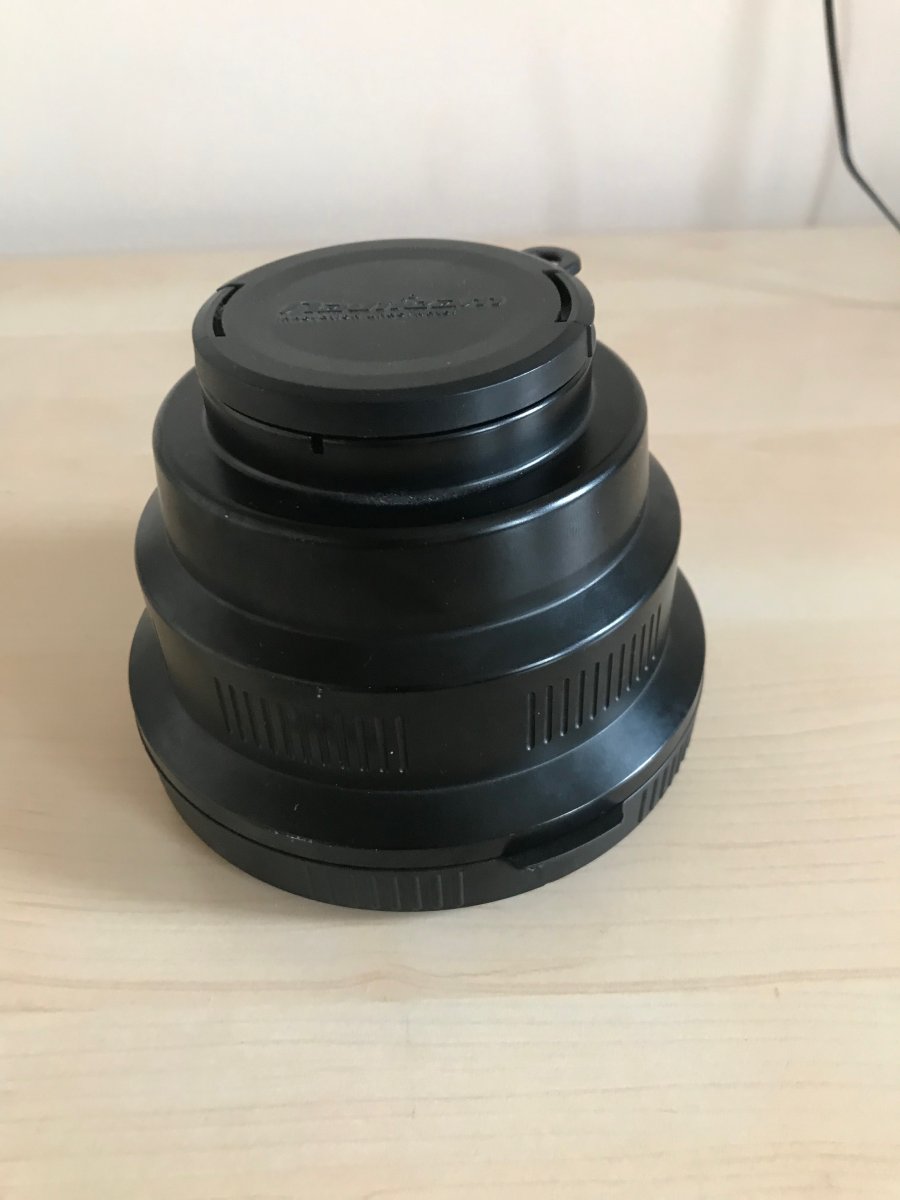
Nauticam 4.33" dome port. I used it with a Tokina fisheye lens. Comes with protective neoprene cover. £250
Nauticam Macro Port 60, £200 (boxed)
Nauticam Extension ring 20, £150 (boxed)
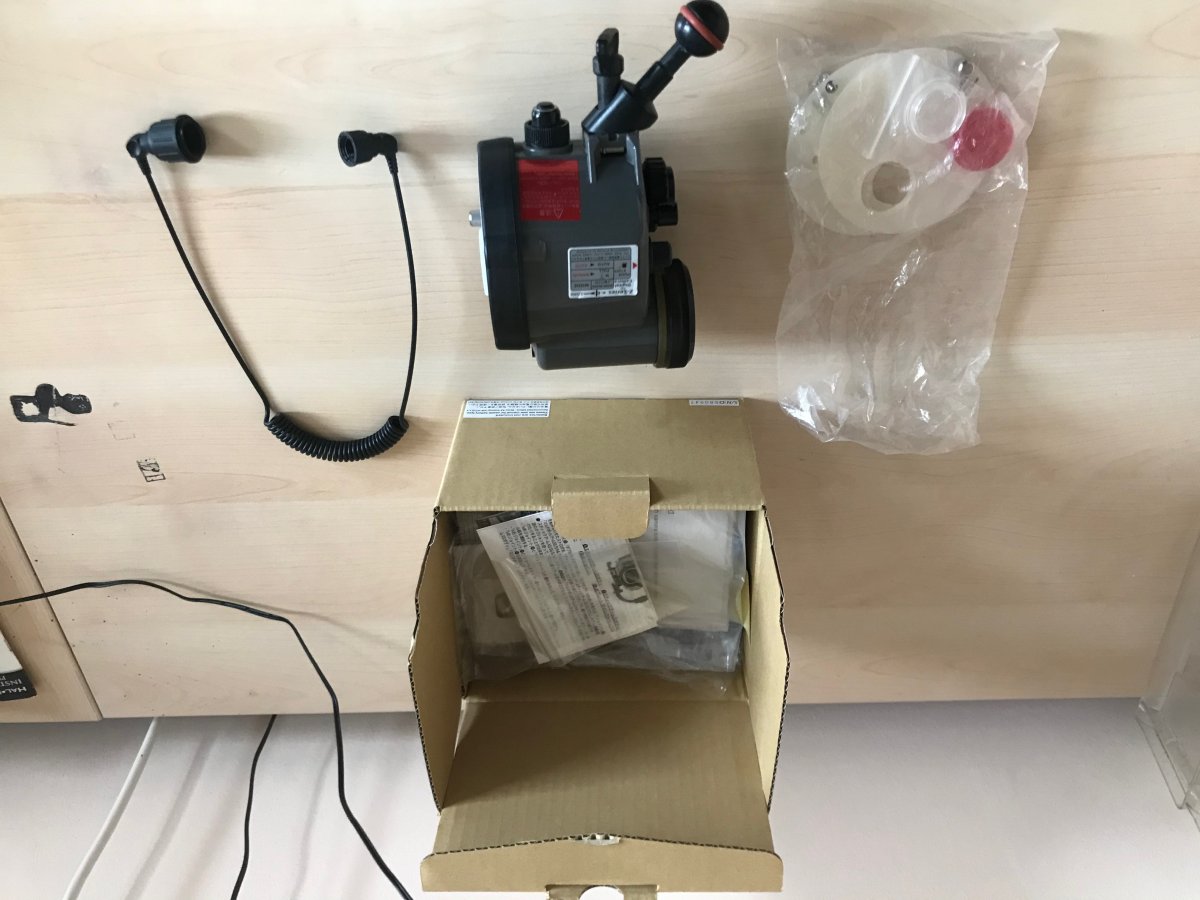
Inon Z240 strobe and optical cable £270
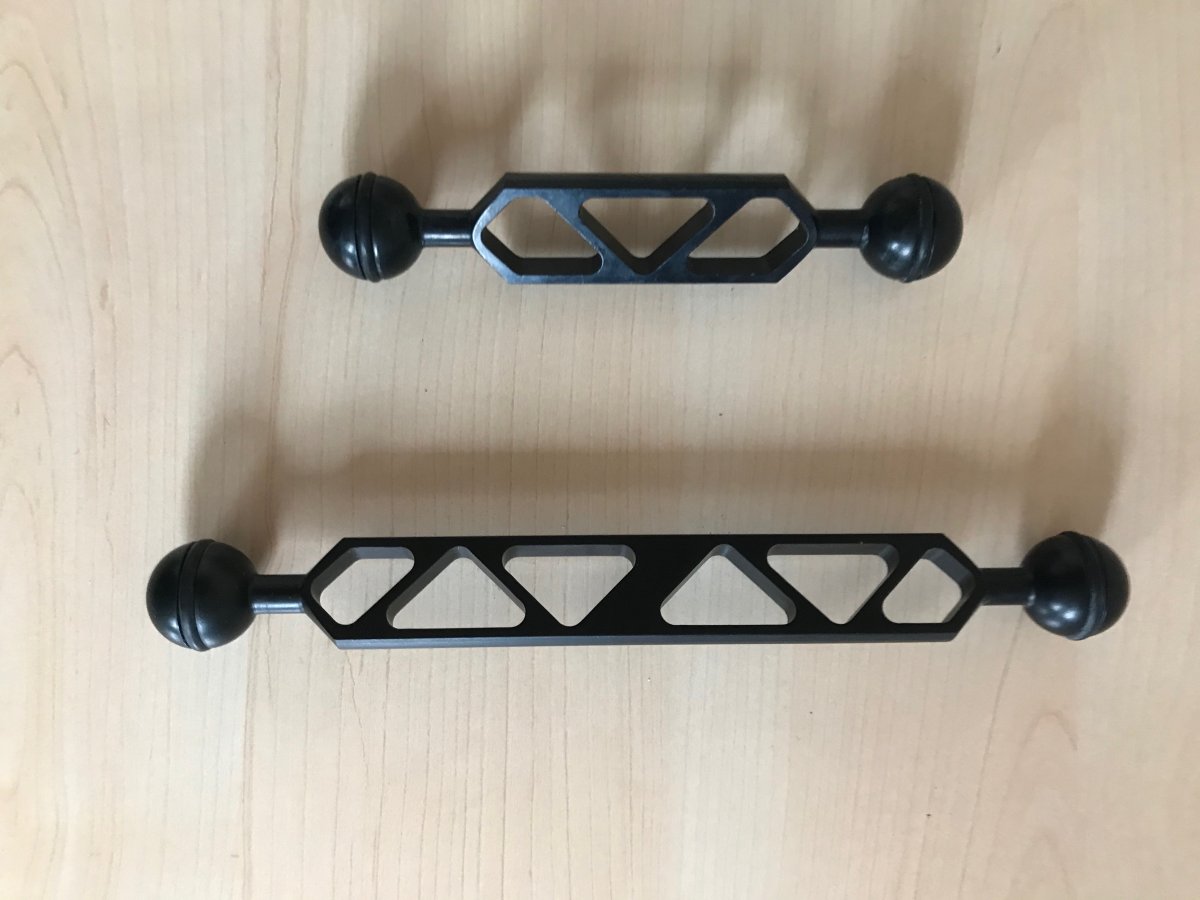
Ultralight control arms, 9" inch and 6" inch (to end of balls) - £45 for the pair
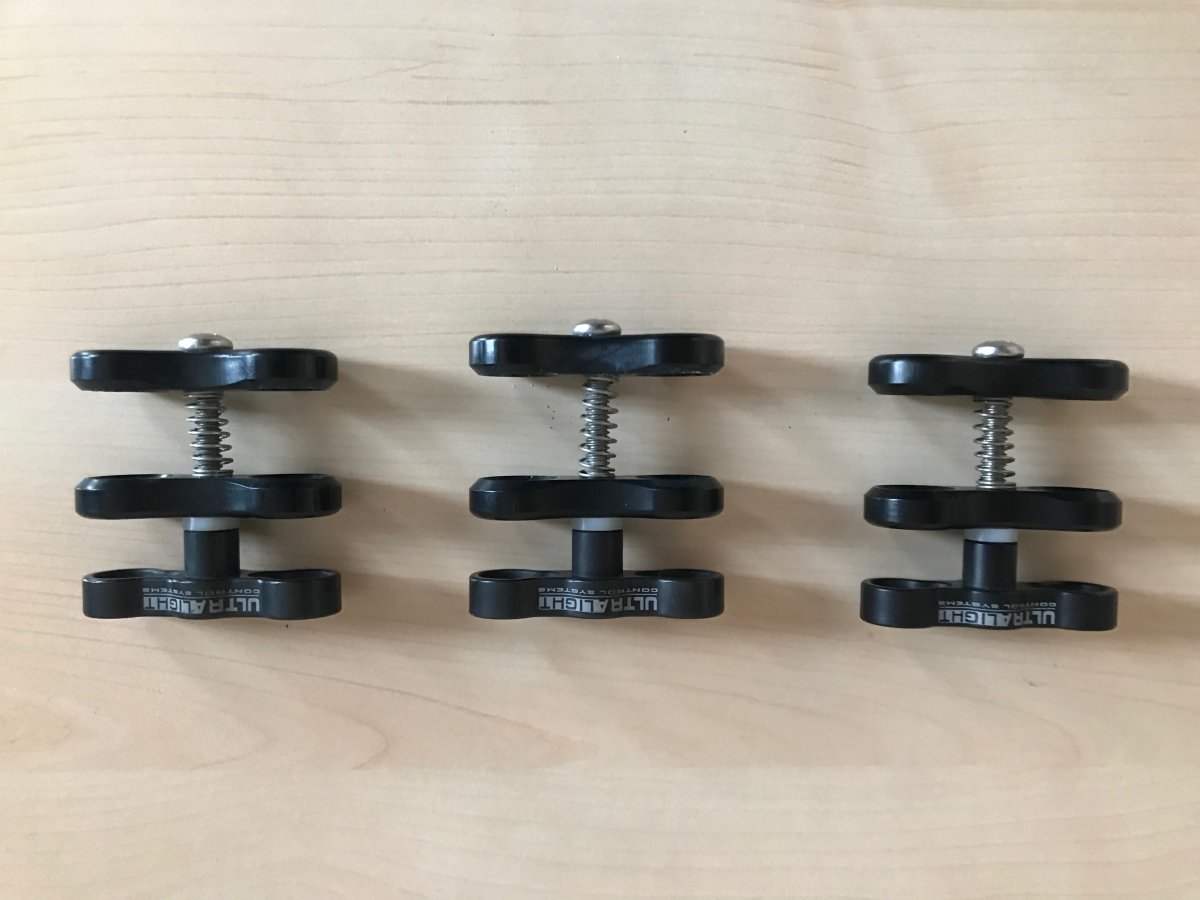
Ultralight Clamps (hold strong still) x3 - £15 each or £40 for all three.
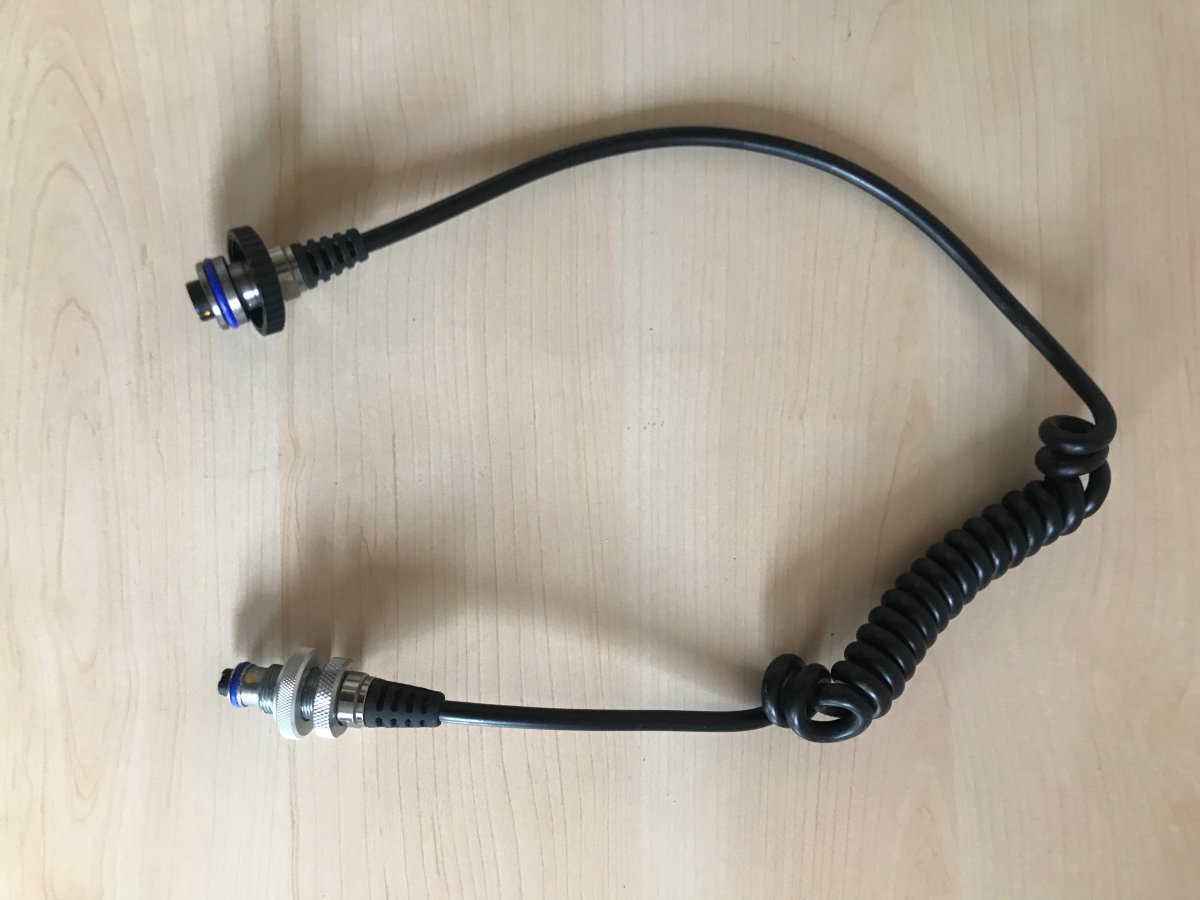
Sea and Sea 5 pin electrical strobe cable (suitable for a different housing) - £20
Also if wanted a Nikon D7000 camera with only 9253 actuations, £130 (for sale also elsewhere). Will come boxed with battery and accessories, but no charger.
Take the whole bundle for a great starter kit for £1200
Delivery will be extra, but at cost to your location. Let me know where you are and I will find out costs. Import costs if buying from abroad are the responsibility of the buyer, please work out what you might be liable for there yourself.
.jpg.857dbbfbdc4d79d9c6ebf7b4ba96ed1b.jpg)

