Skip to content

Lights, Strobes, and Lighting Technique / Archived topic

Shooting with One Strobe

Started by chitown_SBP ·

  • 5Posts
  • 5Replies

Read-only discussion

Shooting with One Strobe

5 posts
  1. Hi everyone,

    Does anyone have any tips or tricks for shooting with just one strobe? I’d also love suggestions on websites that discuss the technique. I couldn’t find much content when I searched. The only tip I found was to position the strobe right above camera…around the area where a regular, not u/w strobe would sit if it were attached to the camera’s hot shoe for land based photography. I know shooting with two is best, but sometimes you can only shoot with one.

    Thanks and happy bubbles,

    sbp

  2. I've been leaning toward shooting with one strobe ever since I attended the Digital Shootout in June.  The instructors there were basically interested in shadows more than even lighting, and you can get some pretty dramatic effects with one strobe.

    And if you are shooting with a snoot, even more so.

    My suggestions are as follows:

    -take off any diffusers.   Using only one strobe causes hard shadows.  Lean into that.

    -in general a strobe should be somewhere above the subject because lighting looks unnatural from other positions

    -no, you do not need to mount your strobe directly in front of the lens.  Put it there if the resulting shadows will look best from that position.  Move it left or right as the scene indicates.

    -whether dual strobes or not, consider the reflectivity of the surroundings.  If you are shooting an object sitting in sand, move your strobe(s) very high up as the white sand will reflect a lot of light.

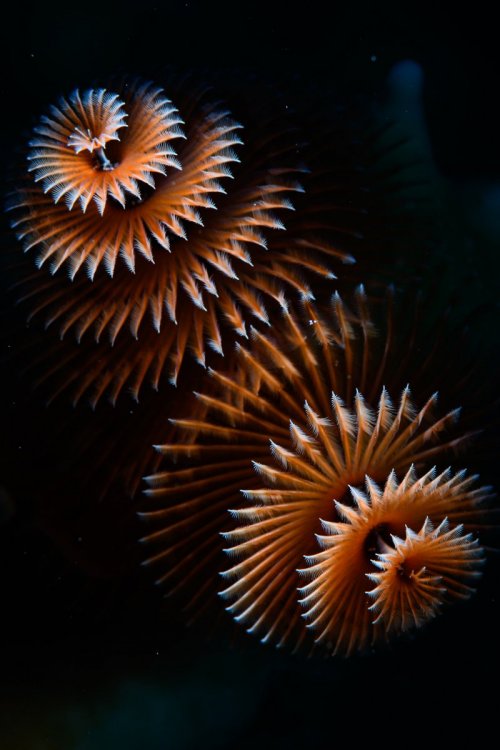
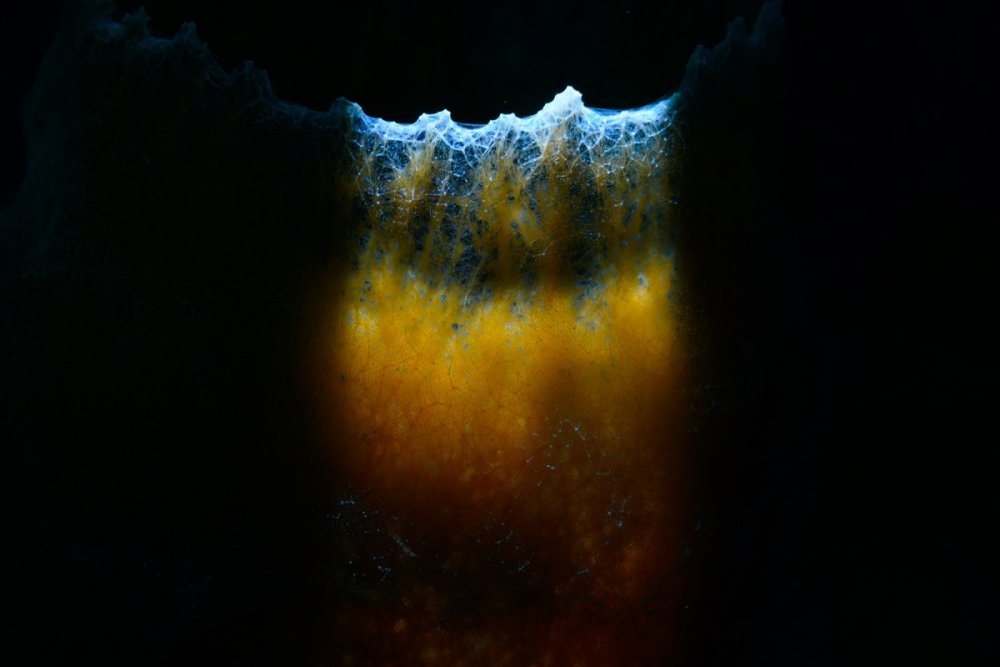
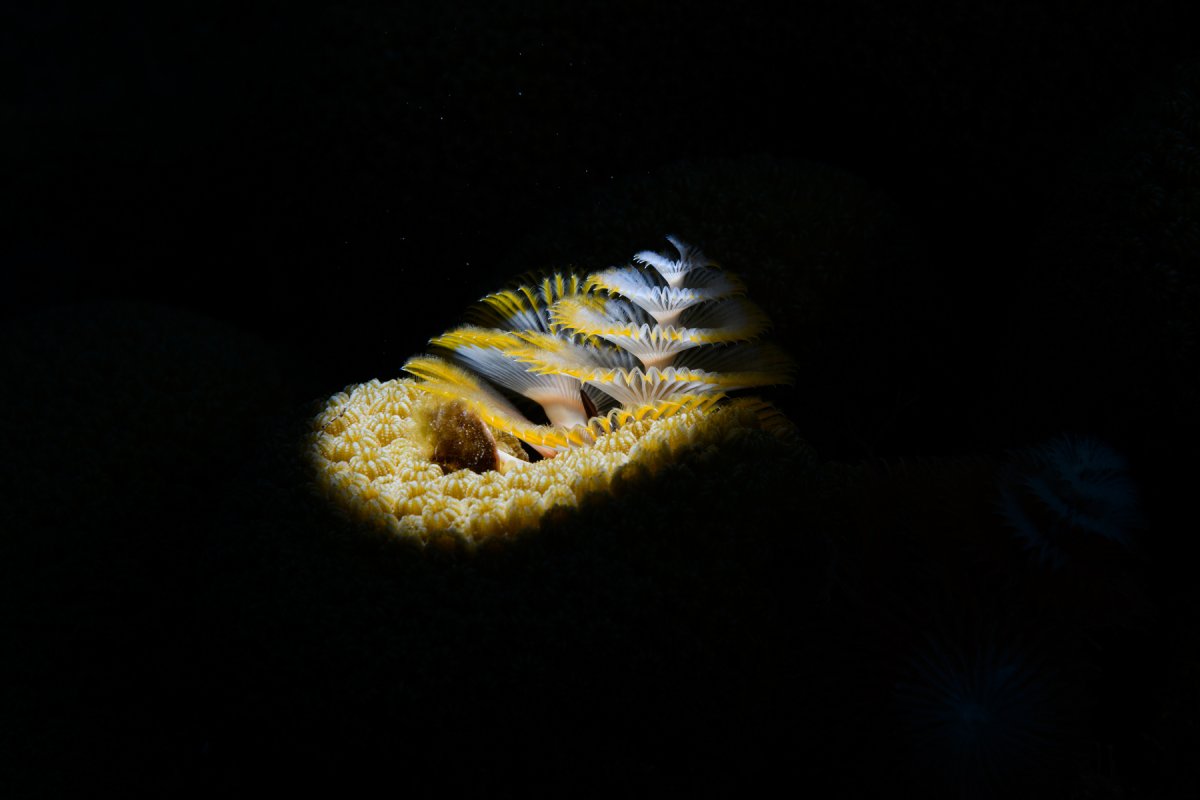
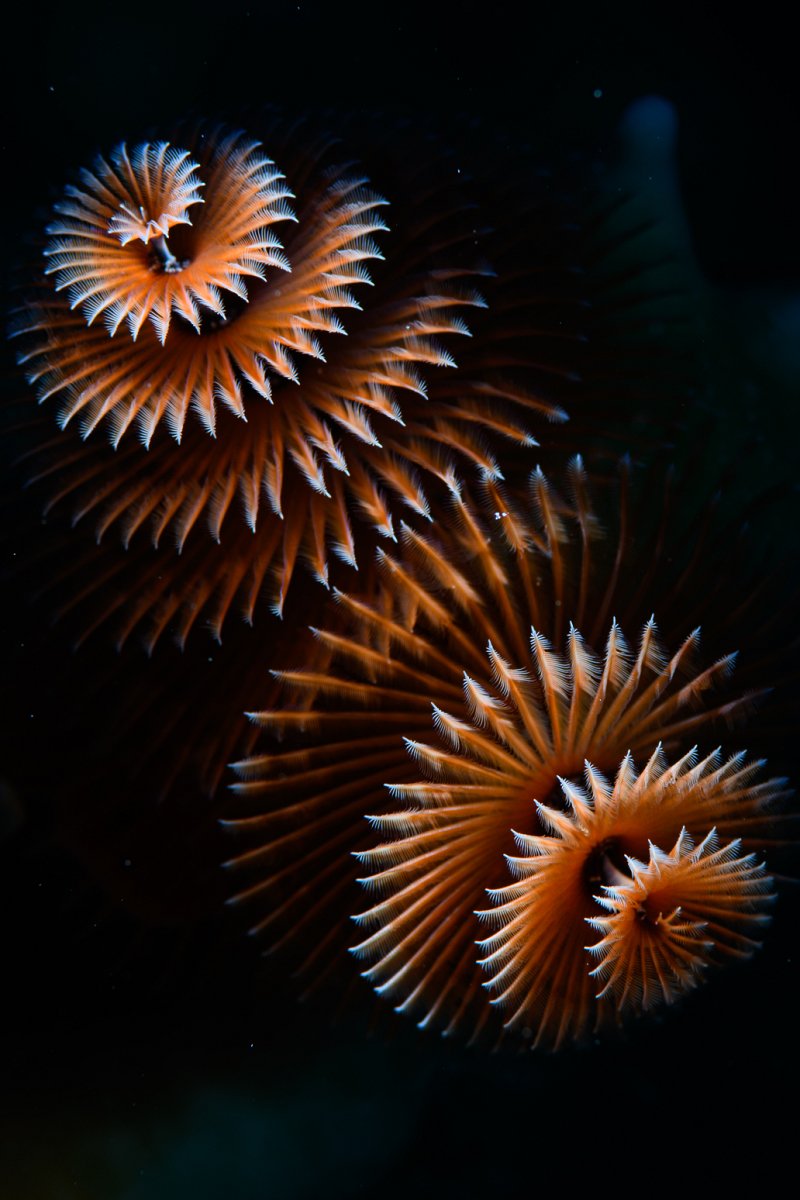
    Shooting with a snoot can give very dramatic lighting, but it can be a royal pain to line up on a target.  As least for now (I'm a snoot beginner), I find I need to position the snoot/strobe right in front of the lens and directly above it to have any hope of getting lined up on a target.   But you can get shots like these:
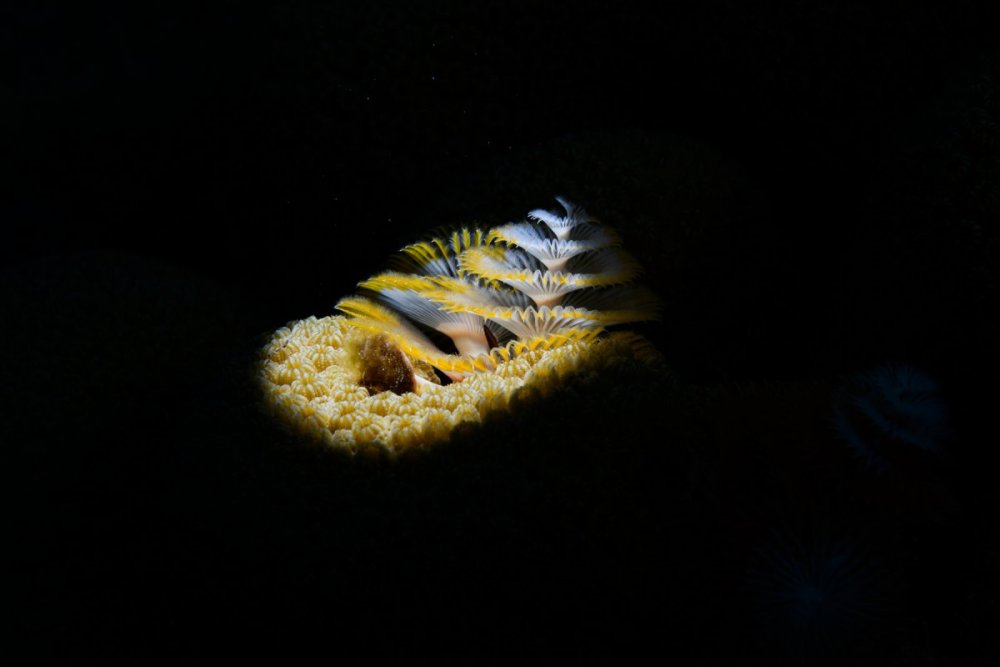
     

    220611-153125-63-D850.jpg

    220617-075258-09-D850.jpg

    220902-141721-2683-9.jpg

  3. I often shoot with one strobe too although I usually have two on the housing.

    Like Craig, I use a snoot a fair bit and with that setup, one strobe is what you need. It can produce dramatic photos - some nice examples there from Craig.

    I would not recommend the "strobe-above-the housing" like a classic camera/flash setup. For me that would lead to lighting up the very area you do not want to light - the water between the lens and the subject. And it also produces boring flat lighting. 

    A single strobe, even snoot-less, can produce dramatic images as it accentuates the difference between shadow and highlight. For me this is what photography is all about. My suggestion would be to find a reasonably static subject and take a ton of pics with the strobe in all sorts of different angles. Then see which you like. It'd be an advantage if you can have some systemic way or recording and recalling where the strobe was placed for each batch of images. Then you can see what does what when you place it in a certain position., See what you like and which, for you, don't work.

    ... and try a snoot. As Craig says, there is a big learning curve but dramatic pics will result and they are very much one strobe territory.

  4. Macro - snooting or regular lighting can be shot quite readily with a single strobe, you can also do wide angle work , but may find the coverage a bit limiting with a fisheye for example.   Many of the UW photo shops have guides they publish such as this one, which provides some good starting points for non-snoot shooting:

    https://www.opticaloceansales.com/files/OOS-Strobe-Positioning.pdf

    All the other shops have guides and are worth reading through to get ideas.

  5. Check out a book called "Underwater Photography Masterclass" the author (Alex Mustard) knows a thing or two about underwater photography.  There is even a section on using 1 strobe.

Scuba.com

Account

Navigation

Search

Search

Configure browser push notifications

Chrome (Android)
  1. Tap the lock icon next to the address bar.
  2. Tap Permissions → Notifications.
  3. Adjust your preference.
Chrome (Desktop)
  1. Click the padlock icon in the address bar.
  2. Select Site settings.
  3. Find Notifications and adjust your preference.