I AM SELLING THIS KIT BECAUSE I AM GOING TO CANON R5 WITH A NEW GIOSIM HOUSING
It was purchased in December 2021 for € 3040.00
Everything except the two flashes, extensions and clamps was purchased new from the Giosim dealership.
It has been used 5 times in a swimming pool and once in a diving safari.
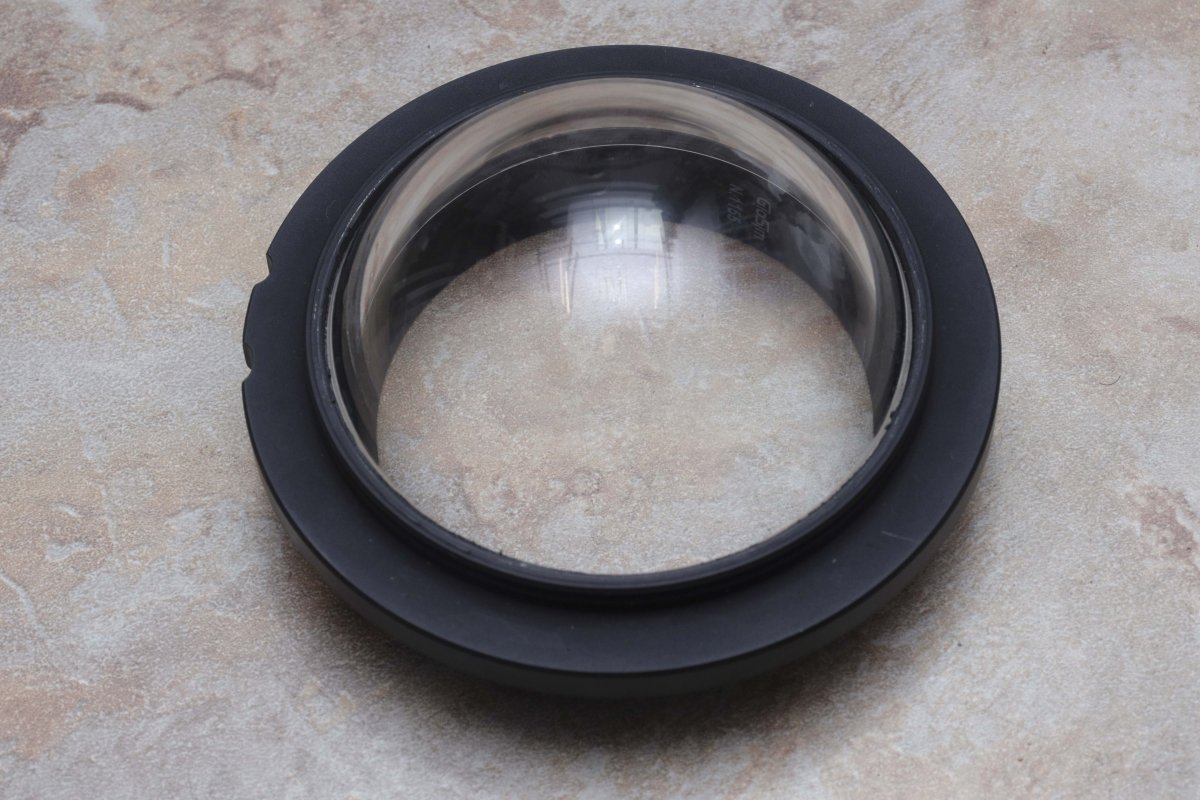
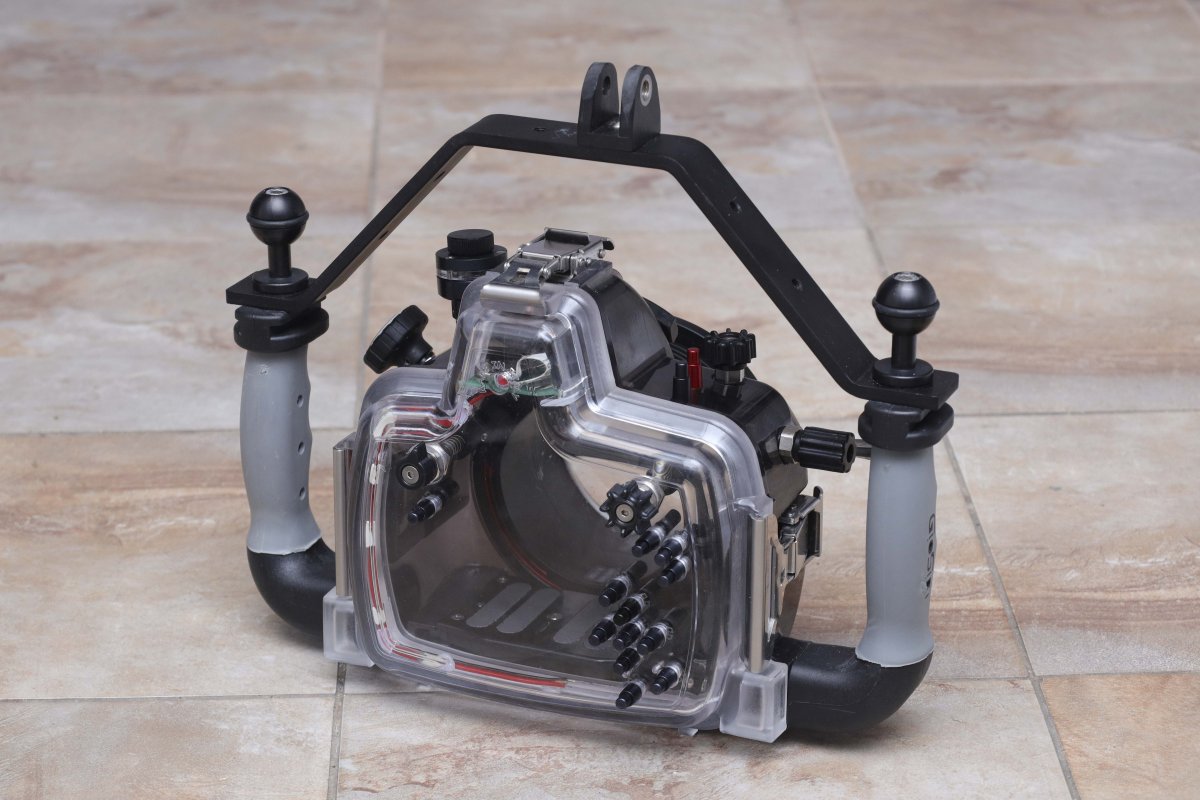
The housing, camera and dome ports are in perfect condition.
All parts of it work flawlessly.
Without any technical notes!
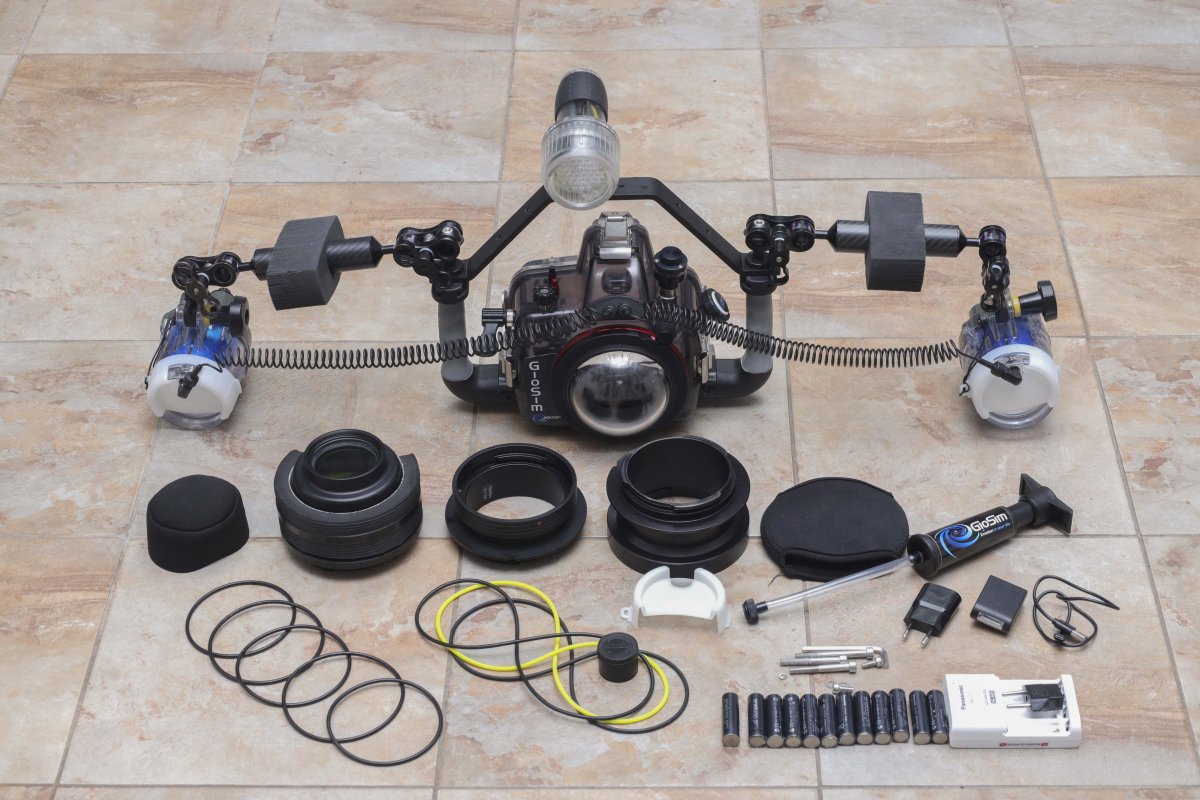
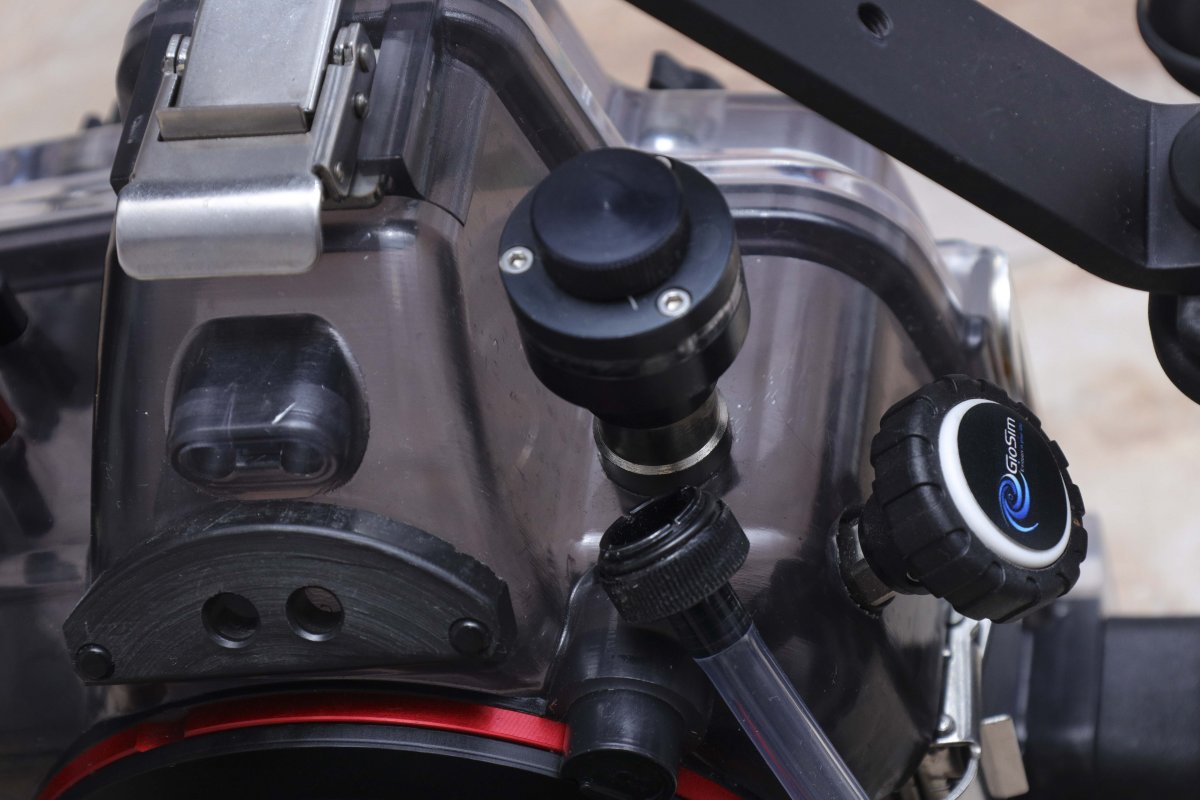
1. Italian GioSim case for Canon R++ 9 o-rings & lubricant
2. moisture and water detector
3. Carrying handle
4. Vacuum valve and vacuum pump
5. Glass dome port 4,5"
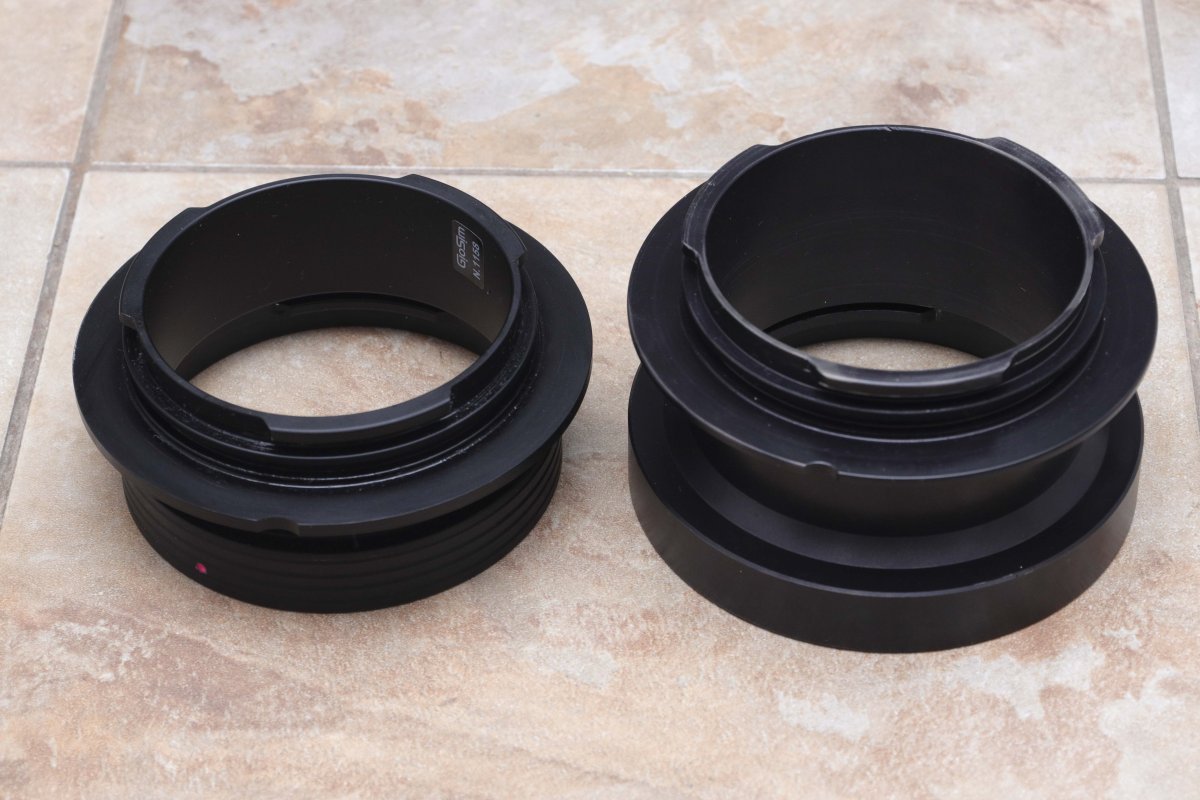
6. Extension tube 22 mm
7. Extension tube 50 mm
8. Flat macro port + 67mm thread for wet macro lens
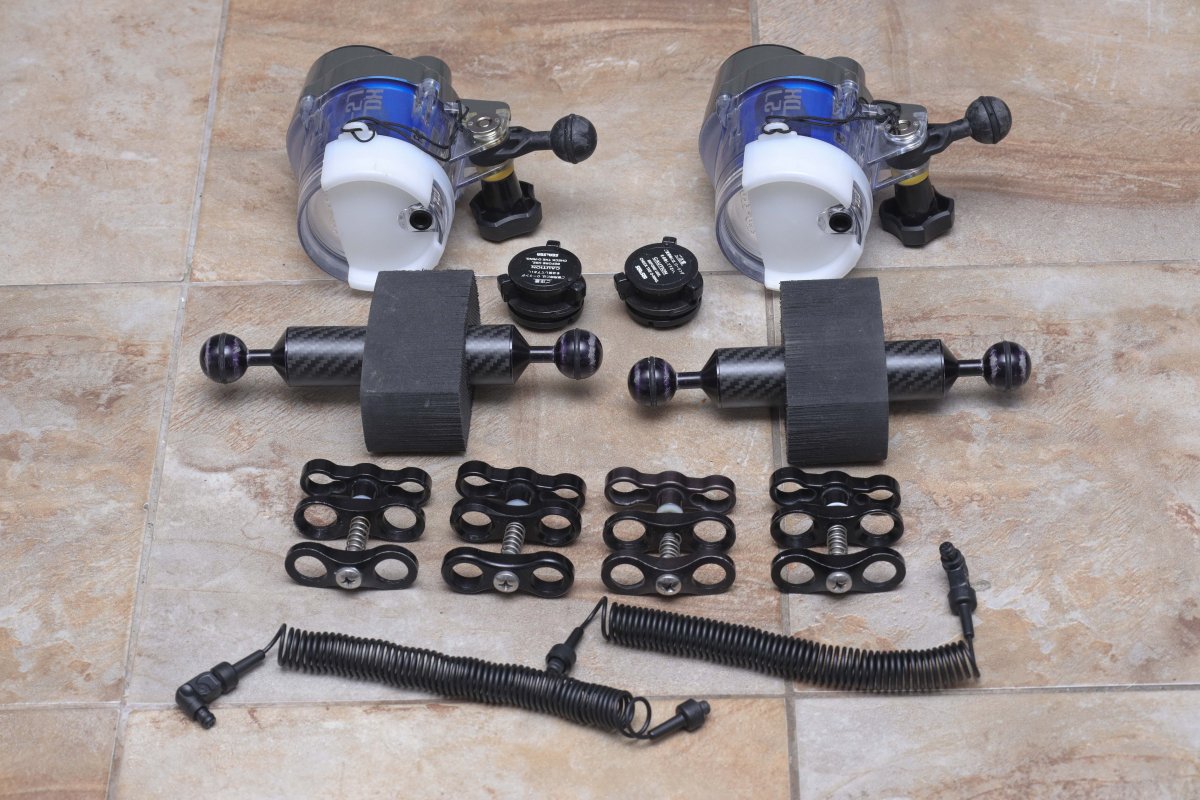
9. Two Sea&Sea YS-27DX + 12 ps. NiMh Accu + charger
10. Flash Triggering with charger
11. Strobe optical cable – two ps.
12. Two strobe arms + four floating arms
13. Four clamps
14. Original Giosim carrying case for all equipment
15. Focus light 800L
By combining the 22mm and 50mm extensions and ports and zoom rings,
the following lenses can be used:
Canon EF 8-15/4L, Canon EF 16-35/2,8L, Canon EF 16-35/4L,
Canon EF 17-40/4L, Sigma 15/2,8 fisheye
Canon RF 15-3/4-6,2 STM, , Canon RF – 16/2,8 STM,
Canon 85/2.0 macro, Canon EF 100/2,8 L macro, Canon EF 60/2,8 macro
The price of this set is €/$ 2200
EUROPE SHIPPING IS INCLUDED IN THE PRICE WITH DHL/DPD COURIER AND INSURANCE!
Payment by paypal only!