SOLD
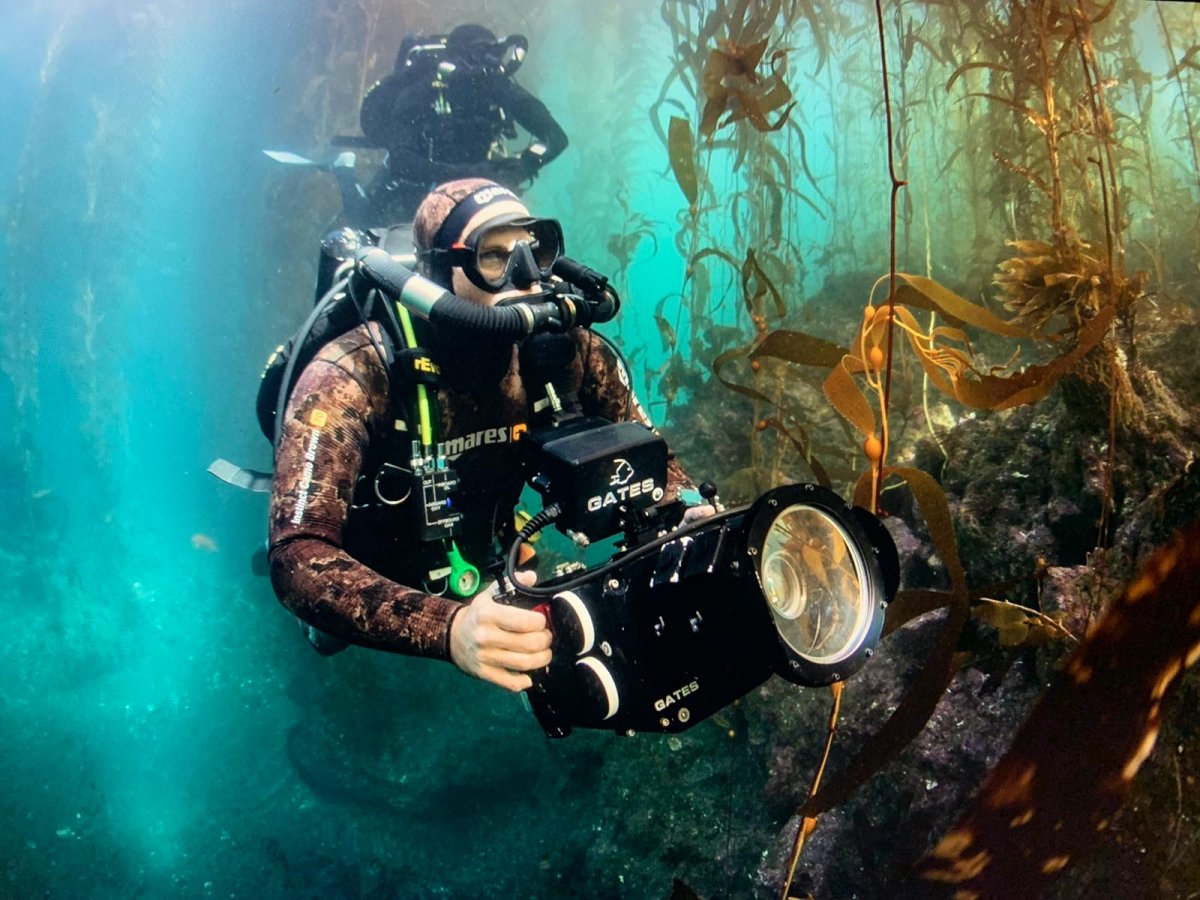
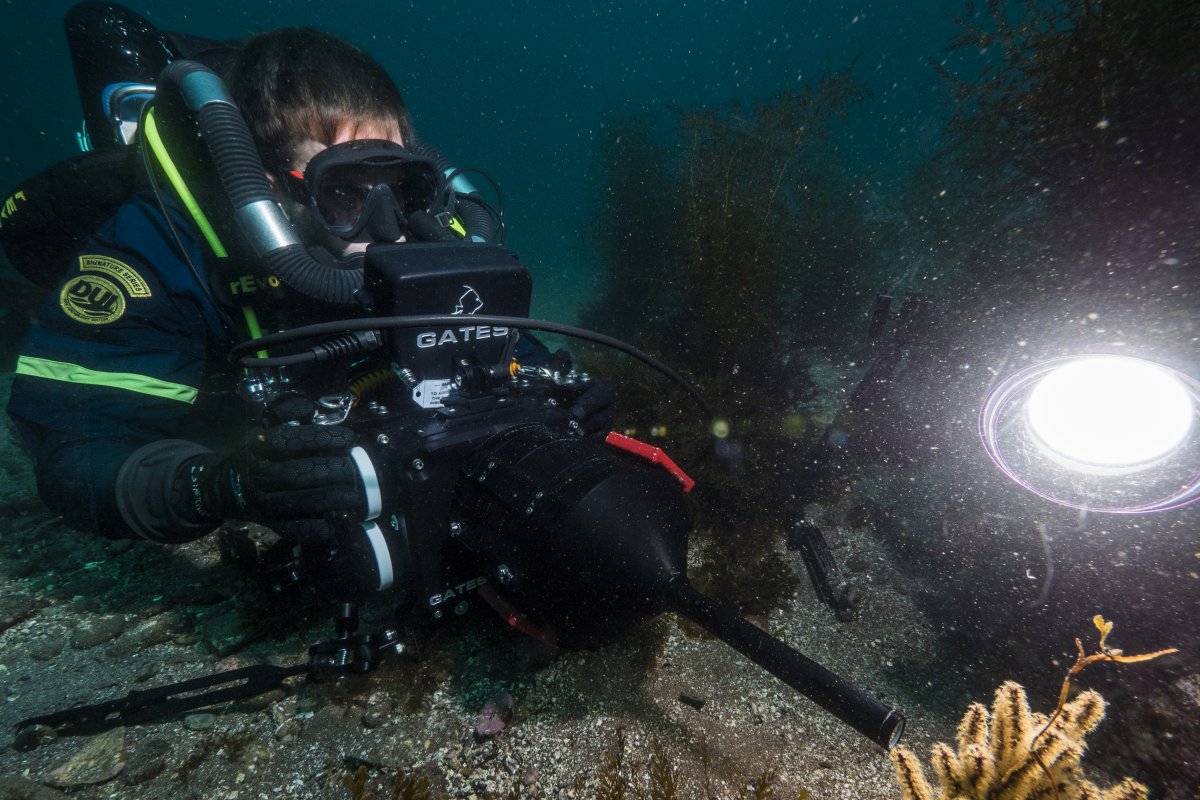
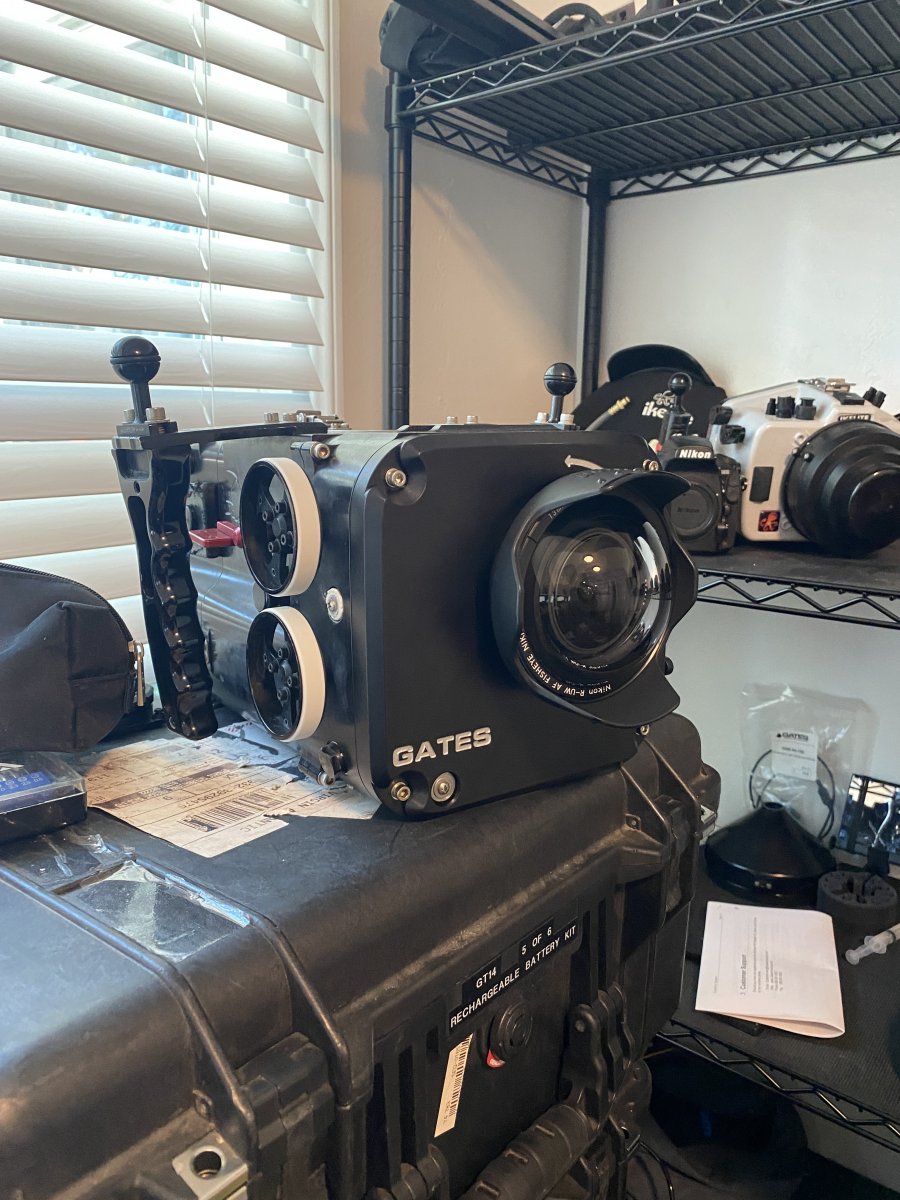
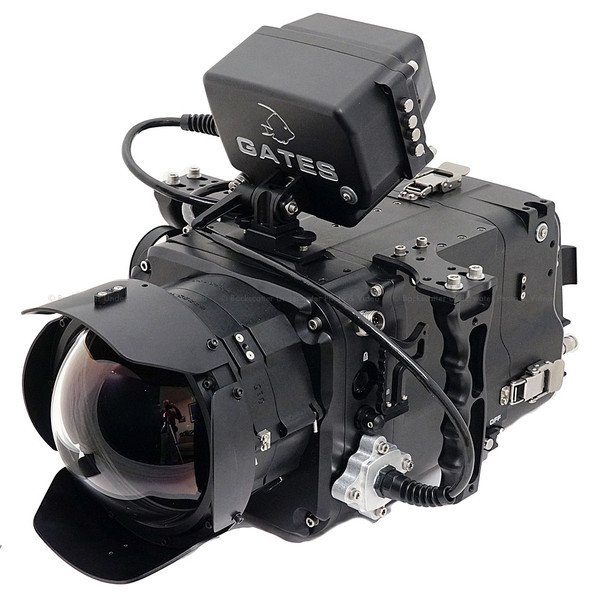
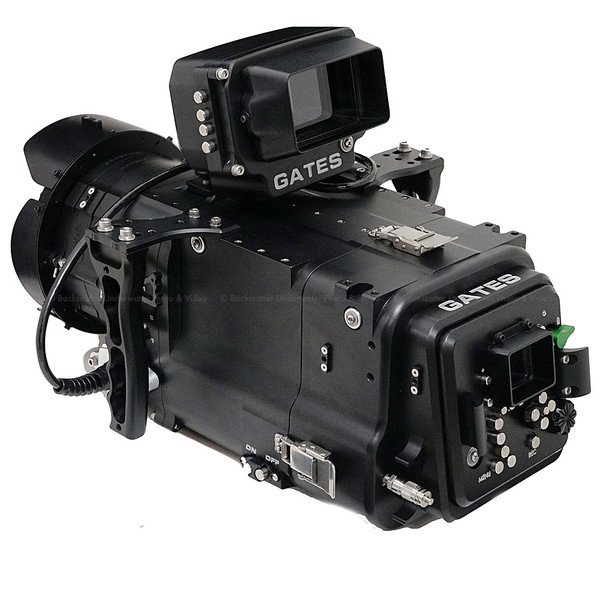
Selling my Gates ProExplore underwater housing for the DSMC2 line of REDs (Helium, Monstro, Gemini, Dragon-X). It's been my workhorse for the past 3 years so it does show signs of wear and tear but is fully functional. Included with purchase:
- ProExplore Housing ($15280.00 new)
- 6" front plate
- 6" extension rings ($800.00 new, full set)
- 6" glass dome ($1935.00 new)
- 6" flat port ($930.00 new)
- Nikonos RS front plate ($4219.00 new)
- Laowa probe port ($866.00 new)
- RED 7" Ultra-brite monitor housing ($3000.00 new)
- Delrin rods and lens gears for focus and zoom control
- Cables and spares
Also selling my RED Helium and Gemini, if you're interested in a full working system, shoot me a message and I can send you details. I've upgraded to the RED Raptor S35 and have my Gates Deep Raptor housing which is why I'm selling. The ProExplore housing is currently getting its full service from Gates but I can send more photos if desired once I get it back. Pictures shown are with 6" flat port, the laowa probe port, and the Nikonos mount (lens not included with package, message if you'd like to buy that as well). Last 2 are stock images but shows the system with the 6" glass port (again, it's getting serviced so will update photos when it returns).