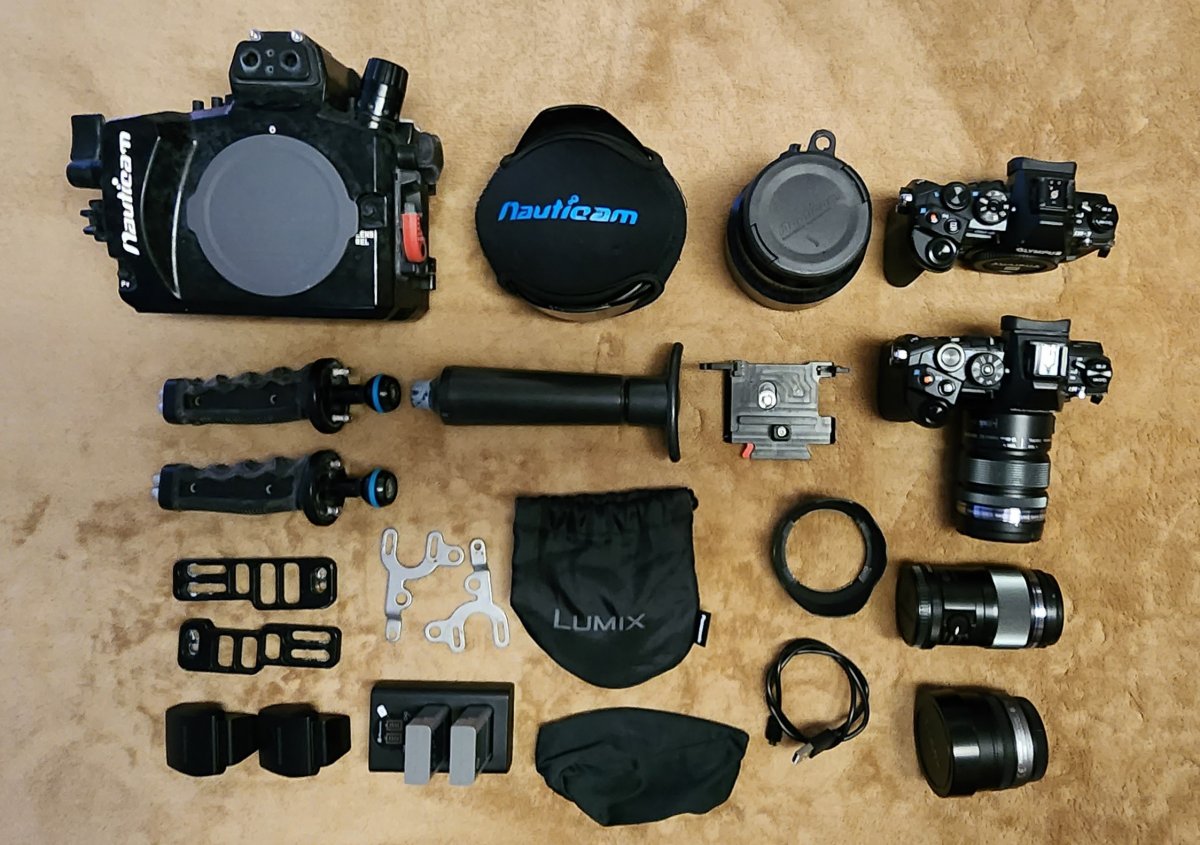
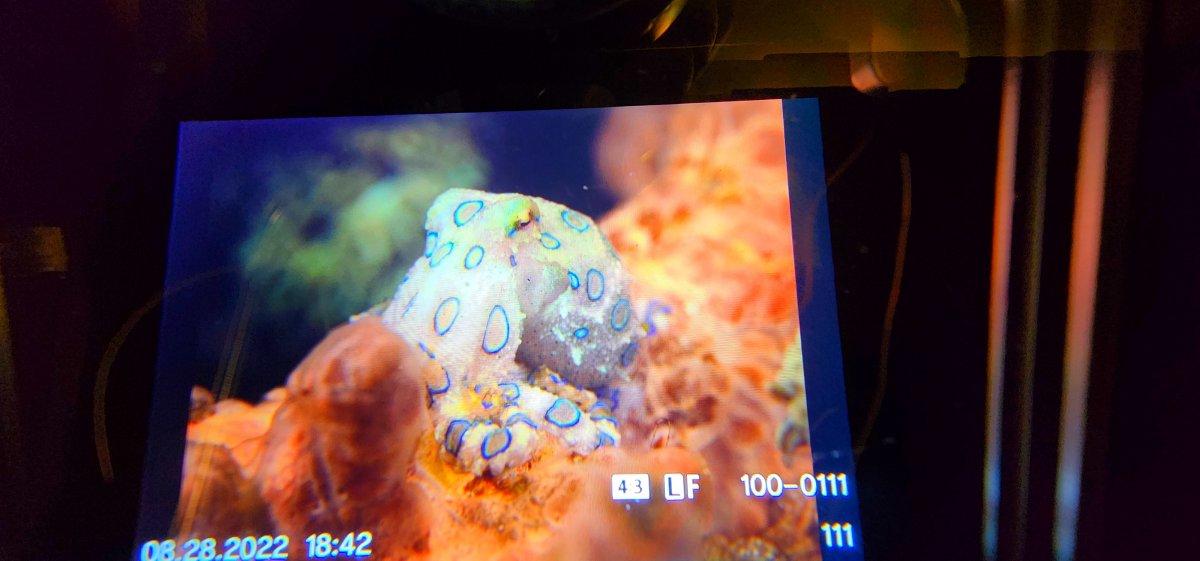
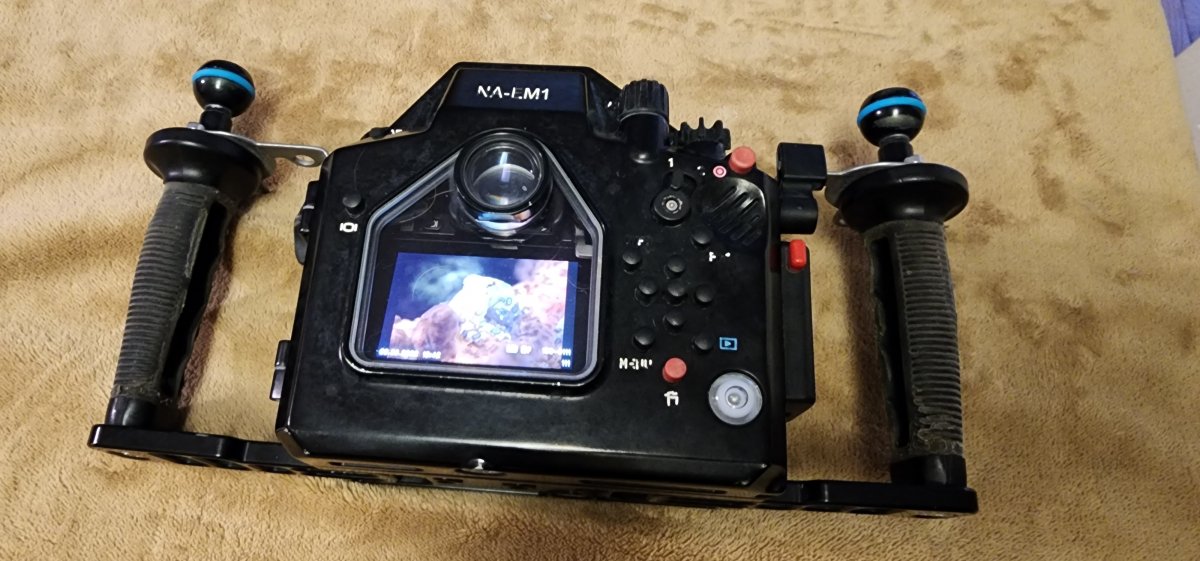
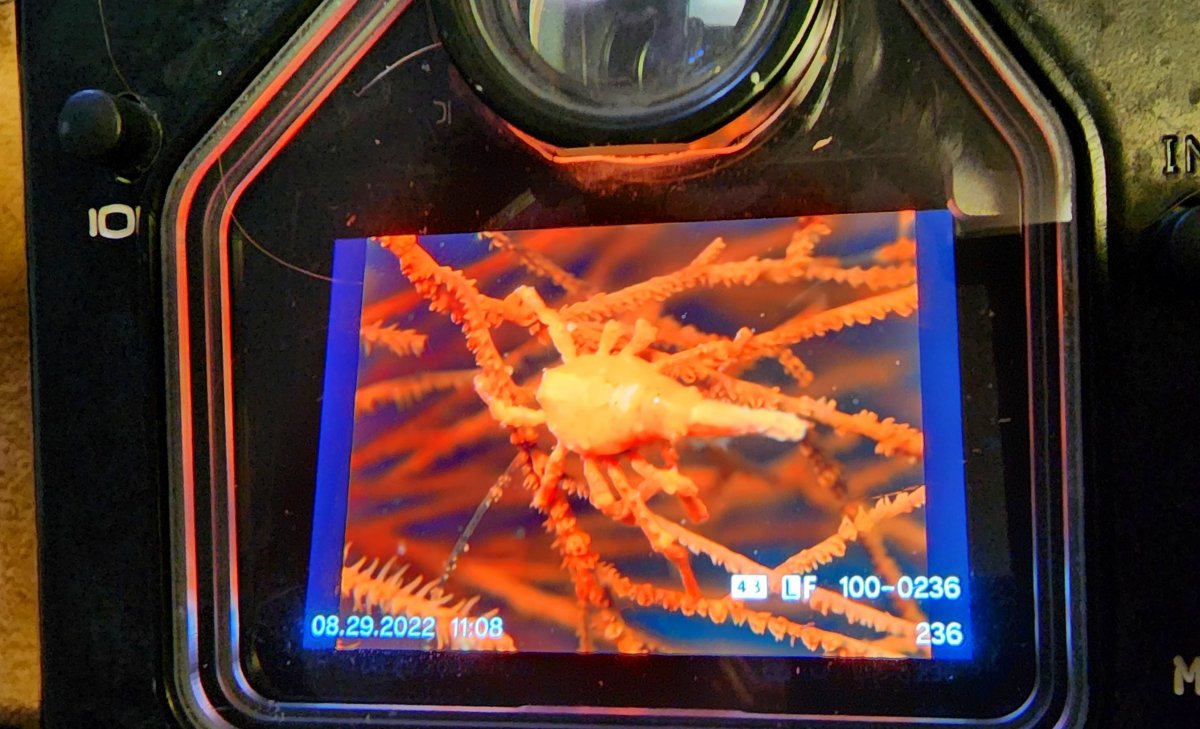
I have been traveling for a while so I am relisting here and I apologize for all those that made offers on single pieces from this kit. I bought this system for long trips where I hit multiple locations in Thailand, Indonesia and the Philippines. It is very easy to travel with. Everything works great and ready to go. There is a little wear on the paint finish and rubber but works at 100%. Contact: Dmanfish@comcast.net or US# and Whatsapp: (804) 405-Dive (3483). I arrived back home in the US Nov 21 and I will be gone again Dec 27 - Feb 8. This equipment if not sold, with be safe in its case waiting for a buyer. I am on the East Coast of the USA.
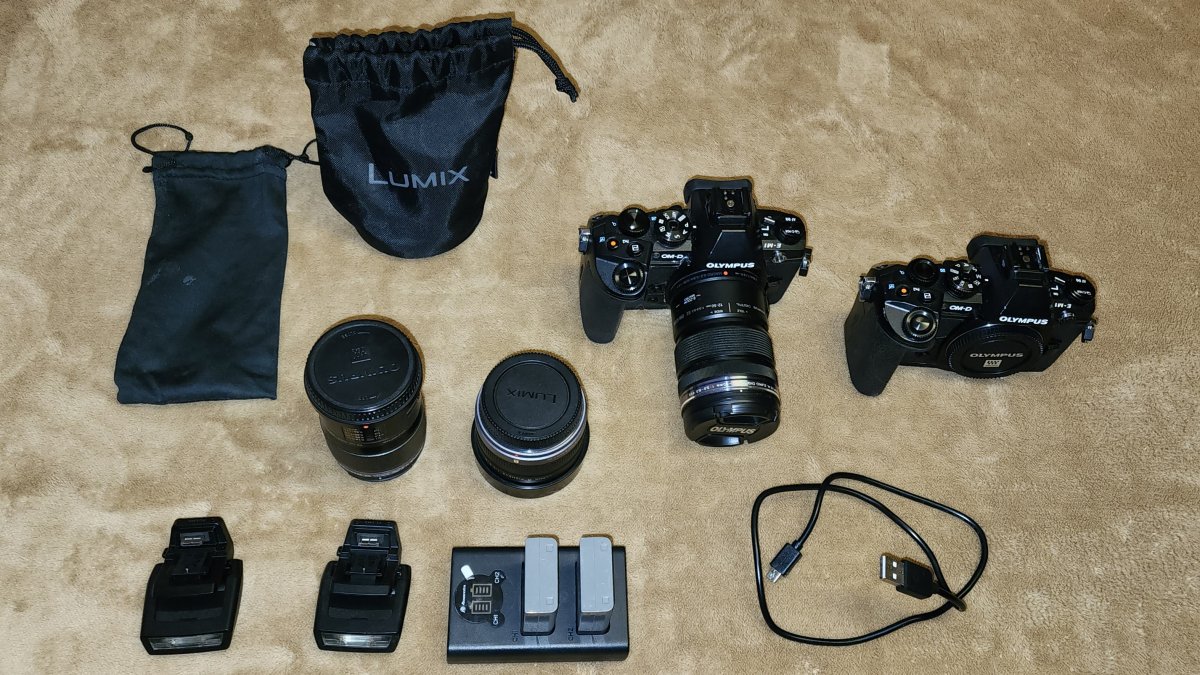
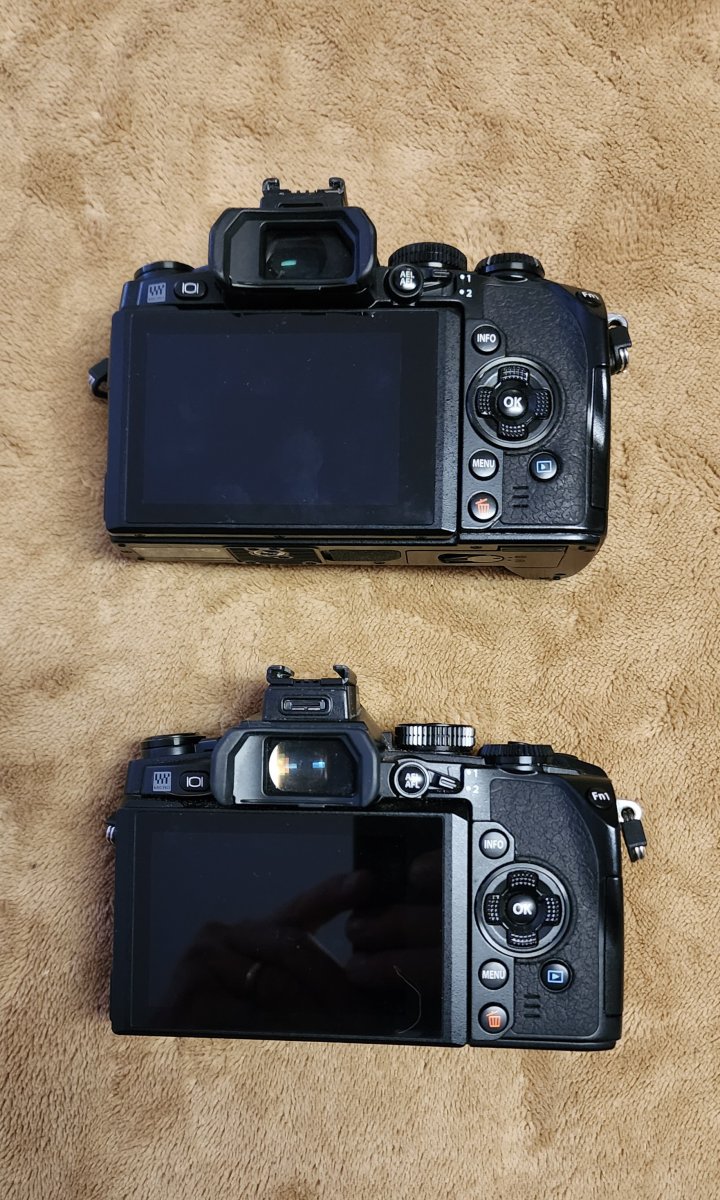
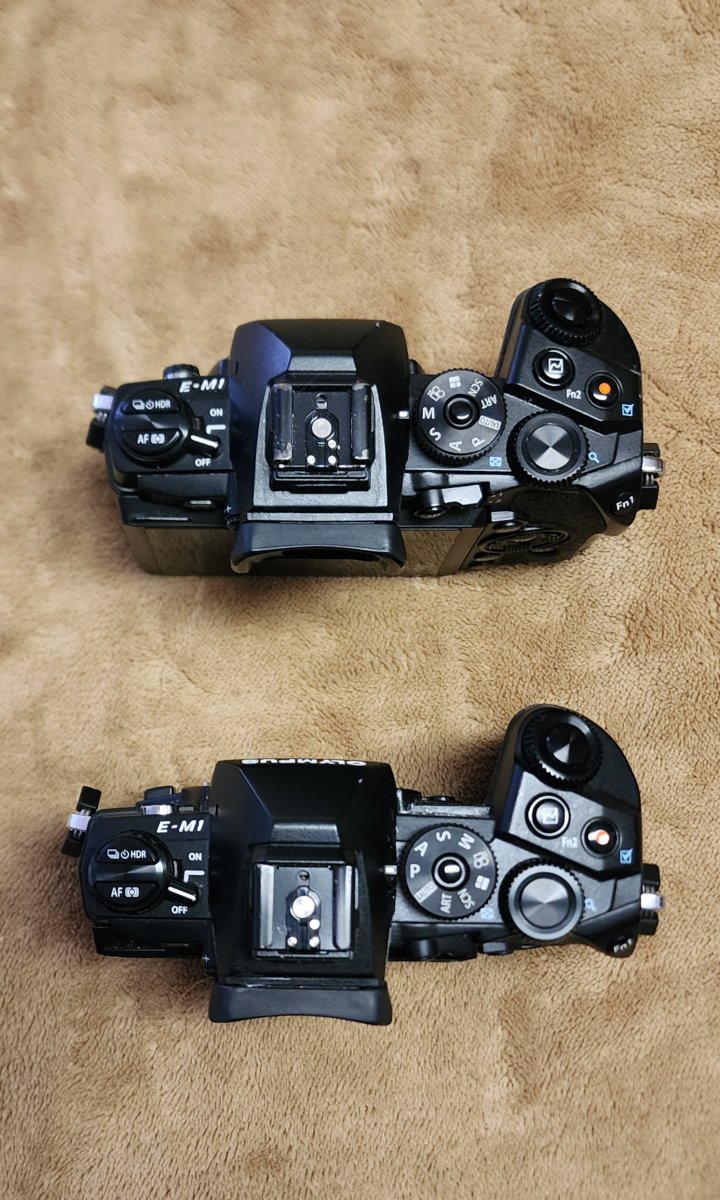
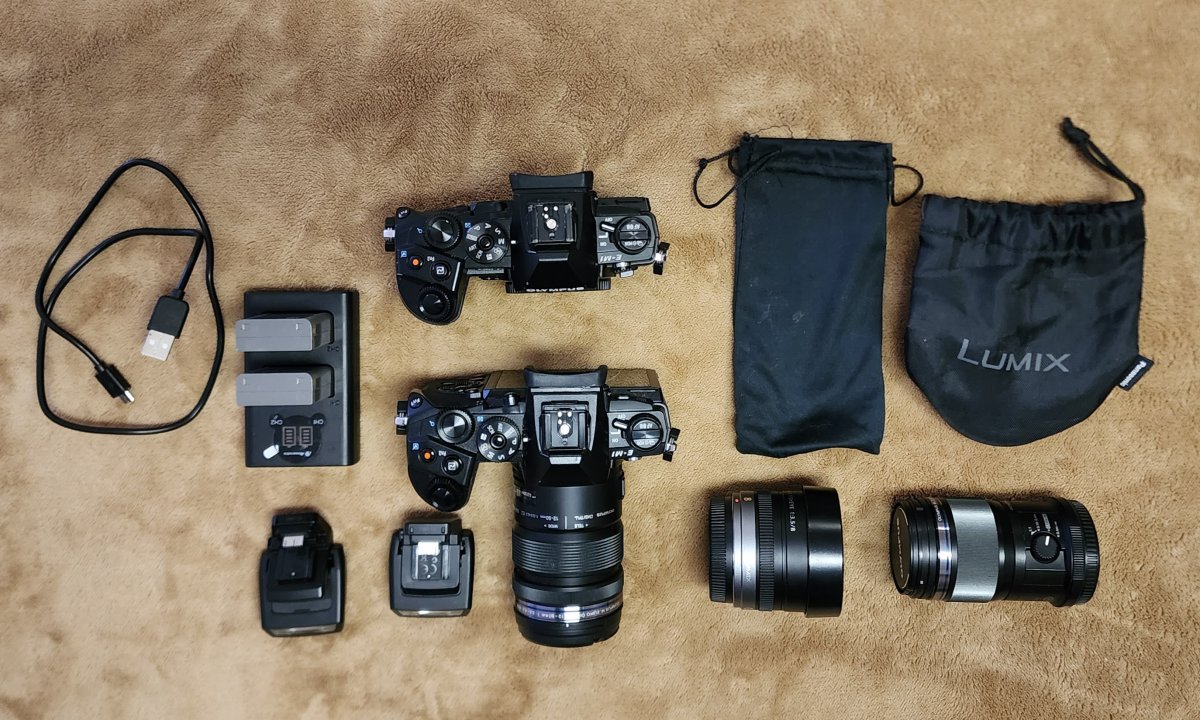
(2) Olympus OMD-EM1 camera bodies.
(3) good fairly new batteries.
(2) chargers. (1) double, (1) single with 110v & 220v adapters.
[3rd battery, single charger and 220v adapter is not shown but included]
(2) Olympus small external (shoe mounted and powered) flash w/triggers.
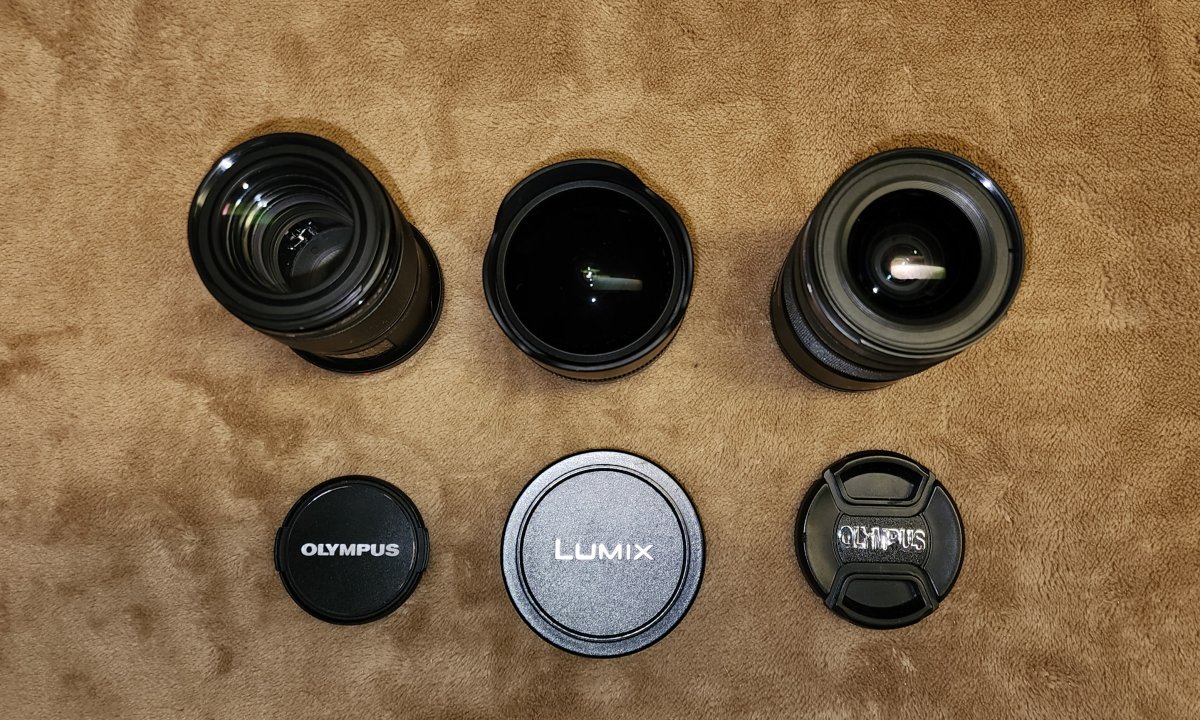
(1) Lumix Panasonic 8mm f/3.5 fisheye lens with caps and soft case.
(1) Olympus 60mm f/2.8 mm macro lens with caps and soft case.
(1) Olympus 12-50mm zoom w/macro lens with sun shade and cap.
______________________________________________________________________
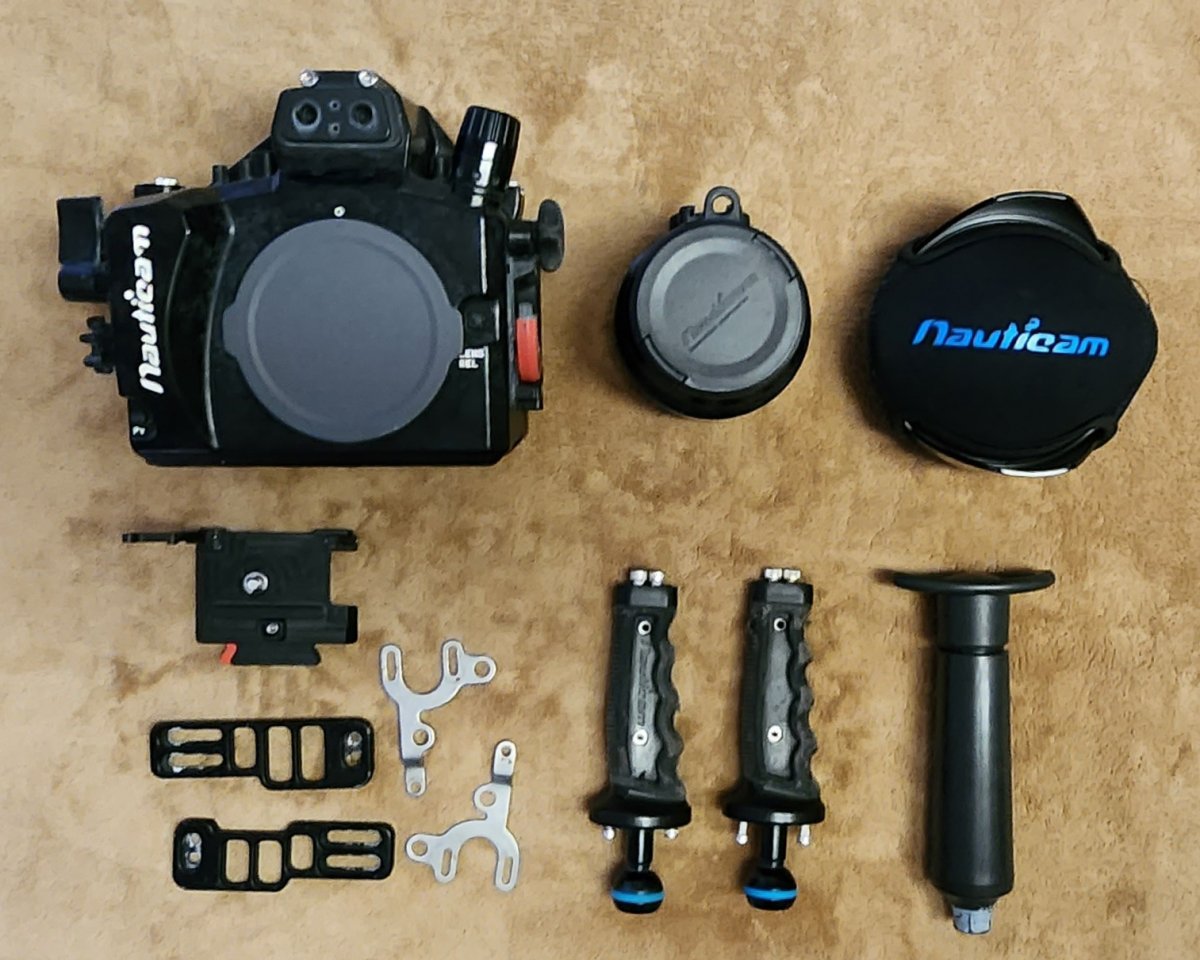
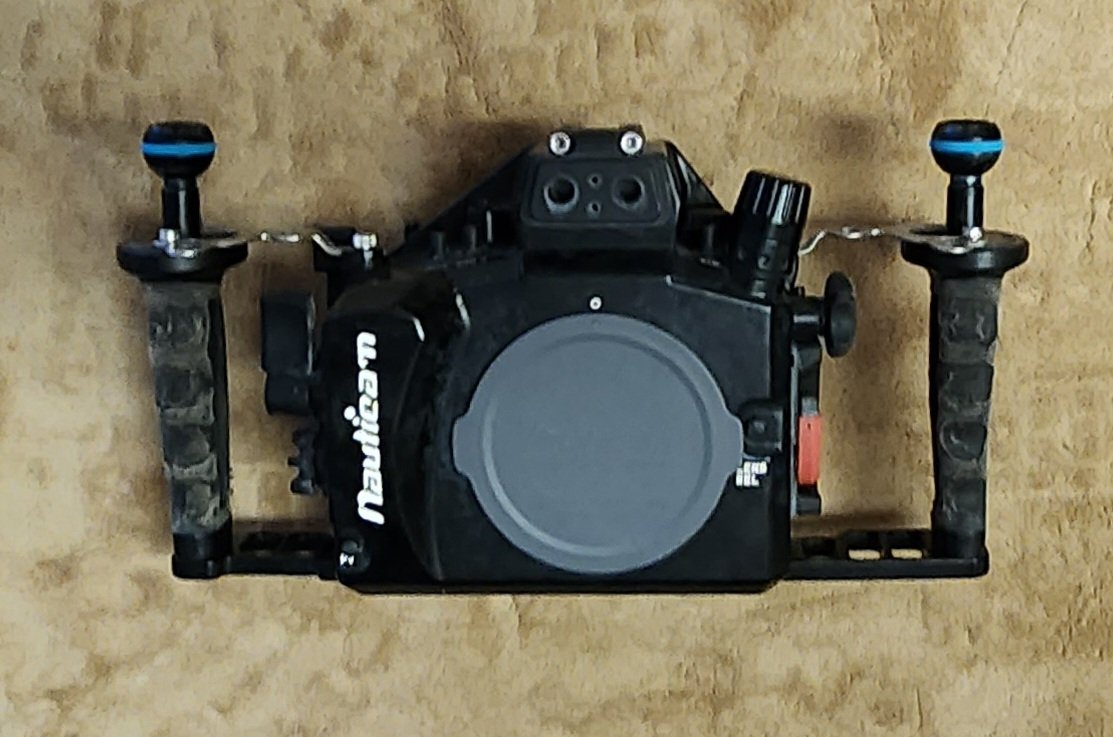
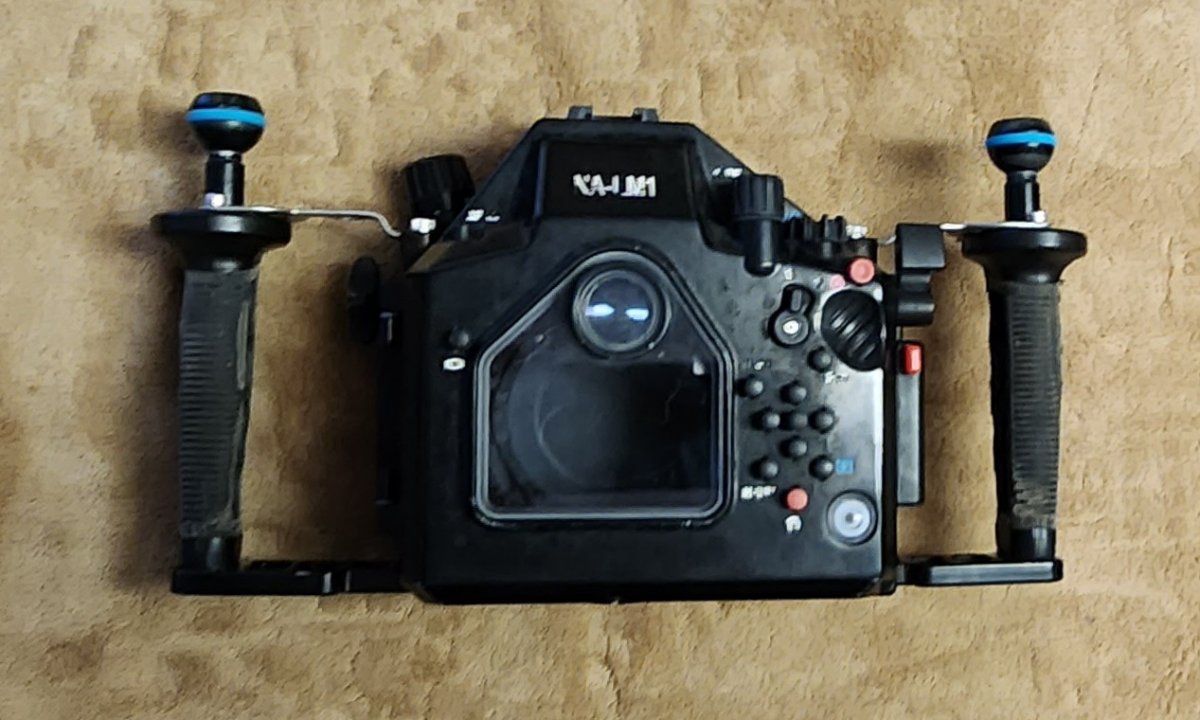
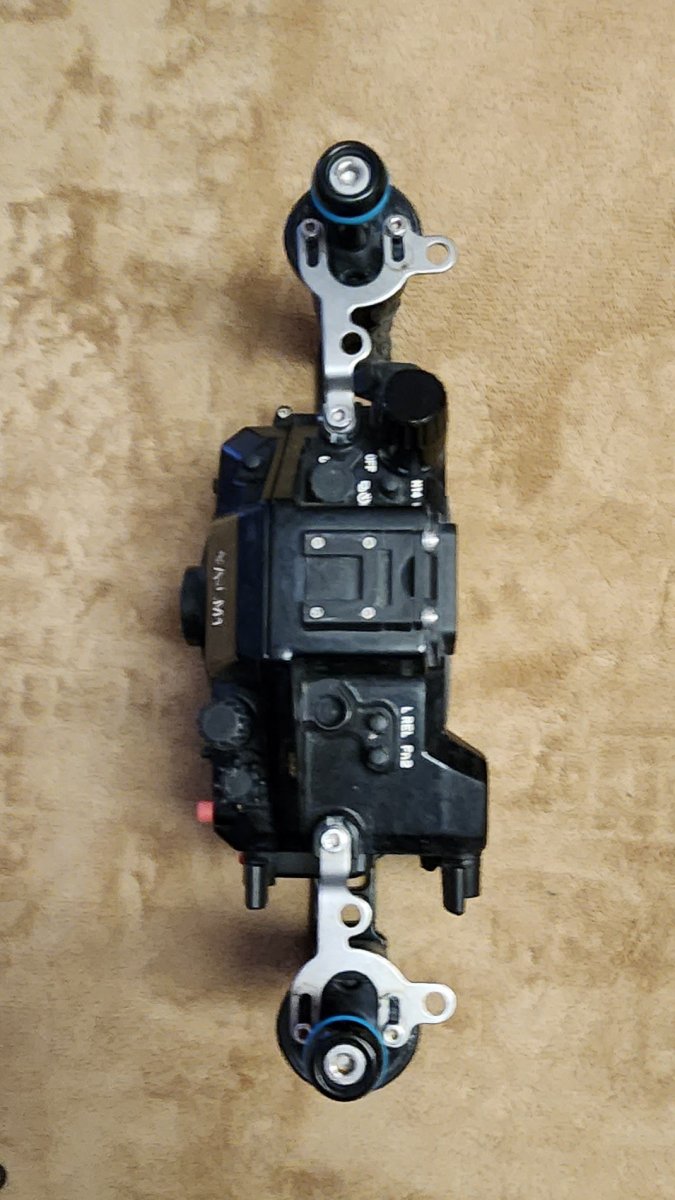
(1) Nauticam EM1 housing with camera tray, housing cap, vacuum system with pump
(2) arms with balls, trays & supports for each side.
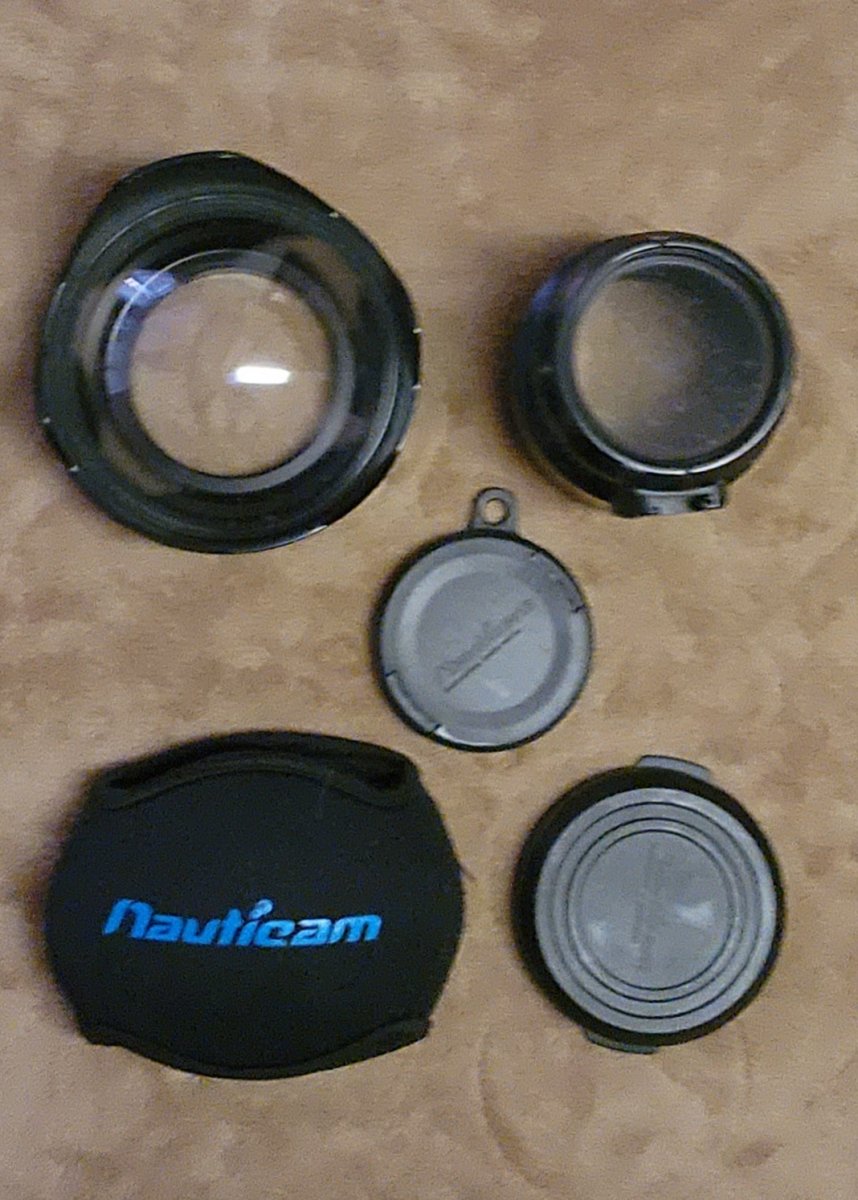
(1) Nauticam 4.33" dome port with shade and soft port cover.
(1) Nauticam 60mm macro AF port with snap on front cover and rear cap.
_____________________________________________________________________
Lowepro rolling case with padded insert case to hold everything while not looking like a camera case.