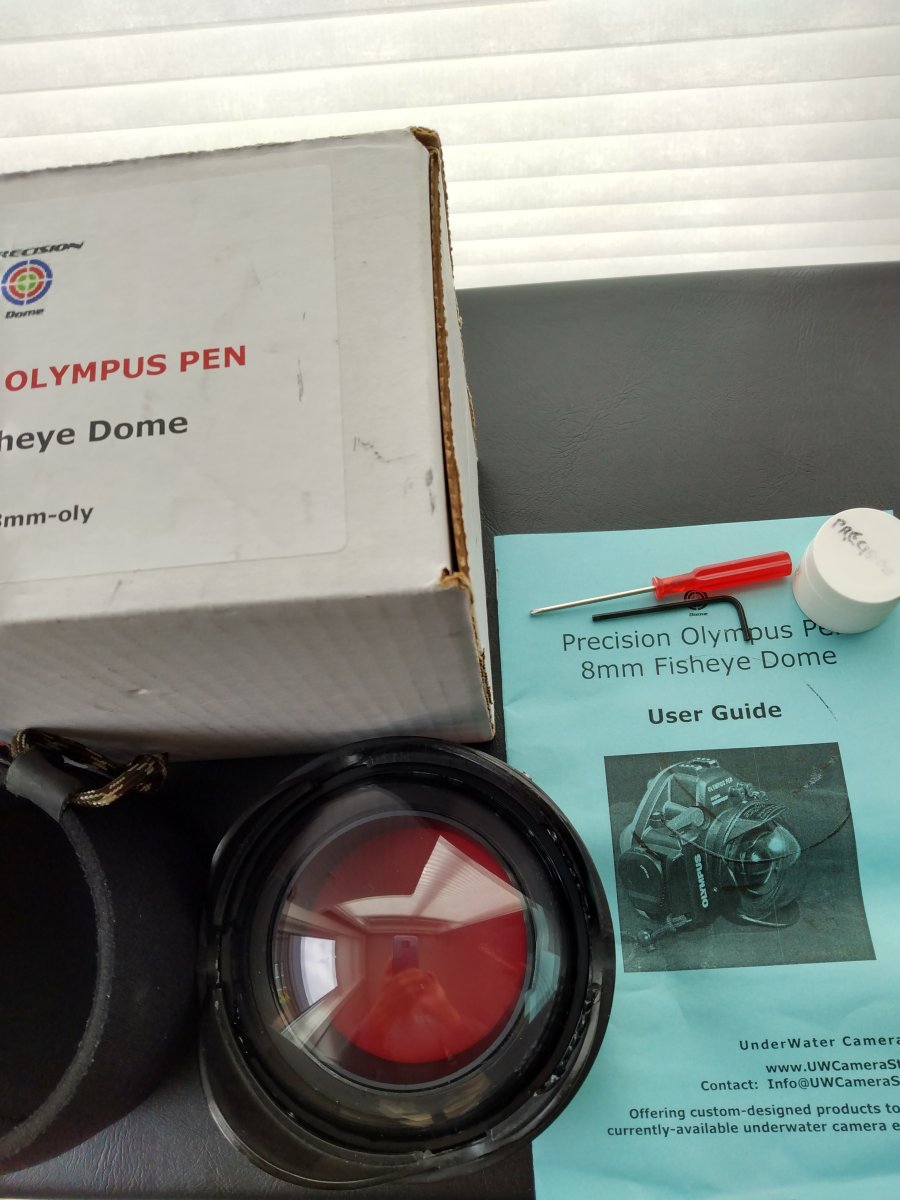
Precision Acrylic 4" Dome For Panasonic 8mm FE Olympus/AOI Pen Housings
Started by buster1dog ·
10Posts
10Replies
Read-only discussion
Precision Acrylic 4" Dome For Panasonic 8mm FE Olympus/AOI Pen Housings
10 posts
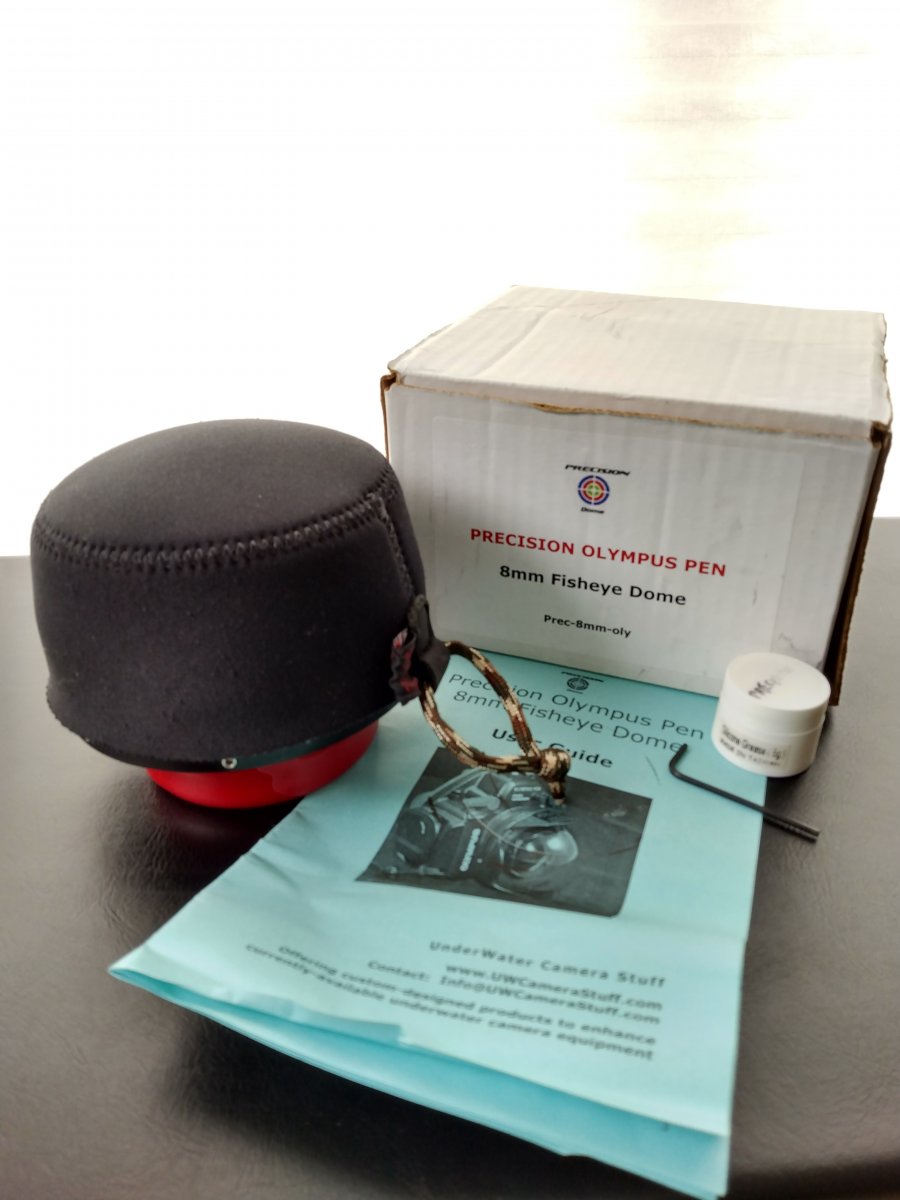
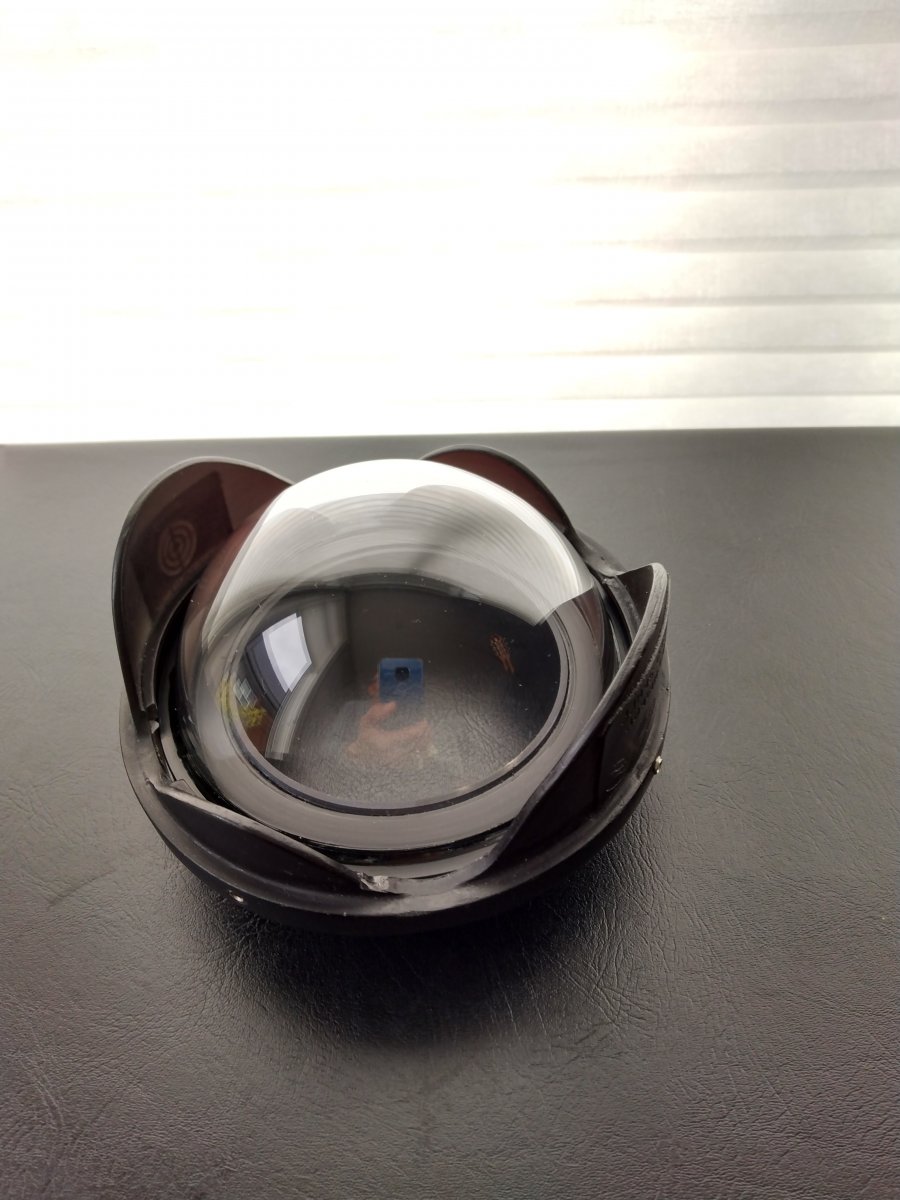
Anodized aluminum port body. Dome Shade with 4 stainless-steel set screws. Neoprene Dome Cover. Vinyl End-cap Cover. Two O-rings. Phillips Screwdriver for housing set screw. Allen Wrench for dome shade. Original box, manual and silicon.
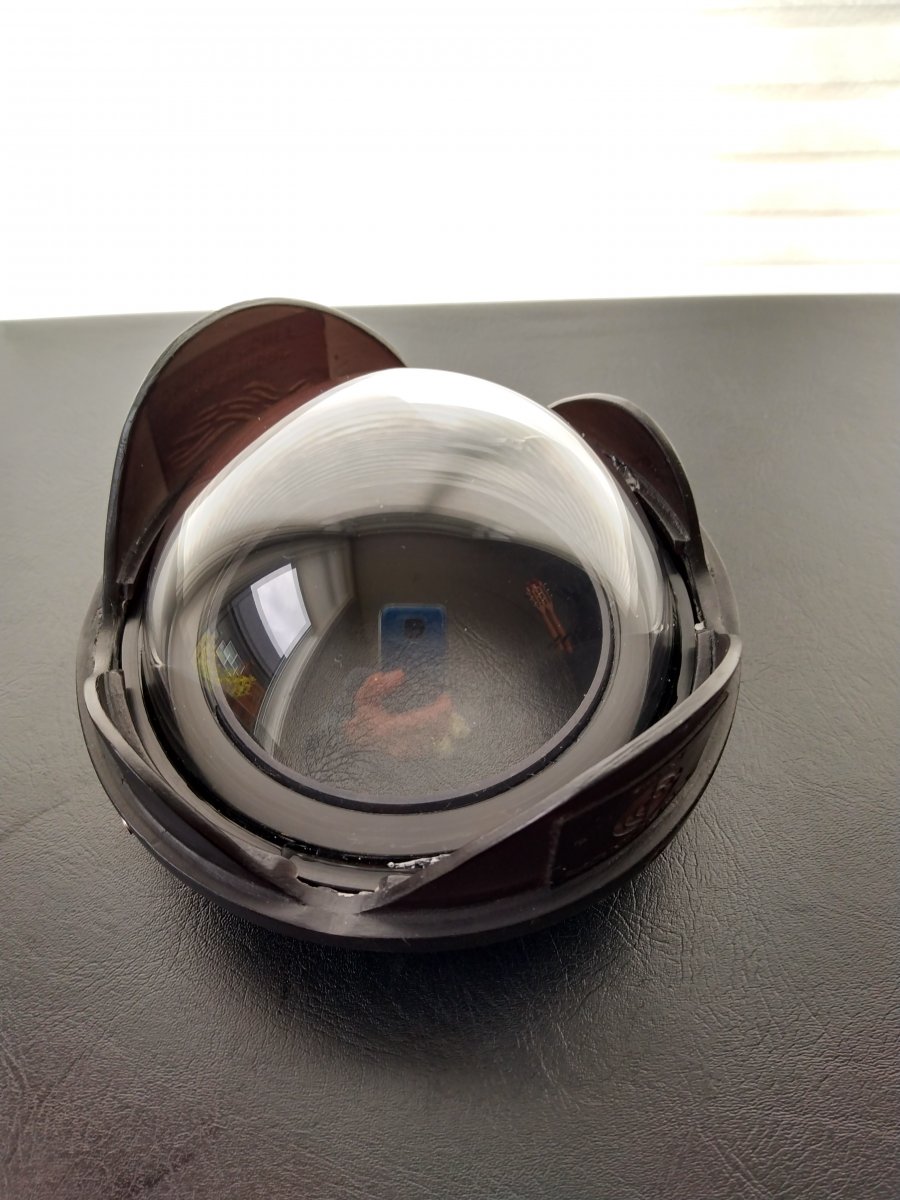
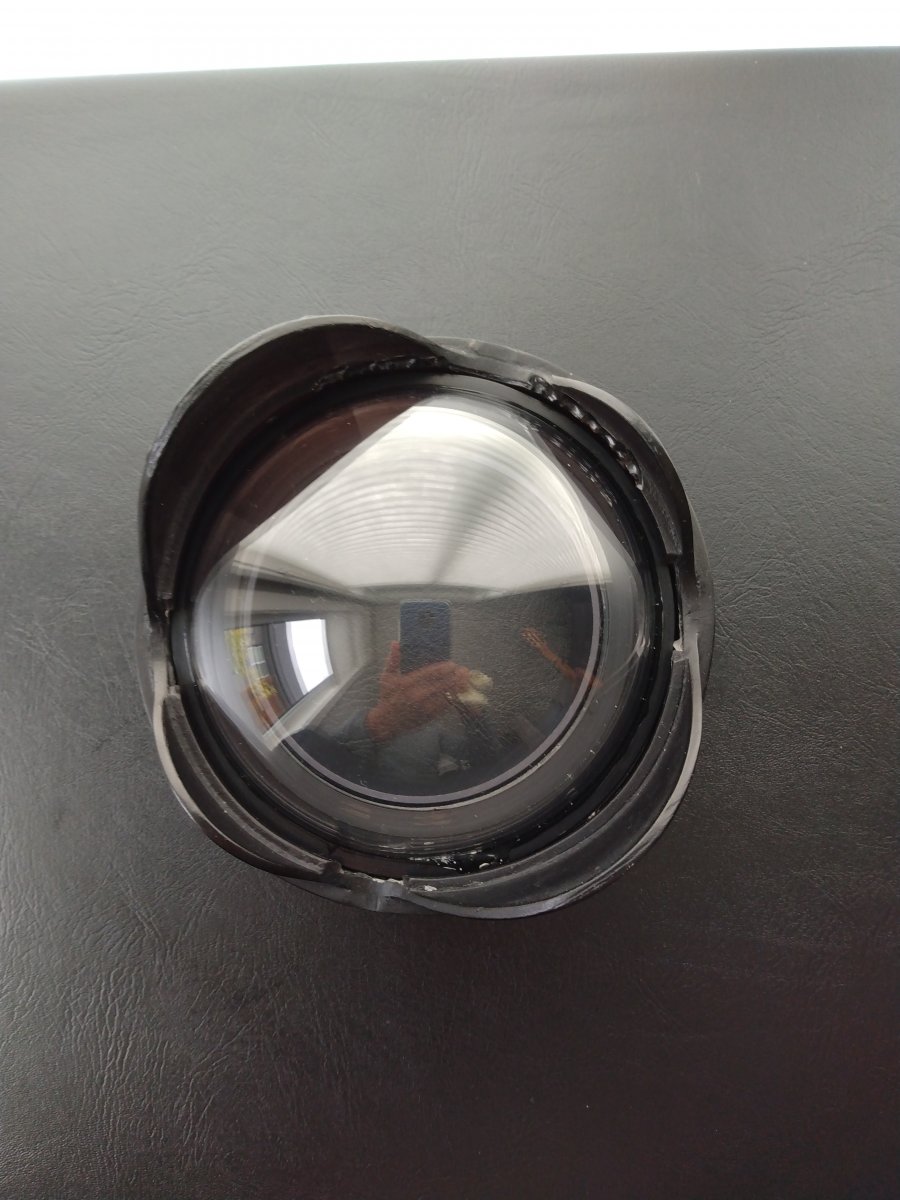
Excellent used condition. Very clean element. Works perfectly with and made for the Panasonic 8mm FE. Fits Pen housings.
$350 usd. Buyer to pay shipping. Paypal Etrans. Thanks for looking.
Looking for offers. Price drop. $325 USD. Share shipping cost.
Is this still available?
Yes, still available
Price drop $300 USD. Split shipping cost.
Great, thanks for the response. I was wondering if you knew if there would be any reason this dome port couldn't be used with an extension ring and the Oly 8 mm fisheye instead of the pany. I think this port is essentially equivalent to the AOI DLP-06 acryllic dome port, but wanted to make sure before committing.
Pretty much the same as the AOI DLP-06. My dome needed the replacement dial kit as well as the AOI DLP-06 for the Olympus PT-EP13 EM5 MK2 Housing. So it has the same port to housing attachment as the AOI for Pen housings and the same or very similar port flange distance and clearance to housing as the AOI. The AOI 24mm extension ring for Olympus PEN Ports should work for you. Here's a system chart I found on backscatter.