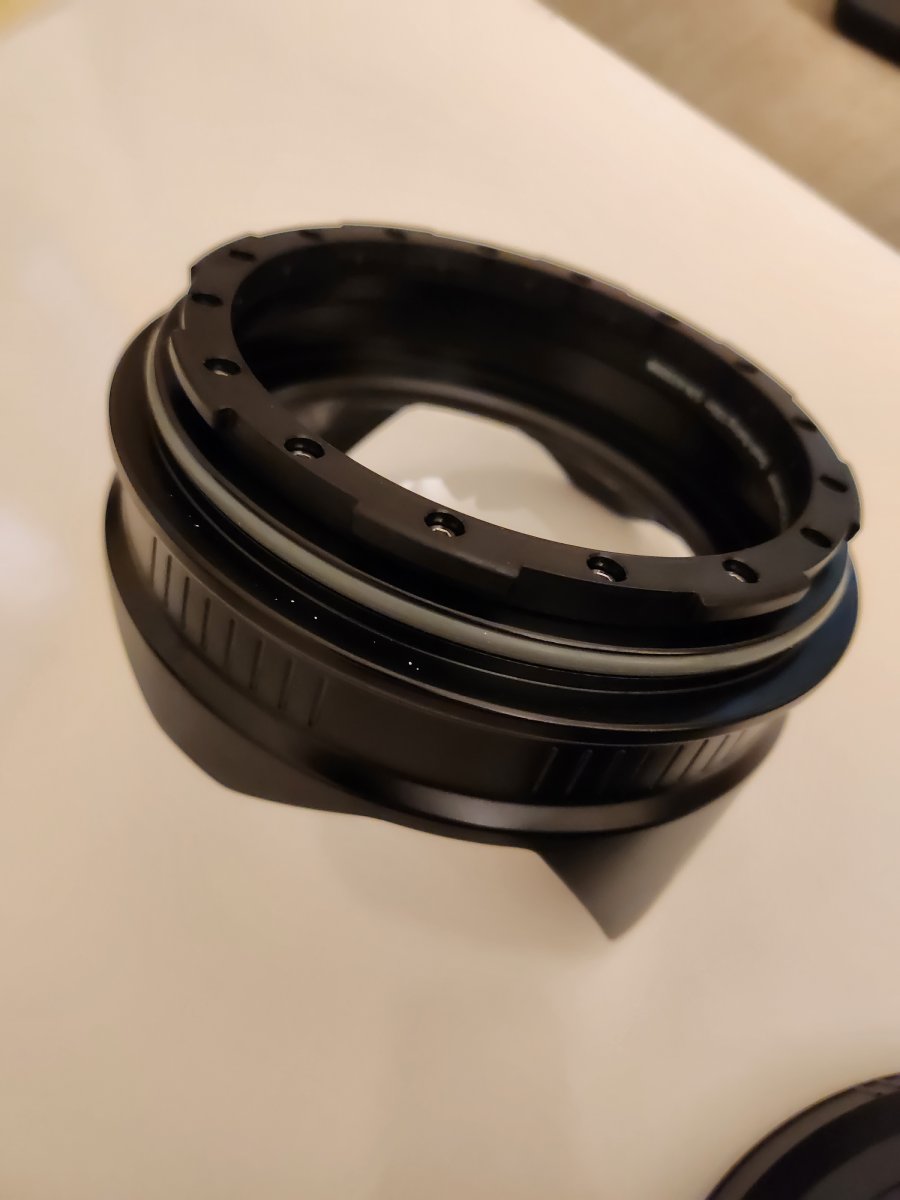
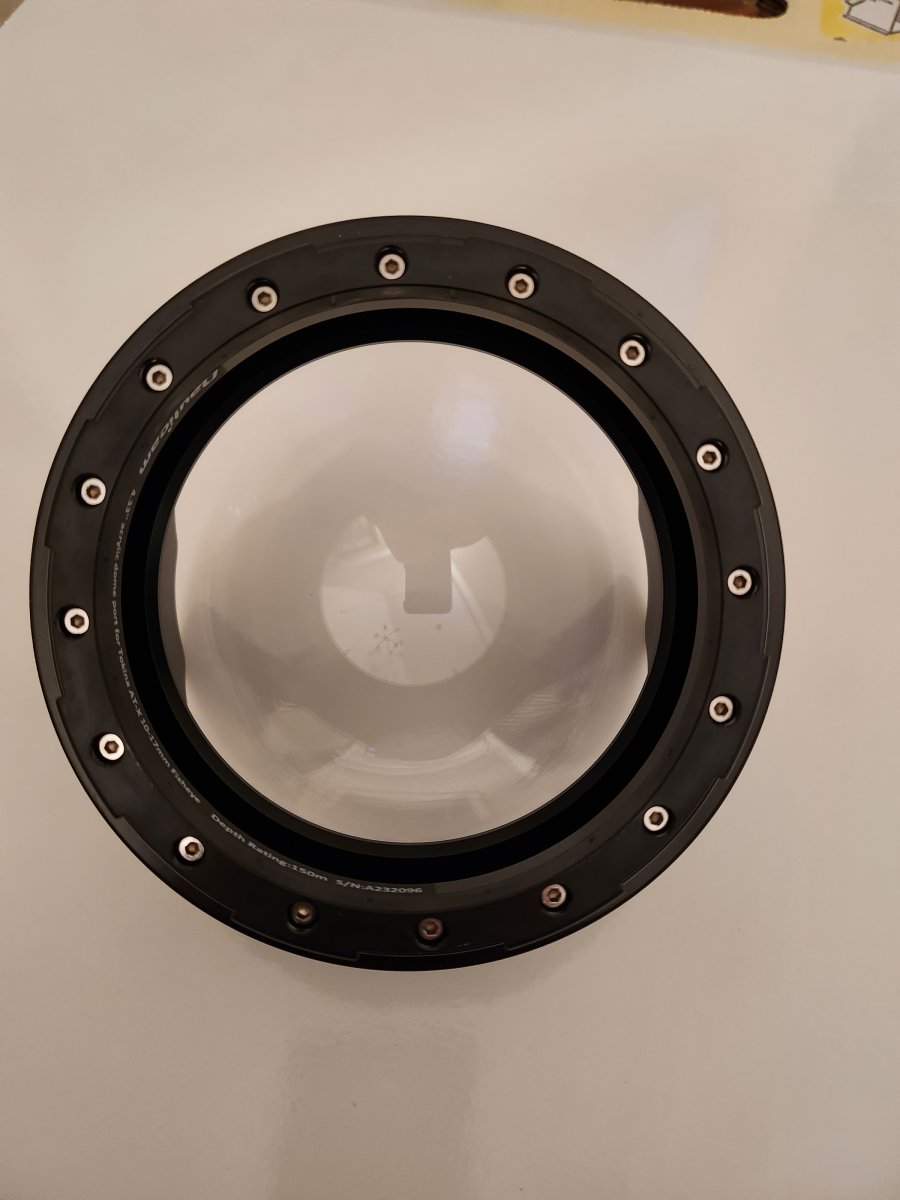
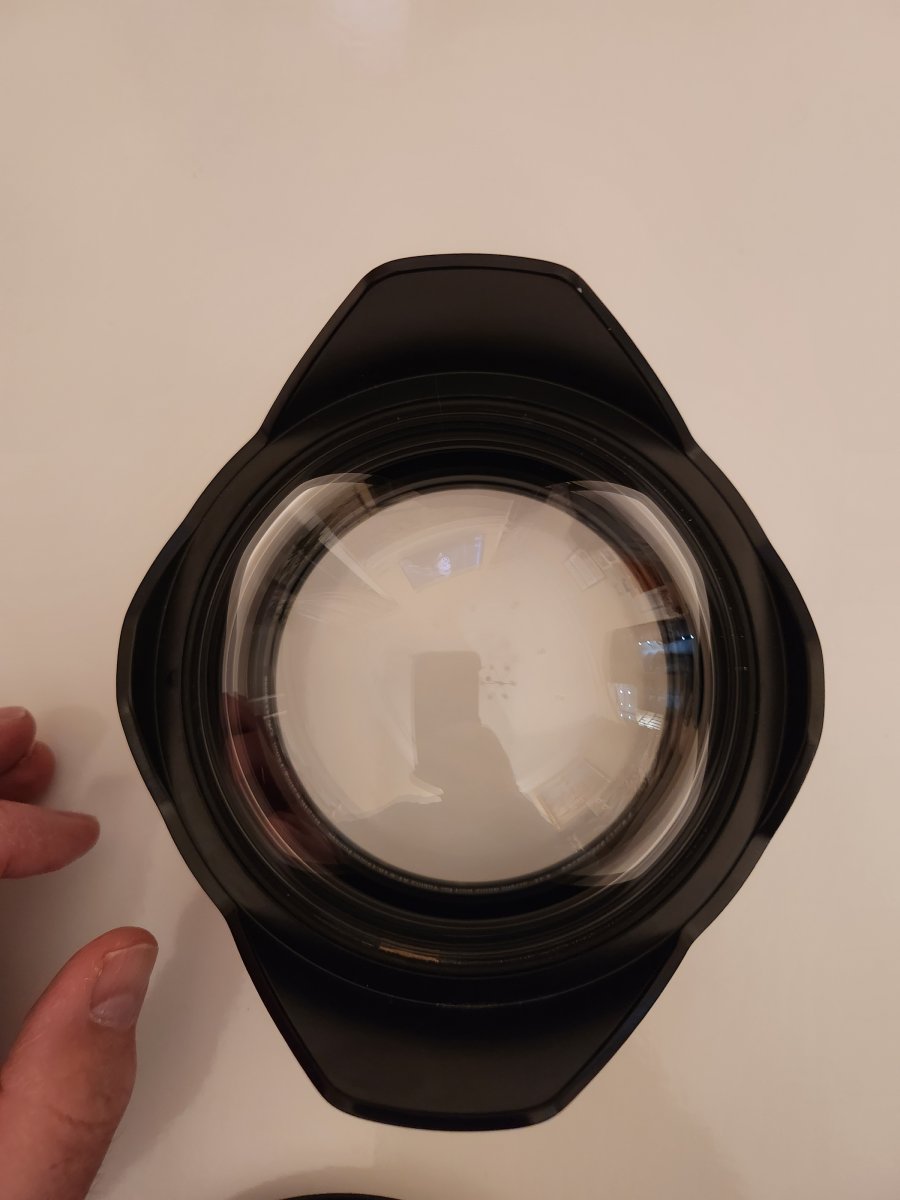
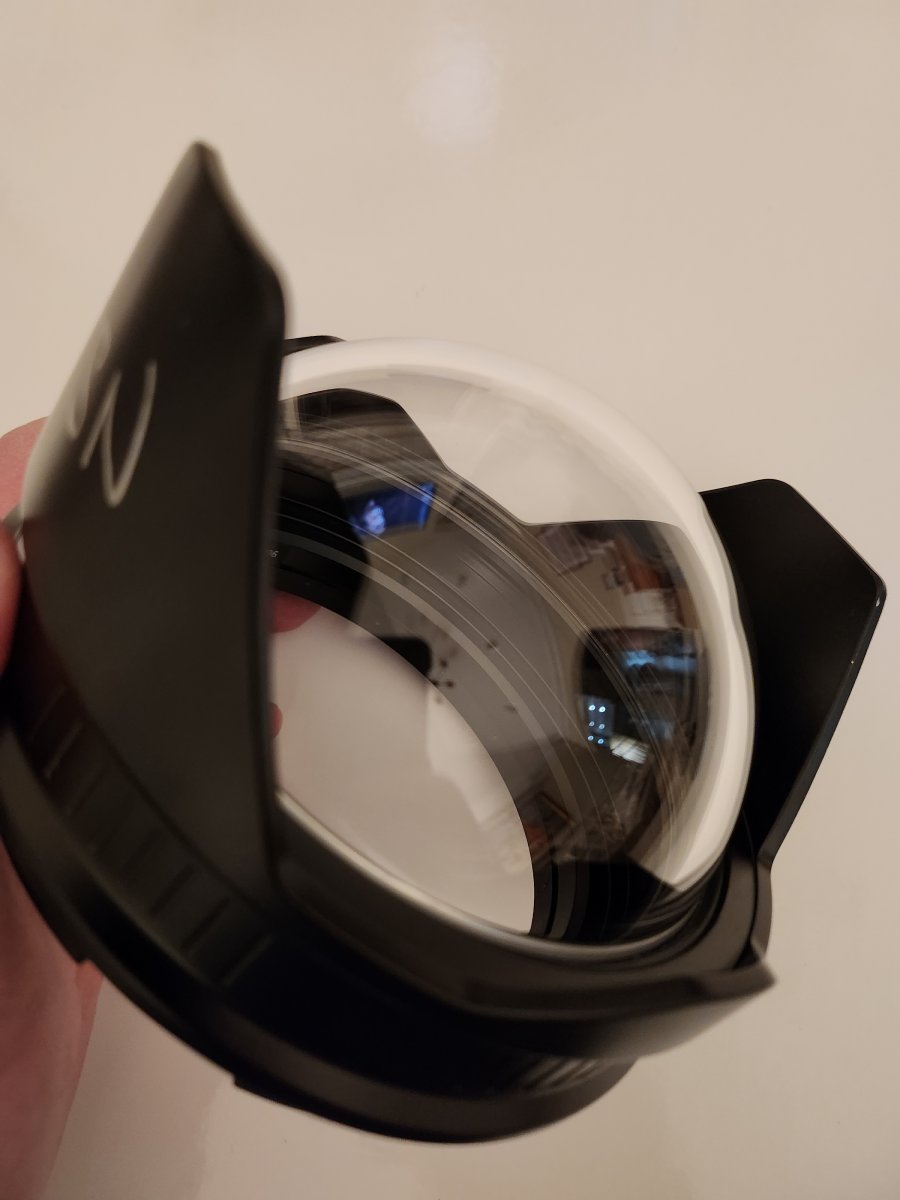
FS: Nauticam 4.33" acrylic dome for tokina 10-17mm (n120) with
Started by jsnorman ·
6Posts
6Replies
Read-only discussion
FS: Nauticam 4.33" acrylic dome for tokina 10-17mm (n120) with
6 posts
Nauticam 4.33 port specifically made for the tokina 10-17mm fisheye, n120 mount. Travel friendly, compact and works great with the tokina lens. There are two small scuff marks - too feint to show up on pictures and does not affect images. Probably could be polished out with acrylic scratch repair but I haven't tried. My initials are on shade, could be painted over. No neoprene cover. Includes storage bag and back cover. $300
I want to purchase please
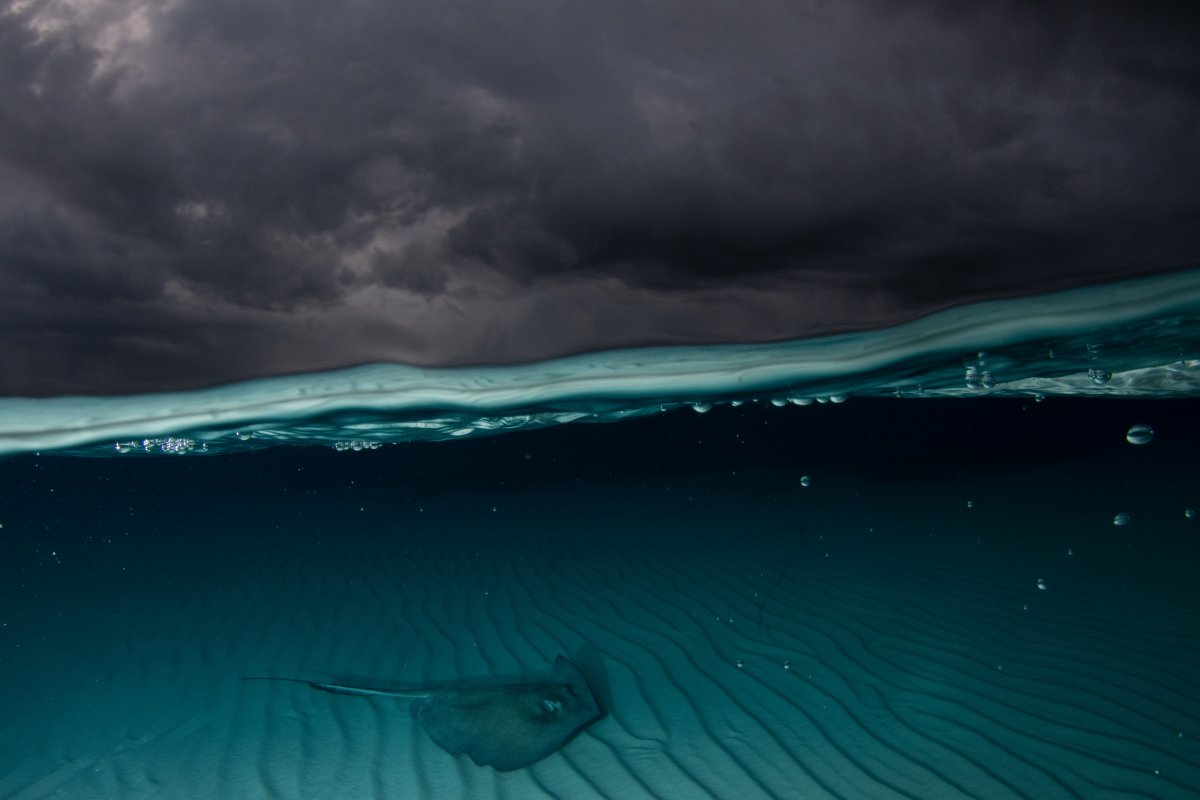
How challenging is it to get over/unders with this?
51 minutes ago, TkdCol said:
How challenging is it to get over/unders with this?
It's very difficult with a domeport less than 8". You need flat calm seas with a 4"/100m and even then not easy!
I have managed to get over / under with this, but it is not easy. 1 out of 50 shots will make the cut.
This is sold by the way as of today.
On 2/12/2023 at 2:59 PM, jsnorman said:
I have managed to get over / under with this, but it is not easy. 1 out of 50 shots will make the cut.
This is sold by the way as of today.
Thanks for the reply. looks like I'll have to stick with a bigger dome