|
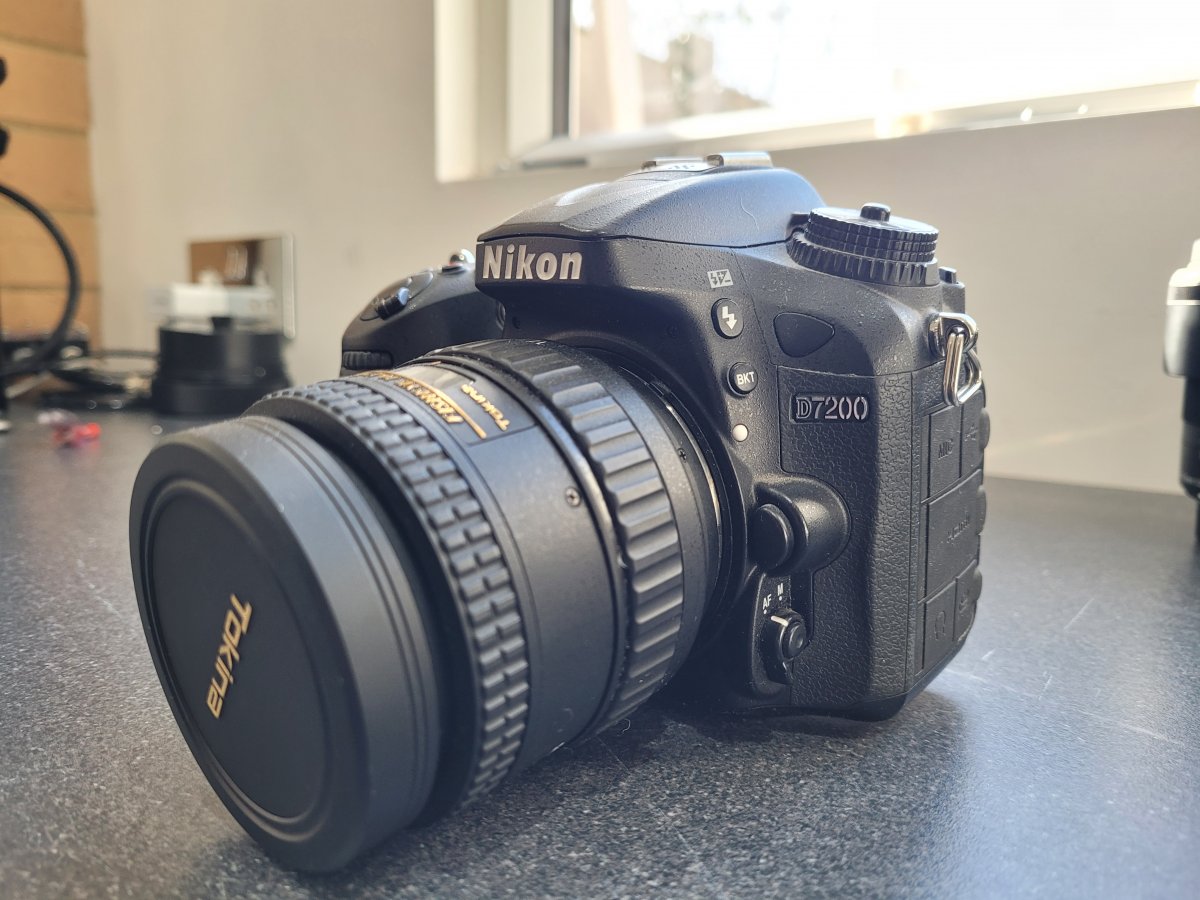
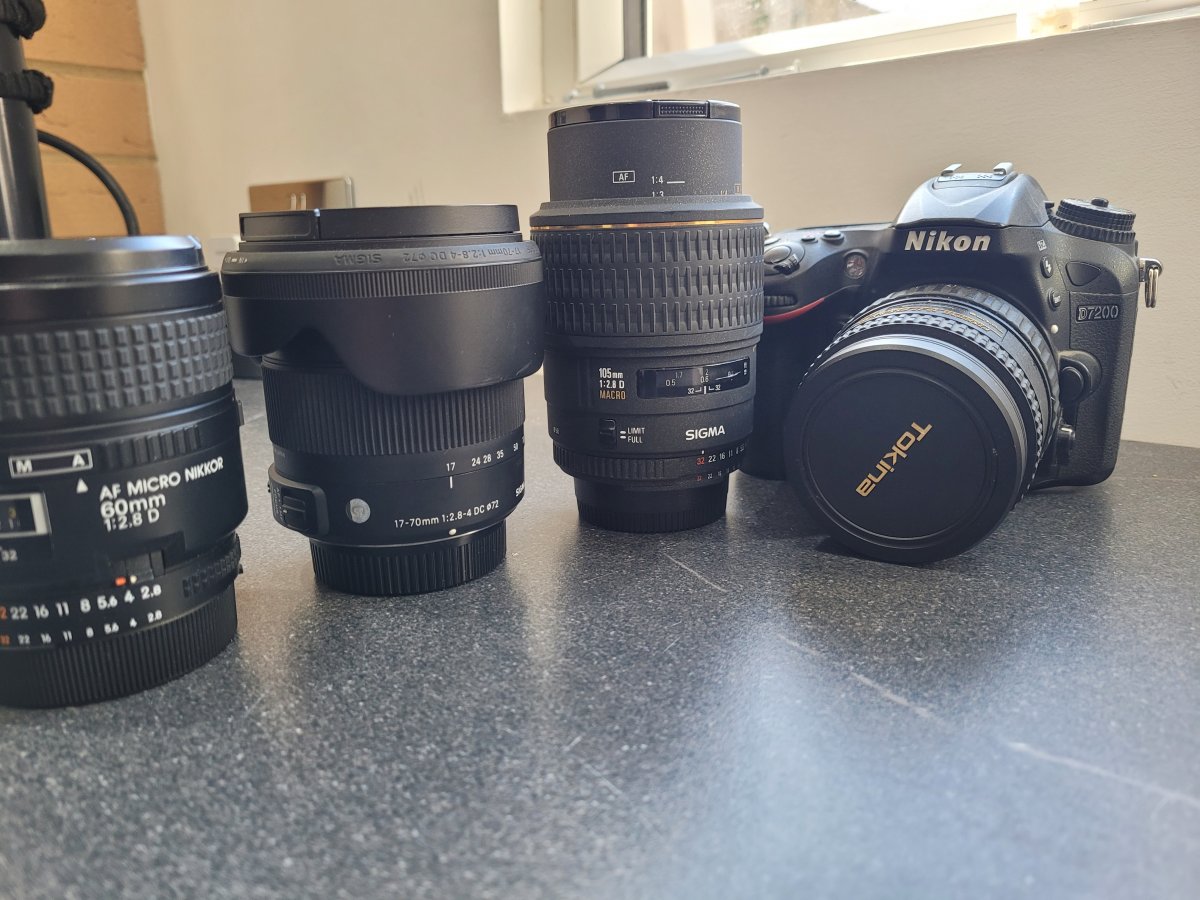
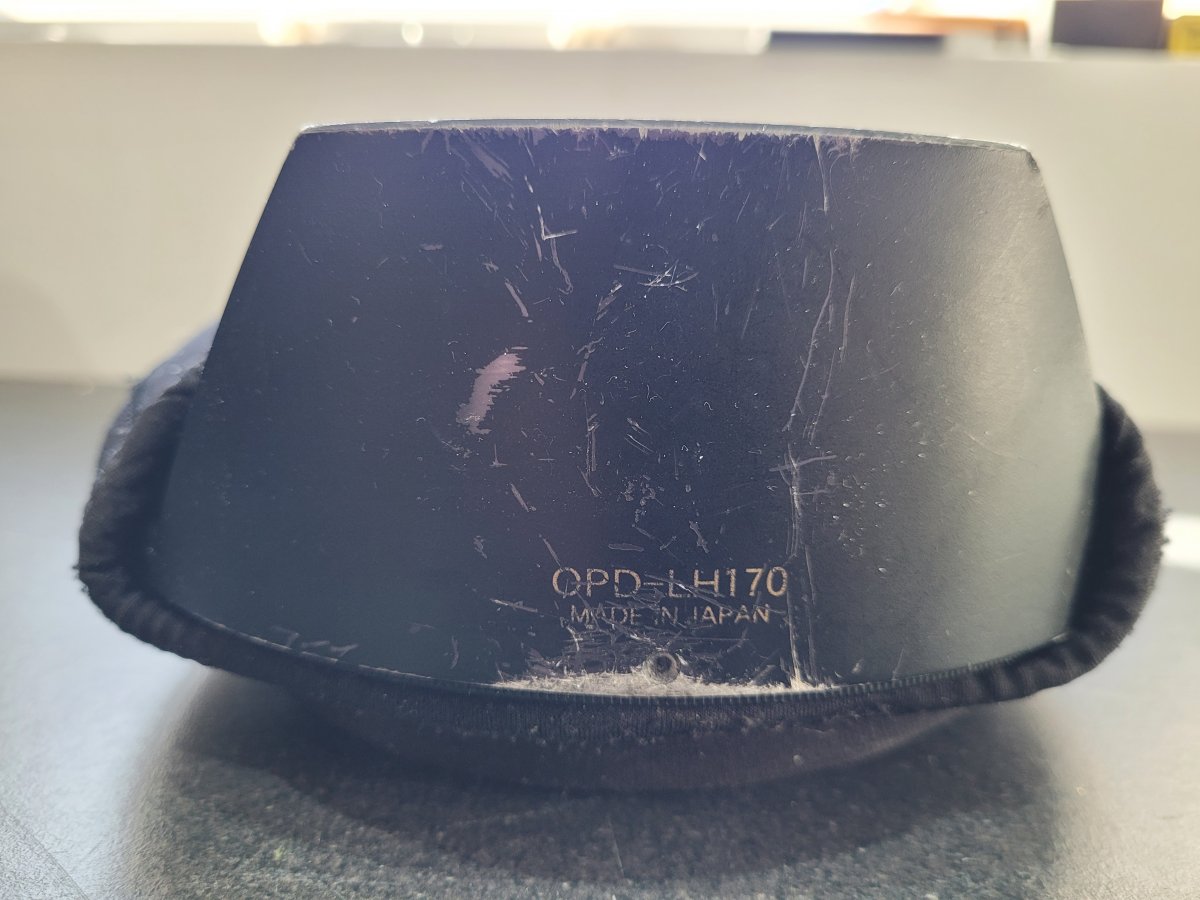
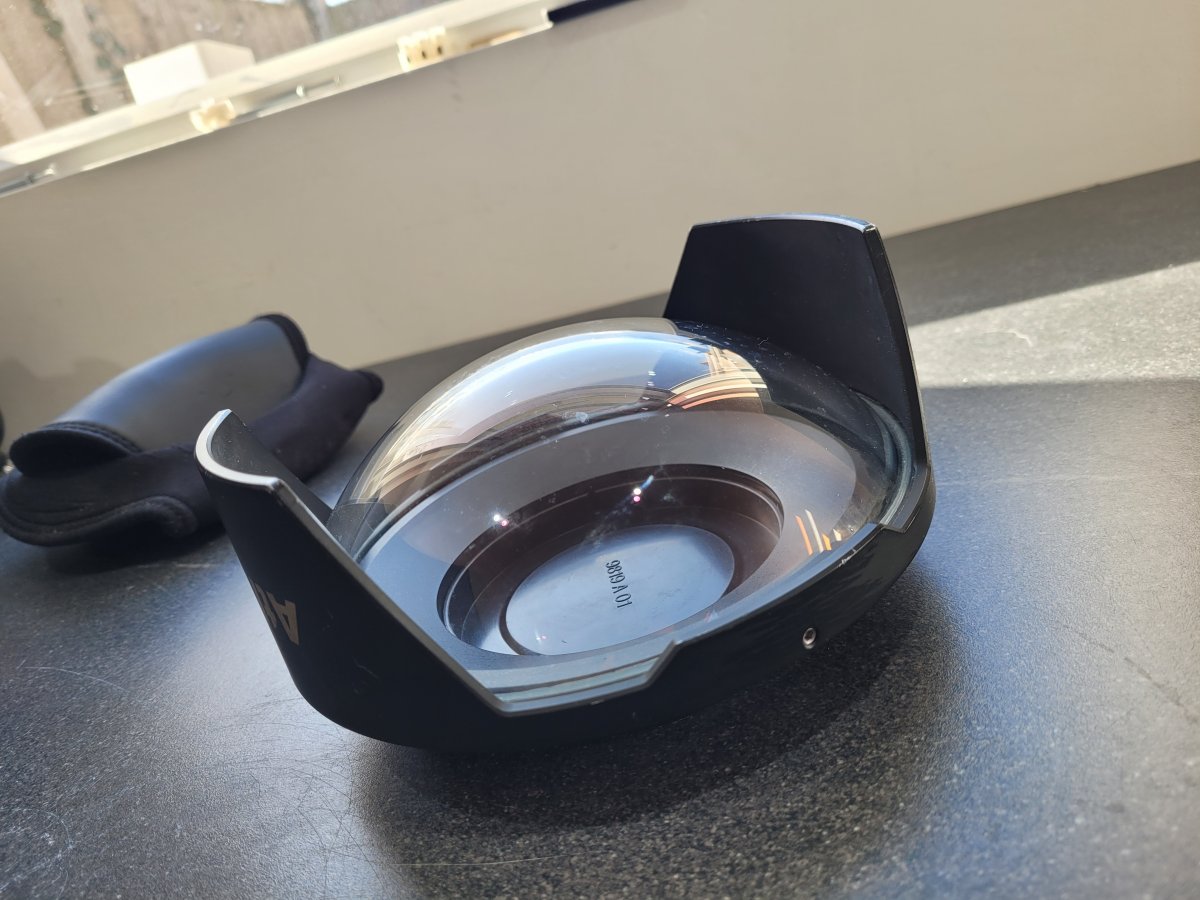
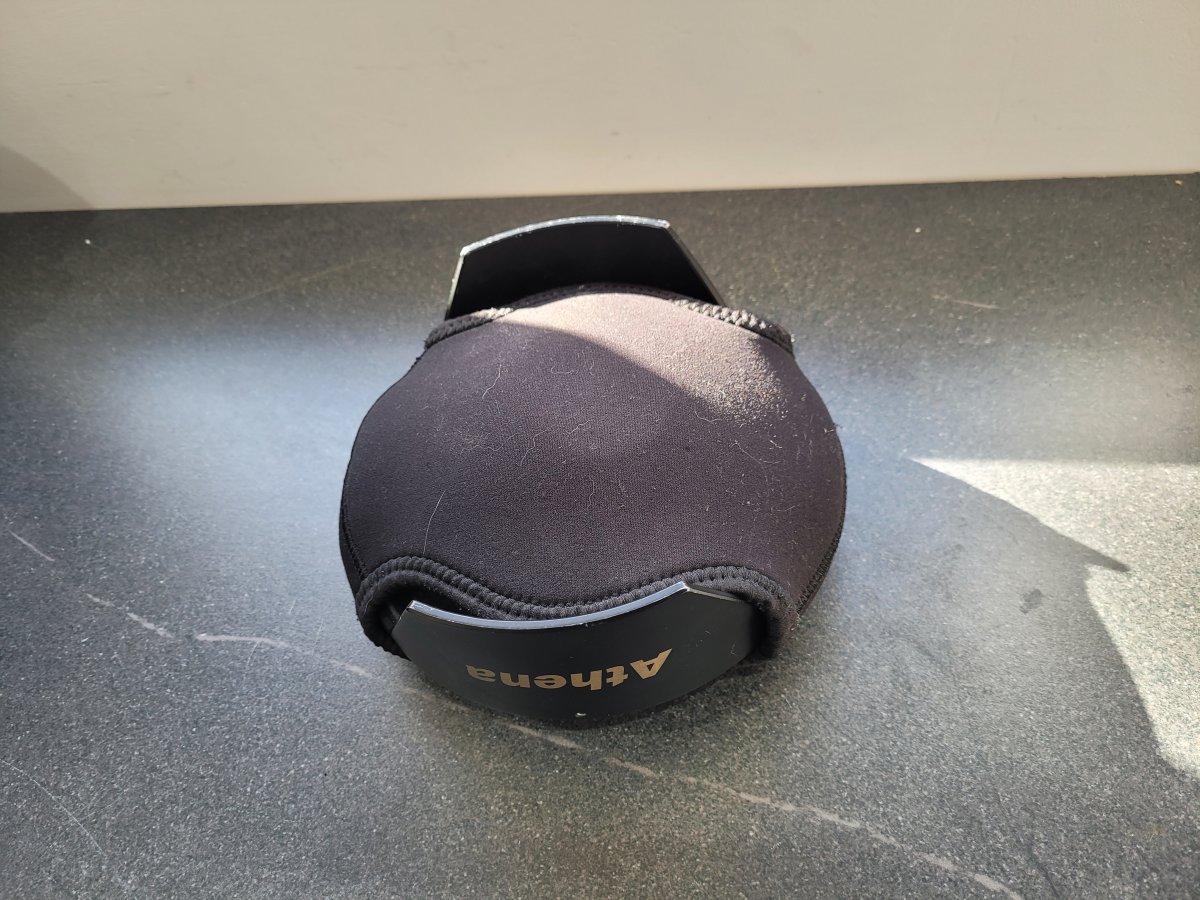
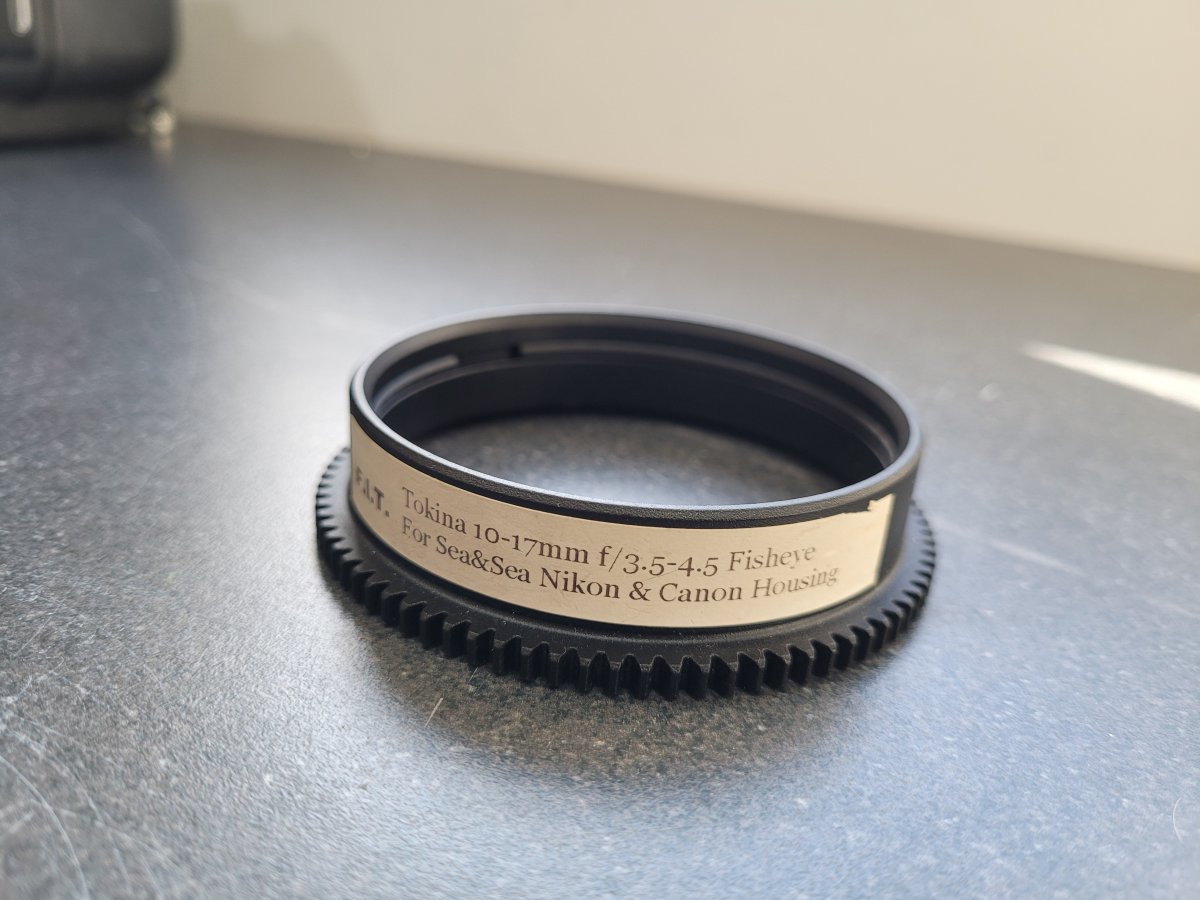
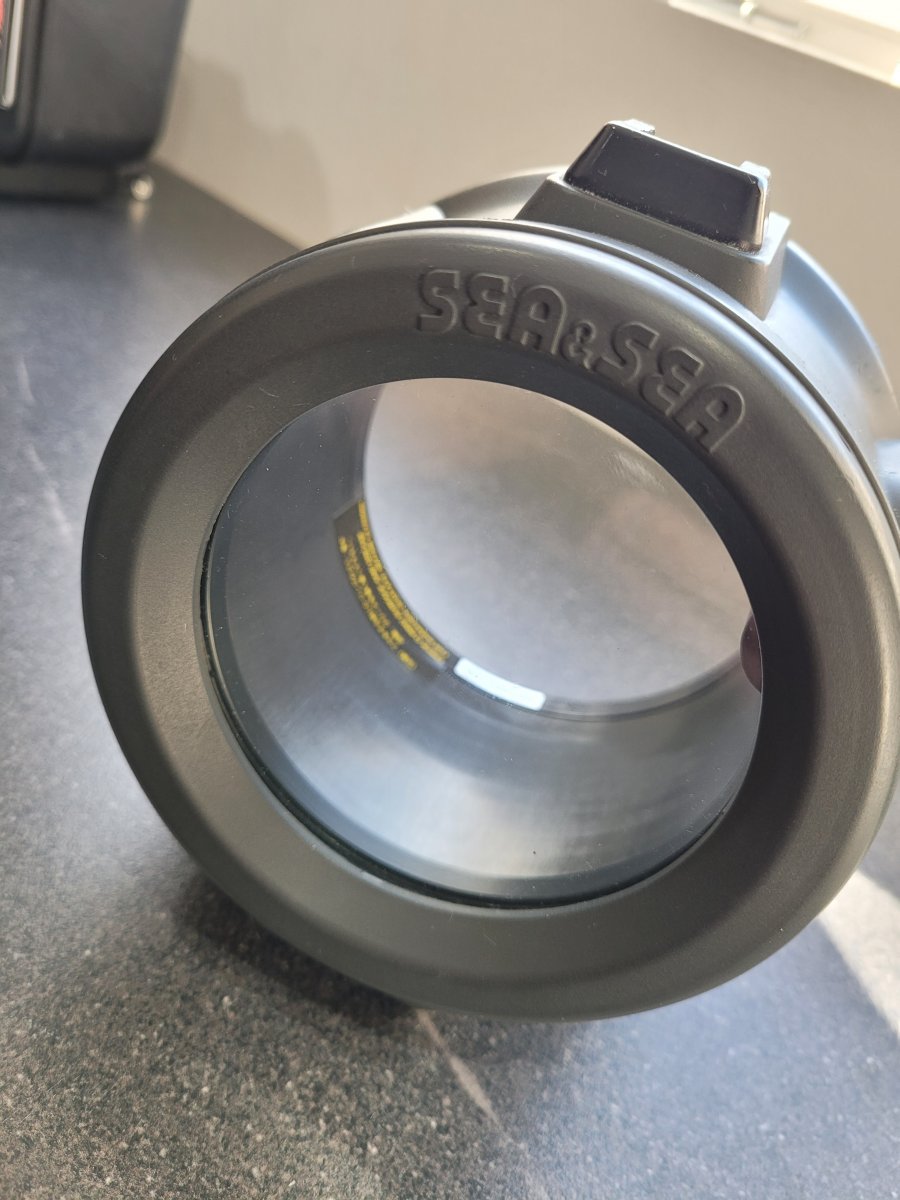
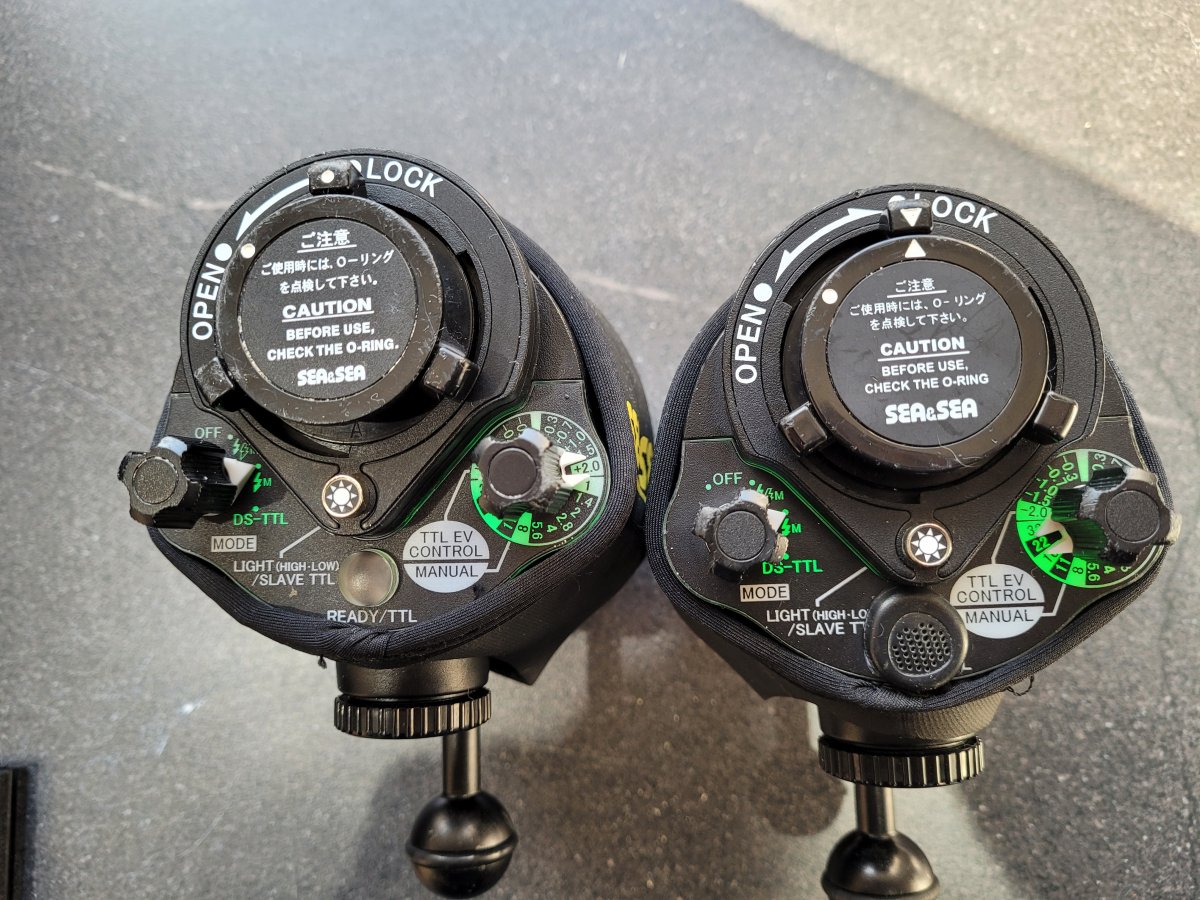
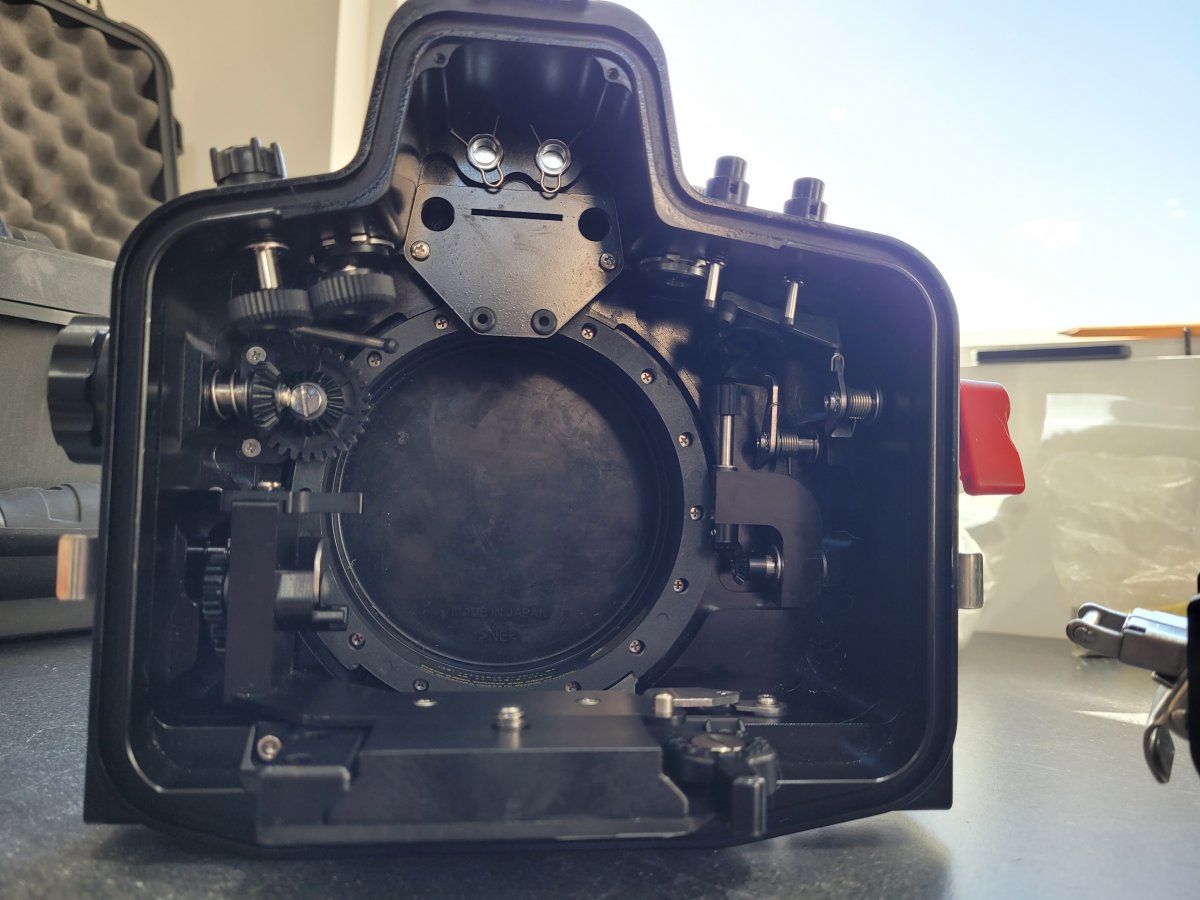
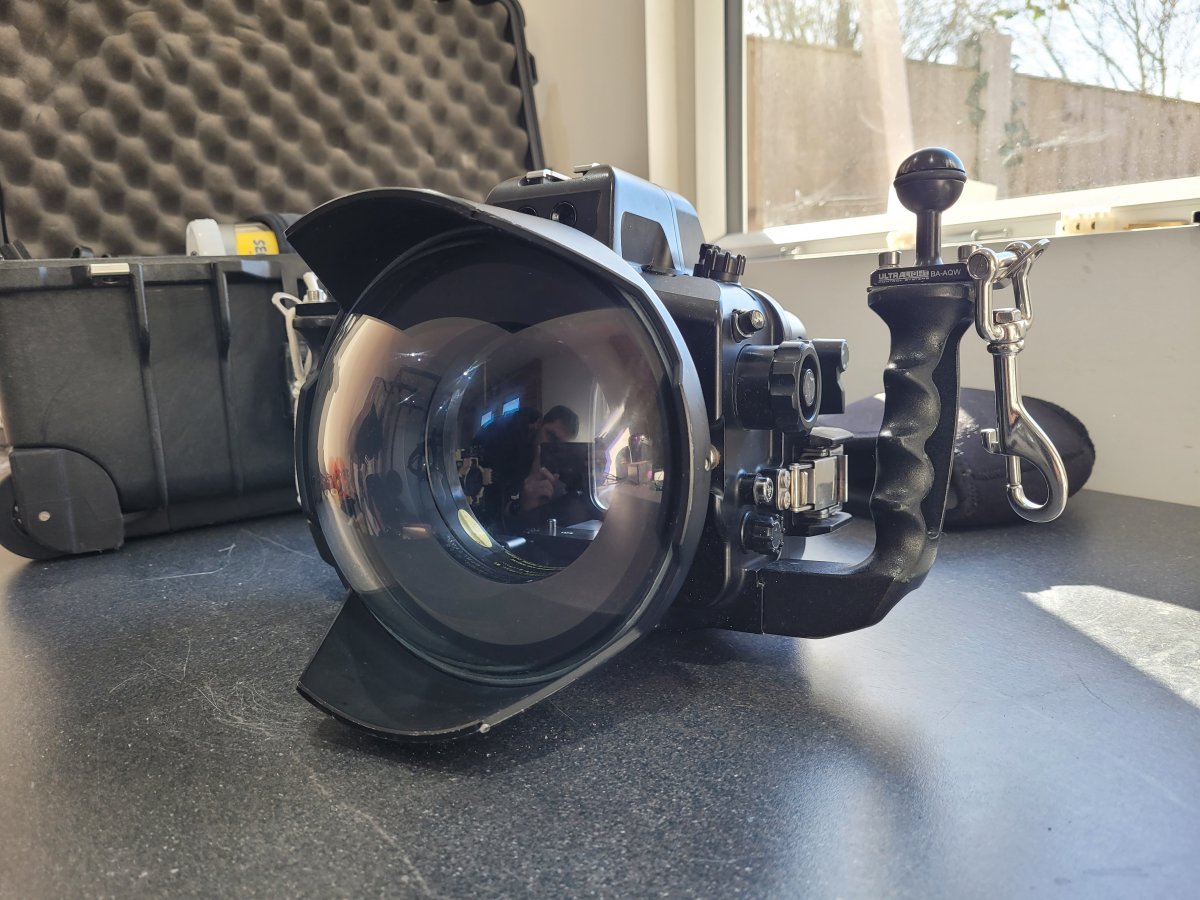
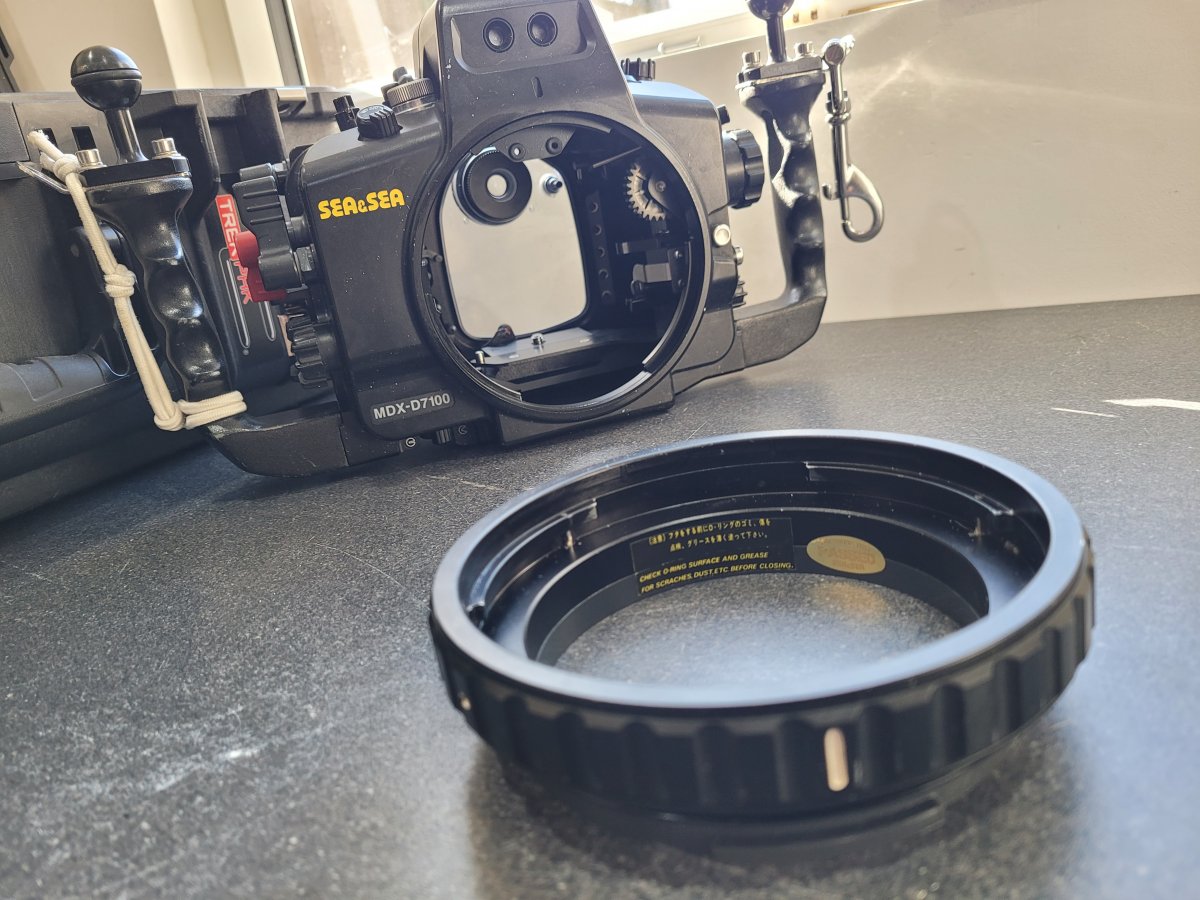
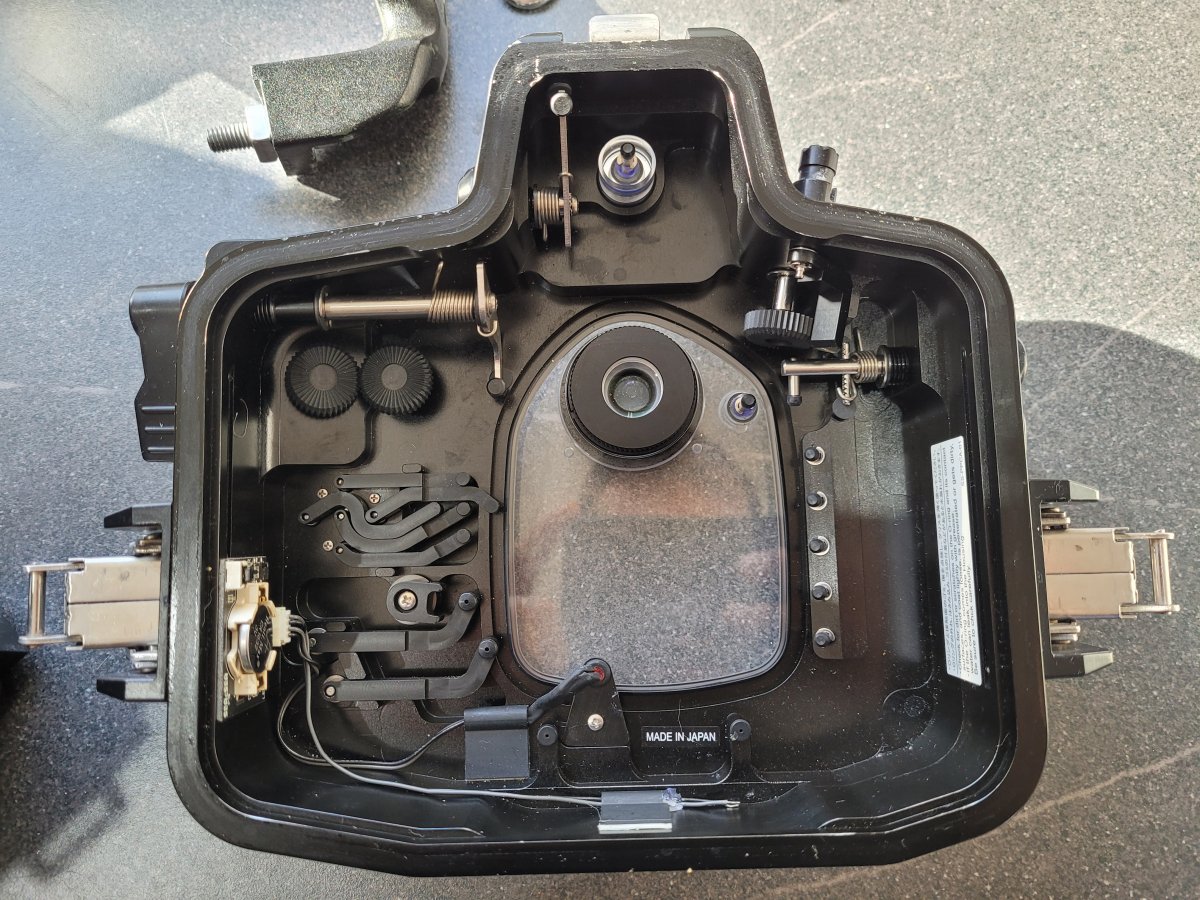
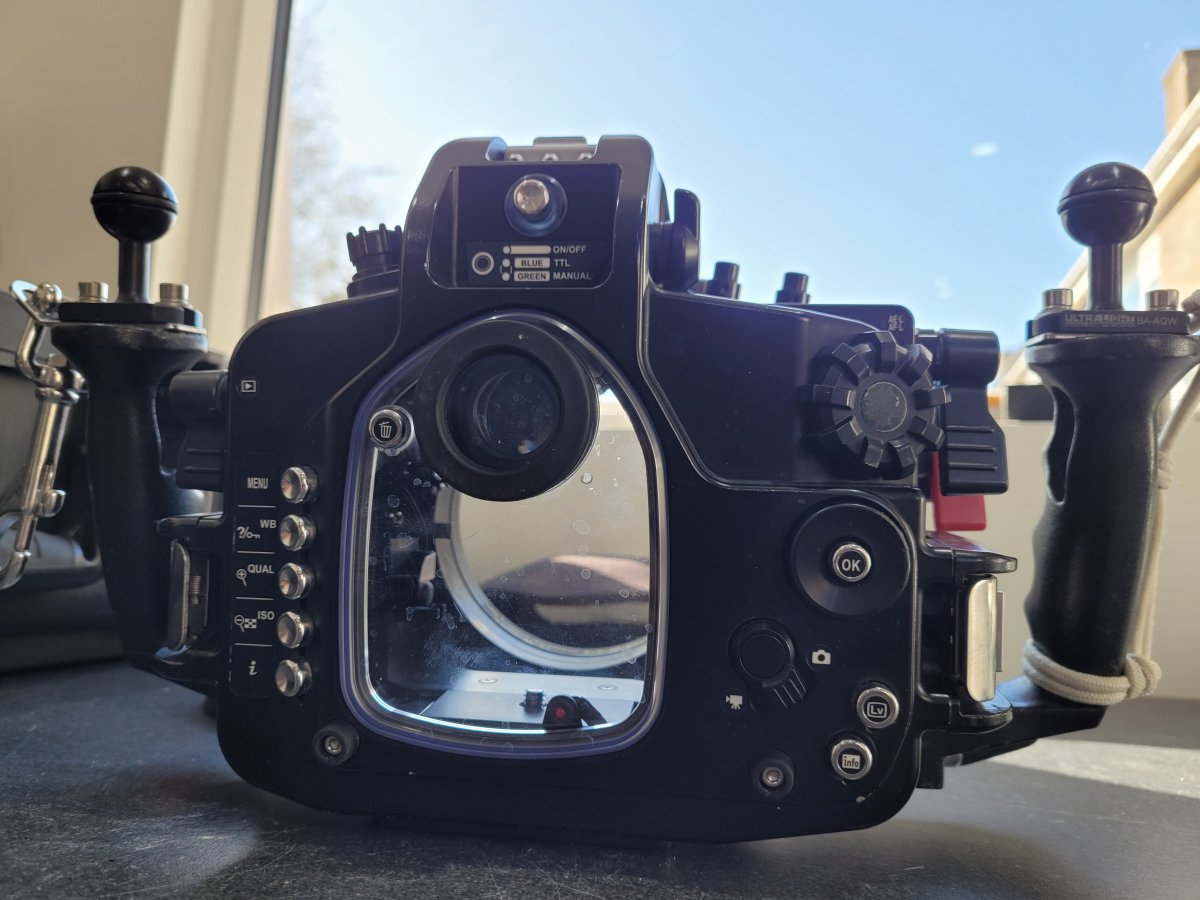
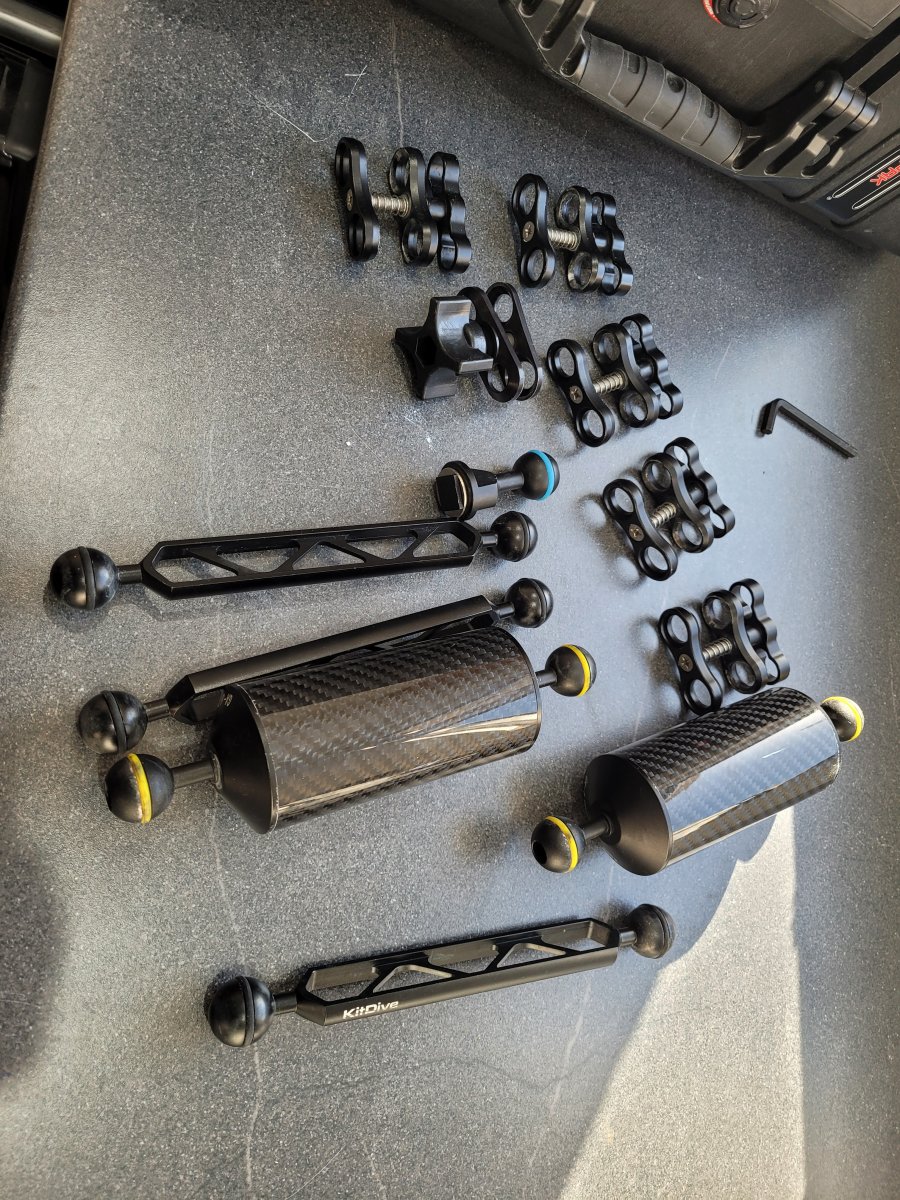
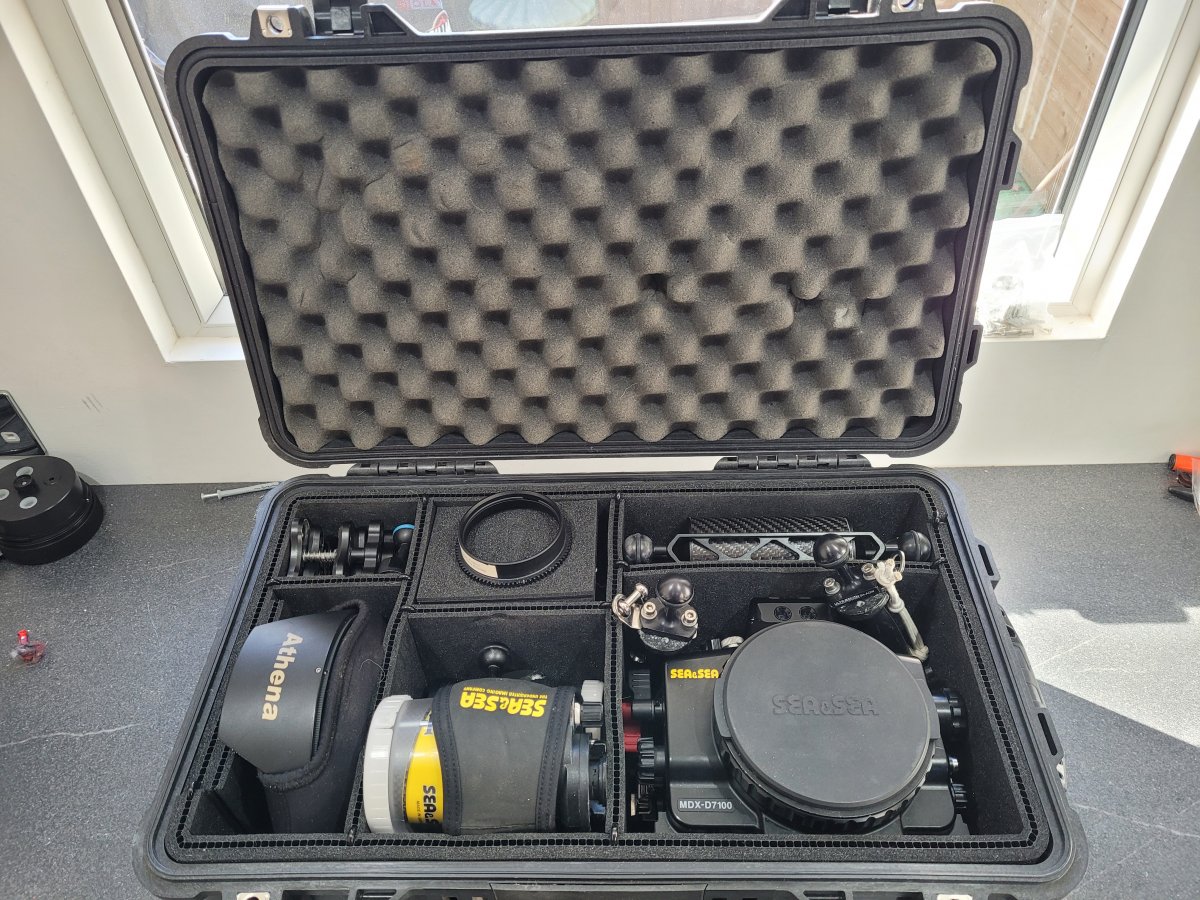
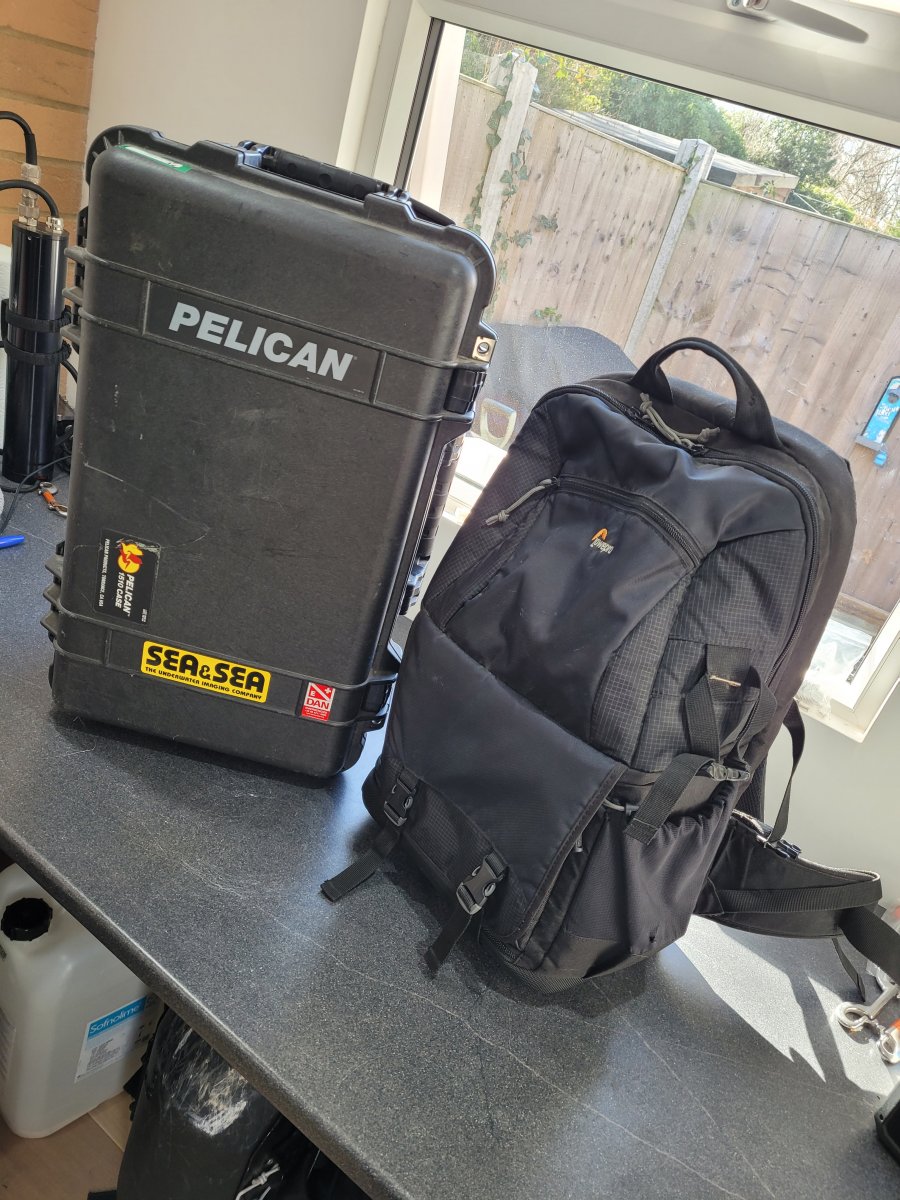
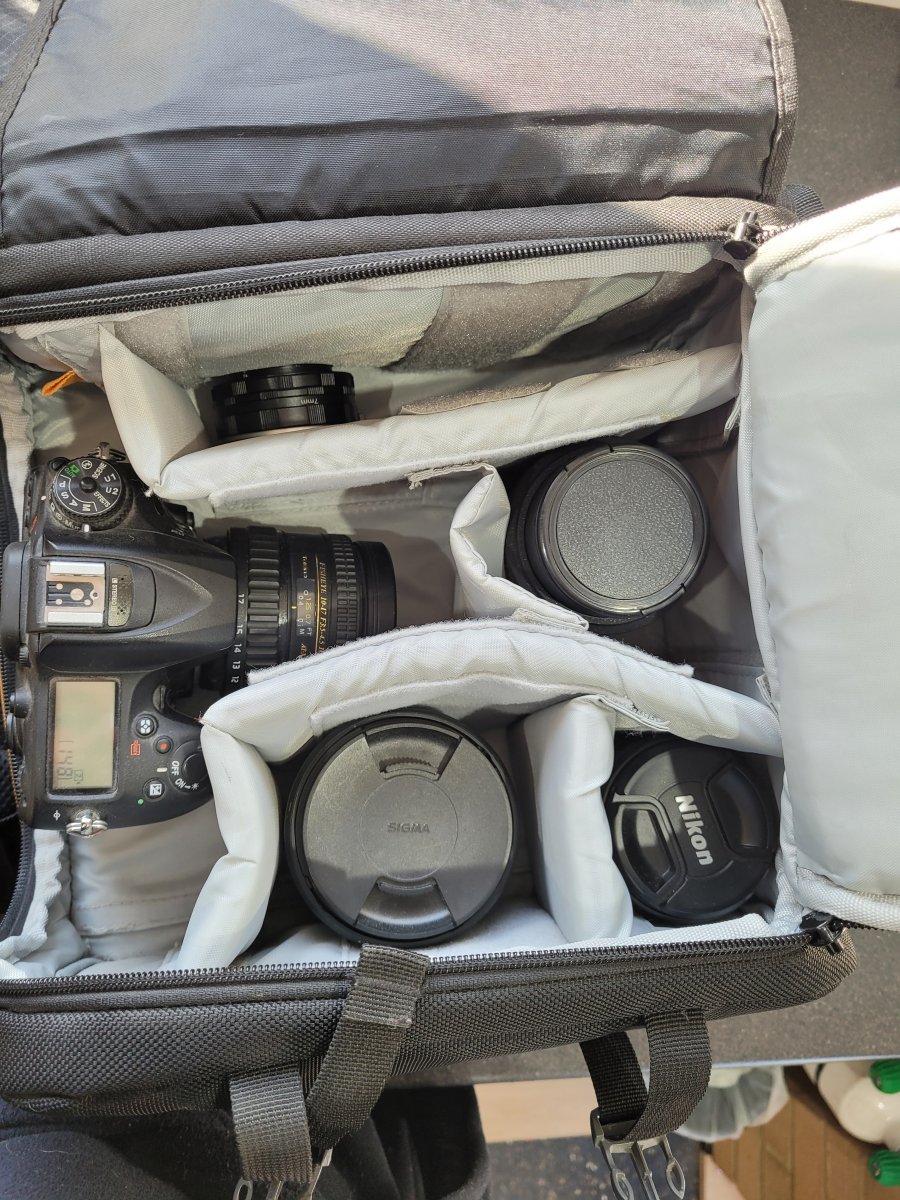
Complete Underwater Camera Setup Nikon D7200 MDX-D7100 sea and sea. Items included in this are as follows: Camera- Nikon D7200 camera body. Nikon Micro 60mm lense Sigma 105mm lens Tokina 10-17mm lense Sigma 17-70mm lense (not useable in the housing) 2 batteries and charger Lowerpro fastback B250 Bag Other little bits like a tripod, lense extentions and bits I have. Housing- Sea and Sea MDX-D7100 housing. Athena Optical Glass Dome Port OPD-170 Sea and Sea NX Standard flat port (SS-56101) Sea and Sea Port Extention (50261) Tokina zoom ring gear (31114) 2x YS-D2 strobes Assortment of arms and connectors. All o-rings and some spares, grease, Allen keys etc. Pelican 1510 case Fiber optic caes for strobes, however I would recommend new genuine Sea and Sea ones of these. All this kit is well looked after and in very good condition as you can see from the photos. Enquiries welcome. Also listed in other places so I reserve the right to remove this listing at any time without notice. I would prefer not to ship this, however this could potentially be arranged and it can be discussed.
I am looking to get £4,500 for the complete setup, with everything above included, however I am open to sensible offers.
If there is enough interest in enough items, I may consider selling items separately. |