



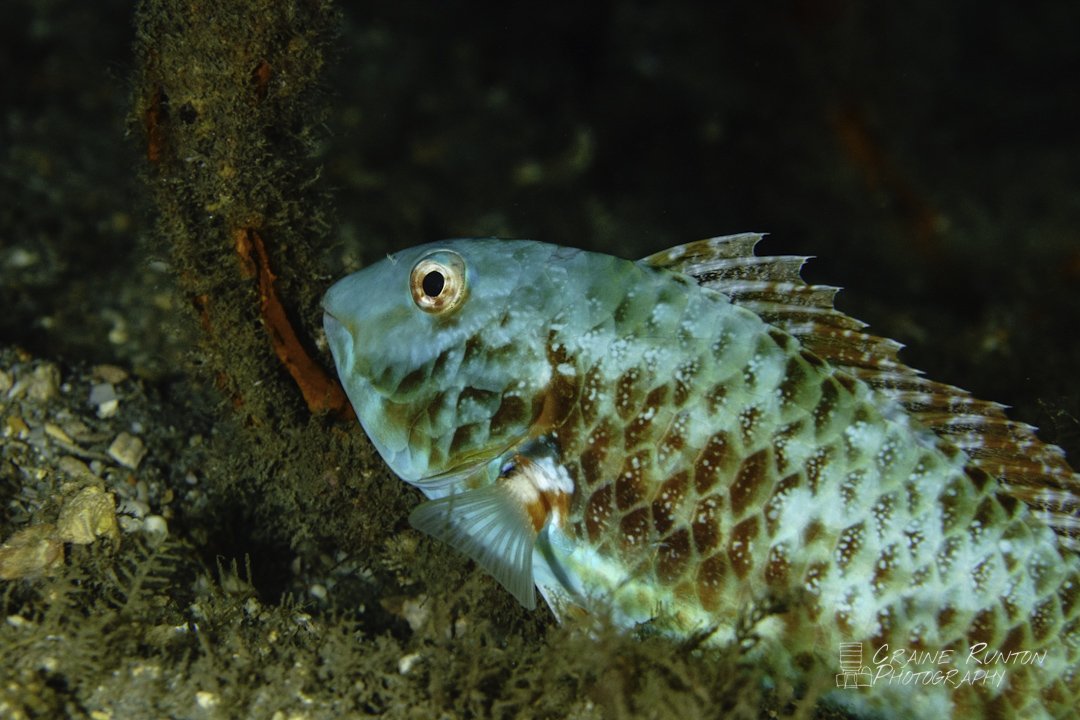
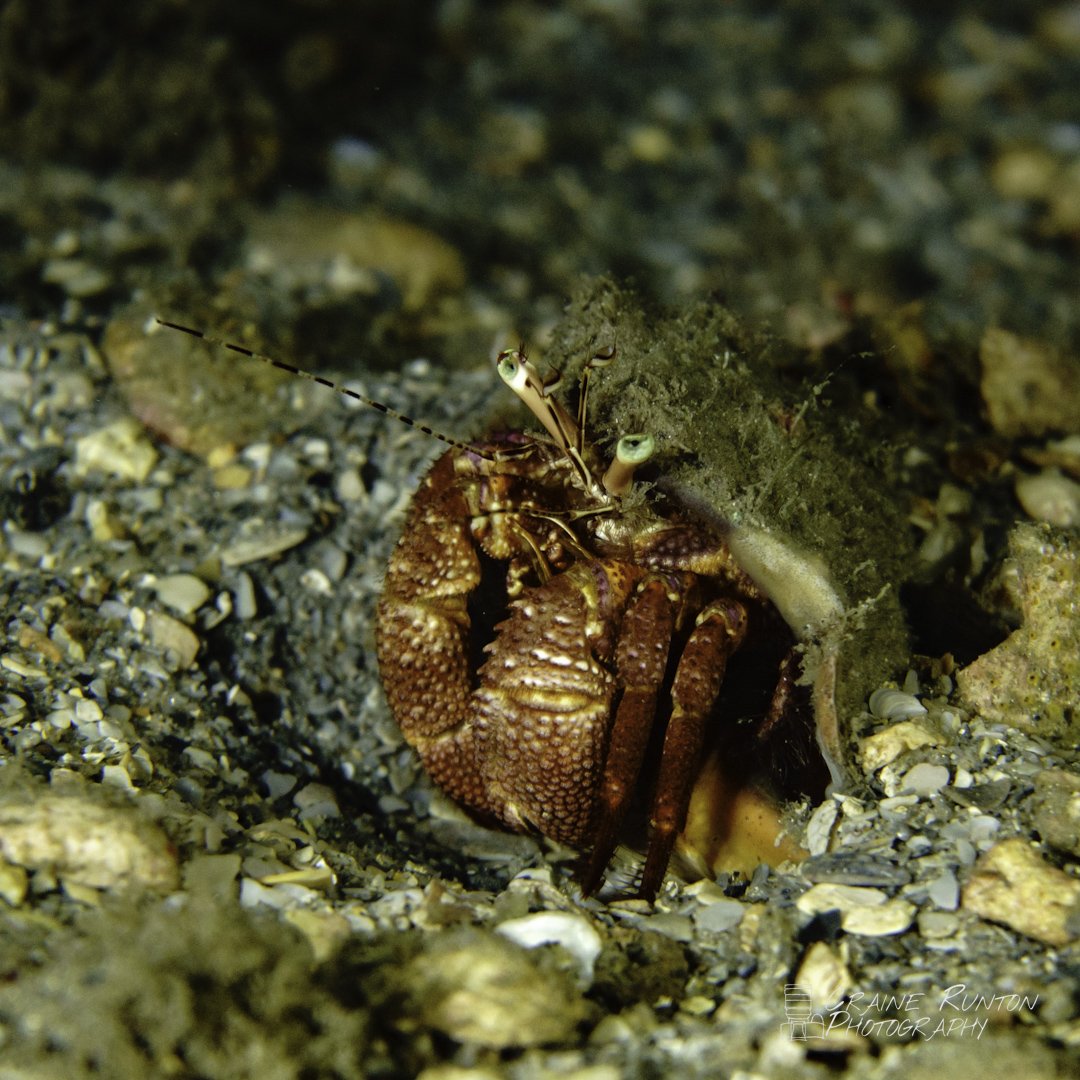
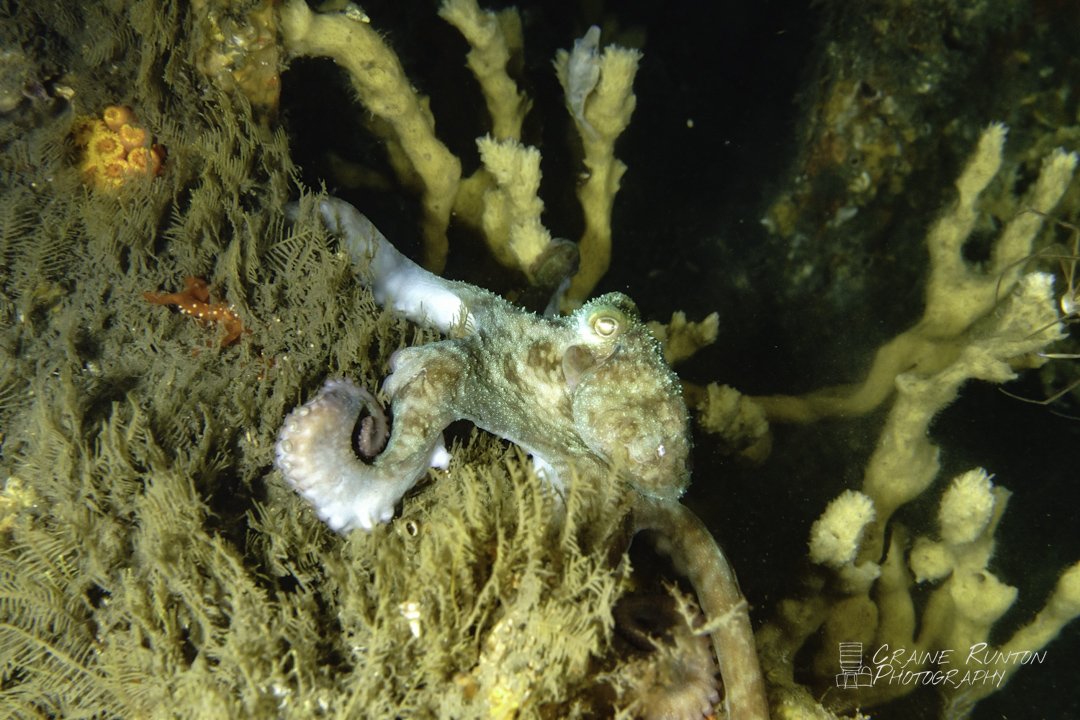
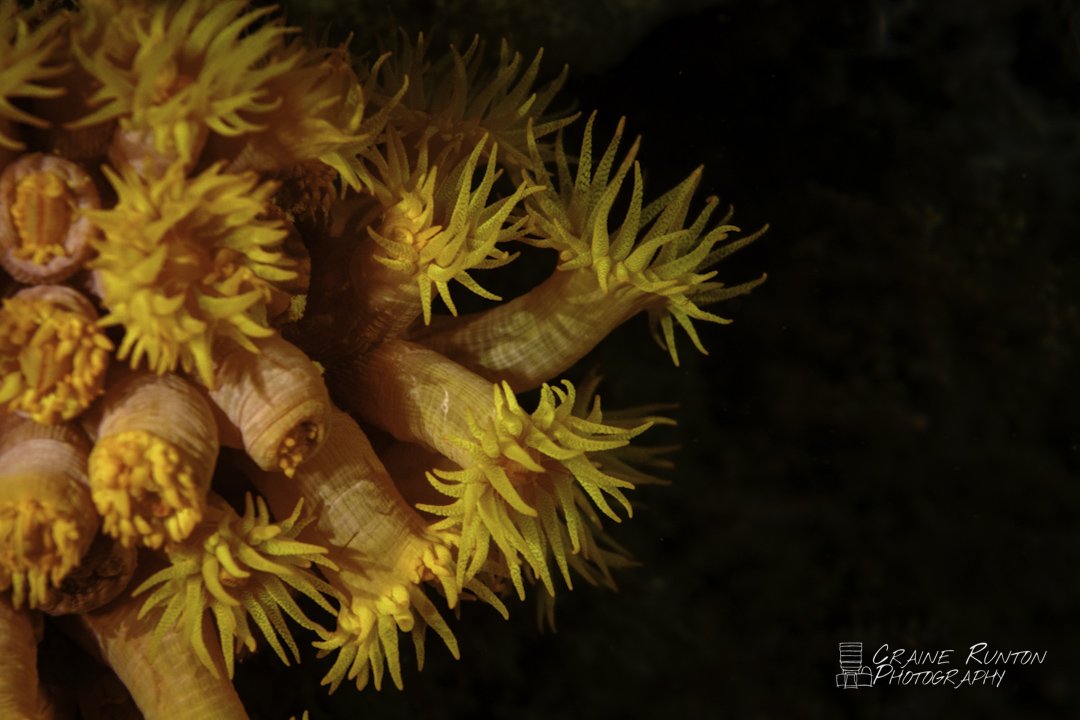
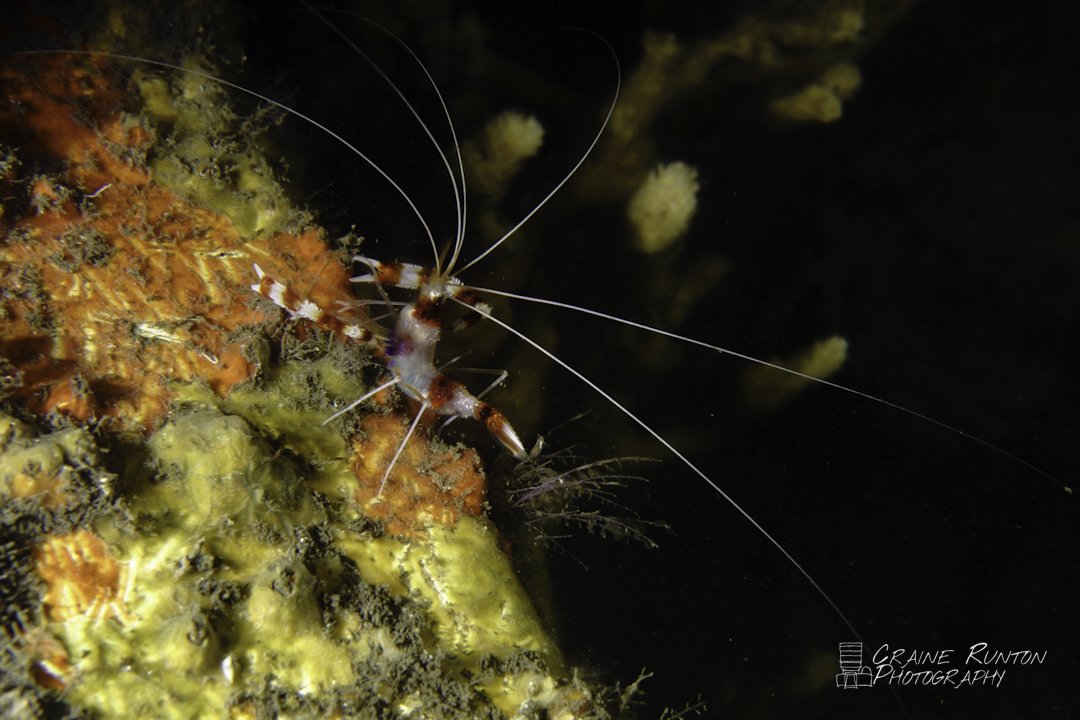
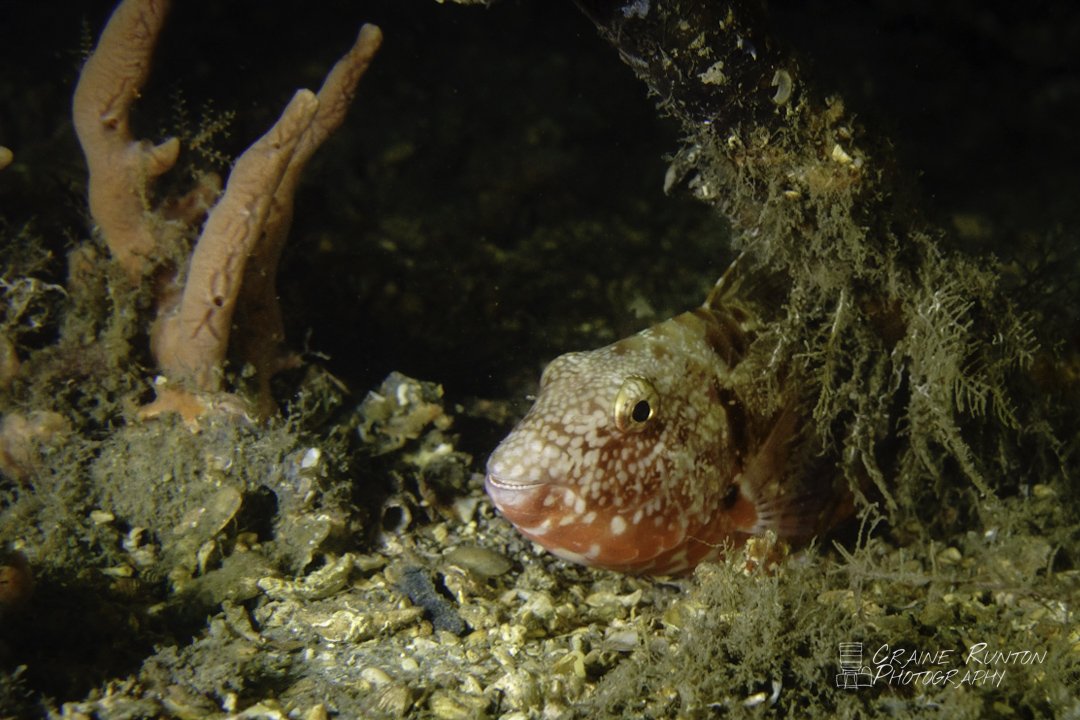
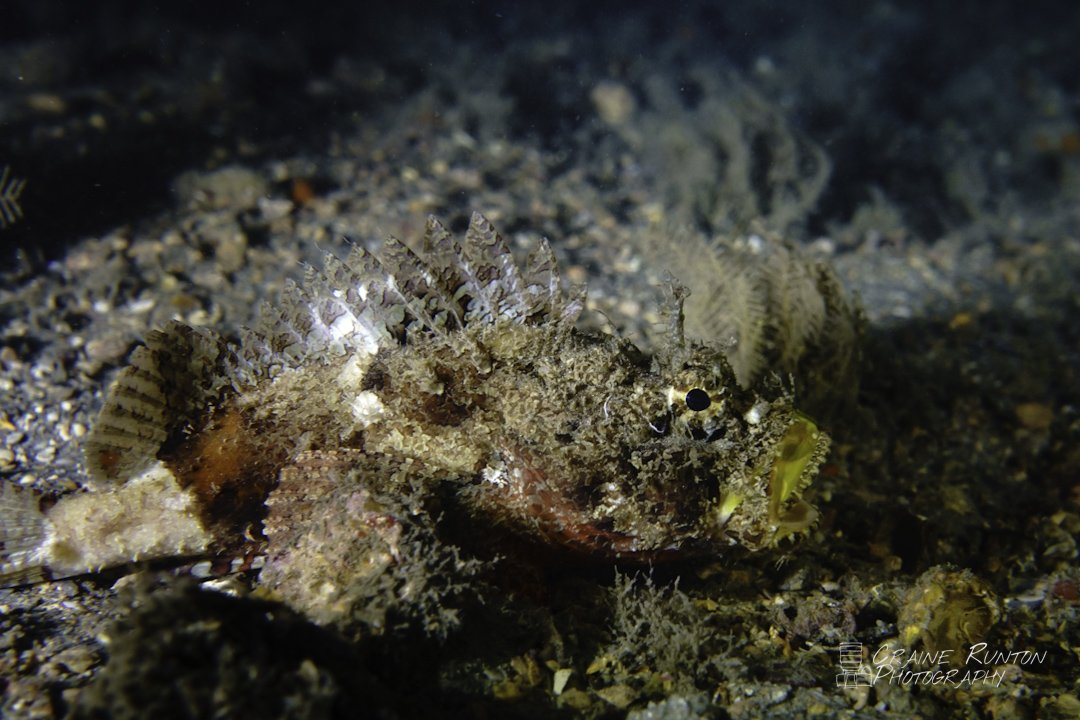
Took these this morning before sunup. It was a very relaxing dive and the life was quite photogenic.
Read-only discussion
Took these this morning before sunup. It was a very relaxing dive and the life was quite photogenic.
Oddly, the colors on these all seem a bit muted when I’m looking at the post from my phone. I wonder why that is.
On 3/19/2023 at 3:06 PM, Craine said:Oddly, the colors on these all seem a bit muted when I’m looking at the post from my phone. I wonder why that is.
Okay, curiosity has gotten the best of me and I want to test rendering of different color spaces here on WetPixel. I’m going to attach them directly to the post because I want to see how it looks with a direct embed. Next post will show how it looks with an embedded URL-linked photo.
ProPhoto RGB
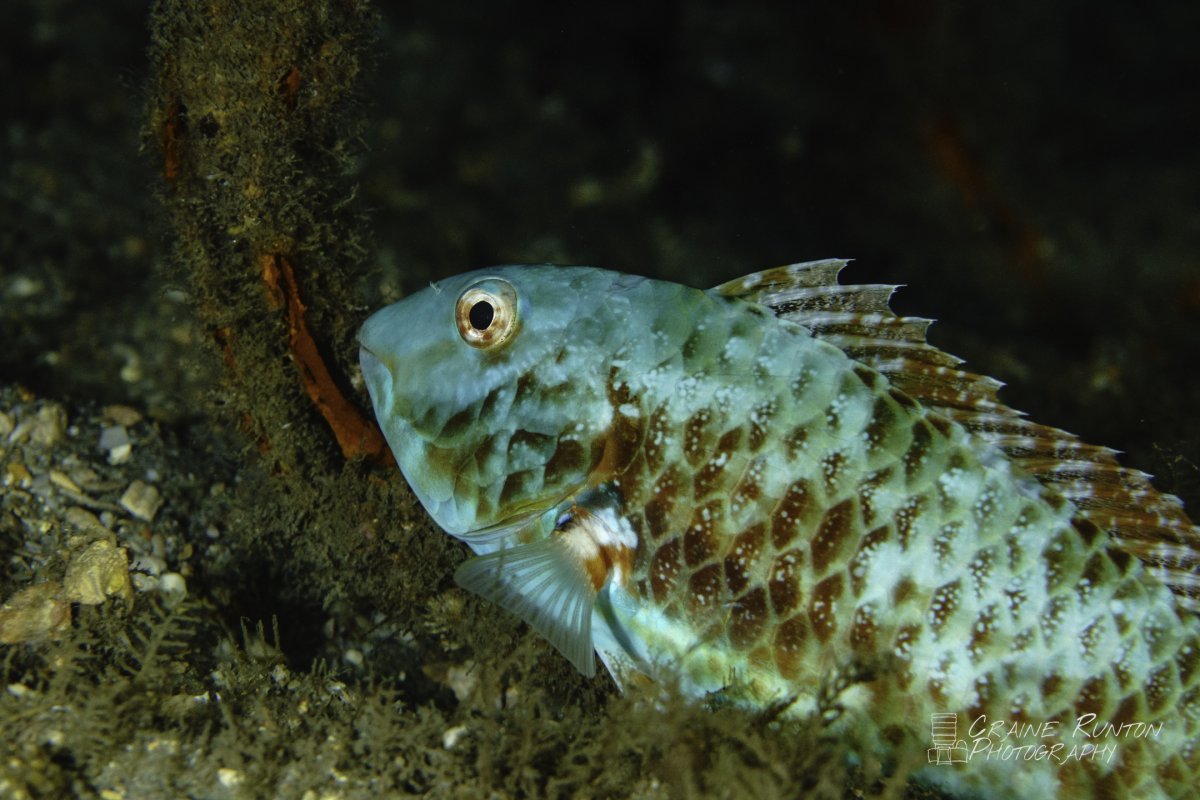
AdobeRGB
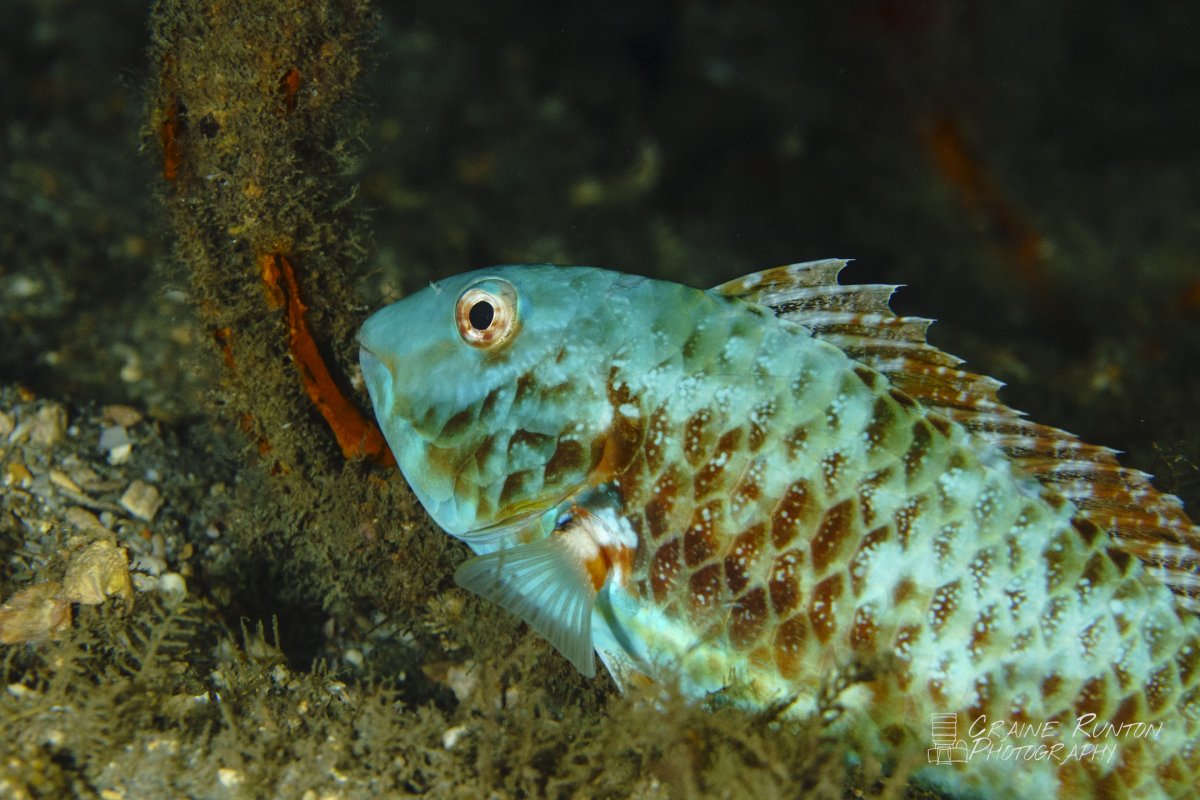
DisplayP3
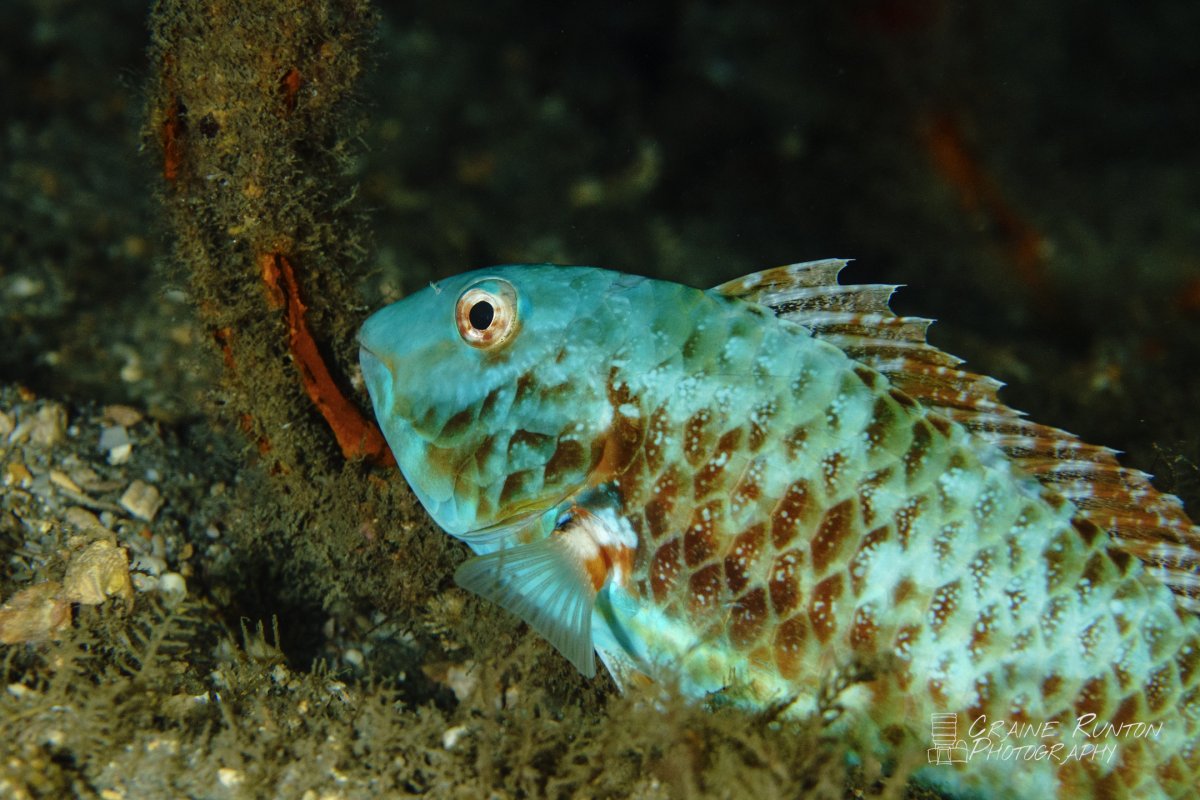
sRGB
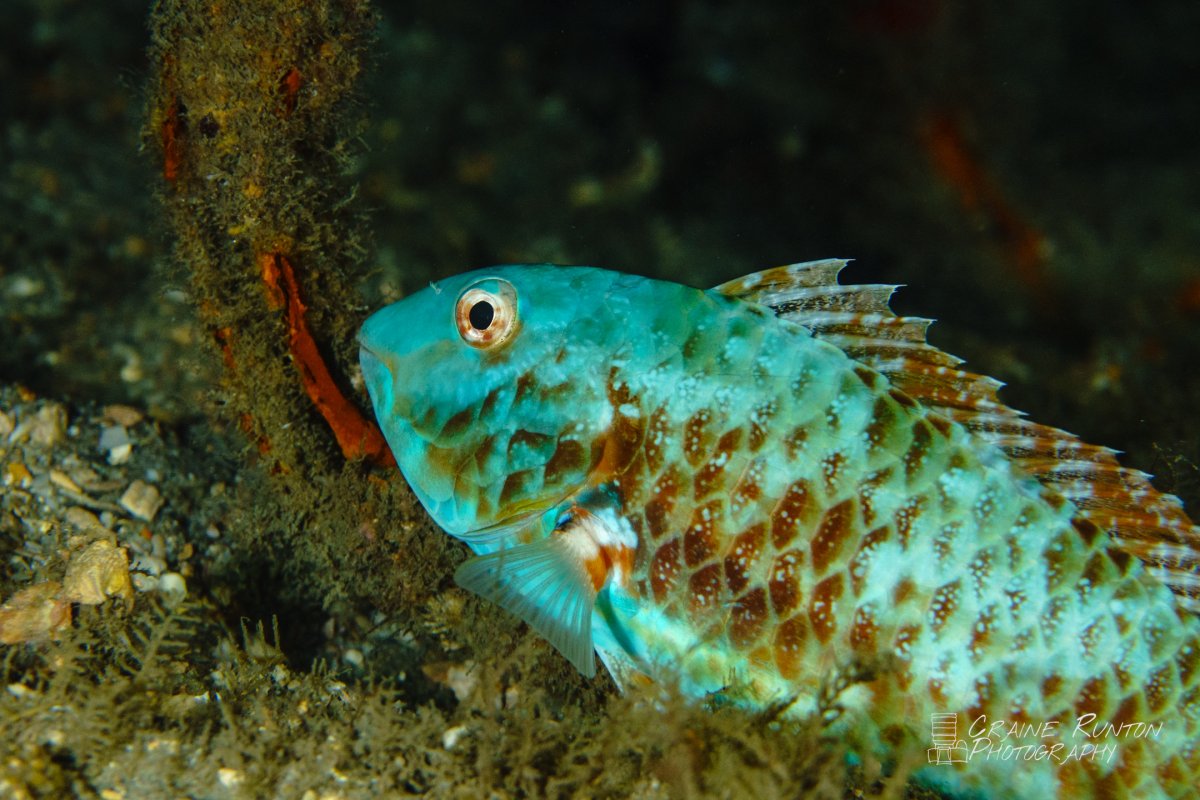
And here are the same ones embedded via Imgur
ProPhoto RGB
Adobe RGB
DisplayP3
sRGB
And finally, embedding from SmugMug for good measure:
ProPhoto RGB

AdobeRGB

DisplayP3

sRGB


Terms of Use Privacy Policy Guidelines We have placed cookies on your device to help make this website better. You can adjust your cookie settings, otherwise we'll assume you're okay to continue.

A worldwide community for underwater imaging.
