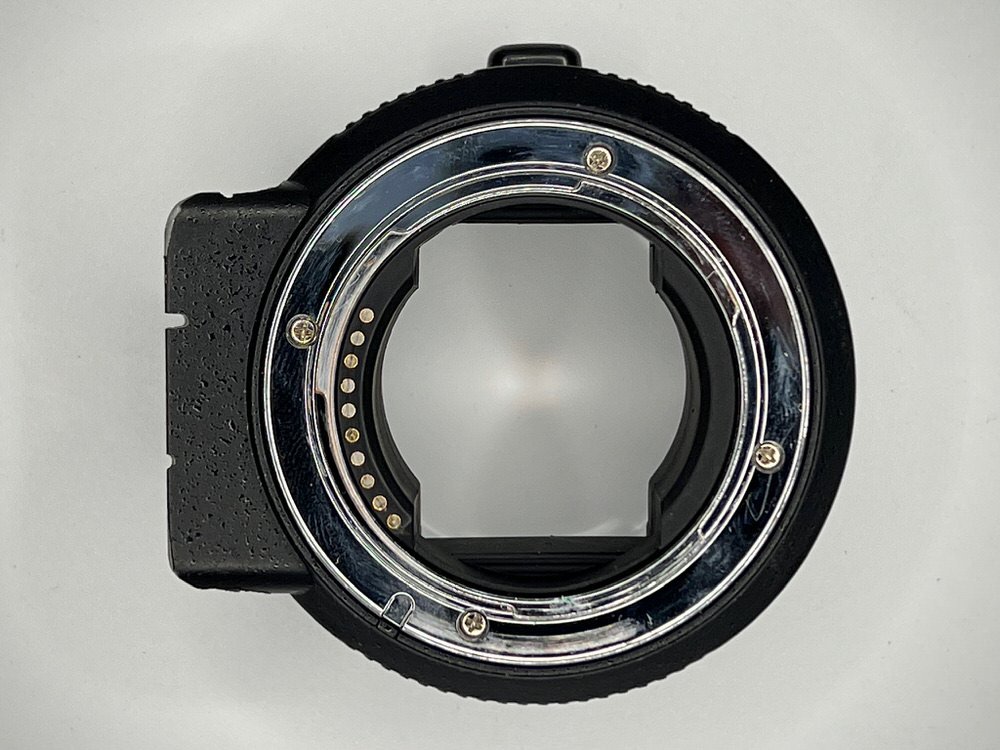
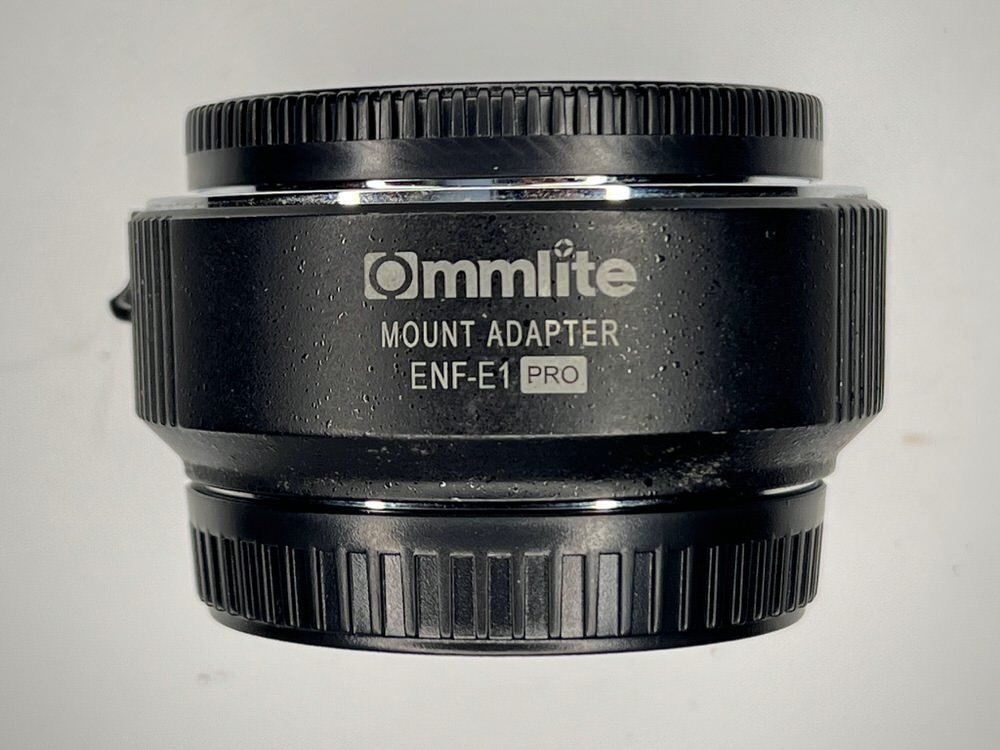
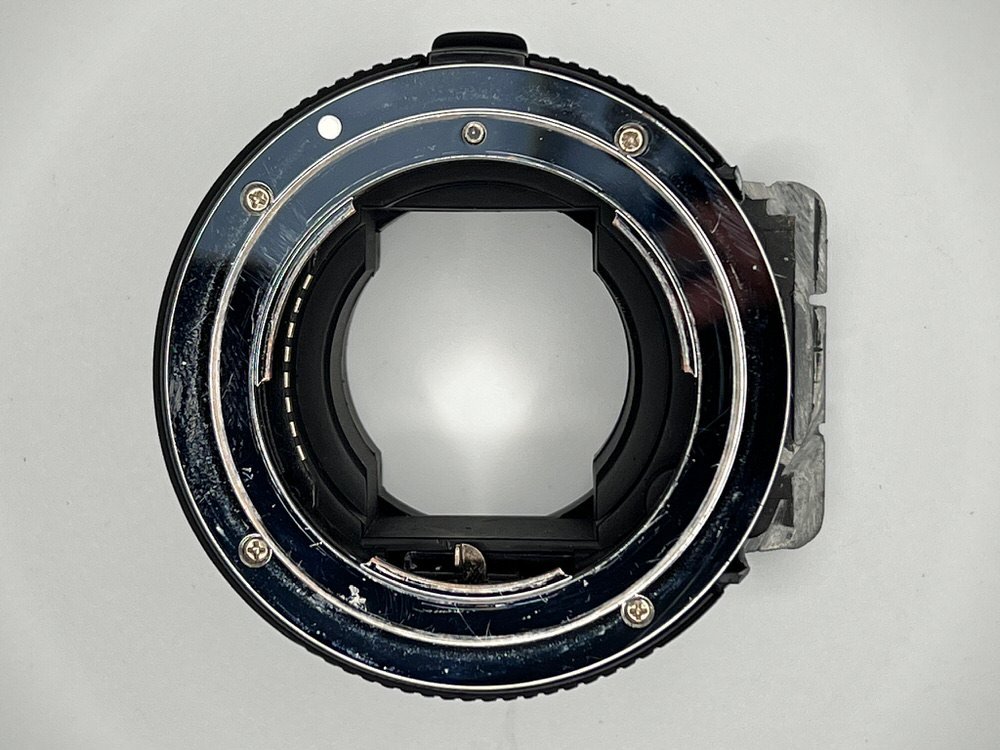
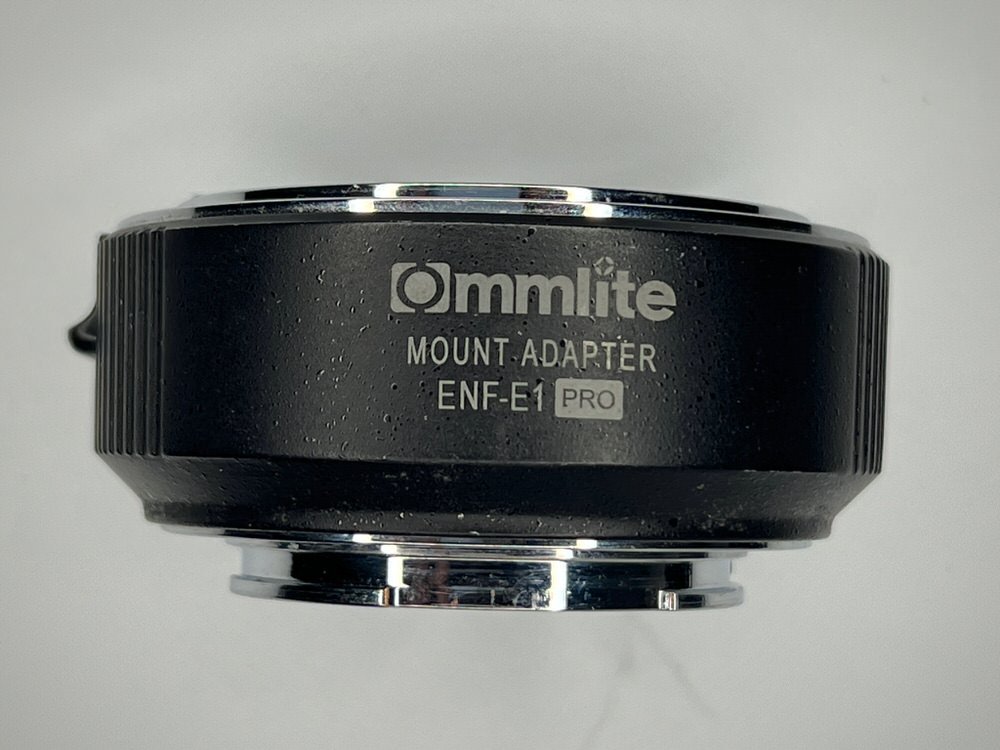
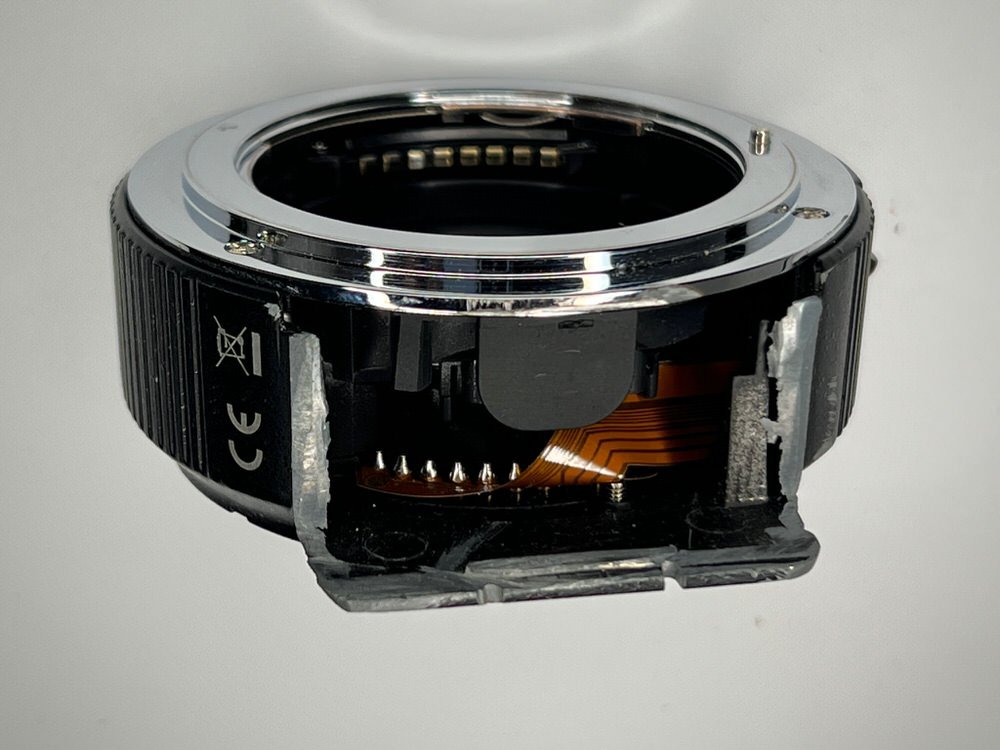
Commlite Electronic Autofocus Lens Mount Adapter for Nikon F-Mount Lens to Sony E-Mount Camera
PRICE = $69
Condition : used
Last adapters firmware installed
Autofocus on the Nikon 60 mm micro lens does not work - you can only shoot in manual mode - for video this is even preferable
more details from official web site >> https://www.commlite.com/product/35.html
video review https://www.youtube.com/watch?v=wLnn2HeTbog
The adapter was redesigned (I removed part of the hull - you can see it in the photo) to be able to use the focus gear from a Sony 90 mm macro on a Nikon 60 mm macro with adapter. Using the focus gear and the same Sony 90 macro port, this adapter will allow you to use the most flexible and incredibly sharp Nikon lens on a Sony camera. The flexibility lies in the fact that at the minimum focusing distance you can shoot close-ups of a medium-sized nudibranch, and at a distance of 1 meter you can shoot a small anemone with a family of anemone fish in its entirety
SHIPPING from the Philippines, Dumaguete, Negros Oriental
Buyer pays for shipping : FedEx, DHL, LBC, PhilPost of your choice
CONTACT ME by Phone, Whatsapp, Messenger, Telegram etc >> https://uwart.pro
PAYMENTS: PayPal paypal.me/tosavin, Bank transfer to Metrobank Philippines, (also GCash, Maya, ShopeePay, GrabPay)
… follow me on social media …
- https://www.instagram.com/uw.art/
- https://www.facebook.com/savin.andrey
- https://www.behance.net/savinandrey
- https://ru.linkedin.com/in/savinandrey
ALL MY STUFF FOR SALE (save on combined shipping) photos >>bit.ly/3J5lVm2 prices >> bit.ly/uwartforsale