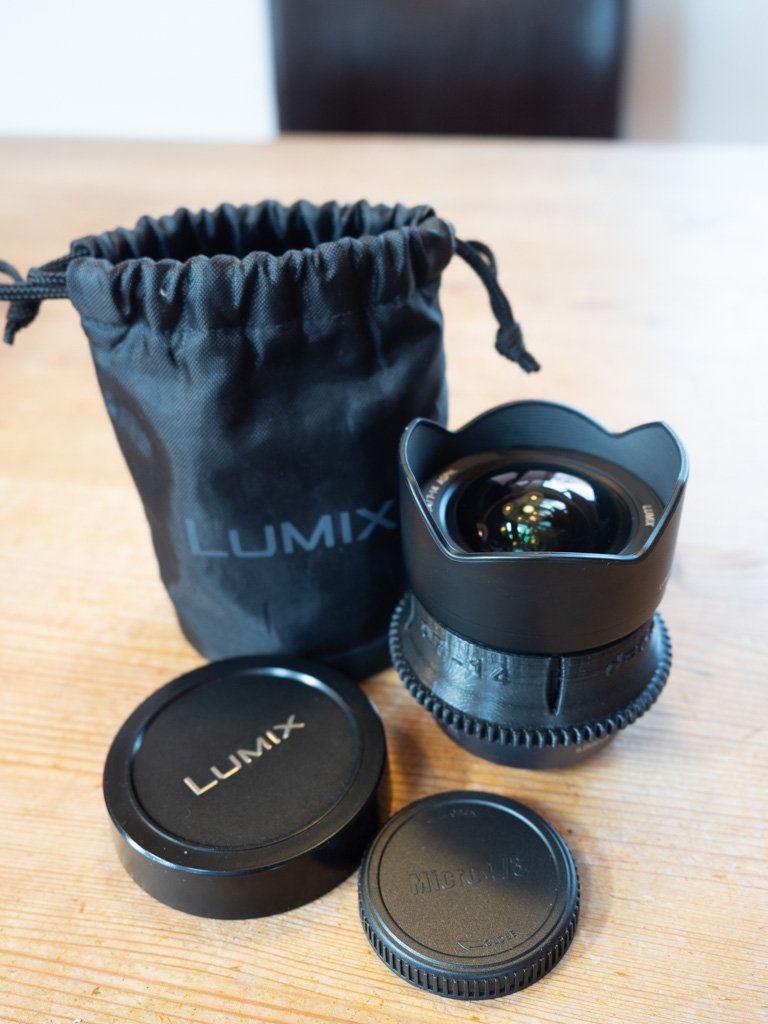
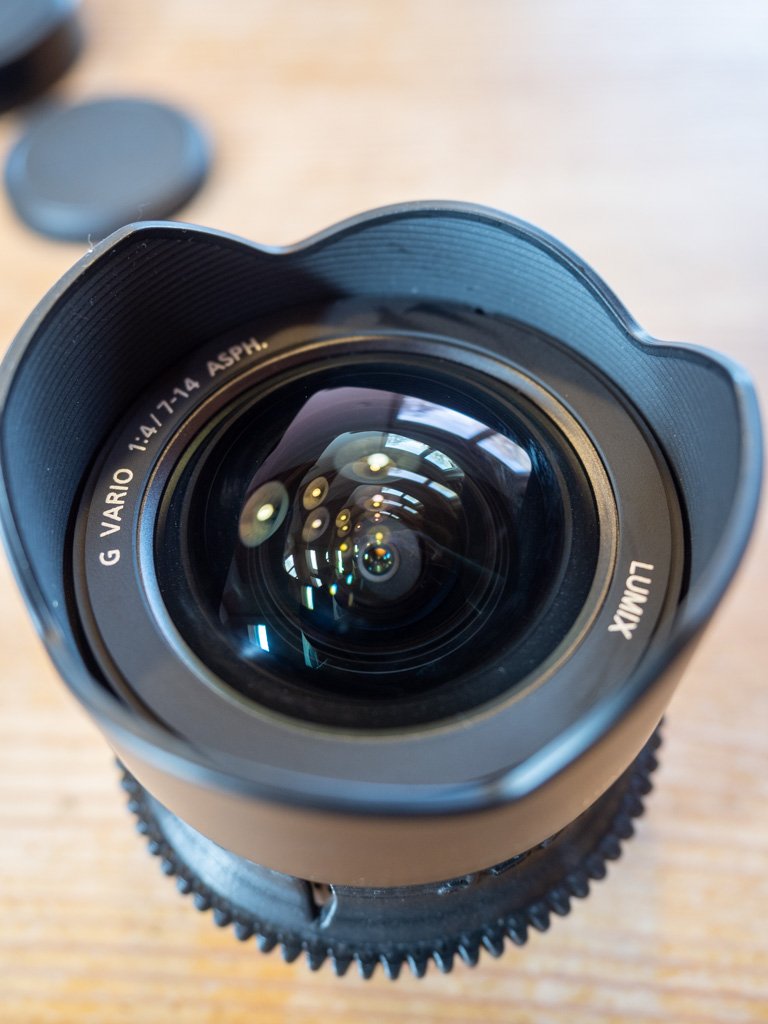
For sale is Panasonic Lumix G Vario 7-14mm f4.0 WA lens (new: 1019 Euro), used but optically perfect condition, plus D&D zoomgear for Nauticam housing (new: 75 Euro).
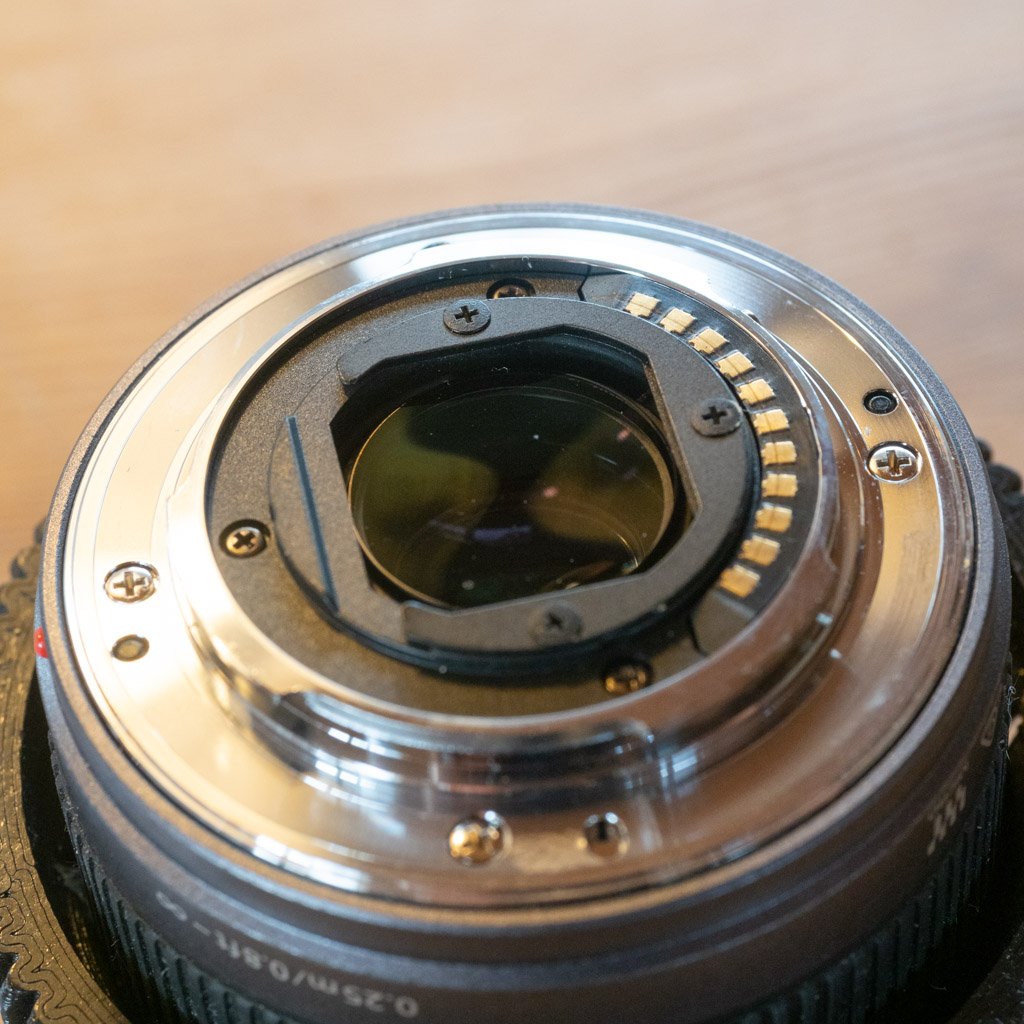
Attached to the rear of the lens is a filter holder to receive Magic filter gels (see 3rd photo below)
Asking 520 Euro (obo). Shipping at expense of buyer (located in Europe/Austria). Payment via bank transfer or PayPal.
Wolfgang
Hi,I'm interested in buying the lens in announcement. May you deliver it to Italy?do you also have to sell a Nauticam dome port to use with it? Thanks
Alberto
Inviato dal mio 2201117PG utilizzando Tapatalk
Hi Alberto,
Delivery to Italy is not a problem at all (last week I sold a 34,7mm N85/N120 extension to Spain and the shipping was 15 Euro, I guess it would be similar to Italy, but can inquire)..
I do not have a domeport for sale, as Lisi, my wife, will keep my old Nauticam EM1-II housing plus ports (she will keep the Zuiko 8-25mm lens for WA). A Nauticam EM5-II housing plus camera will be for sale soon, but I want to wait with announcement, until I have all all parts for my new rig together (Sony A7R5)...
Wolfgang
up!
The lens comes with zoomgear for Nauticam housing (D&D) and mounted filter holder (at the back of the lens)...