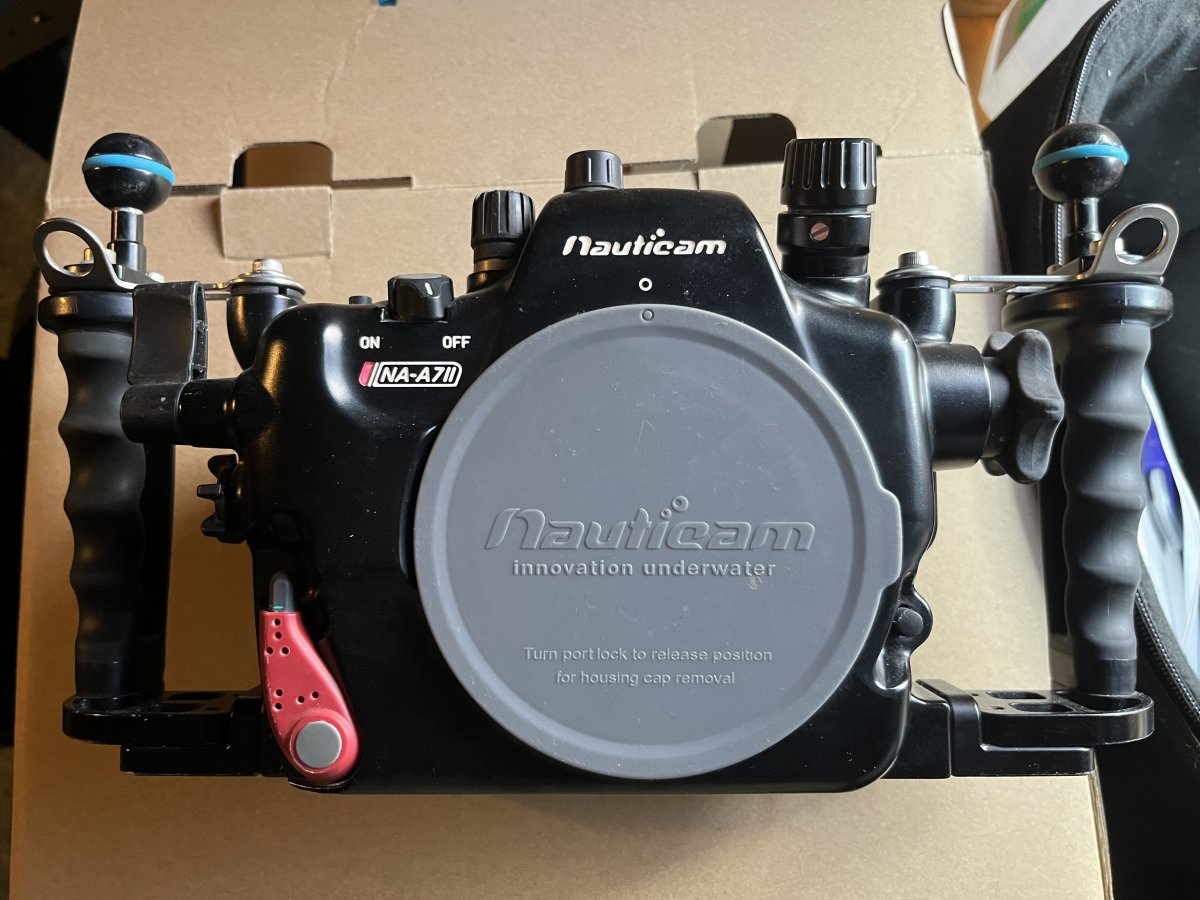
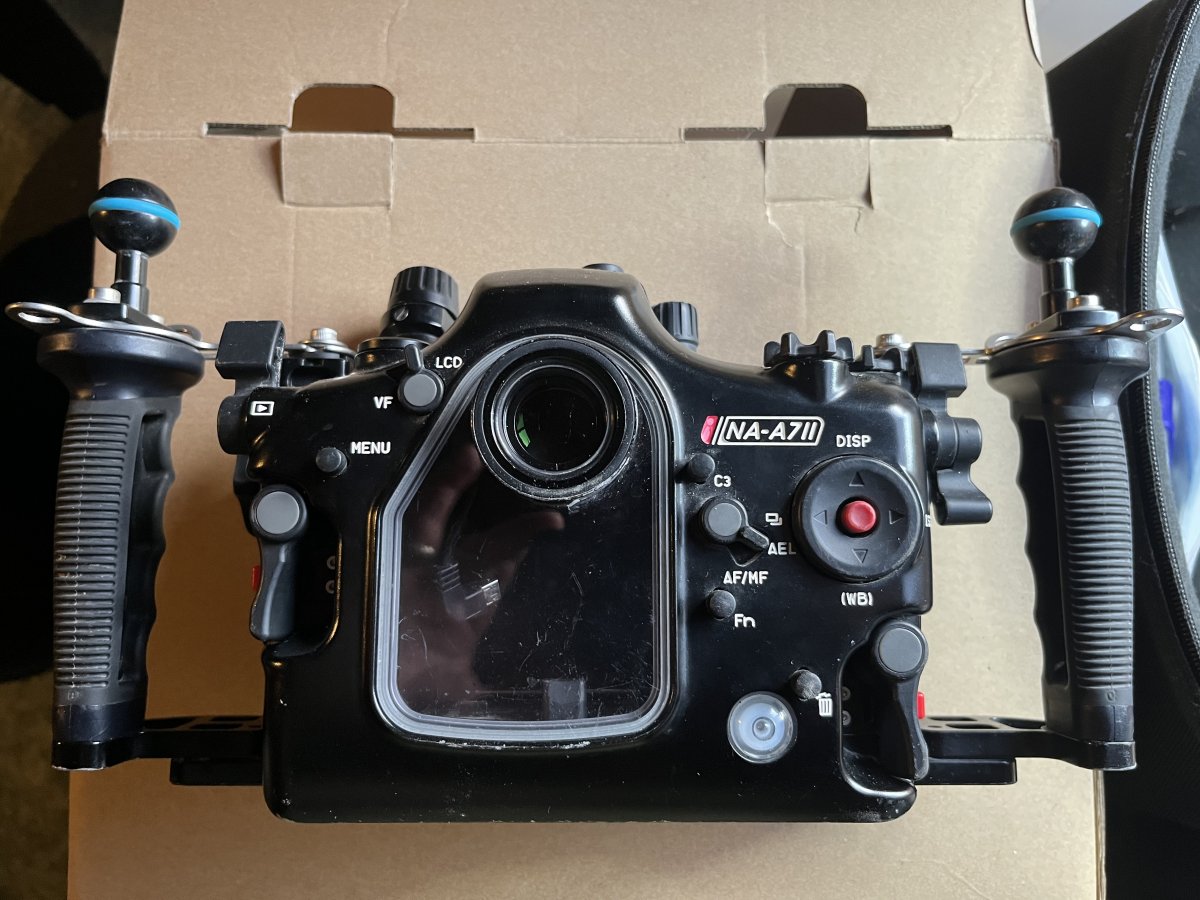
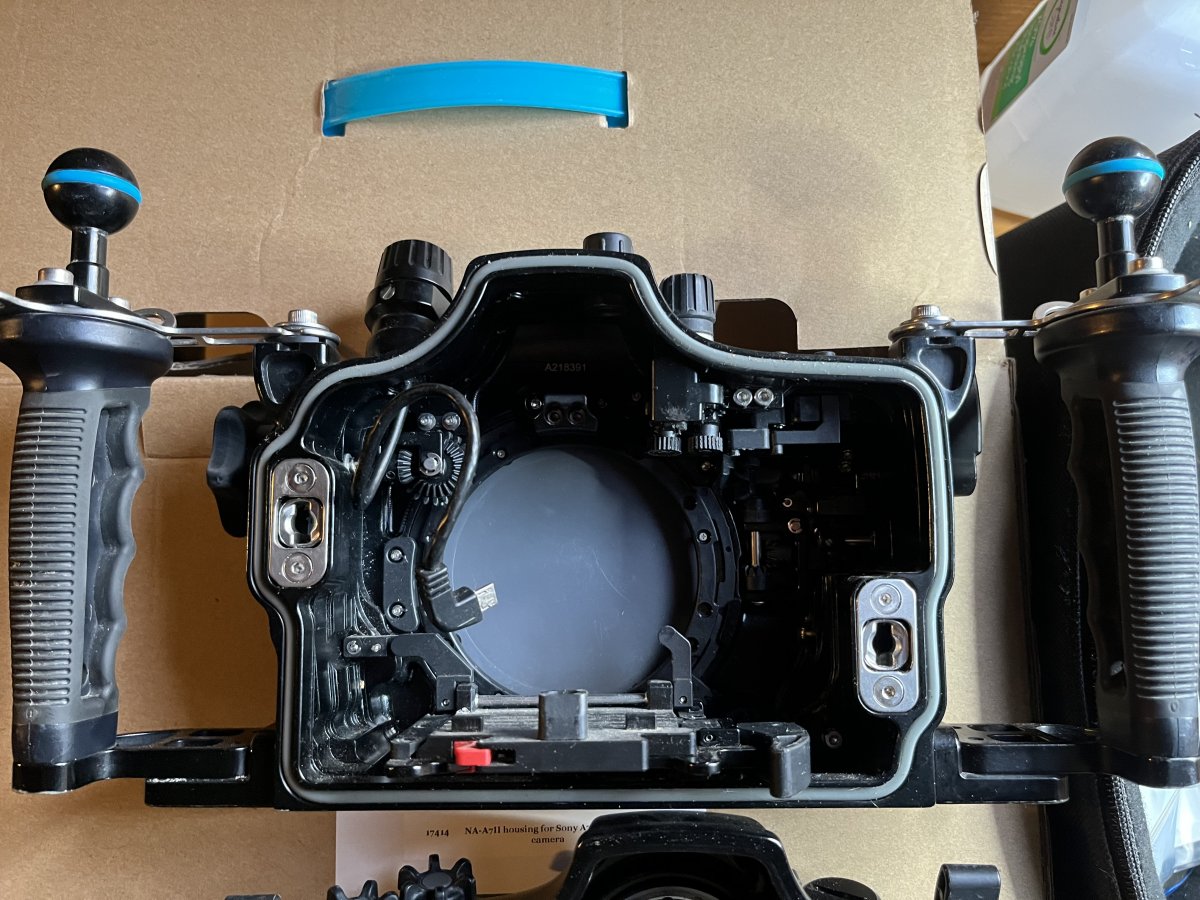
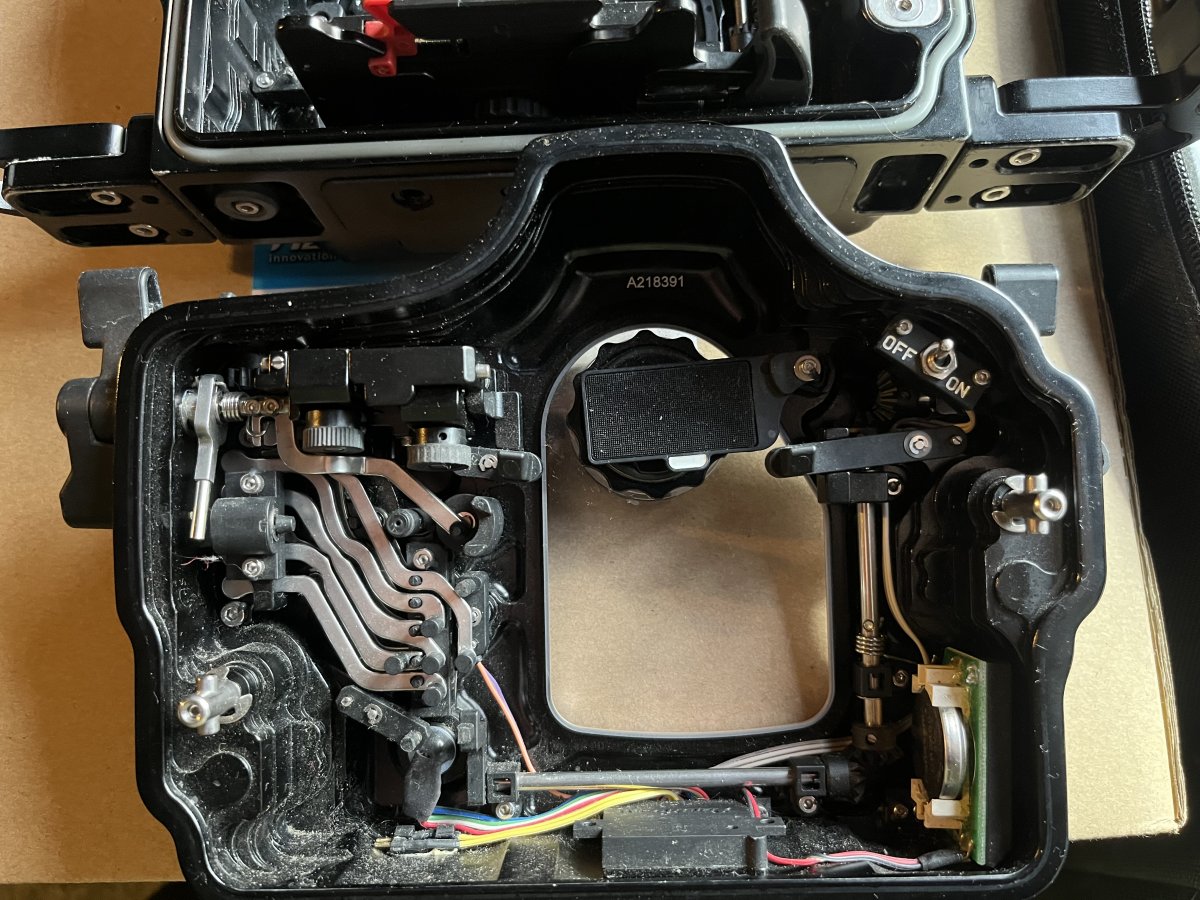
For sale, presume that people would prefer the parts listed individually, so I have done that.
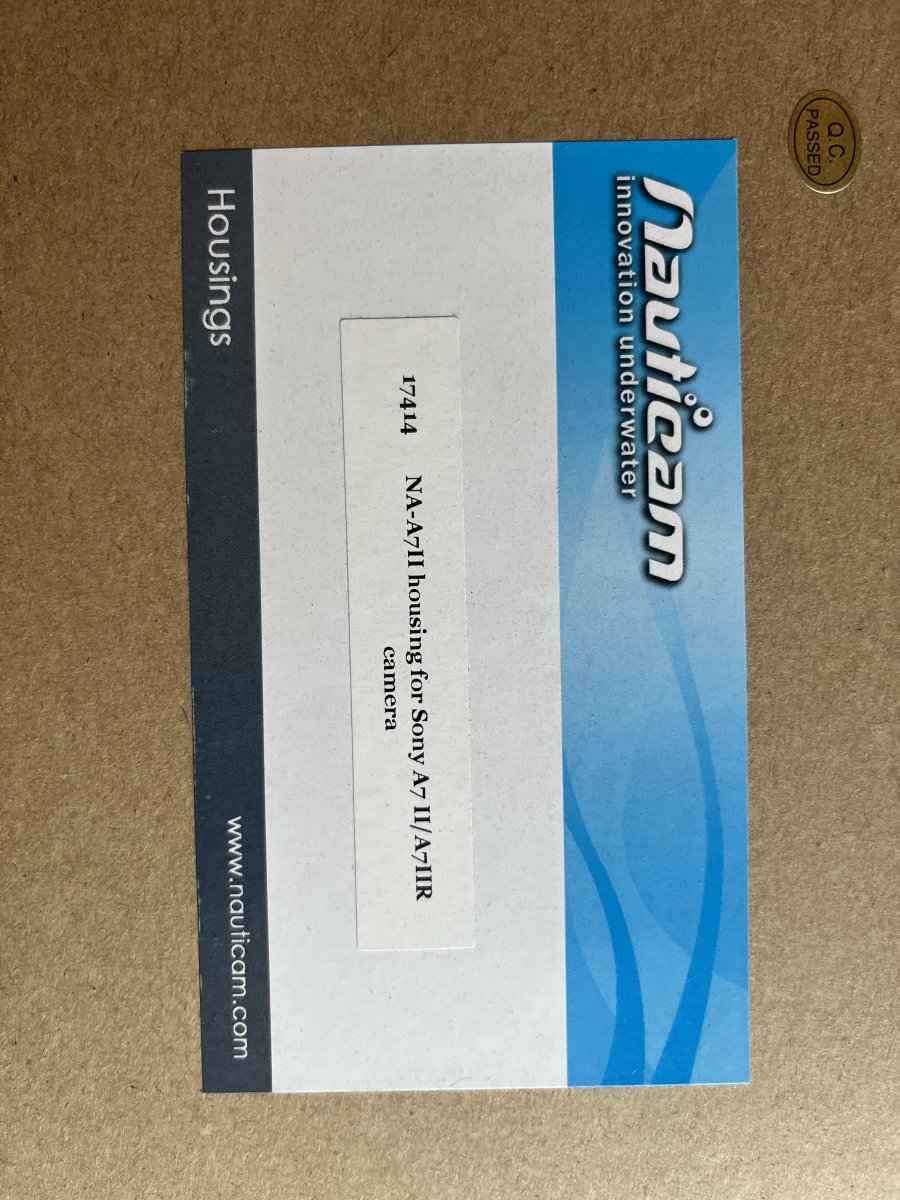
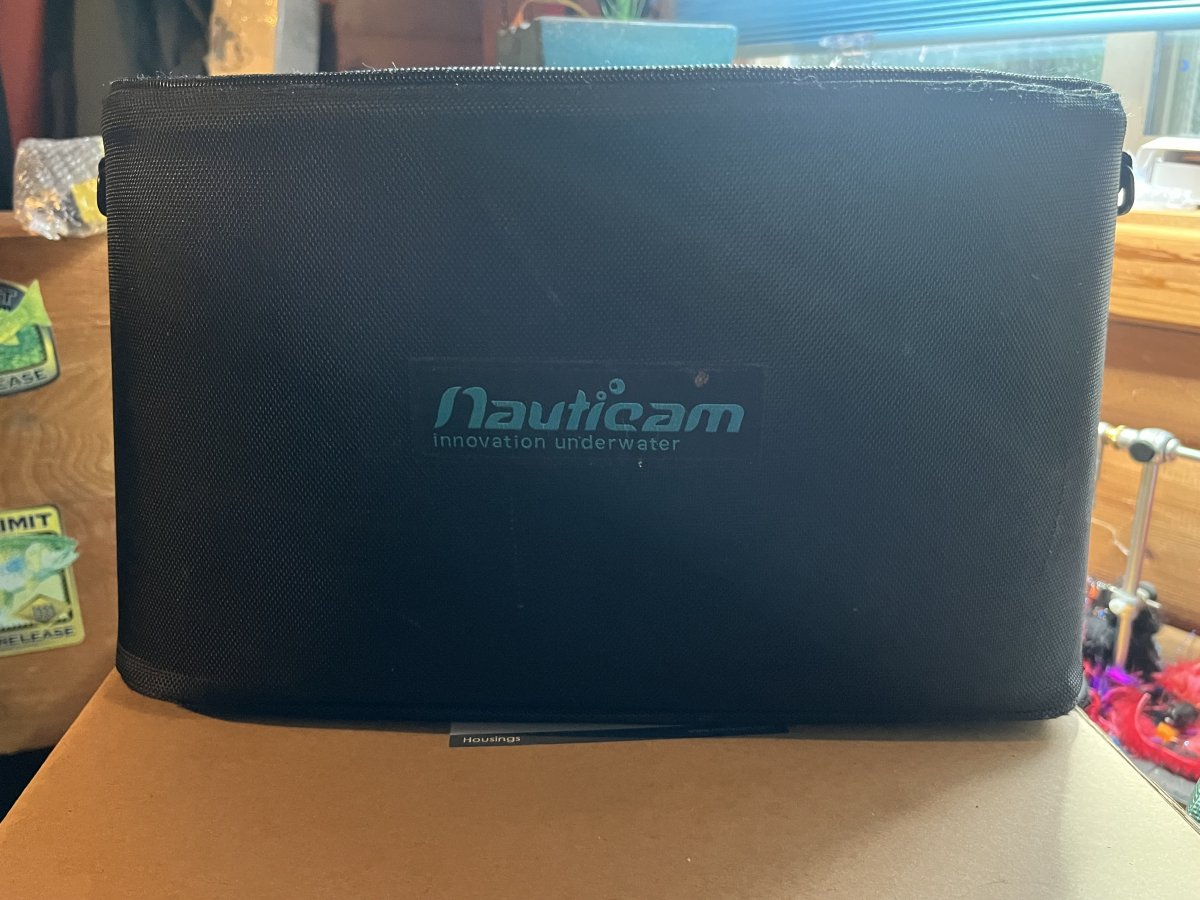
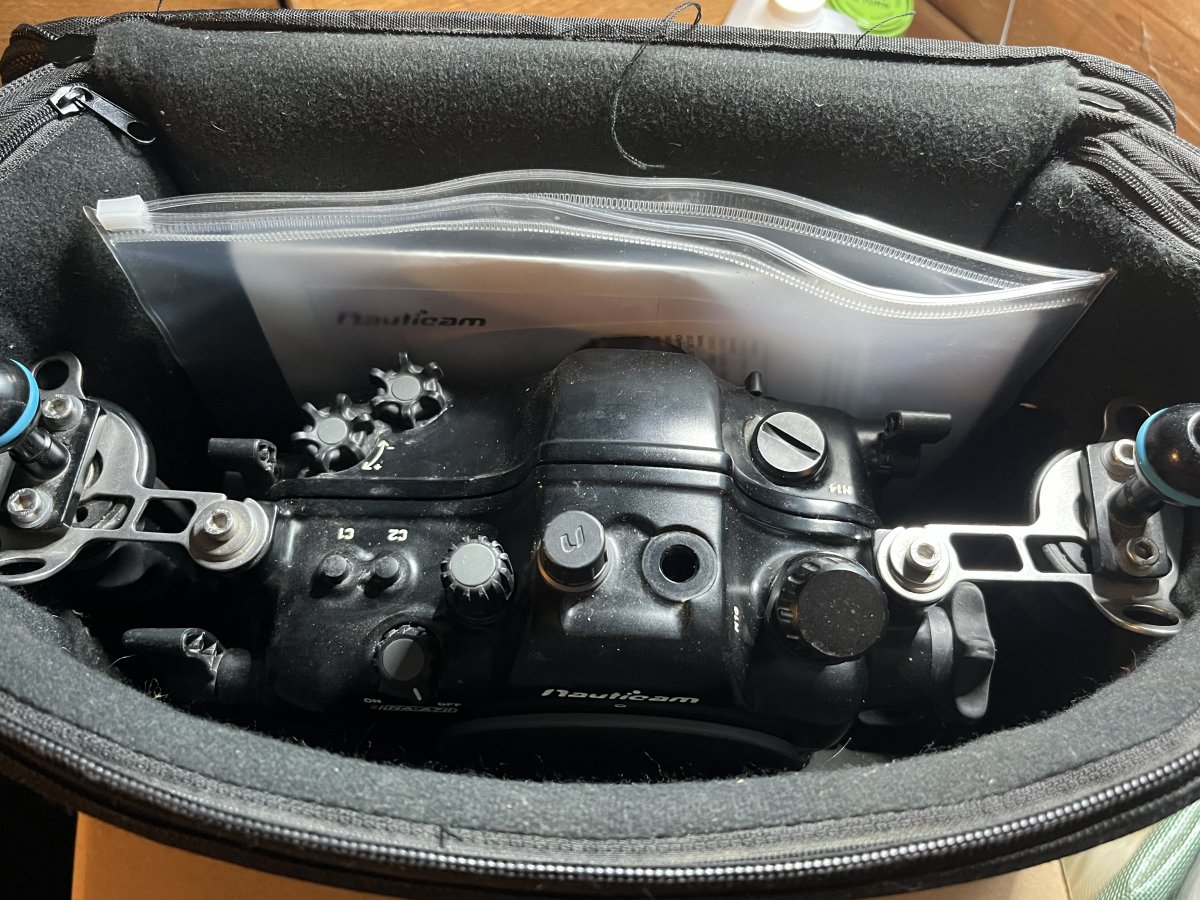
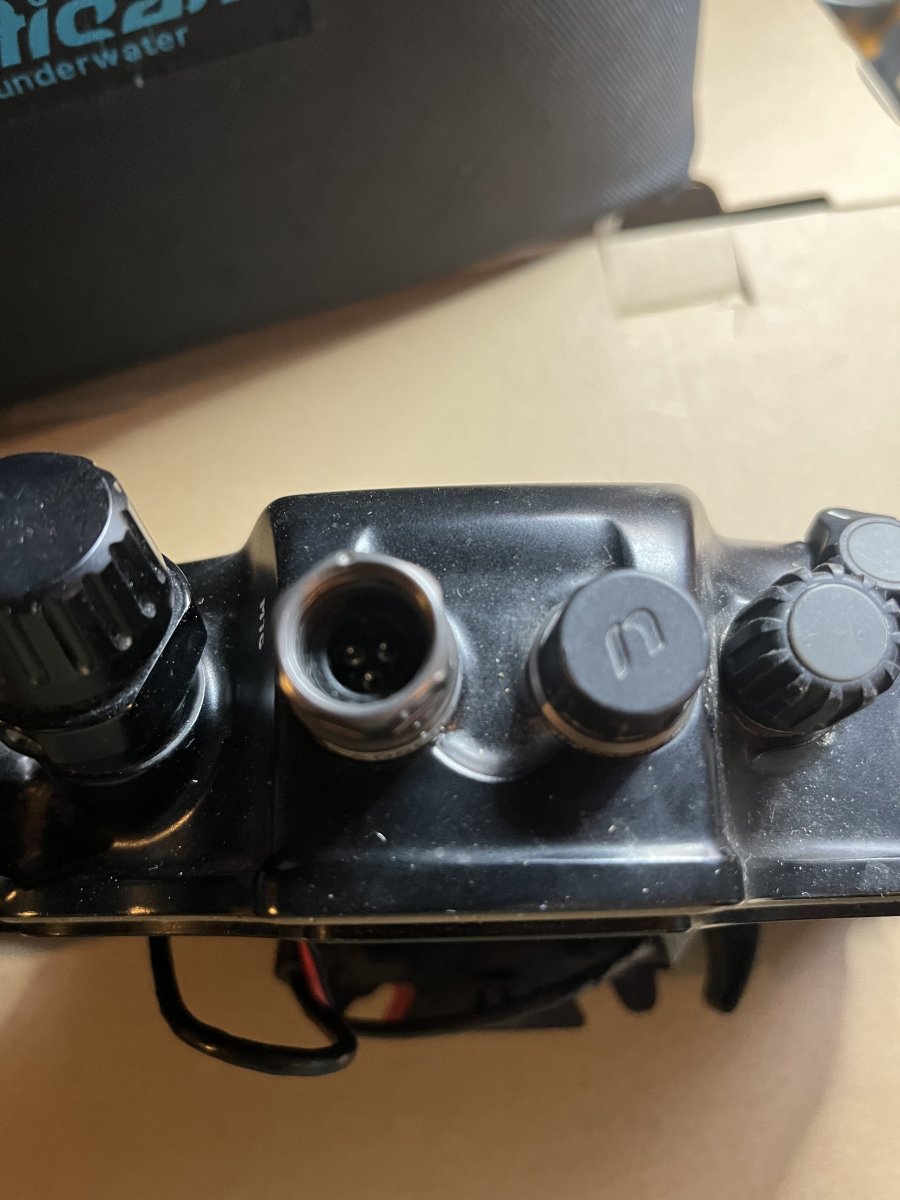
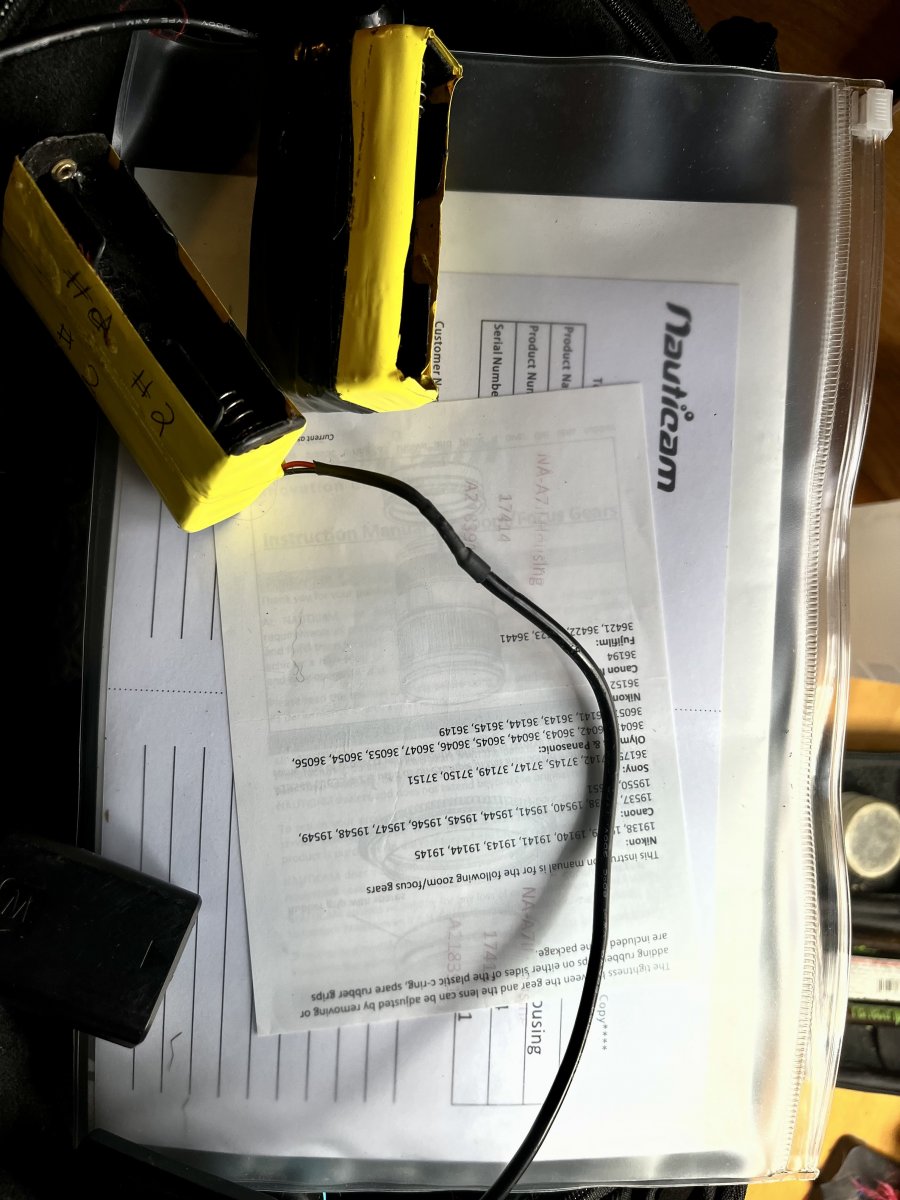
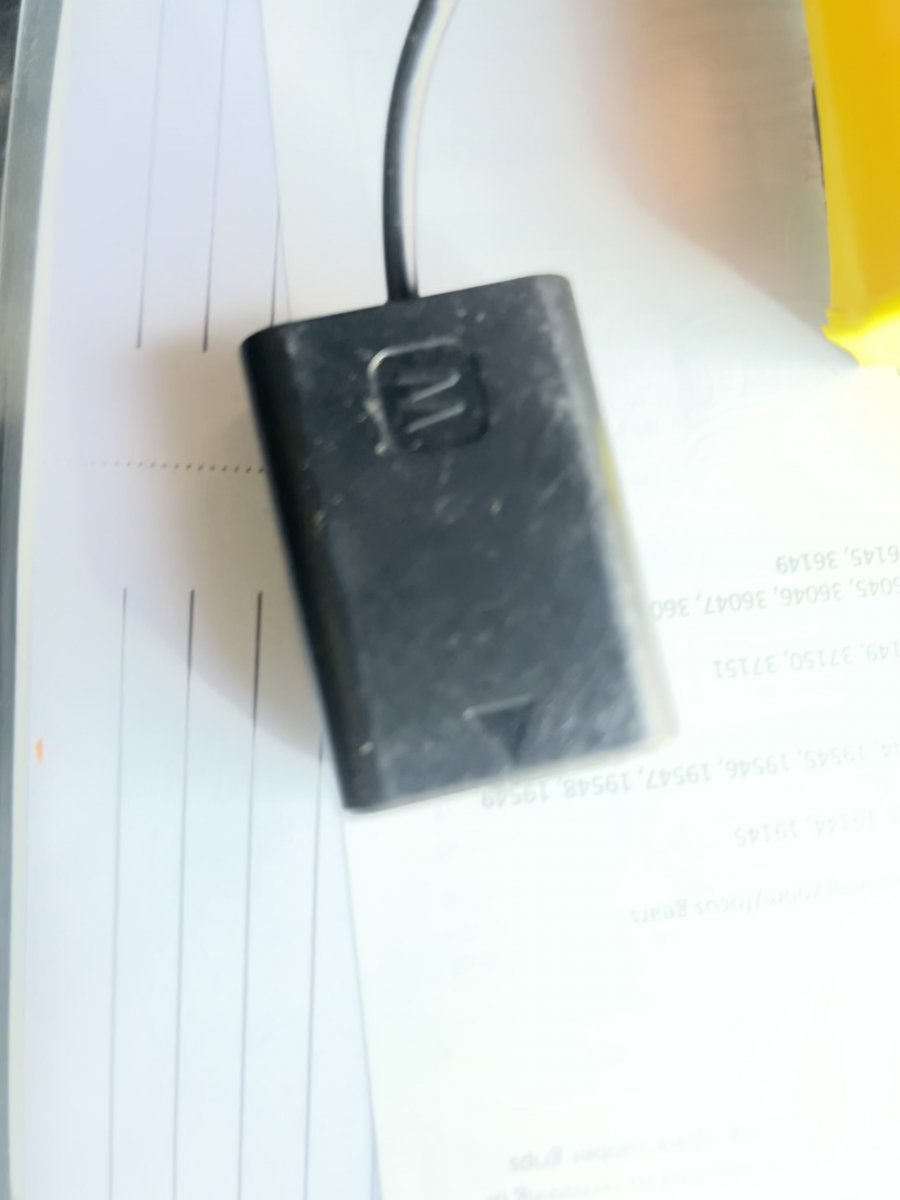
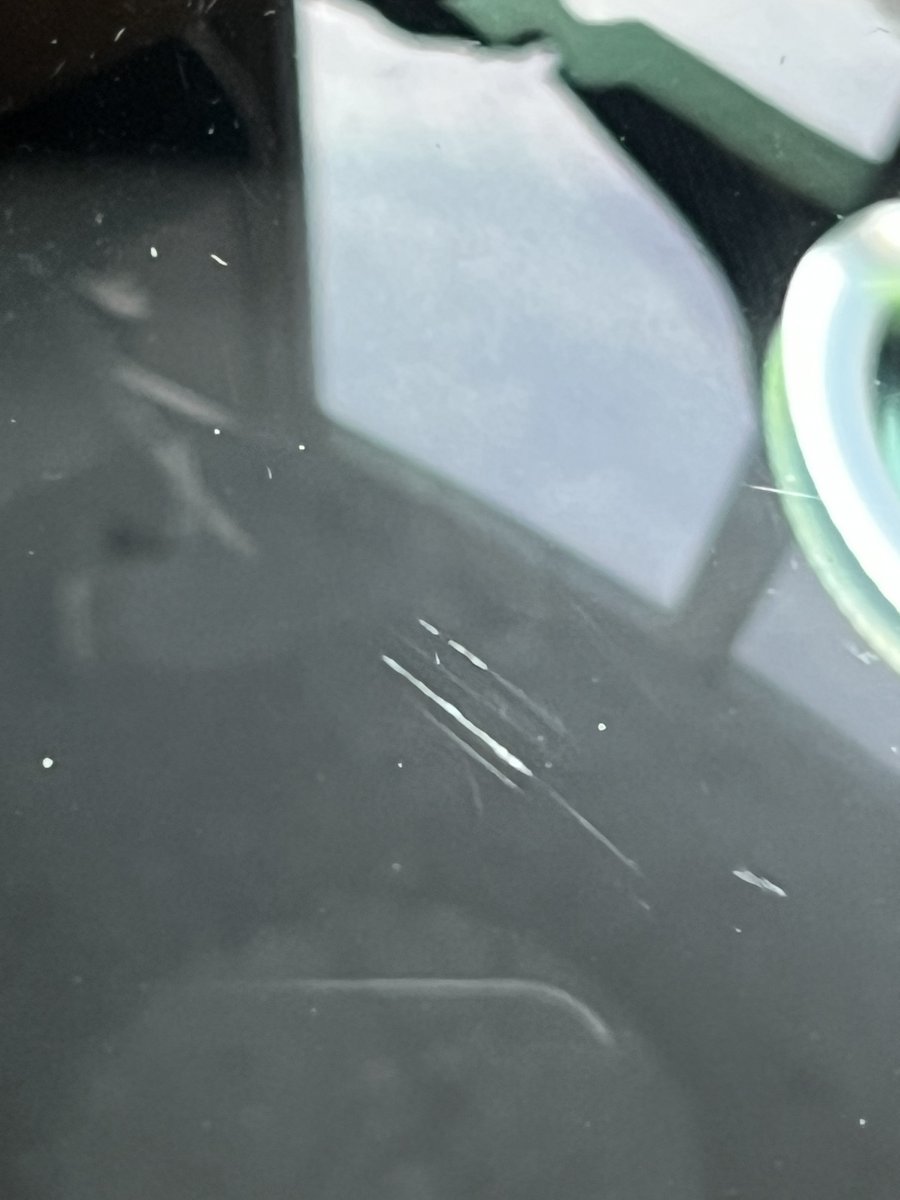
1. Nauticam A7II housing. Used, but only in freshwater, never leaked or flooded. The bottom of the housing has scratches because I used the housing on a tripod and sometimes laid it on the bottom of a stream. Otherwise, it is in good shape. Set up for wired strobe flash, so has sea and sea dual sync cord connection. Does not have the vacuum insert, though all the hardware is inside and the vacuum worked when I was using the housing. Also, includes two extra battery packs. Each pack will take 2x18650 batteries, I use orbtronic, which extend the operational time to well over 3-5 hrs per dive, depending on water temperature. They come attached to a dummy battery and you shove the battery pack up above the camera. I have a very thin hotshoe mount that allows the batteries to fit. Includes original box, black carrying case, wrenches, and an extra O-ring.
Asking $1200 OBO
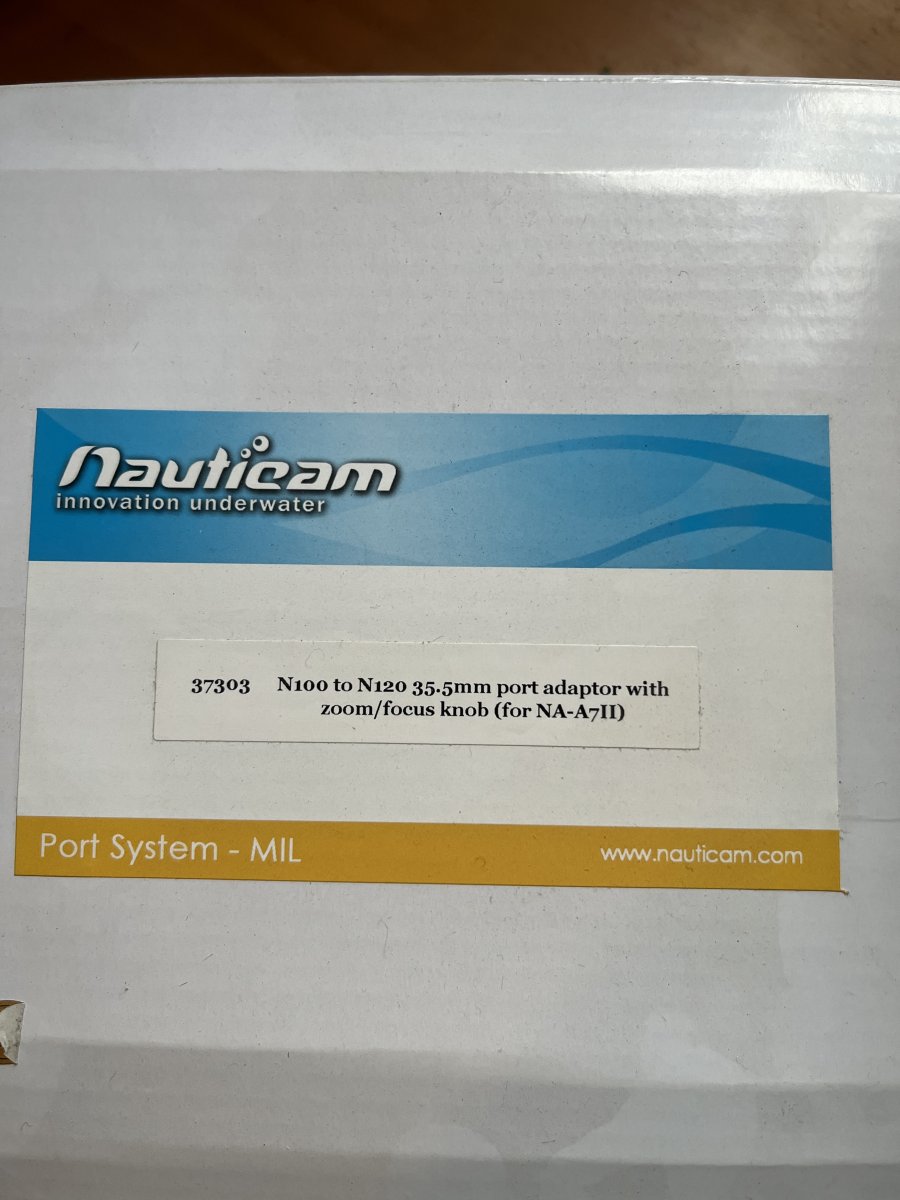
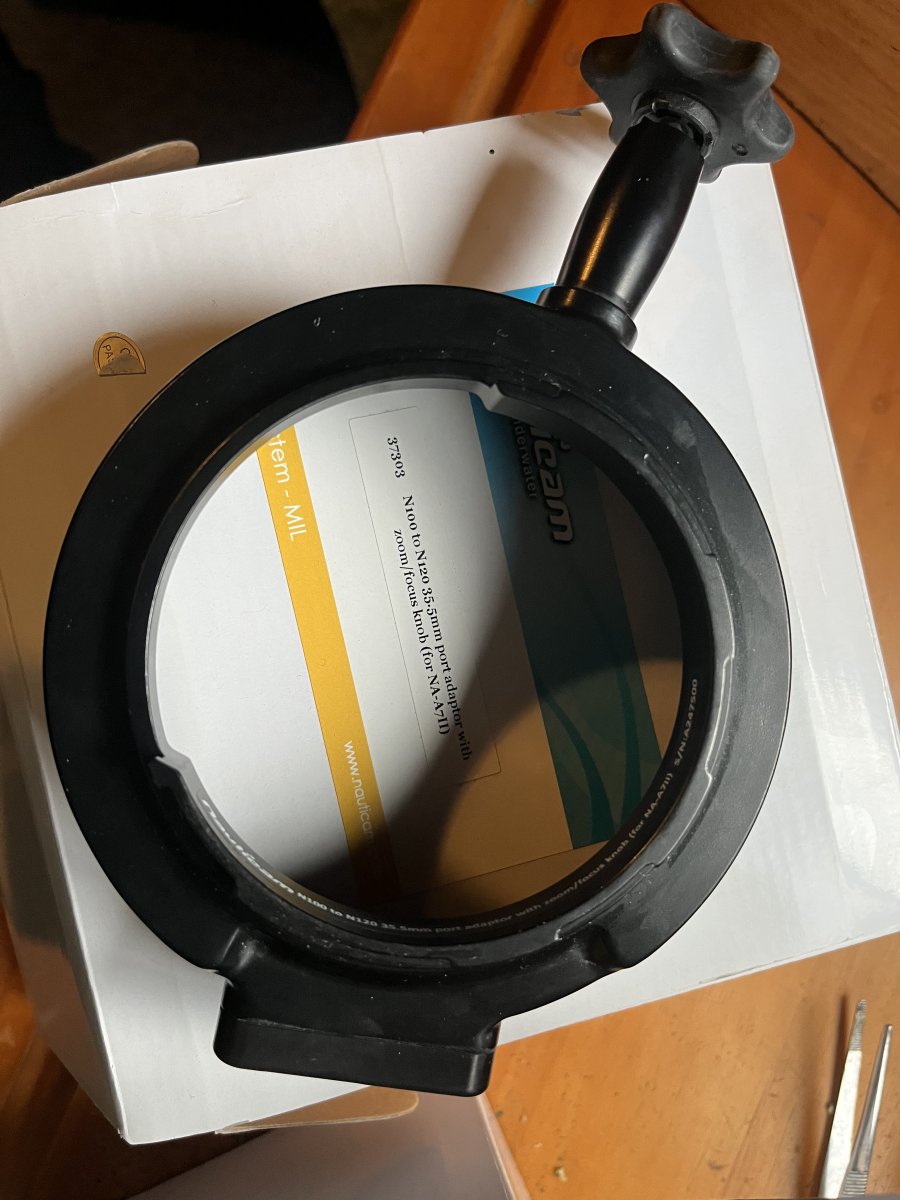
2. Nauticam N100 to N120 port adapter with knob for A7 II. In good shape, only used in freshwater, never leaked or flooded. O-rings always cleaned, changed as needed. $250
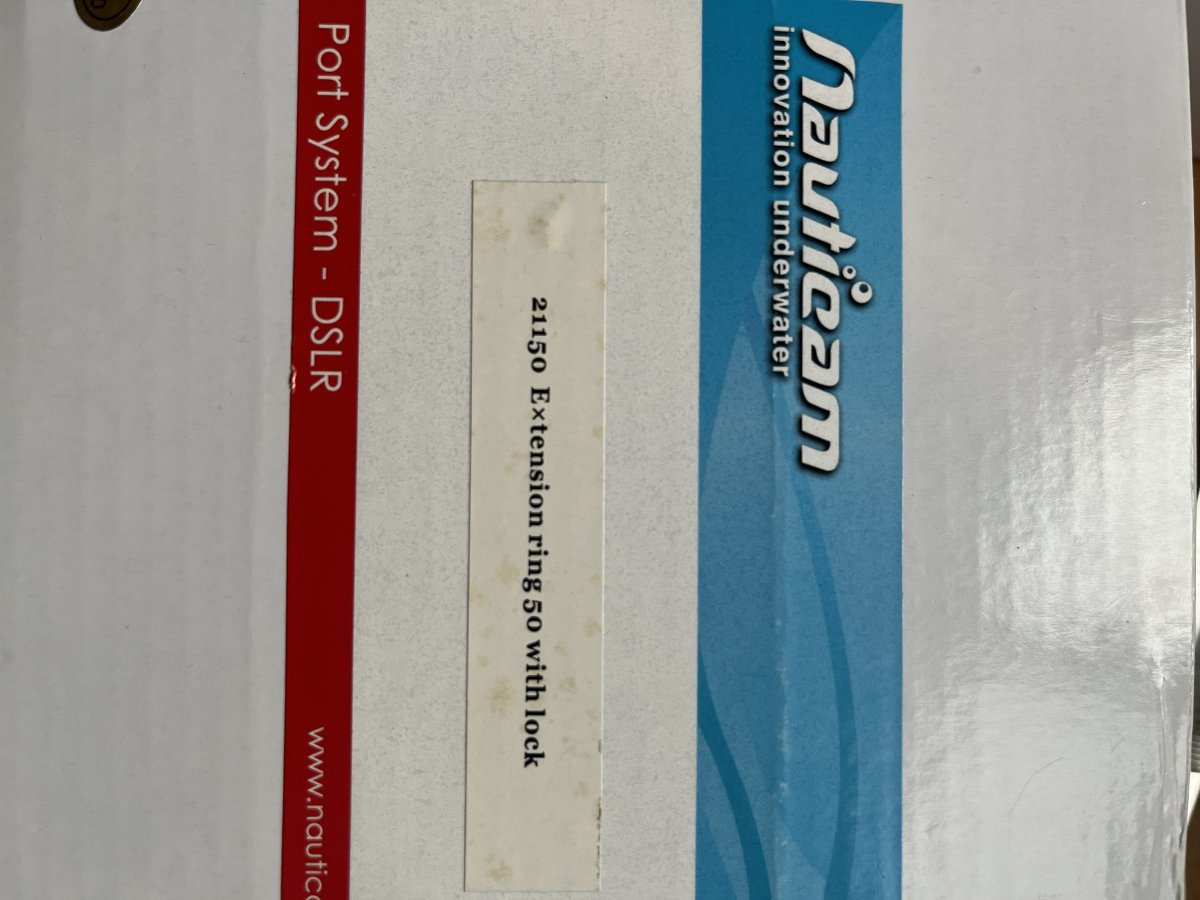
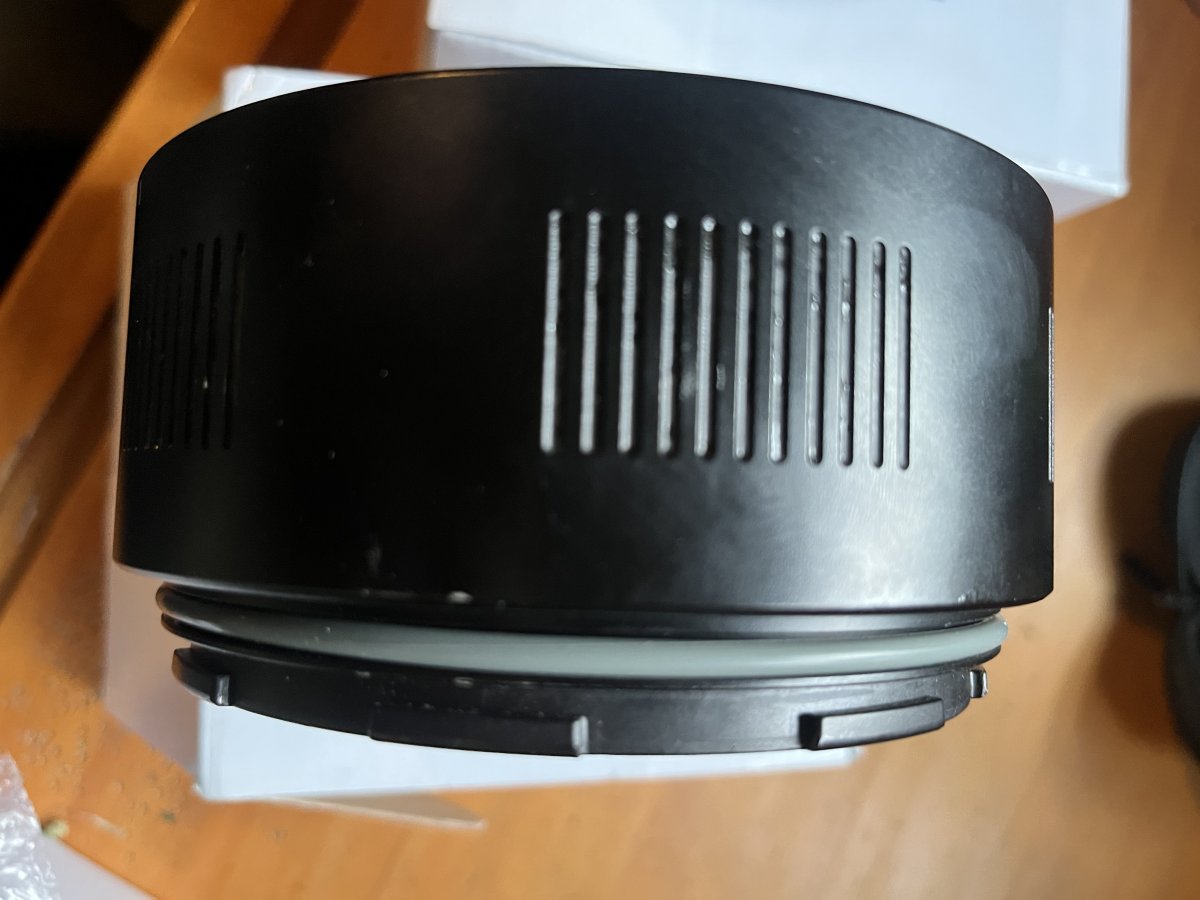
3. Nauticam N120 50mm Extension Ring (Type 1). In good shape, only used in freshwater, never leaked or flooded. O-rings always cleaned, changed as needed. $200
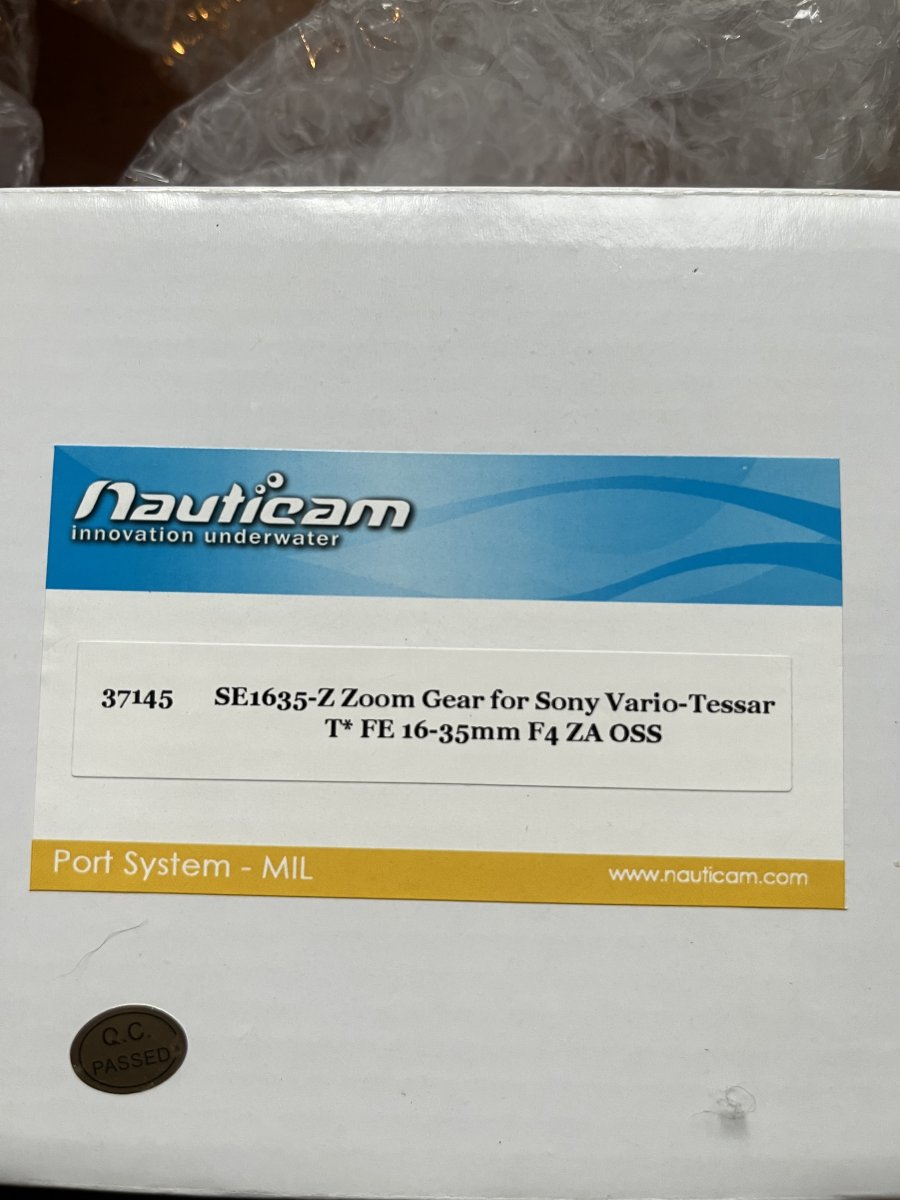
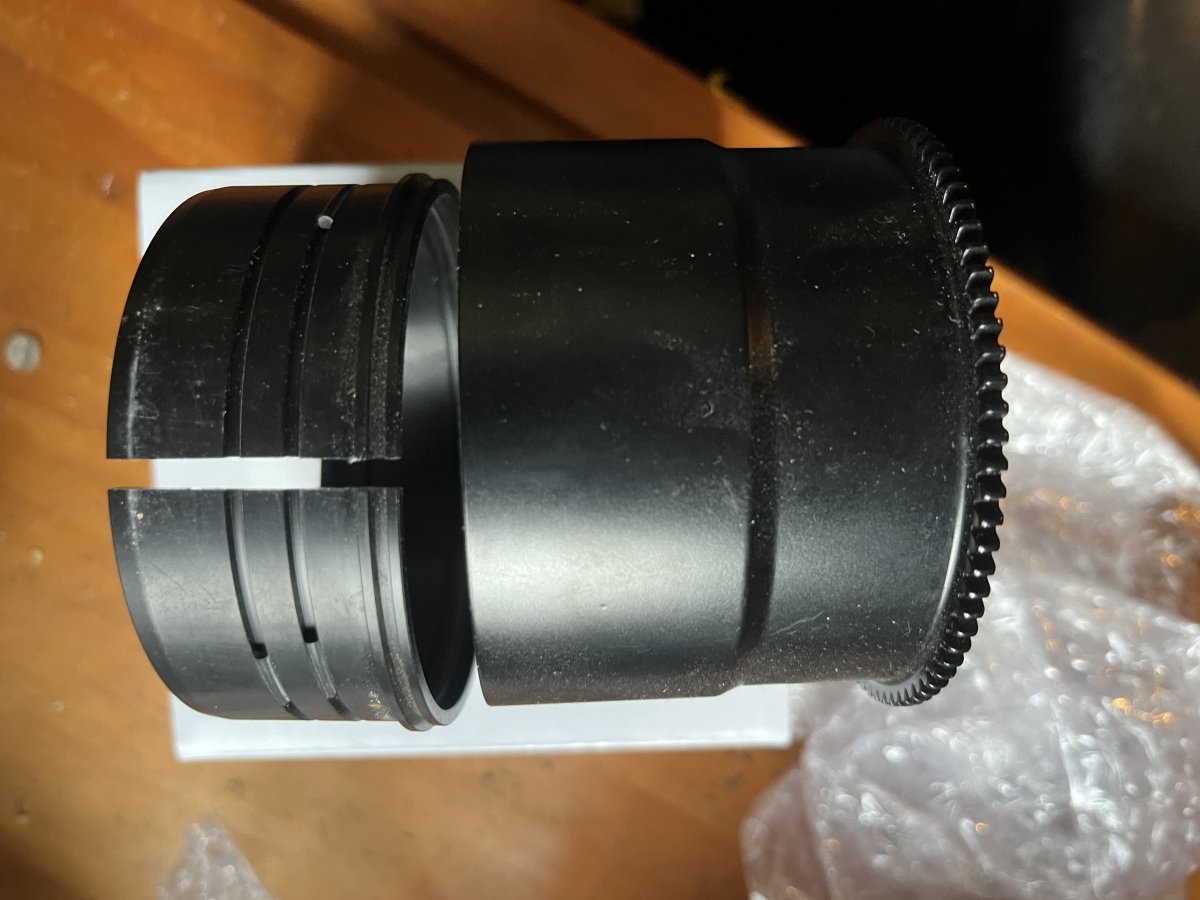
4. Nauticam zoom gear for Sony 16-35mm F4 Lens (374315) $100
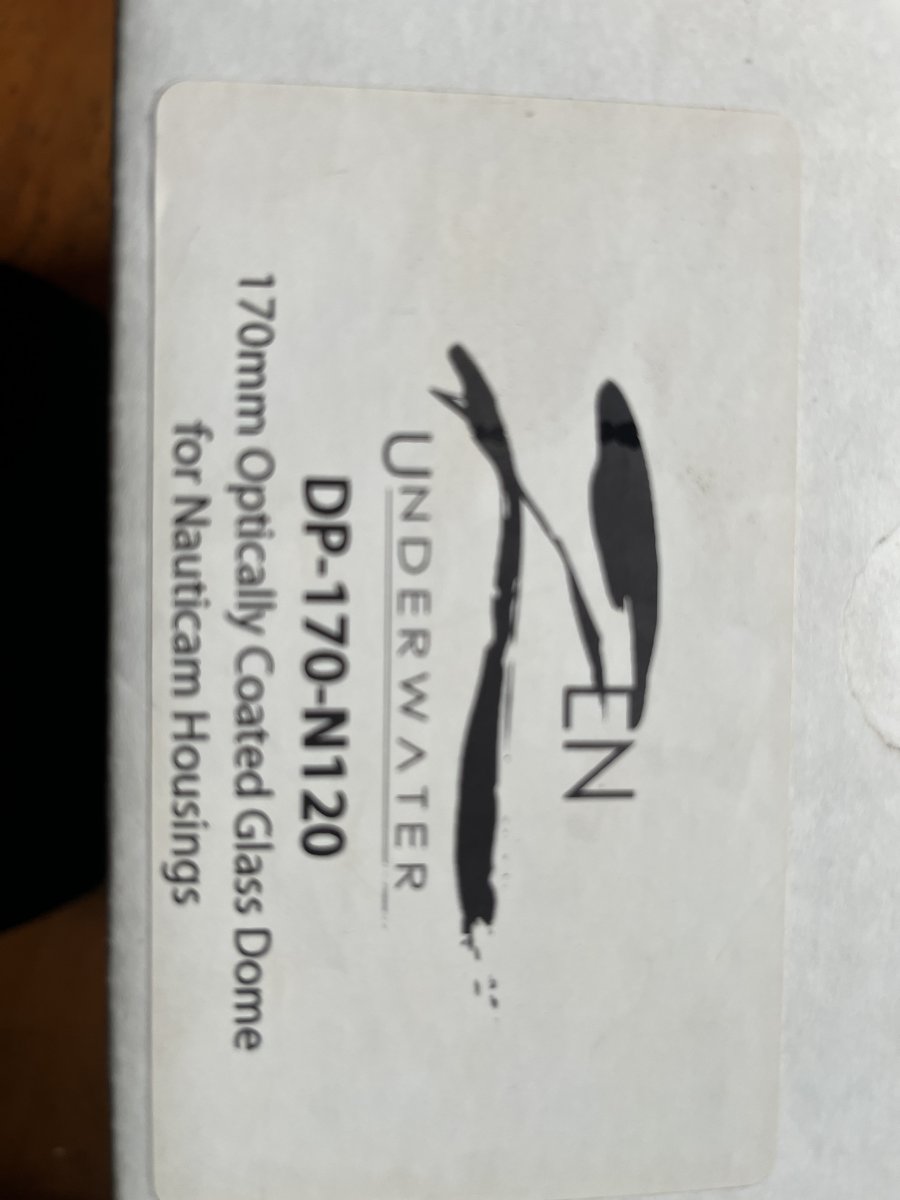
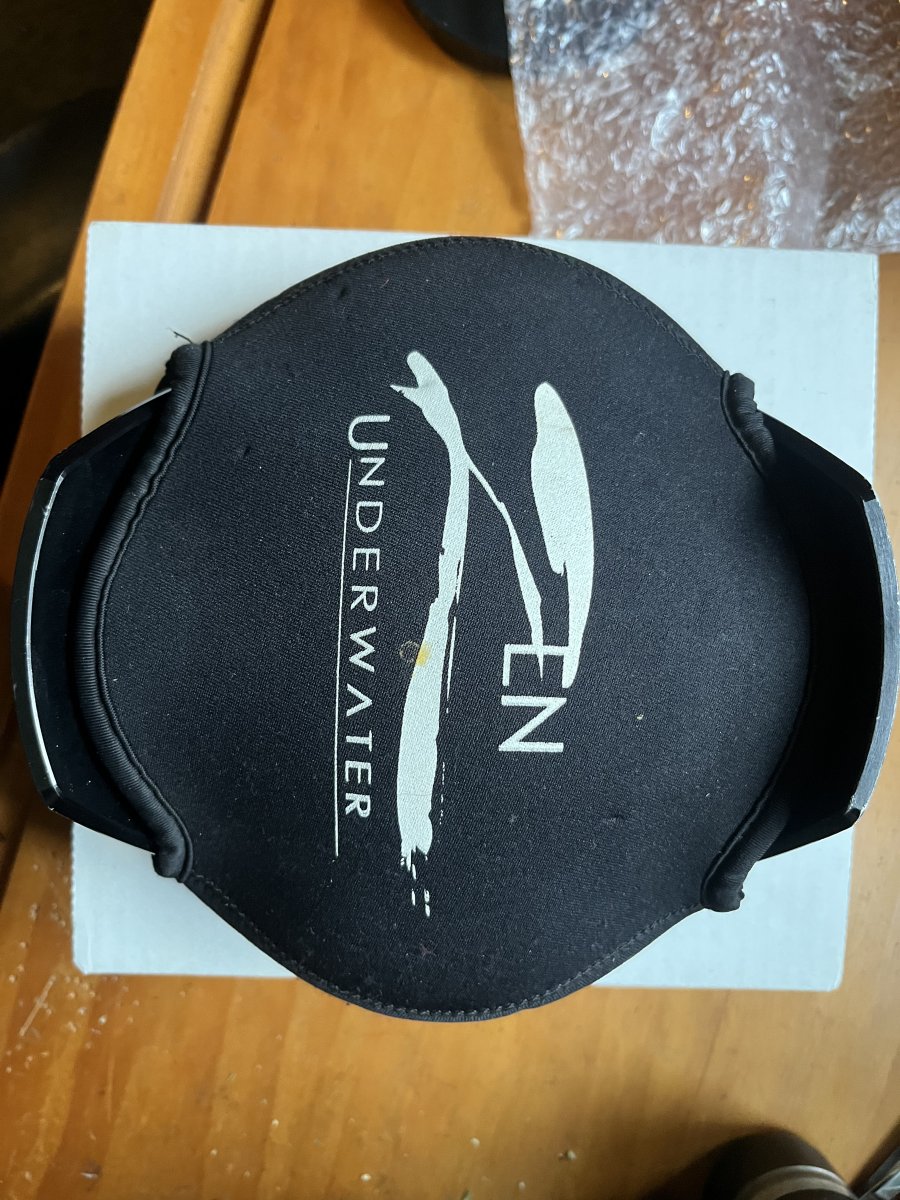
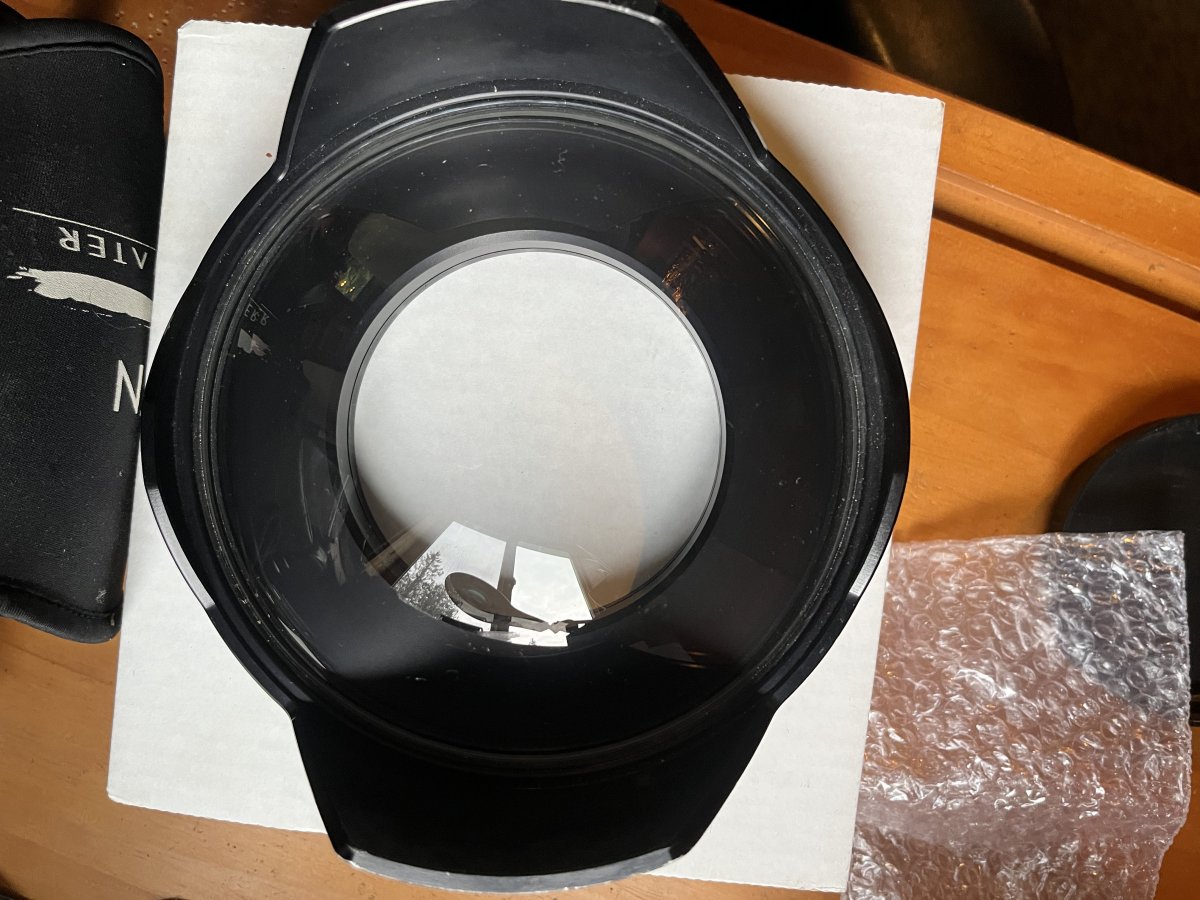
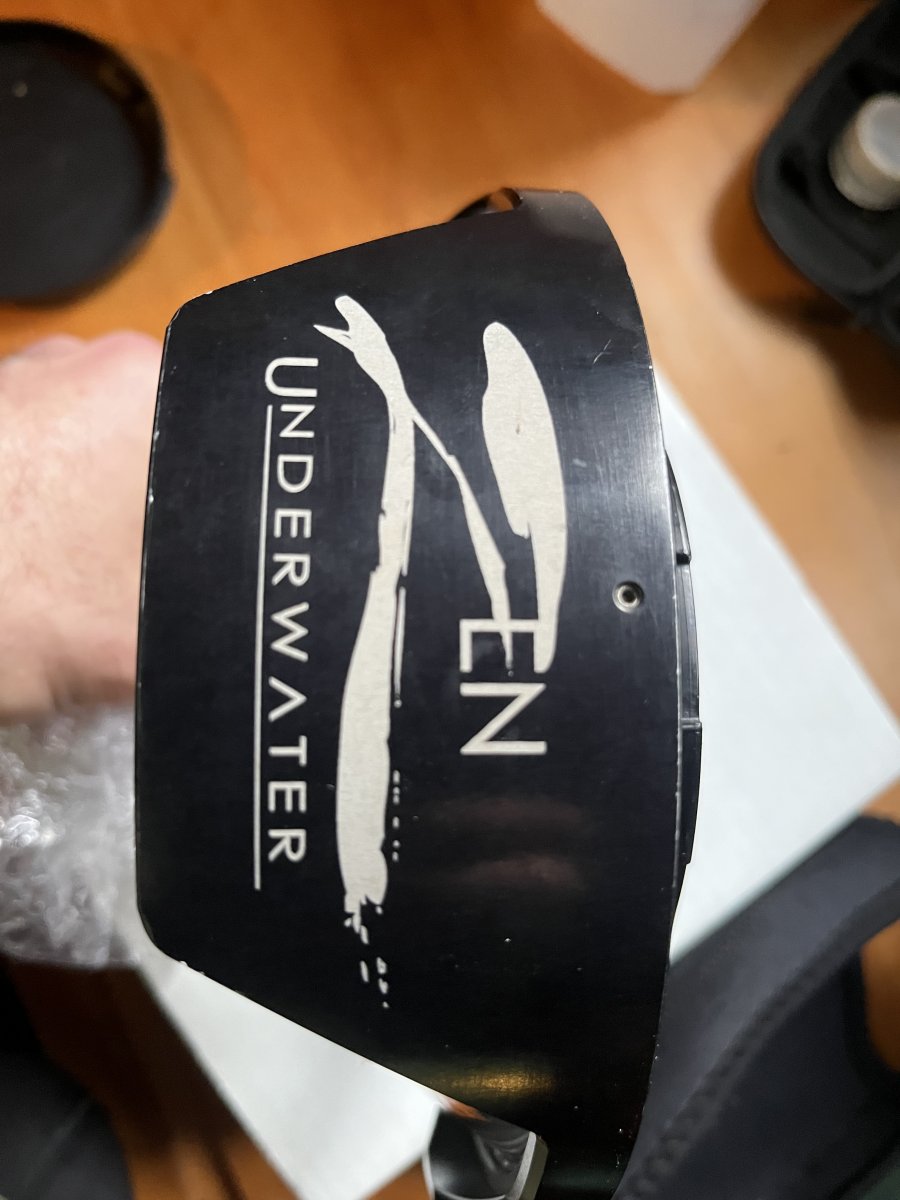
5. Zen DP-170-120 170mm glass port for Nauticam (version 1). This has two visible scratches on the surface of the glass port. I've used this and owned since new, and the scratches have not created any visual effects while shooting or in my shots. The port also has scratches around the black coating because it was occasionally set on the stream bottom. $400
Open to offers. Let me know if you have questions.