Skip to content

Video Gear and Technique / Archived topic

Weefine WED-5 Monitor – Change of Adapters?

Started by BLUEWAVEFILMS ·

  • 8Posts
  • 8Replies

Read-only discussion

Weefine WED-5 Monitor – Change of Adapters?

8 posts
  1. Hello everyone!

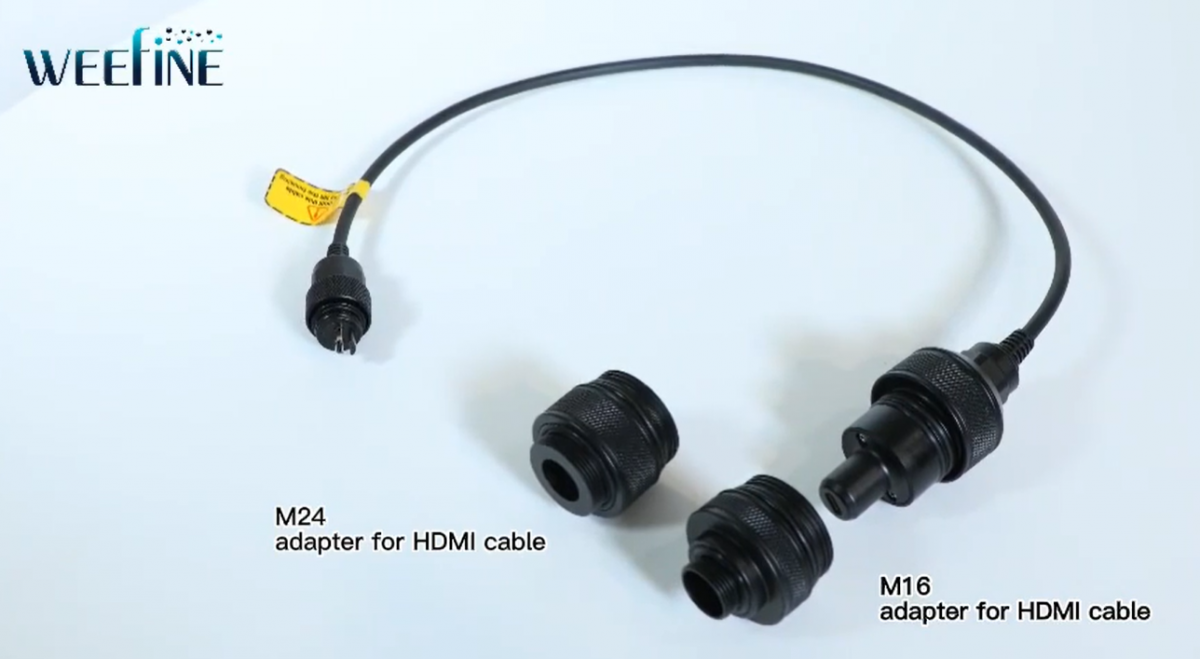
    I have a question for the group: Does anyone here have experience with Weefine monitors? I recently purchased the small WED-5 monitor from Weefine and I want to connect it to my old Nauticam GH-5 housing. This housing only has one M16 connection, which wouldn't be a problem except that the HDMI cable for the monitor comes with an M24 preinstalled. Apparently, you can replace the M24 with the included M16 adapter yourself.

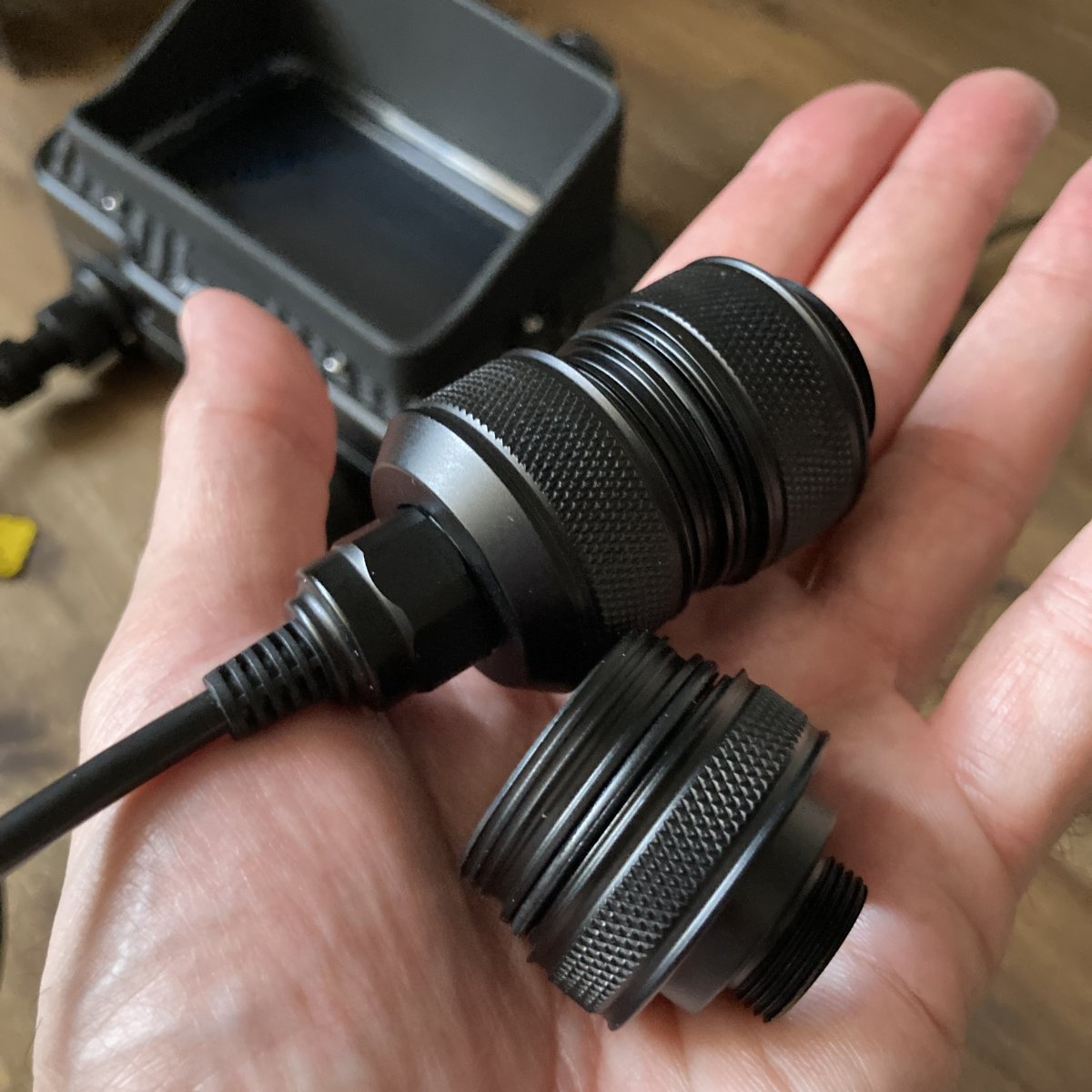
    But now comes my embarrassing problem: How do I do that? I can unscrew the bottom end (photo attached), but I can't get the M24 adapter off. The connection between the plug and adapter seems to be permanently fixed. There is no movement or rotation possible by pulling or twisting.
    Is it supposed to be pulled off or unscrewed as well?
    The manual doesn't say anything about this. Has anyone had the same issue with a WED-7?

    I've already contacted Weefine, but haven't received a response so far.

    Any advice or tips would be greatly appreciated.
    Thanks a lot!
    Andreas
    IMG_4060.JPG

  2. From what I see, you just unscrew the lower bulkhead part. 


    image.thumb.png.53ba5b7d292e31d25edb05a86e6b55d5.png

    Edited by Davide DB
  3. 45 minutes ago, Davide DB said:

    From what I see, you just unscrew the lower bulkhead part. 


    image.thumb.png.53ba5b7d292e31d25edb05a86e6b55d5.png

    Thank you! I already know this picture. I excepted to get the parts delivered this way but the M24 was preinstalled. So pulling would be the way to go... I will give it another try. Maybe there is some more force or even a wrench needed to unplug the M24.

  4. On the video it seems straightforward.

    Give us some feedback on this monitor. It has a nice design and a very good price.

  5. So far I like the small size, the little weight and relatively bright display. I am planing to take it to the Azores in late July, if I ever get the M16 mounted. ;-) I will report how well it performs underwater.


  6. I have the WED-7 (7" version) but can't really comment as my housing has a m24 bulkhead. Interested in your feedback on how you like the 5" monitor... might look at that as an "upgrade" to a smaller monitor for travel.

  7. On 4/24/2023 at 1:30 PM, Davide DB said:

    On the video it seems straightforward.

    Give us some feedback on this monitor. It has a nice design and a very good price.

    I have just returned from the Azores where I used the monitor for the first time in real life with my GH5. I did 10 dives with it.
    Long story short: The monitor worked perfectly! It was always bright enough, but that may change in bright tropical waters. In the Azores the sunlight ist not too bright most of time. The battery lasted for at least 2 hours of diving.
    I would say it is a keeper!

Account

Navigation

Search

Search

Configure browser push notifications

Chrome (Android)
  1. Tap the lock icon next to the address bar.
  2. Tap Permissions → Notifications.
  3. Adjust your preference.
Chrome (Desktop)
  1. Click the padlock icon in the address bar.
  2. Select Site settings.
  3. Find Notifications and adjust your preference.