Skip to content

Classifieds / Archived topic

Complete Nauticam Sony Underwater Setup with Inon Strobes

Started by DiveGirl 50 ·

  • 2Posts
  • 2Replies

Read-only discussion

Complete Nauticam Sony Underwater Setup with Inon Strobes

2 posts
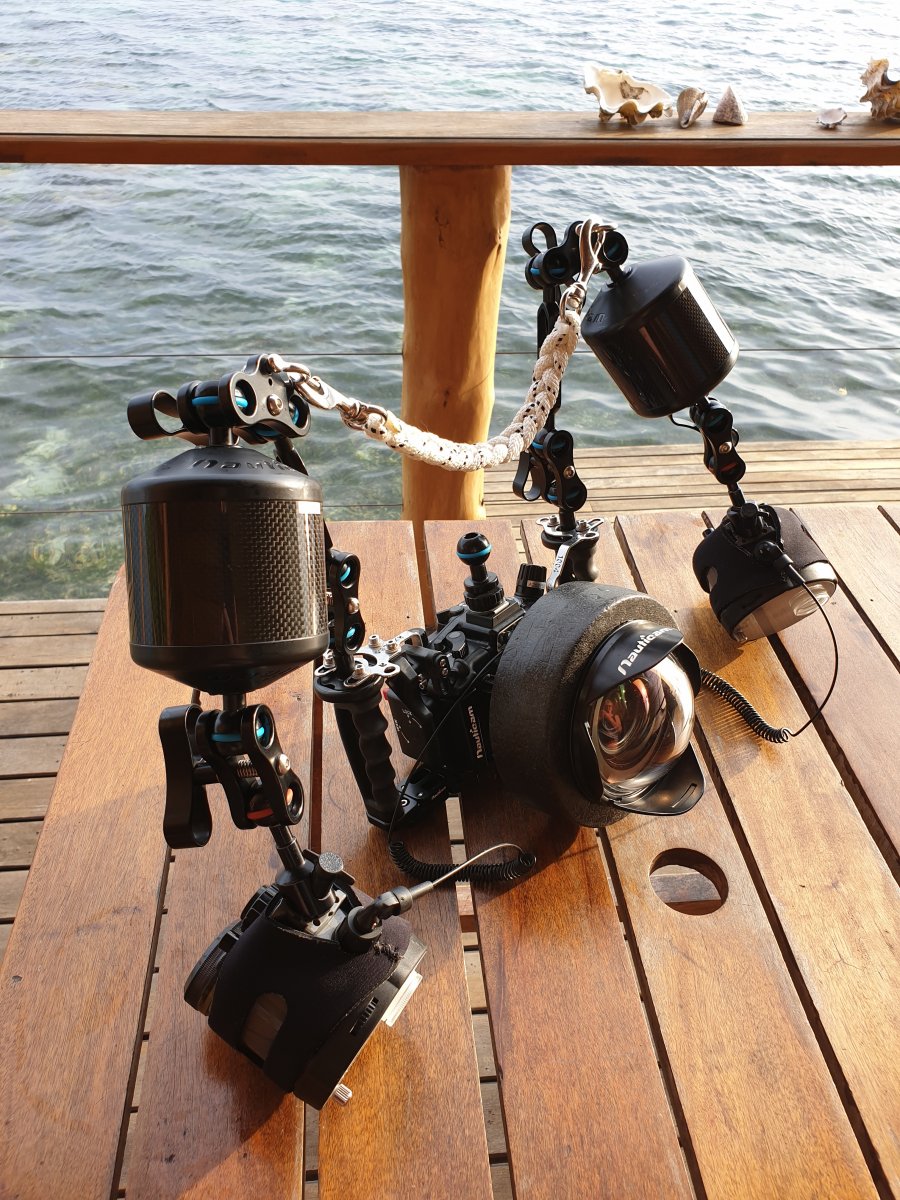
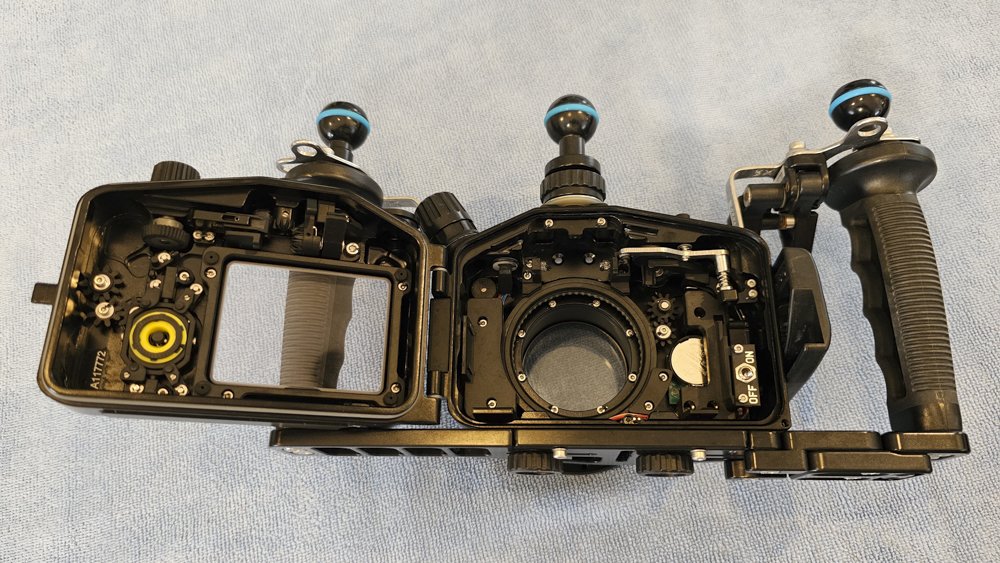
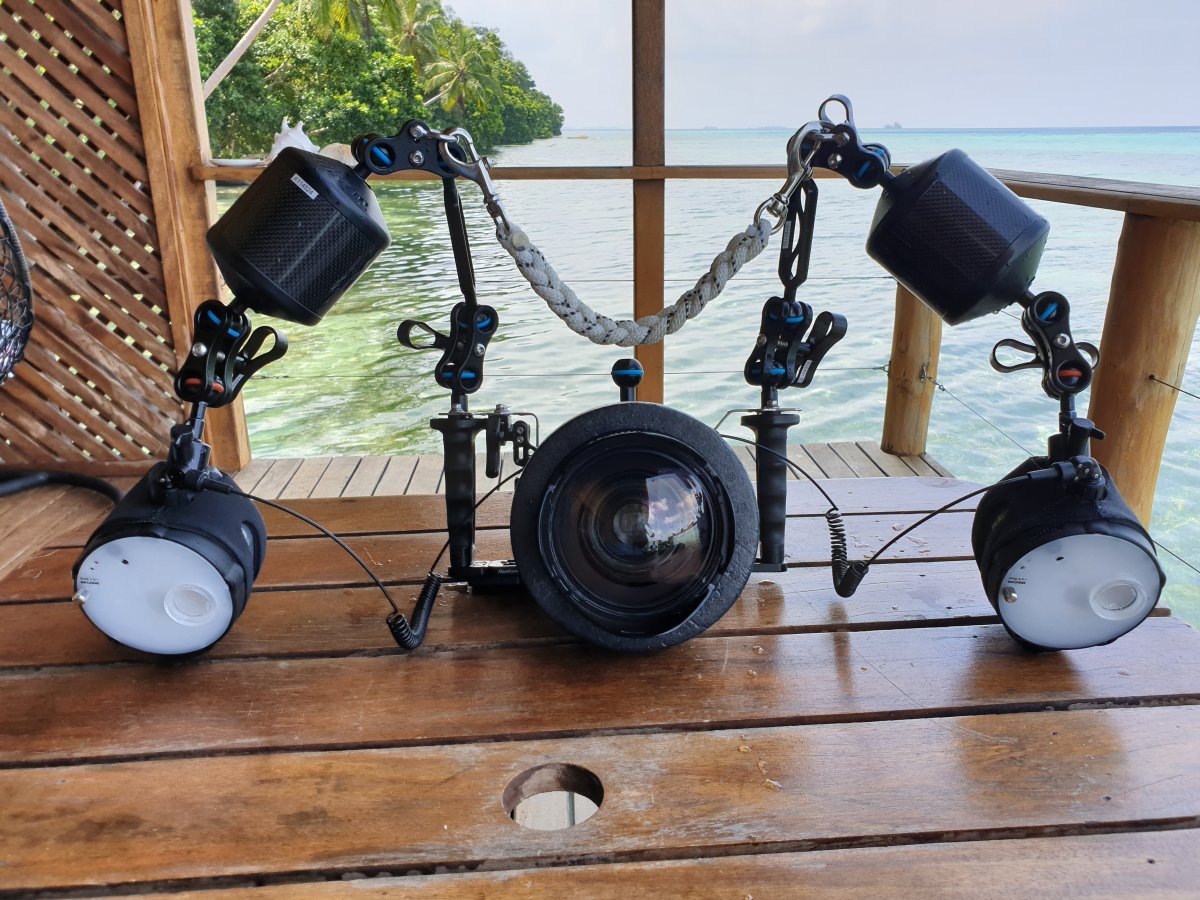
  1. I am no longer diving so reluctantly selling my complete Underwater Camera setup. All in immaculate condition, never flooded.

    I am not prepared to separate the various components at this stage.

    I will consider any reasonable offer over $3900AUD.

    Postage at buyers cost, whether to Australia or Overseas.

    Included -

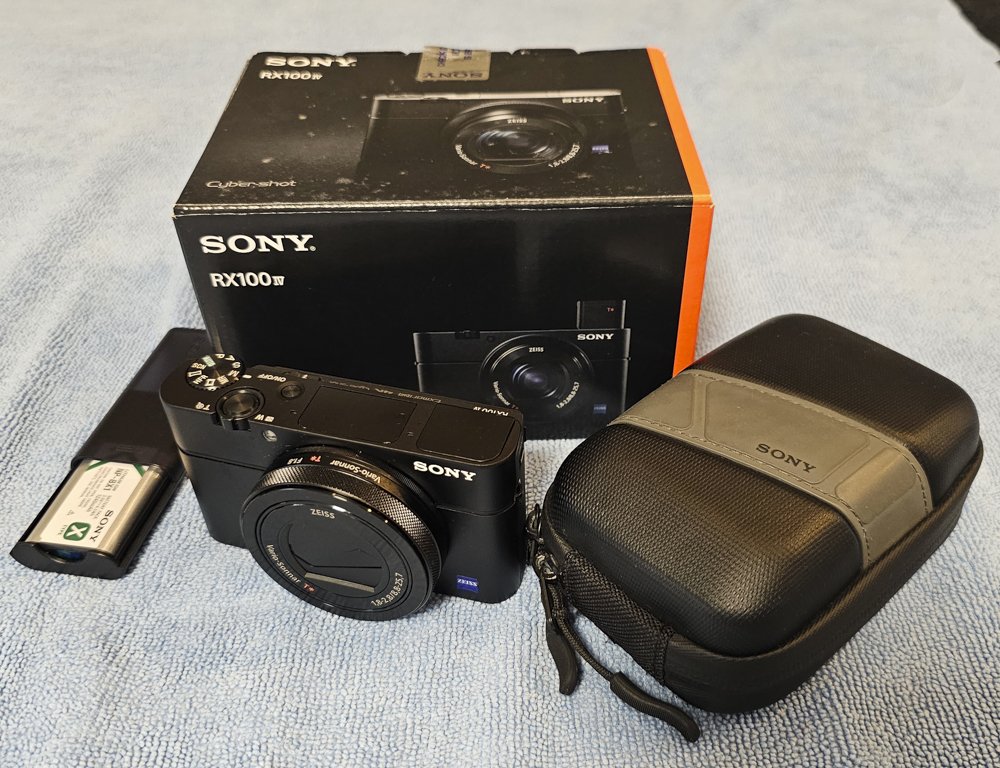
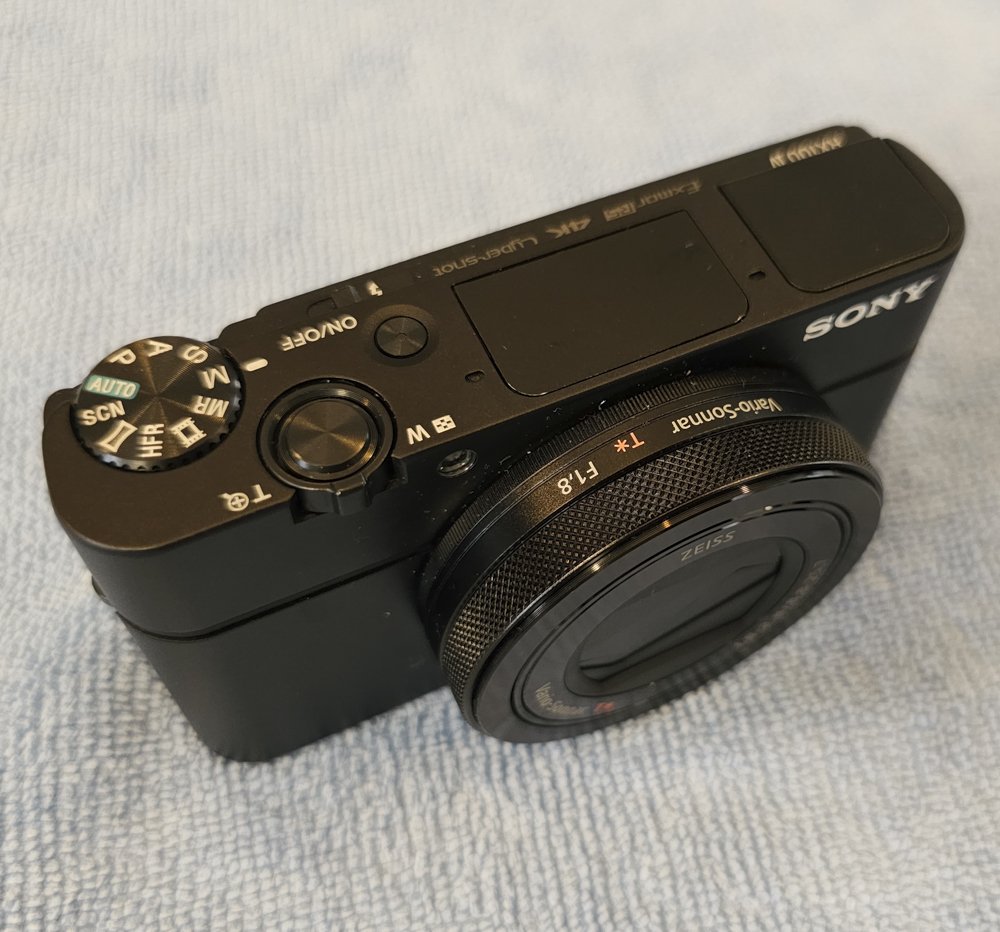
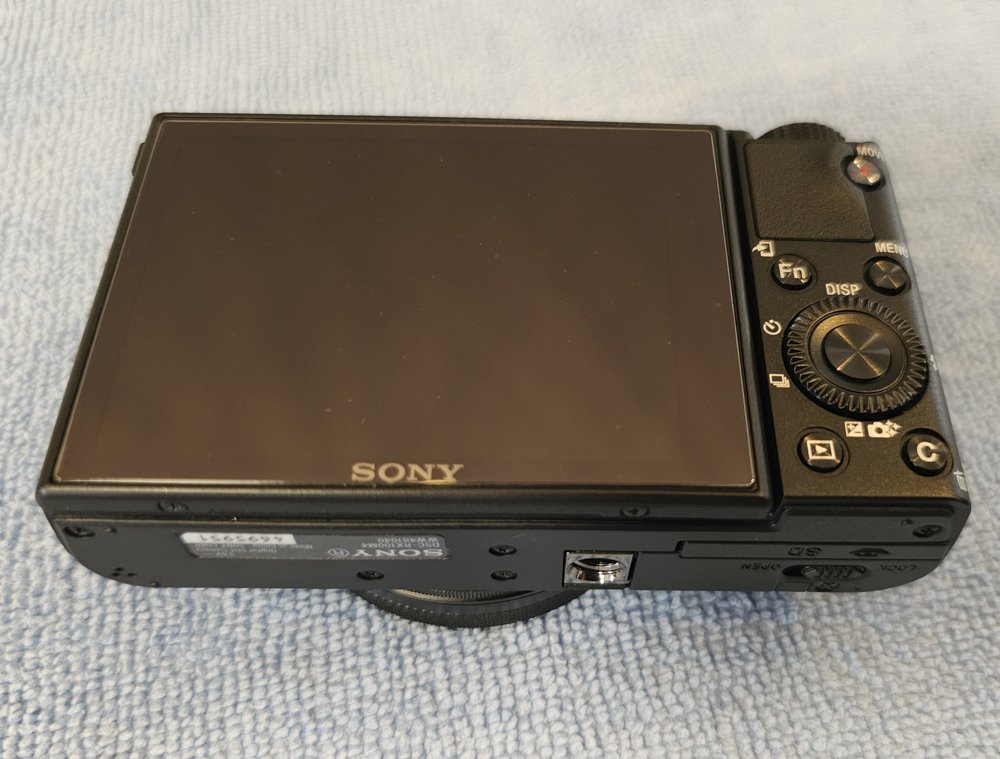
    Sony RX100 IV with spare battery and 128g card. Only ever used in the housing so in perfect as new condition

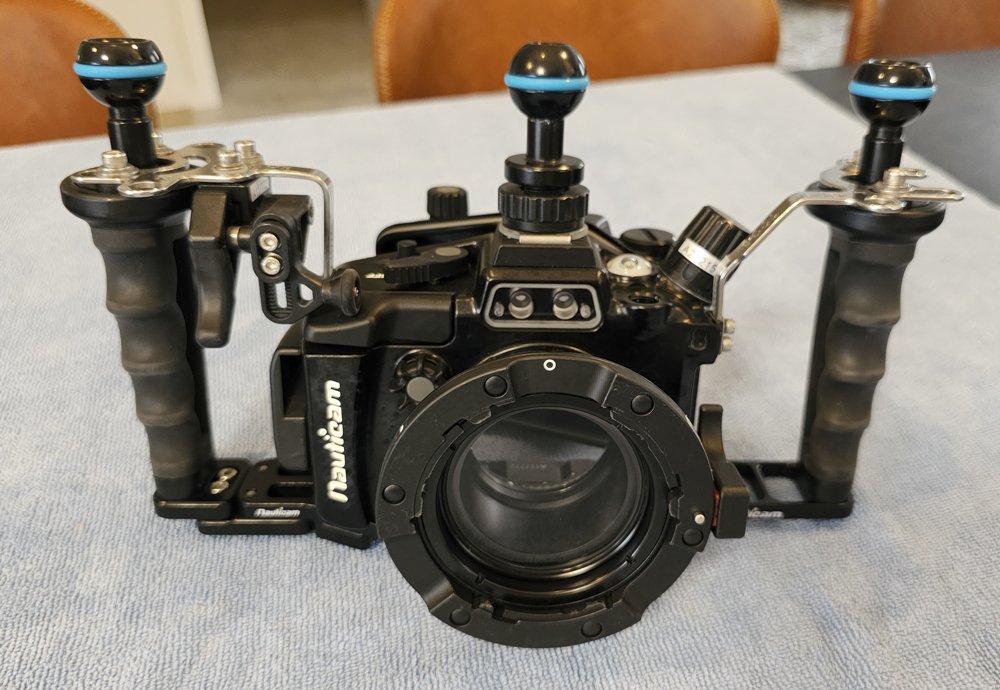
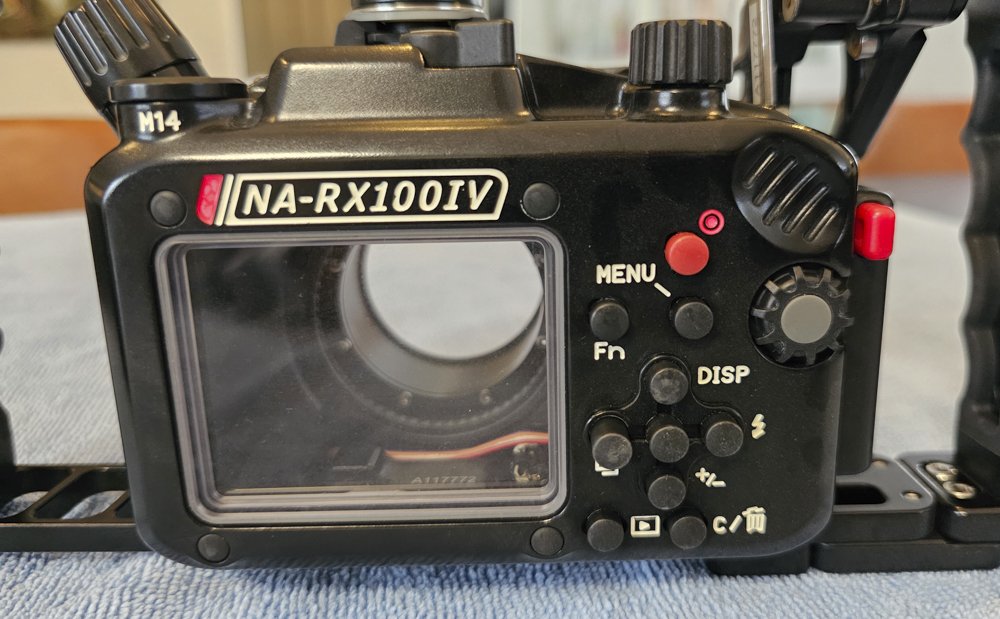
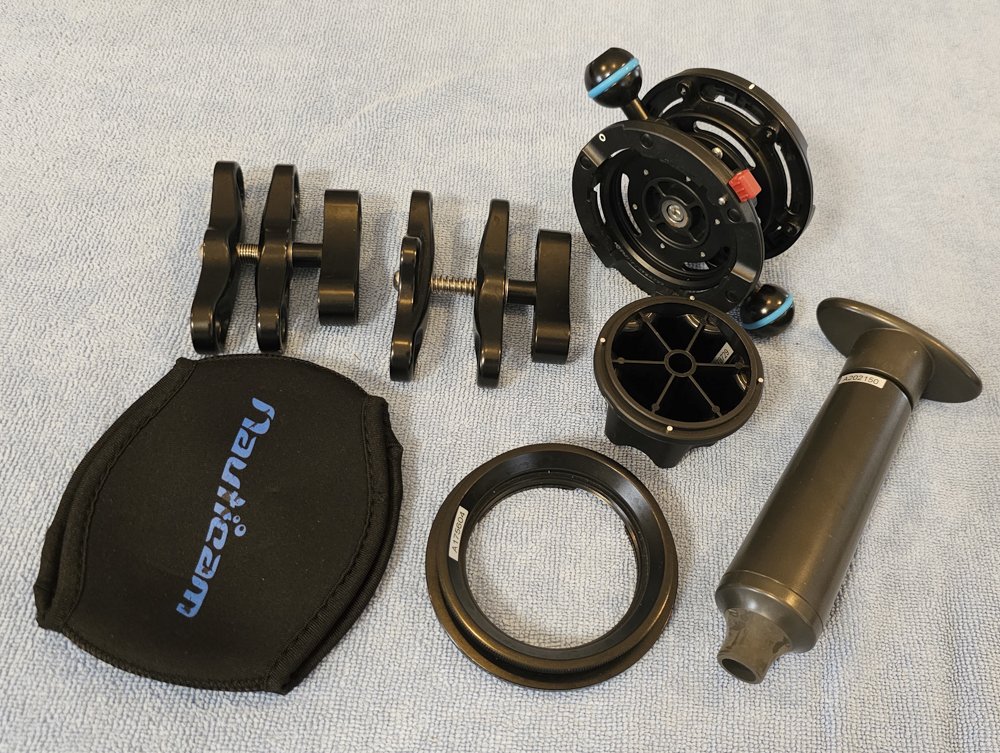
    Nauticam Underwater Housing with Vacuum Seal System to fit Sony RX100 MkIV

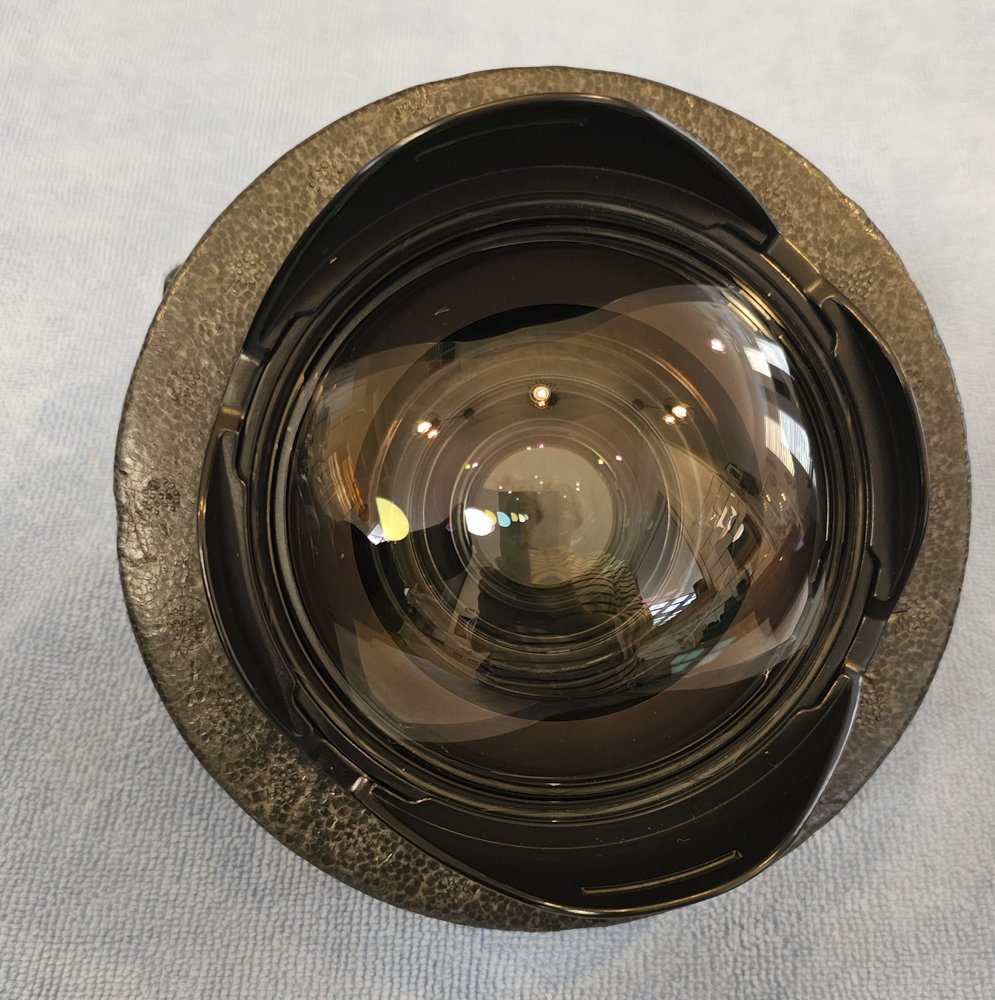
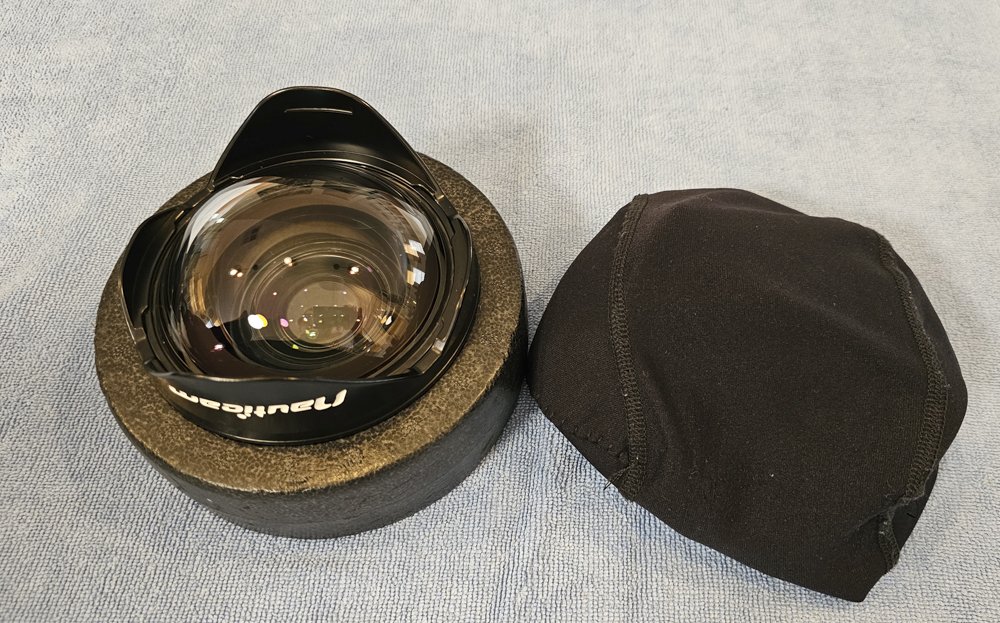
    Nauticam WWL-1 Wet Wide Lens with Bouyancy Collar fitted and travel bag

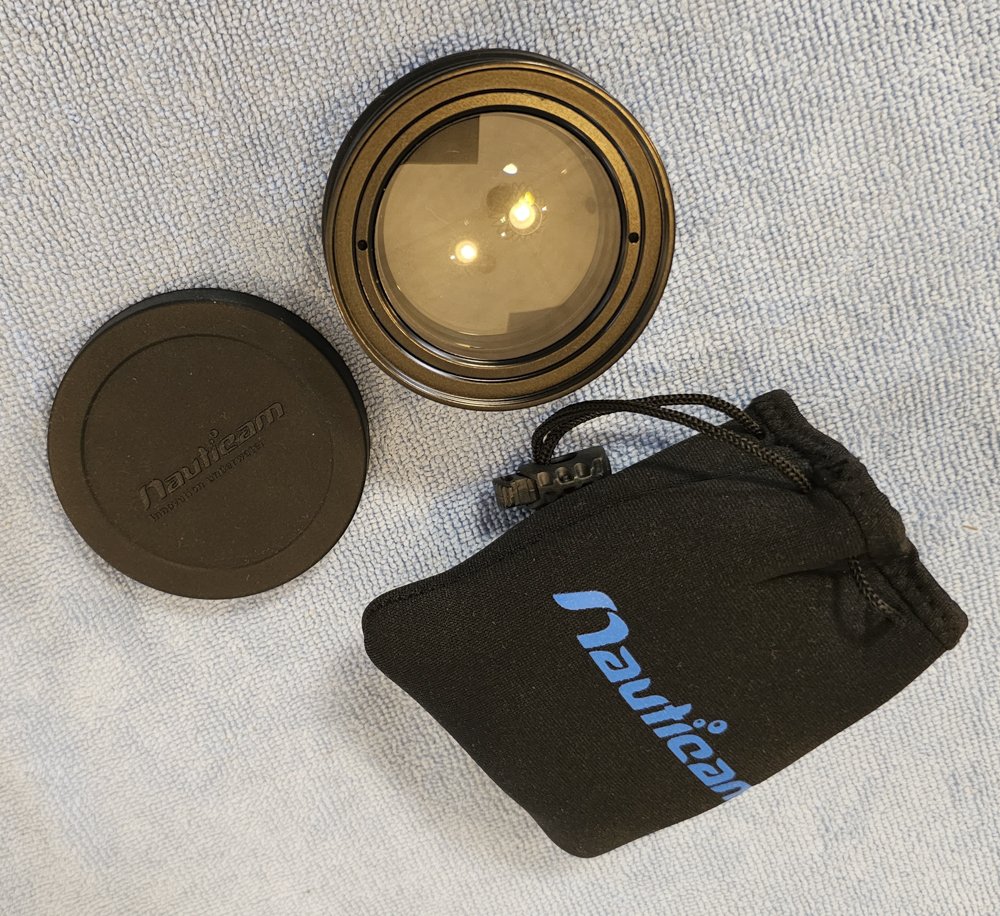
    Nauticam CMC-2 Macro Lens (never used)

    Nauticam Bayonet Double Mount Lens Caddy

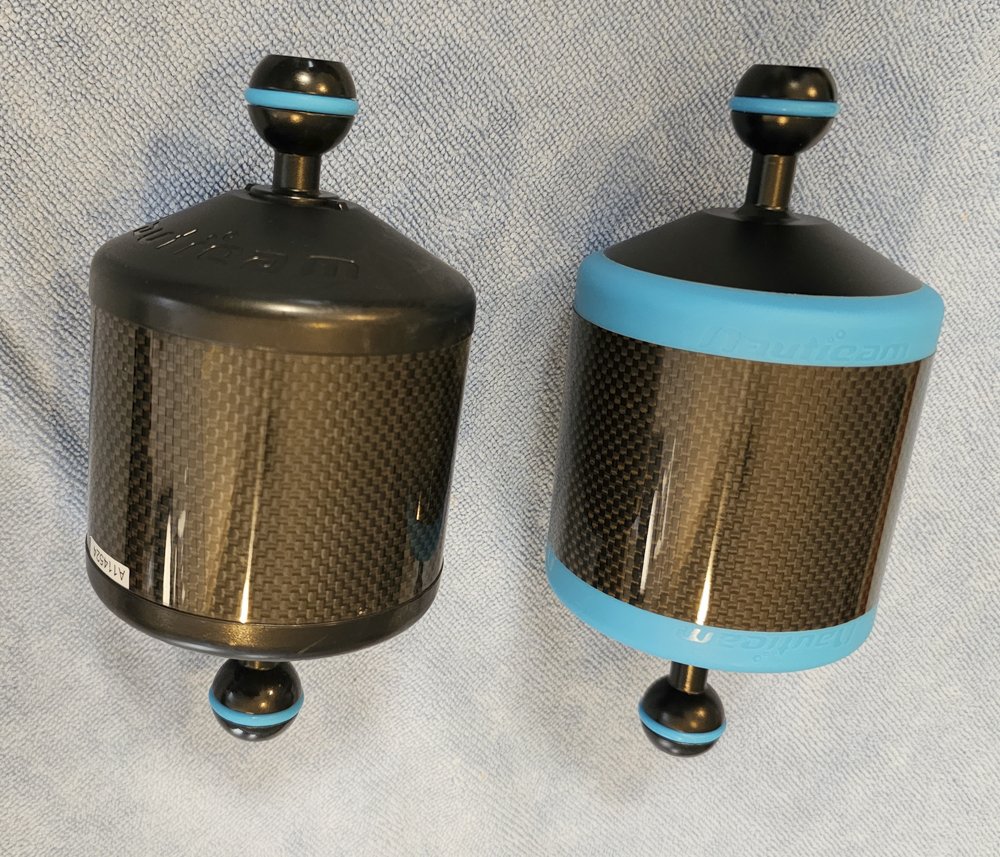
    2 x Nauticam 90mm Carbon Fibre Floats

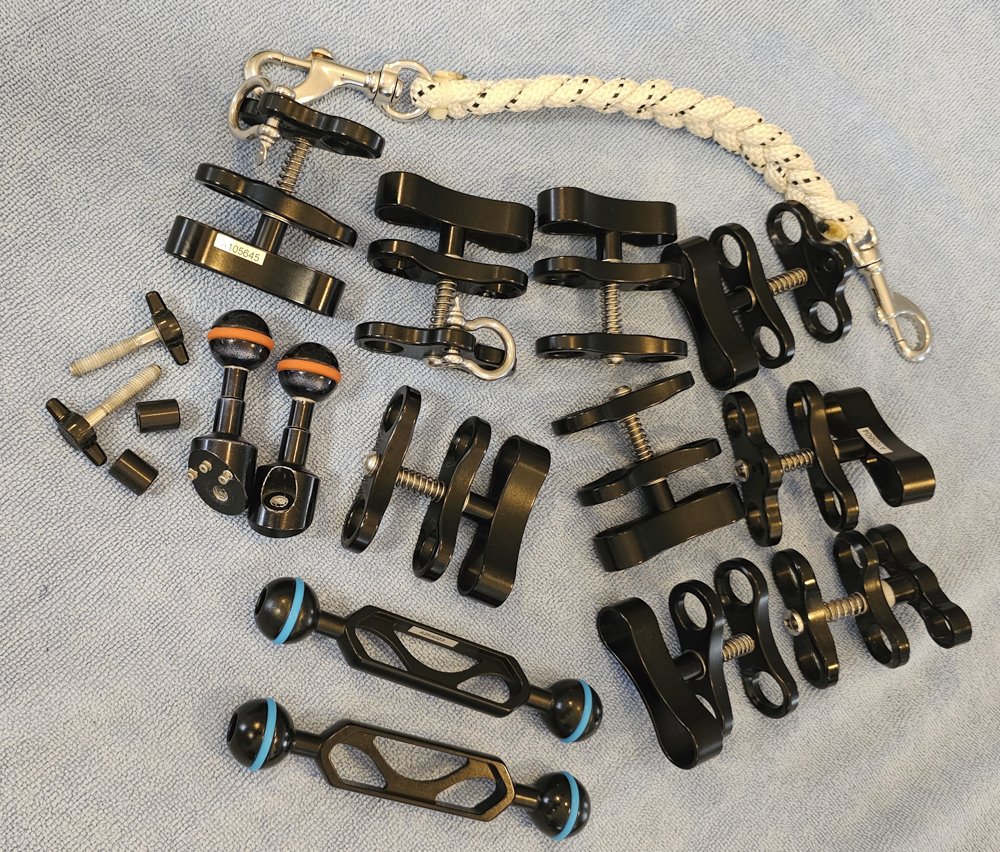
    2 x Nauticam Double Ball Arms

    Carry Strap

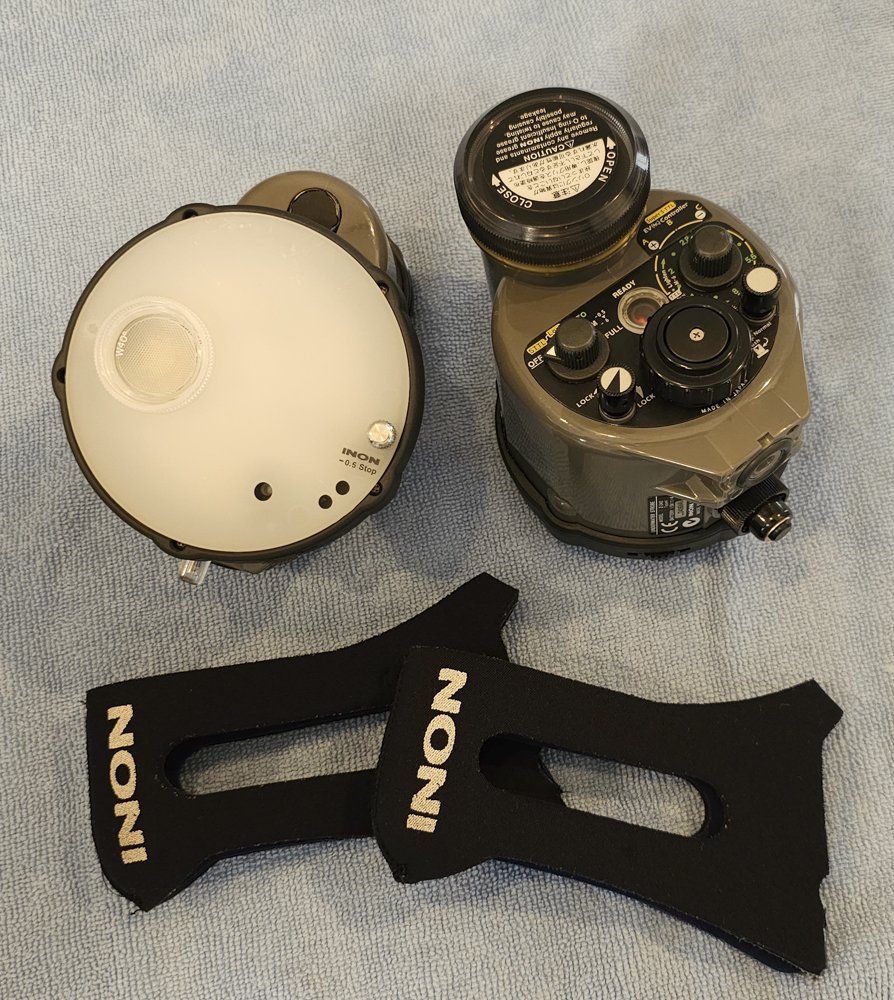
    2 x Inon Z240 Strobes with Diffusers and Neoprene Covers

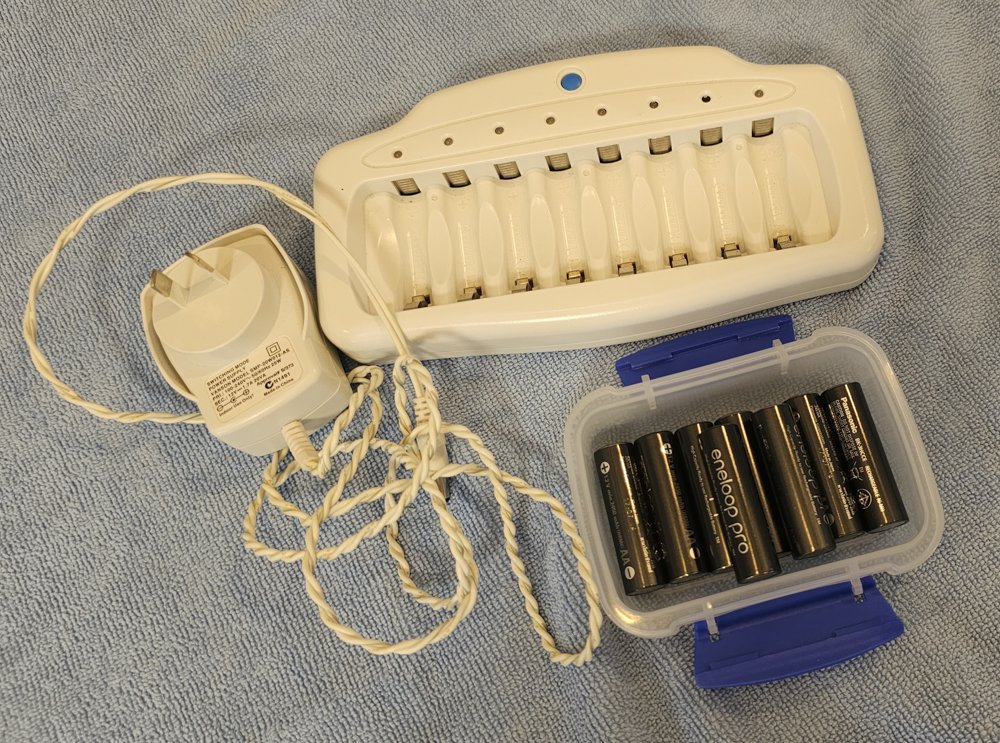
    8 x Eneloop Pro Batteries and Charger

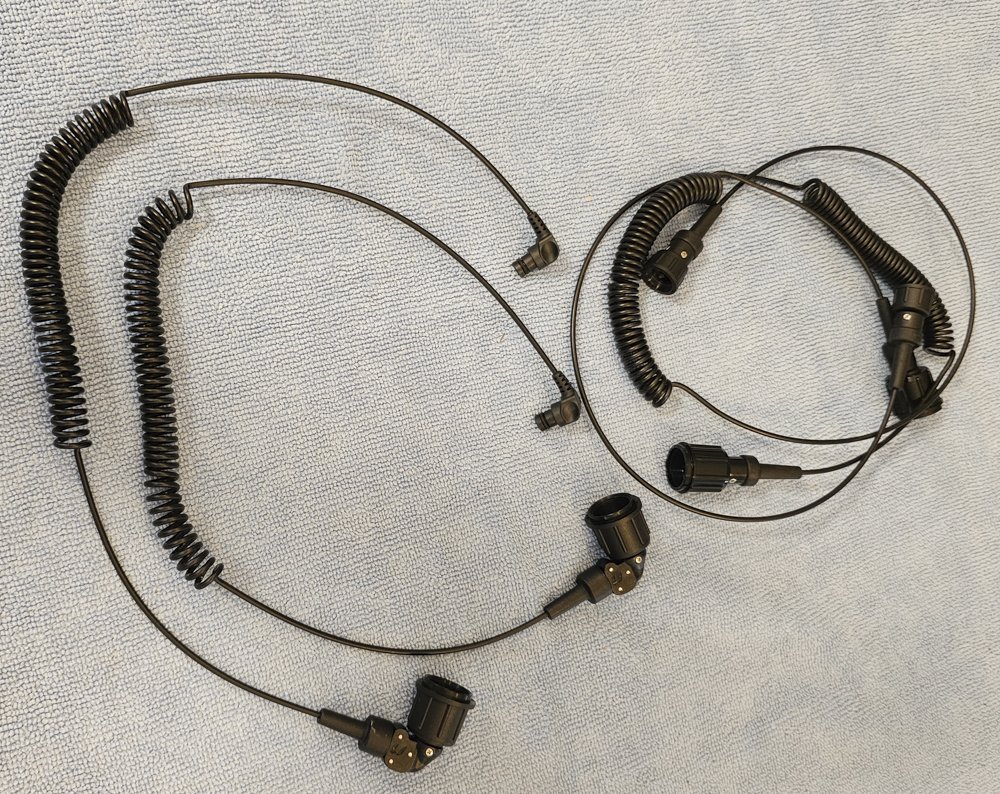
    2 x sets Fibre Optic Cables

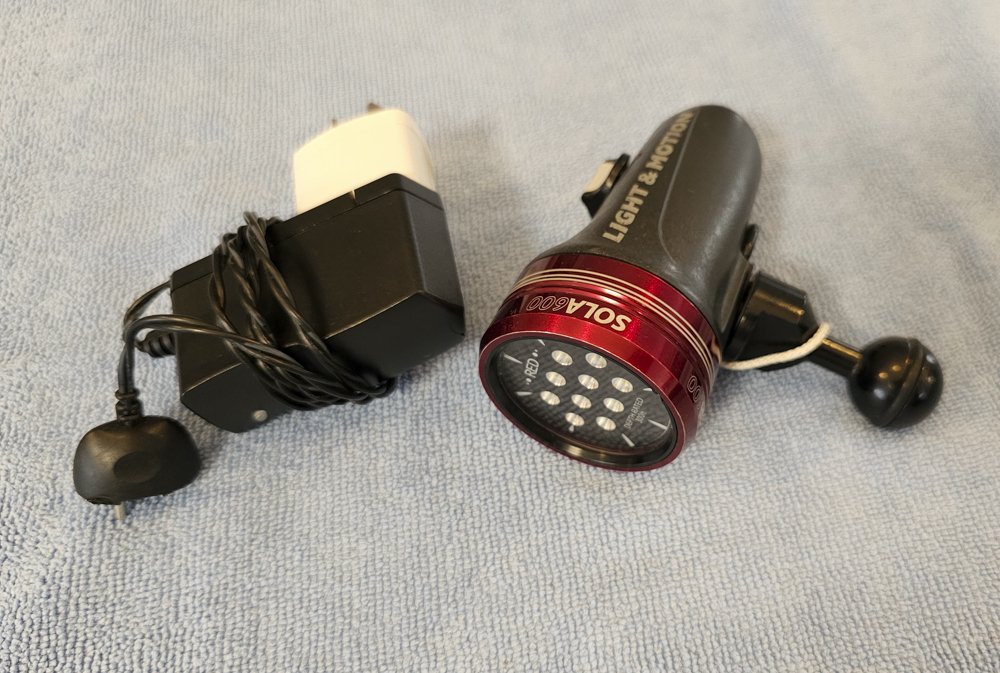
    Sola 600 Focus Light

    All Clamps and Spares Needed for Setup

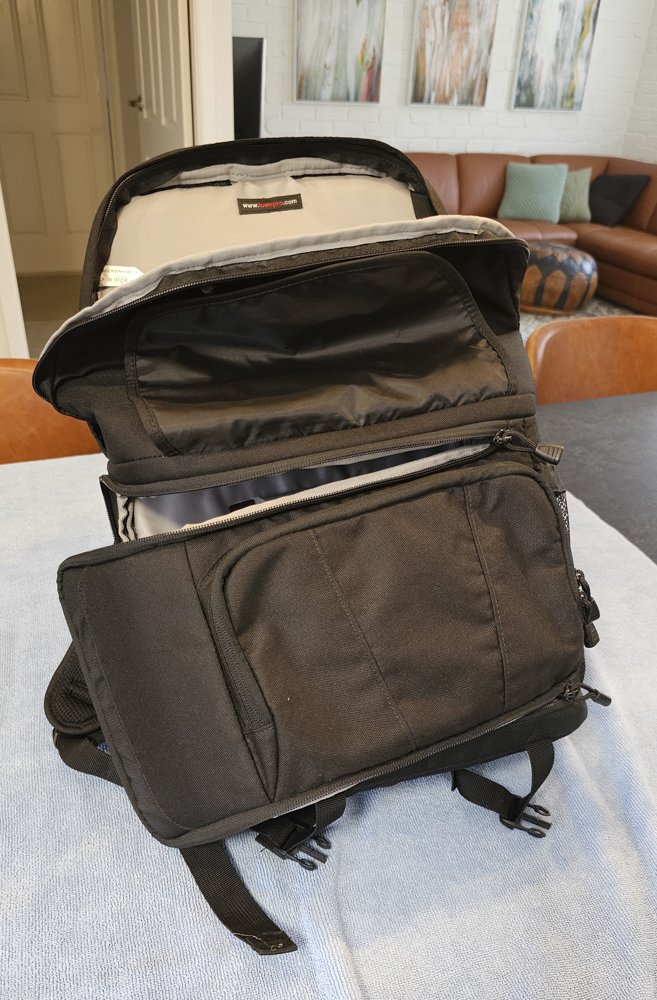
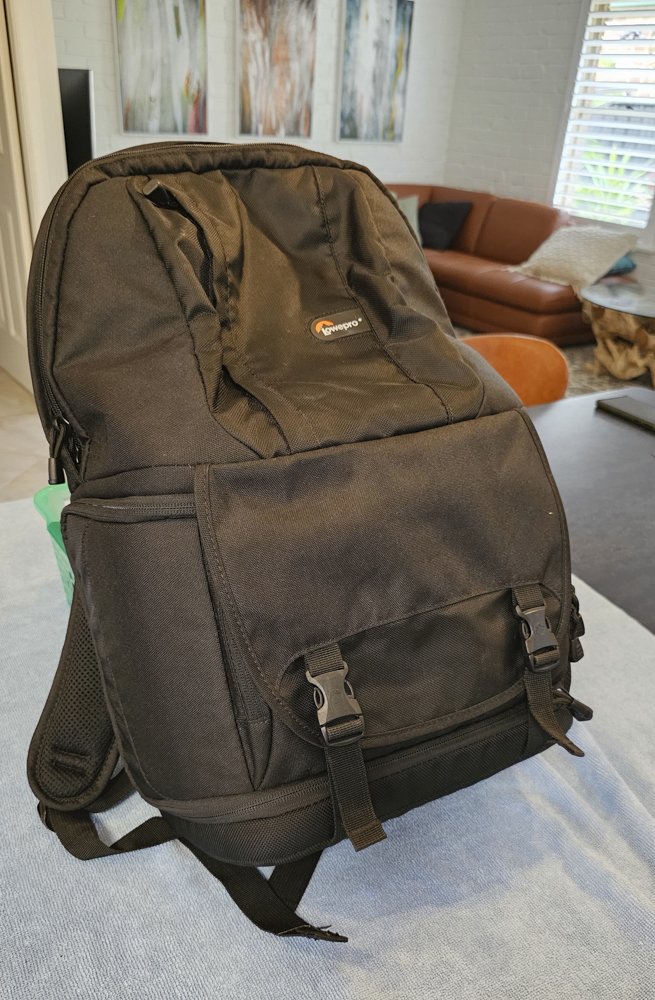
    Lowepro Camera Bag

    Please contact me for further details and additional photos if required.
    Nauticam_Sony01.jpg

    Nauticam_Sony02.jpg

    Nauticam_Sony03.JPG

    Nauticam_Sony04.JPG

    Nauticam_Sony05.JPG

    Nauticam_Sony06.JPG

    Nauticam_Sony07.JPG

    Nauticam_Sony08.JPG

    Nauticam_Sony09.JPG

    Nauticam_Sony10.JPG

    Nauticam_Sony11.JPG

    Nauticam_Sony12.JPG

    Nauticam_Sony13.JPG

    Nauticam_Sony14.JPG

    Nauticam_Sony15.JPG

    Nauticam_Sony16.JPG

    Nauticam_Sony17.JPG

    Nauticam_Sony18.JPG

    Nauticam_Sony19.JPG

    Nauticam_Sony20.JPG

  2. Hi. Let me know when you’d like to sell strobes and accessories separately. Thanks

Marelux

Account

Navigation

Search

Search

Configure browser push notifications

Chrome (Android)
  1. Tap the lock icon next to the address bar.
  2. Tap Permissions → Notifications.
  3. Adjust your preference.
Chrome (Desktop)
  1. Click the padlock icon in the address bar.
  2. Select Site settings.
  3. Find Notifications and adjust your preference.