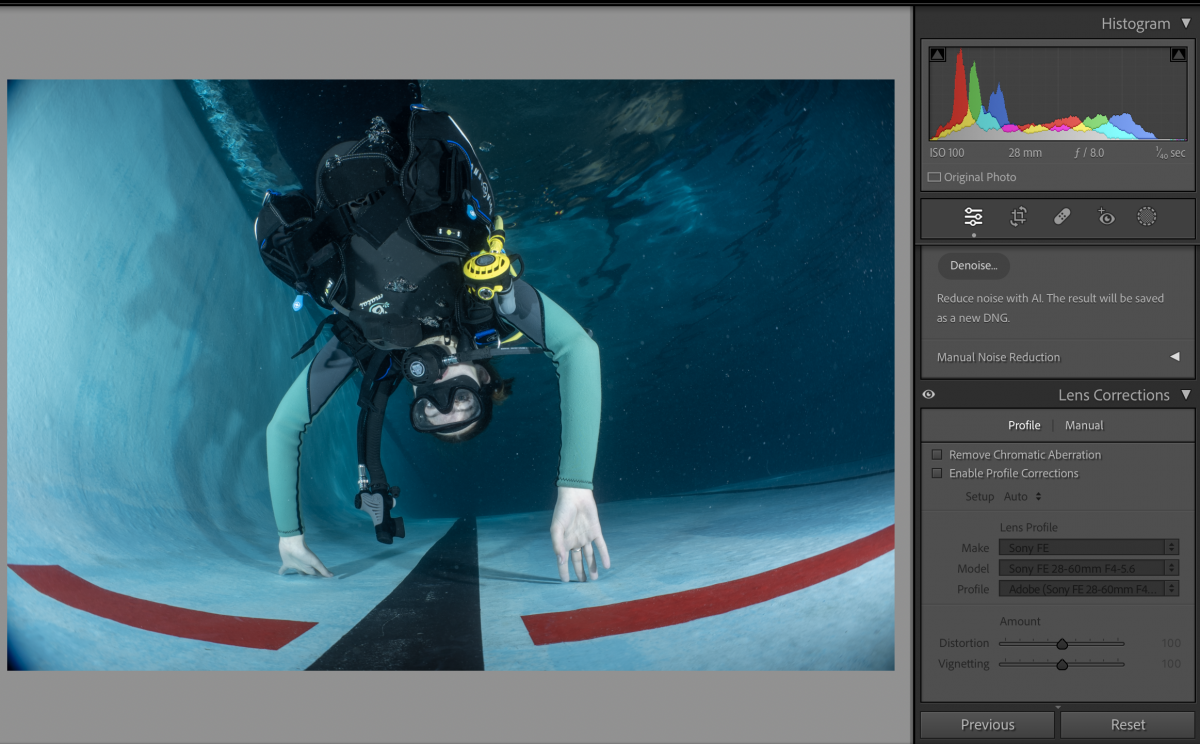
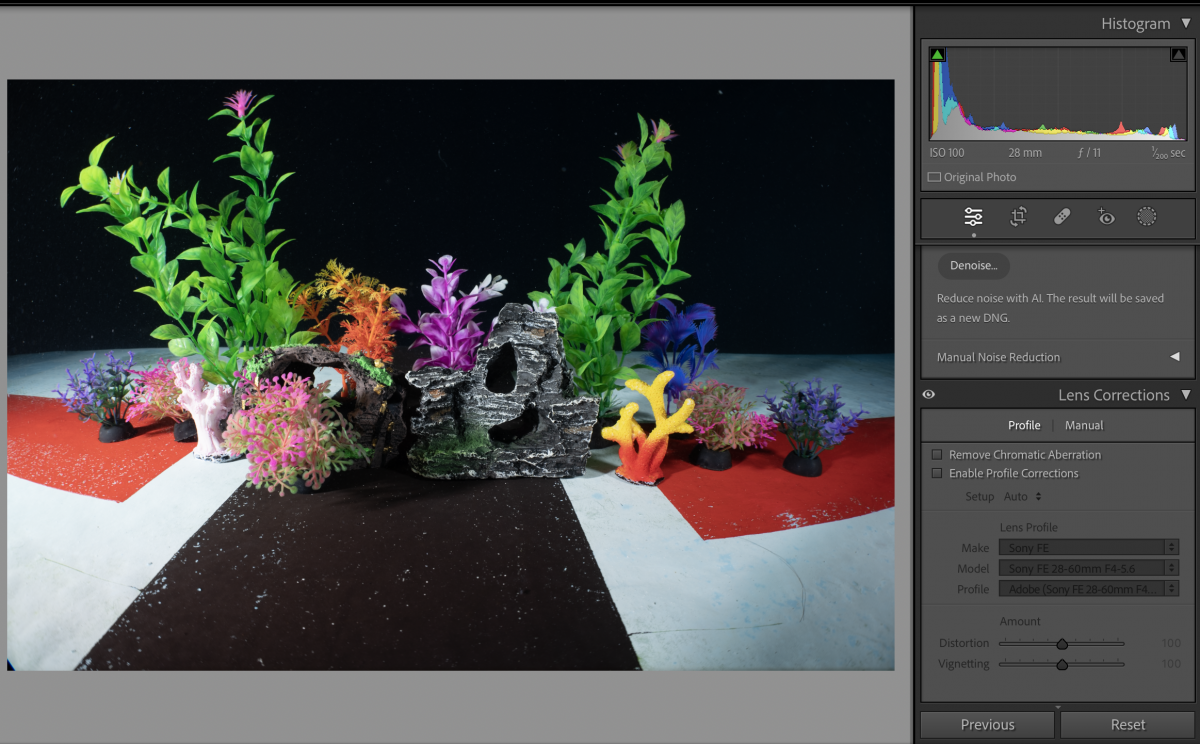
The 28-60 has distortion correction set to on and can't be switched off in camera
However you can turn that off in lightroom and the lens shows vignette afterwards
This is hood vignette
When I use the WACP-C at distance closer than the recommended extension i get vignette on the rear lens not the hood
I believe the flat port 45 is 3mm too long and as result you have this problem
Looking to the amount of distortion the lens has by itself I think the lens field of view uncorrected is in effect wider than what a 28mm lens would have
the reason why I disable lens correction for distortion is because it improves the edge performance when used on a curved adapter. As the image is not straight anyway it makes sense to do so
Obviously a small lens like this has many compromises baked in distortion and vignetting are very strong so it is assumed you use the lens correction but I only really use chromatic aberration correction that can't be switched off