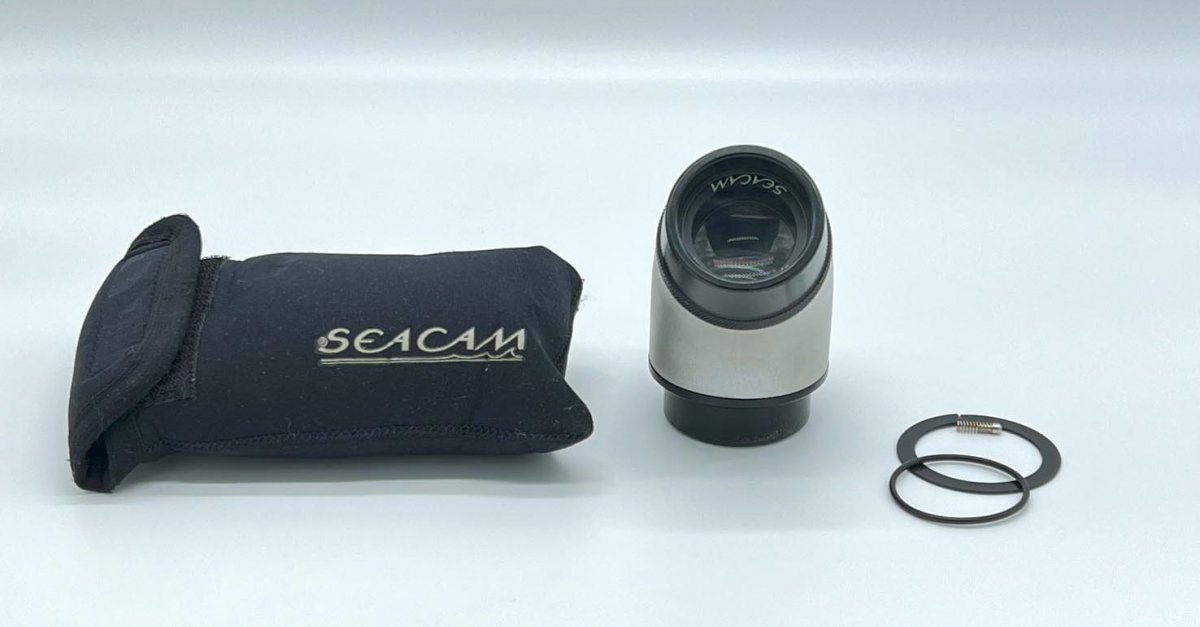
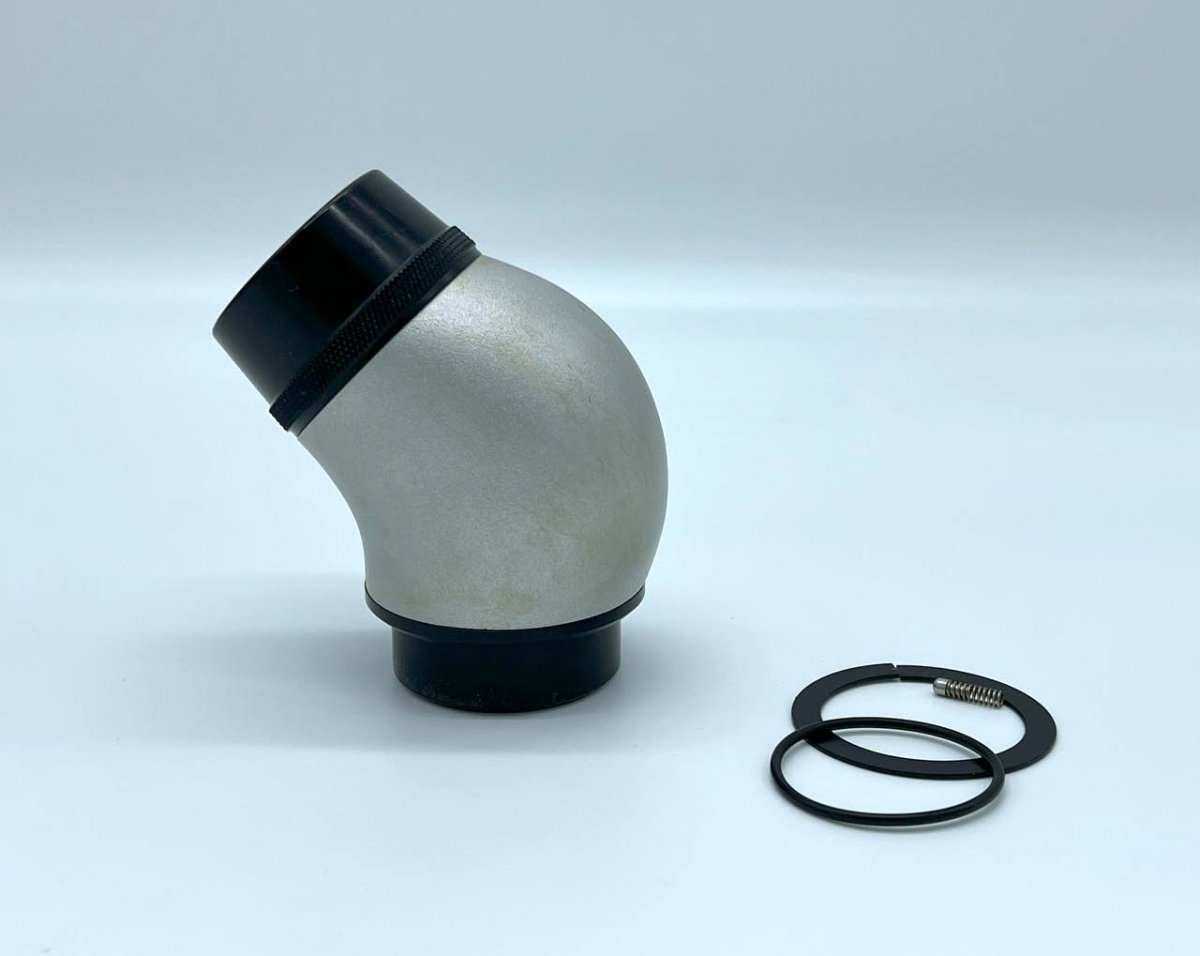
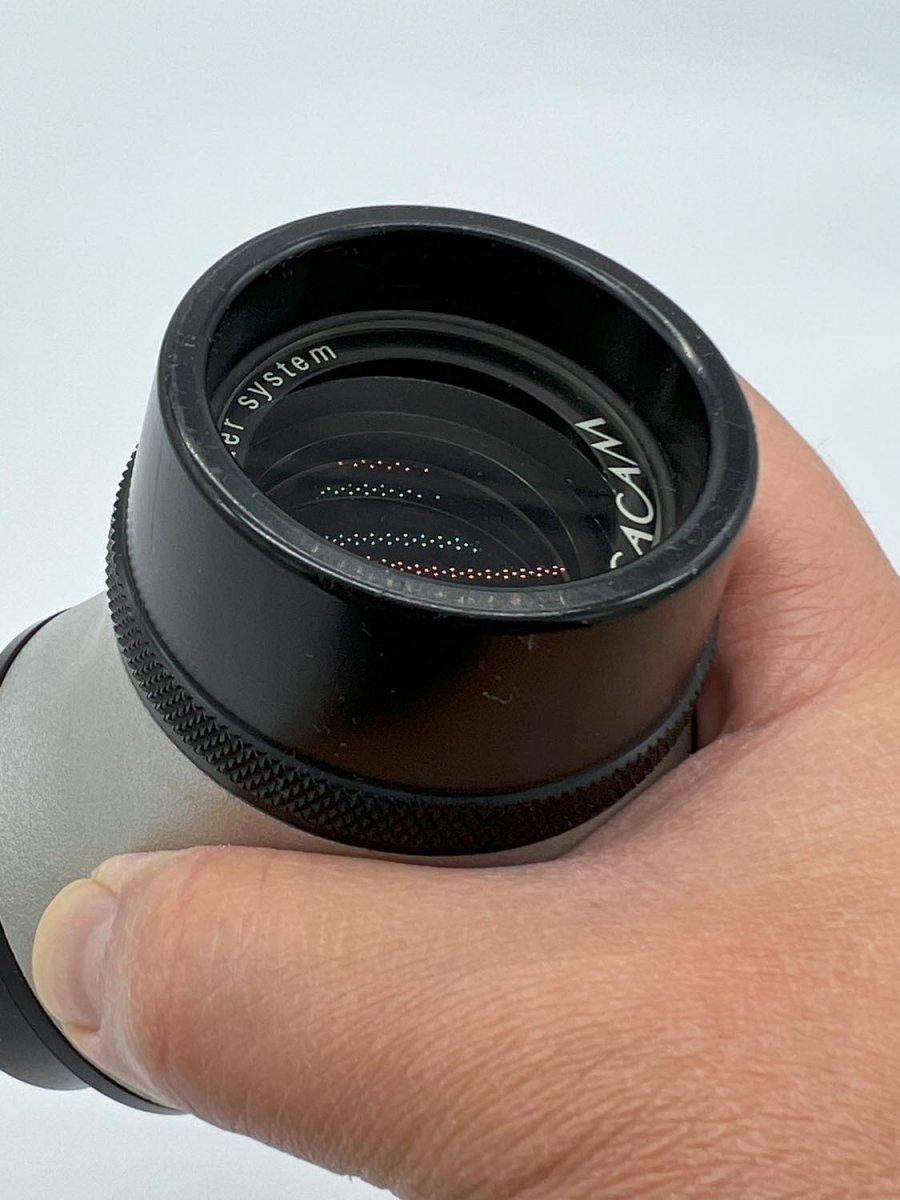
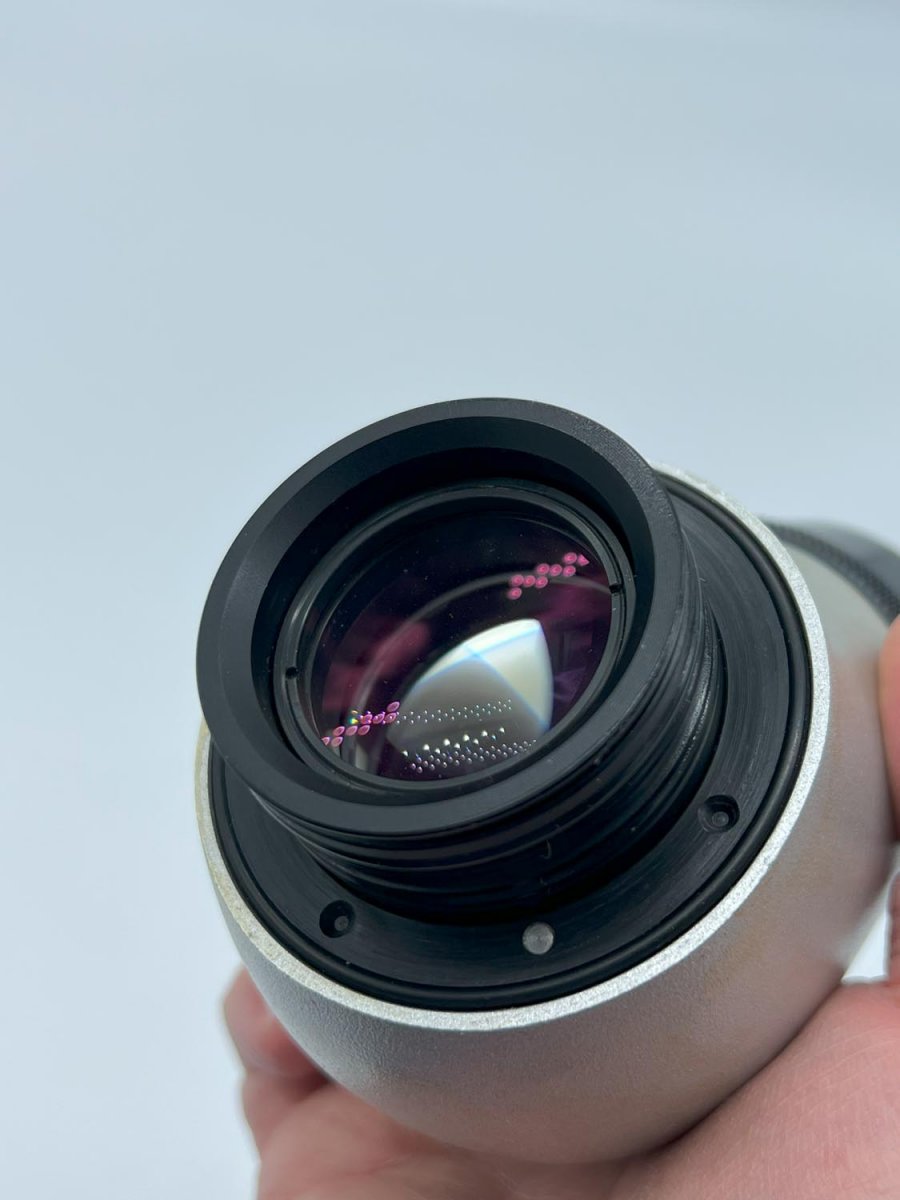
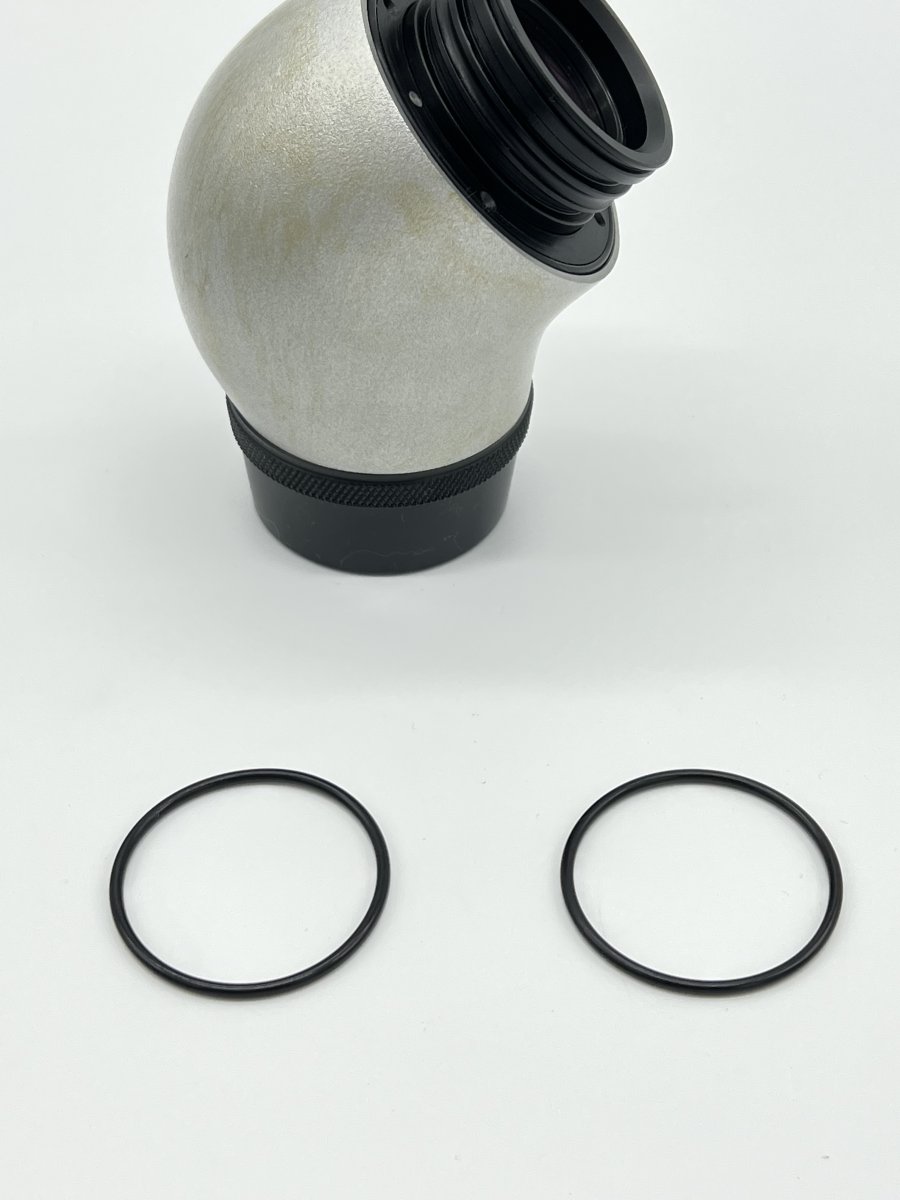
Selling my beloved Seacam silver S45 viewfinder. Huge bright image, been with me on almost all my dives without any issues. No marks or scratches on the inner or outer glass. Subtle discoloration on the external finish due to application of the oils that Seacam provides to protect the finish.
Comes with protective original neoprene bag and spare delrin retainer ring, as well as spring loaded detente pin as in the photos.
Asking $900 + shipping and Paypal fees (new retail price $1760).
Thanks!
Yeang
Price reduced! $700 and I will cover shipping to continental US.
How old is the viewfinder? Just curious because my S180 is silver on the end with the o-rings.
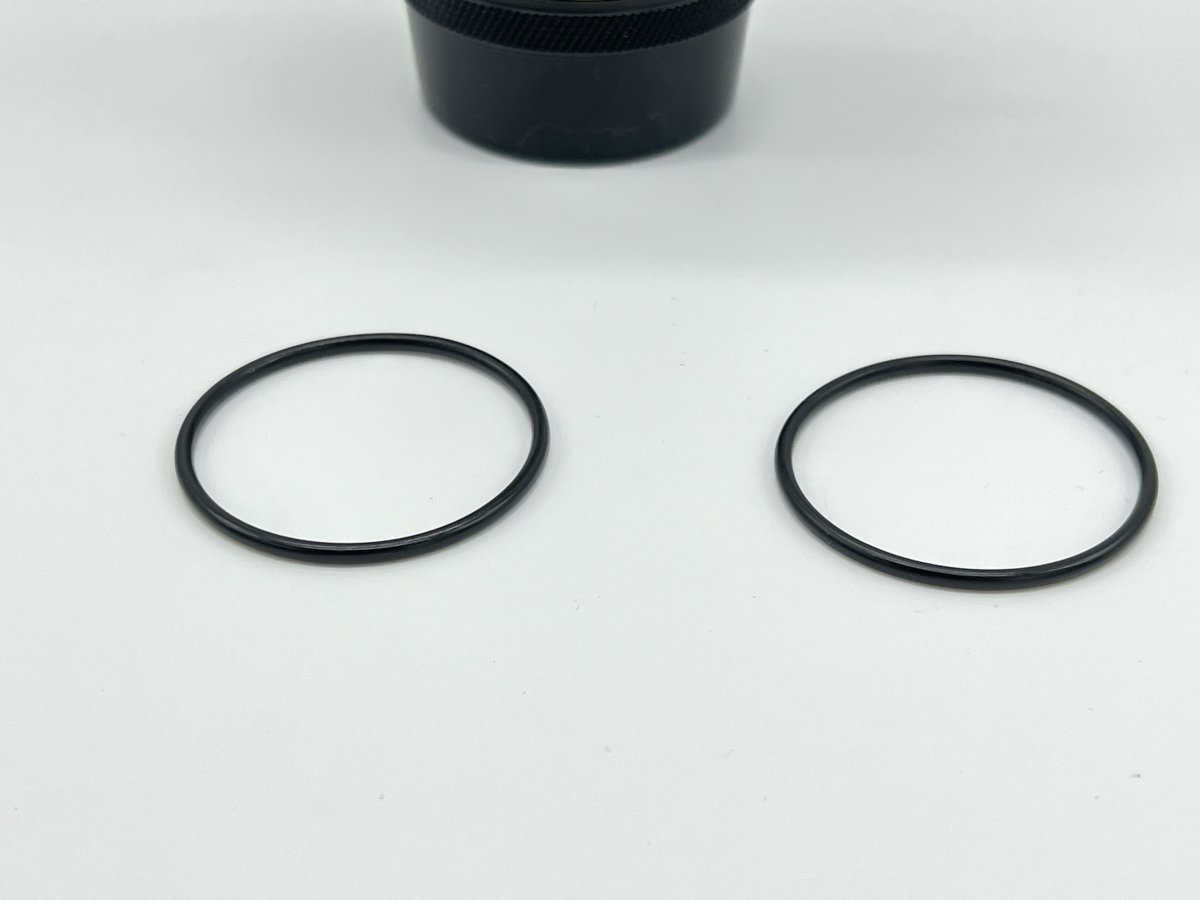
Also, can you please post a photo showing the 2 o-rings? Are they in good condition? It would be a PIA for me to get 2 new ones if I’d need them. I note you have one spare o-ring
Hi @LeafySeaDragon, it is about 13 years old since I bought it new from Stephen Frink the USA dealer at the time. I can definitely post a photo showing the 2 O-rings. I may even have extras in my "rescue pack" separate from the ones that are installed. I've cleaned and Seacam lubed them before and after every dive trip.
Thanks! Standby for pics of the O rings.
Here are a pic of the O-rings. No cracks or defects that I can see.