I'm travelling right now and my work laptop doesn't have an app that open jpf files. Might be better to post jpegs?
JPGs added
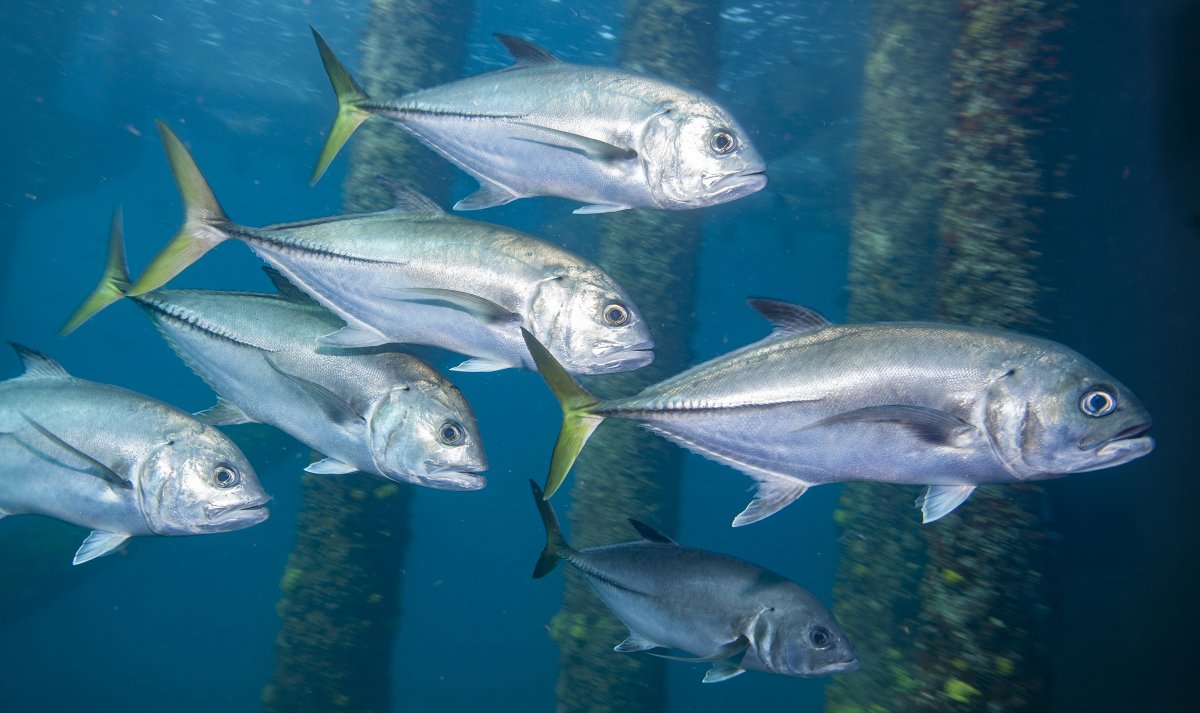
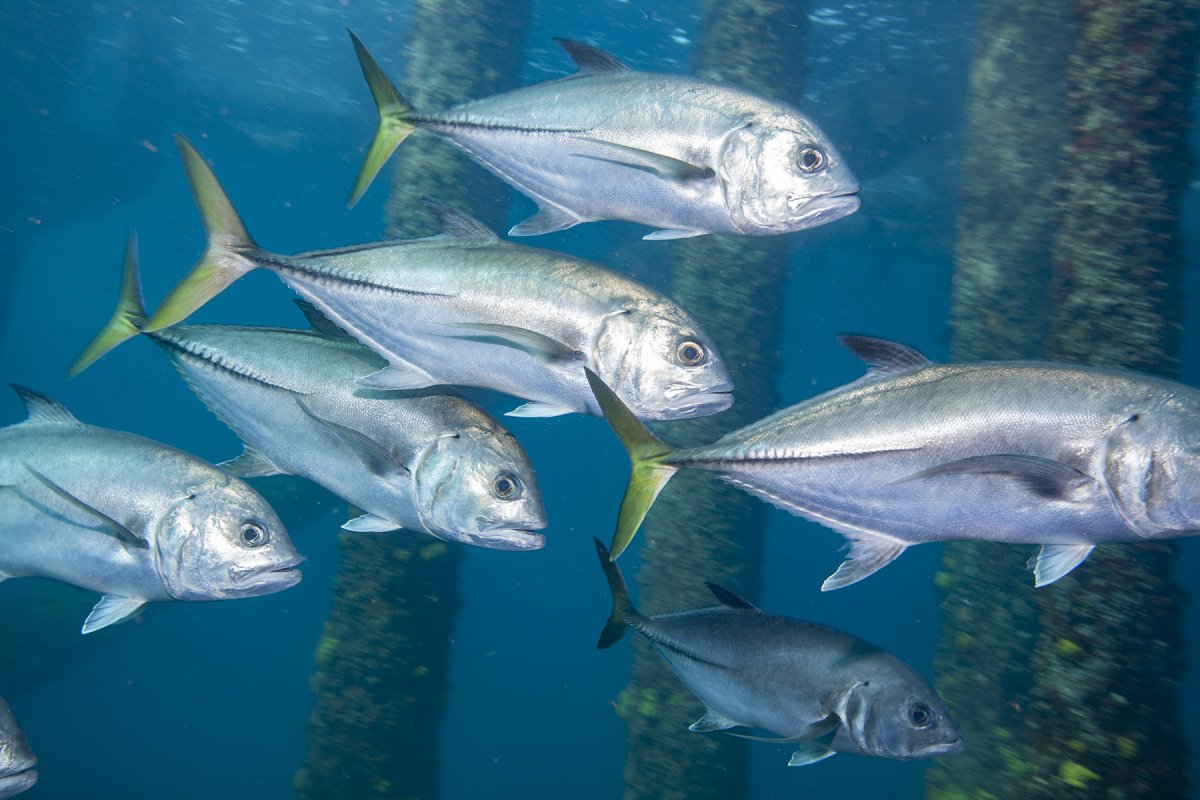
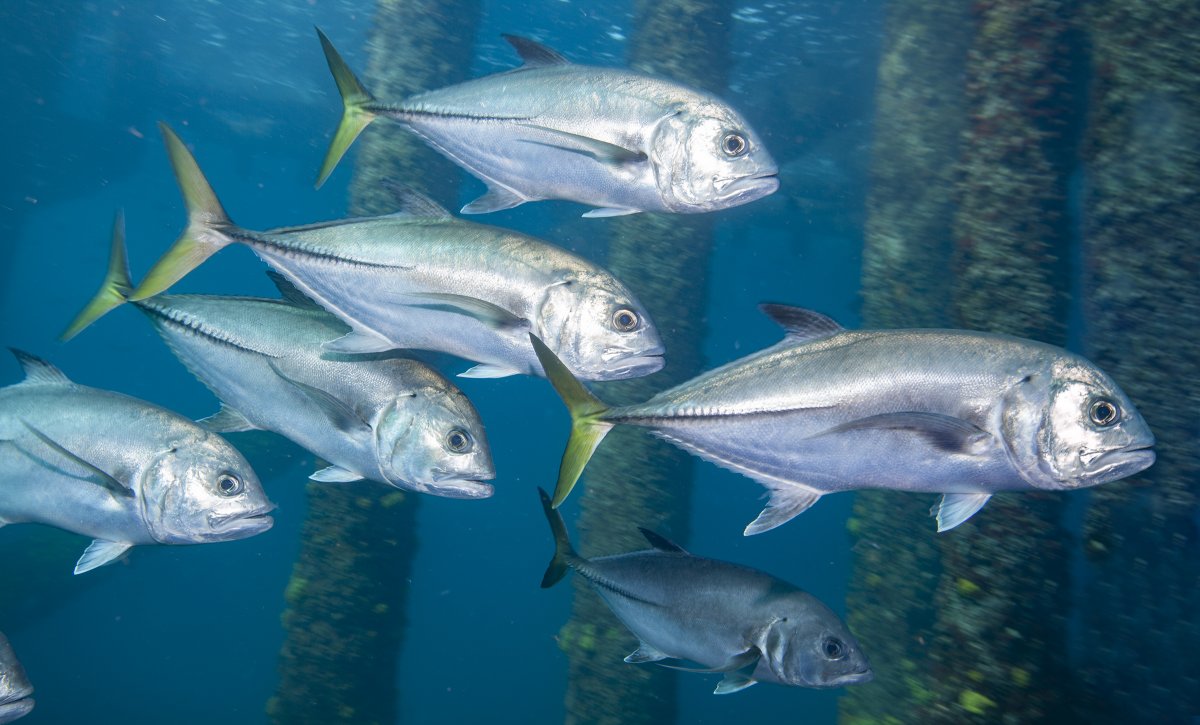
That’s pretty dang impressive! I will have to try that with a photo that has bothered me for years for a similar reason. My only comment is that the new AI fish head looks slightly underexposed and slightly less sharp than the others, so maybe try bumping the exposure, highlights, and clarity with a radial filter with a gradual feathered edge.
(Chris - I can view the images in Safari by choosing “view” instead of downloading)
I was very surprised at the first try. I had three possible options, one the fish head was two elongated and the soothe two stubby.The first Jack was at a slightly different angle. The light is a little less reflective on it. If you look at detail around corner of mouth it is not anatomically correct ,but very good for the first shot.I does seem a little less sharp. I wanted to present this way without further non-Ai photoshop work . I have a usable shot now, when before it did not cut it.
it wasn't too long ago where I just wanted better tools for heavy backscatter removal, thinking that simple machine learning can be trainied quickly with user selection of the particles (select 20, get rid of everything that looks like that). Adobe's new generative AI is going to be impressive, but as we've seen with digital media diluting the skills required for film, how is AI going to impact the current manual skills we're all currently using?
My main concern about Ai is As(artificial stupidity). It will be a tool, some will use correctly others not.
It's pretty impressive. Like Robert, I've had an image for some years where a key area could usefully be extended.... woohooo..
Ai? As? How long before AI wipes us all out? Will be still be needed for the mission? Or a hindrance that needs to be removed?
22 hours ago, RVbldr said:
it wasn't too long ago where I just wanted better tools for heavy backscatter removal, thinking that simple machine learning can be trainied quickly with user selection of the particles (select 20, get rid of everything that looks like that). Adobe's new generative AI is going to be impressive, but as we've seen with digital media diluting the skills required for film, how is AI going to impact the current manual skills we're all currently using?
I'd still like better tools for backscatter removal. Is this already there? I don't currently use Photoshop.
About removing backscatter, a few years ago, someone posted here about software under development called Backshatter. I volunteered to be a beta tester and found it worked fairly well after some experimenting with the parameters. I stopped using it as I got better and not producing backscatter in the first place. It looks like the software is no longer under active development but the trial version is still available, in case anyone wants to give it a go.
I seem to recall trying Backshatter that at one time, but wasn't super impressed at the time, as I found using the healing capability in LR and PS worked relatively well, although a bit slow. For nasty backscatter, there's always some serious masking in Photoshop.
Here is a try using manual copy, cut and paste. I have a trouble matching the highlights in the gill plate. I took it to the camera raw filter, but it does not let me see the background layer. I could do some masking.