REPOSTING AT A REDUCED PRICE. WILLING TO SELL INDIVIDUAL ITEMS IF THE HOUSING AND DOME PORT SELL.
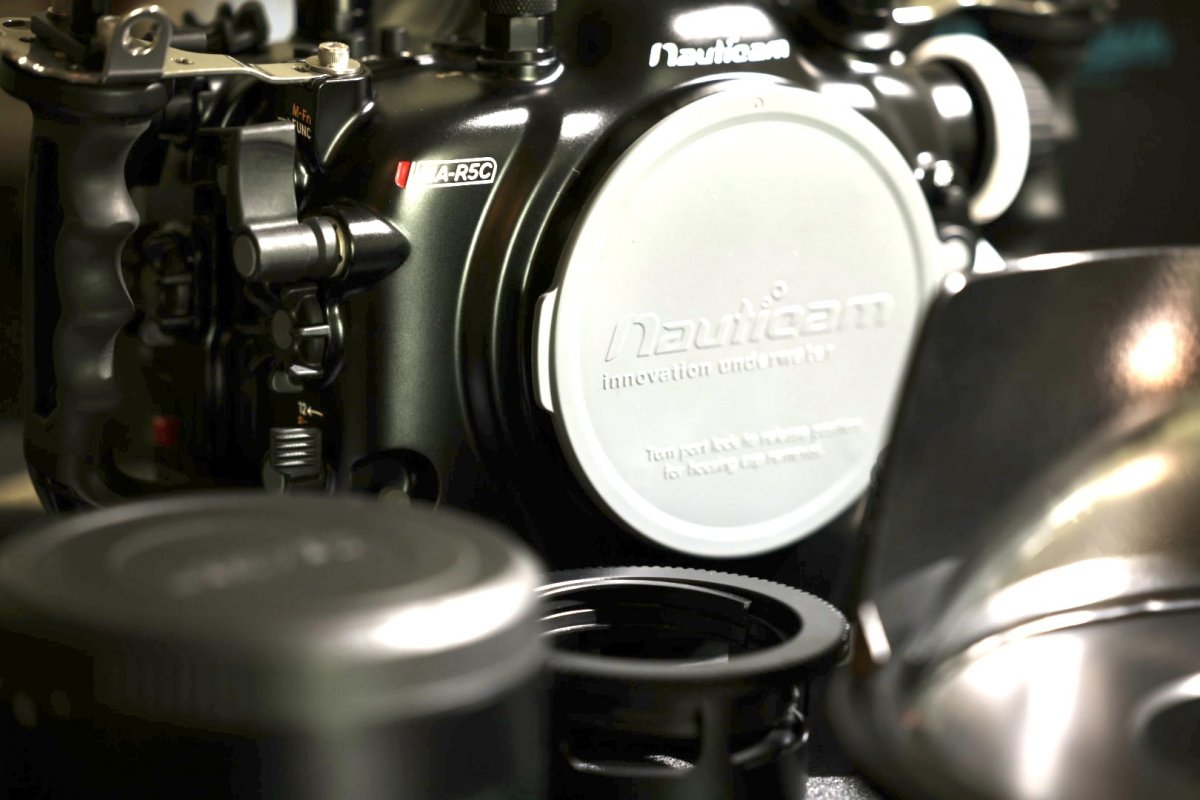
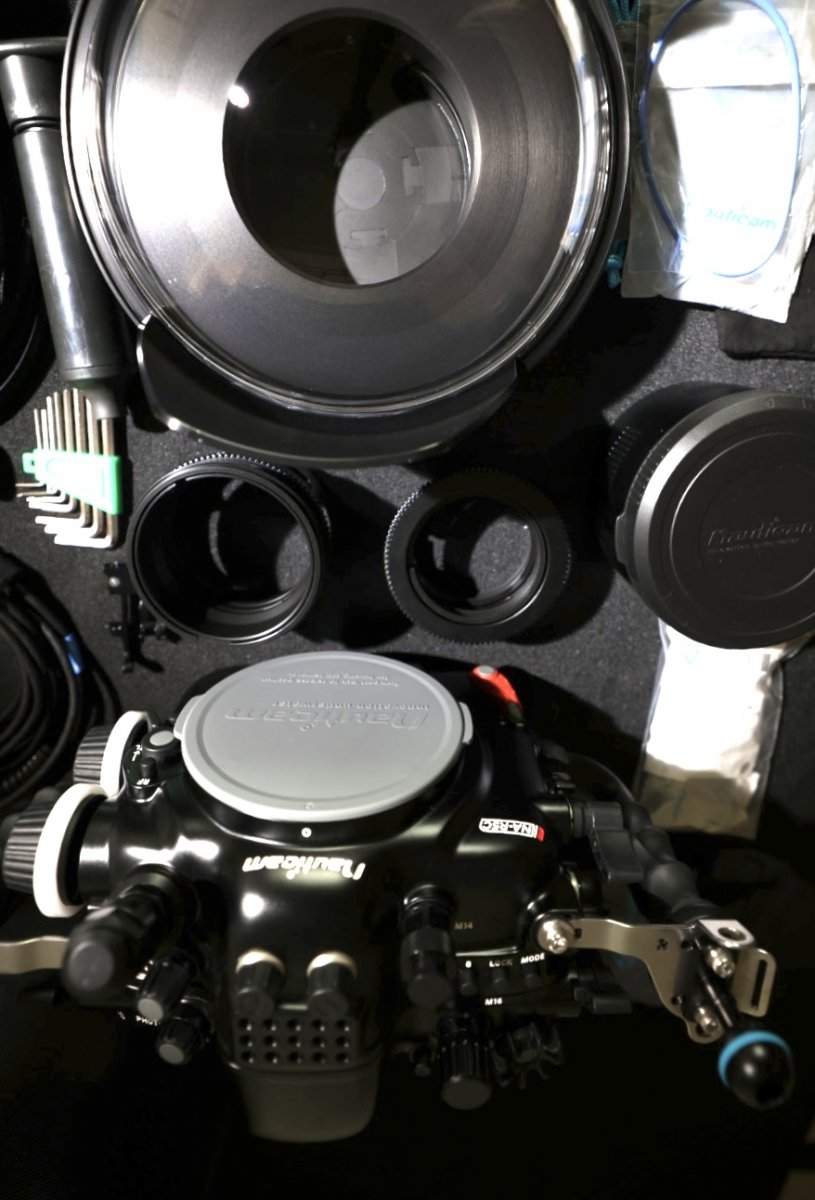
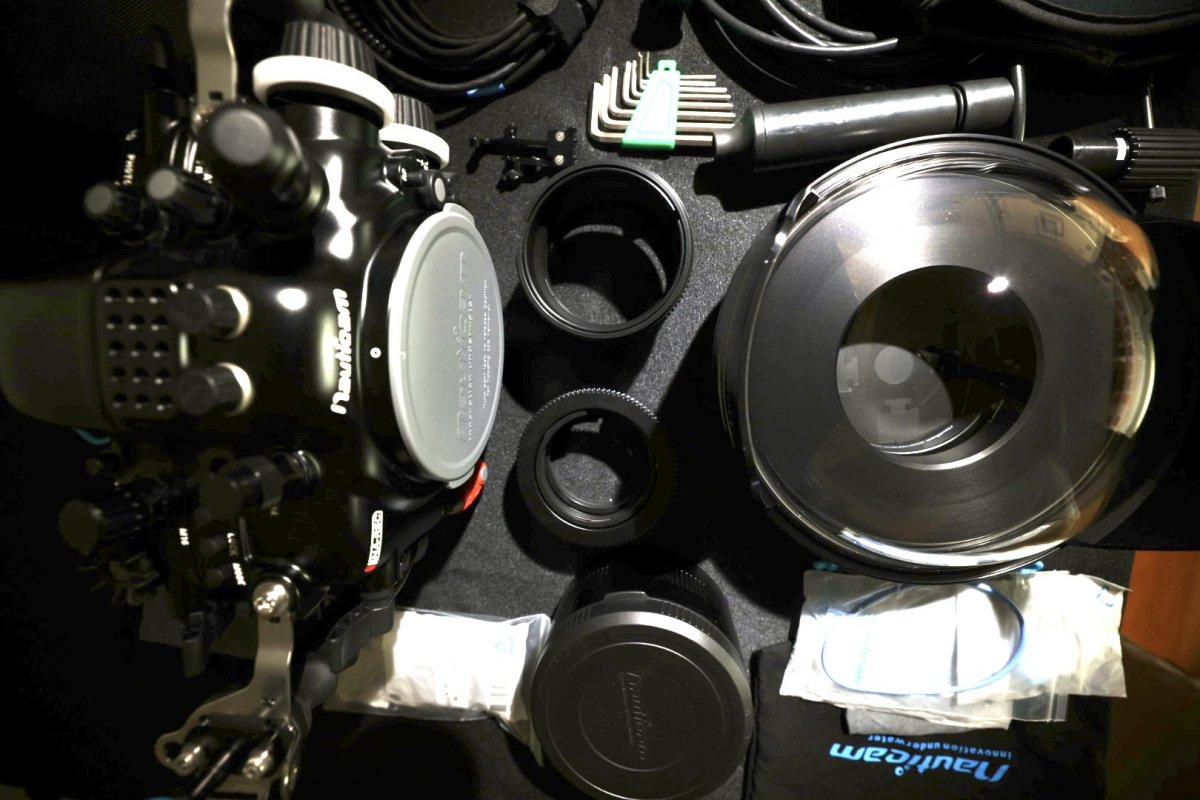
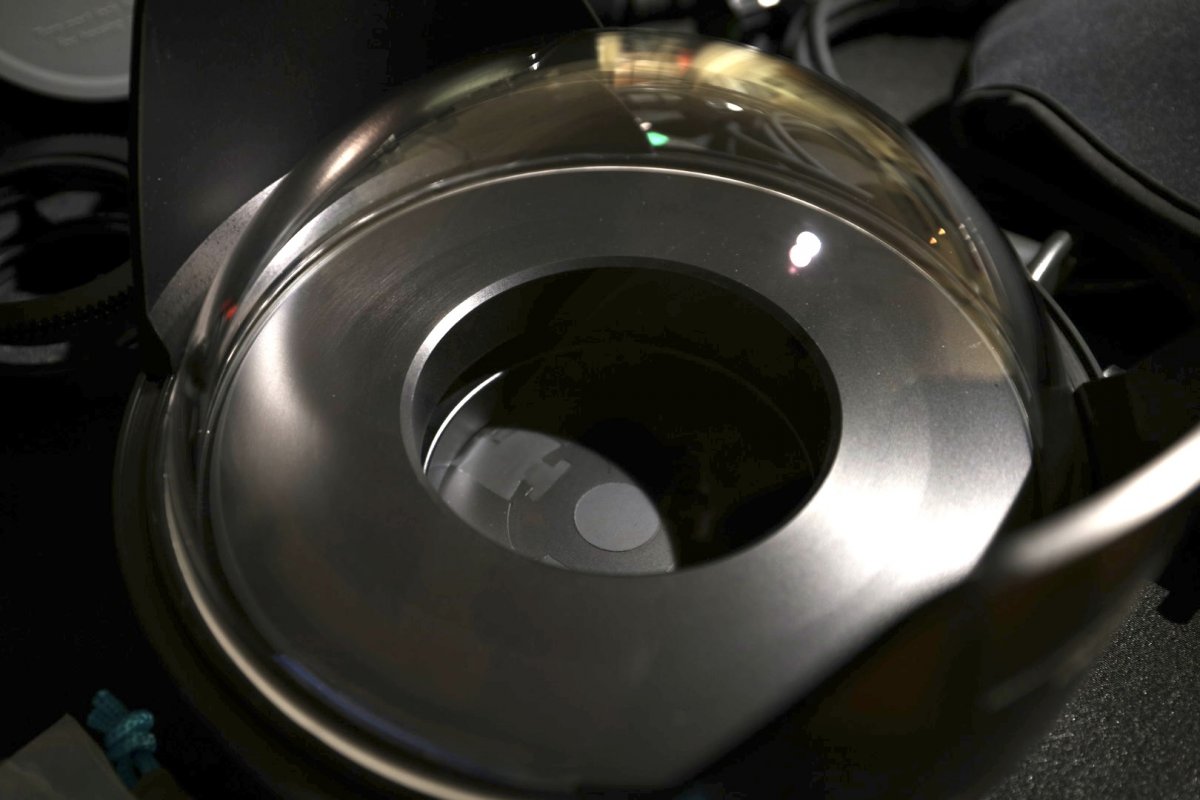
I have a basically brand new Nauticam Canon R5C housing with Zen 230 glass dome. I purchased this from Reef in September for some pole cam work we were doing for an IMAX project. It has only been used about 5 times at the surface. Thought I would hang onto it, but deciding to sell to make room for some other kit. This is a pretty comprehensive list of what is included but probably a few other small items including extra seals, greese and tools that came with housing. Set-up for the Canon RF 15-35 and the Canon EF 8-15 lenses. I can also include the R5C camera body, RF 15-35 lens, Anker power cells for housing and all internal cabling as complete turn key package if someone wants.
Nauticam R5C Housing (w/vaccum valve and HDMI adpator) 4000.00 USD
Nauticam M16 Vaccum Valve
Nauticam M24 HDMI 2.0 Adaptor
Zen 230 Glass Dome 1500.00 USD
Nauticam N120 Extension 70 w/lock 325.00 USD
Nauticam N120 Extension 30 w/lock 200.00 USD
Nauticam Gear Set for Canon RF 15-35 450.00 USD
Natuticam Gear Set for Canon EF 8-15 200.00 USD
Nauticam Control Kit for Drop In ND/Pola RF to EF 100.00 USD
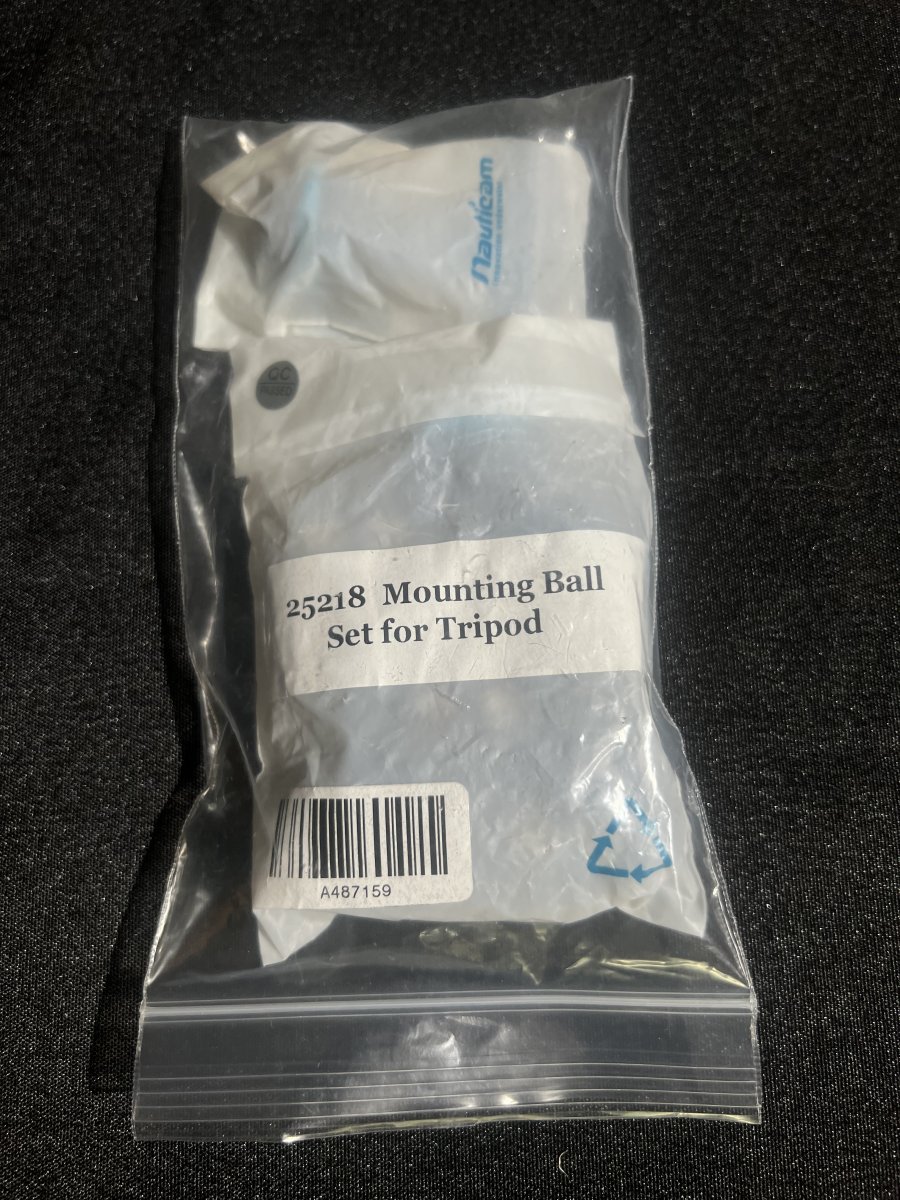
Nauticam Mounting Ball Set for Tripod. 50.00 USD
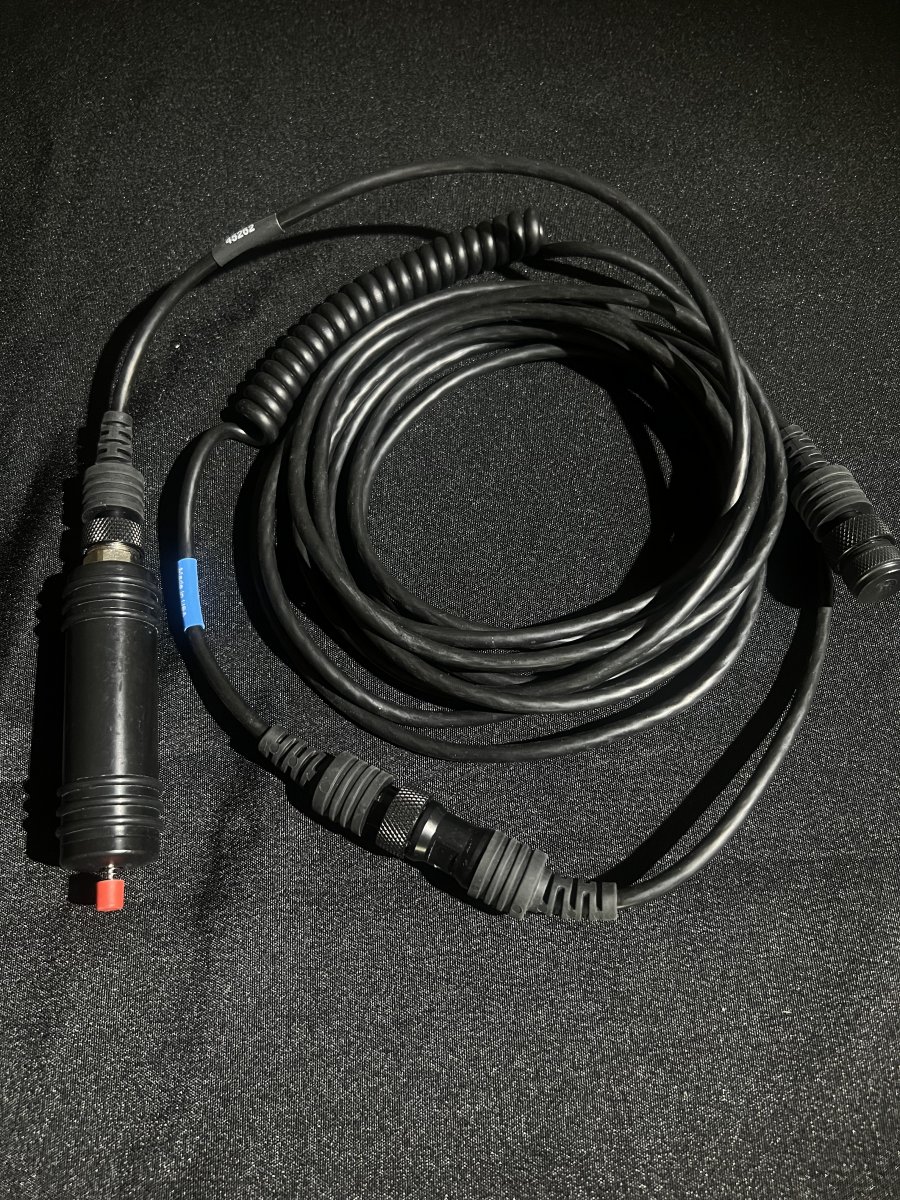
Ikelite remote trigger set-up with short and long cables 400.00 USD
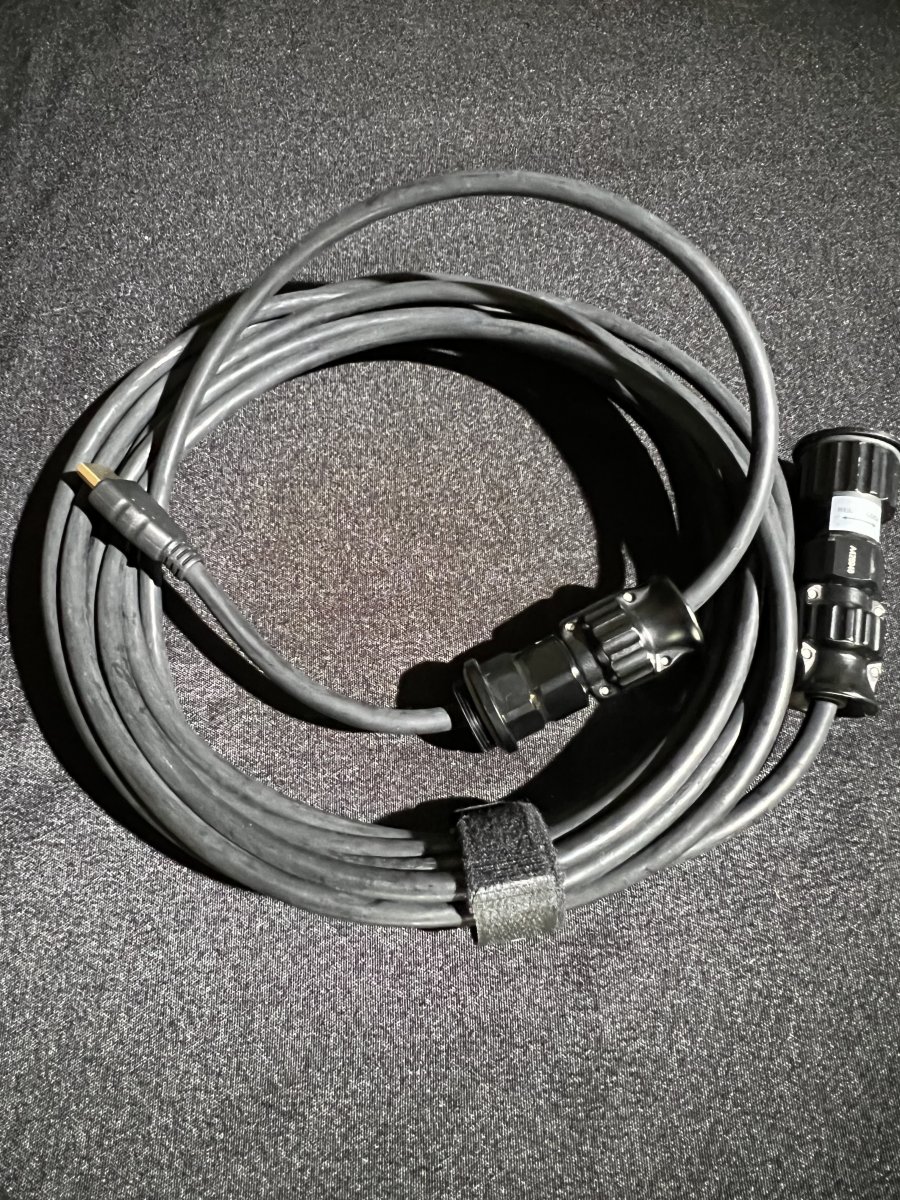
15' Nauticam A-D HDMI cable port for monitor. 250.00 USD
I paid 12K for the kit, plus another 2k in various ports (remote trigger and HDMI) Have all the original receipts.
7000.00 USD for the entire package.