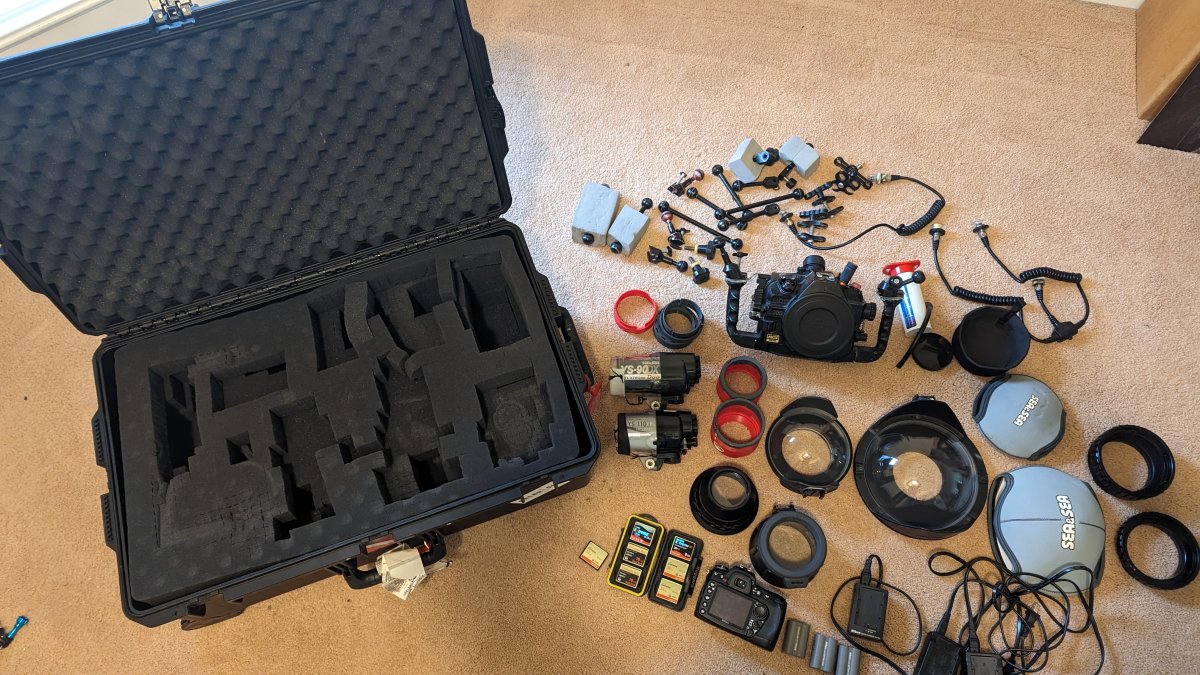
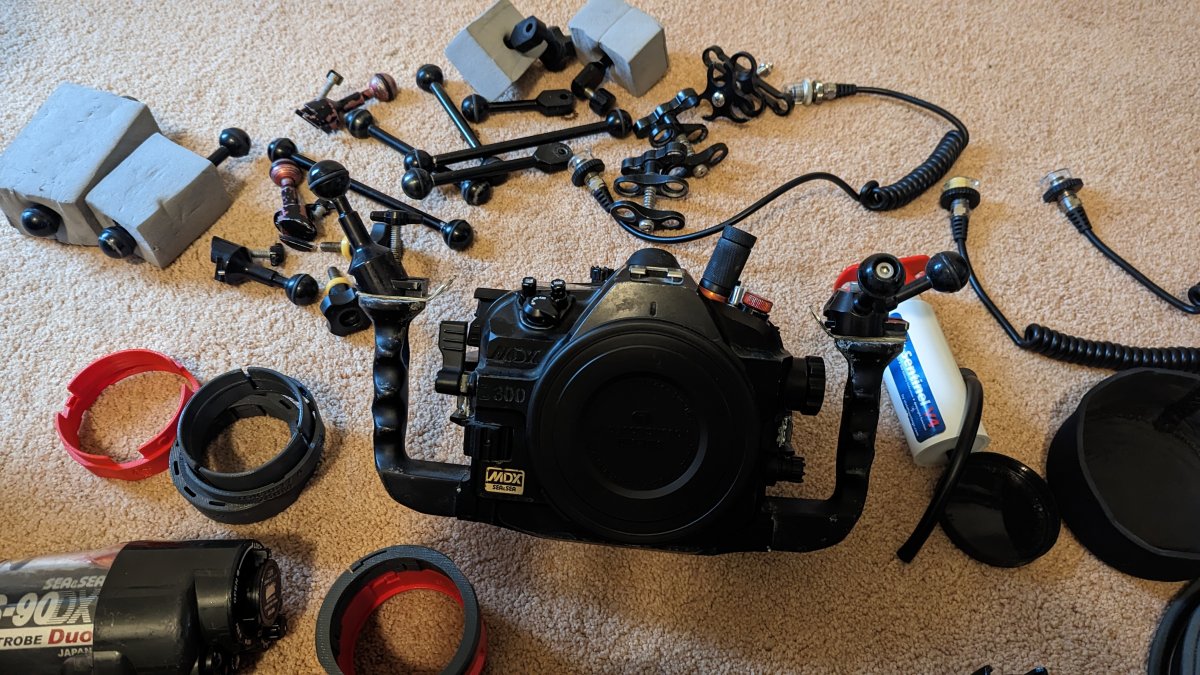
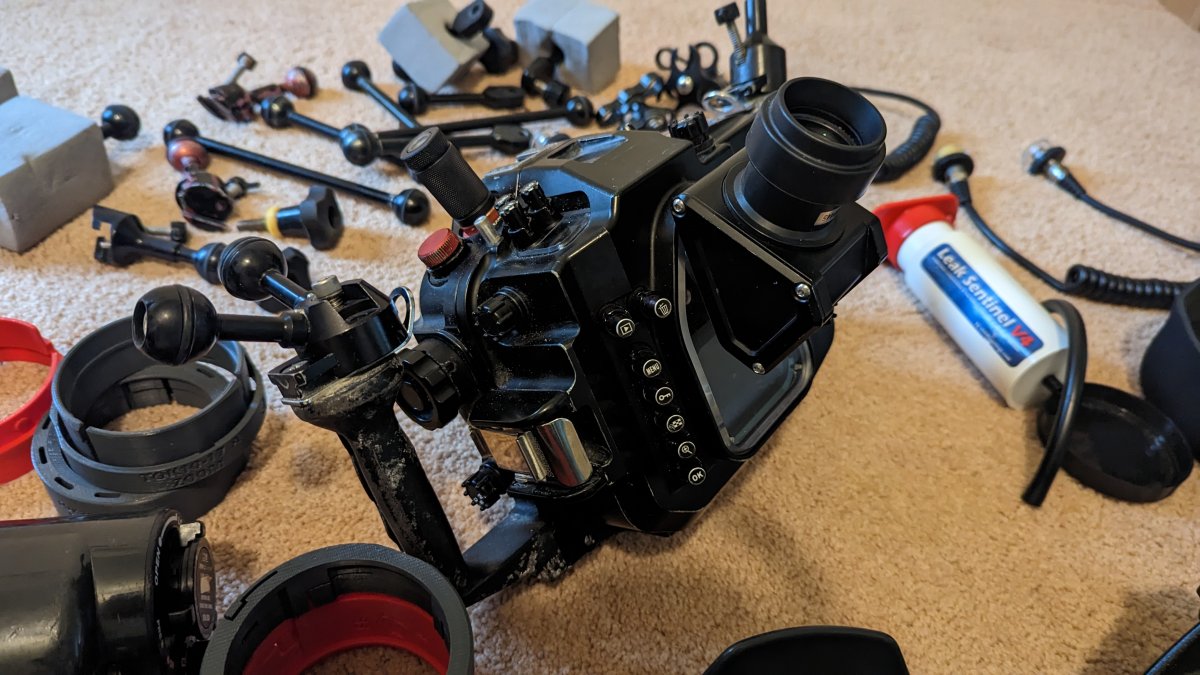
I'd prefer to sell this as a complete package since, as you'll see, it's a lot of gear and I really don't want to make ten trips to UPS. I did price individual pieces but I'm discounting it significantly if you take it all.
Camera equipment:
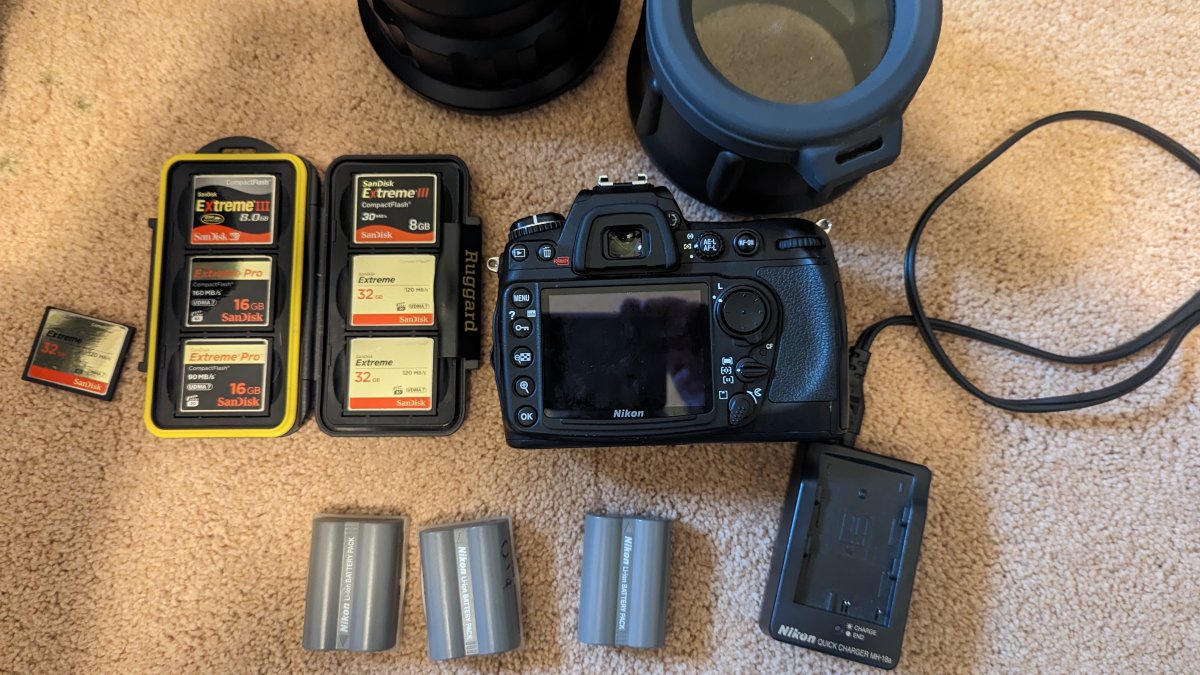
- Nikon D300 (body only) $100
- Compact Flash cards $120
- 3 x 32GB Sandisk Extreme
- 2 x 16GB Sandisk Extreme Pro
- 2 x 8GB Sandisk Extreme III
- 3 x D300 batteries (included with camera)
- 3 x Nikon battery chargers (included with camera)
(No lenses, sorry)
Housing system
- Sea & Sea MDX D300 Housing $100
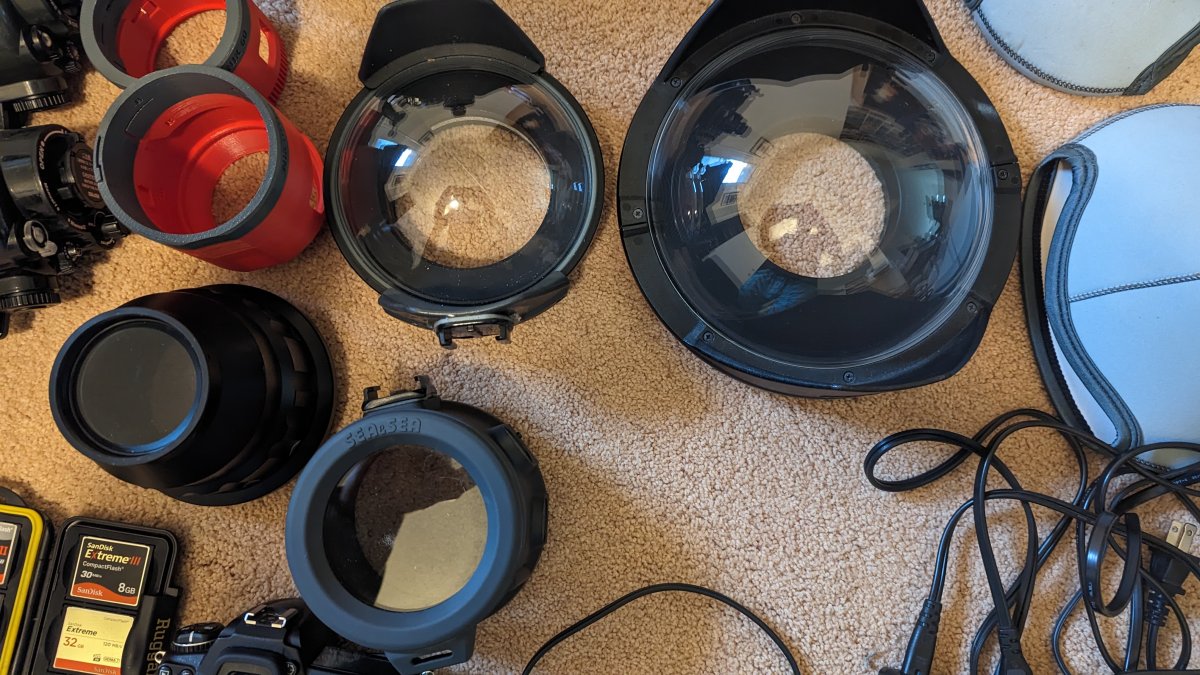
- Sea & Sea Ports with lens covers:
- NX Standard Port (for 60mm) $100
- DX Macro Port 87 (for 60mm or 106mm) $250
- NX Compact Dome Port $200
- NX Universal Dome Port $300
- NX Extension ring 20 $50
- NX Extension ring 40 $50
- Spare O rings for ports and housing body
- Leak Sentinel V4 Vacuum Seal System (included with housing)
- Sea & Sea 45° 1.2 Viewfinder $500
Turtle focus rings for:
- Tokina 10-17 Fisheye (plus Zoom ring) (included with housing)
- Nikon 60mm Macro (included with housing)
- Nikon 105 Macro (included with housing)
- (NOT LENSES, THESE ARE FOCUS RINGS)
Misc arms and clamps $100
Strobes
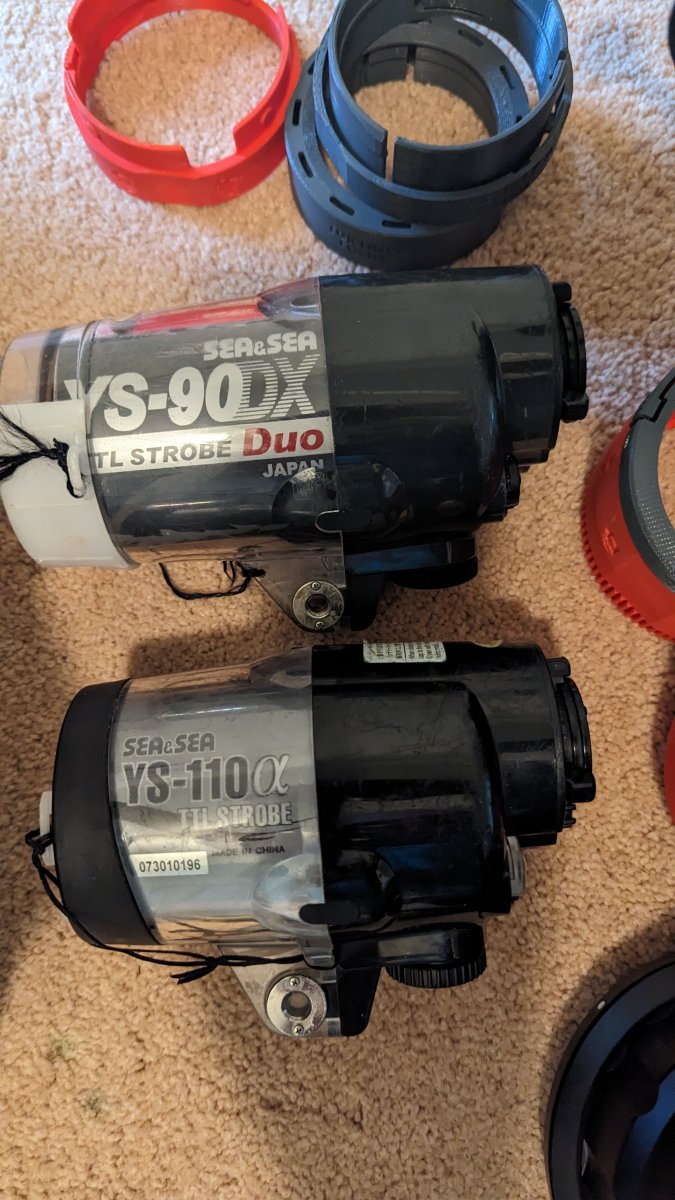
- Sea and Sea YS 90 $50
- Sea and Sea YS 110 $100
Spare O rings for strobes
Sea & Sea Single 5 pin Sync Cable $50
Sea & Sea Double 5 pin Sync Cable $50
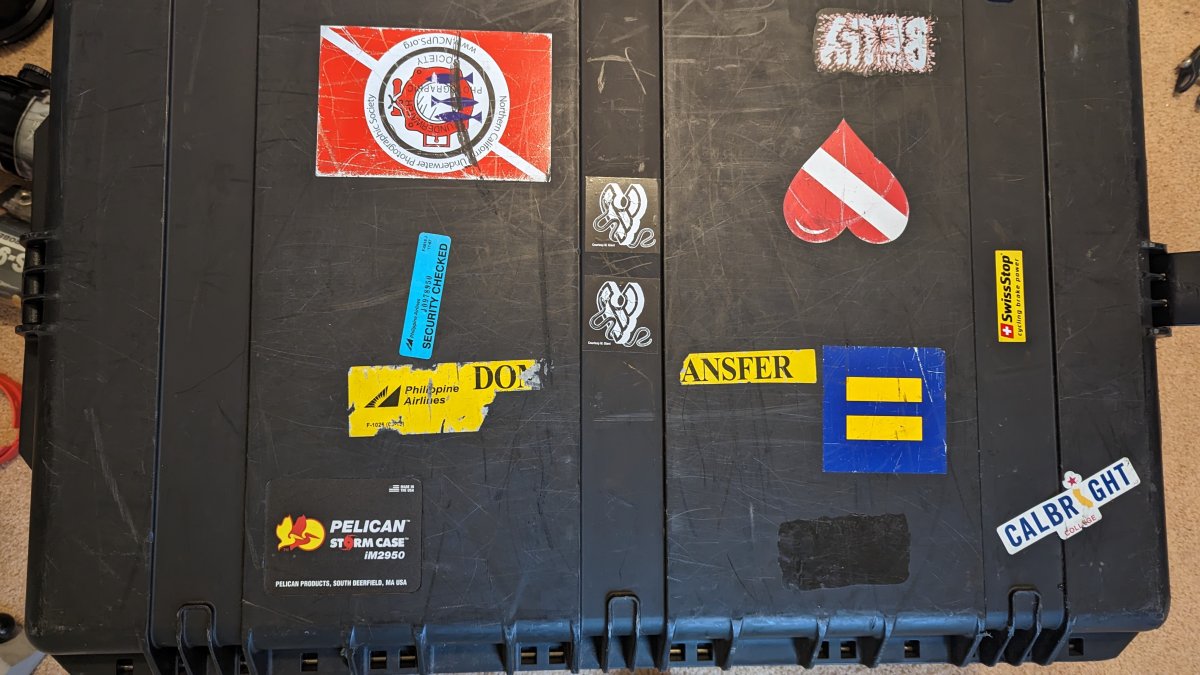
Pelican iM2950 Case $130
Items priced separately total $2250
As a complete package $1750 OBO
Pick up in San Francisco Bay Area or shipping TBD