



Hi all,
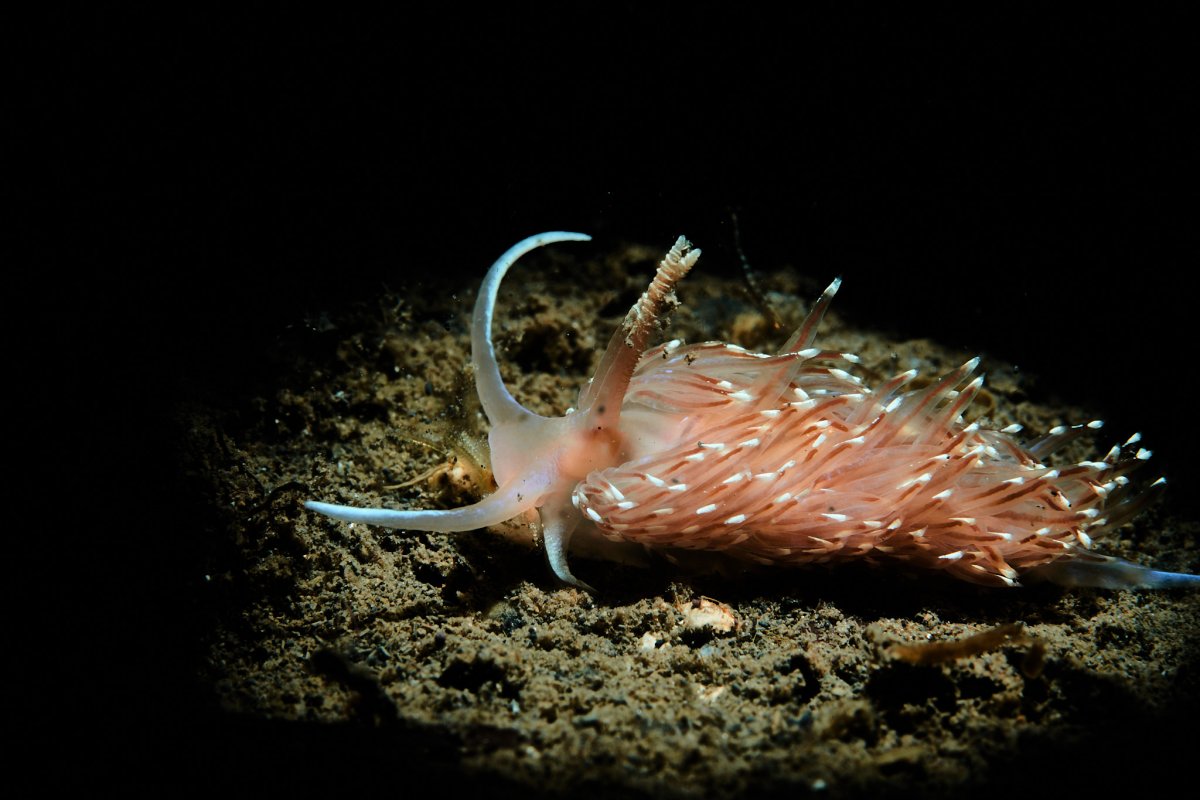
Found this little guy in the Med Sea (more precisely in Etang de Thau).
Depth: 4m, moving around in an rather muddy area. Nudi size is about 4cm.
Can anyone help me out with a name?
Thanks!
Read-only discussion
Hi all,
Found this little guy in the Med Sea (more precisely in Etang de Thau).
Depth: 4m, moving around in an rather muddy area. Nudi size is about 4cm.
Can anyone help me out with a name?
Thanks!
It reminds me of a Sakuraeolis sp, but the ringed (segmented) rhinophores are a puzzle. Expert opinions are needed.
When one finds an unknown nudi, or similar, it pays to take plenty of photo:, head on, top, side, etc, as they are always a big ID help.
Not an expert, but the rhinophore looks like it has a piece of debris (or a shrimp) stuck to it.
Hi all, thanks for the input. Here two more picture, hope this helps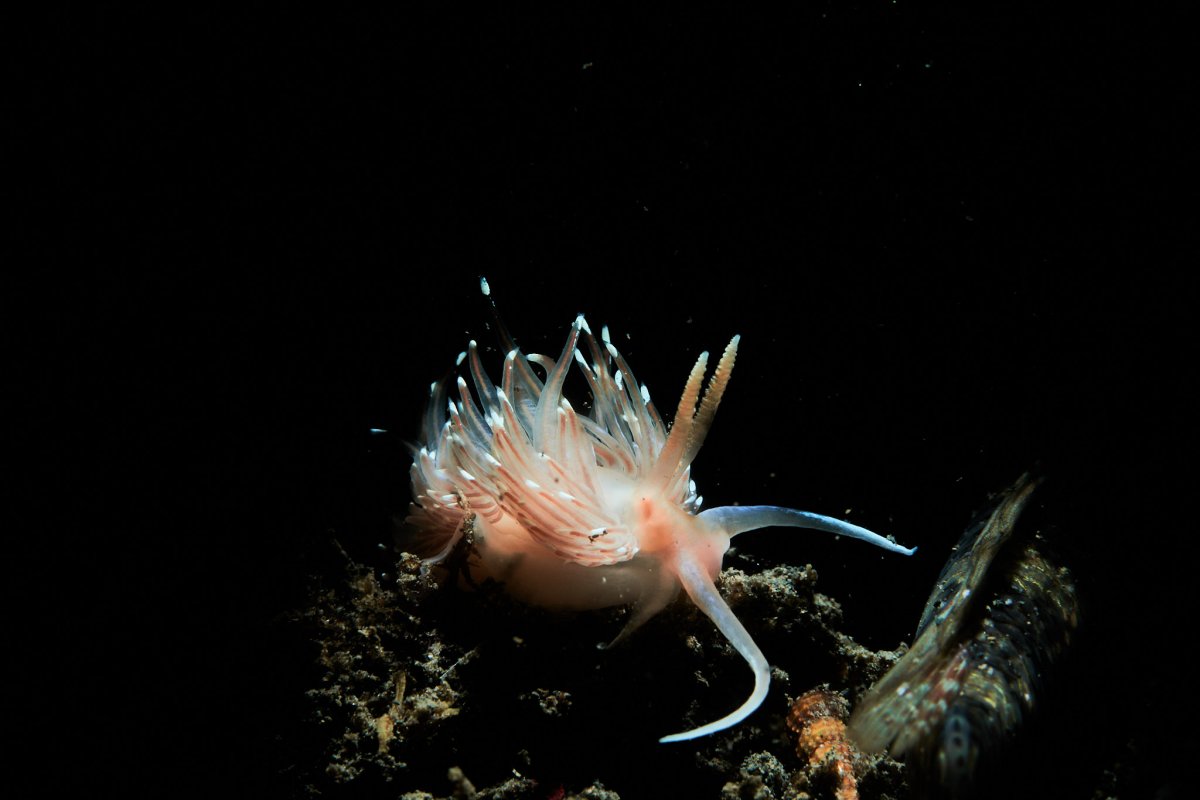 . There is indeed some debris on the rhinophore (easy to spot at 100%, but not at reduzed resolution for the internet).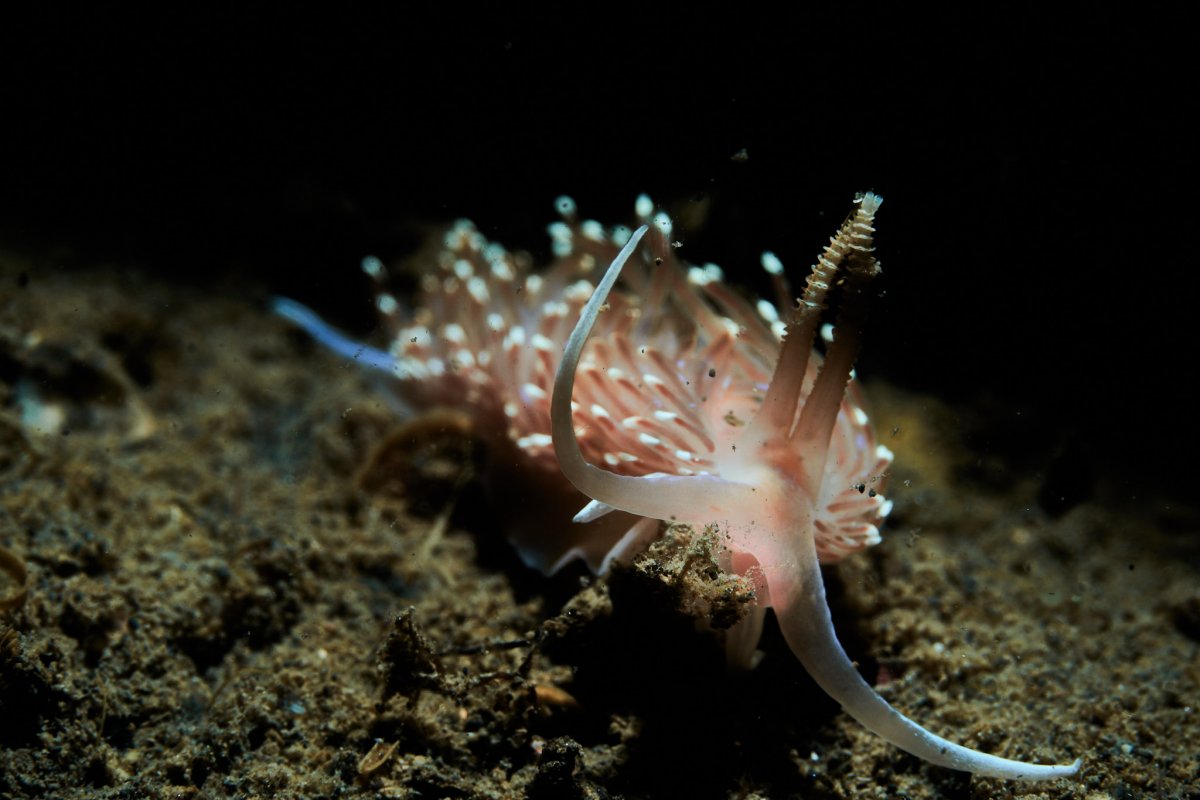
Dave Behrens just emailed me about this nudi's identity: "Never seen this guy". You may have come found a new species.
Allow me to suggest that if you come across it again, be prepared with a jar with the proper preservative so you can send it to Dr Terry Gosliner or similar nudi expert for proper identification and classification, maybe it will be named after you. Several of my friends have done this and the nudis have been named after them.
=
Gosliner, Valdes and Behrens: "Nudibranchs & Sea Slugs Identification",
New World Publications.
By any chance, did you check Doris, the French UW biology website?
https://doris.ffessm.fr
I asked for help from home 
It should be Facelina bostoniensis, a pretty common one with several chromatic variations.
https://doris.ffessm.fr/Especes/Facelina-bostoniensis-Faceline-de-Boston-561/(rOffset)/1
https://en.wikipedia.org/wiki/Facelina_bostoniensis
This book (in Italian) is the bible for mediterreanean nudis:

It's impossibile to find it new but you can find some used copy.
Please allow me to withdraw my comments above, as Michael Miller from San Diego just now wrote and agrees with Davide:
"Looks like Facelina bostoniensis!"
https://opistobranquis.info/en/guia/nudibranchia/cladobranchia/aeolidioidea/facelina-bostoniensis/
Books on European nudibranchs can be purchased at NHBS, for example:
https://www.nhbs.com/nudibranchi-del-mediterraneo-book?bkfno=157934
5 minutes ago, Kraken de Mabini said:
Amazing online guide.
Thanks!
Thank you very much all of you! Your help is much appreciated!

Terms of Use Privacy Policy Guidelines We have placed cookies on your device to help make this website better. You can adjust your cookie settings, otherwise we'll assume you're okay to continue.

A worldwide community for underwater imaging.
