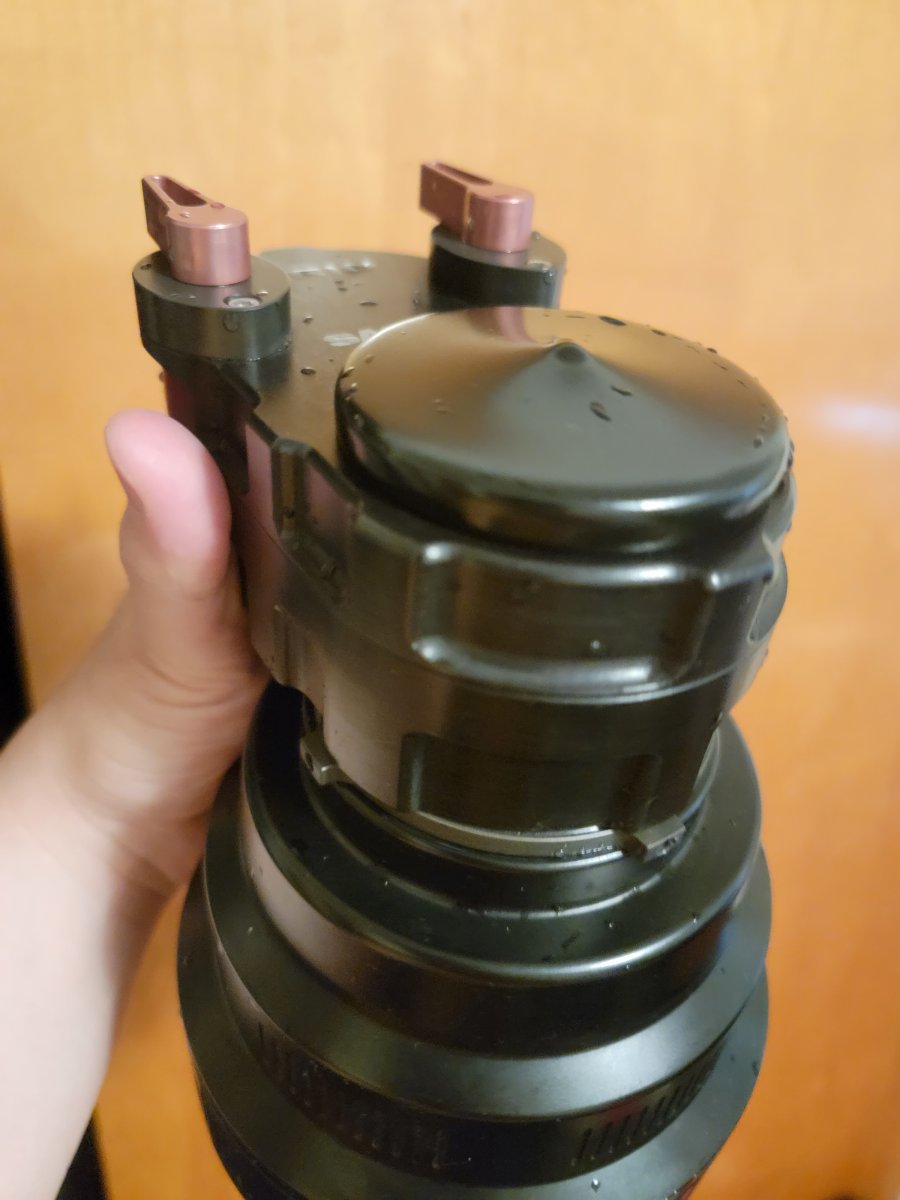
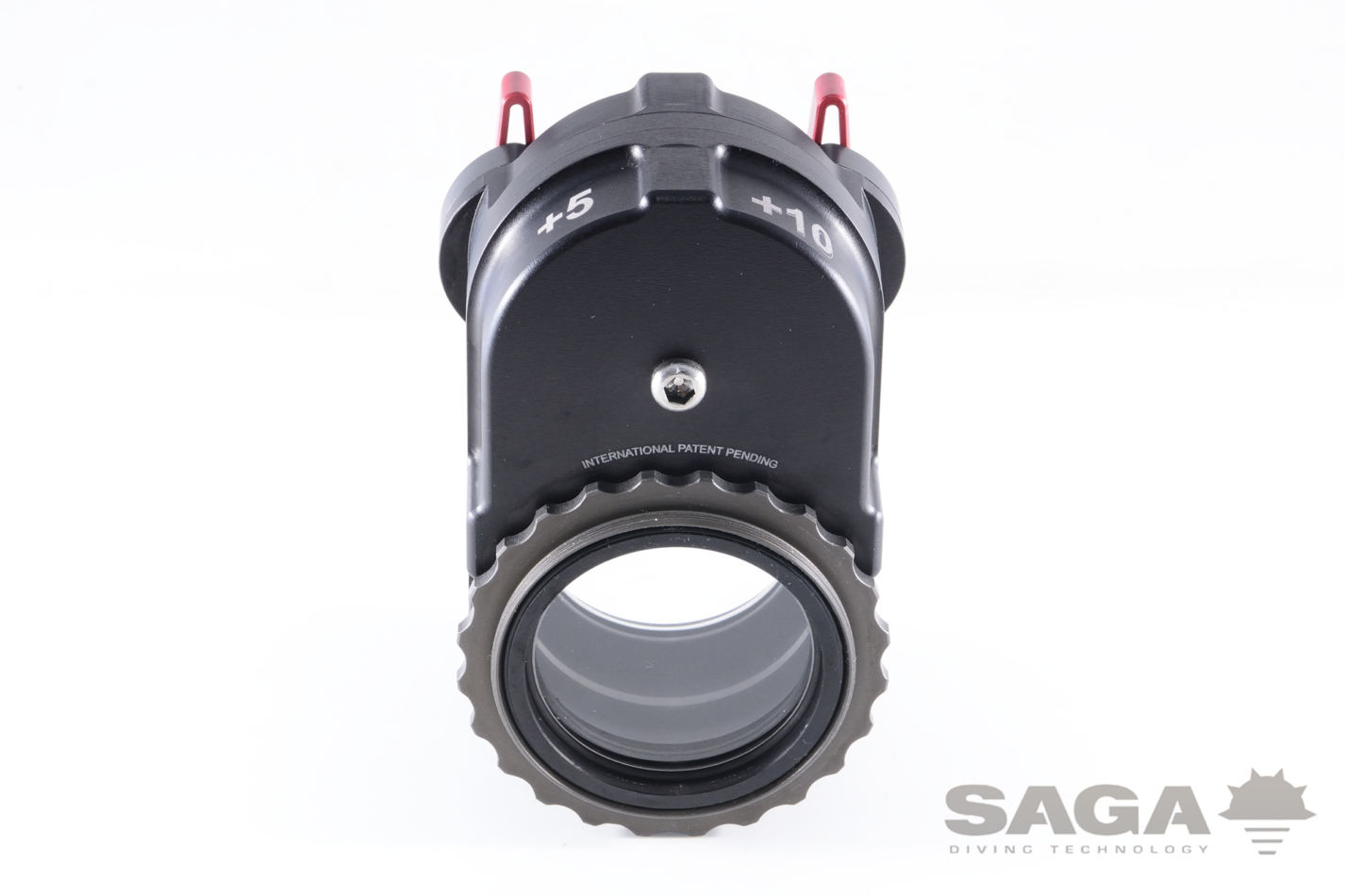
Does anyone have any tips on removing a Saga Trio diopter system from a flat port? I screwed mine onto my flat port (Nauticam N120 Macro Port 60), and now I can't get the darned thing off. I'm not sure if something's changed between the prototype and production, or if the unit I own just has an atypical design, but rather than the nice ring depicted on Saga's website, my unit just has 4 tiny sharp rectangular protrusions, making it very difficult to apply torque.
Two rubber-strap wrenches working in opposite directions one another will generate the necessary torque to unscrew the two units. A few drops of liquid detergent to lubricate the stuck parts is indicated. Here is a source for strap wrenches:
yes use strap wrenches and do not store the port with the SAGA attached. Unscrew it after every dive session. You might like to lubricate the m67 threads with a little silicone grease to help prevent in the future.
I would soak it in vinegar / water first in case there is any salt build up in the threads.
Use a small bucket and fill it 2 - 3 inches about the level of the thread.
Update: the strap wrenches worked like a charm, though I'm afraid that I might have to bring them along on every trip to be able to remove the Trio after every dive session. I'll have to look into 3D printing some sort of extension wheel or something to bring the Trio closer to the original design.