Skip to content

Photo / Video Showcase / Archived topic

Malpelo images

Started by Interceptor121 ·

  • 3Posts
  • 3Replies

Read-only discussion

Malpelo images

3 posts
  1. I was on the ferox in June for an epic trip to Malpelo

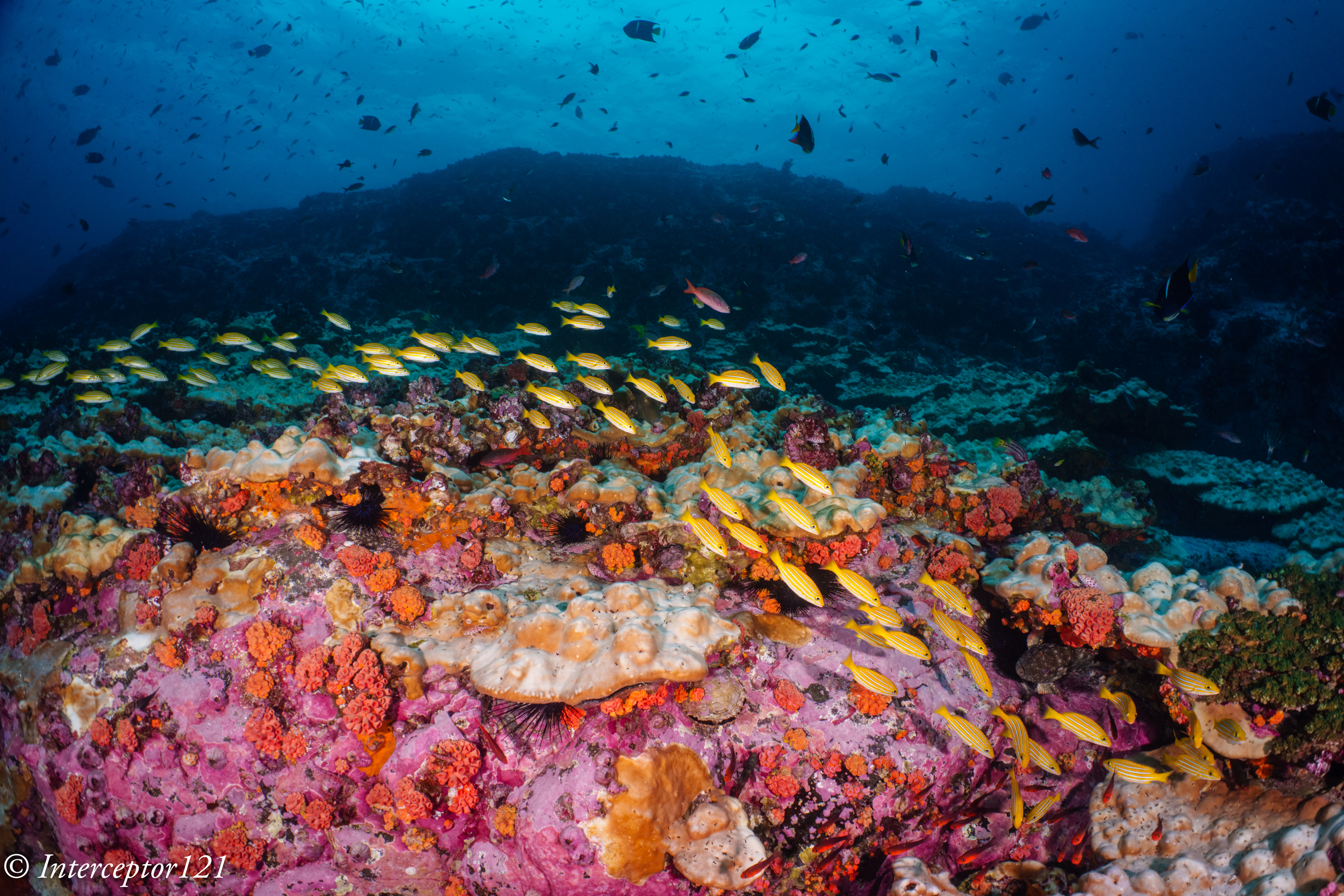
    Admitedly this is not a destination and a boat for everyone. We had downpours and there was not a lot of light but there was an amazing quantity of fish

    I was aware that hammerheads are better found in the dry season however most people go there for this reason and this means your prime objective is not fish schools which instead for me where absolute prime. The quantities made the schoold in egypt raja and galapagos look tiny

    I also found the coral in pristine conditions and although this was not the red sea it was much better than galapagos with plenty of soft and hard corals not just barnacles as I was led to believe
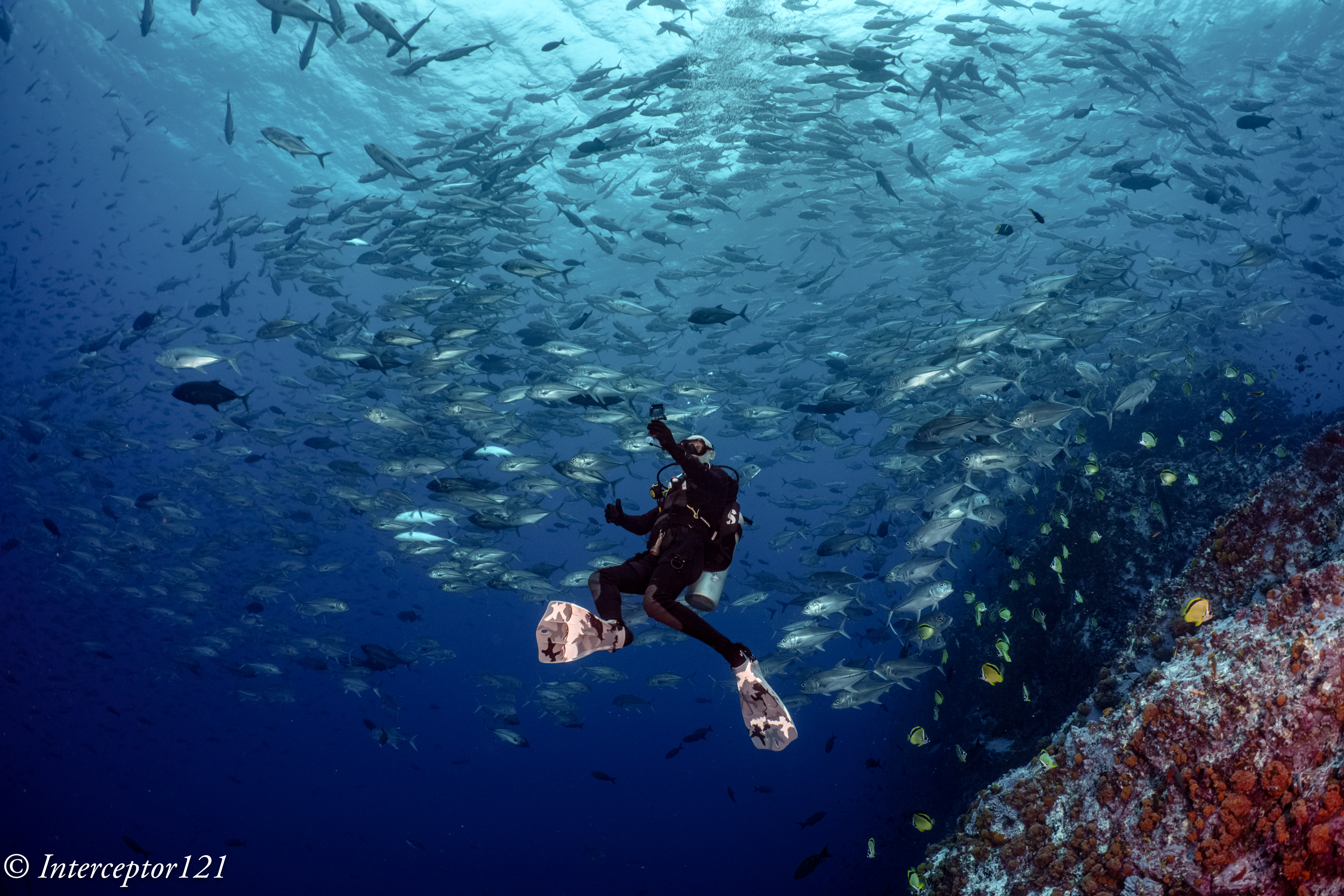
    20230623_mf207251_selfie-sh-1.jpg

    20230625_mf207703_spongers-1.jpg

    20230623_mf207232_snappers-at-dartagnan-

    20230625_mf207600_get-closer-1.jpg

    20230625_mf207731_sway-1.jpg

    20230623_mf207297_red-mullets-1.jpg

    20230624_mf207479_the-school.jpg

    I have taken also footage of the boat operations which in my opinion was perfect for diving and will do a write up eventually

    I used 28-60 and 28mm with WWL-1 and Canon 8-15mm with teleconverter I decided for distorted optics for photos and rectilinear for video and I am happy with that choice

    I want to add due to the diving conditions smaller domes max 15 cm better if 11 cm are the way to go


    Edited by Interceptor121
  2. wow, this is amazing and luck you. Were  you on liveaboard?

  3. 6 hours ago, newdiver said:

    wow, this is amazing and luck you. Were  you on liveaboard?

    Malpelo is a liveaboard only destination. The two boats with most regular schedule are the ferox and the sea wolf. The first has more international clientele and is a former mine sweeper steel hull, the second has aluminum hull better recreational areas but feels the swell and choppy seas much more, it caters more for local and spanish speaking clients.

Account

Navigation

Search

Search

Configure browser push notifications

Chrome (Android)
  1. Tap the lock icon next to the address bar.
  2. Tap Permissions → Notifications.
  3. Adjust your preference.
Chrome (Desktop)
  1. Click the padlock icon in the address bar.
  2. Select Site settings.
  3. Find Notifications and adjust your preference.