



Looking for a recommendation for an adapter to use on the Sony A7RV to mount the Nikon 60mm F lens. Specifically one that supports AF.
[Looking at possibly using for BW]
Any recommendations?
Photography Gear and Technique / Archived topic
Recommendations for Sony E mount to Nikon lens adapter
Started by oneyellowtang ·
- 6Posts
- 6Replies
Read-only discussion
Recommendations for Sony E mount to Nikon lens adapter
6 posts
-
-
I use a Monster one - bought from B&H. I couldn't find one in the UK when I looked back in March. I've not looked for one since, and haven't tried any of the alternative ones.
The adaptor works very well - with a couple of small bugs. The main one is that looses focus if you turn the camera off or the camera goes to sleep (which you can disable). I use it with back button, which removes any shutter lag. AF is super fast, subject recognition works well. I use the same adaptor with Nikon 8-15mm, 16-35mm, 60mm and 105mm.
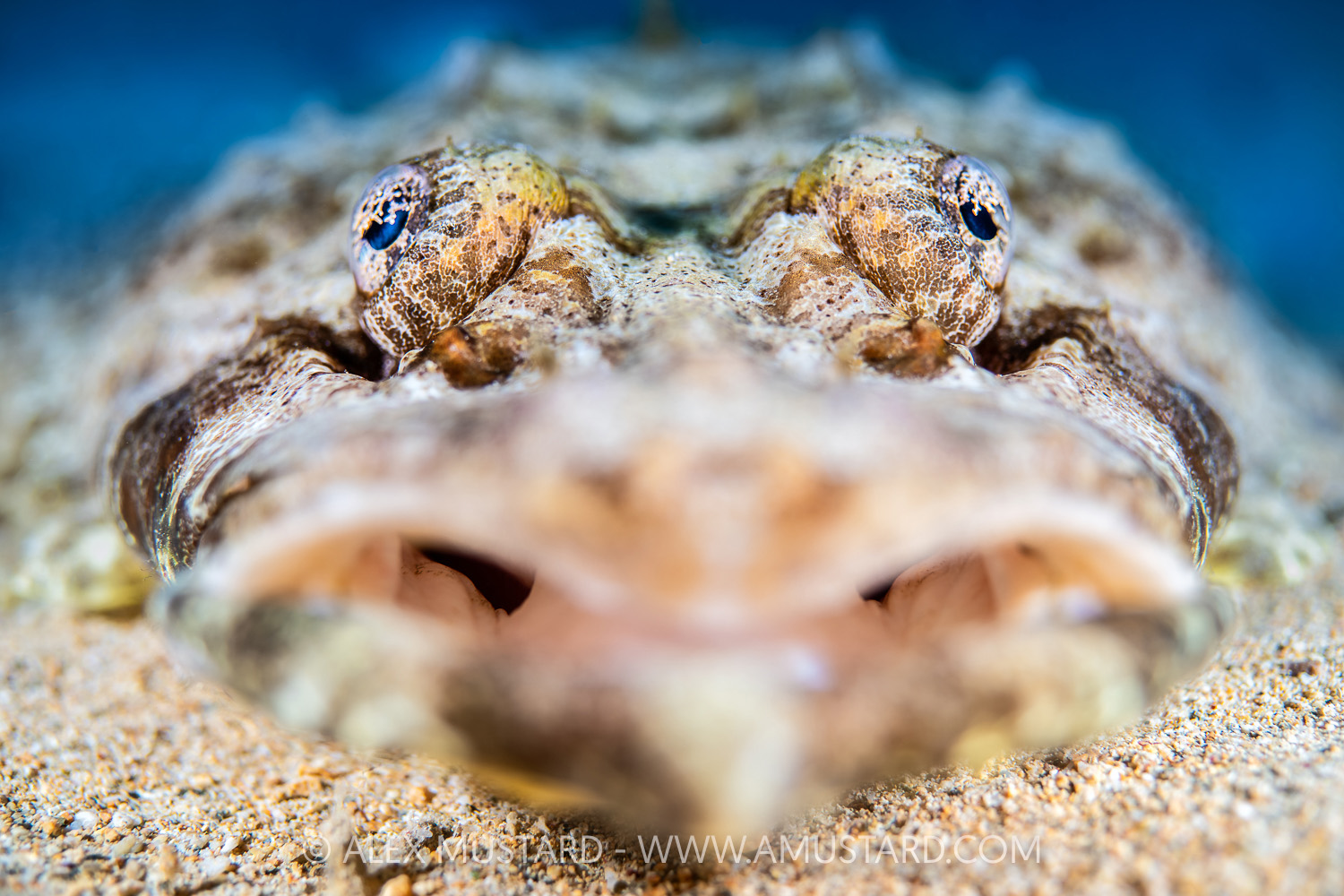
I have used both the 90mm port and Nauticam's curved 4" port with this lens - which increases its angle of view and removes the corner CA that the Nikon 60mm is prone too with a flat port. This is shot with 60mm and 4" port.
-
Alex, are you referring to the 4.33 inch acrylic dome (18803)?
Gary
-
From another forum:
QuoteMegadap have just released the v3 Pro version of their E to Z adapter which promises even better compatibility with the Tamron lenses and improvements in AF generally, plus the ability to update its firmware directly from the camera.
They just released a new version of this adapter
https://megadap.net/product/megadap-sony-e-to-nikon-z-autofocus-adapter-etz21pro/

-
This is actually the contrary froma Z body to a Sony E lens.
Sorry
-
1 hour ago, Proteus said:
Alex, are you referring to the 4.33 inch acrylic dome (18803)?
Gary
No, definitely not.
The one I am using is 37122 with a short port extension.
https://www.backscatter.com/Nauticam-4inch-Underwater-Acrylic-Dome-Port-N85-Sony


