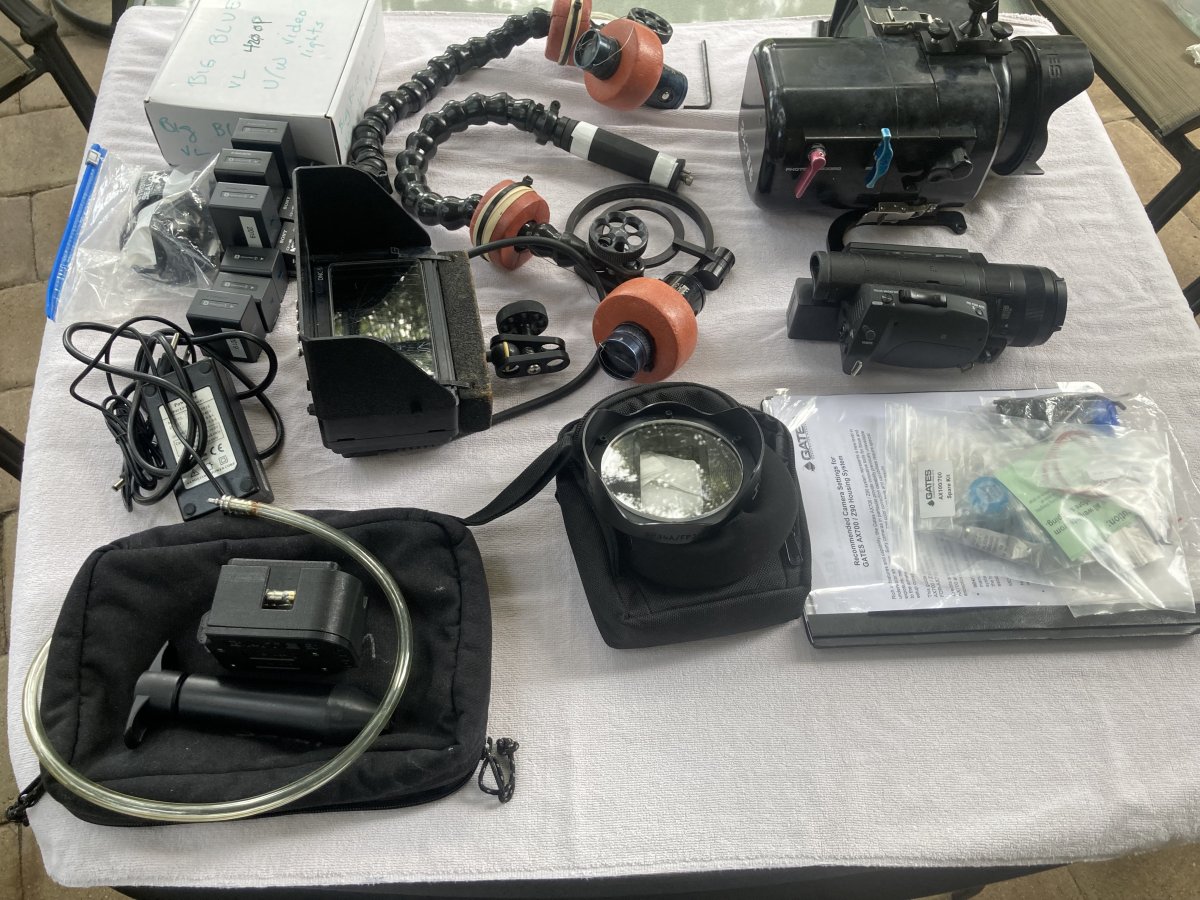
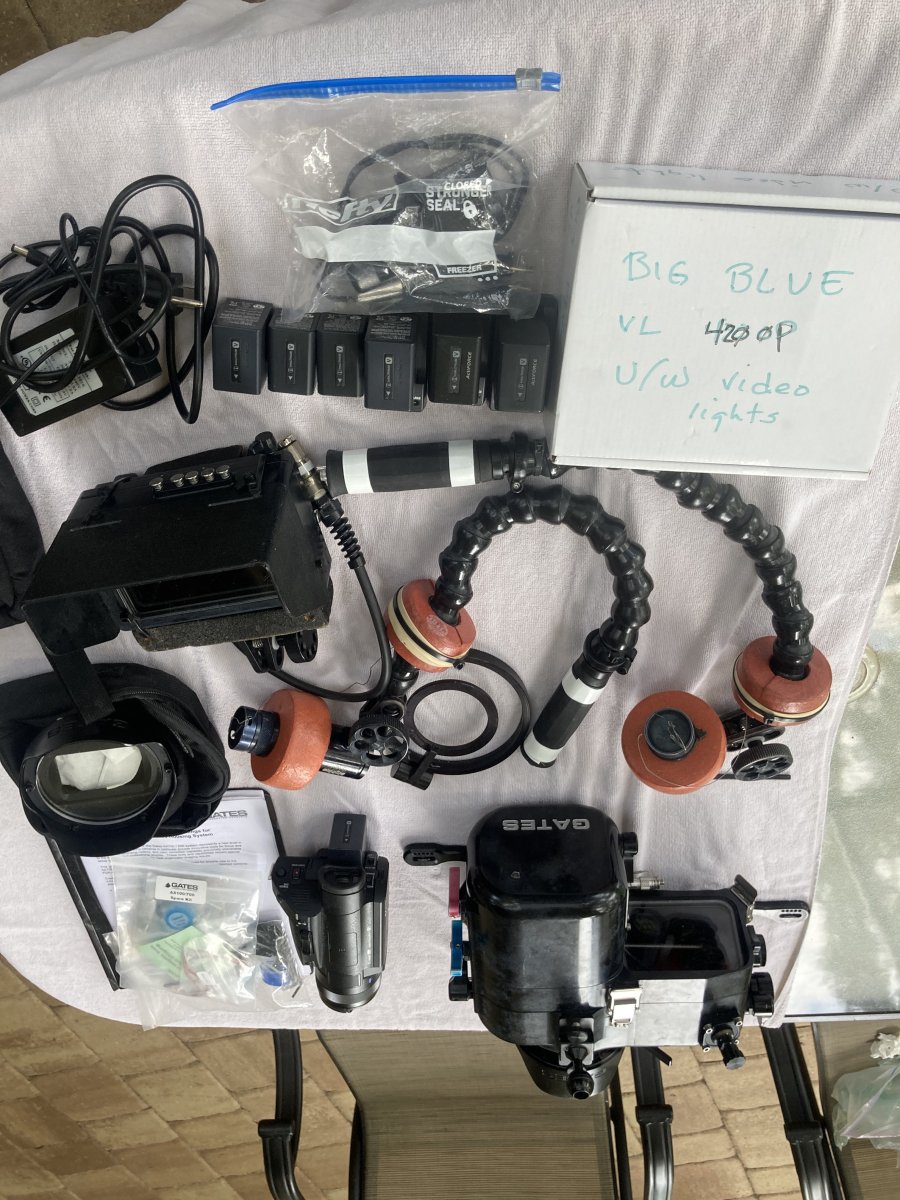
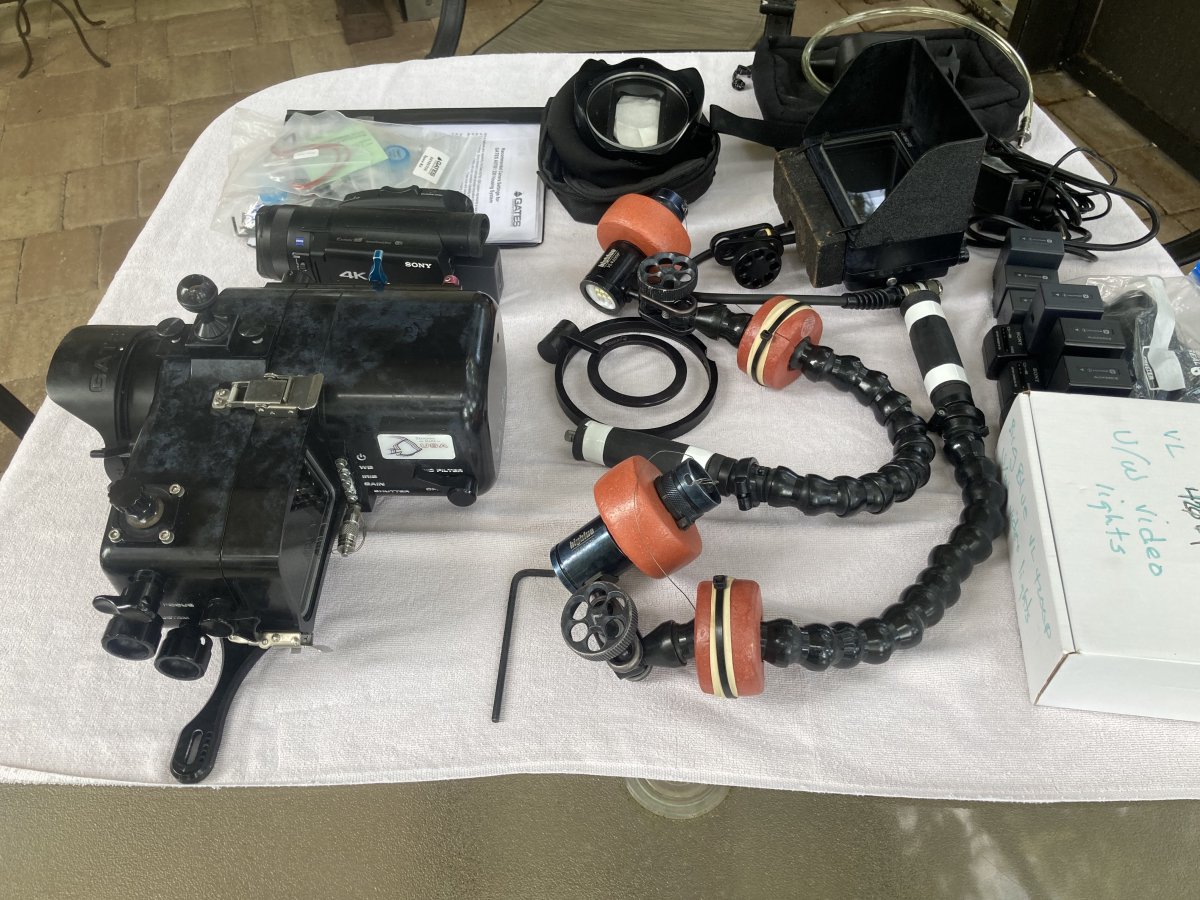
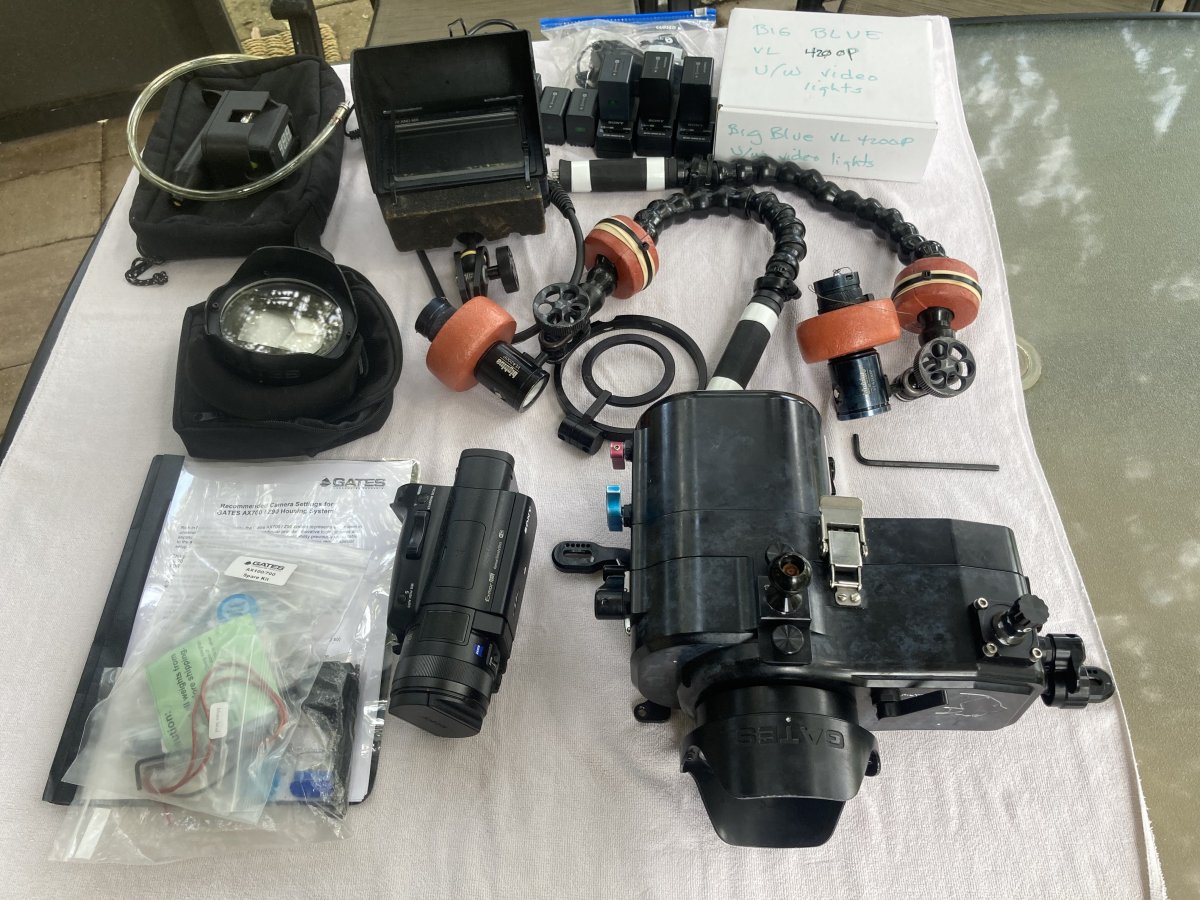
Here's a pretty complete set of well-used Sony AX700/Gates underwater gear. Besides the housing and camera there are a Gates vacuum system (needs batteries), a Dive and See 5" monitor with the through housing port and internal HDMI cable, A SAGA swing away macro lns holder (no lenses included) and a pair of Big Blue 4200P lights. The setup comes with both ports - flat and dome, and each has a scrape that you can see if you look at the lens, but doesn't seem to harm the image. There are planty of Sony batteries and chargers.
The setup has been well used. It has also been rebuilt by Gates twice in its lifetime, the most recent time being a year or a bit more ago. It is scruffy; that means character of course ;-) , but it works 100%
Nearly every 4K frame taken with this rig is a hi definition photograph. I'm reluctant to offer it up but since it weighs more than 25 lbs, I must. I have enough birthdays now that shore diving with it is beyond my strength and balance. I've switched to a Canon with one light that weighs 7 lbs; it fits my capabilities.
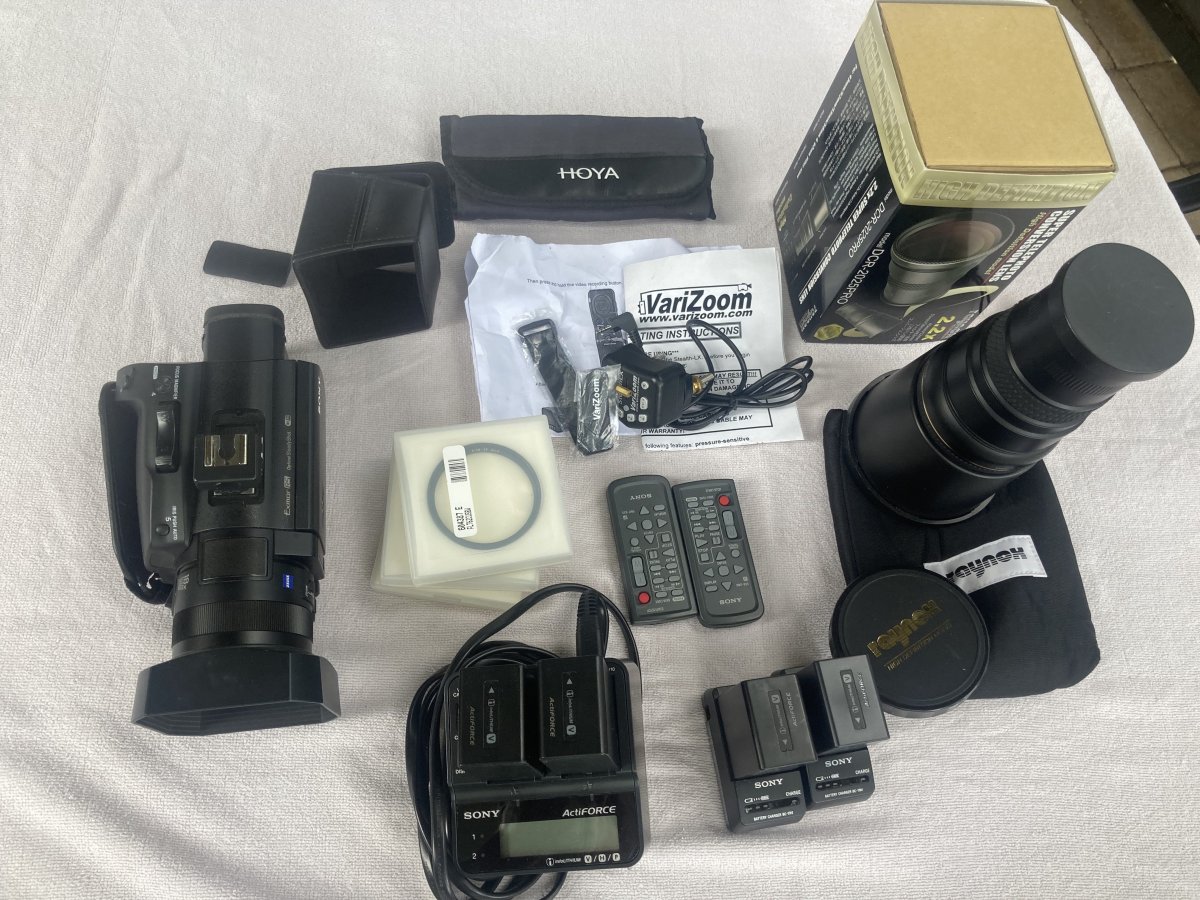
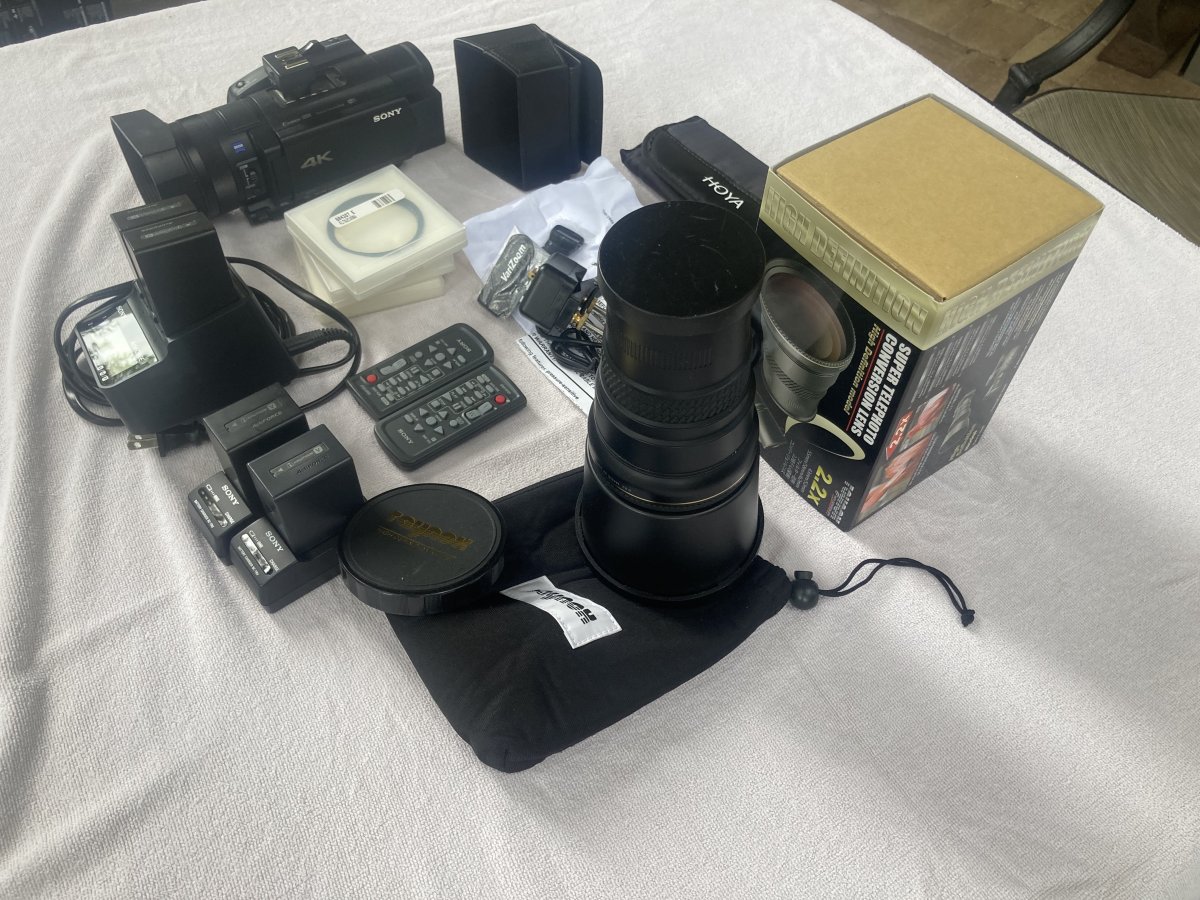
I also have a matching topside setup in the next message in this thread. If you'd like them both together (recommended) you won't regret it.
No idea what all this cost or is worth. Well, maybe roughly: the two together cost well over 10K USD. I'd be happy with about 4K.
Tom