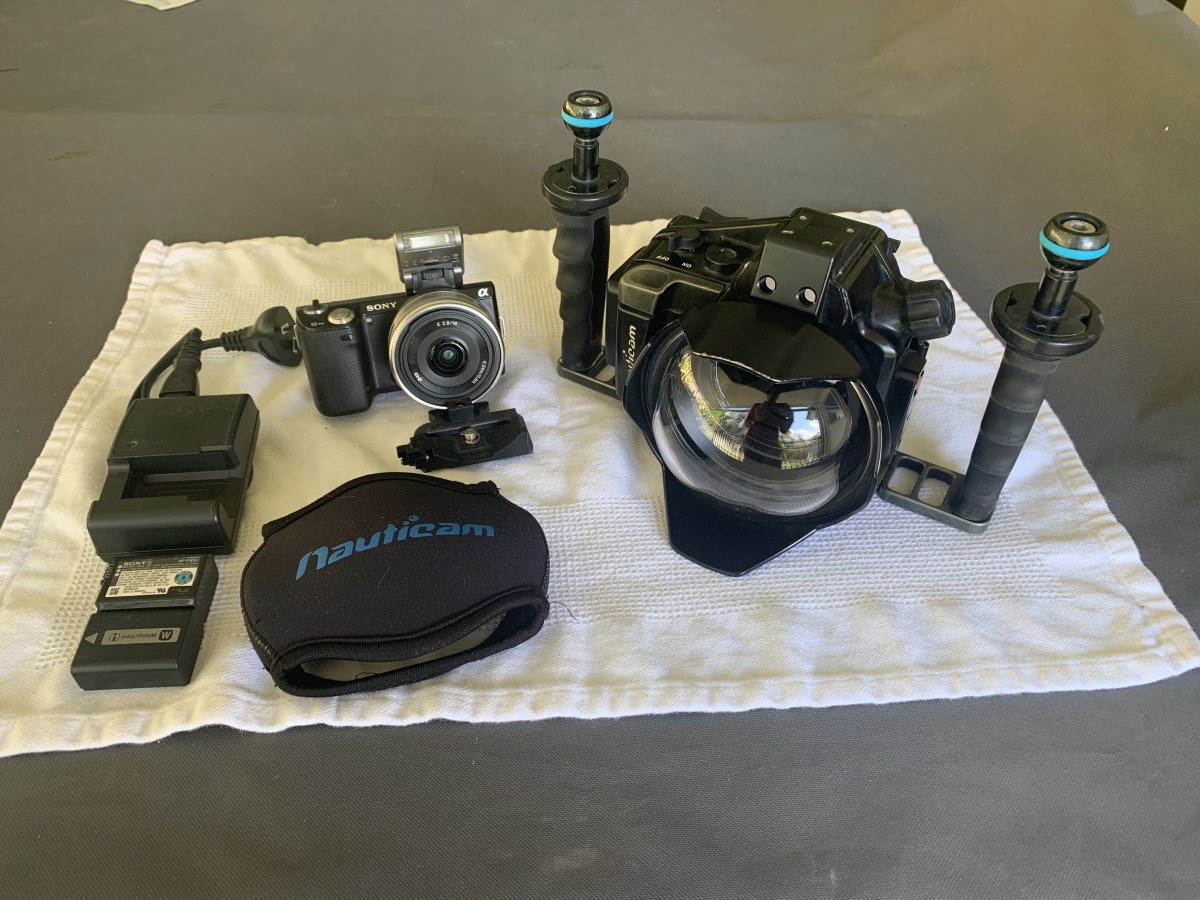
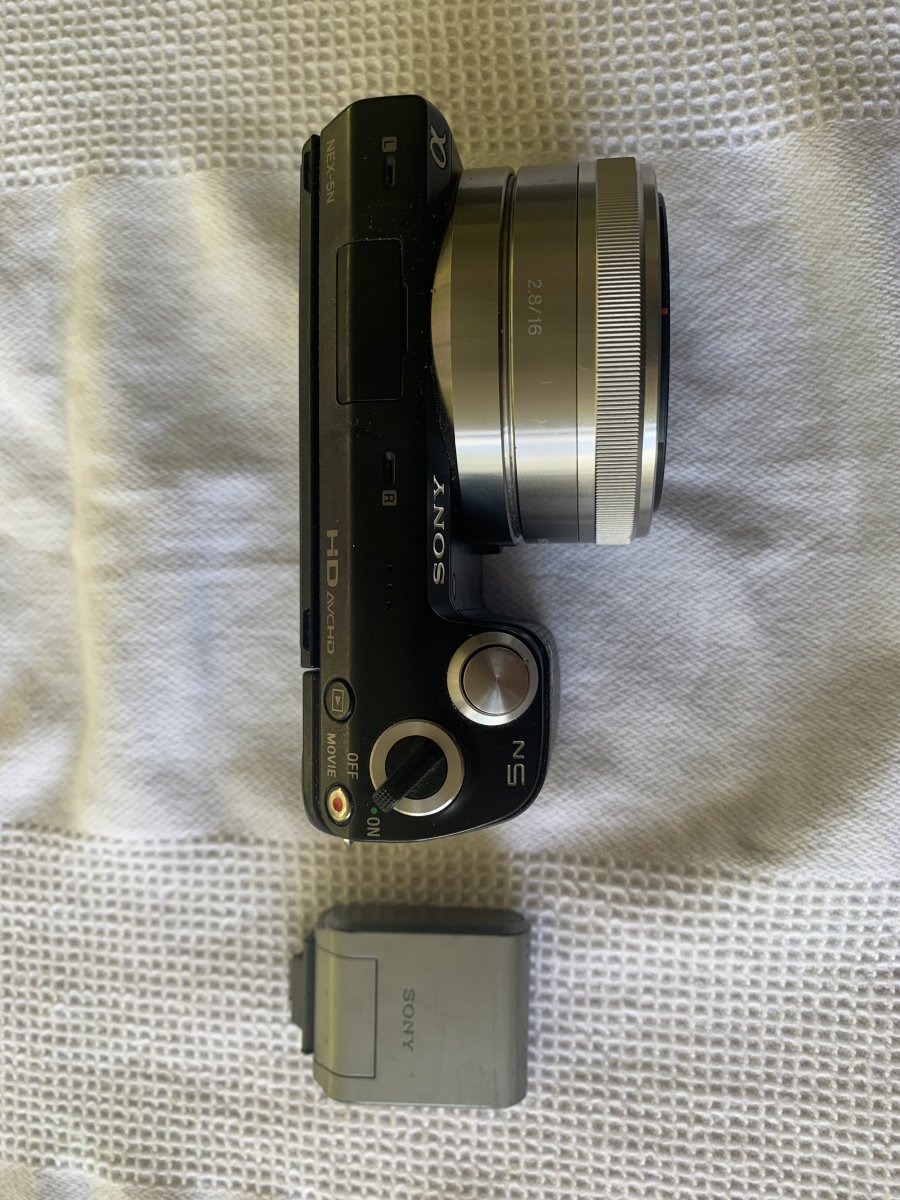
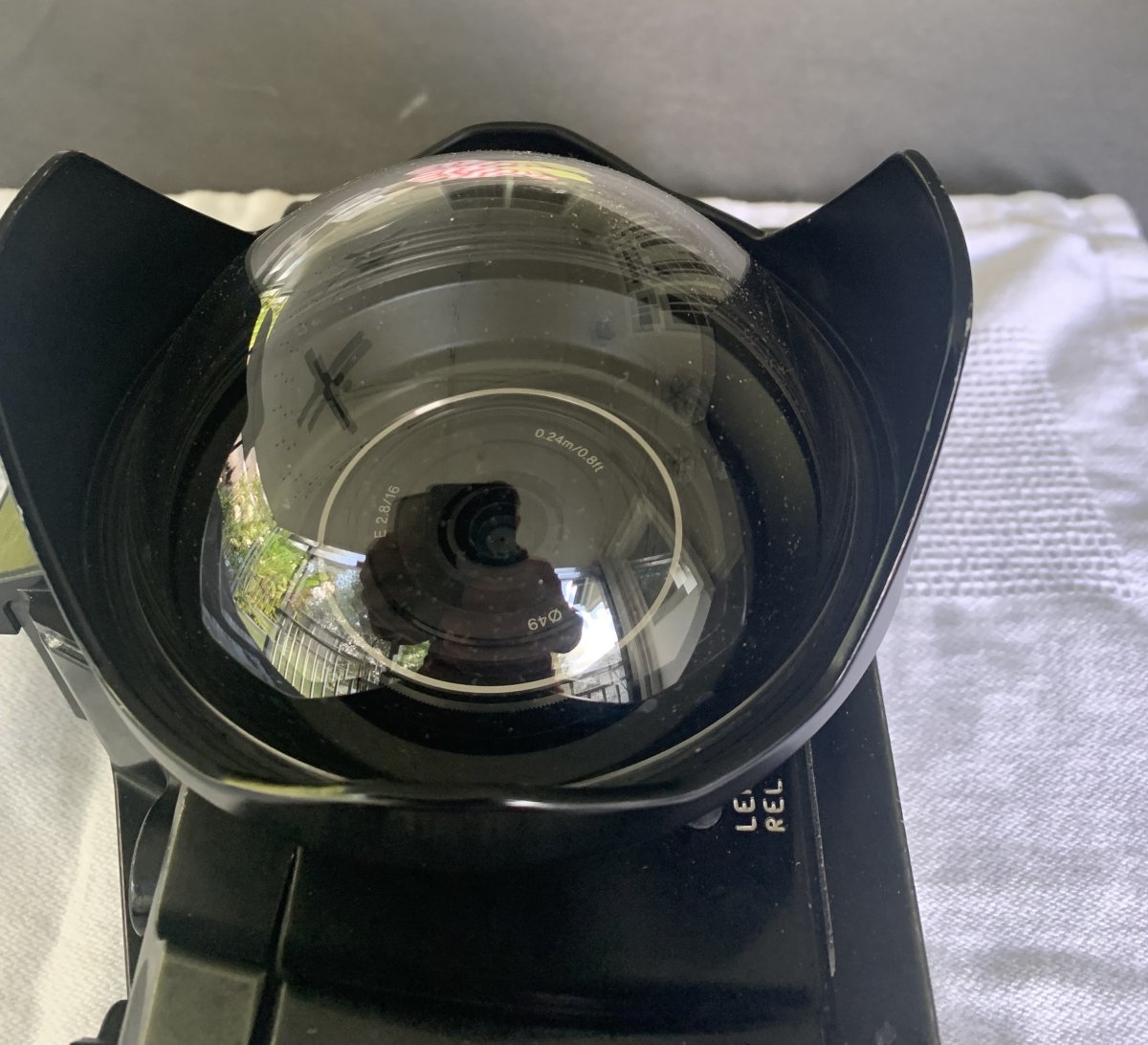
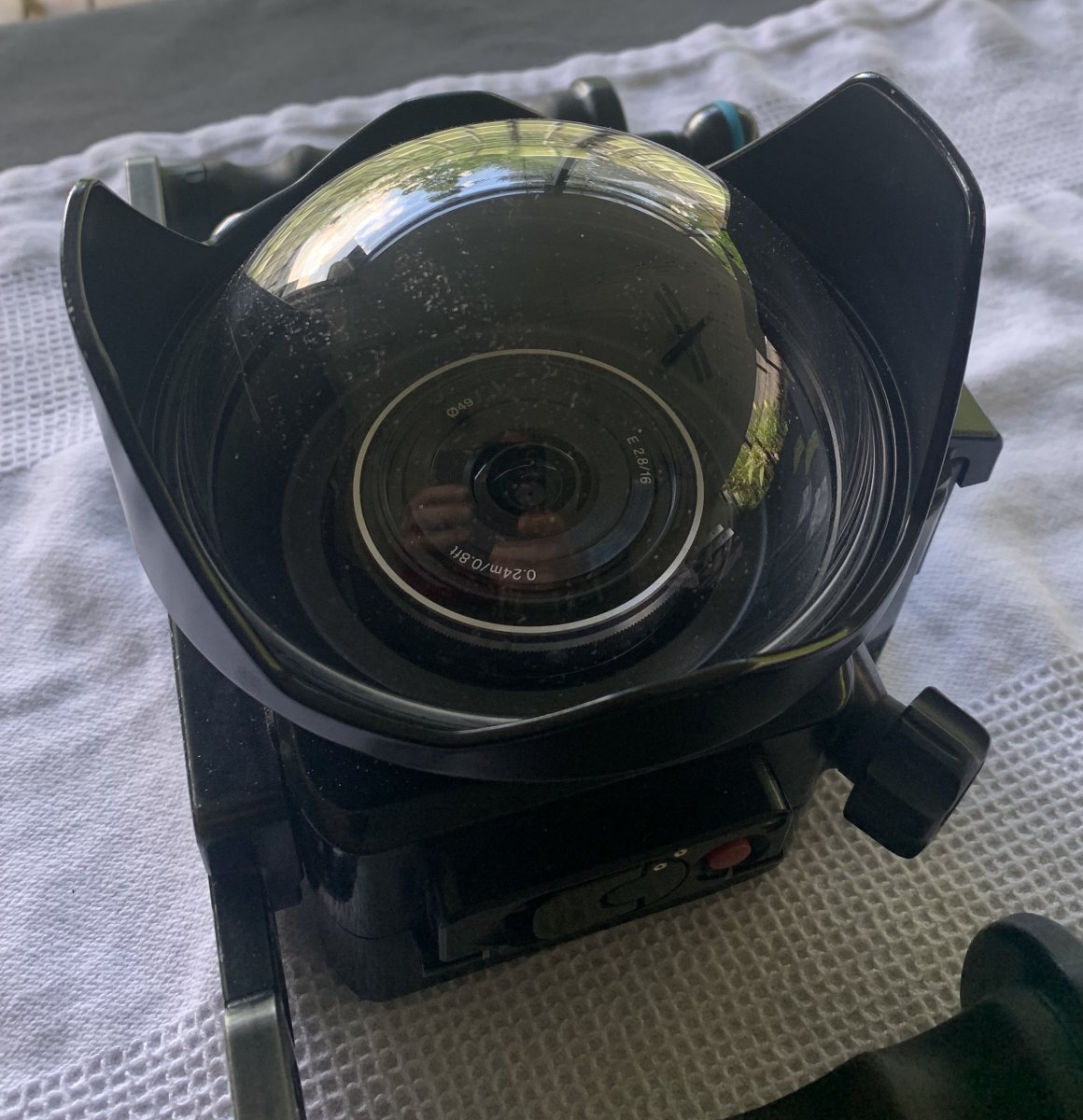
For Sale is a Nauticam NA-NEX5 wide angel set-up. The sale includes everything to take wide angle photos up to 100m under the sea. Included:
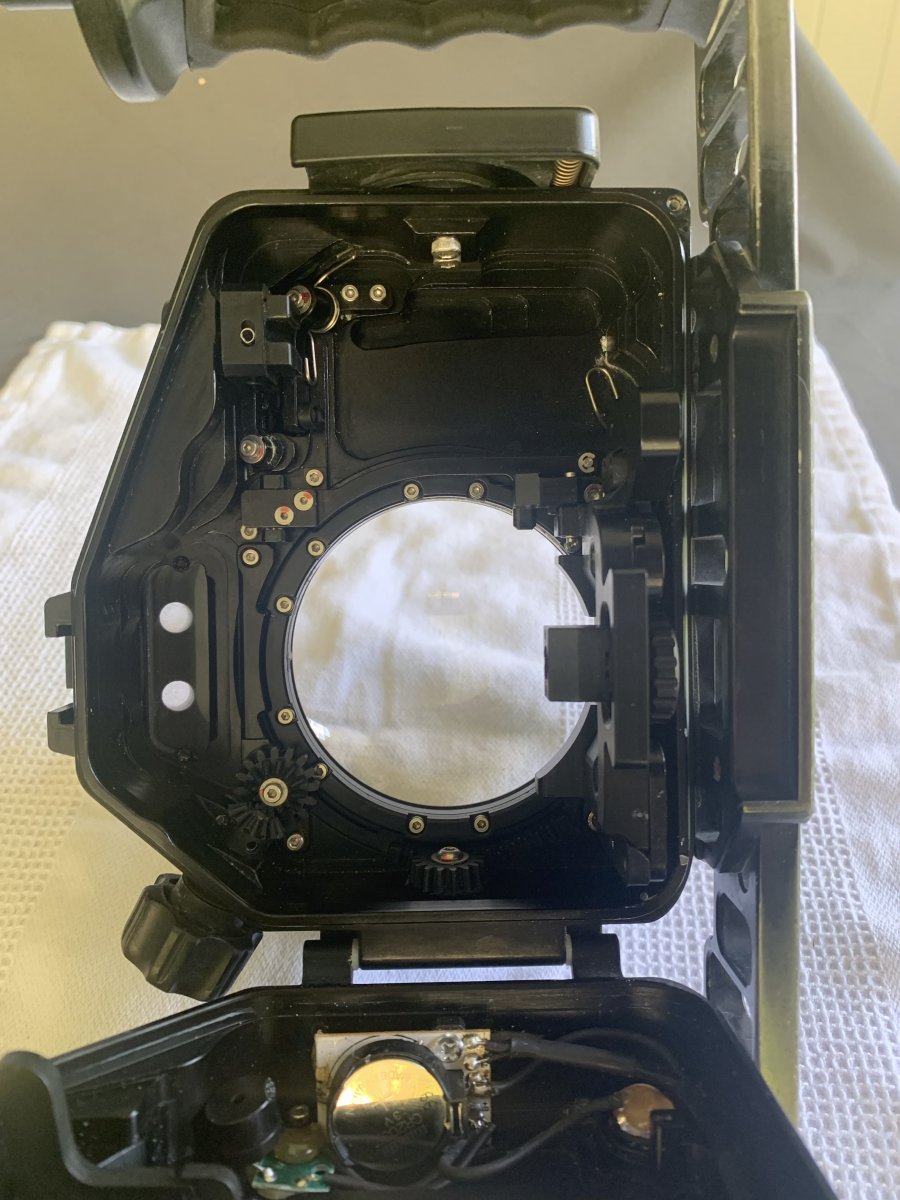
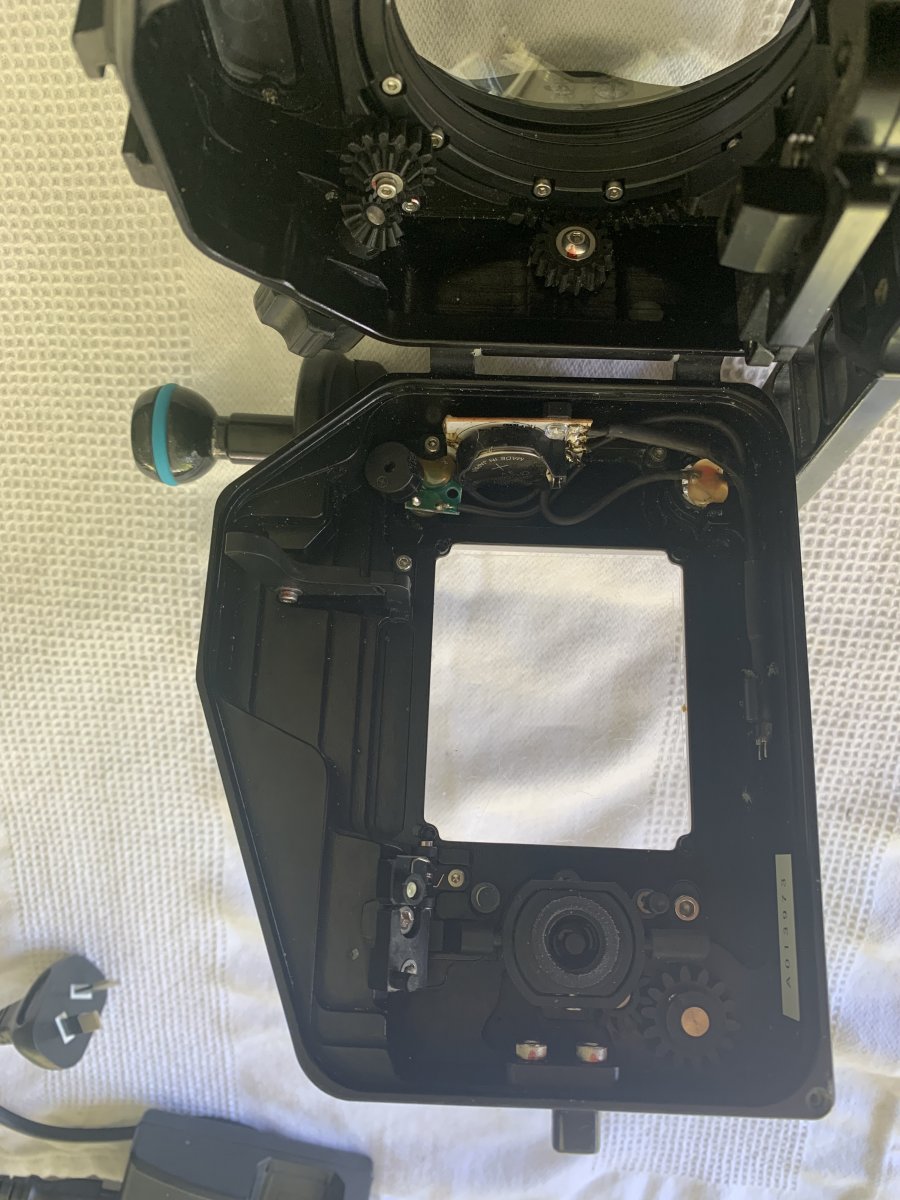
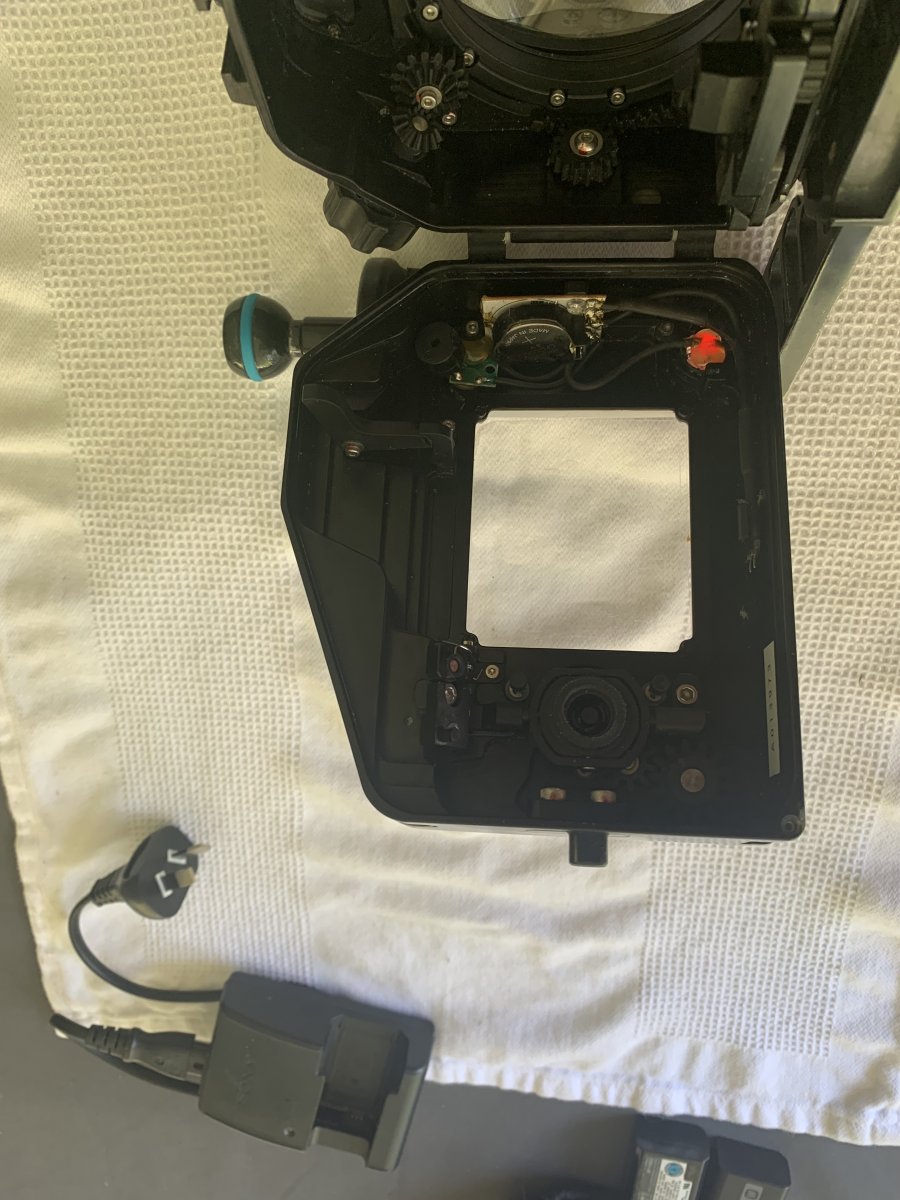
· Nauticam NA-NEX5 housing, never flooded, all features including the moisture sensor are working, includes Nauticam tray with both right and left handles and two 1" Nauticam balls;
· Nauticam 4.33” Dome port (36125), recently replaced acrylic dome, no scratches (new price $AUD973.50, approx. $US626.00, €597,00.);
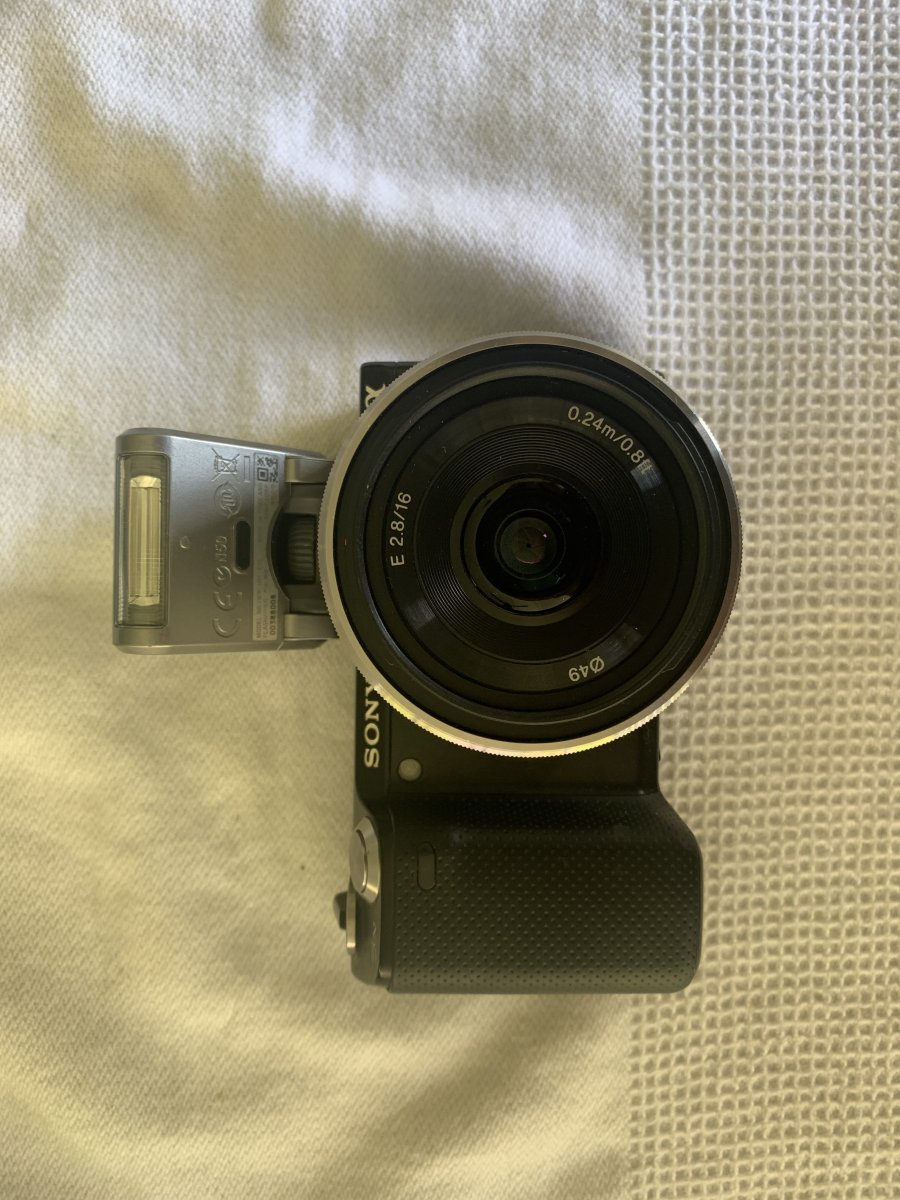
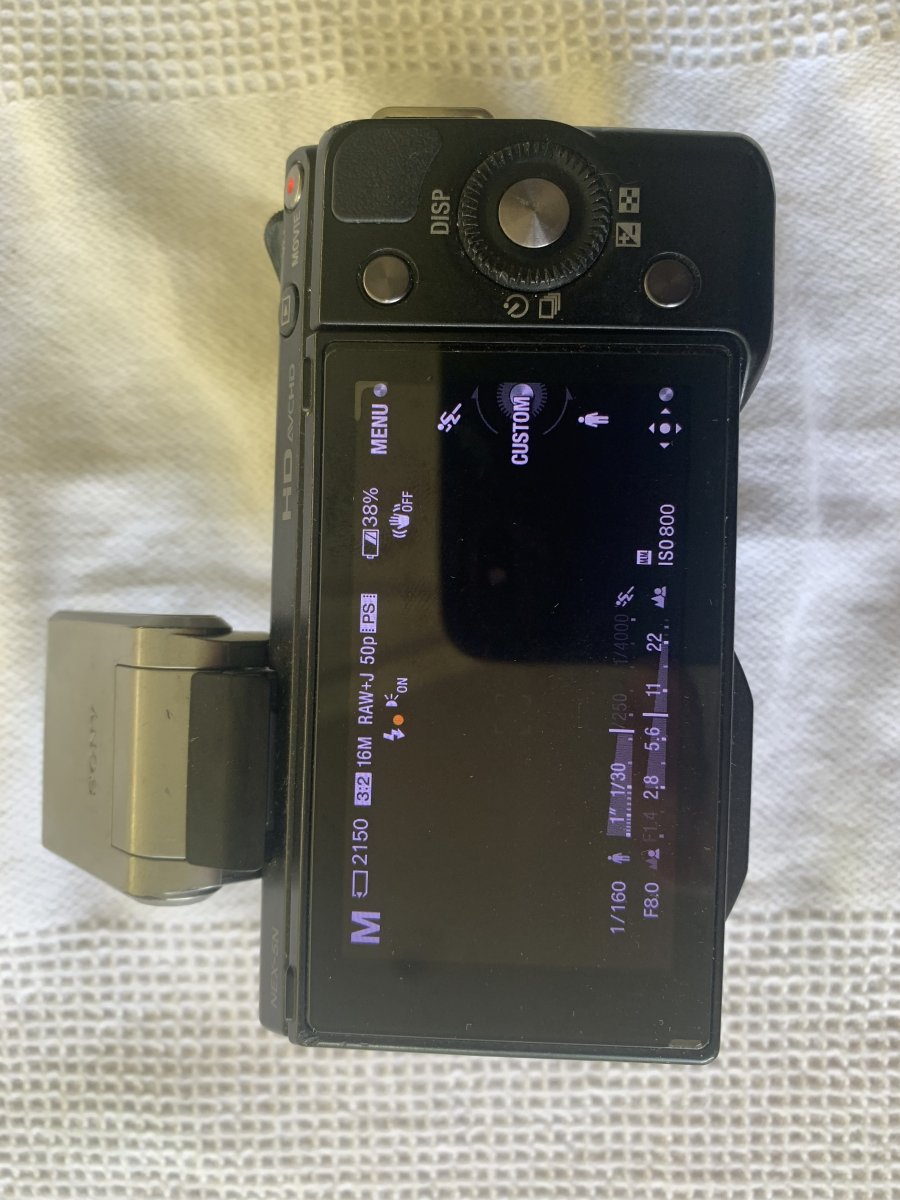
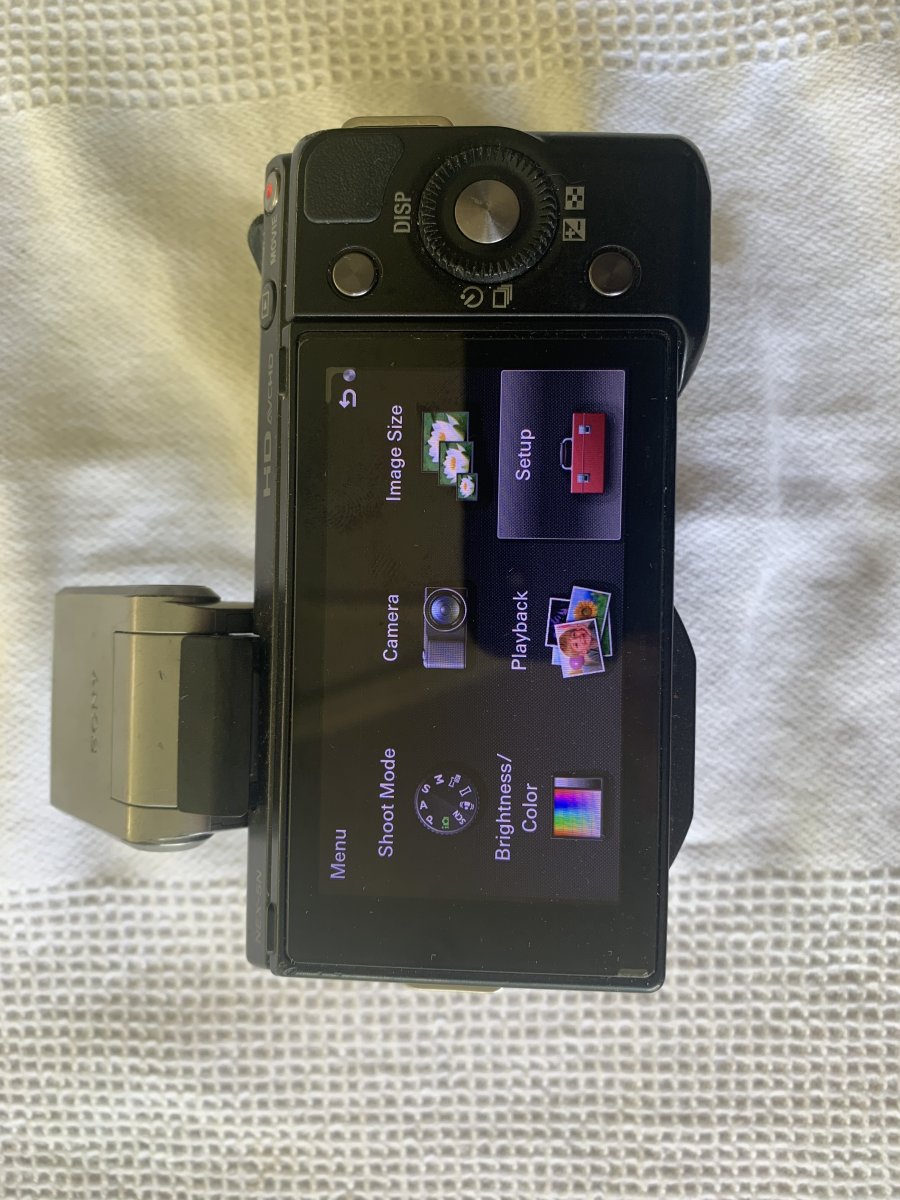
· Sony Nex-5N APS-C camera, minimal use as only used in the housing;
· Sony 16mm F2.8 SEL16F28 lens, to match the Dome port (new price $AUD278.85, approx. $US190, €170.);
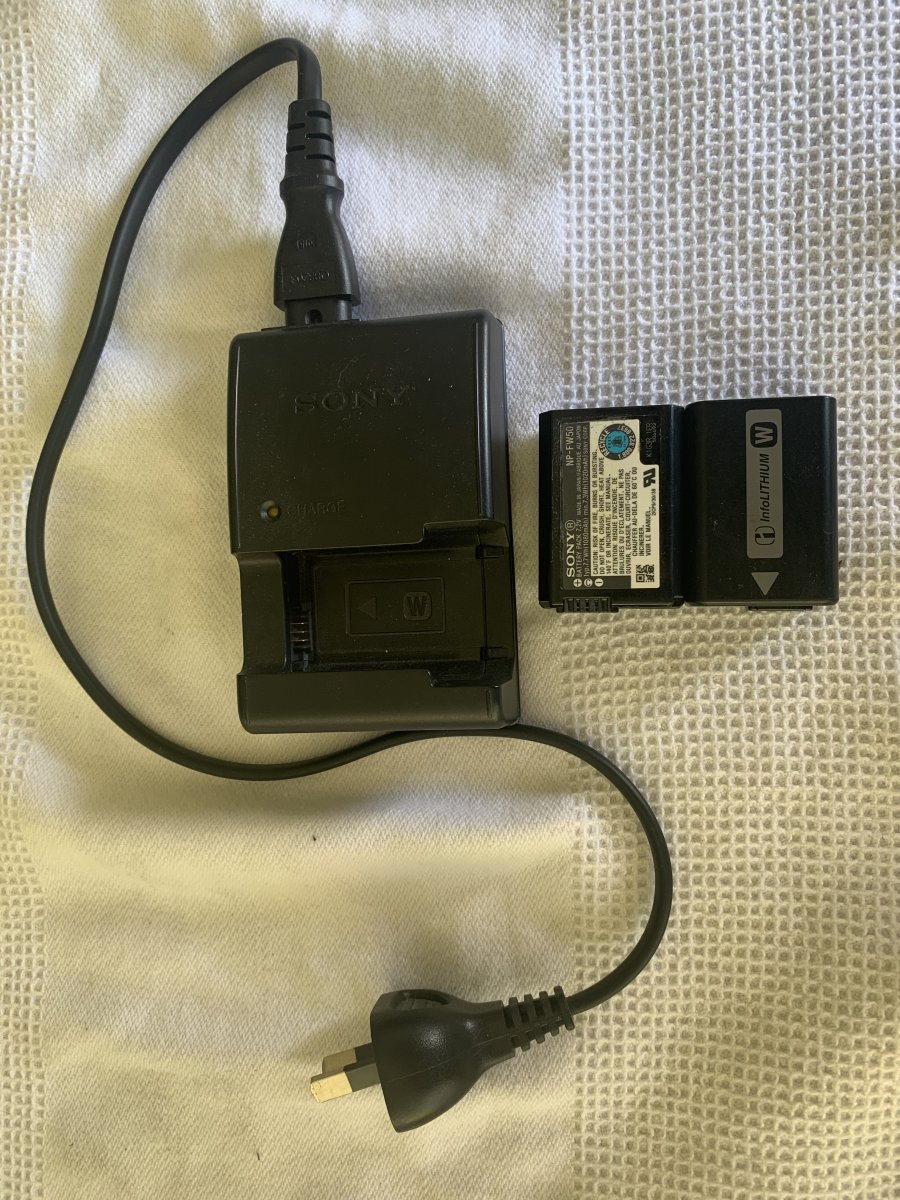
· Sony genuine battery charger and two Sony batteries;
· Sony flash for Nex-5N camera (would be used to trigger strobes, strobes are not included).
I have been very happy with this set-up for many years but have finally decided to move to a full frame set-up. This is a very durable, capable and travel friendly set-up that I have taken on many dive holidays.
The port and lens can be used on any Nauticam/Sony APS-C set-up up to the A6600 and I expect the latest A6700 (housing is not yet released).
The 16mm lens can have a Sony ultra-wide (weitwinkel) adapter (VCL-ECU1) or the Fisheye adapter (VCL-ECF1) mounted for extra wide. The port supports these options. (Adaptor lenses are not included in this sale)
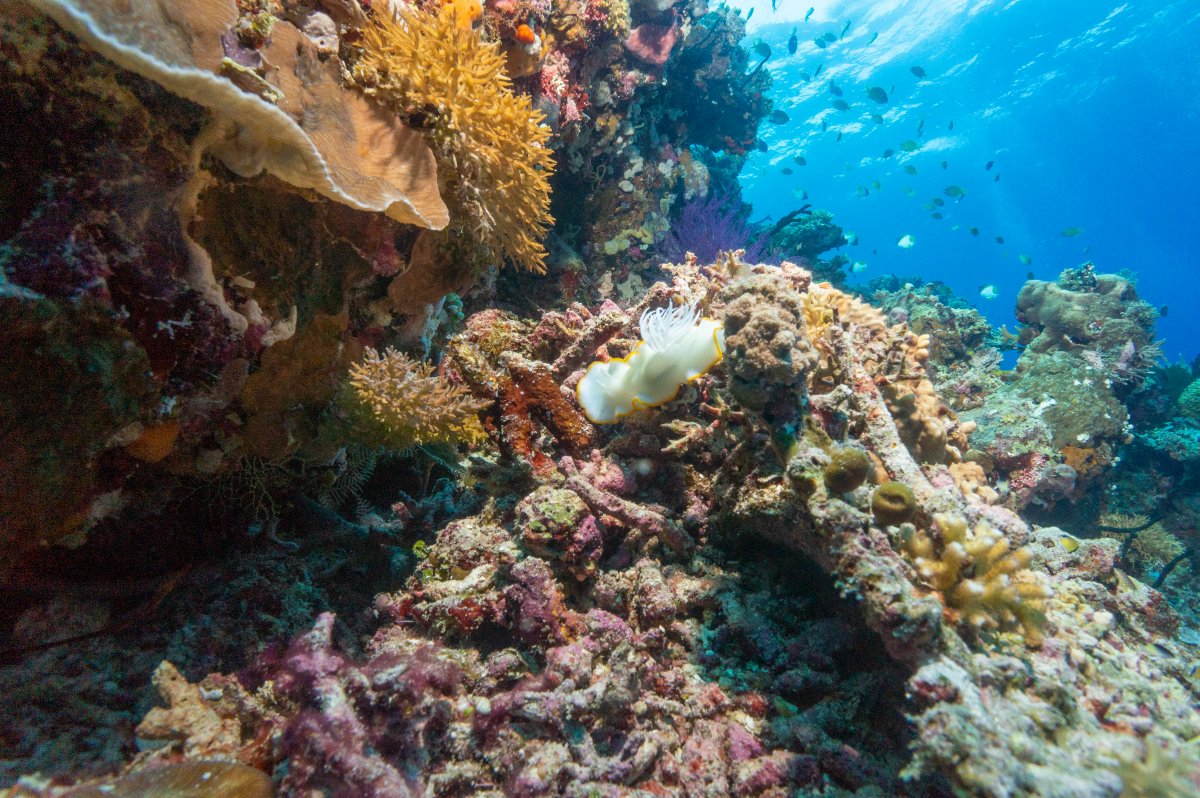
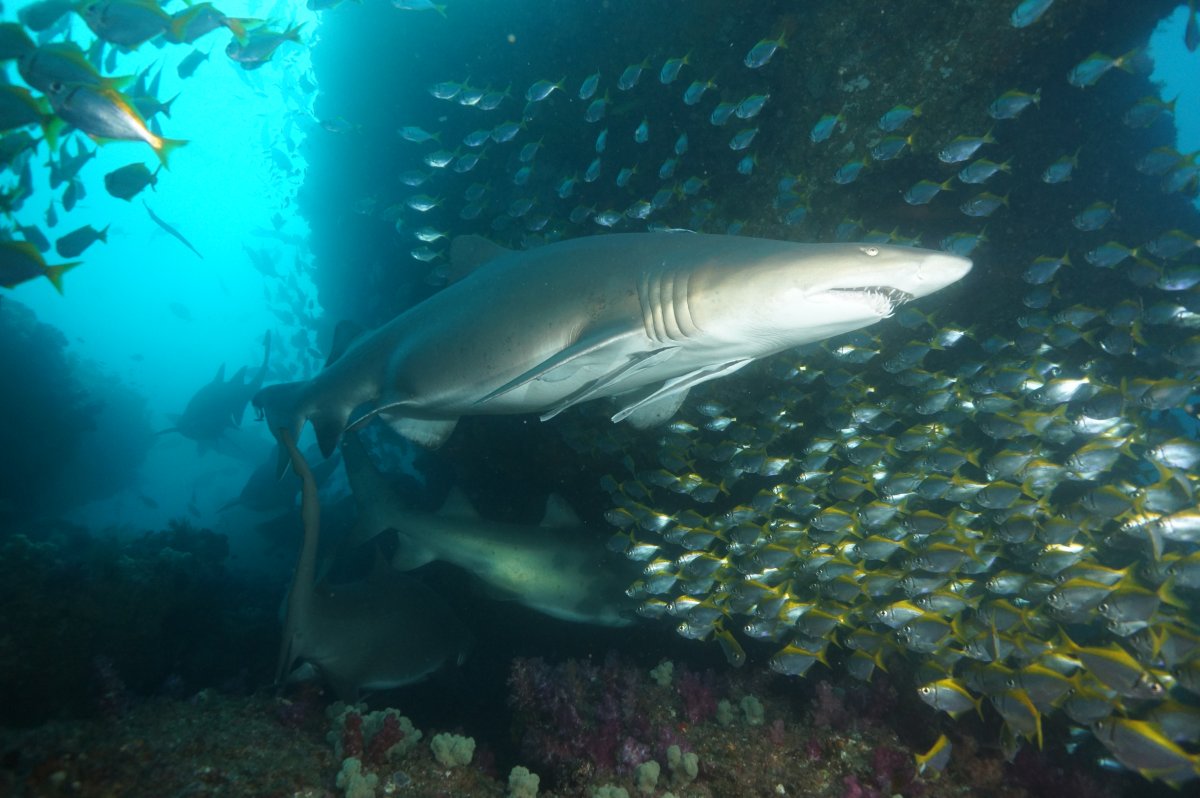
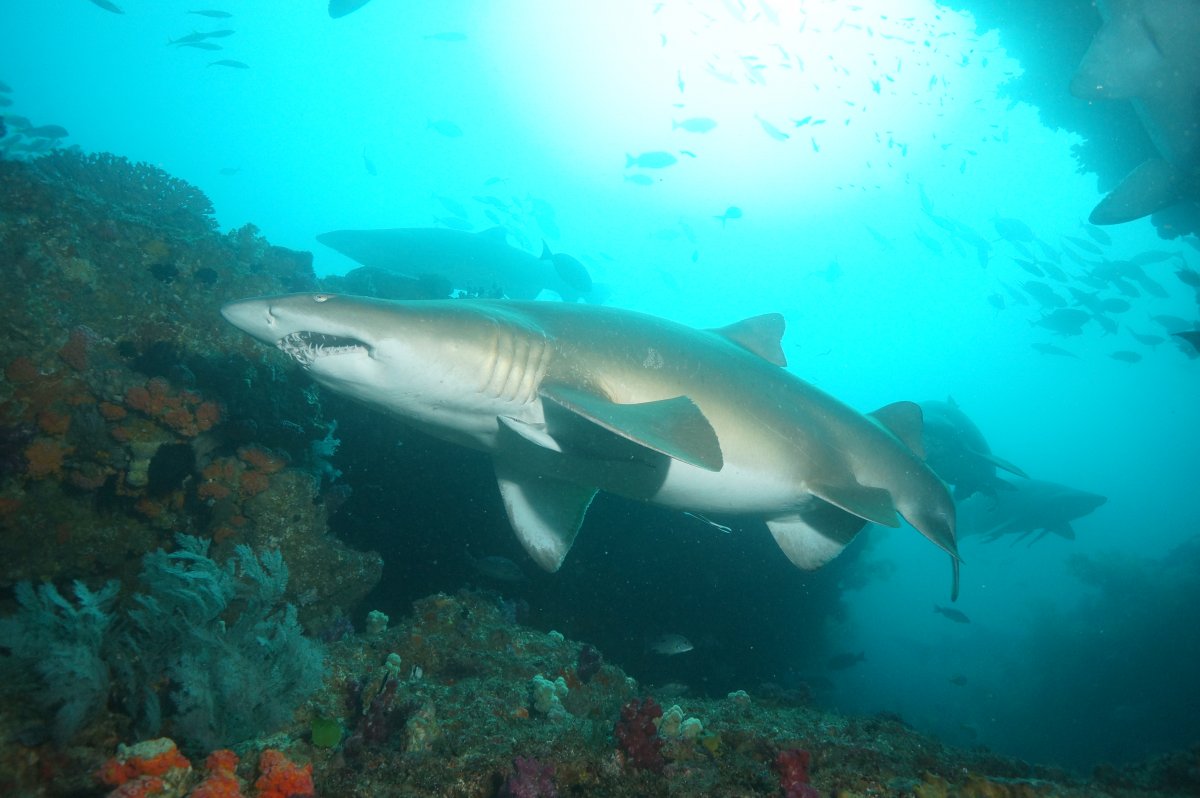
The attached underwater photos are taken on this camera in this housing/port. Strobes were used. The photos illustrate the capability of the set-up.
Price $AU975 (approx. $US654.32, 595euro) plus shipping and fees, for a complete set-up that takes great photos.
I am happy to answer any questions.
I also have a strobe listed and a flat port 45 both can be used with this housing.